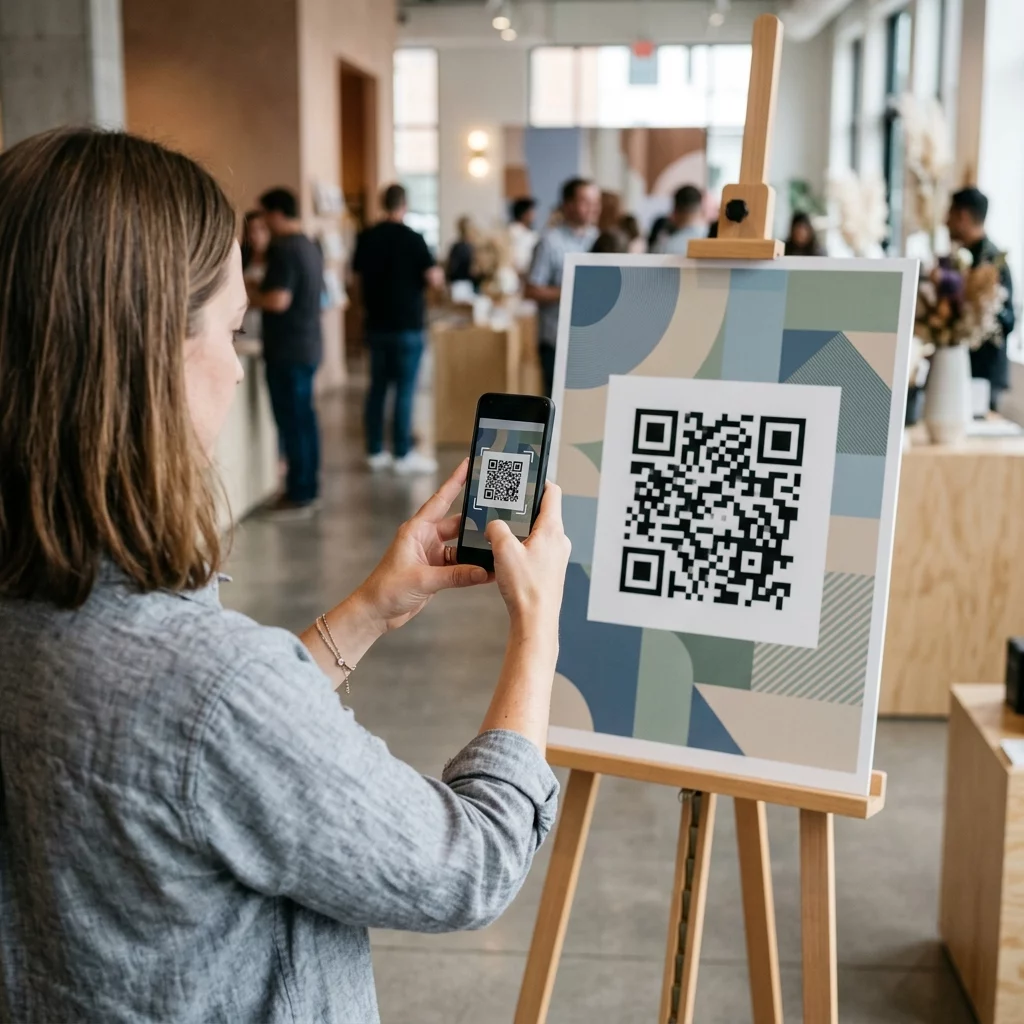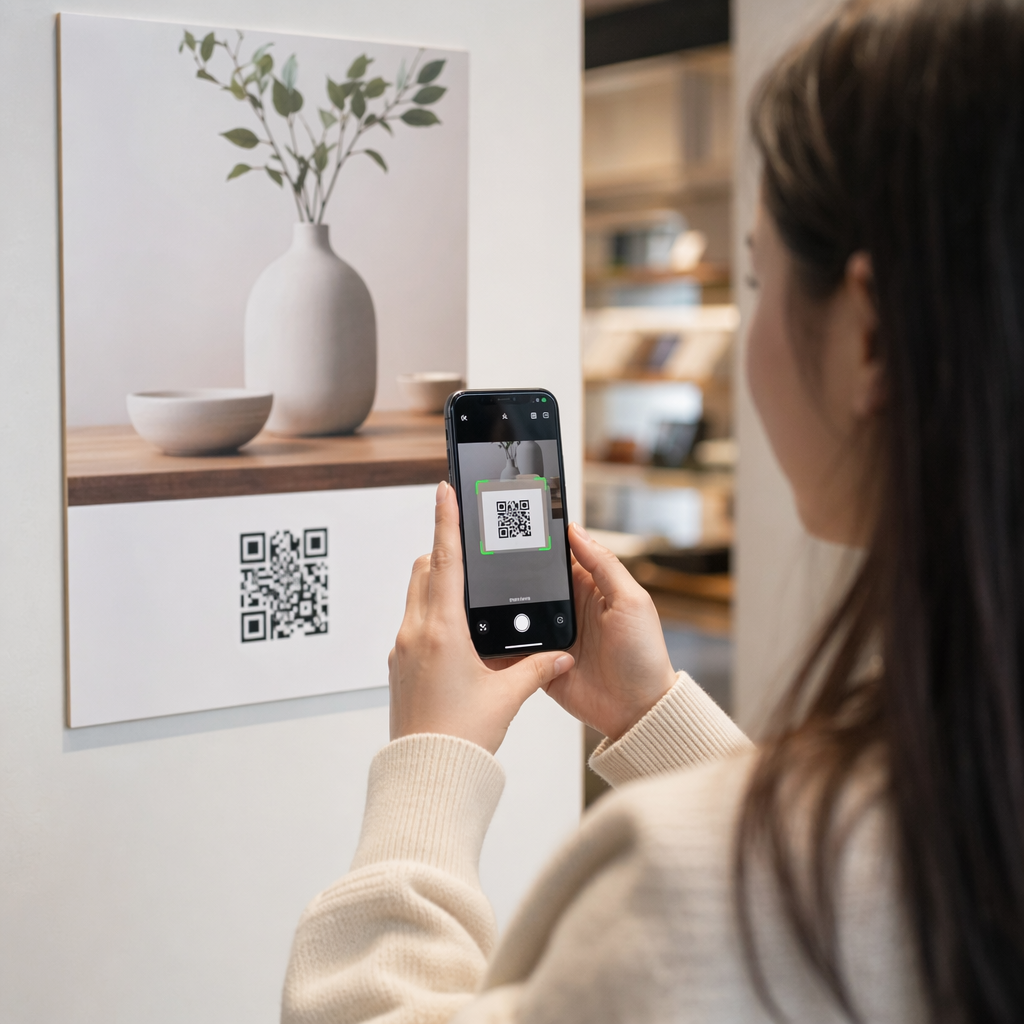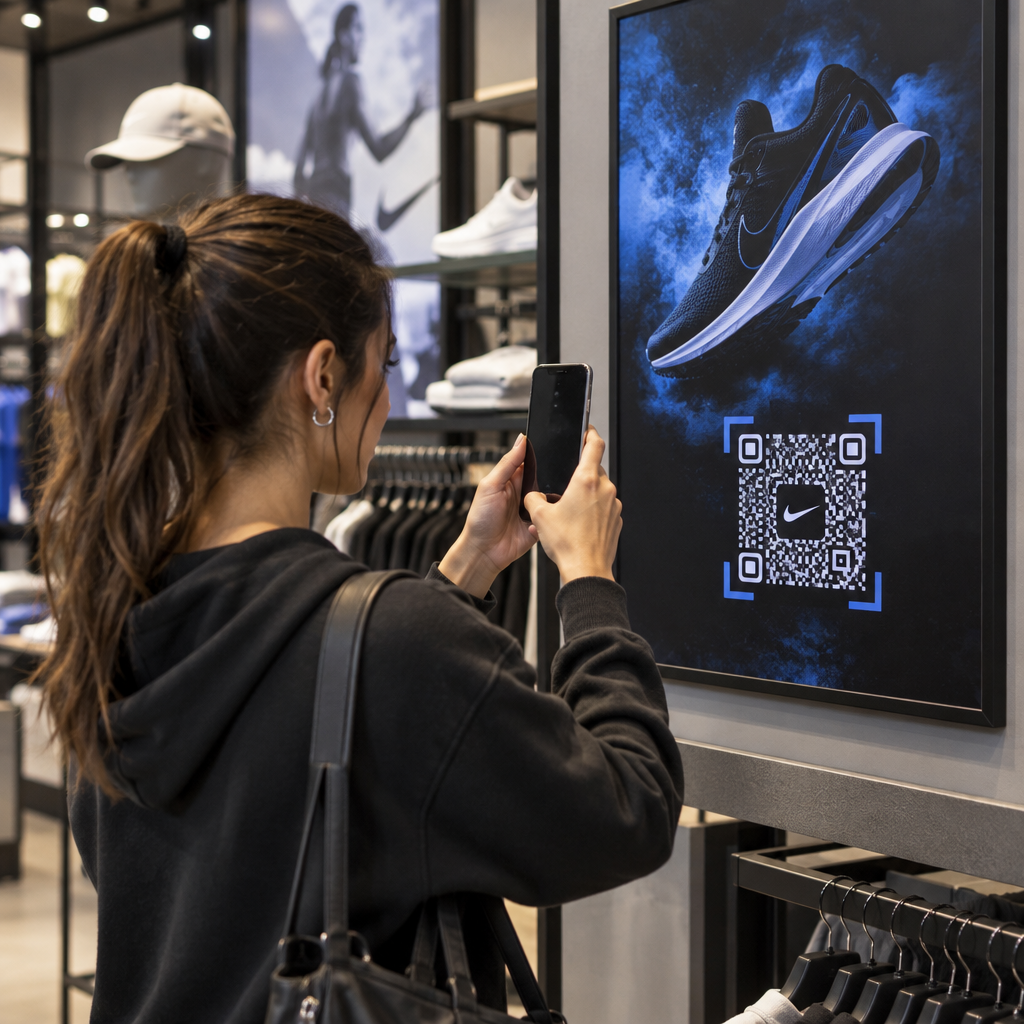
Are your printed QR codes failing to attract scans or getting completely overlooked by customers? A misplaced code wastes valuable marketing spend and creates a frustrating dead end for interested buyers. Here is how to strategically place QR codes across your marketing assets to ensure high visibility and effortless scanning.
Technical Standards for Size and Viewing Distance
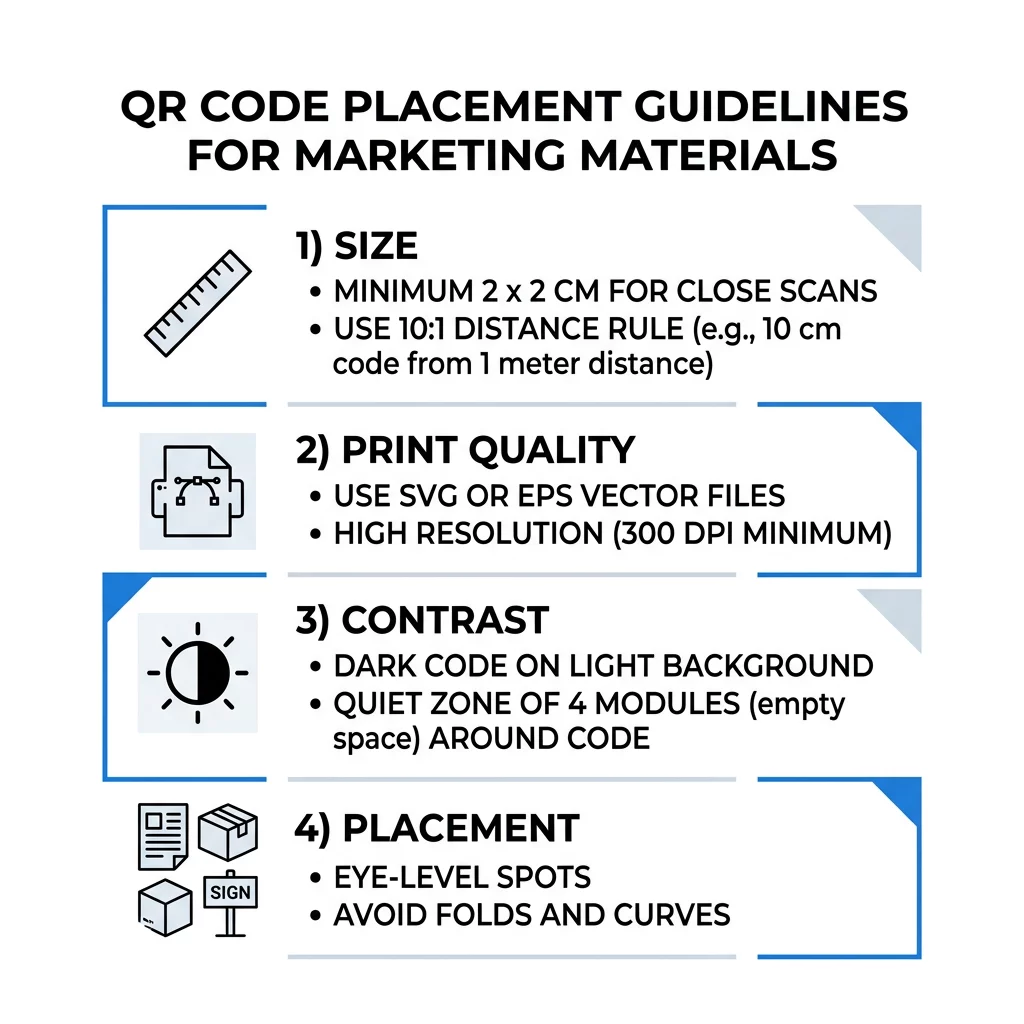
A QR code that is too small or blurry frustrates users and prevents smartphone cameras from reading the data. For close-range handheld materials, the practical minimum size is 2 x 2 cm (0.8 x 0.8 inches). For larger materials viewed from across a room or street, calculate the dimensions using the 10:1 ratio rule: provide at least 1 inch of code width for every 10 inches of scanning distance.
When preparing files for commercial print runs, always export your artwork as vector assets such as SVG, EPS, or PDF files. Unlike raster images that pixelate when enlarged, vector graphics scale cleanly to any size without degrading edge sharpness. If you must use raster graphics, maintain a resolution of at least 300 DPI to keep individual data modules crisp. Review our comprehensive QR code size guide to verify proper dimensions for every format.
| Placement Type | Recommended Size | Viewing Distance | Error Correction Level |
|---|---|---|---|
| Business cards | 2 x 2 cm (0.8 x 0.8 in) | Handheld (< 1 ft) | Level L or M |
| Flyers and brochures | 3 x 3 cm (1.2 x 1.2 in) | Arm’s length (1–2 ft) | Level M |
| Product packaging | 3 x 3 cm (1.2 x 1.2 in) | Handheld (1–2 ft) | Level Q or H |
| Posters and displays | 10 x 10 cm (4 x 4 in) | Walking distance (3–7 ft) | Level M |
| Billboards and banners | 40 x 40 cm (16 x 16 in)+ | Long distance (15+ ft) | Level H |
Contrast, Quiet Zones, and Surface Selection
Scanners read QR codes by detecting the difference in light reflection between dark modules and light spaces. Dark modules absorb light while pale backgrounds reflect it back to the sensor. To ensure rapid detection across varying ambient lighting, maintain a contrast ratio of at least 4.5:1 between the foreground pattern and the background surface. Black modules on a pure white background offer the most dependable baseline, though you can apply brand colors as long as the dark foreground remains distinct.
Every code also requires a dedicated quiet zone – an unprinted margin at least four modules wide surrounding all four sides of the pattern. Encroaching on this border with text, illustrations, or crop lines prevents the scanning software from identifying the matrix boundary. Furthermore, avoid printing on high-gloss laminates or reflective glass surfaces that produce glare. Choosing matte paper stocks and avoiding common QR code placement mistakes will protect scannability across diverse environments.
Strategic Placement Across Print and Display Formats
Physical positioning determines whether an audience notices your call to action or ignores it entirely. Match code placement to natural eye-movement patterns and comfortable hand positions across each specific medium.
Flyers, Brochures, and Direct Mail
When designing handouts, position your code where the reader naturally concludes their review, such as the bottom-right corner or the center of the final fold:
- Position QR codes on flyers prominently alongside the primary value offer, keeping them well away from paper edges.
- Distribute QR codes on brochures across dedicated panels rather than over folds, creases, or seams that warp the grid pattern.
- Check postal guidelines when using direct mail, ensuring the code stays outside postal indicia and clear barcode zones.
Product Packaging and Labels
Packaging provides a valuable post-purchase opportunity to offer tutorials, warranty registrations, and reorder incentives:
- Place QR codes on product packaging on flat panels rather than rounded corners or tapered necks to prevent optical distortion.
- Select error correction Level Q or Level H so the code remains readable even if the surface receives scratches, moisture, or handling smudges.
- Position the code away from tear strips, seams, and price stickers that might destroy portions of the pattern during unboxing.
Posters, Storefronts, and Public Screens
Large-format print and digital signage require positioning that accommodates walking traffic:
- Mount QR codes on posters at average eye level, roughly 3.5 to 5.5 feet from the ground, so pedestrians can scan without stooping or reaching.
- Configure QR codes on displays and screens to remain static and visible long enough for viewers to draw their devices and complete the scan.
- Follow standards for using QR codes in print media by limiting signage to a single prominent code per display area to avoid camera focus confusion.
Track Campaign Performance in Real Time Want to see which marketing materials drive the most scans and customer engagement? Use the dynamic QR code generator to create editable codes, review detailed analytics, and update destination URLs without reprinting.
Increasing Scans with Call-to-Action Frames
An isolated QR code without context provides no incentive for an audience to take out their phones. Pair every code with a clear call to action (CTA) that communicates the immediate value of interacting. Framing the code with actionable prompts like “Scan for 15% Off” or “Scan to View Menu” sets expectations and builds trust.
Incorporating branded elements into the code also improves credibility. Using a QR code generator with logo allows you to embed your business emblem directly in the center while preserving the necessary error-correction thresholds. Adding a brief URL alongside the code gives hesitant users an alternate way to reach your content, ensuring complete accessibility.
Tracking Engagement with Dynamic Technology
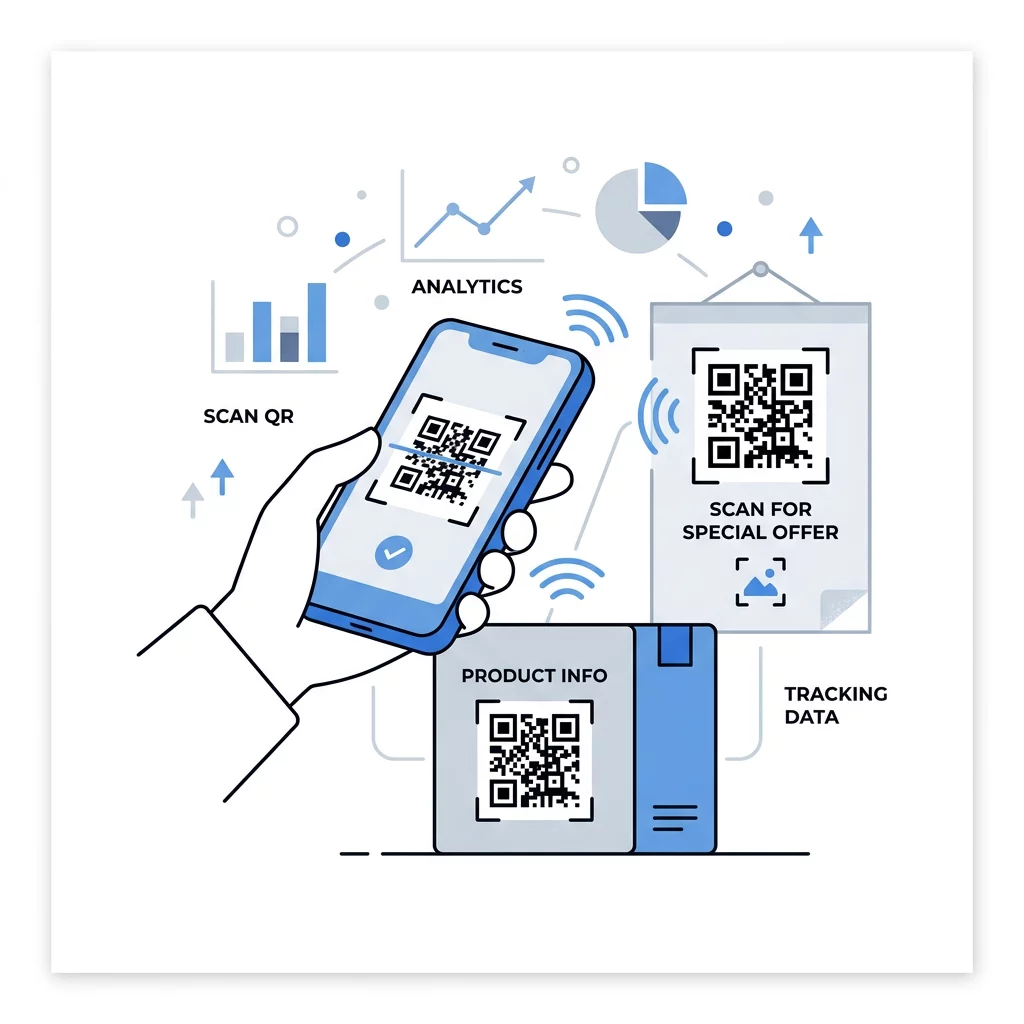
Static QR codes encode destination web addresses permanently into their module patterns. If a destination web page changes or a promotional campaign expires, static codes printed on thousands of materials become useless. Dynamic codes solve this vulnerability by routing through an editable short URL that you can redirect at any time.
Beyond avoiding costly reprint cycles, dynamic codes provide detailed campaign analytics. Marketers can monitor scan counts, operating systems, scanning times, and geographic regions from a centralized dashboard. These metrics make it straightforward to compare the performance of different collateral types and refine your distribution strategy using verified engagement data.
Careful placement, strict adherence to contrast standards, and actionable CTAs turn static marketing collateral into active digital touchpoints. Before initiating a mass print run, test your materials under diverse lighting conditions with multiple mobile devices to ensure a seamless scan. Create high-resolution, trackable codes using the professional free QR code generator on Pageloot to optimize your marketing assets today.
Frequently Asked Questions
The practical minimum size for handheld materials like business cards or brochures is 2 x 2 cm (0.8 x 0.8 inches). For materials viewed from a distance, scale the code upward using the 10:1 ratio so phone cameras can clearly resolve the modules.
Yes, but keep the code compact or position it on the flattest face of the packaging. If the code wraps too far around a cylinder, the curve distorts the square pattern and prevents the camera from reading all modules simultaneously.
By using dynamic QR codes instead of static ones, you can update the destination URL anytime through your management dashboard. The printed code remains identical, preventing costly reprints when running seasonal campaigns or changing promotions.