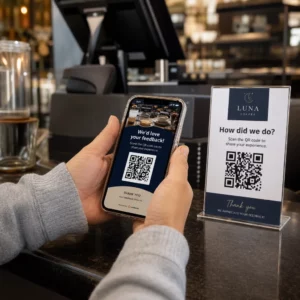
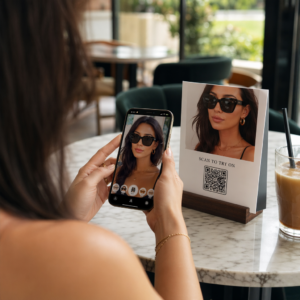
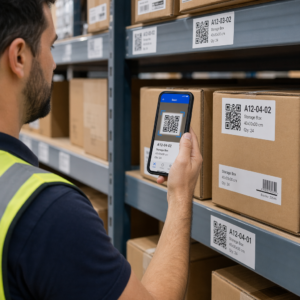
Osvědčené postupy pro umístění QR kódu se řídí pěti pravidly. Vytiskněte kód o velikosti minimálně 2 x 2 cm (0,8 x 0,8 palce), zachovejte tichou zónu čtyř modulů na každé straně, použijte tmavé moduly na světlém pozadí, umístěte jej na rovný matný povrch v pohodlné výšce a přidejte k němu krátkou výzvu k akci. Každý tištěný náhled otestujte minimálně dvěma telefony před celým tiskem.
Tato příručka se zabývá pravidly a pokyny pro design QR kódů ohledně velikosti, kontrastu a povrchu, kam kód umístit na jednotlivé typy materiálů, jak inzerovat pomocí QR kódů a co je potřeba pro cílovou stránku za kódem.
Osvědčené postupy pro QR kódy ve zkratce
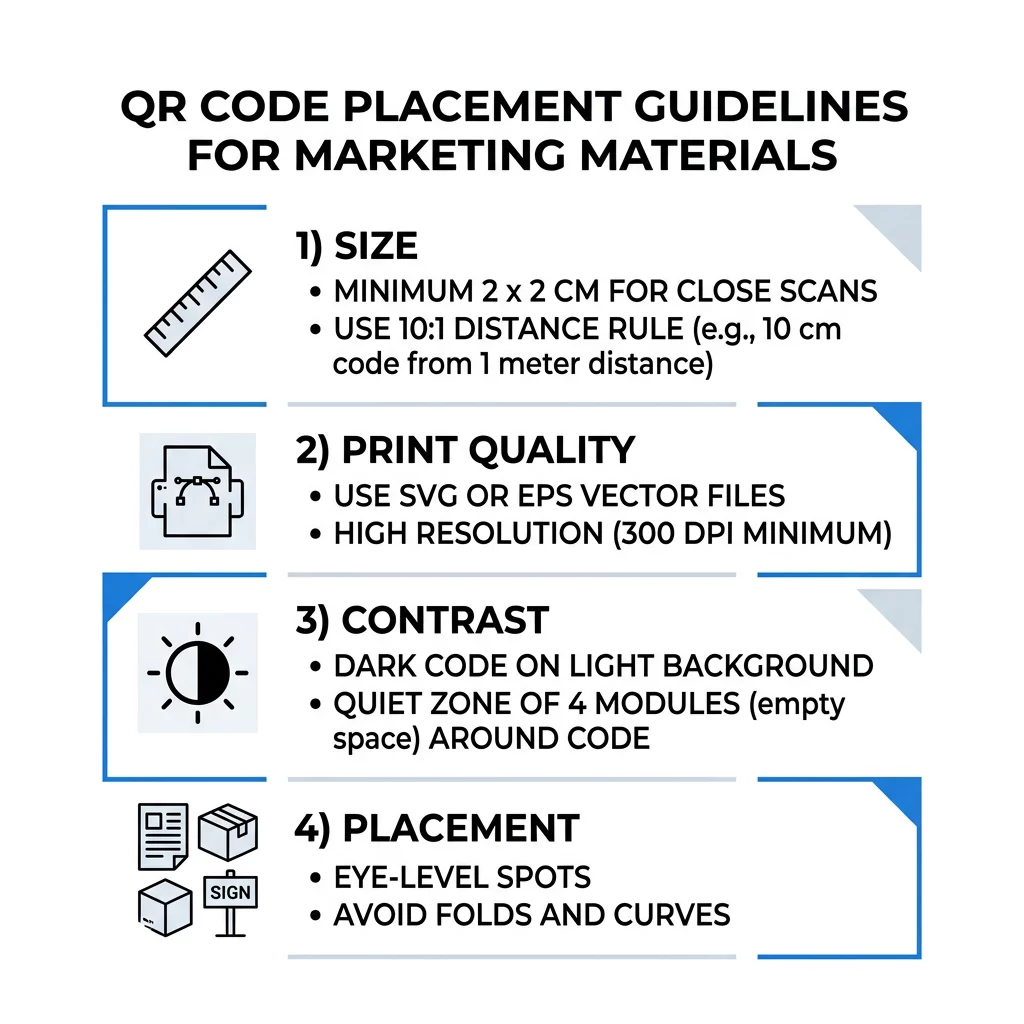
- Velikost: alespoň 2 x 2 cm (0,8 x 0,8 palce) pro příruční předměty. Pro větší vzdálenost použijte 1 palec šířky kódu na každých 10 palců skenovací vzdálenosti.
- Tichá zóna: prázdný okraj o minimálně čtyřech modulech na všech čtyřech stranách. Žádný text, čáry ani ořezové značky uvnitř.
- Kontrast: tmavý kód na světlém pozadí. Nikdy jej neinvertujte ani nepoužívejte světlý kód na tmavém pozadí, pokud jste jej netestovali na několika telefonech.
- Povrch: rovný a matný. Vyhněte se přehybům, švům, křivkám, odleskům a lesklé laminaci.
- Výzva k akci: řekněte lidem, proč skenovat, například „Naskenujte pro zobrazení menu“.
- Cíl: stránka přizpůsobená pro mobily, která se rychle načítá a odpovídá tomu, co slibovala výzva k akci.
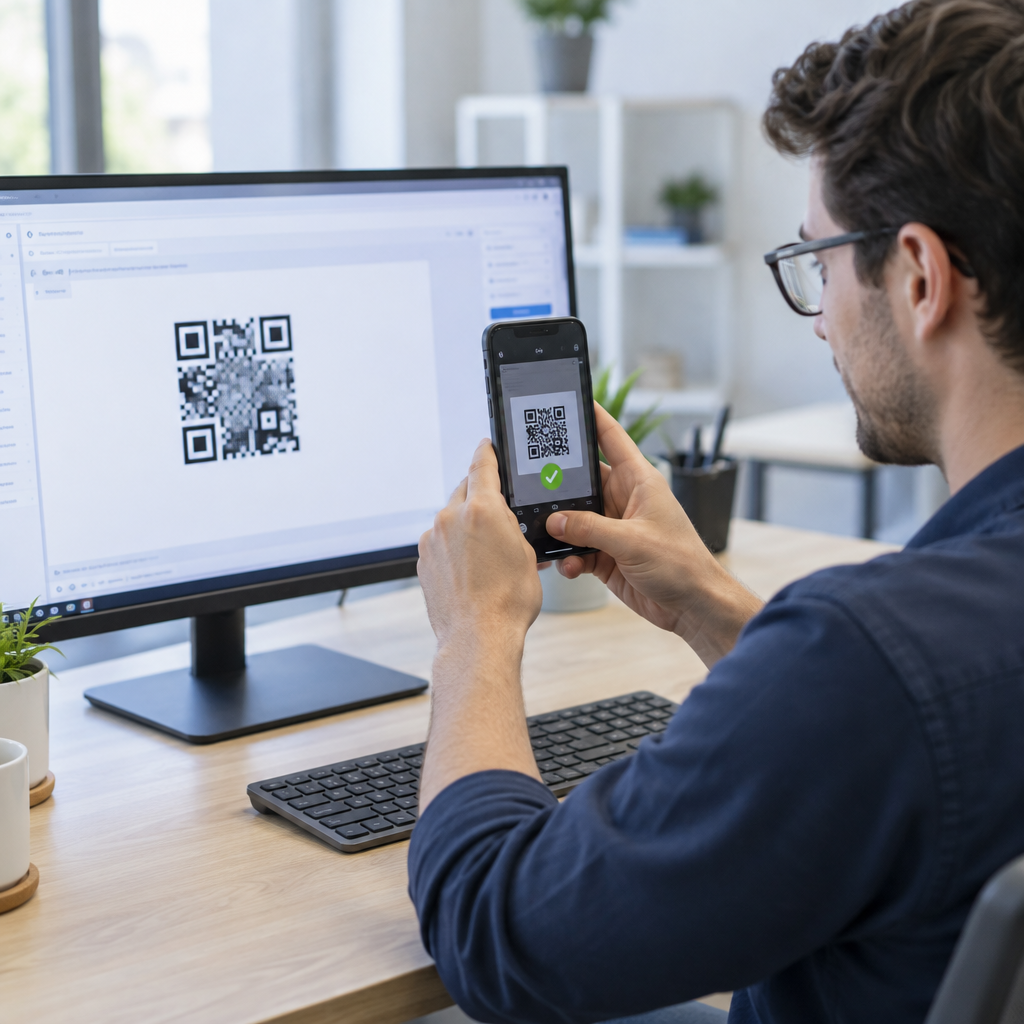
- Testování: naskenujte finální náhled na iPhonu a telefonu Android, za světla, kde bude kód používán.
Technické normy pro velikost a pozorovací vzdálenost
QR kód, který je příliš malý nebo rozmazaný, nebude možné naskenovat. Pro materiály držené v ruce zblízka je praktická minimální velikost 2 x 2 cm (0,8 x 0,8 palce). Pro větší materiály prohlížené z dálky, například z druhé strany místnosti nebo ulice, použijte pravidlo 10:1: povolte alespoň 1 palec šířky kódu na každých 10 palců skenovací vzdálenosti. Plakát, který lidé čtou z 5 stop, potřebuje kód široký alespoň 6 palců.
Pro komerční tisk exportujte grafiku jako vektorový soubor, například SVG, EPS nebo PDF. Vektorové soubory zůstávají ostré v jakékoli velikosti, zatímco rastrové obrázky se při zvětšení rozmažou. Pokud musíte použít rastrový obrázek, například PNG, exportujte jej ve velikosti dostatečné pro 300 DPI při konečné tiskové velikosti. Přečtěte si naše průvodci velikostí QR kódů pro kontrolu správných rozměrů pro každý formát.
| Typ umístění | Doporučená velikost | Vzdálenost prohlížení | Úroveň opravy chyb |
|---|---|---|---|
| Vizitky | 2 x 2 cm (0,8 x 0,8 palce) | Ruční (do 1 stopy) | Úroveň L nebo M |
| Letáky a brožury | 3 x 3 cm (1,2 x 1,2 palce) | Délka paže (1 až 2 stopy) | Úroveň M |
| Obaly produktů | 3 x 3 cm (1,2 x 1,2 palce) | Ruční (1 až 2 stopy) | Úroveň Q nebo H |
| Plakáty a displeje | 10 x 10 cm (4 x 4 palce) | Z pěší vzdálenosti (3 až 7 stop) | Úroveň M |
| Billboardy a bannery | 40 x 40 cm (16 x 16 palců) nebo větší | Velká vzdálenost (15+ stop) | Úroveň H |
Korekce chyb umožňuje skeneru přečíst kód, i když je jeho část poškozená nebo zakrytá. Úroveň L obnoví asi 7 % dat, M asi 15 %, Q asi 25 % a H asi 30 %. Vyšší úrovně způsobují hustší vzor, takže kód s dlouhou URL adresou na úrovni H potřebuje větší tiskovou velikost, aby zůstal čitelný.
Pravidla designu QR kódů: Kontrast, Tiché zóny a Výběr povrchu
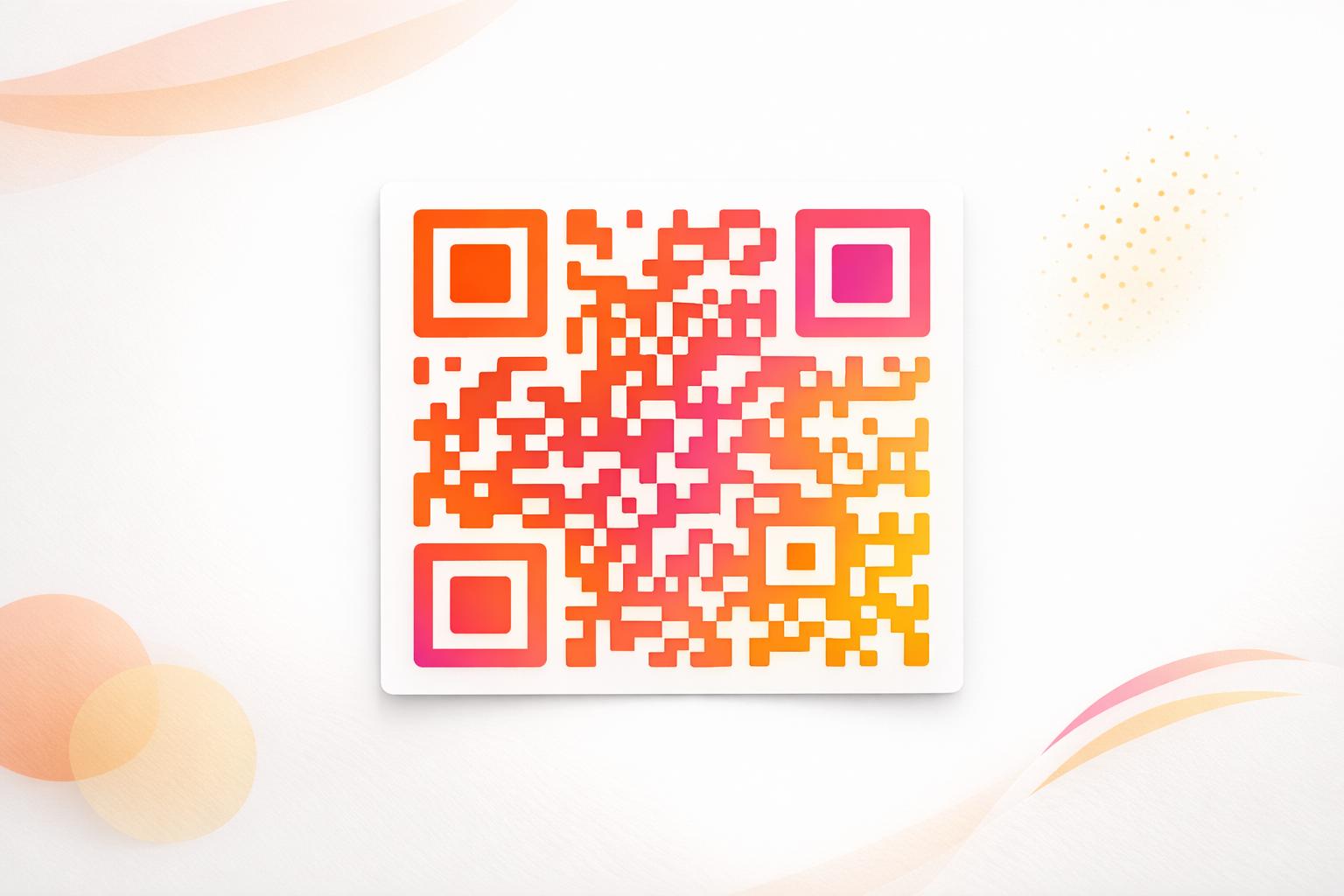
Skenery čtou QR kód detekcí rozdílu mezi tmavými moduly a světlým prostorem kolem nich. Černé moduly na bílém pozadí jsou nejbezpečnější volbou. Barvy značky fungují, pokud tmavé moduly zůstanou zřetelně tmavší než pozadí. Zkontrolujte výsledek převedením svého designu do stupňů šedi: pokud kód vypadá vybledle, bude mít problém i fotoaparát telefonu.
- Udržujte popředí tmavší než pozadí. Kódy se světlým popředím na tmavém pozadí (invertované) nefungují v mnoha starších skenovacích aplikacích.
- Nepoužívejte červenou na tmavém pozadí ani dvě barvy podobného jasu.
- Na každé straně ponechte tichou zónu o velikosti alespoň čtyř modulů. Text, okraje, fotografie a ořezové značky uvnitř tohoto okraje mohou zabránit skenování.
- Kód neroztahujte. Udržujte ho dokonale čtvercový.
- Vyhněte se lesklému laminátu, lesklé fólii a sklu, které odráží světlo. Použijte matný papír nebo matnou laminaci.
- Pokud přidáte logo, udržujte ho malé a uprostřed a použijte vyšší úroveň korekce chyb.
Mnoho neúspěšných skenování pochází z několika opakovaných chyb. Vyhněte se těmto běžné chyby při umístění QR kódu před tiskem.
Nejlepší postupy pro umístění QR kódů napříč tiskovými a zobrazovacími formáty
Umístění rozhoduje o tom, zda si lidé kódu vůbec všimnou. Umístěte jej tam, kam se lidé již dívají a kde mohou stabilně držet telefon. Přidejte k němu krátký návod, protože lidé neskenují to, čemu nerozumí.
Letáky, brožury a přímá pošta
Umístěte kód tam, kde čtenář dočte, například do pravého dolního rohu nebo na poslední panel:
- Umístěte QR kódy na letácích vedle hlavní nabídky a udržujte je dál od oříznutých okrajů papíru.
- Místo QR kódy na brožurách uvnitř jednoho panelu. Neumisťujte kód přes ohyb nebo přehyb, protože se vzor ohýbá a láme.
- U přímé pošty udržujte kód mimo poštovní otisk a volnou zónu pro čárový kód, jak vyžaduje vaše poštovní služba. Zkontrolujte pravidla u své tiskárny.
Obaly produktů a etikety
Obaly se k lidem dostanou po nákupu, což se hodí pro instalační videa, registraci záruky a nabídky k opětovné objednávce:
- Umístěte QR kódy na obalech produktů na rovném panelu, ne na zaobleném rohu nebo úzkém hrdle.
- Použijte úroveň opravy chyb Q nebo H, aby byl kód stále čitelný i po poškrábání, vlhkosti nebo manipulaci.
- Udržujte kód dál od trhacích pásků, švů a cenových nálepek, které by ho mohly částečně zakrýt.
- Na lahvích a plechovkách udržujte kód dostatečně malý, aby se vešel na nejplošší část. Kód, který se příliš obepíná kolem křivky, se nenasnímá.
Plakáty, výlohy a veřejné obrazovky
Značky musí fungovat pro lidi, kteří jdou nebo stojí několik stop daleko:
- Umístěte QR kódy na plakátech ve výši očí, zhruba 3,5 až 5,5 stopy od země, aby se nikdo nemusel ohýbat nebo natahovat.
- Udržujte QR kódy na displejích a obrazovkách na obrazovce dostatečně dlouho k naskenování. Deset sekund je bezpečné minimum a statický kód, který zůstává viditelný, je lepší než ten v pohyblivé animaci.
- Dodržujte základy používání QR kódů v tištěných médiích a zobrazte jeden kód na značku, aby si kamera nemusela vybírat.
- Neumisťujte kódy tam, kde se lidé nemohou zastavit, například na jedoucí vozidlo, vysoký billboard nebo okno daleko od chodníku.
Jak inzerovat pomocí QR kódů
Chcete-li inzerovat pomocí QR kódů, považujte každý kód za krátkou reklamu s jedním cílem. Vyberte umístění, napište výzvu k akci, odešlete lidi na jednu konkrétní stránku a změřte výsledek. Použijte tento postup:
- Vyberte jeden cíl pro každý kód, například kupón, menu, recenzi nebo stránku produktu.
- Vygenerujte kód s již nastaveným cílem. Neposílejte lidi na domovskou stránku, když jste slíbili kupón.
- Umístěte jej podle výše uvedených pravidel pro velikost a povrch a přidejte výzvu k akci s výhodou, například „Naskenujte pro 15% slevu na první objednávku“.
- Použijte jiný kód pro každé umístění (leták, okno, balíček), abyste mohli zjistit, který funguje.
- Vytiskněte jeden zkušební tisk, naskenujte ho dvěma telefony a teprve poté objednejte plný náklad.
- Zkontrolujte počet skenování po týdnu nebo dvou a přesuňte rozpočet na umístění, která získávají skenování.
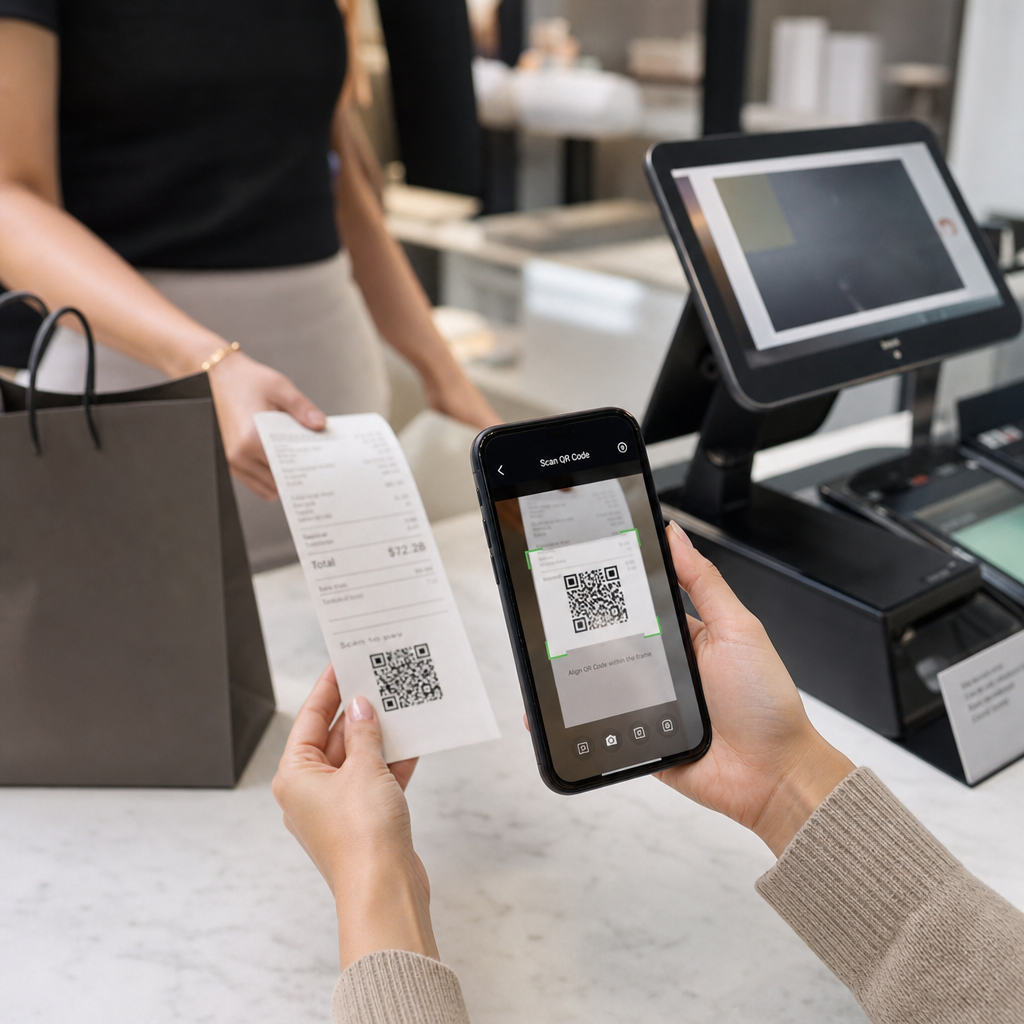
Dobrá místa pro inzerci s QR kódy zahrnují výlohy obchodů, stolní stojánky, účtenky, doručovací krabice, cedule na akce, veletržní stánky a přímou poštu. Slabá místa zahrnují cokoli v pohybu, cokoli nad úrovní očí a kdekoli bez mobilního signálu.
Zvýšení počtu skenování pomocí rámečků s výzvou k akci
Kód bez kontextu nedává lidem důvod vytáhnout telefon. Umístěte vedle něj krátkou výzvu k akci. Příklady, které fungují: „Naskenujte pro zobrazení menu“, „Naskenujte pro rezervaci stolu“, „Naskenujte pro 15% slevu“, „Naskenujte pro zanechání recenze“. Umístěte text přímo nad nebo pod kód, ve velikosti, kterou lidé mohou přečíst ze stejné vzdálenosti jako kód.
Logo uprostřed může pomoci lidem důvěřovat kódu. Použijte QR kód s logem generátor, ponechte logo malé a po jeho přidání kód znovu otestujte. Vytištění krátké webové adresy pod kódem dává lidem, kteří nemohou skenovat, způsob, jak ji zadat ručně.
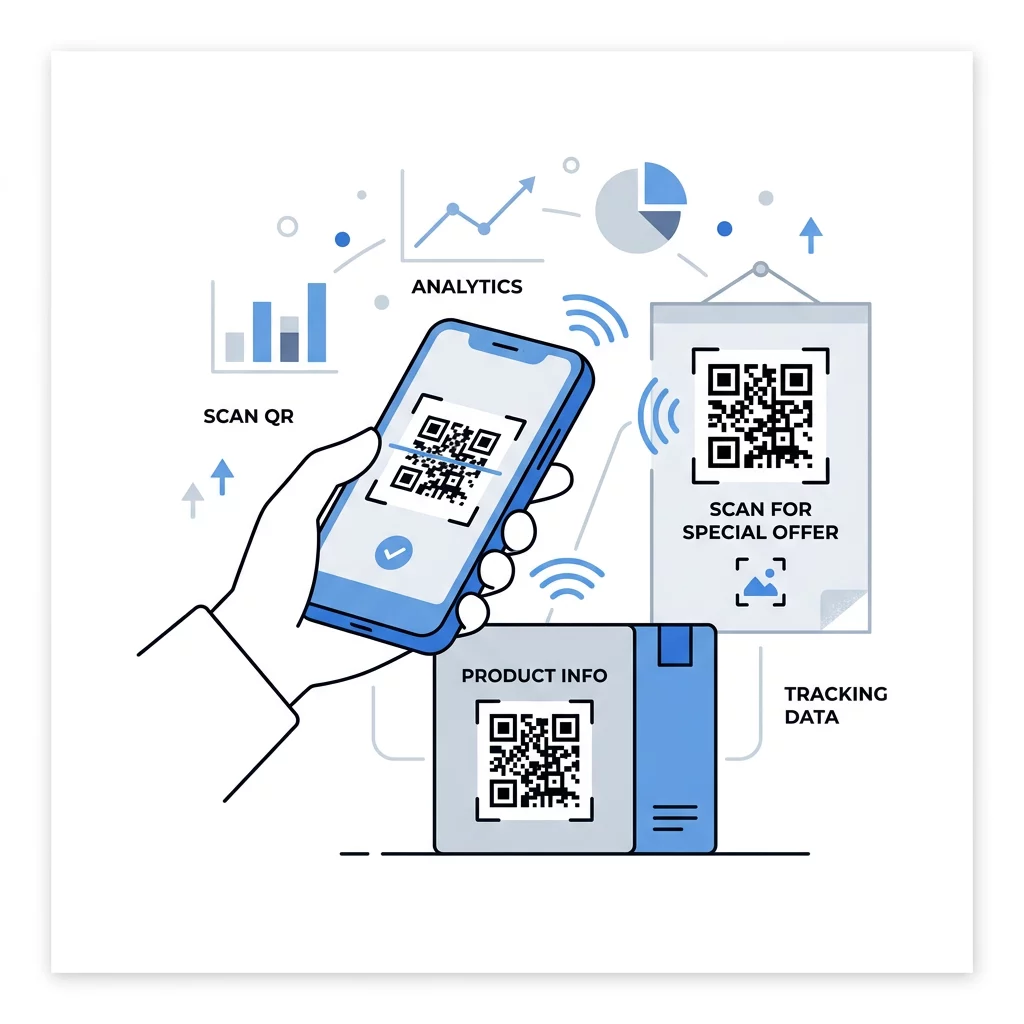
Nejlepší postupy pro vstupní stránky s QR kódem
Většina lidí skenuje na telefonu, jednou rukou, často pomocí mobilních dat. Stránka za kódem rozhoduje, zda se skenování stane zákazníkem. Dodržujte tyto osvědčené postupy pro vstupní stránky s QR kódem:
- Nejprve vytvářejte pro obrazovku telefonu. Použijte velký text a velká tlačítka.
- Zajistěte rychlé načítání stránky. Používejte malé obrázky a vyhněte se velkým vyskakovacím oknům nebo automaticky přehrávaným videím.
- Přizpůsobte se výzvě k akci. Pokud cedule říká “Naskenujte pro 15% slevu”, zobrazte slevu hned na první obrazovce.
- Umístěte jednu hlavní akci nad záhyb, například jedno tlačítko pro kupón, rezervaci nebo volání.
- Udržujte formuláře krátké. Požádejte o e-mailovou adresu nebo telefonní číslo, ne o celý profil.
- Používejte https a ujistěte se, že stránka funguje bez přihlášení.
- Otestujte to na iPhone i Androidu, na mobilních datech a nejen na kancelářské Wi-Fi.
Sledování zapojení pomocí dynamické technologie
Statický QR kód ukládá webovou adresu přímo do vzoru. Nikdy nevyprší a funguje bez jakékoli služby, což je dostačující pro trvalý odkaz, jako je přihlášení k Wi-Fi nebo kontaktní karta. Omezením je, že adresu nelze po tisku změnit. Pokud se stránka přesune nebo nabídka skončí, každý vytištěný kód odkazuje na starou stránku.
Dynamický QR kód odkazuje na krátký odkaz, který můžete kdykoli přesměrovat, takže vytištěný kód zůstává stejný, zatímco cíl se mění. Zaznamenává také skeny, včetně toho, kdy, kde a na jakém typu zařízení. To vám pomůže porovnat leták s vývěskou a snižuje náklady na dotisk, když se kampaň změní. Krátký odkaz také poskytuje jednodušší, méně hustý vzor, který se snadněji skenuje v malých velikostech.
Dynamické kódy Pageloot přicházejí se 14denní bezplatnou zkušební dobou a 30denní zárukou vrácení peněz na plány, a plány si můžete prohlédnout na pageloot.com/pricing. Dynamický kód v měsíčním nebo ročním plánu se stane neaktivním po skončení plánu, takže si vyberte dynamické kódy pro kampaně, které plánujete udržovat v provozu.
Sledovat výkon kampaně Chcete zjistit, které materiály generují nejvíce skenů? Použijte Dynamický QR kód k vytvoření editovatelných kódů, prohlížení analýz skenování a aktualizaci cílových URL bez nutnosti dotisku.
Shrnuto: zvolte velikost, která odpovídá pozorovací vzdálenosti, udržujte klidnou zónu volnou, používejte vysoký kontrast, umístěte kód na rovný povrch ve výšce očí a napište výzvu k akci. Poté otestujte tištěný náhled před plným tiskem. Svůj kód můžete vytvořit a stáhnout pomocí Generátor QR kódů zdarma na Pageloot.
Často kladené otázky
Umístěte kód na rovný, matný povrch v pohodlné výšce, alespoň 2 x 2 cm pro ruční předměty, s klidovou zónou čtyř modulů na každé straně. Umístěte jej tam, kam se lidé již dívají, například na konec letáku nebo doprostřed plakátu, a přidejte k němu krátkou výzvu k akci.
Používejte tmavé moduly na světlém pozadí, udržujte kód čtvercový a nedeformovaný, ponechte tichou zónu alespoň čtyř modulů a udržujte logo malé a vycentrované. Netiskněte na lesklé nebo zakřivené povrchy a otestujte tištěný důkaz na více než jednom telefonu.
Praktické minimum pro ruční materiály, jako jsou vizitky, je 2 x 2 cm (0,8 x 0,8 palce). U materiálů prohlížených z dálky použijte pravidlo 10:1: 1 palec šířky kódu na každých 10 palců skenovací vzdálenosti.
Každému kódu dejte jeden cíl, nasměrujte ho na konkrétní stránku, která odpovídá vaší výzvě k akci, a umístěte ho v úrovni očí na rovném povrchu. Pro každé umístění použijte samostatný kód a po jednom až dvou týdnech porovnejte počty skenování.
Stránka, která se rychle načítá na telefonu, zobrazuje slíbenou nabídku na první obrazovce, má jednu jasnou akci a nevyžaduje přihlášení. Otestujte ji na iPhone a Androidu přes mobilní data.
Ano, ale kód udržujte malý a umístěte jej na nejrovnější část povrchu. Pokud se kód příliš obtočí kolem křivky, vzor se zkreslí a kamera jej nebude moci celý přečíst.
Použijte dynamický QR kód. Vytištěný vzor zůstává stejný a cíl měníte ve svém účtu. Statický QR kód nelze po vytištění změnit.
Nejčastější příčiny jsou příliš malý kód, chybějící klidová zóna, nízký kontrast, lesklý nebo zakřivený povrch a rozmazaný soubor s nízkým rozlišením. Vytiskněte větší testovací kopii a zkontrolujte tyto body v uvedeném pořadí.