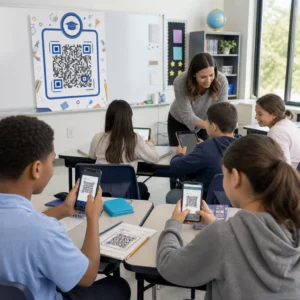
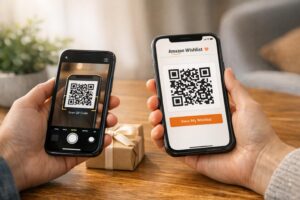
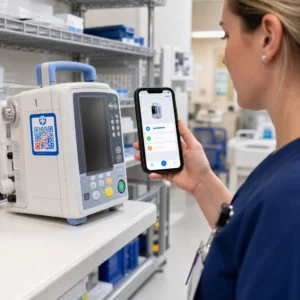
QR-koodin sijoittelun parhaat käytännöt noudattavat viittä sääntöä. Tulosta koodi vähintään 2 x 2 cm (0.8 x 0.8 tuumaa), pidä neljän moduulin hiljainen alue joka puolella, käytä tummia moduuleja vaalealla taustalla, aseta se tasaiselle mattapinnalle mukavalle korkeudelle ja lisää lyhyt toimintakehote sen viereen. Testaa jokainen painettu vedos vähintään kahdella puhelimella ennen täyttä painosta.
Tämä opas kattaa QR-koodin suunnittelusäännöt ja ohjeet koon, kontrastin ja pinnan osalta, minne koodi laitetaan kullekin materiaalille, miten mainostaa QR-koodeilla ja mitä koodin takana oleva laskeutumissivu tarvitsee.
QR-koodin parhaat käytännöt yhdellä silmäyksellä
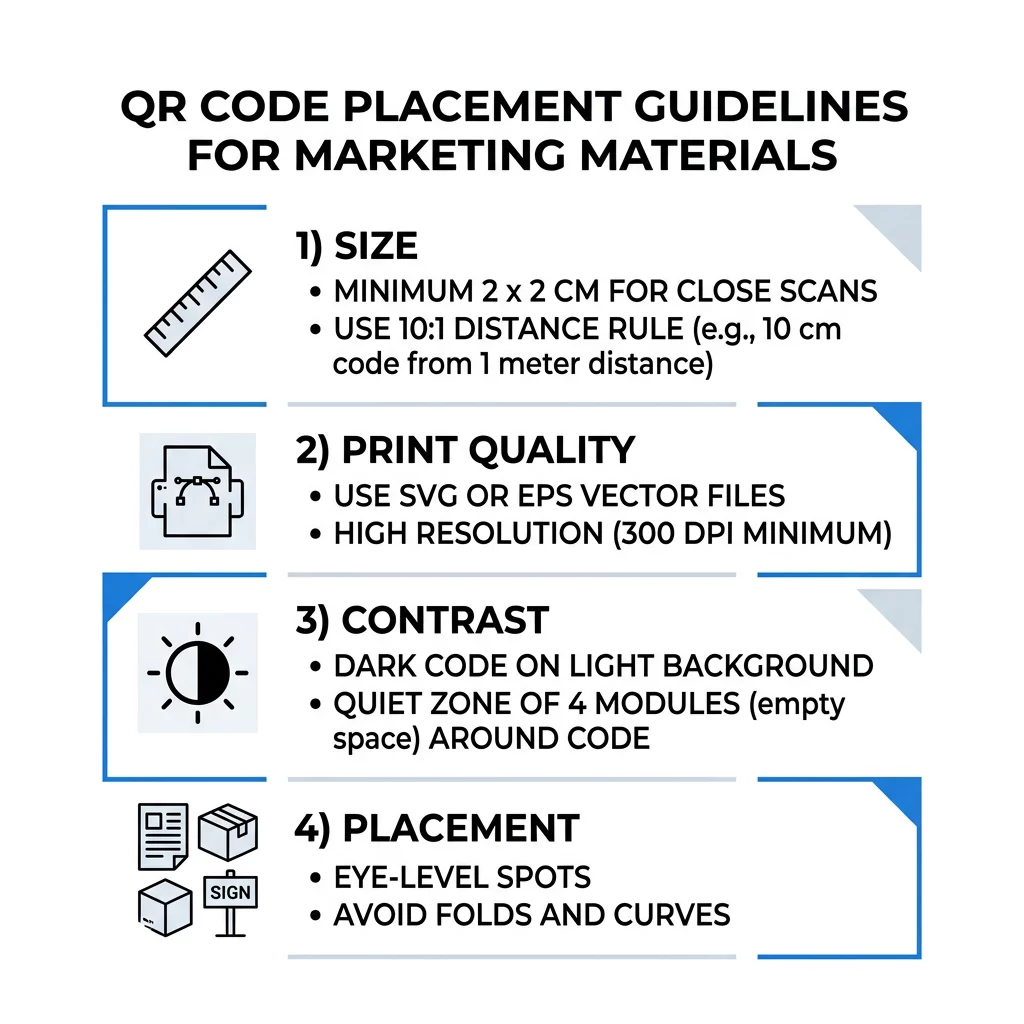
- Koko: vähintään 2 x 2 cm (0.8 x 0.8 tuumaa) kädessä pidettäville esineille. Etäisyyttä varten käytä 1 tuuman koodin leveyttä jokaista 10 tuuman skannausetäisyyttä kohden.
- Hiljainen vyöhyke: vähintään neljän moduulin tyhjä marginaali kaikilla neljällä sivulla. Ei tekstiä, viivoja tai rajausmerkkejä sen sisällä.
- Kontrasti: tumma koodi vaalealla taustalla. Älä koskaan käännä sitä tai käytä vaaleaa koodia tummalla taustalla, ellet ole testannut sitä useilla puhelimilla.
- Pinta: tasainen ja matta. Vältä taitoksia, saumoja, kaarevuuksia, heijastuksia ja kiiltävää laminaattia.
- Toimintakehote: kerro ihmisille, miksi skannata, esimerkiksi "Skannaa nähdäksesi valikon".
- Kohde: mobiiliystävällinen sivu, joka latautuu nopeasti ja vastaa sitä, mitä toimintakehote lupasi.
- Testaus: skannaa lopullinen vedos iPhonella ja Android-puhelimella valaistuksessa, jossa koodia tullaan käyttämään.
Tekniset standardit koolle ja katseluetäisyydelle
Liian pieni tai epäselvä QR-koodi ei skannaa. Lähitarkasteluun tarkoitetuissa kädessä pidettävissä materiaaleissa käytännön vähimmäiskoko on 2 x 2 cm (0.8 x 0.8 tuumaa). Suuremmille materiaaleille, joita tarkastellaan huoneen tai kadun toiselta puolelta, käytä 10:1-sääntöä: varaa vähintään 1 tuuman koodin leveys jokaista 10 tuuman skannausetäisyyttä kohden. Juliste, jota ihmiset lukevat 5 metrin päästä, tarvitsee vähintään 6 tuuman levyisen koodin.
Kaupalliseen painatukseen vie taideteos vektoritiedostona, kuten SVG, EPS tai PDF. Vektoritiedostot pysyvät terävinä koosta riippumatta, kun taas rasterikuvat sumentuvat suurennettaessa. Jos sinun on pakko käyttää rasterikuvaa, kuten PNG, vie se koossa, joka on riittävän suuri 300 DPI:lle lopullisessa painokoossa. Lue meidän QR-koodin kokooppaastamme tarkistaaksesi oikeat mitat kullekin formaatille.
| Sijoitustyyppi | Suositeltava koko | Katseluetäisyys | Virheenkorjaustaso |
|---|---|---|---|
| Käyntikortit | 2 x 2 cm (0,8 x 0,8 tuumaa). | Kädessä pidettävä (alle 0,3 m) | Taso L tai M |
| Esitteet ja mainoslehtiset | 3 x 3 cm (1,2 x 1,2 tuumaa). | Käsivarren etäisyys (0,3 – 0,6 m) | Taso M |
| Tuotepakkaukset | 3 x 3 cm (1,2 x 1,2 tuumaa). | Kädessä pidettävä (0,3 – 0,6 m) | Taso Q tai H |
| Julisteet ja näytöt | 10 x 10 cm (4 x 4 tuumaa) | Kävelyetäisyys (0,9 – 2,1 m) | Taso M |
| Mainostaulut ja banderollit | 40 x 40 cm (16 x 16 tuumaa) tai suurempi | Pitkä etäisyys (yli 4,6 m) | Taso H |
Virheenkorjaus antaa skannerin lukea koodin, vaikka osa siitä olisi vaurioitunut tai peitetty. Taso L palauttaa noin 7 % tiedoista, M noin 15 %, Q noin 25 % ja H noin 30 %. Korkeammat tasot tekevät kuviosta tiheämmän, joten pitkän URL-osoitteen sisältävä koodi H-tasolla vaatii suuremman painokoon pysyäkseen luettavana.
QR-koodin suunnittelusäännöt: Kontrasti, hiljaiset vyöhykkeet ja pinnan valinta
Skannerit lukevat QR-koodin havaitsemalla eron tummien moduulien ja niiden ympärillä olevan vaalean tilan välillä. Mustat moduulit valkoisella taustalla ovat turvallisin valinta. Brändivärit toimivat, jos tummat moduulit pysyvät selvästi tummempina kuin tausta. Tarkista lopputulos muuntamalla suunnittelusi harmaasävyksi: jos koodi näyttää haalistuneelta, myös puhelimen kamera kamppailee sen kanssa.
- Pidä etuala tummempana kuin tausta. Vaaleat tummalla (käänteiset) koodit eivät toimi monissa vanhemmissa skannerisovelluksissa.
- Älä käytä punaista tummalla taustalla tai kahta väriltään samankirkasta väriä.
- Jätä hiljainen vyöhyke, vähintään neljän moduulin levyinen, joka puolelle. Teksti, reunat, valokuvat ja rajausviivat tämän marginaalin sisällä voivat estää skannauksen.
- Älä venytä koodia. Pidä se täysin neliönä.
- Vältä kiiltävää laminaattia, kiiltävää kalvoa ja lasia, jotka heijastavat valoa. Käytä mattapaperia tai mattalaminointia.
- Jos lisäät logon, pidä se pienenä ja keskellä, ja käytä korkeampaa virheenkorjaustasoa.
Monet epäonnistuneet skannaukset johtuvat kourallisesta toistuvista virheistä. Vältä näitä yleiset QR-koodin sijoitteluvirheet ennen kuin painat.
Parhaat käytännöt QR-koodin sijoittelussa eri paino- ja näyttöformaateissa
Sijoitus ratkaisee, huomaavatko ihmiset koodin lainkaan. Aseta se paikkaan, josta ihmiset jo katsovat ja jossa he voivat pitää puhelinta vakaana. Lisää lyhyt ohje sen viereen, koska ihmiset eivät skannaa sitä, mitä he eivät ymmärrä.
Esitteet, lehtiset ja suoramarkkinointi
Aseta koodi siihen, mihin lukija päättää lukemisen, esimerkiksi oikeaan alakulmaan tai viimeiseen paneeliin:
- Aseta QR-koodit lentolehtisissä pääsisällön viereen ja pidä ne poissa paperin leikatuilta reunoilta.
- Sijoita QR-koodit esitteisiin yhden paneelin sisään. Älä aseta koodia taitteen tai rypistymän yli, sillä kuvio vääntyy ja katkeaa.
- Suoramainonnassa pidä koodi postileimojen ja postipalvelusi edellyttämän viivakoodin vapaan alueen ulkopuolella. Tarkista säännöt postitusyritykseltäsi.
Tuotepakkaukset ja etiketit
Pakkaukset tavoittavat ihmiset ostamisen jälkeen, mikä sopii asennusvideoille, takuun rekisteröinnille ja uusien tilausten tarjouksille:
- Aseta QR-koodeja tuotepakkauksissa tasaiselle pinnalle, ei pyöristetylle kulmalle tai kapeaan kaulaan.
- Käytä virheenkorjaustasoa Q tai H, jotta koodi luettavissa naarmujen, kosteuden tai käsittelyn jälkeenkin.
- Pidä koodi poissa repäisyliuskoista, saumoista ja hintatarroista, jotka voisivat peittää osan siitä.
- Pulloissa ja tölkeissä pidä koodi riittävän pienenä, jotta se mahtuu tasaisimpaan kohtaan. Koodi, joka kiertää liian paljon kaarevan pinnan ympäri, ei skannaudu.
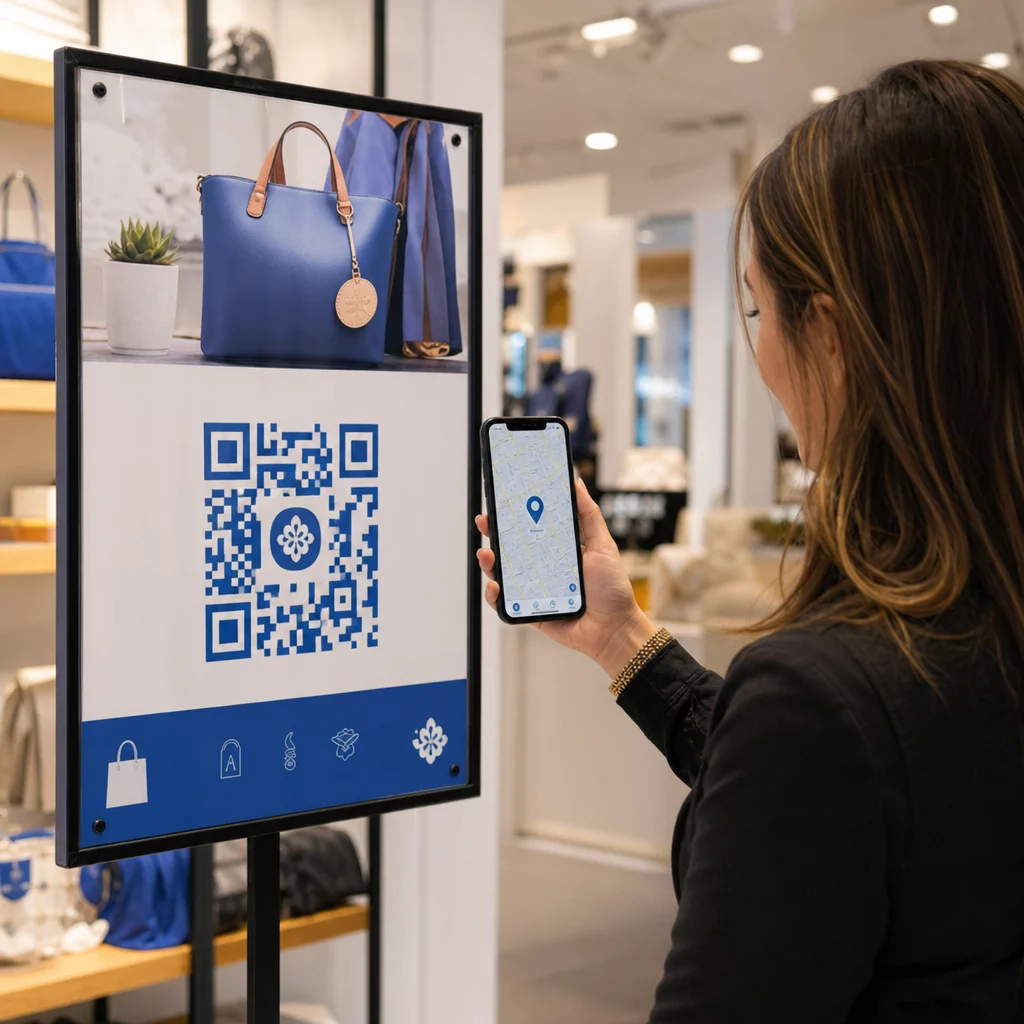
Julisteet, myymäläikkunat ja julkiset näytöt
Kylttien on toimittava ihmisille, jotka kävelevät tai seisovat muutaman metrin päässä:
- Aseta QR-koodit julisteissa silmien korkeudella, noin 105–165 senttimetriä maasta, jotta kenenkään ei tarvitse kumartua tai kurkottaa.
- Pidä QR-koodit näytöillä ja ruuduilla ruudulla riittävän kauan skannattavaksi. Kymmenen sekuntia on turvallinen minimi, ja paikallaan pysyvä, näkyvä koodi on parempi kuin liikkuvassa animaatiossa oleva.
- Noudata perusasioita QR-koodien käyttö painetussa mediassa ja näytä yksi koodi per kyltti, jotta kameran ei tarvitse valita.
- Älä sijoita koodeja paikkoihin, joissa ihmiset eivät voi pysähtyä, kuten liikkuvaan ajoneuvoon, korkeaan mainostauluun tai ikkunaan kaukana jalkakäytävästä.
Kuinka mainostaa QR-koodeilla
Mainostaaksesi QR-koodeilla, kohtele jokaista koodia lyhyenä mainoksena yhdellä tavoitteella. Valitse sijoitus, kirjoita toimintakehote, lähetä ihmiset yhdelle tietylle sivulle ja mittaa tulos. Käytä tätä prosessia:
- Valitse yksi tavoite per koodi, kuten kuponki, ruokalista, arvostelu tai tuotesivu.
- Luo koodi siten, että kohde on jo asetettu. Älä lähetä ihmisiä etusivulle, kun lupasit kupongin.
- Sijoita se käyttäen yllä olevia koko- ja pintasääntöjä ja lisää toimintakehote edulla, esimerkiksi ”Skannaa saadaksesi 15 % alennusta ensimmäisestä tilauksestasi”.
- Käytä eri koodia kullekin sijoitukselle (lentolehtinen, ikkuna, paketti), jotta voit selvittää, mikä toimii.
- Tulosta yksi vedos, skannaa se kahdella puhelimella ja vasta sitten tilaa koko painos.
- Tarkista skannausmäärät viikon tai kahden kuluttua ja siirrä budjettia niille sijoituksille, jotka saavat skannauksia.
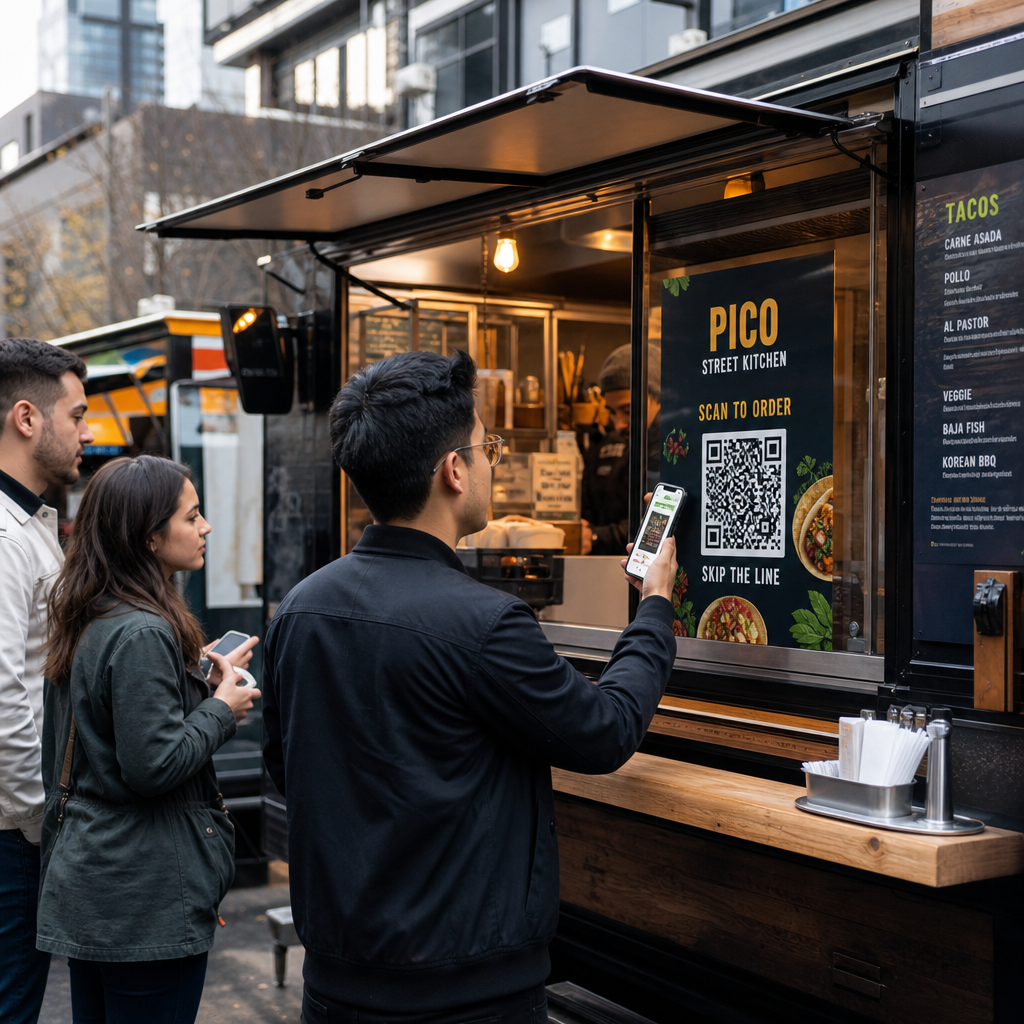
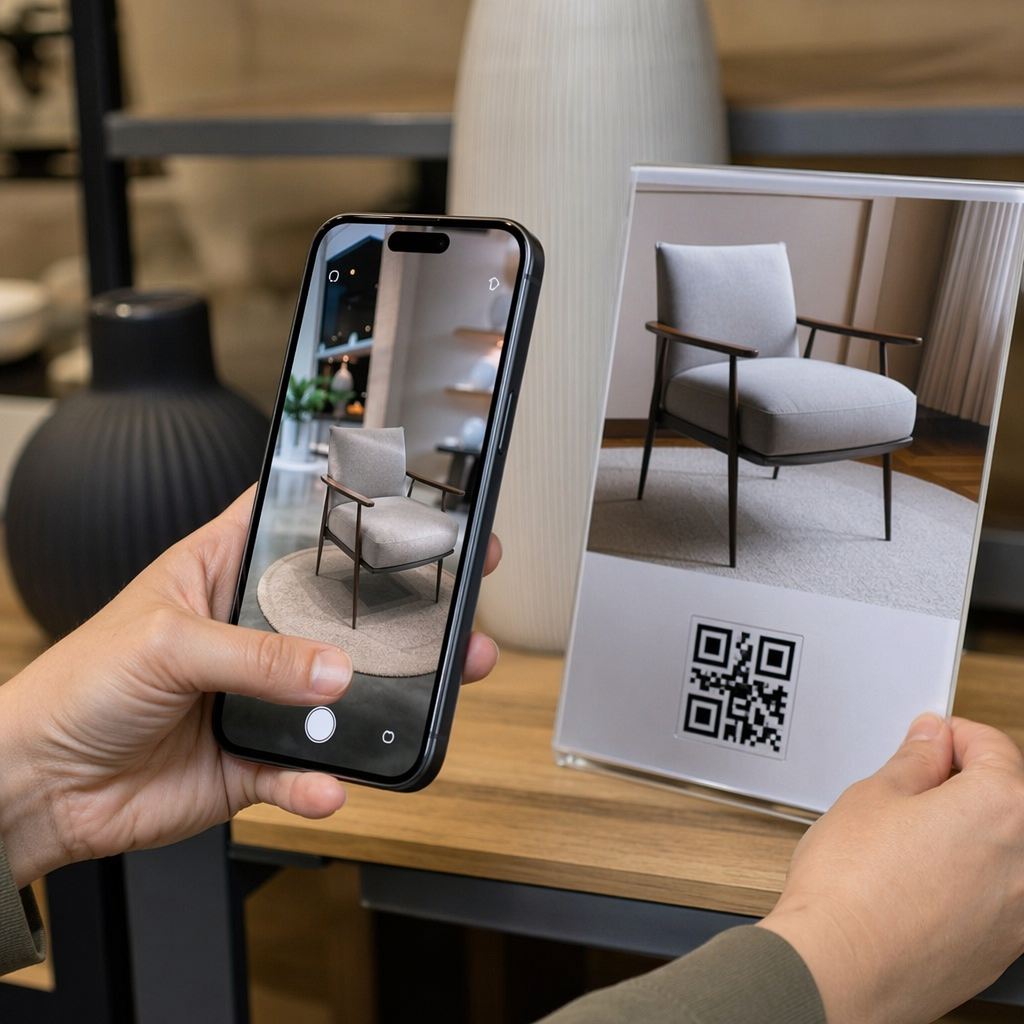
Hyviä paikkoja mainostaa QR-koodeilla ovat myymälöiden ikkunat, pöytätelineet, kuitit, toimituslaatikot, tapahtumakyltit, messuosastot ja suoramainonta. Huonoja paikkoja ovat kaikki liikkuva, kaikki silmän tason yläpuolella oleva ja kaikki paikat, joissa ei ole mobiilisignaalia.
Skannausten lisääminen toimintakehotekehysten avulla
Koodi ilman kontekstia ei anna ihmisille syytä ottaa puhelinta esiin. Laita lyhyt toimintakehote sen viereen. Esimerkkejä, jotka toimivat: ”Skannaa nähdäksesi ruokalistan”, ”Skannaa varataksesi pöydän”, ”Skannaa saadaksesi 15 % alennusta”, ”Skannaa jättääksesi arvostelun”. Sijoita teksti suoraan koodin ylä- tai alapuolelle, koossa, jonka ihmiset voivat lukea samalta etäisyydeltä kuin koodin.
Logo keskellä voi auttaa ihmisiä luottamaan koodiin. Käytä QR-koodi generaattori logolla, pidä logo pienenä ja testaa koodi uudelleen sen lisäämisen jälkeen. Lyhyen verkko-osoitteen tulostaminen koodin alle antaa niille, jotka eivät voi skannata, tavan kirjoittaa se.
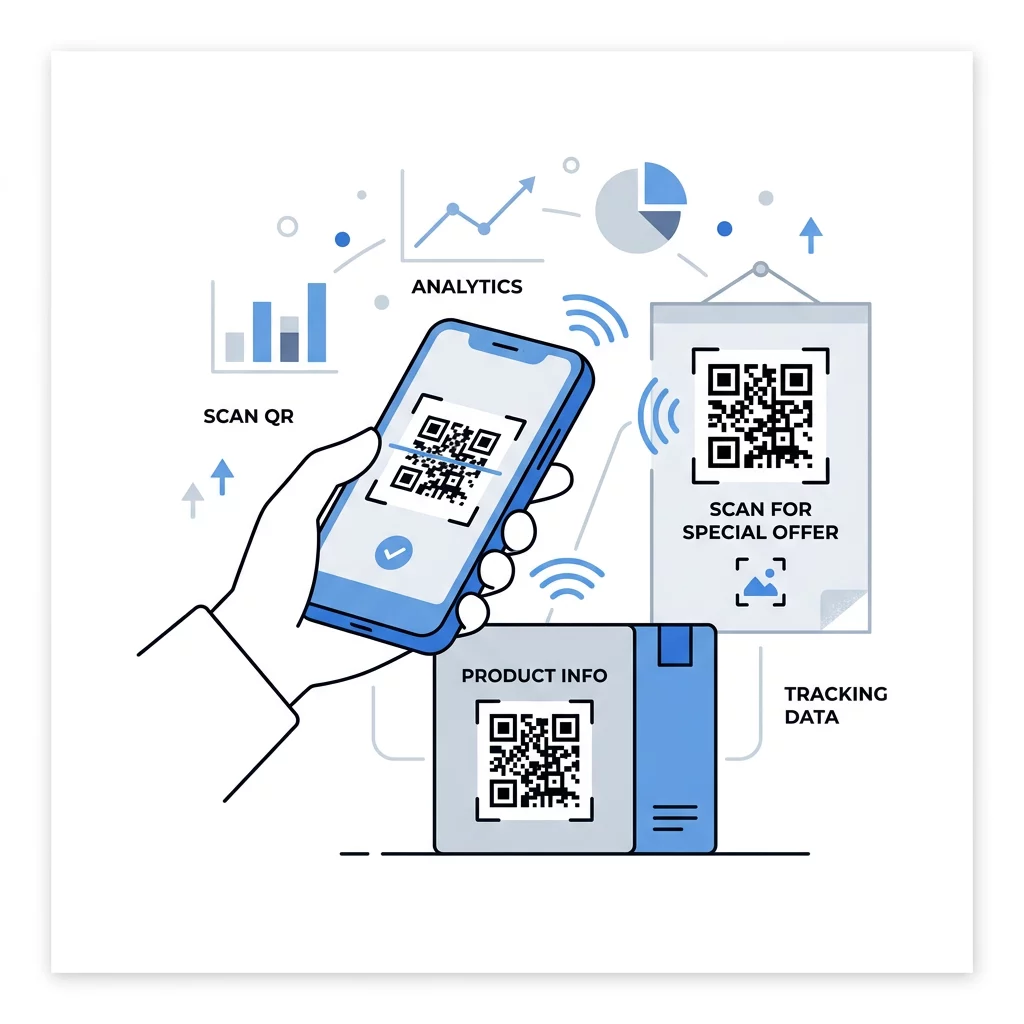
QR-koodin aloitussivun parhaat käytännöt
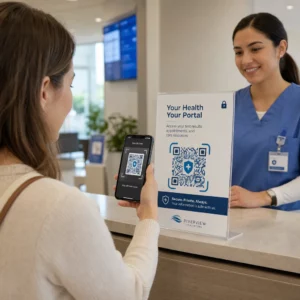
Useimmat ihmiset skannaavat puhelimella, yhdellä kädellä, usein mobiilidatalla. Koodin takana oleva sivu ratkaisee, tuleeko skannauksesta asiakas. Noudata näitä QR-koodin aloitussivun parhaita käytäntöjä:
- Suunnittele ensin puhelimen näytölle. Käytä suurta tekstiä ja suuria painikkeita.
- Saa sivu latautumaan nopeasti. Käytä pieniä kuvia ja vältä raskaita ponnahdusikkunoita tai automaattisesti toistuvia videoita.
- Yhdistä toimintakehotus. Jos kyltissä lukee ”Skannaa saadaksesi 15 % alennuksen”, näytä alennus ensimmäisellä näytöllä.
- Aseta yksi päätoiminto näkyviin heti ensimmäisellä näkymällä, esimerkiksi yksi painike kupongille, varaukselle tai soitolle.
- Pidä lomakkeet lyhyinä. Pyydä sähköpostiosoite tai puhelinnumero, älä koko profiilia.
- Käytä https-yhteyttä ja varmista, että sivu toimii ilman kirjautumista.
- Testaa sitä sekä iPhonella että Androidilla, mobiilidatalla eikä vain toimiston Wi-Fillä.
Sitoutumisen seuranta dynaamisen teknologian avulla
Staattinen QR-koodi tallentaa verkko-osoitteen kuvion sisään. Se ei koskaan vanhene ja toimii ilman palvelua, mikä riittää pysyvään linkkiin, kuten Wi-Fi-kirjautumiseen tai käyntikorttiin. Rajoitus on, että osoitetta ei voi muuttaa tulostuksen jälkeen. Jos sivu siirtyy tai tarjous päättyy, jokainen tulostettu koodi ohjaa vanhalle sivulle.
Dynaaminen QR-koodi osoittaa lyhyeen linkkiin, jonka voit ohjata uudelleen milloin tahansa, joten tulostettu koodi pysyy samana, vaikka kohde muuttuu. Se tallentaa myös skannaukset, mukaan lukien milloin, missä ja millä laitteella. Tämä auttaa vertaamaan esitettä ikkunakylttiin ja poistaa uudelleentulostuskustannukset, kun kampanja muuttuu. Lyhyt linkki antaa myös yksinkertaisemman, vähemmän tiheän kuvion, joka skannautuu helpommin pienissä koossa.
Pagelootin dynaamisiin koodeihin sisältyy 14 päivän ilmainen kokeilujakso ja 30 päivän rahat takaisin -takuu tilauksille, ja voit tarkastella tilauksia osoitteessa pageloot.com/pricing. Kuukausi- tai vuosisopimuksen mukainen dynaaminen koodi muuttuu passiiviseksi, kun sopimus päättyy, joten valitse dynaamisia koodeja kampanjoihin, joita aiot pitää käynnissä.
Seuraa kampanjan suorituskykyä Haluatko nähdä, mitkä materiaalit keräävät eniten skannauksia? Käytä Dynaaminen QR-koodi generaattori luodaksesi muokattavia koodeja, tarkastellaksesi skannausanalytiikkaa ja päivittääksesi kohde-URL-osoitteita ilman uudelleentulostusta.
Yhteenveto: valitse katseluetäisyyteen sopiva koko, pidä hiljainen vyöhyke vapaana, käytä suurta kontrastia, aseta koodi tasaiselle pinnalle silmien korkeudelle ja kirjoita toimintakehote. Testaa sitten painettu vedos ennen täyttä painosta. Voit luoda ja ladata koodisi palvelustamme Ilmainen QR-koodi generaattori Pagelootissa.
Usein kysytyt kysymykset
Aseta koodi tasaiselle, mattapinnalle mukavalle korkeudelle, vähintään 2 x 2 cm käsikäyttöisille esineille, neljän moduulin hiljaisella vyöhykkeellä joka puolella. Aseta se sinne, missä ihmiset jo katsovat, kuten lentolehtisen loppuun tai julisteen keskelle, ja lisää lyhyt toimintakehote sen viereen.
Käytä tummia moduuleja vaalealla taustalla, pidä koodi neliömäisenä ja venyttämättömänä, jätä vähintään neljän moduulin hiljainen alue ja pidä mahdollinen logo pienenä ja keskitettynä. Älä tulosta kiiltäville tai kaareville pinnoille ja testaa tulostettua vedosta useammalla kuin yhdellä puhelimella.
Käytännön minimi käsin pideltäville materiaaleille, kuten käyntikorteille, on 2 x 2 cm (0.8 x 0.8 tuumaa). Etäältä katsottaville materiaaleille käytä 10:1-sääntöä: 1 tuuman koodin leveys jokaista 10 skannausetäisyyden tuumaa kohti.
Anna jokaiselle koodille yksi tavoite, ohjaa se tietylle sivulle, joka vastaa toimintakehotustasi, ja sijoita se silmien korkeudelle tasaiselle pinnalle. Käytä erillistä koodia kullekin sijoittelulle ja vertaa skannausmääriä yhden tai kahden viikon kuluttua.
Sivu, joka latautuu nopeasti puhelimella, näyttää luvatun tarjouksen ensimmäisellä ruudulla, jolla on yksi selkeä toiminto, eikä vaadi kirjautumista. Testaa se iPhonella ja Androidilla mobiilidatan kautta.
Kyllä, mutta pidä koodi pienenä ja aseta se pinnan tasaisimpaan kohtaan. Jos koodi kiertyy liian kauas kaarevan pinnan ympärille, kuvio vääristyy eikä kamera pysty lukemaan sitä kokonaan.
Käytä dynaamista QR-koodia. Painettu kuvio pysyy samana, ja voit muuttaa kohdetta tililläsi. Staattista QR-koodia ei voi muuttaa tulostuksen jälkeen.
Yleisimpiä syitä ovat liian pieni koodi, puuttuva hiljainen alue, alhainen kontrasti, kiiltävä tai kaareva pinta ja sumea, matalaresoluutioinen tiedosto. Tulosta suurempi testikopio ja tarkista nämä kohdat tässä järjestyksessä.