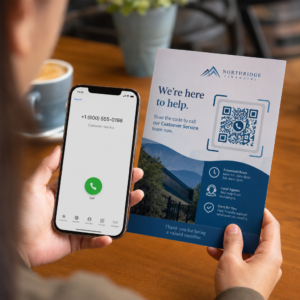
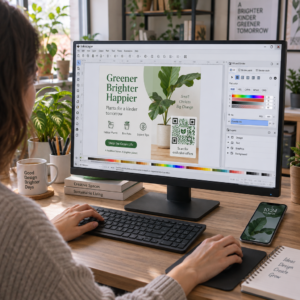
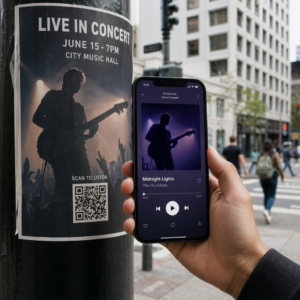
Bästa praxis för placering av QR-koder kan sammanfattas i fem regler. Skriv ut koden minst 2 x 2 cm (0.8 x 0.8 tum), håll en tyst zon på fyra moduler på varje sida, använd mörka moduler på en ljus bakgrund, placera den på en plan matt yta på en bekväm höjd och lägg till en kort uppmaning till handling bredvid den. Testa varje tryckt korrektur med minst två telefoner innan den fullständiga tryckningen.
Denna guide täcker designregler och riktlinjer för QR-koder gällande storlek, kontrast och yta, var koden ska placeras på olika materialtyper, hur man annonserar med QR-koder och vad landningssidan bakom koden behöver.
Bästa praxis för QR-koder i korthet
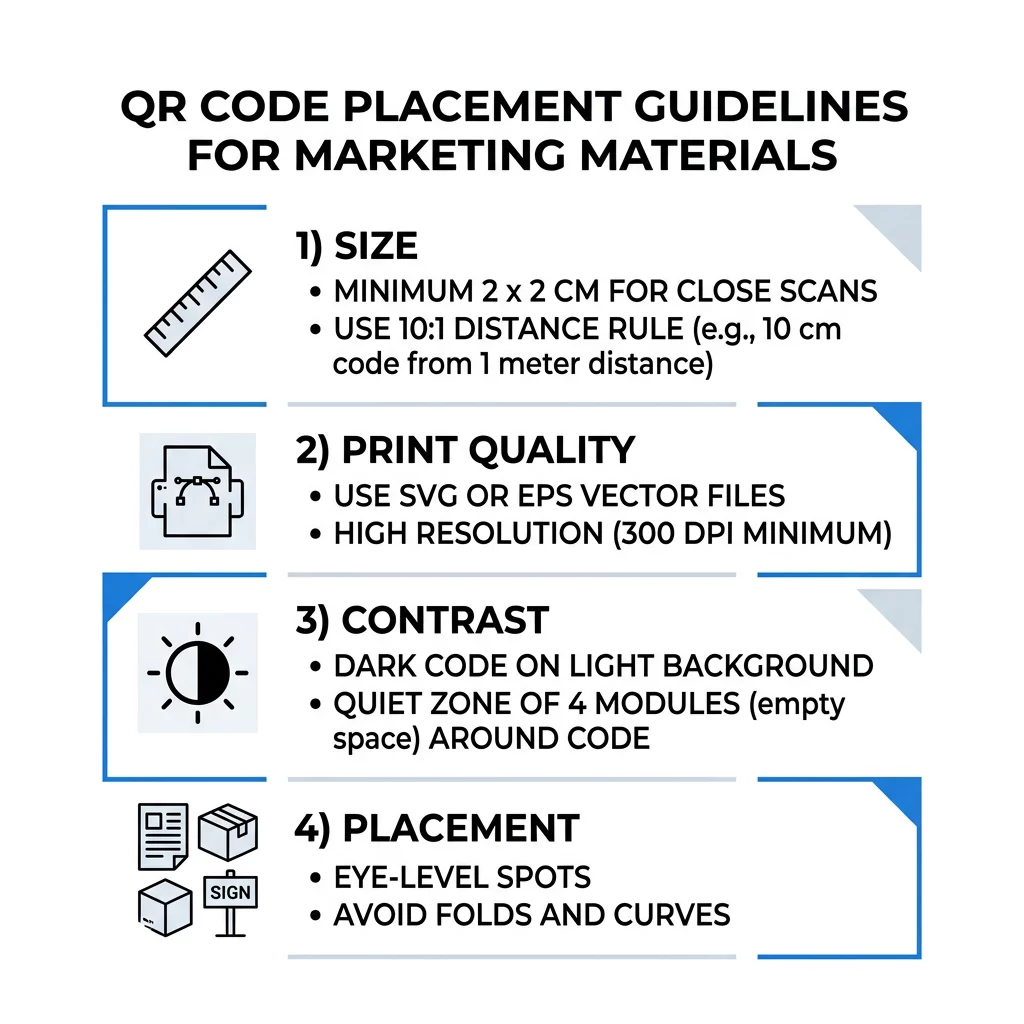
- Storlek: minst 2 x 2 cm (0.8 x 0.8 tum) för handhållna föremål. För avstånd, använd 1 tum kodbredd per 10 tum skanningsavstånd.
- Tyst zon: en tom marginal på minst fyra moduler på alla fyra sidor. Ingen text, linjer eller skärmärken inuti den.
- Kontrast: mörk kod på en ljus bakgrund. Invertera den aldrig eller använd en ljus kod på en mörk bakgrund om du inte har testat den på flera telefoner.
- Yta: plan och matt. Undvik veck, sömmar, kurvor, blänk och blankt laminat.
- Uppmaning till handling: berätta för folk varför de ska skanna, till exempel “Skanna för att se menyn”.
- Destinations: en mobilvänlig sida som laddar snabbt och matchar vad uppmaningen till handling lovade.
- Testning: skanna det slutgiltiga korrekturet på en iPhone och en Android-telefon, i det ljus där koden kommer att användas.
Tekniska standarder för storlek och visningsavstånd
En QR-kod som är för liten eller suddig kommer inte att kunna skannas. För handhållna material på nära håll är den praktiska minimistorleken 2 x 2 cm (0.8 x 0.8 tum). För större material som ses från ett rum eller en gata, använd 10:1-regeln: tillåt minst 1 tum kodbredd för varje 10 tum skanningsavstånd. En affisch som folk läser från 5 fot bort behöver en kod som är minst 6 tum bred.
För kommersiellt tryck, exportera konstverket som en vektorfil som SVG, EPS eller PDF. Vektorfiler förblir skarpa i alla storlekar, medan rasterbilder blir suddiga när de förstoras. Om du måste använda en rasterbild som PNG, exportera den i en storlek som är tillräckligt stor för 300 DPI i den slutliga utskriftsstorleken. Läs vår storleksguide för QR-koder för att kontrollera rätt dimensioner för varje format.
| Placeringstyp | Rekommenderad storlek | Visningsavstånd | Felrättningsnivå |
|---|---|---|---|
| Visitkort | 2 x 2 cm (0,8 x 0,8 tum) | Handhållen (under 0,3 m) | Nivå L eller M |
| Flyers och broschyrer | 3 x 3 cm (1,2 x 1,2 tum) | Armlängds avstånd (0,3 till 0,6 m) | Nivå M |
| Produktförpackningar | 3 x 3 cm (1,2 x 1,2 tum) | Handhållen (0,3 till 0,6 m) | Nivå Q eller H |
| Affischer och displayer | 10 x 10 cm (4 x 4 tum) | Gångavstånd (0,9 till 2,1 m) | Nivå M |
| Billboards och banderoller | 40 x 40 cm (16 x 16 tum) eller större | Långt avstånd (4,5+ m) | Nivå H |
Felkorrigering låter en skanner läsa en kod även när delar av den är skadade eller täckta. Nivå L återställer cirka 7% av datan, M cirka 15%, Q cirka 25% och H cirka 30%. Högre nivåer gör mönstret tätare, så en kod med en lång URL på nivå H behöver en större utskriftsstorlek för att förbli läsbar.
Designregler för QR-koder: Kontrast, lugna zoner och ytval
Skannrar läser en QR-kod genom att upptäcka skillnaden mellan mörka moduler och det ljusa utrymmet runt dem. Svarta moduler på en vit bakgrund är det säkraste valet. Varumärkesfärger fungerar om de mörka modulerna förblir tydligt mörkare än bakgrunden. Kontrollera resultatet genom att konvertera din design till gråskala: om koden ser urtvättad ut, kommer en telefonkamera också att ha svårt att läsa den.
- Håll förgrunden mörkare än bakgrunden. Ljus-på-mörk (inverterade) koder misslyckas på många äldre skannerappar.
- Använd inte rött på en mörk bakgrund, eller två färger med liknande ljusstyrka.
- Lämna en lugn zon på minst fyra moduler på varje sida. Text, ramar, foton och beskärningslinjer inom denna marginal kan förhindra skanningen.
- Sträck inte ut koden. Håll den perfekt kvadratisk.
- Undvik glansigt laminat, blank folie och glas som reflekterar ljus. Använd matt papper eller matt laminering.
- Om du lägger till en logotyp, håll den liten och i mitten, och använd en högre felkorrigeringsnivå.
Många misslyckade skanningar beror på ett fåtal återkommande fel. Undvik dessa vanliga misstag vid placering av QR-koder innan du skriver ut.
Bästa praxis för placering av QR-koder över olika tryck- och displayformat
Placering avgör om människor överhuvudtaget lägger märke till koden. Placera den där människor redan tittar och där de kan hålla en telefon stadigt. Lägg till en kort instruktion bredvid, eftersom människor inte skannar det de inte förstår.
13. Flygblad, broschyrer och direktreklam
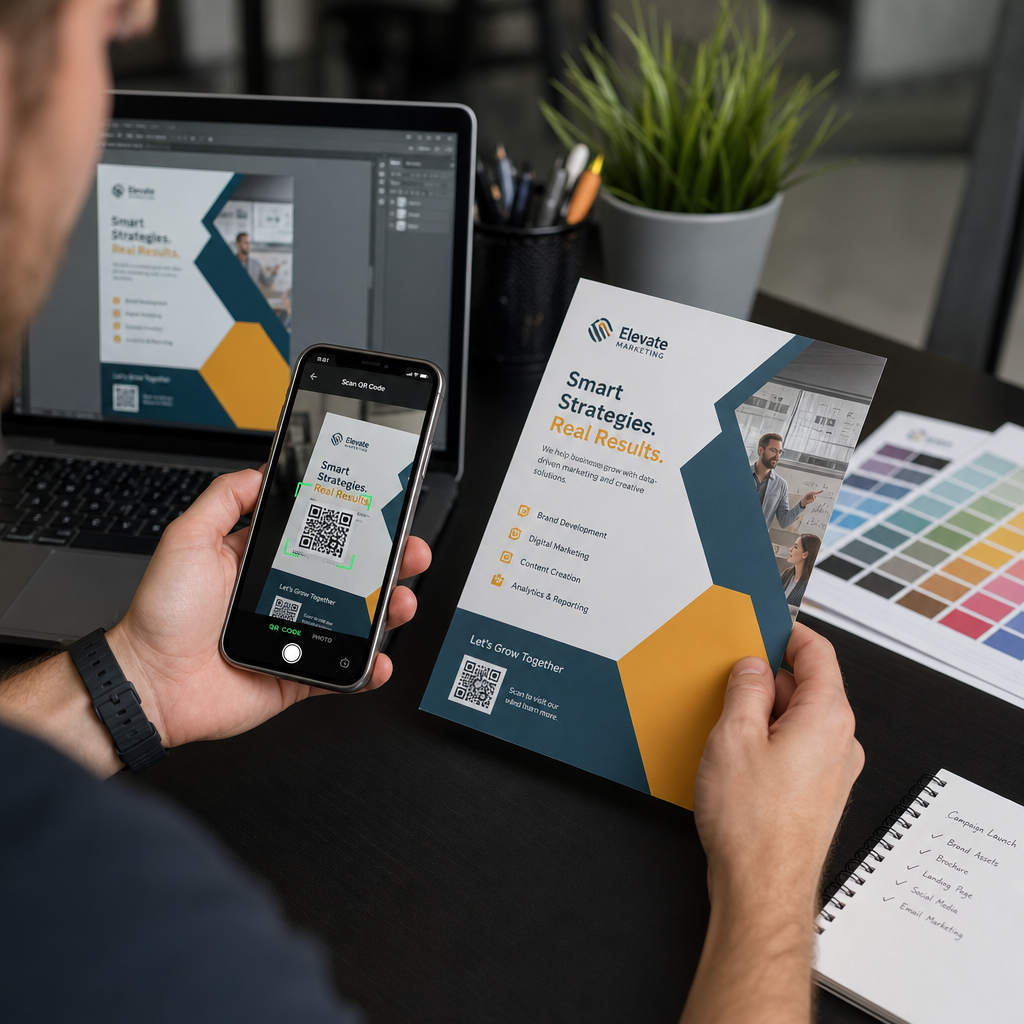
Placera koden där läsaren slutar läsa, till exempel i det nedre högra hörnet eller på den sista panelen:
- Placera QR-koder på flygblad bredvid huvuderbjudandet och håll dem borta från papperets beskurna kanter.
- Placera QR-koder på broschyrer inuti en enda panel. Placera inte en kod över en vikning eller ett veck, eftersom mönstret böjs och bryts.
- För direktreklam, håll koden utanför postens frankering och det tydliga streckkodsområdet som krävs av din posttjänst. Kontrollera reglerna med ditt tryckeri/postföretag.
Produktförpackningar och etiketter
Förpackningar når människor efter att de har köpt produkten, vilket passar för installationsvideor, garantiregistrering och erbjudanden om ombeställning:
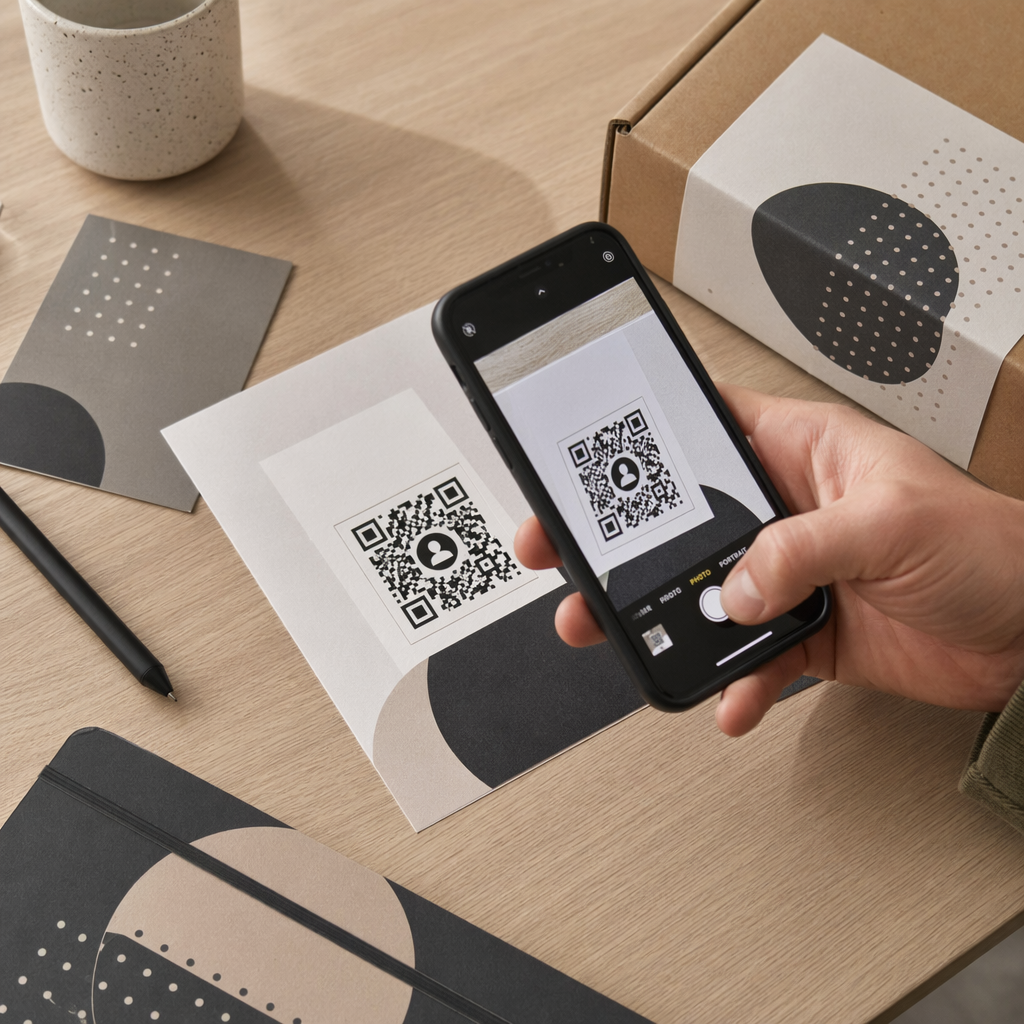
- Placera QR-koder på produktförpackningar på en plan yta, inte på ett rundat hörn eller en smal hals.
- Använd felkorrigering nivå Q eller H så att koden fortfarande kan läsas efter repor, fukt eller hantering.
- Håll koden borta från rivremsor, sömmar och prisetiketter som kan täcka en del av den.
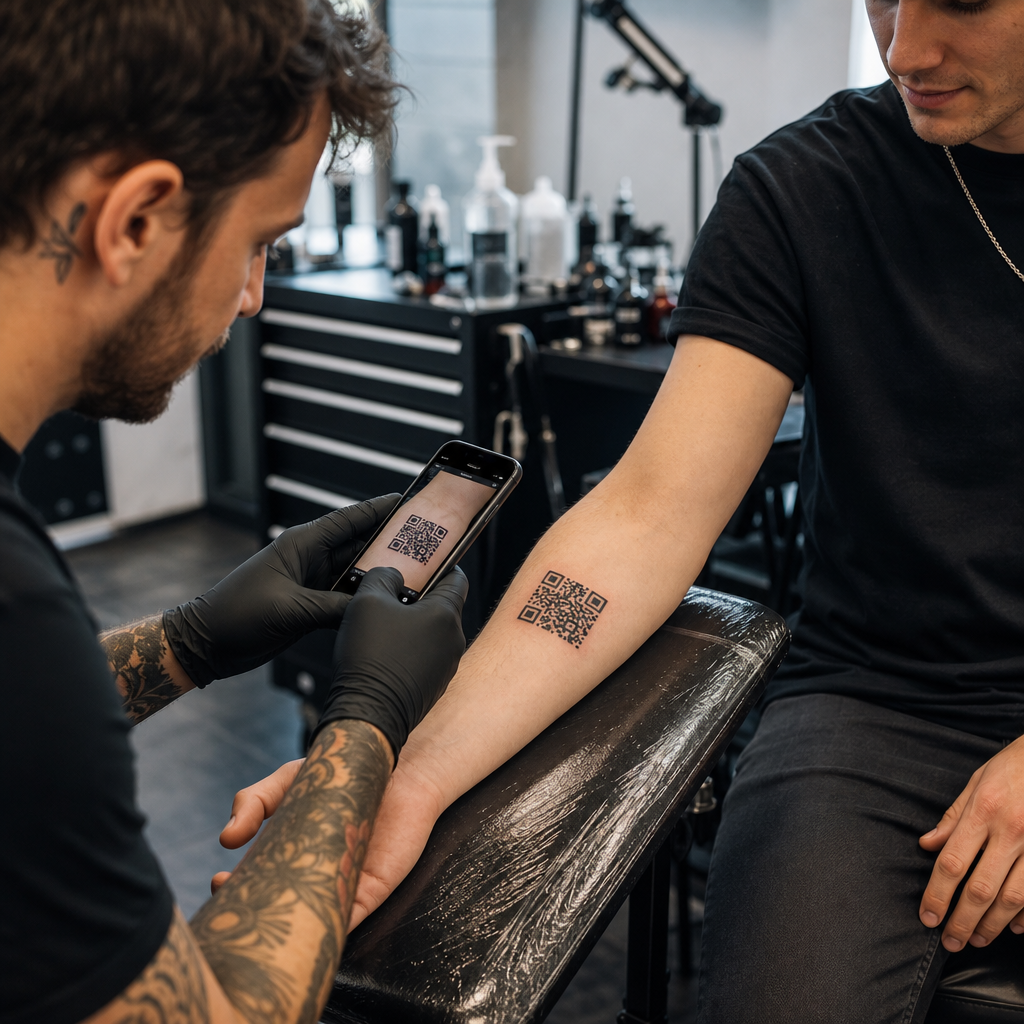
- På flaskor och burkar, håll koden tillräckligt liten för att sitta på den plattaste delen. En kod som sträcker sig långt runt en kurva kommer inte att skannas.
Affischer, skyltfönster och offentliga skärmar
Skyltar behöver fungera för människor som går eller står några meter bort:
- Placera QR-koder på affischer i ögonhöjd, ungefär 1 till 1,7 meter från marken, så att ingen behöver böja sig eller sträcka sig.
- Håll QR-koder på displayer och skärmar på skärmen tillräckligt länge för att skanna. Tio sekunder är ett säkert minimum, och en statisk kod som förblir synlig är bättre än en i en rörlig animation.
- Följ grunderna för att använda QR-koder i tryckt media och visa en kod per skylt, så att kameran inte behöver välja.
- Placera inte koder där människor inte kan stanna, till exempel på ett fordon i rörelse, en hög reklamskylt eller ett fönster långt från trottoaren.
Hur man annonserar med QR-koder
För att annonsera med QR-koder, behandla varje kod som en kort annons med ett enda mål. Välj placering, skriv en uppmaning (call to action), skicka folk till en specifik sida och mät resultatet. Använd denna process:
- Välj ett mål per kod, till exempel en kupong, en meny, en recension eller en produktsida.
- Generera koden med destinationen redan inställd. Skicka inte folk till en hemsida när du lovat en kupong.
- Placera den med hjälp av storleks- och ytlreglerna ovan, och lägg till en uppmaning (call to action) med fördelen, till exempel “Skanna för 15% rabatt på din första beställning”.
- Använd en annan kod för varje placering (flygblad, fönster, förpackning), så att du kan se vilken som fungerar.
- Skriv ut ett korrektur, skanna det med två telefoner, och beställ först då hela upplagan.
- Kontrollera antalet skanningar efter en vecka eller två och flytta budgeten till de placeringar som får skanningar.
Bra platser att annonsera med QR-koder inkluderar butiksfönster, bordsställ, kvitton, leveranslådor, evenemangsskyltar, mässmontrar och direktreklam. Svaga platser inkluderar allt som rör sig, allt ovanför ögonhöjd och platser utan mobilsignal.
Öka skanningar med uppmaningsramar (Call-to-Action Frames)
En kod utan sammanhang ger folk ingen anledning att ta fram en telefon. Placera en kort uppmaning (call to action) bredvid den. Exempel som fungerar: “Skanna för att se menyn”, “Skanna för att boka bord”, “Skanna för 15% rabatt”, “Skanna för att lämna en recension”. Placera texten direkt ovanför eller under koden, i en storlek som folk kan läsa från samma avstånd som koden.
En logotyp i mitten kan hjälpa folk att lita på koden. Använd en QR-kodgenerator med logotyp, håll logotypen liten och testa koden igen efter att du har lagt till den. Att skriva ut den korta webbadressen under koden ger personer som inte kan skanna ett sätt att skriva in den manuellt.
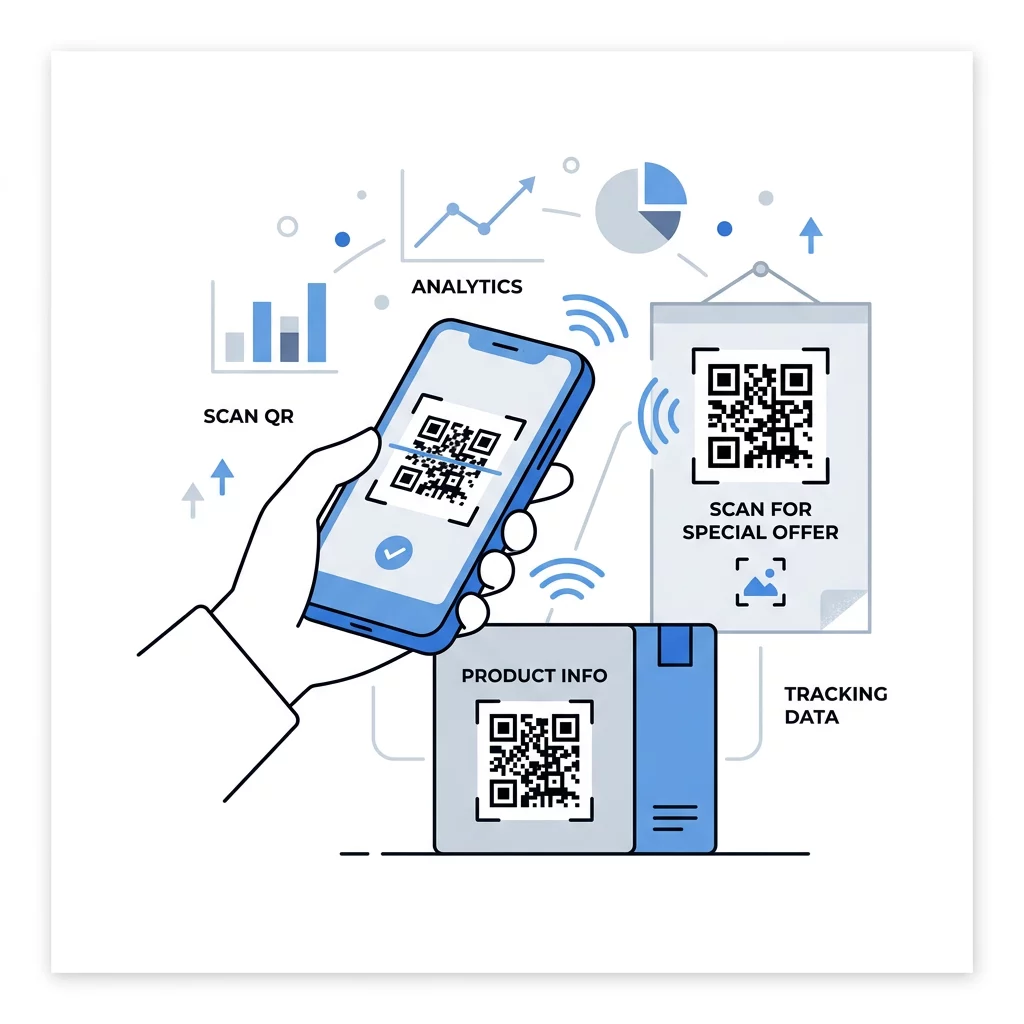
Bästa praxis för QR-koders målsidor
De flesta skannar med en telefon, med en hand, ofta med mobildata. Sidan bakom koden avgör om skanningen blir en kund. Följ dessa bästa praxis för QR-koders målsidor:
- Bygg först och främst för en telefonskärm. Använd stor text och stora knappar.
- Få sidan att laddas snabbt. Använd små bilder och undvik tunga pop-ups eller videor som spelas upp automatiskt.
- Matcha uppmaningen till handling. Om skylten säger “Skanna för 15% rabatt”, visa rabatten på den första skärmen.
- Placera en huvudsaklig handling 'ovanför vecket', som en knapp för kupongen, bokningen eller samtalet.
- Håll formulären korta. Fråga efter en e-postadress eller ett telefonnummer, inte en fullständig profil.
- Använd https och se till att sidan fungerar utan inloggning.
- Testa den på både iPhone och Android, med mobildata och inte bara på kontorets Wi-Fi.
Spåra Engagemang med Dynamisk Teknik
En statisk QR-kod lagrar webbadressen inuti mönstret. Den upphör aldrig att gälla och fungerar utan någon tjänst, vilket räcker för en permanent länk som en Wi-Fi-inloggning eller ett kontaktkort. Begränsningen är att du inte kan ändra adressen efter utskrift. Om sidan flyttas eller ett erbjudande avslutas, pekar varje utskriven kod till den gamla sidan.
En dynamisk QR-kod pekar till en kort länk som du kan omdirigera när som helst, så den utskrivna koden förblir densamma medan destinationen ändras. Den registrerar också skanningar, inklusive när, var och på vilken typ av enhet. Detta hjälper dig att jämföra en flygblad med en fönsterskylt, och det eliminerar omkostnader för omtryck när en kampanj ändras. En kort länk ger också ett enklare, mindre tätt mönster som skannas lättare i små storlekar.
Pageloots dynamiska koder kommer med en 14-dagars gratis provperiod och en 30-dagars pengarna-tillbaka-garanti på prenumerationer, och du kan se prenumerationerna på pageloot.com/pricing. En dynamisk kod på en månads- eller årsplan blir inaktiv när planen upphör, så välj dynamiska koder för kampanjer du planerar att fortsätta driva.
Spåra Kampanjprestanda Vill du se vilka material som genererar flest skanningar? Använd Dynamisk QR-kodgenerator för att skapa redigerbara koder, granska skanningsanalyser och uppdatera destinations-URL:er utan att behöva trycka om.
Sammanfattningsvis: välj en storlek som passar visningsavståndet, håll den tysta zonen fri, använd hög kontrast, placera koden på en plan yta i ögonhöjd, och skriv en uppmaning till handling. Testa sedan det tryckta korrekturprovet före den fullständiga upplagan. Du kan skapa och ladda ner din kod med Gratis QR-kodgenerator på Pageloot.
Vanliga frågor
Placera koden på en platt, matt yta på en bekväm höjd, minst 2 x 2 cm för handhållna föremål, med en tyst zon på fyra moduler på varje sida. Placera den där människor redan tittar, som i slutet av ett flygblad eller i mitten av en affisch, och lägg till en kort uppmaning till handling bredvid den.
Använd mörka moduler på en ljus bakgrund, håll koden kvadratisk och ostretchad, lämna en tyst zon på minst fyra moduler, och håll eventuella logotyper små och centrerade. Skriv inte ut på glansiga eller böjda ytor, och testa det utskrivna korrekturet på mer än en telefon.
Det praktiska minimumet för handhållna material som visitkort är 2 x 2 cm (0,8 x 0,8 tum). För material som ses på avstånd, använd 10:1-regeln: 1 tums kodbredd för varje 10 tums skanningsavstånd.
Ge varje kod ett mål, peka den till en specifik sida som matchar din uppmaning till handling, och placera den i ögonhöjd på en plan yta. Använd en separat kod för varje placering och jämför antalet skanningar efter en till två veckor.
En sida som laddas snabbt på en telefon, visar det utlovade erbjudandet på första skärmen, har en tydlig åtgärd och kräver ingen inloggning. Testa den på iPhone och Android via mobildata.
Ja, men håll koden liten och placera den på den planaste delen av ytan. Om koden sveper för långt runt en kurva, förvrängs mönstret och kameran kan inte läsa allt.
Använd en dynamisk QR-kod. Det tryckta mönstret förblir detsamma, och du ändrar destinationen på ditt konto. En statisk QR-kod kan inte ändras efter utskrift.
De vanligaste orsakerna är en kod som är för liten, en saknad tyst zon, låg kontrast, en glansig eller böjd yta, och en suddig lågupplöst fil. Skriv ut en större testkopia och kontrollera dessa punkter i den ordningen.