QR codes for education: a QR code generator for teachers and schools
Make a QR code for a worksheet, a class website, a video or a sign-up form. Students scan it with a phone or tablet camera and the page opens. Teachers, schools and universities use QR codes to cut printing and to reach students and parents quickly. Create one for free, or use a Pageloot account to edit the link later and see scans.

Trusted by 680+ educational institutions in 64 countries


Where to use a QR code in the classroom and at school
Put a QR code wherever students already look. Print it at least 2 x 2 cm (0.8 in), and larger for anything read from across a room.
Free PDF playbook
The QR code playbook for education
20 pages. Classroom materials, campus signs, events and sharing resources with students, with examples you can copy.
We will email you the playbook and a few tips on using QR codes. You can unsubscribe at any time.

Posters and wall displays
Link a classroom poster to a video, a glossary or a reading list. Add a short line such as “Scan for the study guide” so students know what they will get. On a poster, make the code at least 10 cm (4 in) wide.

Student and staff ID cards
Link an ID card to a school contact page or a student portal login page. A QR code only opens a web page. It does not verify identity, so do not use it as a security check on its own.

Books and library shelves
Stick a code inside a textbook cover or on a library shelf. It can open the e-book, a reading list or extra materials. A dynamic code lets you change the destination when the reading list changes.

Whiteboards and projector screens
Show a code on the board or slide so the whole class opens the same link at once. This works well for a quiz, an attendance form or the lesson notes.
Take a look
at a real case
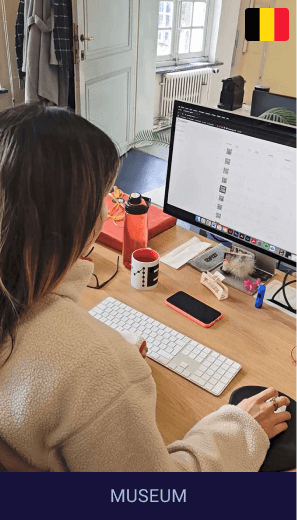
How Musea Brugge uses QR codes to enrich the visitor experience
From audio guides to multilingual info, QR codes make museum visits more interactive, accessible, and sustainable—while reducing costs and printed materials.
Instantly access artwork details in 4 languages
Unlock audio guides and exclusive content
Update info without reprinting materials
Supports a more eco-friendly museum experience
Musea Brugge
Belgium
Which QR code type to use in education
Pick the type by what students should see after the scan:
- Link
Opens any web page: a class website, homework portal, online quiz or reading material. For a Google Form quiz or attendance sheet, see the Google Form QR code generator.
- vCard
Lets parents and students save a teacher’s or school office’s contact details with one scan. Good for welcome letters and newsletters. The vCard code stores the contact details inside the code, so you can use it on paper.
Share worksheets, syllabi, class notes or reading assignments as a PDF. Students open the file on any phone or tablet. Check the file size and make sure it opens on a phone before you print.
- Video
Link to a tutorial, a lab walkthrough or a recorded lesson. Useful for flipped classrooms, homework instructions and students who missed a class. Use a video link that works without a login.

For educational institutes and consulting
“We use QR codes for everything now — from homework to classroom stations. Students scan from their tablets, and I can update links anytime. No more printing!”
Emily Harper
Academic director, Brightly Academy
Static or dynamic QR codes for schools
A static code is enough when the link will never change, for example a permanent school website. Static codes never expire. A dynamic code is worth it when the link changes, for example a new term, a new quiz or a new class folder. With a dynamic code you change the destination in your Pageloot account and the printed code follows, so you do not reprint worksheets.
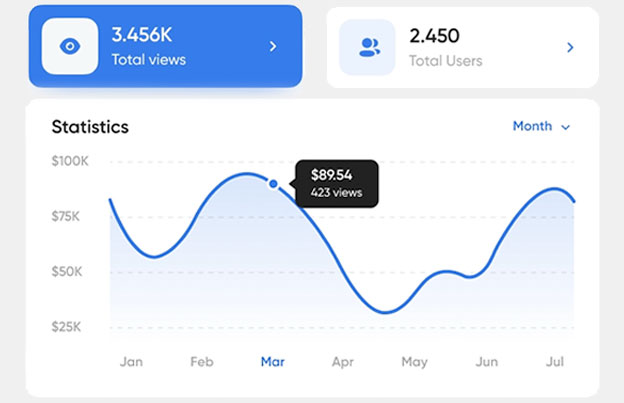
A dynamic code also shows scan stats: when, where and on what device. Dynamic codes need a plan: start with the 14-day free trial and compare plans on the pricing page. Scans are unlimited, and plans have a 30-day money-back guarantee.
 Digital content

 Social media
 Attendance tracking
 Student feedbackDigital content
Benefits
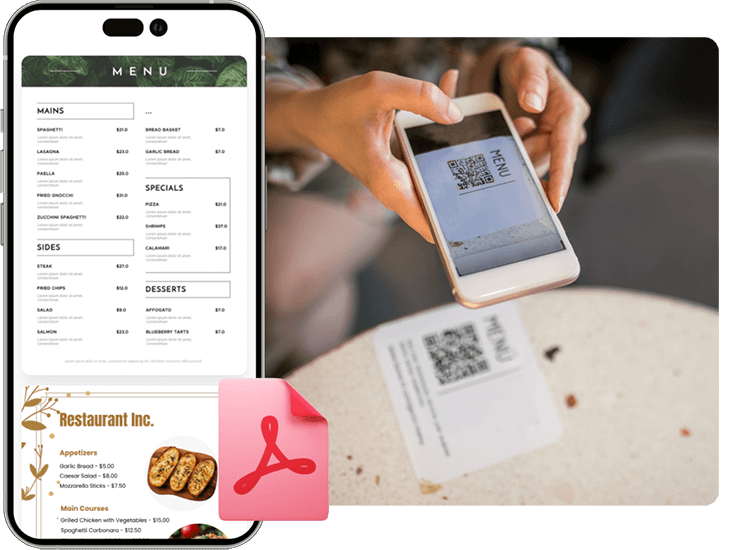
Share PDF flies
Create a QR code for easy access to digial menus or product manuals for restaurants, cafes, or any business. Visitors can scan to view items conveniently from their smartphone.
 Social media
Benefits
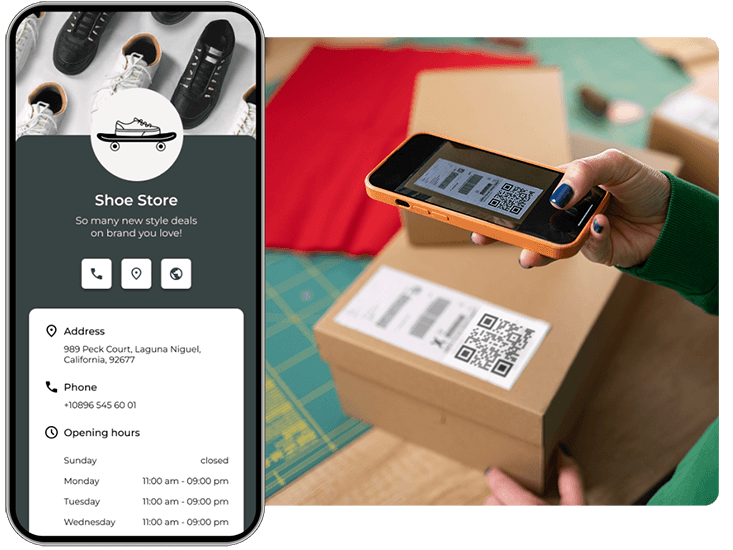
Social media growth
Grow your audience with QR codes and marketing for social media. Connect users to profiles with one scan.
 Attendance tracking
Benefits
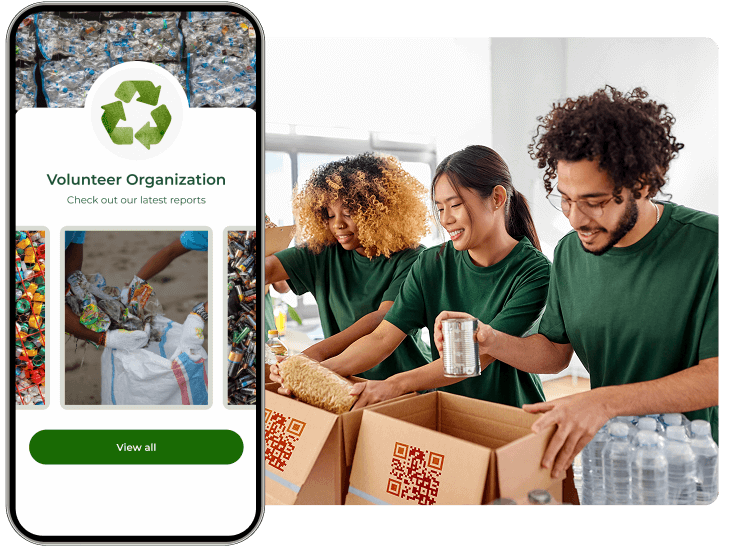
Attendance tracking
Track attendance instantly — let employees, guests, or students check in with a single scan, no app or hardware needed.
 Student feedback
Benefits
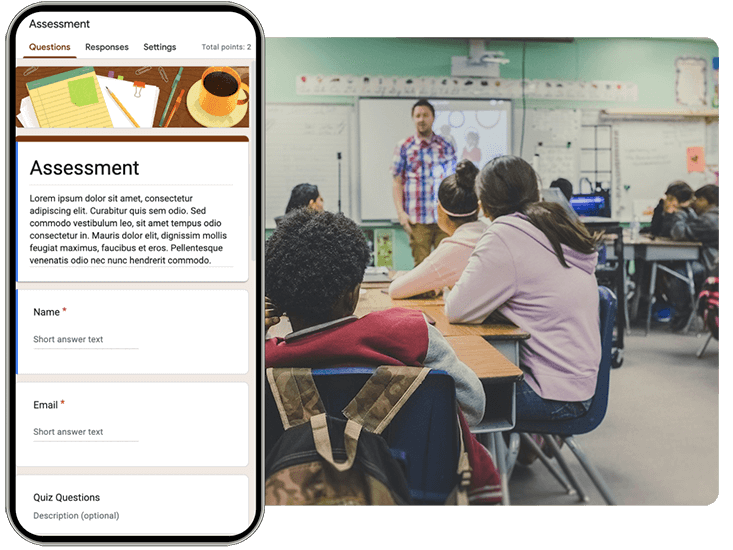
Get more reviews
Boost your credibility with a marketing QR code for Google or Tripadvisor reviews. Encourage feedback to build trust.
Hear from different education sectors
See how they are using Pageloot to turn QR codes into real growth.







Frequently asked questions

Teachers put QR codes on worksheets, posters, whiteboards and slides. A scan opens a video, quiz, class website, attendance form or reading material, so students do not have to type a link.
A QR code generator for teachers turns a link, file or contact into a code that students scan with a phone or tablet. On Pageloot you can make a code for free and download it as a PNG, SVG or PDF. To edit the link after printing or to see scans, use a Pageloot account (14-day free trial).
Choose the type, for example link, PDF or video. Paste the link or upload the file, add your colors or school logo, and download the code. Test it with two phones before you print it.
A QR code is only a link, so it is as safe as the page it opens. You choose the destination. Use your own school pages or trusted sites, tell students what the code opens, and do not put codes in public places where others can stick a different code over yours.
Yes, with a dynamic code. You change the destination in your Pageloot account and the printed code opens the new page. A static code cannot be changed, so make a new one if the link changes.
No. The camera app on current iPhones, Android phones and tablets reads QR codes. Students point the camera at the code and tap the link that appears.
Make a short attendance form, for example in Google Forms, and create a link QR code for it. Show the code at the start of the lesson. Each scan opens the form, and the answers are collected in the form’s responses. Pageloot scan stats show how many times the code was scanned, not who attended.
Yes, with a dynamic code. Scan stats show when, where and on what device the code was scanned. Static codes have no stats.
Check four things. The code should be at least 2 x 2 cm (0.8 in), or larger for a poster. It needs dark colors on a light background and a white border. The link behind it must be public, not a page that asks for a school login. Test it with two different phones from the distance students will stand.
IP-07
Simplify learning one scan at a time
Make your first classroom QR code in a few minutes, and edit the link later without reprinting.