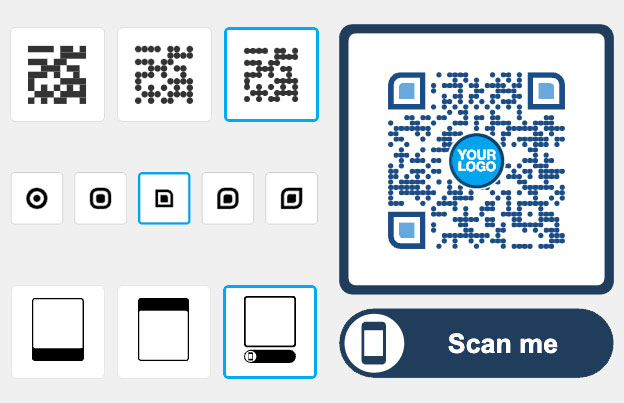
QR code landing pages: one QR code, many links
A QR code landing page is a mobile page that opens when someone scans your QR code. Put several buttons and links on it, such as your website, menu, map, social profiles and contact details. Print one QR code and let people pick what they need. Start with a 14-day free trial, or see the plans.

Trusted by 20,000+ companies in 110 countries


How to make a QR code landing page
- 1. Build your page
Start the 14-day free trial and create a landing page in your Pageloot account. Add a title, your logo and a button for each link: website, menu, booking, social profile or file.
- 2. Match your brand
Choose colors and a layout that fit your brand. Open the page on your own phone to check that every button works and the text is easy to read.
- 3. Print and share the QR code
Download the QR code for the page and put it on flyers, packaging, posters or business cards. Scan it with two phones before you print a large batch.
Turn one QR code into a mobile landing page
A plain link is enough for one destination. Use a landing page when people need a choice.

LINKS
Share more than one link
Add as many buttons as your audience needs. A café can link the menu, the booking form and the Instagram page. A shop can link a product list, a discount page and the store location.
DESIGN
Match the page to your brand
The page is built for phone screens, so buttons are large and text is short. Add your logo and colors so people know the page comes from you.

PERFORMANCE
See what gets used
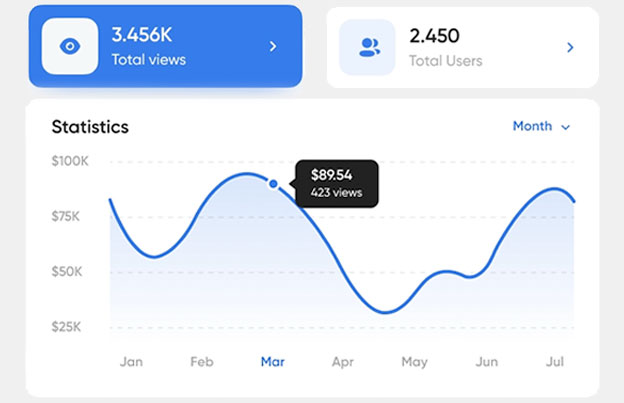
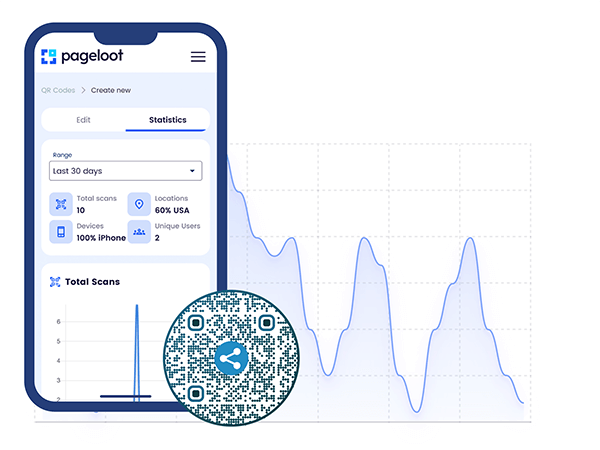
Check the stats in your account and see how often the code is scanned. Keep the links that get used and remove the ones that don’t. Scan stats need a dynamic code.
PUBLIC LINKS
Share folder stats with clients
Agencies can make a public link to a folder of QR codes and send it to a client. The client sees the folder’s analytics without a login. Fine for campaign reports; check the link before you send it.


See how "Brand Name" uses QR codes on their business cards
“Pageloot has completely transformed the way we network and share information. By integrating customizable QR codes on our business cards, we’ve made it incredibly easy for potential clients and partners to access our digital profiles, websites, and contact details.
I highly recommend it to any tech company looking to enhance networking and boost engagement.”
Enhances networking
Modern touch
Leaves a lasting impression
Ann Smith
Head of Marketing, Company
Frequently asked questions about QR code landing pages

A QR code landing page is a mobile web page that opens when someone scans your QR code. It can hold several buttons and links, so one printed QR code can lead to your website, menu, social profiles and contact details.
Start the 14-day free trial, create a landing page in your Pageloot account and add a button for each link. Then download the QR code for that page and print it. Scan it with your own phone first.
Yes. The QR code points to your page, so you can change the buttons, links and text later and the printed code keeps working. Editing after printing comes with a Pageloot plan, so check the plans page.
Use a plain link QR code when you have one destination, such as a single web page. Use a landing page when people need to choose, for example menu, booking and social profiles together. A static link code can’t be edited or tracked, while a dynamic code can.
Yes. The page is made for phone screens, with large buttons and short text. Open it on an iPhone and an Android phone before you print.
You can see scan stats for a dynamic QR code in your account, including when and where people scan and on which device. The detail you see depends on your plan.
Check that the code you printed is the one linked to your page, that your plan is still active, and that the page is published. Codes become inactive when a paid plan expires. Also try another phone and a better light, and print the code at least 2 x 2 cm (0.8 in).
Yes. Events can link the schedule, map and tickets. Stores can link products, offers and opening hours. Teams can share one page with contact details for each member.
One QR Code. A full experience.
Build a landing page with several links, print one QR code and check the scan stats. See the plans on the pricing page.