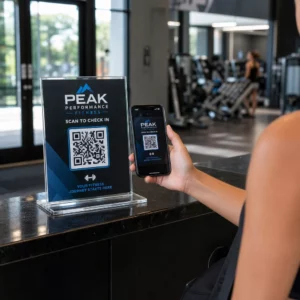
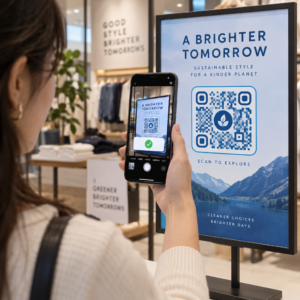
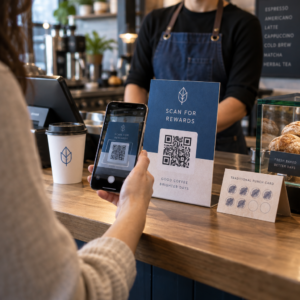
QR कोड को रखने के लिए सबसे अच्छे तरीके पाँच नियमों पर आधारित हैं। कोड को कम से कम 2 x 2 सेमी (0.8 x 0.8 इंच) पर प्रिंट करें, हर तरफ चार मॉड्यूल का एक शांत क्षेत्र रखें, हल्के बैकग्राउंड पर गहरे मॉड्यूल का उपयोग करें, इसे एक आरामदायक ऊंचाई पर सपाट मैट सतह पर रखें, और इसके बगल में एक छोटा 'कॉल टू एक्शन' जोड़ें। पूरी प्रिंट रन से पहले कम से कम दो फोन से हर प्रिंटेड प्रूफ का परीक्षण करें।
यह गाइड QR कोड के डिज़ाइन नियमों और आकार, कंट्रास्ट और सतह के लिए दिशानिर्देशों को कवर करती है, कोड को प्रत्येक प्रकार की सामग्री पर कहाँ रखा जाए, QR कोड का उपयोग करके विज्ञापन कैसे करें, और कोड के पीछे की लैंडिंग पृष्ठ को क्या चाहिए।
QR कोड के बेहतरीन तरीके एक नज़र में
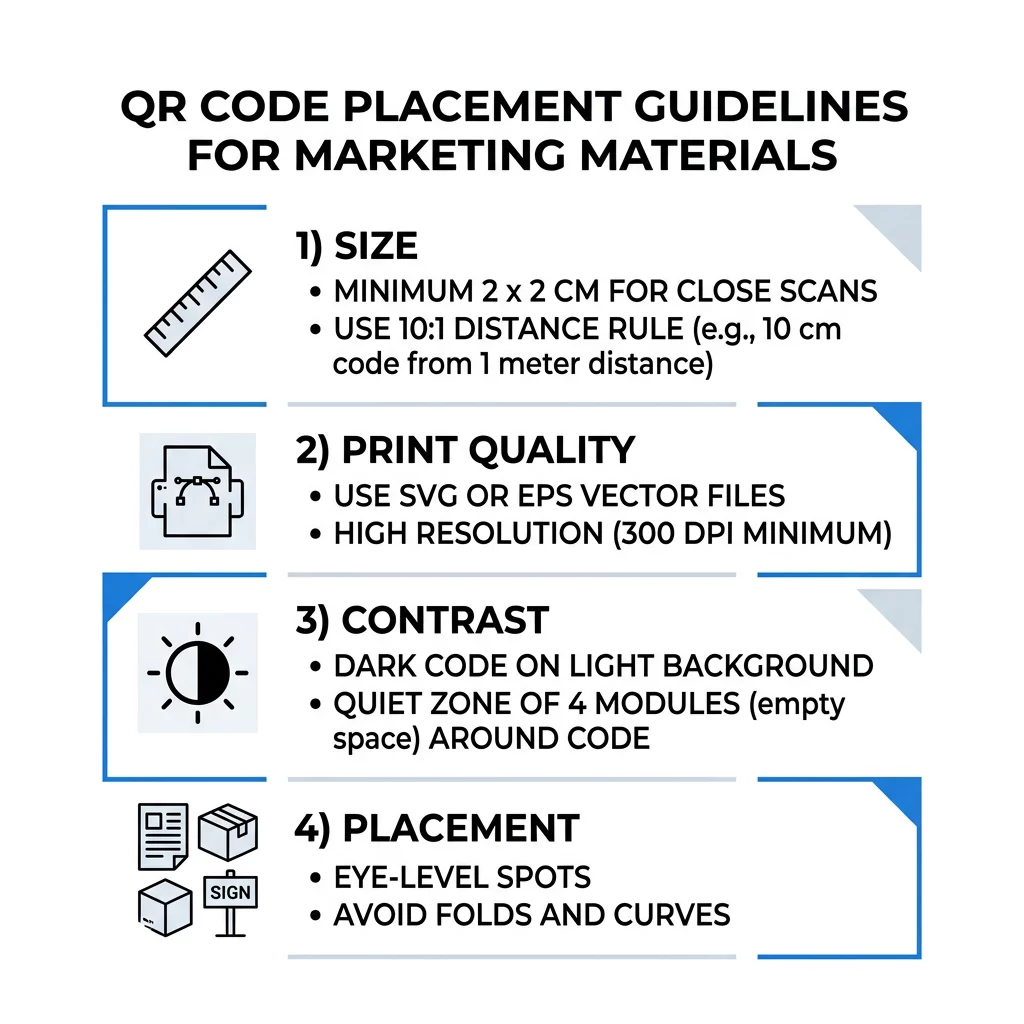
- आकार: हाथ में पकड़ने वाली वस्तुओं के लिए कम से कम 2 x 2 सेमी (0.8 x 0.8 इंच)। दूरी के लिए, स्कैनिंग दूरी के प्रत्येक 10 इंच पर 1 इंच कोड चौड़ाई का उपयोग करें।
- शांत क्षेत्र: चारों तरफ कम से कम चार मॉड्यूल का एक खाली मार्जिन। इसके अंदर कोई टेक्स्ट, लाइन या क्रॉप मार्क नहीं।
- कंट्रास्ट: हल्के बैकग्राउंड पर गहरा कोड। इसे कभी भी उल्टा न करें या गहरे बैकग्राउंड पर हल्का कोड तब तक इस्तेमाल न करें जब तक आपने इसे कई फोन पर न परखा हो।
- सतह: सपाट और मैट। फोल्ड, सीम, घुमाव, चमक और चमकदार लैमिनेट से बचें।
- कार्यवाही के लिए आह्वान: लोगों को बताएं कि स्कैन क्यों करें, उदाहरण के लिए “मेनू देखने के लिए स्कैन करें”।
- गंतव्य: एक मोबाइल-अनुकूल पेज जो तेजी से लोड होता है और 'कॉल टू एक्शन' द्वारा किए गए वादे से मेल खाता है।
- परीक्षण: अंतिम प्रूफ को एक आईफोन और एक एंड्रॉइड फोन पर, उस रोशनी में स्कैन करें जहाँ कोड का उपयोग किया जाएगा।
आकार और देखने की दूरी के लिए तकनीकी मानक
एक QR कोड जो बहुत छोटा या धुंधला है, स्कैन नहीं होगा। निकट दूरी के हाथ में पकड़ी जाने वाली सामग्री के लिए, व्यावहारिक न्यूनतम आकार 2 x 2 सेमी (0.8 x 0.8 इंच) है। एक कमरे या सड़क के पार से देखी जाने वाली बड़ी सामग्री के लिए, 10:1 नियम का उपयोग करें: स्कैनिंग दूरी के प्रत्येक 10 इंच के लिए कम से कम 1 इंच कोड चौड़ाई की अनुमति दें। एक पोस्टर जिसे लोग 5 फीट की दूरी से पढ़ते हैं, उसे कम से कम 6 इंच चौड़े कोड की आवश्यकता होती है।
व्यावसायिक प्रिंट के लिए, कलाकृति को SVG, EPS या PDF जैसी वेक्टर फ़ाइल के रूप में निर्यात करें। वेक्टर फ़ाइलें किसी भी आकार में स्पष्ट रहती हैं, जबकि रैस्टर छवियां बड़ा करने पर धुंधली हो जाती हैं। यदि आपको PNG जैसी रैस्टर छवि का उपयोग करना ही है, तो इसे अंतिम प्रिंट आकार पर 300 DPI के लिए पर्याप्त बड़े आकार में निर्यात करें। हमारे पढ़ें QR कोड आकार मार्गदर्शिका प्रत्येक प्रारूप के लिए सही आयामों की जांच करने के लिए।
| प्लेसमेंट प्रकार | अनुशंसित आकार | देखने की दूरी | त्रुटि सुधार स्तर |
|---|---|---|---|
| बिज़नेस कार्ड | 2 x 2 सेमी (0.8 x 0.8 इंच) | हाथ में रखने योग्य (1 फीट से कम) | लेवल L या M |
| फ़्लायर्स और ब्रोशर | 3 x 3 सेमी (1.2 x 1.2 इंच) | हाथ की लंबाई (1 से 2 फीट) | लेवल M |
| प्रोडक्ट पैकेजिंग | 3 x 3 सेमी (1.2 x 1.2 इंच) | हाथ में रखने योग्य (1 से 2 फीट) | लेवल Q या H |
| पोस्टर और डिस्प्ले | 10 x 10 सेमी (4 x 4 इंच) | चलने की दूरी (3 से 7 फीट) | लेवल M |
| बिलबोर्ड और बैनर | 40 x 40 सेमी (16 x 16 इंच) या बड़ा | लंबी दूरी (15+ फीट) | लेवल H |
त्रुटि सुधार एक स्कैनर को कोड पढ़ने की अनुमति देता है, भले ही उसका कुछ हिस्सा क्षतिग्रस्त या ढका हुआ हो। स्तर L लगभग 7% डेटा पुनर्प्राप्त करता है, M लगभग 15%, Q लगभग 25% और H लगभग 30%। उच्च स्तर पैटर्न को सघन बनाते हैं, इसलिए लेवल H पर एक लंबी URL वाला कोड पठनीय बने रहने के लिए एक बड़े प्रिंट आकार की आवश्यकता होती है।
QR कोड डिज़ाइन नियम: कंट्रास्ट, शांत क्षेत्र और सतह का चयन
स्कैनर एक QR कोड को काले मॉड्यूल और उनके चारों ओर के हल्के स्थान के बीच के अंतर का पता लगाकर पढ़ते हैं। सफेद पृष्ठभूमि पर काले मॉड्यूल सबसे सुरक्षित विकल्प हैं। ब्रांड के रंग काम करते हैं यदि काले मॉड्यूल पृष्ठभूमि से स्पष्ट रूप से गहरे रहते हैं। अपने डिज़ाइन को ग्रेस्केल में बदलकर परिणाम की जांच करें: यदि कोड फीका दिखता है, तो फोन कैमरा भी संघर्ष करेगा।
- फोरग्राउंड को पृष्ठभूमि से गहरा रखें। हल्के-पर-गहरे (उल्टे) कोड कई पुराने स्कैनर ऐप्स पर विफल रहते हैं।
- गहरे पृष्ठभूमि पर लाल रंग का उपयोग न करें, या समान चमक वाले दो रंगों का उपयोग न करें।
- प्रत्येक तरफ कम से कम चार मॉड्यूल का एक शांत क्षेत्र छोड़ें। इस मार्जिन के अंदर पाठ, बॉर्डर, फोटो और क्रॉप लाइन स्कैन को रोक सकते हैं।
- कोड को स्ट्रेच न करें। इसे पूरी तरह से वर्गाकार रखें।
- चमकदार लैमिनेट, चमकदार फॉइल और कांच से बचें जो प्रकाश को प्रतिबिंबित करते हैं। मैट पेपर या मैट लैमिनेशन का उपयोग करें।
- यदि आप एक लोगो जोड़ते हैं, तो इसे छोटा और केंद्र में रखें, और उच्च त्रुटि सुधार स्तर का उपयोग करें।
कई विफल स्कैन कुछ दोहराई जाने वाली त्रुटियों से आते हैं। इनसे बचें सामान्य क्यूआर कोड प्लेसमेंट गलतियाँ प्रिंट करने से पहले।
प्रिंट और डिस्प्ले प्रारूपों में QR कोड प्लेसमेंट के लिए सर्वोत्तम अभ्यास
प्लेसमेंट यह तय करता है कि लोग कोड को बिल्कुल नोटिस करते हैं या नहीं। इसे वहाँ रखें जहाँ लोग पहले से देखते हैं और जहाँ वे फोन को स्थिर रख सकें। इसके बगल में एक छोटा निर्देश जोड़ें, क्योंकि लोग उसे स्कैन नहीं करते जिसे वे समझते नहीं हैं।
फ़्लायर्स, ब्रोशर और डायरेक्ट मेल
कोड को वहाँ रखें जहाँ पाठक पढ़ना समाप्त करता है, उदाहरण के लिए नीचे-दाएँ कोने में या अंतिम पैनल में:
- रखें फ़्लायर्स पर क्यूआर कोड मुख्य ऑफ़र के बगल में रखें और उन्हें कागज़ के कटे हुए किनारों से दूर रखें।
- रखें ब्रोशर पर QR कोड एक ही पैनल के अंदर। कोड को मोड़ या क्रीज़ पर न चलाएँ, क्योंकि पैटर्न मुड़ जाता है और टूट जाता है।
- डायरेक्ट मेल के लिए, कोड को पोस्टल इंडिशिया और आपके डाक सेवा द्वारा आवश्यक बारकोड क्लियर ज़ोन से बाहर रखें। अपने मेल हाउस से नियमों की जाँच करें।
उत्पाद पैकेजिंग और लेबल
पैकेजिंग लोगों तक खरीदने के बाद पहुँचती है, जो सेटअप वीडियो, वारंटी पंजीकरण और पुन: ऑर्डर ऑफ़र के लिए उपयुक्त है:
- रखें उत्पाद पैकेजिंग पर क्यूआर कोड एक सपाट पैनल पर, गोलाकार कोने या संकीर्ण गर्दन पर नहीं।
- त्रुटि सुधार स्तर Q या H का उपयोग करें ताकि खरोंच, नमी या हैंडलिंग के बाद भी कोड पढ़ा जा सके।
- कोड को टियर स्ट्रिप्स, सीम और मूल्य स्टिकर से दूर रखें जो इसके हिस्से को ढक सकते हैं।
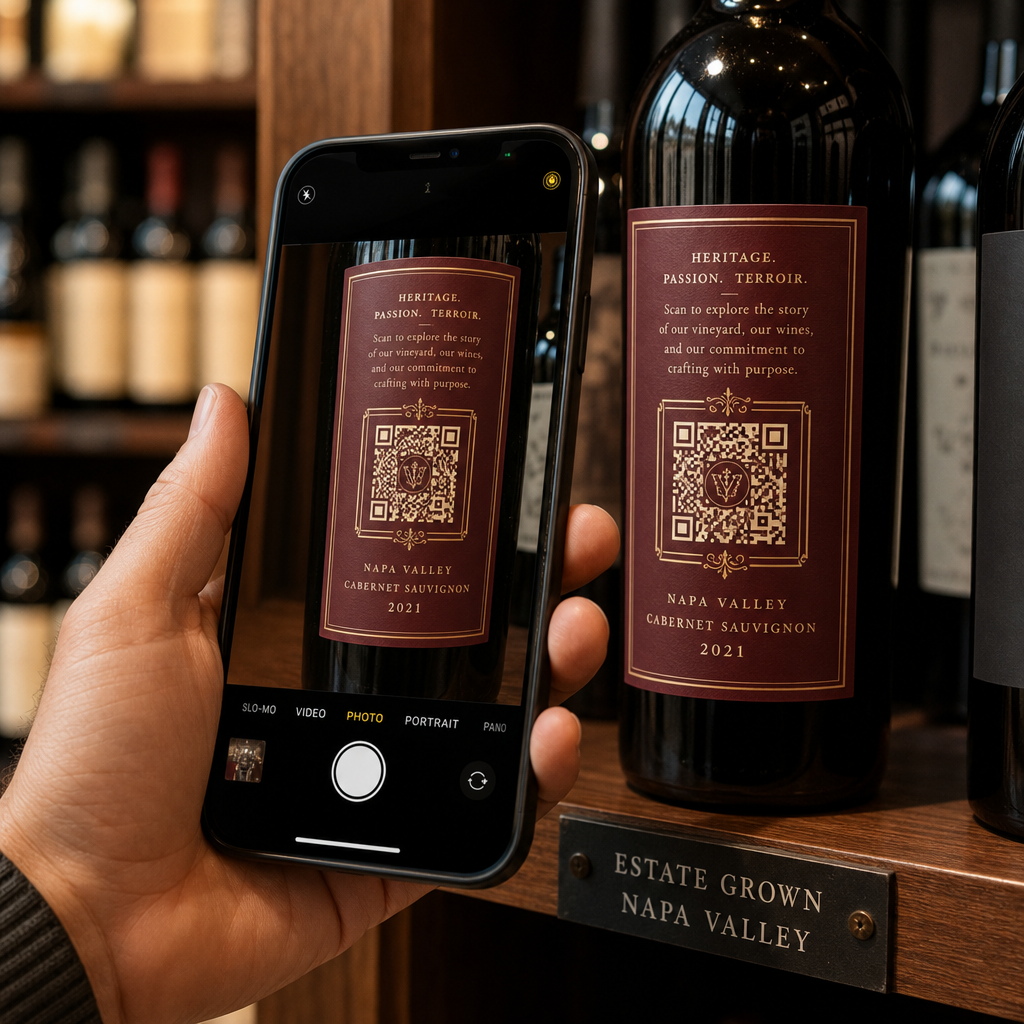
- बोतलों और डिब्बे पर, कोड को इतना छोटा रखें कि वह सबसे सपाट हिस्से पर फिट हो सके। एक कोड जो किसी वक्र के चारों ओर बहुत दूर तक लिपटा होता है, वह स्कैन नहीं होगा।
पोस्टर, स्टोरफ्रंट और सार्वजनिक स्क्रीन
संकेतों को उन लोगों के लिए काम करना होगा जो कुछ फीट दूर चल रहे हैं या खड़े हैं:
- रखें पोस्टरों पर क्यूआर कोड आँखों के स्तर पर, जमीन से लगभग 3.5 से 5.5 फीट की ऊँचाई पर, ताकि किसी को झुकना या पहुँचना न पड़े।
- रखें डिस्प्ले और स्क्रीन पर QR कोड स्क्रीन पर स्कैन करने के लिए पर्याप्त समय तक। दस सेकंड एक सुरक्षित न्यूनतम है, और एक स्थिर कोड जो दृश्यमान रहता है, एक चलती हुई एनीमेशन में से बेहतर है।
- के मूल सिद्धांतों का पालन करें प्रिंट मीडिया में क्यूआर कोड का उपयोग करना और प्रति संकेत एक कोड दिखाएँ, ताकि कैमरे को चुनना न पड़े।
- कोड को ऐसी जगहों पर न रखें जहाँ लोग रुक न सकें, जैसे कि चलते वाहन पर, ऊँचे बिलबोर्ड पर या फुटपाथ से दूर किसी खिड़की पर।
QR कोड का उपयोग करके विज्ञापन कैसे करें
QR कोड का उपयोग करके विज्ञापन करने के लिए, प्रत्येक कोड को एक लक्ष्य वाले छोटे विज्ञापन के रूप में मानें। प्लेसमेंट चुनें, कॉल टू एक्शन लिखें, लोगों को एक विशिष्ट पेज पर भेजें, और परिणाम मापें। इस प्रक्रिया का उपयोग करें:
- प्रति कोड एक लक्ष्य चुनें, जैसे कूपन, मेनू, समीक्षा या उत्पाद पृष्ठ।
- कोड को गंतव्य पहले से निर्धारित करके जनरेट करें। जब आपने कूपन का वादा किया हो तो लोगों को होम पेज पर न भेजें।
- इसे ऊपर दिए गए आकार और सतह नियमों का उपयोग करके रखें, और लाभ के साथ एक कॉल टू एक्शन जोड़ें, उदाहरण के लिए “अपने पहले ऑर्डर पर 15% की छूट के लिए स्कैन करें”।
- प्रत्येक प्लेसमेंट (फ़्लायर, खिड़की, पैकेज) के लिए एक अलग कोड का उपयोग करें, ताकि आप बता सकें कि कौन सा काम करता है।
- एक प्रूफ प्रिंट करें, उसे दो फोन से स्कैन करें, और उसके बाद ही पूरी मात्रा का ऑर्डर दें।
- एक या दो सप्ताह के बाद स्कैन काउंट की जांच करें और उन प्लेसमेंट पर बजट स्थानांतरित करें जहां स्कैन मिलते हैं।
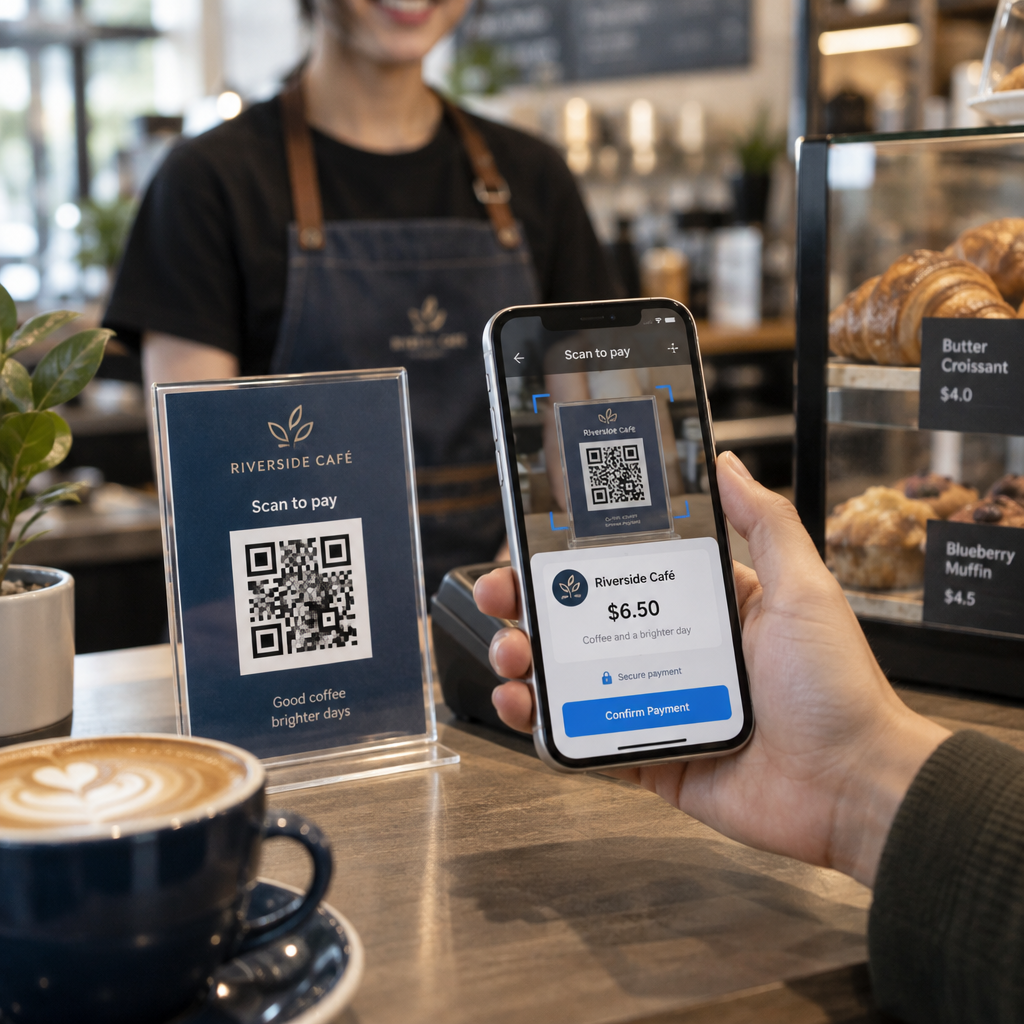
QR कोड के साथ विज्ञापन करने के लिए अच्छी जगहें स्टोर की खिड़कियां, टेबल टेंट, रसीदें, डिलीवरी बॉक्स, इवेंट साइन, ट्रेड शो बूथ और डायरेक्ट मेल हैं। कमजोर जगहों में चलती हुई कोई भी चीज़, आंखों के स्तर से ऊपर की कोई भी चीज़, और बिना मोबाइल सिग्नल वाली कोई भी जगह शामिल हैं।
कॉल-टू-एक्शन फ़्रेम के साथ स्कैन बढ़ाना
बिना संदर्भ वाला कोड लोगों को फोन निकालने का कोई कारण नहीं देता। इसके बगल में एक छोटा कॉल टू एक्शन रखें। काम करने वाले उदाहरण: “मेनू देखने के लिए स्कैन करें”, “टेबल बुक करने के लिए स्कैन करें”, “15% छूट के लिए स्कैन करें”, “समीक्षा देने के लिए स्कैन करें”। पाठ को कोड के ठीक ऊपर या नीचे रखें, ऐसे आकार में जिसे लोग कोड से उतनी ही दूरी से पढ़ सकें।
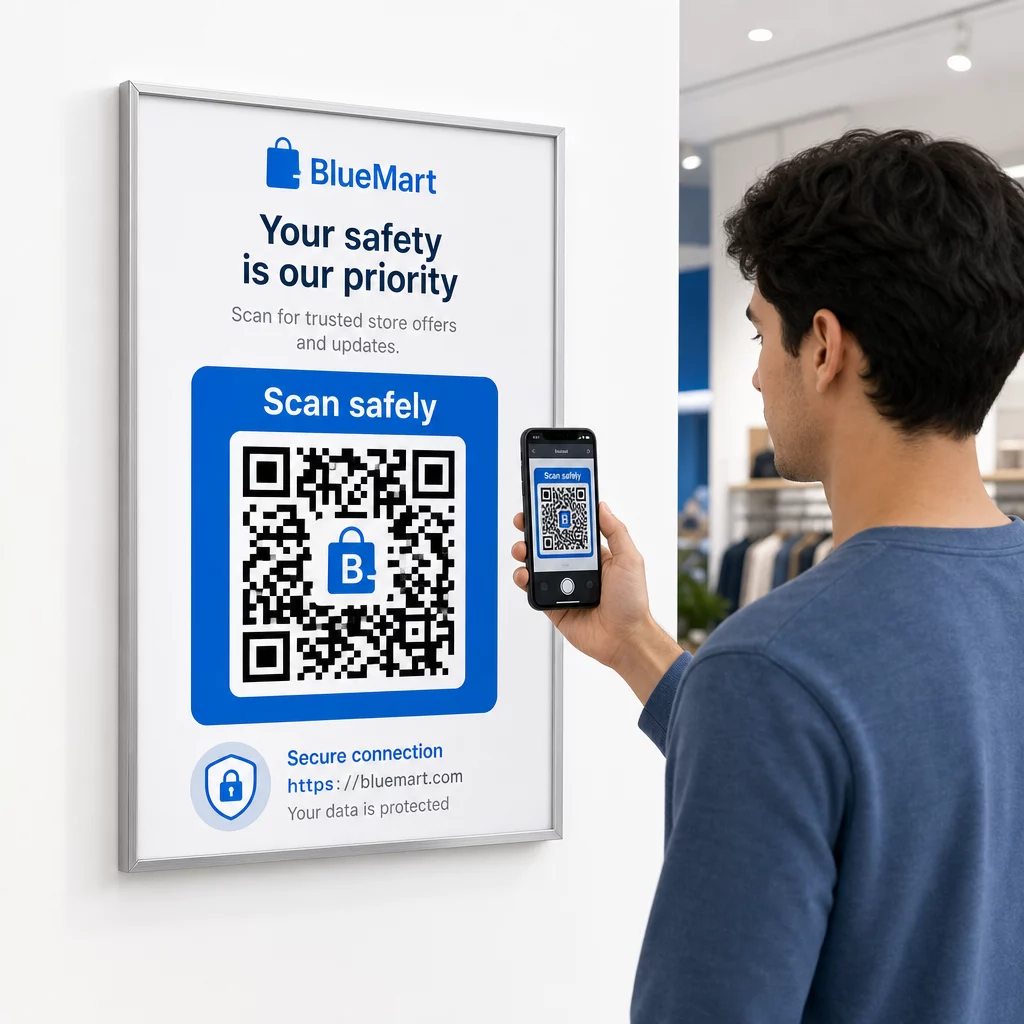
केंद्र में एक लोगो लोगों को कोड पर भरोसा करने में मदद कर सकता है। उपयोग करें लोगो के साथ QR कोड जनरेटर, लोगो को छोटा रखें, और इसे जोड़ने के बाद कोड को फिर से जांचें। कोड के नीचे छोटा वेब पता प्रिंट करने से उन लोगों को एक तरीका मिलता है जो इसे स्कैन नहीं कर सकते हैं।
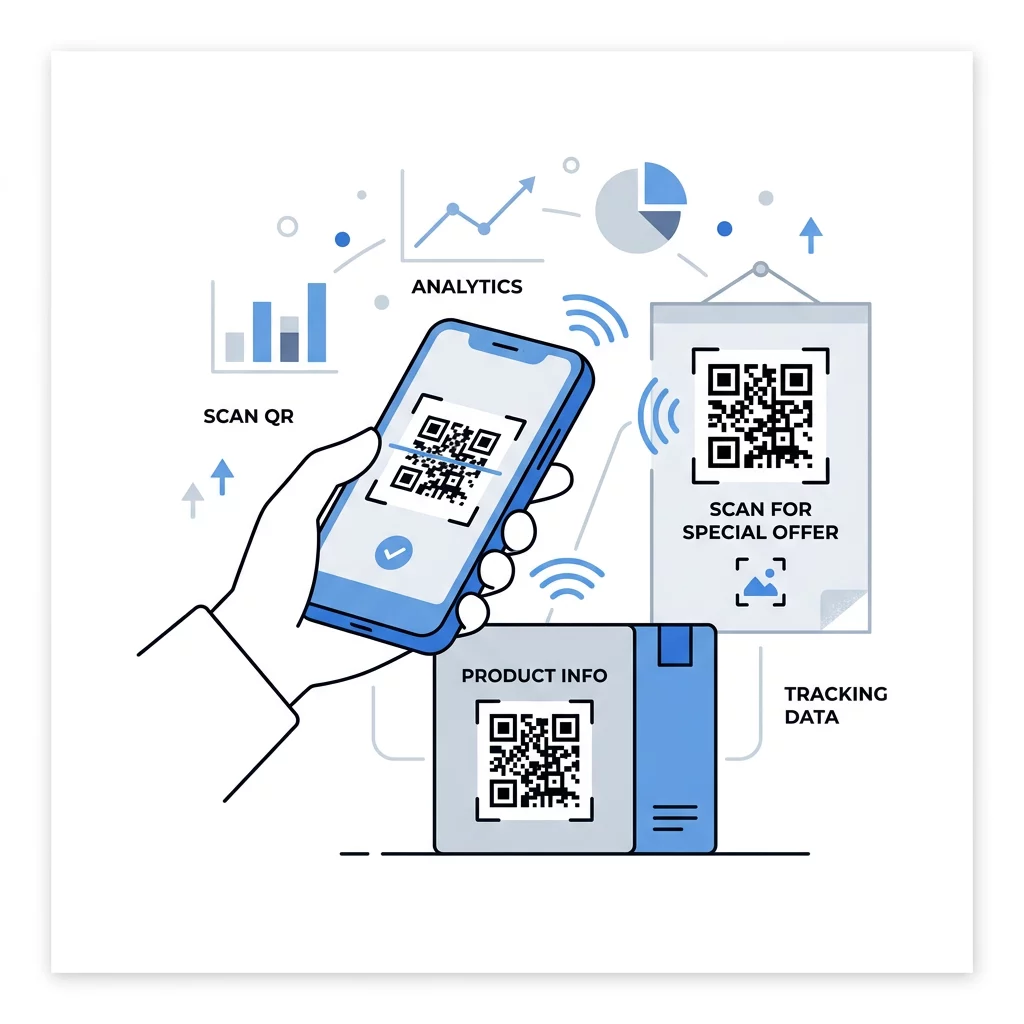
QR कोड लैंडिंग पेज के सर्वोत्तम अभ्यास
अधिकांश लोग फोन पर, एक हाथ से, अक्सर मोबाइल डेटा पर स्कैन करते हैं। कोड के पीछे का पेज यह तय करता है कि स्कैन ग्राहक में बदलता है या नहीं। QR कोड लैंडिंग पेज के इन सर्वोत्तम अभ्यासों का पालन करें:
- पहले फोन स्क्रीन के लिए बनाएं। बड़े टेक्स्ट और बड़े बटन का उपयोग करें।
- पृष्ठ को तेज़ी से लोड करें। छोटी छवियों का उपयोग करें और भारी पॉप-अप या स्वतः चलने वाले वीडियो से बचें।
- कॉल-टू-एक्शन से मेल खाएं। यदि साइन पर लिखा है “15% छूट के लिए स्कैन करें”, तो छूट पहली स्क्रीन में दिखाएं।
- एक मुख्य कार्रवाई को ऊपर रखें, जैसे कूपन, बुकिंग या कॉल के लिए एक बटन।
- फ़ॉर्म छोटे रखें। एक ईमेल पता या फ़ोन नंबर मांगें, न कि पूरा प्रोफ़ाइल।
- HTTPS का उपयोग करें, और सुनिश्चित करें कि पृष्ठ बिना लॉगिन के काम करता है।
- इसे iPhone और Android दोनों पर, मोबाइल डेटा पर और केवल कार्यालय के वाई-फाई पर नहीं, टेस्ट करें।
गतिशील तकनीक के साथ सहभागिता पर नज़र रखना
एक स्थिर QR कोड वेब पते को पैटर्न के अंदर संग्रहीत करता है। यह कभी समाप्त नहीं होता है और बिना किसी सेवा के काम करता है, जो वाई-फाई लॉगिन या संपर्क कार्ड जैसे स्थायी लिंक के लिए पर्याप्त है। सीमा यह है कि आप मुद्रण के बाद पता नहीं बदल सकते। यदि पृष्ठ बदलता है या कोई ऑफ़र समाप्त होता है, तो हर मुद्रित कोड पुराने पृष्ठ की ओर इंगित करता है।
एक गतिशील QR कोड एक छोटे लिंक की ओर इंगित करता है जिसे आप किसी भी समय पुनर्निर्देशित कर सकते हैं, जिससे मुद्रित कोड वही रहता है जबकि गंतव्य बदल जाता है। यह स्कैन को भी रिकॉर्ड करता है, जिसमें कब, कहाँ और किस प्रकार के डिवाइस पर स्कैन किया गया शामिल है। यह आपको एक फ़्लायर की तुलना एक विंडो साइन से करने में मदद करता है, और अभियान बदलने पर पुनर्मुद्रण लागत को हटाता है। एक छोटा लिंक एक सरल, कम घना पैटर्न भी देता है जो छोटे आकार में अधिक आसानी से स्कैन होता है।
Pageloot डायनेमिक कोड 14-दिन के निःशुल्क परीक्षण और योजनाओं पर 30-दिन की मनी-बैक गारंटी के साथ आते हैं, और आप योजनाओं को यहाँ देख सकते हैं pageloot.com/pricing। मासिक या वार्षिक योजना पर एक गतिशील कोड योजना समाप्त होने पर निष्क्रिय हो जाता है, इसलिए उन अभियानों के लिए गतिशील कोड चुनें जिन्हें आप जारी रखने की योजना बना रहे हैं।
अभियान प्रदर्शन को ट्रैक करें देखना चाहते हैं कि कौन सी सामग्री सबसे अधिक स्कैन कराती है? उपयोग करें डायनामिक QR कोड जनरेटर संपादन योग्य कोड बनाने, स्कैन विश्लेषण की समीक्षा करने और बिना पुनर्मुद्रण के गंतव्य URL को अपडेट करने के लिए।
संक्षेप में कहें तो: एक ऐसा आकार चुनें जो देखने की दूरी के अनुकूल हो, शांत क्षेत्र को स्पष्ट रखें, उच्च कंट्रास्ट का उपयोग करें, कोड को सपाट सतह पर आँखों के स्तर पर रखें, और कार्रवाई के लिए एक आह्वान लिखें। फिर पूरी प्रिंटिंग से पहले मुद्रित प्रूफ का परीक्षण करें। आप अपना कोड इसके साथ बना और डाउनलोड कर सकते हैं QR Maker Free: लोगो वाला QR कोड जनरेटर पेजलूट पर.
अक्सर पूछे जाने वाले सवाल
कोड को एक समतल, मैट सतह पर आरामदायक ऊँचाई पर रखें, हाथ में पकड़ने वाली वस्तुओं के लिए कम से कम 2 x 2 सेमी का हो, और इसके चारों ओर चार मॉड्यूल का एक शांत क्षेत्र हो। इसे ऐसी जगह रखें जहाँ लोग पहले से देखते हों, जैसे किसी फ़्लायर के अंत में या किसी पोस्टर के केंद्र में, और इसके बगल में एक छोटा कॉल टू एक्शन जोड़ें।
हल्की पृष्ठभूमि पर गहरे मॉड्यूल का उपयोग करें, कोड को चौकोर और बिना खिंचाव वाला रखें, कम से कम चार मॉड्यूल का एक शांत क्षेत्र छोड़ें, और किसी भी लोगो को छोटा और केंद्र में रखें। चमकीली या घुमावदार सतहों पर प्रिंट न करें, और मुद्रित प्रूफ को एक से अधिक फोन पर जांचें।
हाथ में रखी जाने वाली सामग्री जैसे कि व्यावसायिक कार्ड के लिए व्यावहारिक न्यूनतम आकार 2 x 2 सेमी (0.8 x 0.8 इंच) है। दूर से देखी जाने वाली सामग्री के लिए, 10:1 नियम का उपयोग करें: स्कैनिंग दूरी के प्रत्येक 10 इंच के लिए कोड की चौड़ाई 1 इंच होनी चाहिए।
प्रत्येक कोड को एक लक्ष्य दें, इसे एक विशिष्ट पृष्ठ पर निर्देशित करें जो आपके कॉल टू एक्शन से मेल खाता हो, और इसे एक सपाट सतह पर आंखों के स्तर पर रखें। प्रत्येक स्थान के लिए एक अलग कोड का उपयोग करें और एक से दो सप्ताह के बाद स्कैन गणना की तुलना करें।
एक ऐसा पेज जो फ़ोन पर तेज़ी से लोड होता है, पहली स्क्रीन पर वादा किया गया ऑफ़र दिखाता है, जिसमें एक स्पष्ट कार्रवाई हो, और कोई लॉगिन आवश्यक न हो। इसे मोबाइल डेटा पर iPhone और Android पर टेस्ट करें।
हाँ, लेकिन कोड को छोटा रखें और इसे सतह के सबसे सपाट हिस्से पर रखें। यदि कोड किसी घुमाव के चारों ओर बहुत दूर तक लिपट जाता है, तो पैटर्न विकृत हो जाता है और कैमरा उसे पूरी तरह से पढ़ नहीं पाता है।
एक डायनामिक क्यूआर कोड का उपयोग करें। मुद्रित पैटर्न वही रहता है, और आप अपने खाते में गंतव्य बदल सकते हैं। एक स्टैटिक क्यूआर कोड छपाई के बाद बदला नहीं जा सकता है।
इसके सबसे सामान्य कारण हैं एक बहुत छोटा कोड, एक गुम शांत क्षेत्र, कम कंट्रास्ट, एक चमकदार या घुमावदार सतह, और एक धुंधली कम-रिज़ॉल्यूशन वाली फ़ाइल। एक बड़ी परीक्षण प्रति प्रिंट करें और इन बिंदुओं को उसी क्रम में जांचें।