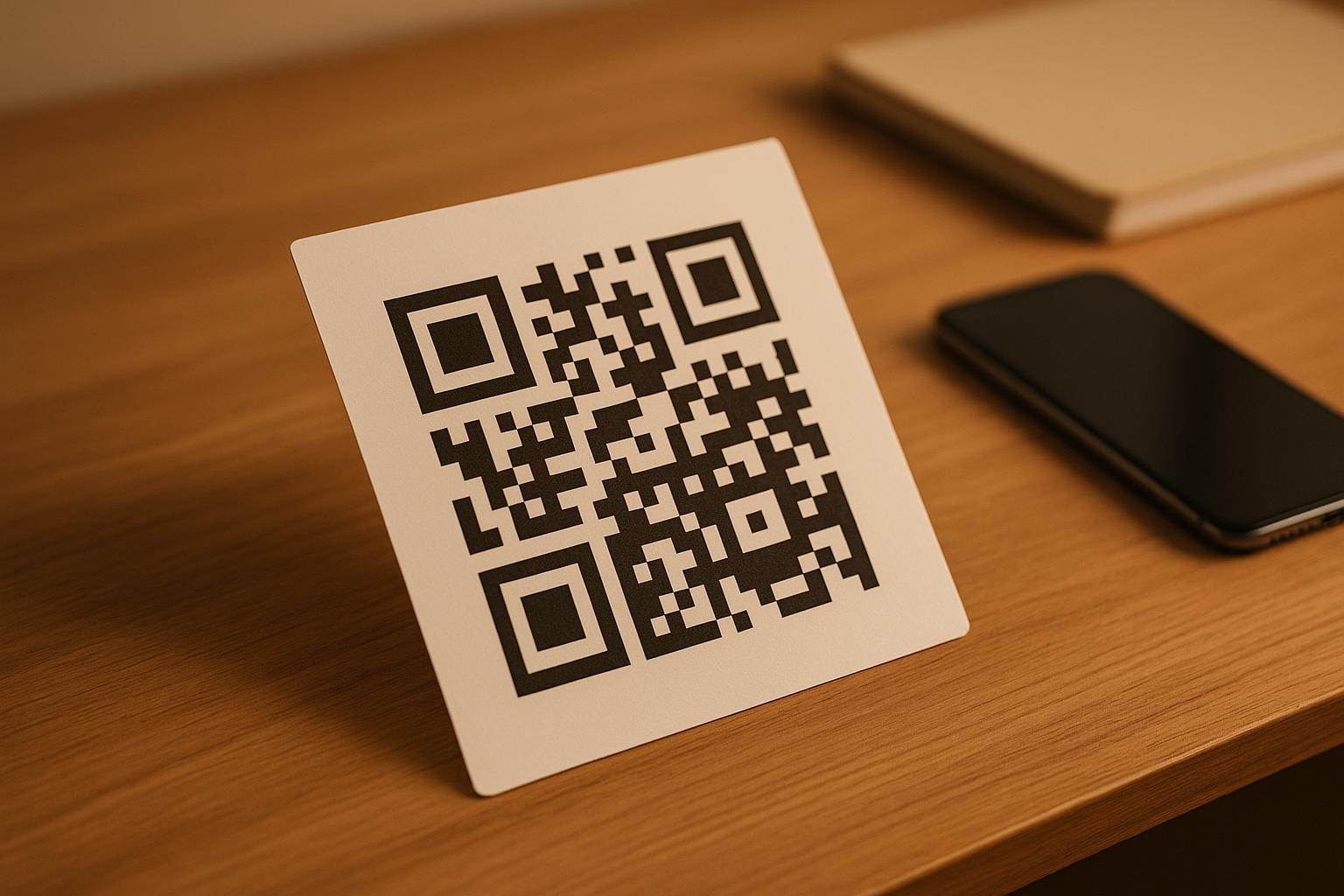
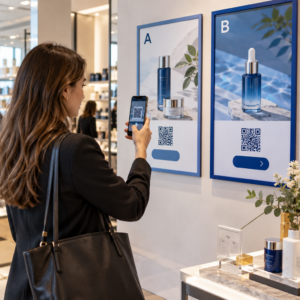
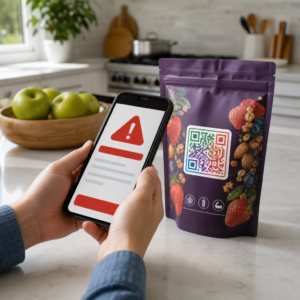
Osvedčené postupy pre umiestnenie QR kódu sa riadia piatimi pravidlami. Kód vytlačte s rozmermi aspoň 2 x 2 cm (0,8 x 0,8 palca), udržujte tichú zónu štyroch modulov na každej strane, používajte tmavé moduly na svetlom pozadí, umiestnite ho na rovný matný povrch v pohodlnej výške a pridajte k nemu krátku výzvu na akciu. Pred plnou tlačou otestujte každý vytlačený korektúrny výtlačok s aspoň dvoma telefónmi.
Táto príručka pokrýva pravidlá a smernice pre dizajn QR kódu týkajúce sa veľkosti, kontrastu a povrchu, kde umiestniť kód na každý typ materiálu, ako inzerovať pomocou QR kódov a čo potrebuje vstupná stránka za kódom.
Osvedčené postupy QR kódu v skratke
- Veľkosť: aspoň 2 x 2 cm (0,8 x 0,8 palca) pre ručné predmety. Na vzdialenosť použite 1 palec šírky kódu na každých 10 palcov skenovacej vzdialenosti.
- Tichá zóna: prázdny okraj s minimálne štyrmi modulmi na všetkých štyroch stranách. Žiadny text, čiary ani orezové značky vnútri.
- Kontrast: tmavý kód na svetlom pozadí. Nikdy ho neinvertujte ani nepoužívajte svetlý kód na tmavom pozadí, pokiaľ ste ho netestovali na niekoľkých telefónoch.
- Povrch: rovný a matný. Vyhnite sa záhybom, švom, krivkám, odleskom a lesklej laminácii.
- Výzva na akciu: povedzte ľuďom, prečo skenovať, napríklad „Skenujte pre zobrazenie menu“.
- Cieľ: stránka prispôsobená pre mobilné zariadenia, ktorá sa rýchlo načíta a zodpovedá tomu, čo sľúbila výzva na akciu.
- Testovanie: naskenujte konečný korektúrny výtlačok na iPhone a telefóne s Androidom, pri svetle, kde sa bude kód používať.
Technické štandardy pre veľkosť a vzdialenosť prezerania
QR kód, ktorý je príliš malý alebo rozmazaný, sa nenasníma. Pre ručné materiály na krátku vzdialenosť je praktická minimálna veľkosť 2 x 2 cm (0,8 x 0,8 palca). Pre väčšie materiály, ktoré sa prezerajú z druhej strany miestnosti alebo ulice, použite pravidlo 10:1: povoľte aspoň 1 palec šírky kódu na každých 10 palcov skenovacej vzdialenosti. Plagát, ktorý ľudia čítajú z 5 stôp, potrebuje kód široký aspoň 6 palcov.
Pre komerčnú tlač exportujte grafiku ako vektorový súbor, napríklad SVG, EPS alebo PDF. Vektorové súbory zostávajú ostré v akejkoľvek veľkosti, zatiaľ čo rastrové obrázky sa pri zväčšení rozmažú. Ak musíte použiť rastrový obrázok, napríklad PNG, exportujte ho vo veľkosti dostatočnej pre 300 DPI pri konečnej veľkosti tlače. Prečítajte si náš príručke veľkosti QR kódov a skontrolujte správne rozmery pre každý formát.
| Typ umiestnenia | Odporúčaná veľkosť | Pozorovacia vzdialenosť | Úroveň korekcie chýb |
|---|---|---|---|
| Vizitky | 2 x 2 cm (0,8 x 0,8 palca) | Do ruky (pod 30 cm) | Úroveň L alebo M |
| Letáky a brožúry | 3 x 3 cm (1,2 x 1,2 palca) | Na dĺžku paže (30 až 60 cm) | Úroveň M |
| Obal produktu | 3 x 3 cm (1,2 x 1,2 palca) | Do ruky (30 až 60 cm) | Úroveň Q alebo H |
| Plagáty a displeje | 10 x 10 cm (4 x 4 palce) | Z prechádzajúcej vzdialenosti (90 až 210 cm) | Úroveň M |
| Billboardy a bannery | 40 x 40 cm (16 x 16 palcov) alebo väčšie | Dlhá vzdialenosť (4,5+ m) | Úroveň H |
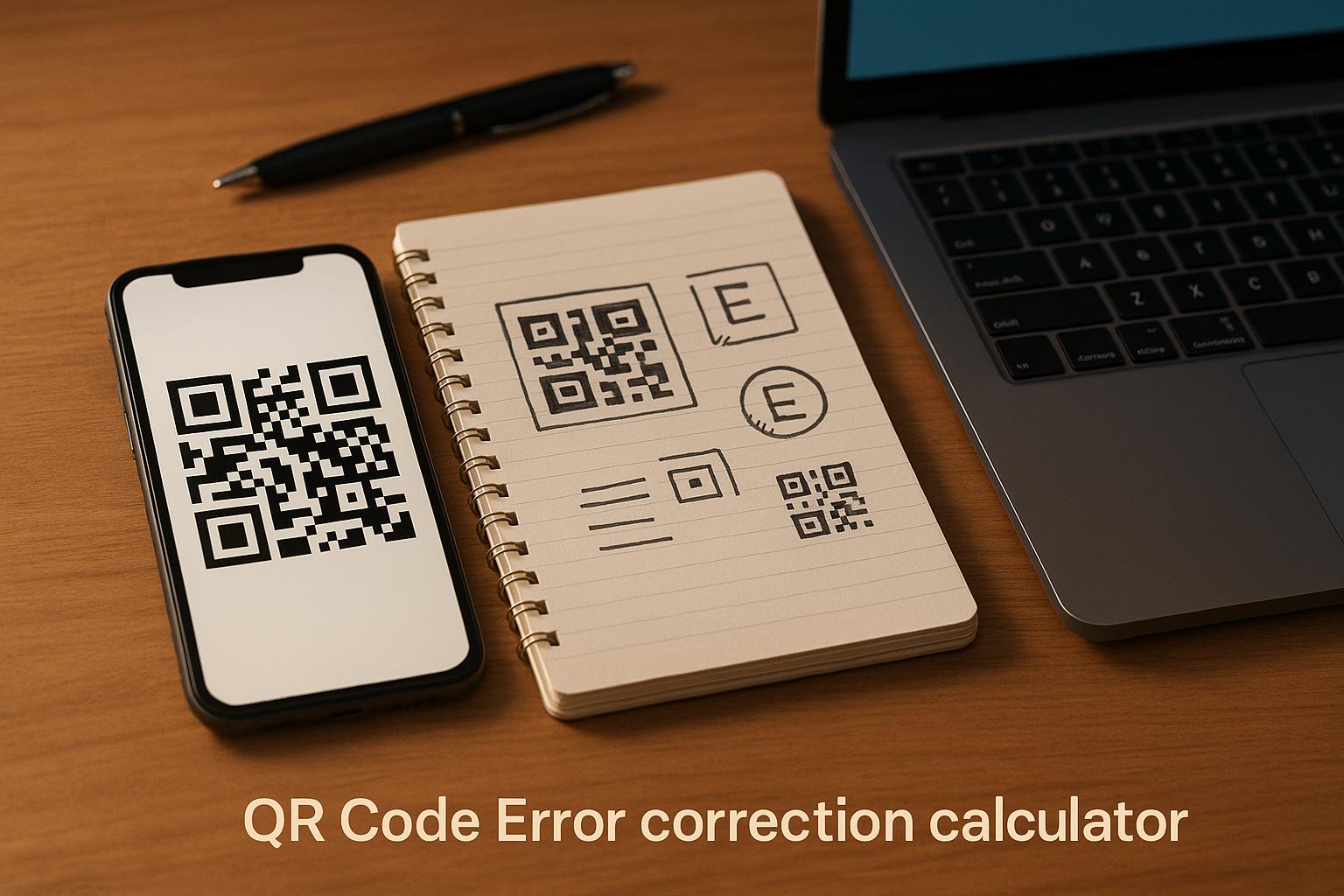
Korekcia chýb umožňuje skeneru prečítať kód, aj keď je jeho časť poškodená alebo zakrytá. Úroveň L obnoví približne 7% dát, M približne 15%, Q približne 25% a H približne 30%. Vyššie úrovne zahusťujú vzor, takže kód s dlhou URL adresou na úrovni H potrebuje väčšiu veľkosť tlače, aby zostal čitateľný.
Pravidlá dizajnu QR kódu: Kontrast, tiché zóny a výber povrchu
Skenery čítajú QR kód detekciou rozdielu medzi tmavými modulmi a svetlým priestorom okolo nich. Čierne moduly na bielom pozadí sú najbezpečnejšou voľbou. Farby značky fungujú, ak tmavé moduly zostanú zreteľne tmavšie ako pozadie. Výsledok skontrolujte prevodom vášho dizajnu na odtiene sivej: ak kód vyzerá vyblednutý, fotoaparát telefónu bude mať tiež problémy.
- Popredie udržujte tmavšie ako pozadie. Svetlé kódy na tmavom pozadí (invertované) zlyhávajú v mnohých starších skenovacích aplikáciách.
- Nepoužívajte červenú na tmavom pozadí alebo dve farby podobnej jasu.
- Na každej strane ponechajte tichú zónu s minimálne štyrmi modulmi. Text, okraje, fotografie a orezové čiary v rámci tejto marže môžu zastaviť skenovanie.
- Kód nenaťahujte. Udržujte ho dokonale štvorcový.
- Vyhnite sa lesklému laminátu, lesklej fólii a sklu, ktoré odrážajú svetlo. Používajte matný papier alebo matnú lamináciu.
- Ak pridáte logo, udržujte ho malé a v strede a použite vyššiu úroveň korekcie chýb.
Mnoho neúspešných skenov pochádza z niekoľkých opakovaných chýb. Vyhnite sa týmto bežné chyby pri umiestňovaní QR kódov pred tlačou.
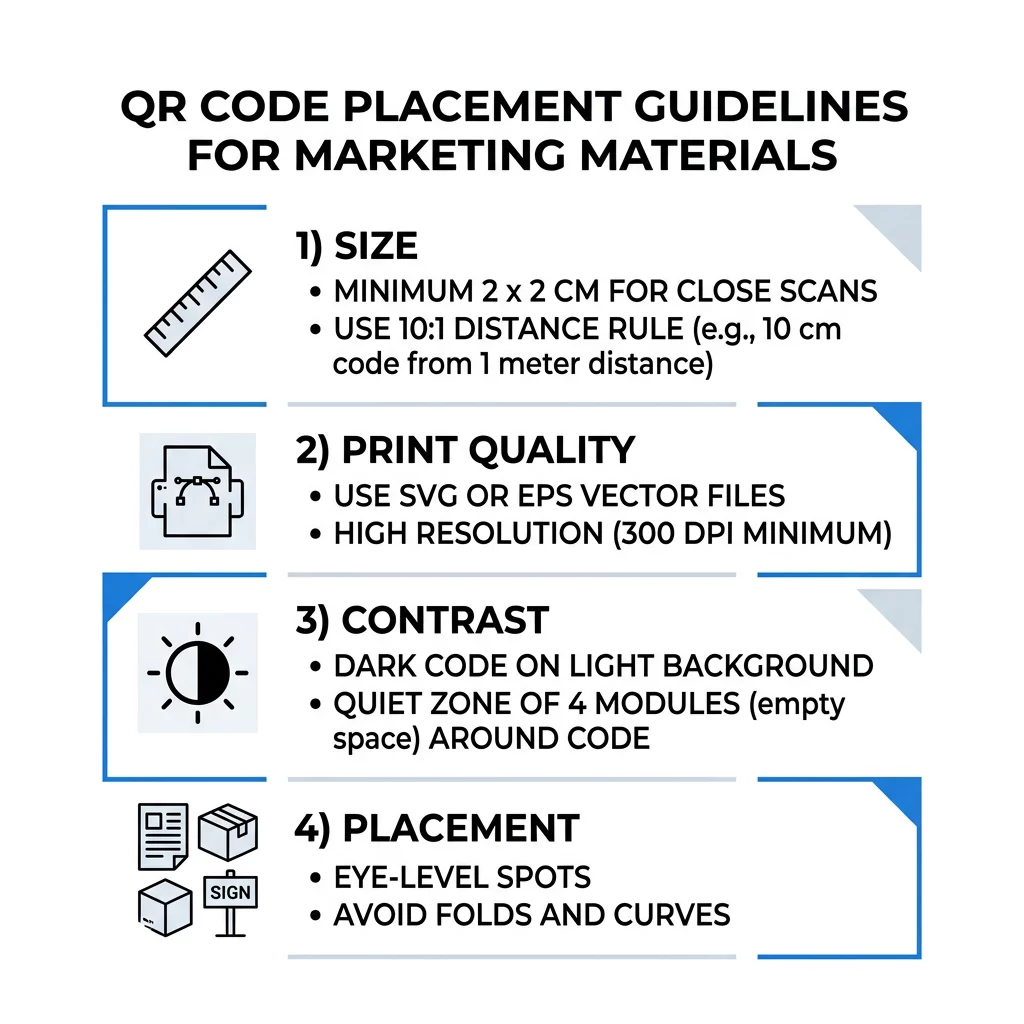
Osvedčené postupy pre umiestnenie QR kódu naprieč formátmi tlače a zobrazenia
Umiestnenie rozhoduje o tom, či si ľudia kód vôbec všimnú. Umiestnite ho tam, kam sa ľudia už pozerajú a kde môžu držať telefón stabilne. Pridajte k nemu krátky pokyn, pretože ľudia neskenujú to, čomu nerozumejú.
Letáky, brožúry a priama pošta
Umiestnite kód tam, kde čitateľ dokončí čítanie, napríklad do pravého dolného rohu alebo na posledný panel:
- Umiestnite QR kódy na letákoch vedľa hlavnej ponuky a držte ich ďalej od orezaných okrajov papiera.
- Umiestnite QR kódy na brožúrach vo vnútri jedného panela. Neumiestňujte kód cez prehyb alebo záhyb, pretože vzor sa ohýba a láme.
- Pre priamu poštu umiestnite kód mimo poštových známok a čistej zóny pre čiarový kód, ktorú vyžaduje vaša poštová služba. Skontrolujte pravidlá u vašej poštovej spoločnosti.
Balenie produktov a štítky
Obaly sa k ľuďom dostanú po nákupe, čo je vhodné pre inštruktážne videá, registráciu záruky a ponuky na opätovné objednanie:
- Umiestnite QR kódy na obaloch produktov na rovnom paneli, nie na zaoblenom rohu alebo úzkom hrdle.
- Použite korekciu chýb úrovne Q alebo H, aby bol kód čitateľný aj po poškriabaní, vlhkosti alebo manipulácii.
- Umiestnite kód ďalej od trhacích pásikov, švov a cenových nálepiek, ktoré by ho mohli čiastočne zakryť.
- Na fľašiach a plechovkách udržujte kód dostatočne malý, aby sa zmestil na najrovnejšiu časť. Kód, ktorý sa príliš omotáva okolo krivky, sa nebude dať naskenovať.
Plagáty, výklady obchodov a verejné obrazovky
Nápisy musia fungovať pre ľudí, ktorí idú pešo alebo stoja niekoľko stôp ďaleko:
- Umiestnite QR kódy na plagátoch vo výške očí, približne 3,5 až 5,5 stopy od zeme, aby sa nikto nemusel zohýbať ani naťahovať.
- Udržujte QR kódy na displejoch a obrazovkách na obrazovke dostatočne dlho na naskenovanie. Desať sekúnd je bezpečné minimum a statický kód, ktorý zostáva viditeľný, je lepší ako kód v pohyblivej animácii.
- Dodržiavajte základy používaniu QR kódov v tlačových médiách a zobrazte jeden kód na jeden nápis, aby si kamera nemusela vyberať.
- Neumiestňujte kódy tam, kde sa ľudia nemôžu zastaviť, napríklad na pohybujúce sa vozidlo, vysoký bilbord alebo okno ďaleko od chodníka.
Ako inzerovať pomocou QR kódov
Na reklamu pomocou QR kódov pristupujte ku každému kódu ako ku krátkej reklame s jedným cieľom. Vyberte umiestnenie, napíšte výzvu na akciu, nasmerujte ľudí na jednu konkrétnu stránku a zmerajte výsledok. Použite tento postup:
- Pre každý kód zvoľte jeden cieľ, napríklad kupón, menu, recenziu alebo stránku produktu.
- Vygenerujte kód s už nastaveným cieľom. Neposielajte ľudí na domovskú stránku, ak ste sľúbili kupón.
- Umiestnite ho s použitím pravidiel pre veľkosť a povrch uvedených vyššie a pridajte výzvu na akciu s výhodou, napríklad „Naskenujte pre 15% zľavu na vašu prvú objednávku“.
- Pre každé umiestnenie (leták, okno, balenie) použite iný kód, aby ste mohli zistiť, ktorý funguje.
- Vytlačte jeden skúšobný výtlačok, naskenujte ho dvoma telefónmi a až potom objednajte celú sériu.
- Skontrolujte počet skenov po týždni alebo dvoch a presuňte rozpočet na umiestnenia, ktoré získavajú skeny.
Dobré miesta na reklamu s QR kódmi zahŕňajú výklady obchodov, stolové stojany, účtenky, doručovacie krabice, značenie udalostí, stánky na výstavách a priamu poštu. Nevhodné miesta zahŕňajú čokoľvek v pohybe, čokoľvek nad úrovňou očí a akékoľvek miesto bez mobilného signálu.
Zvýšenie počtu skenov pomocou rámčekov s výzvou na akciu
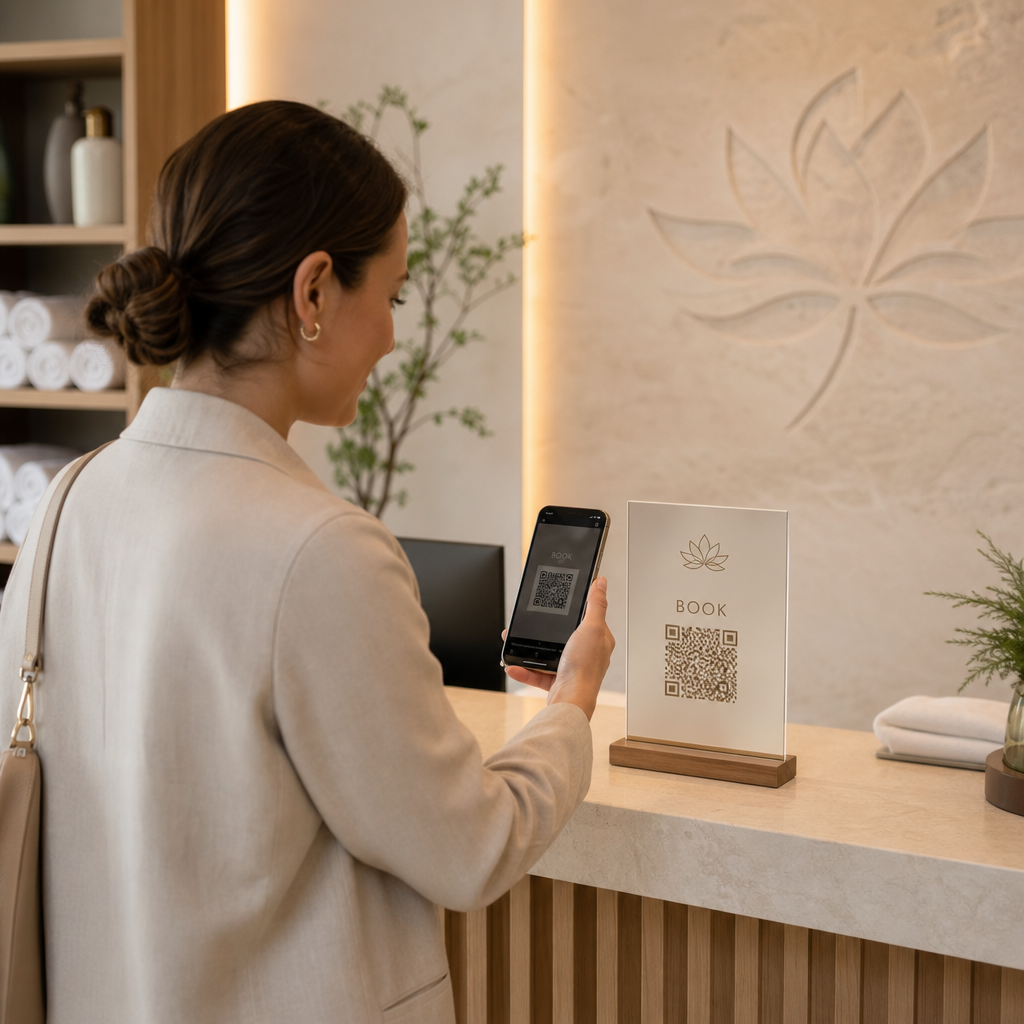
Kód bez kontextu nedáva ľuďom dôvod vytiahnuť telefón. Umiestnite vedľa neho krátku výzvu na akciu. Príklady, ktoré fungujú: „Naskenujte pre zobrazenie menu“, „Naskenujte pre rezerváciu stola“, „Naskenujte pre 15% zľavu“, „Naskenujte pre zanechanie recenzie“. Text umiestnite priamo nad alebo pod kód, vo veľkosti, ktorú ľudia dokážu prečítať z rovnakej vzdialenosti ako kód.
Logo v strede môže ľuďom pomôcť dôverovať kódu. Použite Logo QR kód: generátor QR kódov s logom, udržujte logo malé a po pridaní kód znova otestujte. Vytlačenie krátkej webovej adresy pod kódom dáva ľuďom, ktorí nemôžu skenovať, možnosť ju zadať ručne.
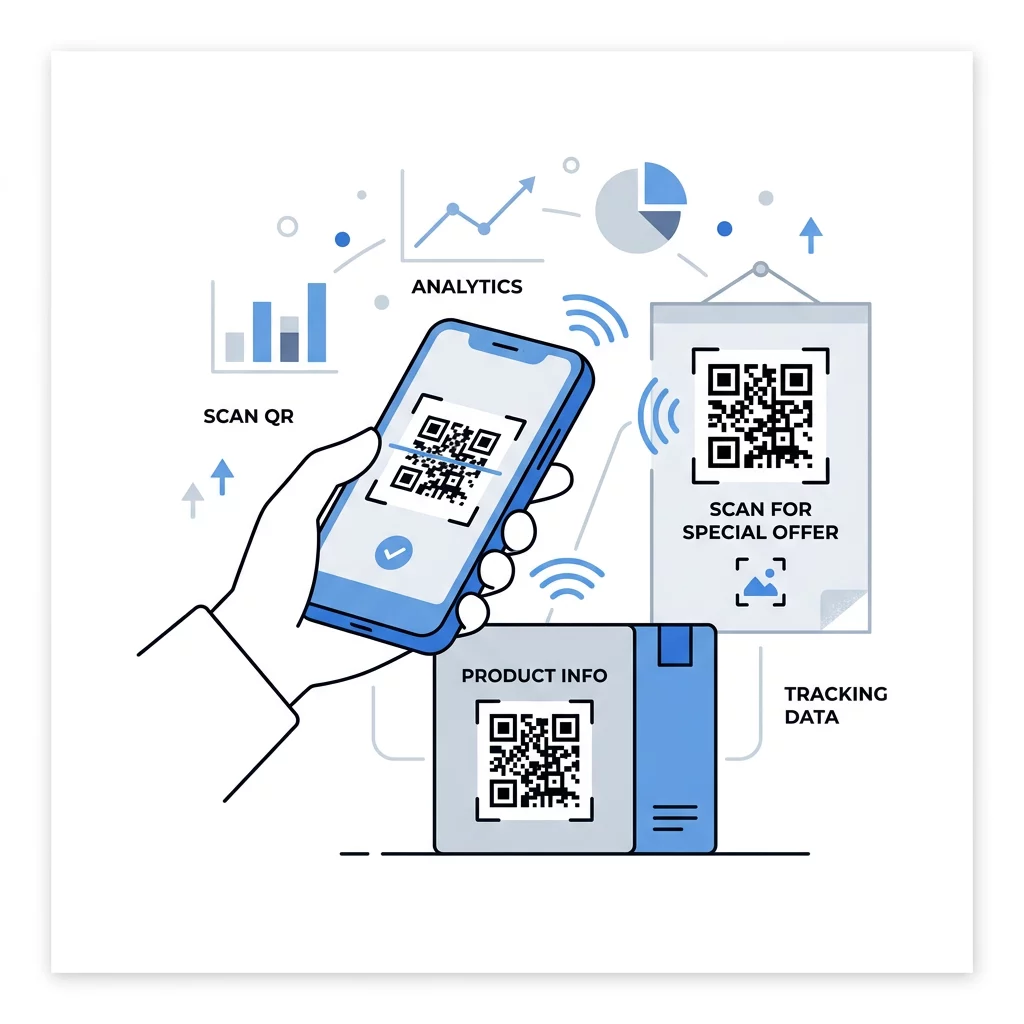
Osvedčené postupy pre cieľové stránky QR kódov
Väčšina ľudí skenuje na telefóne, jednou rukou, často pomocou mobilných dát. Stránka za kódom rozhoduje, či sa sken stane zákazníkom. Dodržujte tieto osvedčené postupy pre cieľové stránky QR kódov:
- Vytvárajte primárne pre obrazovku telefónu. Používajte veľký text a veľké tlačidlá.
- Dbajte na rýchle načítanie stránky. Používajte malé obrázky a vyhnite sa rozsiahlym vyskakovacím oknám alebo videám s automatickým prehrávaním.
- Prispôsobte výzvu k akcii. Ak nápis hovorí „Naskenujte pre 15% zľavu“, zobrazte zľavu na prvej obrazovke.
- Umiestnite jednu hlavnú akciu nad okraj stránky, napríklad jedno tlačidlo pre kupón, rezerváciu alebo hovor.
- Majte krátke formuláre. Požiadajte o e-mailovú adresu alebo telefónne číslo, nie o kompletný profil.
- Používajte https a uistite sa, že stránka funguje bez prihlásenia.
- Otestujte to na iPhone aj Androide, na mobilných dátach a nielen na kancelárskej Wi-Fi.
Sledovanie angažovanosti pomocou dynamickej technológie
Statický QR kód ukladá webovú adresu priamo do vzoru. Nikdy nevyprší a funguje bez akejkoľvek služby, čo je postačujúce pre trvalý odkaz, ako je prihlásenie k Wi-Fi alebo vizitka. Obmedzením je, že po vytlačení nemôžete zmeniť adresu. Ak sa stránka presunie alebo ponuka skončí, každý vytlačený kód odkazuje na starú stránku.
Dynamický QR kód odkazuje na krátky odkaz, ktorý môžete kedykoľvek presmerovať, takže vytlačený kód zostáva rovnaký, zatiaľ čo cieľ sa mení. Taktiež zaznamenáva skeny, vrátane času, miesta a typu zariadenia. To vám pomôže porovnať leták s reklamou na okne a eliminuje náklady na opätovnú tlač pri zmene kampane. Krátky odkaz tiež poskytuje jednoduchší, menej hustý vzor, ktorý sa ľahšie skenuje aj v malých veľkostiach.
Dynamické kódy Pageloot prichádzajú so 14-dňovou bezplatnou skúšobnou verziou a 30-dňovou zárukou vrátenia peňazí na plány a plány si môžete pozrieť na pageloot.com/pricing. Dynamický kód na mesačnom alebo ročnom pláne sa stane neaktívnym po skončení plánu, takže si vyberte dynamické kódy pre kampane, ktoré plánujete udržiavať v prevádzke.
Sledovanie výkonu kampane Chcete zistiť, ktoré materiály generujú najviac skenov? Použite Dynamický QR kód generátor na vytváranie upraviteľných kódov, prezeranie analytiky skenov a aktualizáciu cieľových URL adries bez opätovnej tlače.
Na zhrnutie: vyberte veľkosť, ktorá zodpovedá pozorovacej vzdialenosti, udržujte tichú zónu čistú, použite vysoký kontrast, umiestnite kód na rovný povrch vo výške očí a napíšte výzvu k akcii. Potom otestujte vytlačenú vzorku pred celou sériou. Svoj kód si môžete vytvoriť a stiahnuť pomocou Generátor QR kódov zadarmo na stránke Pageloot.
Často kladené otázky
Umiestnite kód na rovný, matný povrch v pohodlnej výške, s rozmermi aspoň 2 x 2 cm pre ručné predmety, s tichou zónou štyroch modulov na každej strane. Umiestnite ho tam, kam sa ľudia už pozerajú, napríklad na koniec letáku alebo do stredu plagátu, a pridajte vedľa neho krátku výzvu na akciu.
Používajte tmavé moduly na svetlom pozadí, udržujte kód štvorcový a neroztiahnutý, ponechajte tichú zónu s minimálne štyrmi modulmi a logo majte malé a centrované. Netlačte na lesklé alebo zakrivené povrchy a vytlačený dôkaz otestujte na viacerých telefónoch.
Praktické minimum pre ručné materiály, ako sú vizitky, je 2 x 2 cm (0,8 x 0,8 palca). Pre materiály, ktoré sa pozerajú z diaľky, použite pravidlo 10:1: 1 palec šírky kódu na každých 10 palcov vzdialenosti skenovania.
Každému kódu dajte jeden cieľ, nasmerujte ho na konkrétnu stránku, ktorá zodpovedá vašej výzve na akciu, a umiestnite ho vo výške očí na rovný povrch. Pre každé umiestnenie použite samostatný kód a po jednom až dvoch týždňoch porovnajte počty skenov.
Stránka, ktorá sa rýchlo načíta na telefóne, zobrazuje sľúbenú ponuku na prvej obrazovke, má jednu jasnú akciu a nevyžaduje prihlásenie. Otestujte ju na iPhone a Androide cez mobilné dáta.
Áno, ale kód udržujte malý a umiestnite ho na najrovnejšiu časť povrchu. Ak sa kód príliš omotá okolo krivky, vzor sa zdeformuje a kamera ho nebude môcť celý prečítať.
Použite dynamický QR kód. Vytlačený vzor zostáva rovnaký a cieľ môžete zmeniť vo svojom účte. Statický QR kód nie je možné po vytlačení zmeniť.
Najčastejšie príčiny sú príliš malý kód, chýbajúca tichá zóna, nízky kontrast, lesklý alebo zakrivený povrch a rozmazaný súbor s nízkym rozlíšením. Vytlačte väčšiu skúšobnú kópiu a skontrolujte tieto body v danom poradí.