QR codes for construction: make a QR code for your construction site
Make a QR code for a site sign, a hard hat, a set of drawings or a tool box. Workers, inspectors and subcontractors scan it with a phone camera and the page opens: a safety plan, a PDF, a map or a contact card. Contractors use QR codes to cut paper and to get the right document to the right person on site. Create one for free, or use a dynamic code to change the link later without reprinting.

Trusted by 520+ construction companies & contractors in 48 countries


Where to use a QR code on a construction site
Put a QR code where people already stop and look. Print it at least 2 x 2 cm (0.8 in) on a hard hat or tool, and at least 10 cm (4 in) wide on a sign. Use weatherproof material outdoors.
Site signs and gate boards
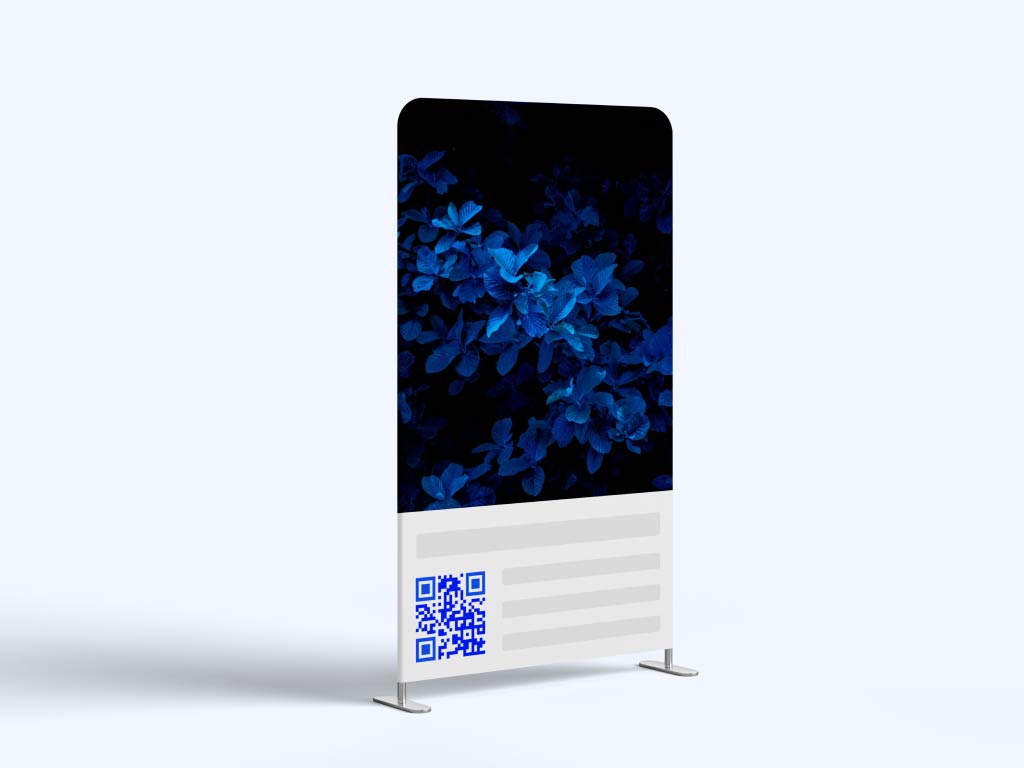
Link a sign at the site entrance to the site safety plan, the induction video or the emergency contacts. A QR code adds information. It does not replace signs that the law requires.
Hard hat and badge stickers
Link a sticker on a helmet or badge to the worker’s training record page or to a contact card. The code only opens a web page. It does not check identity or certification by itself, so keep your normal site access checks.

Blueprints and drawings
Print a code in the corner of a drawing sheet that opens the latest PDF. When a revision is issued, a dynamic code lets you point the same printed code to the new file, so nobody works from an old drawing.

Tool and equipment labels
Put a label on a tool, a generator or a tool box that opens its inspection record, manual or a check-out form. Pageloot scan stats count scans. They do not track who has the tool or where it is.
Take a look
at a real case
Our clients have seen a really positive impact
The customer experience has improved, resulting in increased loyalty and satisfaction. I recommend to try creating a few QR codes to see if it works for your clients.
We increased client sales by 20-30%
Sharing QR scan statistics to clients is quick and easy
We can edit QR codes without reprinting
Camila Guerrero
Designer, G Estudio
Which QR code type to use in construction
Pick the type by what the person should see after the scan:
- Link
Opens any web page: a project page, a safety protocol, a toolbox talk or a form. Use it on signs, proposals and business cards. For an inspection or incident form, link to the form page. Try the link QR code generator.
- vCard
Lets clients, inspectors and subcontractors save your contact details with one scan. Good for business cards, vehicle decals and the site office door. The vCard QR code generator stores the details inside the code, so it works on paper.
- Location
Opens a place in Google Maps. Use it on site signs, delivery notes and flyers so drivers and suppliers find the right gate. Make one with the Google Maps QR code generator.
Share a drawing set, safety manual, method statement or schedule as a PDF. People open the file on any phone. Keep the file small and test it on a phone with a weak signal before you print. See the PDF QR code generator.

For construction companies & contractors
"Pageloot keeps our projects on schedule. The QR code for construction site helps us track equipment and share updates in real time."
Josh Rivera
Site supervisor, Builders Co.
Static or dynamic QR codes for construction
A static code is enough when the link never changes, for example your company website on a business card. Static codes never expire. A dynamic code is worth paying for when the link changes, for example a new drawing revision, a new site plan or a new project phase. With a dynamic code you change the destination in your Pageloot account and the printed code follows, so you do not reprint signs.
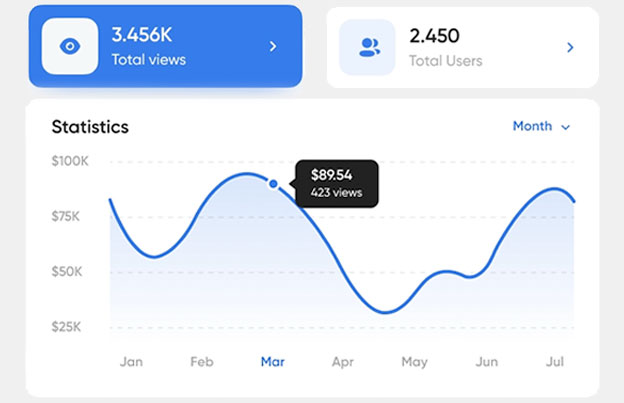
A dynamic code also shows scan stats: when, where and on what device. Dynamic codes need a plan: start with the 14-day free trial and compare plans on the pricing page. Scans are unlimited, and plans have a 30-day money-back guarantee. Dynamic codes go inactive when a monthly or yearly plan ends.
 Digital documents

 Social media
 E-mail list
 More reviewsAttendance trackingInventory managementDigital documents
Benefits
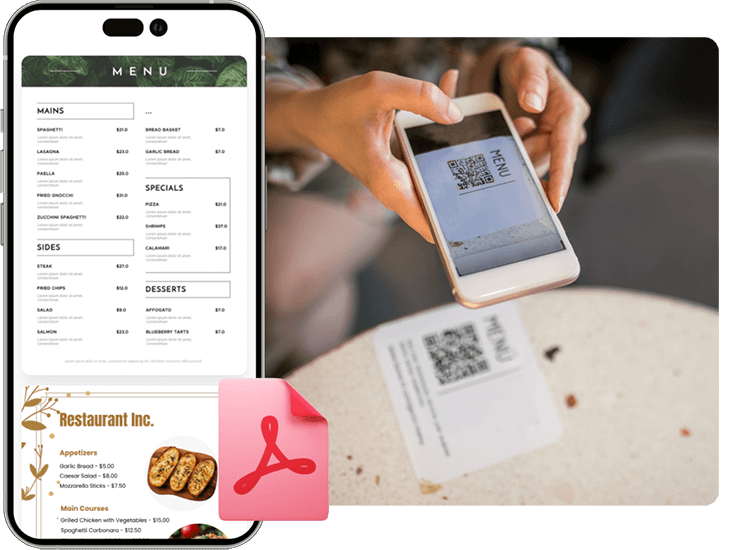
Share PDF flies
Create a QR code for easy access to digial menus or product manuals for restaurants, cafes, or any business. Visitors can scan to view items conveniently from their smartphone.
 Social media
Benefits
Social media growth
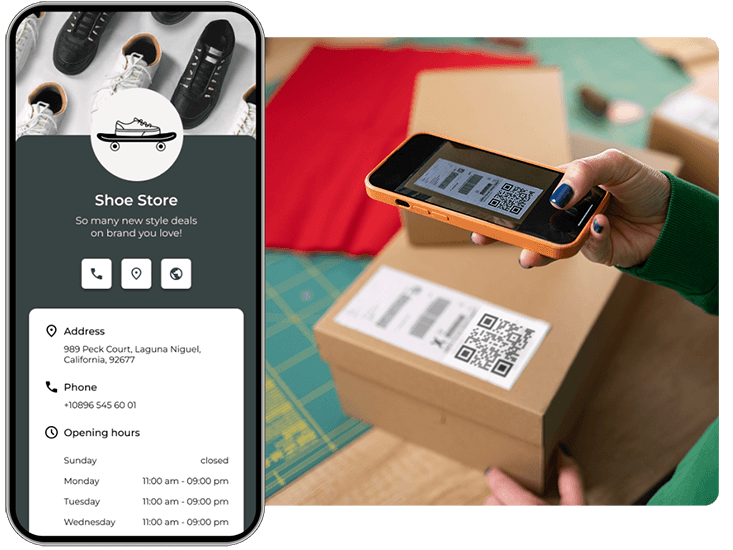
Grow your audience with QR codes and marketing for social media. Connect users to profiles with one scan.
 E-mail list
Benefits
Get more leads
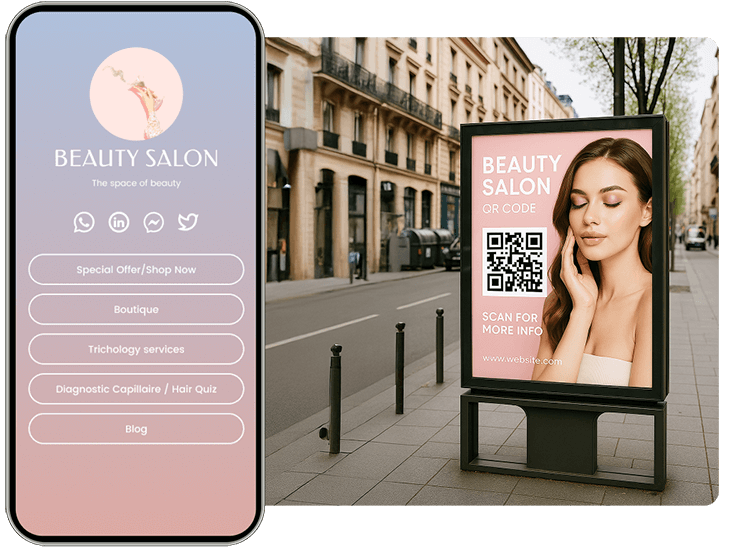
Collect customer emails and survey responses with a QR code marketing on forms. Help your clients grow their lists easily.
 More reviews
Benefits
Get more reviews
Boost your credibility with a marketing QR code for Google or Tripadvisor reviews. Encourage feedback to build trust.
 Attendance tracking
Benefits
Attendance tracking
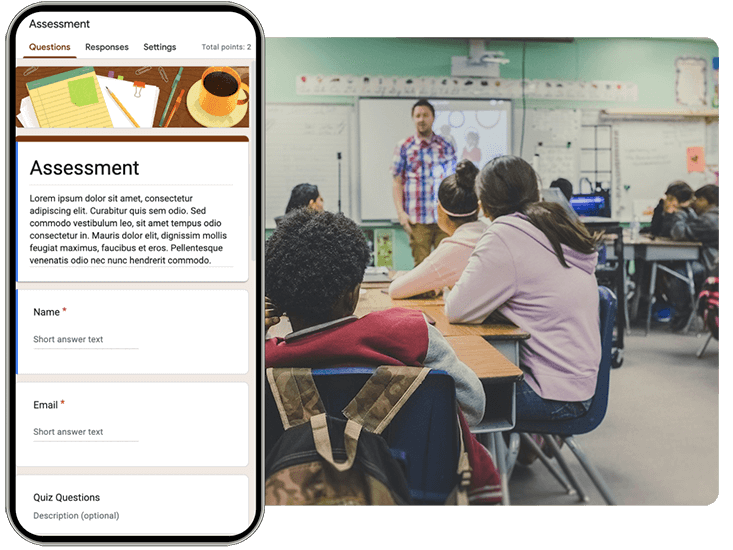
Track attendance instantly — let employees, guests, or students check in with a single scan, no app or hardware needed.
 Inventory management
Benefits
Inventory management
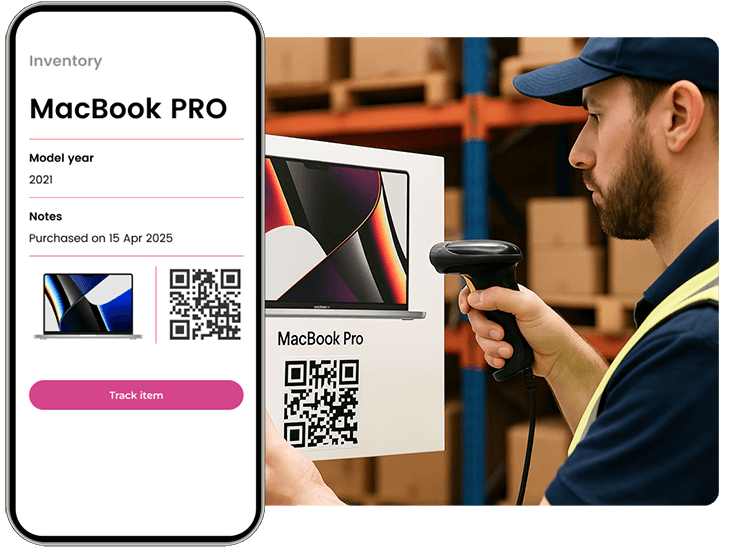
Speed up stock tracking and reduce errors by linking QR codes to real-time inventory data and product details.
Hear from our clients
See how they are using Pageloot to turn QR codes into real growth.










Frequently asked questions

Contractors put QR codes on site signs, hard hats, drawings and tools. A scan opens a safety plan, PDF, map, form or contact card, so workers do not need printed copies or typed links.
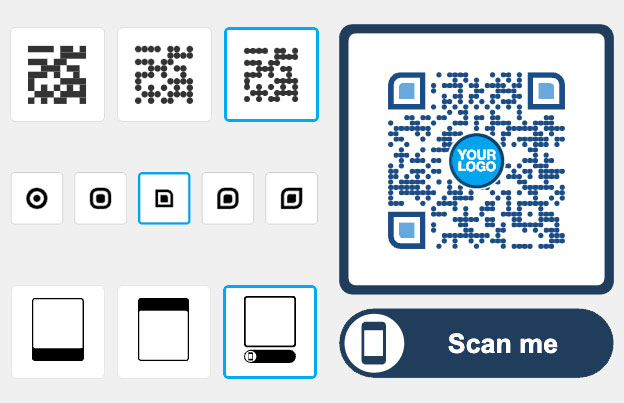
Choose the type, for example link, PDF or Google Maps. Paste the link or upload the file, add your logo and colors, and download the code. Test it with two phones before you print it.
They make safety information easier to reach. A code on a sign or helmet can open the site safety plan, an induction video or emergency contacts. A QR code does not replace required signage, training or site checks.
Yes, with a dynamic code. You change the destination in your Pageloot account and the printed code opens the new page. A static code cannot be changed, so make a new one if the link changes.
Yes. Link the code to a PDF of the drawing. With a dynamic code you can swap in a new revision and keep the same printed code. Tell people to check the revision number on the file.
A QR code label can open a tool’s manual, inspection record or check-out form. Pageloot shows how often a code was scanned, and when, where and on what device. It is not an inventory system and does not show who holds a tool.
Yes, with a dynamic code. Scan stats show when, where and on what device the code was scanned. Static codes have no stats.
Yes, if you print it on weatherproof material, keep it at least 2 x 2 cm (0.8 in) and use dark colors on a light background with a white border. Mud, scratches and glare make codes fail, so check them regularly. Also make sure the link works on a weak mobile signal.
No. The camera app on current iPhones and Android phones reads QR codes. They point the camera at the code and tap the link that appears.
IP-08
Keep your projects up to date
Make your first site QR code in a few minutes, and edit the link later without reprinting.