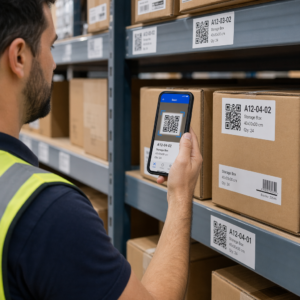
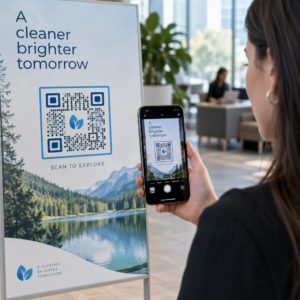
QRコードの最適な配置に関するベストプラクティスは、5つのルールに集約されます。コードは最低2 x 2 cm(0.8 x 0.8インチ)で印刷し、四方に4モジュールのクワイエットゾーンを確保し、明るい背景に暗いモジュールを使用し、快適な高さの平らなマットな表面に配置し、その隣に短い行動喚起を追加してください。本番印刷の前に、少なくとも2台の電話で印刷されたすべての校正刷りをテストしてください。
このガイドでは、QRコードのサイズ、コントラスト、表面に関するデザインルールとガイドライン、各種素材へのコードの配置方法、QRコードを使った広告方法、そしてコードの背後にあるランディングページに必要なものについて説明します。
QRコードのベストプラクティス概要
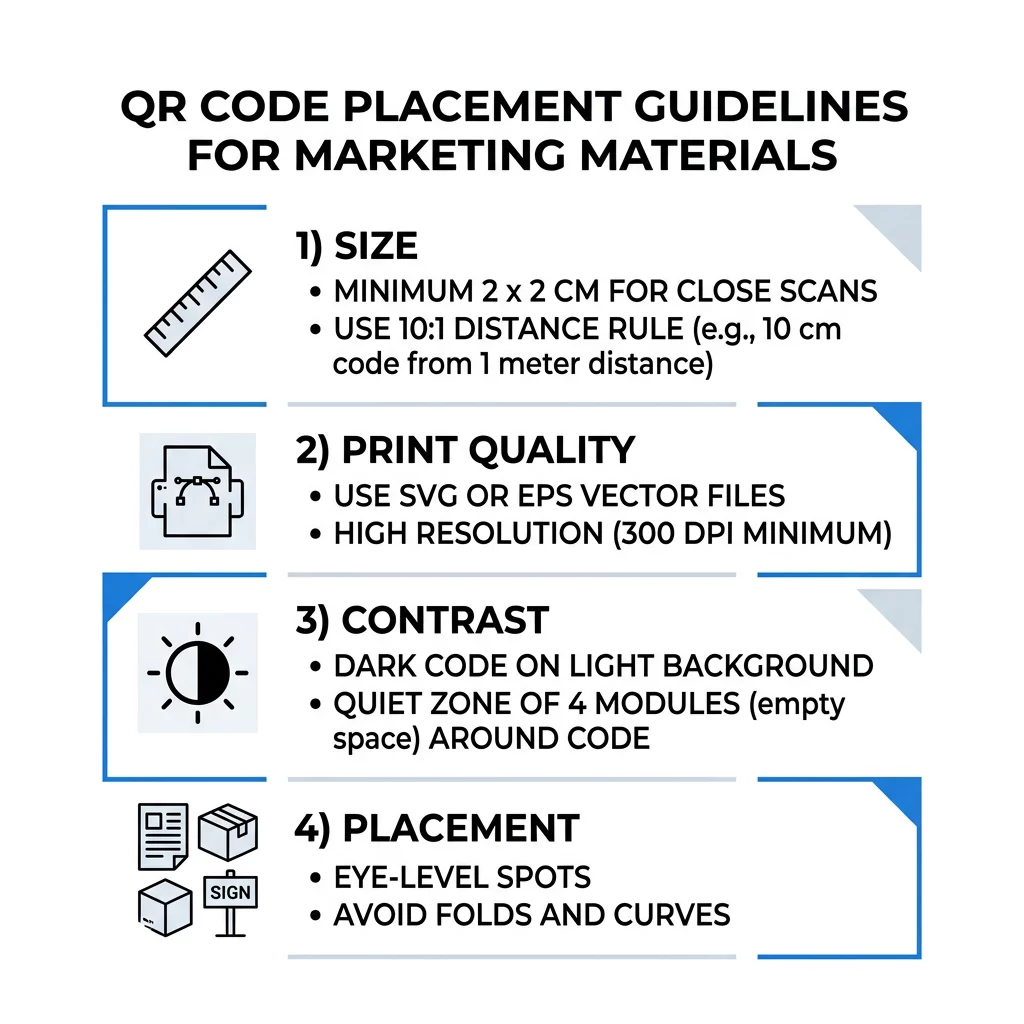
- サイズです。 手持ちのアイテムの場合は最低2 x 2 cm(0.8 x 0.8インチ)。遠距離の場合は、スキャン距離10インチごとにコード幅1インチを使用してください。
- クワイエットゾーン: 四方に少なくとも4モジュールの空白のマージン。その中にテキスト、線、トリミングマークは入れないでください。
- コントラスト: 明るい背景に暗いコード。複数の携帯電話でテストしていない限り、反転させたり、暗い背景に明るいコードを使用したりしないでください。
- 表面: 平らでマットな表面。折り目、縫い目、カーブ、光沢、光沢のあるラミネートは避けてください。
- 行動喚起: スキャンする理由を伝える。例:「メニューを見るにはスキャン」
- 目的地: 読み込みが速く、行動喚起が約束した内容と一致する、モバイルフレンドリーなページ。
- テスト: コードが使用される光の下で、最終校正刷りをiPhoneとAndroid携帯電話でスキャンしてください。
サイズと視距離に関する技術基準
小さすぎる、またはぼやけたQRコードはスキャンできません。近距離の手持ち資料の場合、実用的な最小サイズは2 x 2 cm(0.8 x 0.8インチ)です。部屋や通りを隔てて見る大きな資料の場合、10:1のルールを使用してください。スキャン距離10インチごとに最低1インチのコード幅を確保します。5フィート離れた場所から読まれるポスターには、最低6インチ幅のコードが必要です。
商業印刷の場合、アートワークはSVG、EPS、PDFなどのベクターファイルとしてエクスポートしてください。ベクターファイルはどんなサイズでも鮮明さを保ちますが、ラスター画像は拡大するとぼやけます。PNGのようなラスター画像を使用する必要がある場合は、最終的な印刷サイズで300 DPIに十分な大きさでエクスポートしてください。弊社の QRコードサイズガイド 各フォーマットの適切な寸法を確認するには。
| 配置タイプ | 推奨サイズ | 視聴距離 | エラー訂正レベル |
|---|---|---|---|
| 名刺 | 2 x 2 cm(0.8 x 0.8 インチ) | 手持ち(30cm未満) | レベルLまたはM |
| チラシとパンフレット | 3×3センチ(1.2×1.2インチ) | 腕の長さ(30cm~60cm) | レベルM |
| 商品パッケージ | 3×3センチ(1.2×1.2インチ) | 手持ち(30cm~60cm) | レベルQまたはH |
| ポスターとディスプレイ | 10 x 10 cm(4 x 4インチ) | 徒歩距離(90cm~2.1m) | レベルM |
| ビルボードとバナー | 40 x 40 cm (16 x 16インチ) 以上 | 長距離(4.5m以上) | レベルH |
誤り訂正機能により、コードの一部が破損したり覆われたりしている場合でもスキャナーはコードを読み取ることができます。レベルLは約7%、Mは約15%、Qは約25%、Hは約30%のデータを復元します。レベルが高くなるとパターンがより密になるため、長いURLを持つレベルHのコードは、読み取り可能にするためにはより大きな印刷サイズが必要になります。
QRコードデザインルール:コントラスト、クワイエットゾーン、表面の選択
スキャナーは、暗いモジュールとそれらの周りの明るいスペースとの違いを検出することでQRコードを読み取ります。白い背景に黒いモジュールが最も安全な選択です。暗いモジュールが背景よりも明らかに暗い場合はブランドカラーも機能します。デザインをグレースケールに変換して結果を確認してください。コードが薄く見える場合、スマートフォンのカメラも読み取りに苦労します。
- 前景色を背景色よりも暗くしてください。明暗反転(インバート)コードは、多くの古いスキャナーアプリで機能しません。
- 暗い背景に赤色を使用したり、明るさが似ている2つの色を使用したりしないでください。
- 各辺に少なくとも4モジュール分のクワイエットゾーンを確保してください。この余白内にあるテキスト、境界線、写真、トリミング線はスキャンを妨げる可能性があります。
- コードを拡大しないでください。完全に正方形に保ってください。
- 光を反射する光沢のあるラミネート、光沢のあるフォイル、ガラスを避けてください。マット紙またはマットラミネートを使用してください。
- ロゴを追加する場合は、小さく中央に配置し、より高い誤り訂正レベルを使用してください。
多くのスキャン失敗は、いくつかの繰り返されるエラーに起因します。これらを避けてください。 よくあるQRコード配置の誤り 印刷する前に。
印刷およびディスプレイ形式におけるQRコード配置のベストプラクティス
配置によって、人々がコードに気づくかどうかが決まります。人々が既に見ている場所や、スマートフォンを安定して持てる場所に設置してください。人々は理解できないものをスキャンしないため、その横に簡単な指示を追加してください。
チラシ、パンフレット、ダイレクトメール
コードは、読者が読み終える場所、例えば右下隅や最後のパネルに配置してください:
- 配置する チラシのQRコード メインのオファーの隣に置き、用紙の裁断部分から離してください。
- 配置する パンフレットのQRコード 1つのパネル内に収めてください。パターンが曲がったり壊れたりするため、コードを折り目やしわの上に配置しないでください。
- ダイレクトメールの場合、コードを郵便料金表示と郵便サービスが要求するバーコードクリアゾーンの外に置いてください。配送業者に規則を確認してください。
製品パッケージとラベル
パッケージは購入後に人々の手元に届くため、セットアップビデオ、保証登録、再注文のオファーに適しています:
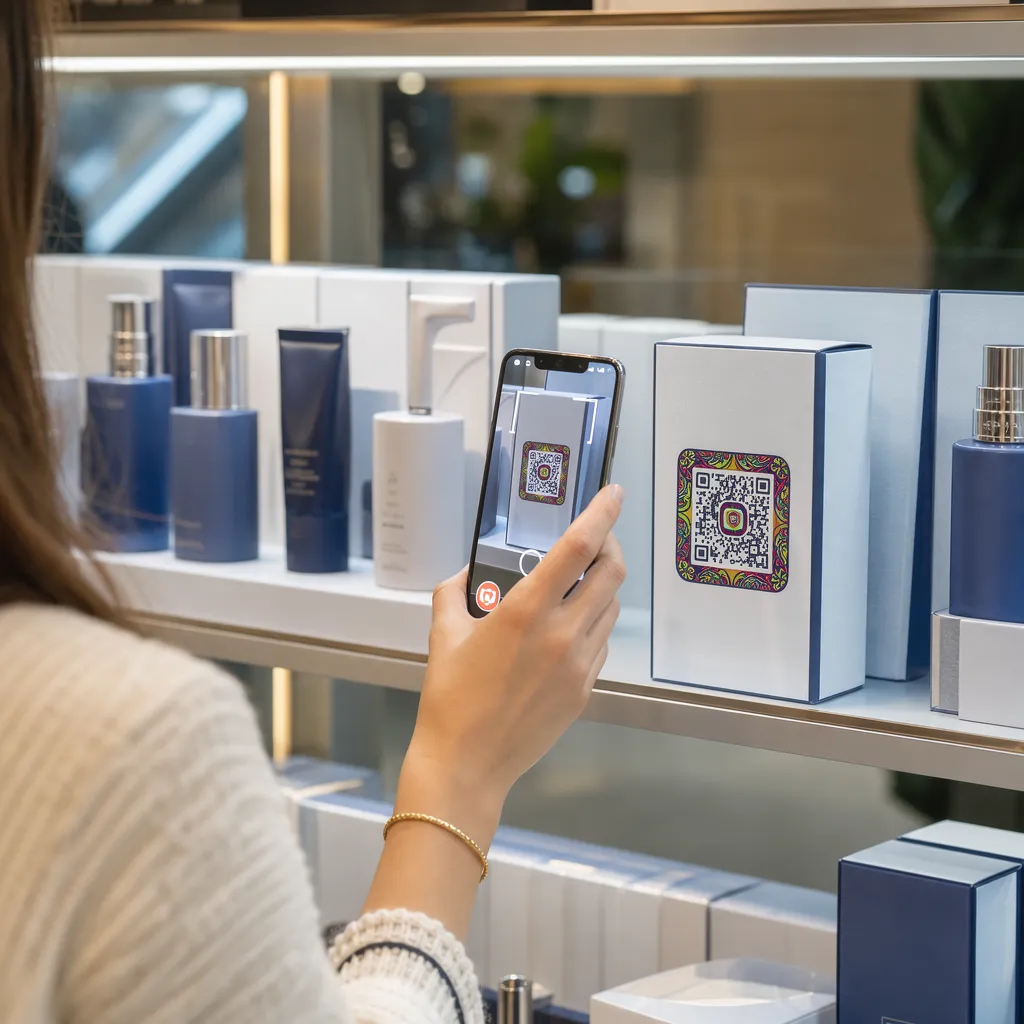
- 配置する 製品パッケージのQRコード 平らなパネル上に配置し、丸みを帯びた角や狭い首の部分には配置しないでください。
- 傷、湿気、または取り扱い後もコードが読み取れるように、エラー訂正レベルQまたはHを使用してください。
- コードの一部を覆う可能性のある破り取り線、縫い目、値札からコードを離してください。
- ボトルや缶の場合、コードが最も平らな部分に収まるように十分に小さくしてください。曲線に沿って大きく巻き付くコードはスキャンできません。
ポスター、店頭、公共のスクリーン
看板は、数フィート離れて歩いている人や立っている人にも機能する必要があります:
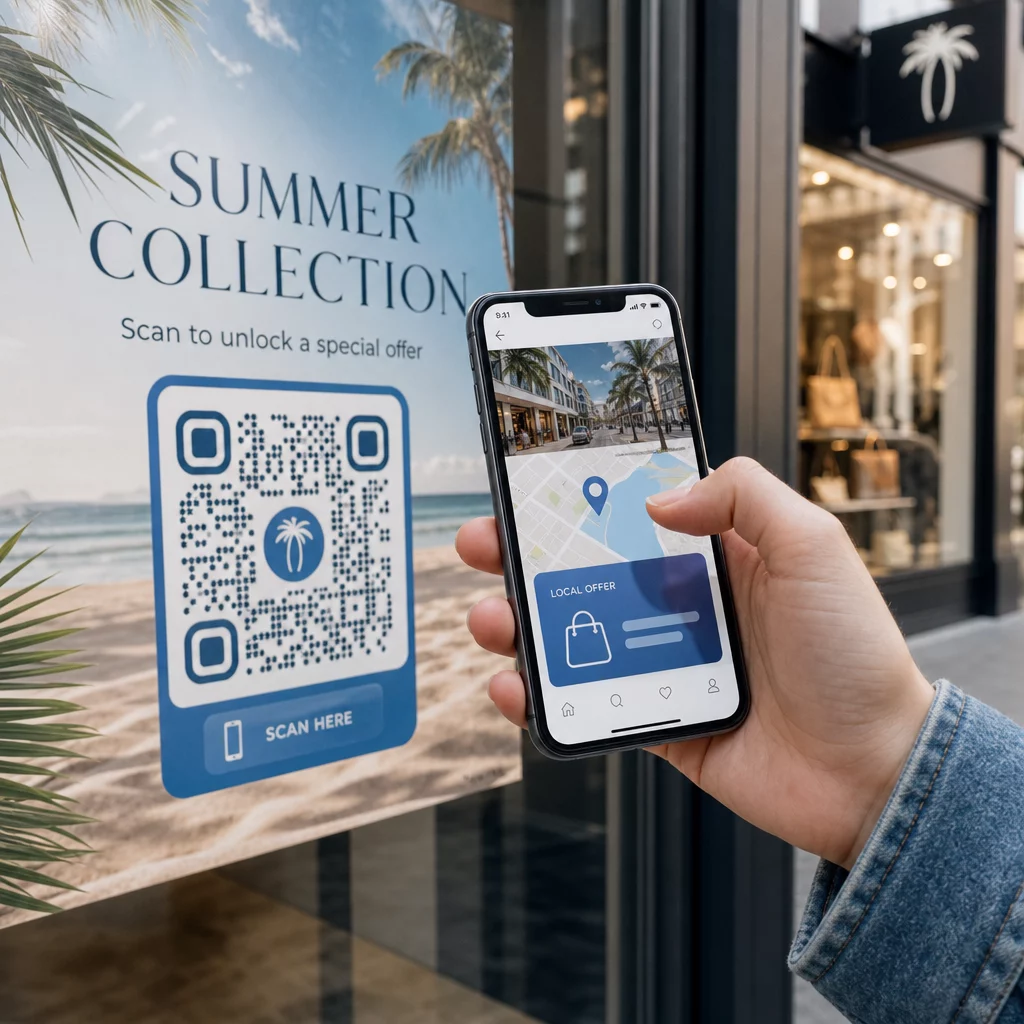
- 配置する ポスターのQRコード 地面から約3.5〜5.5フィートの目の高さに設置し、誰もかがんだり手を伸ばしたりする必要がないようにしてください。
- 配置する ディスプレイやスクリーン上のQRコード スキャンできる十分な長さだけ画面に表示してください。10秒が安全な最低時間であり、動くアニメーション内のコードよりも、表示され続ける静的なコードの方が優れています。
- 基本に従う 印刷媒体でのQRコードの使用について そして、カメラが選択する必要がないように、看板ごとに1つのコードを表示してください。
- 移動中の車両、高い看板、歩道から遠い窓など、人々が立ち止まることができない場所にコードを配置しないでください。
QRコードを使った広告方法
QRコードを使って広告を出すには、それぞれのコードを目標が一つだけの短い広告として扱います。配置場所を選び、行動喚起を書き、特定の1ページに誘導し、結果を測定します。この手順を使用してください:
- クーポン、メニュー、レビュー、商品ページなど、コードごとに1つの目標を設定します。
- 目的地の設定が済んだ状態でコードを生成します。クーポンを約束したのにホームページに誘導してはいけません。
- 上記のサイズと表面に関するルールに従って配置し、メリットを伴う行動喚起を追加します。例えば「初回注文が15%オフになりますのでスキャンしてください」。
- 各配置場所(チラシ、窓、パッケージ)ごとに異なるコードを使用することで、どれが効果的かを知ることができます。
- 1つの校正刷りを印刷し、2台の携帯電話でスキャンして、それから本格的な印刷を注文します。
- 1、2週間後にスキャン数をチェックし、スキャンが得られる配置場所に予算を振り向けます。
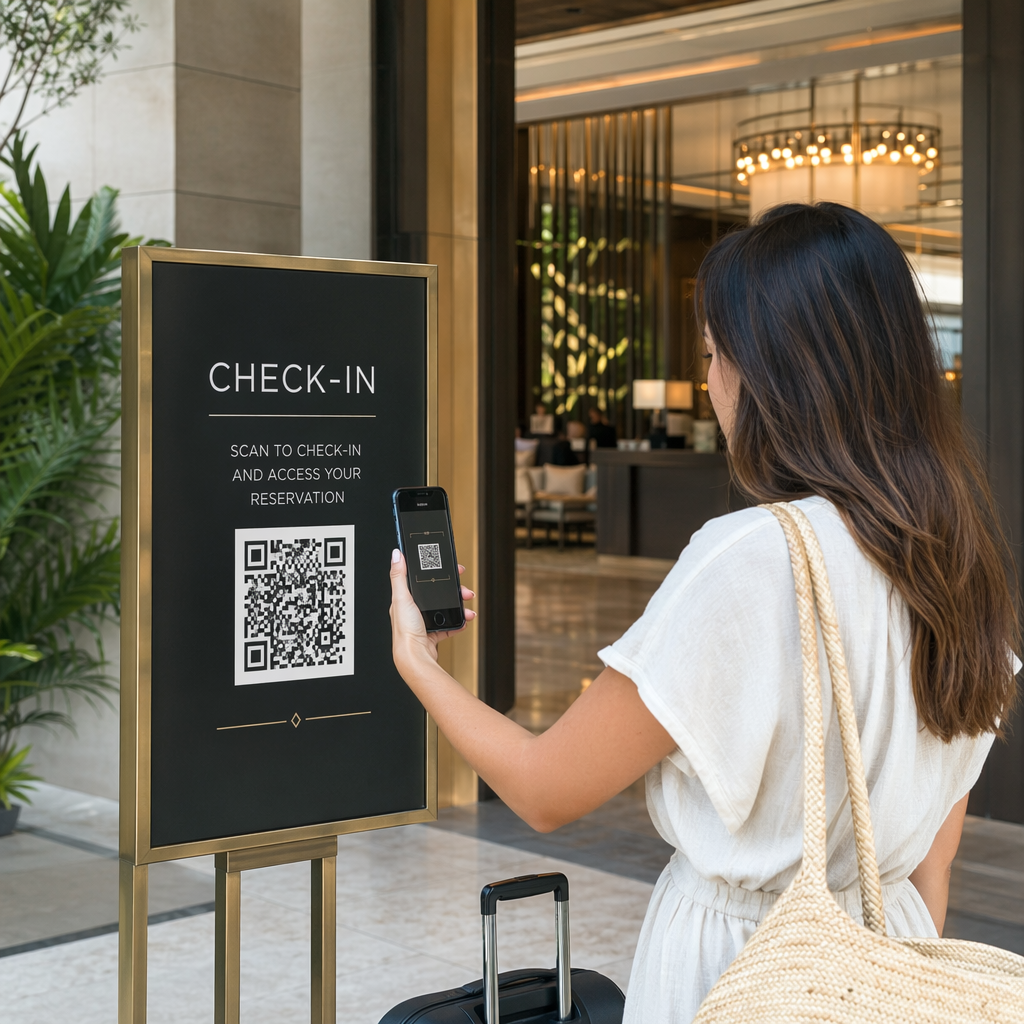
QRコードで広告を出すのに適した場所には、店舗の窓、テーブルテント、レシート、宅配ボックス、イベントサイン、展示会のブース、ダイレクトメールなどがあります。不適切な場所には、動くもの、目線の高さより上にあるもの、携帯電波が届かない場所などが挙げられます。
行動喚起フレームでスキャン数を増やす
コンテキストのないコードは、人々が携帯電話を取り出す理由を与えません。その隣に短い行動喚起を配置します。効果的な例:「メニューを見るにはスキャン」、「テーブルを予約するにはスキャン」、「15%オフのためにスキャン」、「レビューを残すにはスキャン」。テキストはコードのすぐ上または下に、コードと同じ距離から読めるサイズで配置します。
中央にロゴを入れると、人々がコードを信頼しやすくなります。 ロゴ入りQRコード作成ツールロゴは小さく保ち、追加後にコードを再テストしてください。コードの下に短いウェブアドレスを印刷することで、スキャンできない人でも手動で入力する方法を提供できます。
QRコードランディングページのベストプラクティス
ほとんどの人は片手で携帯電話を使い、多くはモバイルデータ通信でスキャンします。コードの先のページが、スキャンが顧客につながるかどうかを決定します。以下のQRコードランディングページのベストプラクティスに従ってください:
- まずは携帯電話の画面向けに作成します。大きなテキストと大きなボタンを使用してください。
- ページを高速で読み込むようにします。小さな画像を使用し、重いポップアップや自動再生ビデオは避けてください。
- コールトゥアクションを一致させます。看板に“15%オフのためにスキャン”と書かれている場合、最初の画面で割引を表示します。
- クーポン、予約、または電話のボタンなど、主要なアクションをファーストビューに配置します。
- フォームは短く保ちます。完全なプロフィールではなく、メールアドレスまたは電話番号を尋ねてください。
- httpsを使用し、ログインなしでページが機能することを確認してください。
- iPhoneとAndroidの両方で、オフィスWi-Fiだけでなくモバイルデータでもテストしてください。
動的テクノロジーによるエンゲージメントの追跡
静的QRコードは、ウェブアドレスをパターン内に保存します。有効期限がなく、サービスなしで機能するため、Wi-Fiログインや連絡先カードのような永続的なリンクには十分です。制限として、印刷後にアドレスを変更することはできません。ページが移動したり、オファーが終了したりすると、印刷されたすべてのコードは古いページを指します。
動的QRコードは、いつでもリダイレクト可能な短いリンクを指すため、印刷されたコードは変わらず、目的地だけが変更されます。また、いつ、どこで、どのデバイスタイプでスキャンされたかなど、スキャン記録も残します。これにより、チラシと窓のサインを比較したり、キャンペーンが変更された際の再印刷コストを削減したりできます。短いリンクは、よりシンプルで密度が低いパターンを提供し、小さいサイズでも簡単にスキャンできます。
Pagelootの動的コードには、14日間の無料トライアルとプランに対する30日間の返金保証が付いており、プランは以下で確認できます。 pageloot.com/pricing。月額または年額プランの動的コードは、プラン終了時に非アクティブになるため、継続して実行する予定のキャンペーンには動的コードを選択してください。
キャンペーンパフォーマンスの追跡 どの素材が最も多くのスキャンを促しているか知りたいですか? ダイナミックQRコード作成ツール 編集可能なコードを作成し、スキャン分析を確認し、再印刷せずに宛先URLを更新するために使用します。
まとめると:視聴距離に適したサイズを選び、クワイエットゾーンを空け、高いコントラストを使用し、コードを目の高さの平らな面に配置し、行動を促す文言を書きましょう。その後、本格的な実行の前に印刷された校正をテストしてください。コードは以下で作成・ダウンロードできます。 無料QRコード作成ジェネレーター Pageloot で。
よくある質問
コードは、平らでつや消しの表面に、見やすい高さで置いてください。手持ちのアイテム用には最低2 x 2 cmの大きさで、四方には4モジュールの静止ゾーンを設けてください。フライヤーの端やポスターの中央など、人々が自然と目線を送る場所に配置し、その隣に短い行動喚起を加えてください。
明るい背景に暗いモジュールを使用し、コードは正方形で引き伸ばされない状態に保ち、少なくとも4モジュールの静止ゾーンを設け、ロゴは小さく中央に配置してください。光沢のある表面や湾曲した表面には印刷せず、印刷されたプルーフは複数のスマートフォンでテストしてください。
名刺などの手持ち資料の場合、実用的な最小サイズは2 x 2 cm (0.8 x 0.8インチ)です。遠くから閲覧される資料の場合、10:1のルールを使用します。スキャン距離10インチごとにコード幅1インチです。
各コードに1つの目標を持たせ、行動喚起に合った特定のページに誘導し、目の高さの平らな場所に設置してください。配置ごとに異なるコードを使用し、1〜2週間後にスキャン数を比較してください。
携帯電話で高速に読み込まれ、最初の画面で約束されたオファーを表示し、明確なアクションが1つあり、ログインが不要なページ。iPhoneとAndroidでモバイルデータ通信を使ってテストしてください。
はい、しかし、コードを小さく保ち、表面の最も平らな部分に置いてください。コードがカーブに沿って大きく巻き付くと、パターンが歪み、カメラがすべてを読み取れなくなります。
動的QRコードを使用してください。印刷されるパターンは同じままで、アカウントでリンク先を変更できます。静的QRコードは印刷後に変更することはできません。
最も一般的な原因は、コードが小さすぎること、クワイエットゾーンが不足していること、コントラストが低いこと、光沢のある表面や湾曲した表面、そして、ぼやけた低解像度ファイルです。より大きなテストコピーを印刷し、その順序でこれらの点を確認してください。