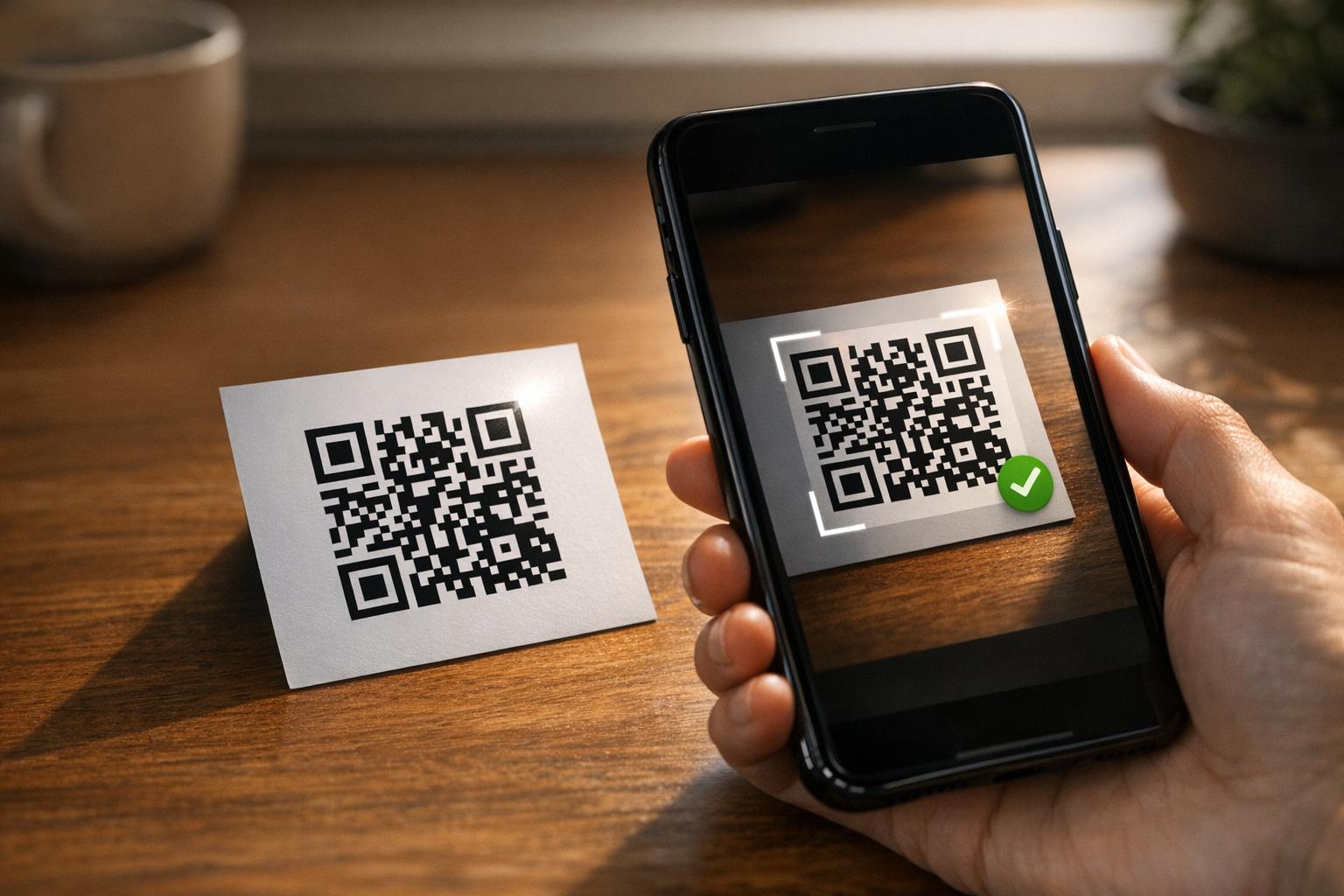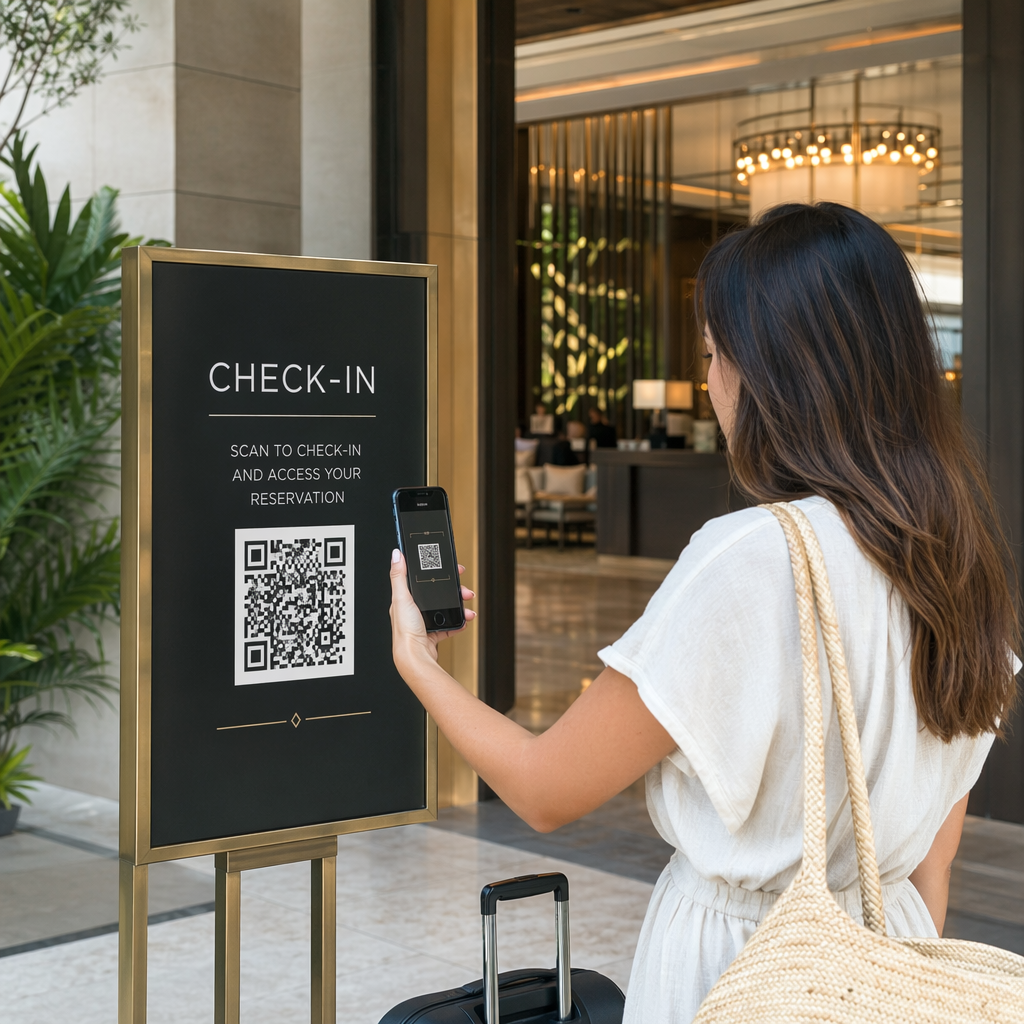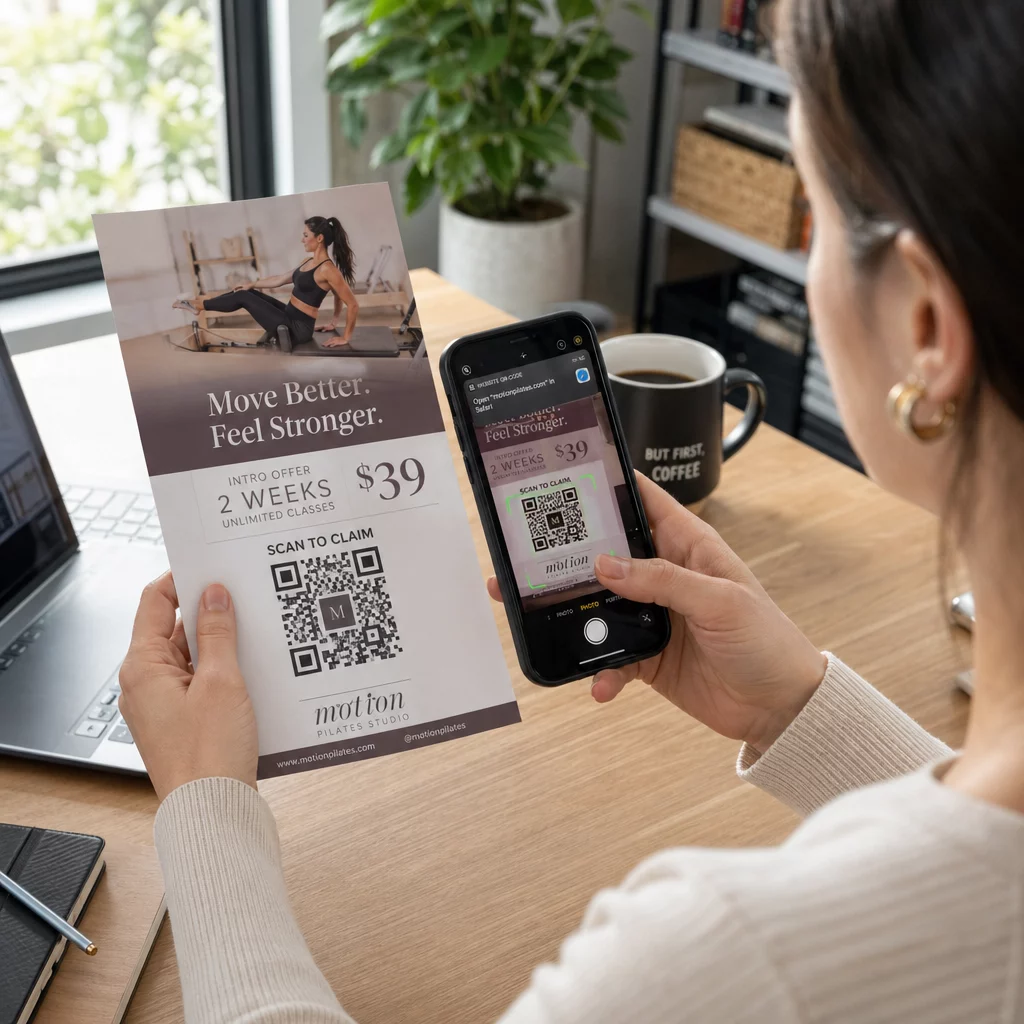
A flyer QR code is a code on your printed flyer that opens a web page, form or file when a reader scans it. To make one, create the code in a QR code generator, download it as SVG or PDF, place it in your layout at least 0.8 inches (2 cm) wide with a clear white border, and add a short call to action next to it. Test it with two phones before you print. The steps, sizes and placement rules are below.
Why QR Codes Belong on Flyers
A flyer has little space. If you try to fit every product detail or event schedule on it, the design becomes crowded and hard to read. A QR code gives readers one-tap access to a digital menu, a registration form, a coupon or a full catalog, while the flyer stays clean. This is how QR codes connect print and digital marketing: the flyer gets attention, and the scan moves the reader to the next step.
A QR code also lets you measure a printed campaign. With a dynamic code you can see when, where and on which device each scan happened, so you know which flyers and locations bring people in.
Static vs. Dynamic QR Codes: Which Should You Use?
Choose the type before you design the flyer. Static and dynamic QR codes behave differently after printing.
Static QR codes store the destination directly in the pattern. The destination cannot be changed after printing, and the code never expires. Static is enough when the link will not change, for example a Wi-Fi login or a permanent website page, and when you do not need scan numbers.
Dynamic QR codes point to a short redirect link that you manage in an account. You can change the destination after the flyers are distributed, with no reprint. If you promote a weekly event, you swap the registration page each week. Dynamic codes also contain less data, so the pattern is simpler and often scans more easily in poor light.
For flyers that run in more than one place or for more than one week, dynamic is usually worth it because you get QR code tracking with scan counts, locations and devices. Dynamic codes come with a 14-day free trial, and plans are listed on the Pageloot pricing page. Scans are unlimited, and there is a 30-day money-back guarantee on plans. A dynamic code stops working when a monthly or yearly plan ends, so keep the plan active while the flyer is in circulation.
How to Make a Flyer QR Code in 5 Steps
Follow these steps to add a QR code to a flyer:
- Choose what the code opens. Pick one destination that works on a phone: a website URL, a PDF document, a Google Form, or a vCard contact page. Use the generator that matches the content.
- Generate and customize. Open the QR code generator and paste your link. If you want your brand on the code, use the QR code generator with logo. Keep the logo small and the colors dark on light.
- Download for print. Download SVG or PDF if available, because vector files stay sharp at any size. If you only have PNG, download it at a large size (the generator slider goes up to 2000 px) and do not enlarge it in your layout.
- Place it in your design tool. Import the file into Canva, Adobe Illustrator or another layout application. Set the size, leave a white border around it, and put your call to action next to it.
- Test before printing. Print one copy at final size. Scan it with an iPhone and an Android phone, in normal room light, from the distance a reader will hold the flyer.
Create Your Custom QR Code Ready to add a branded, trackable QR code to your next flyer? Use the QR Code Generator with Logo to design a code that matches your brand identity.
Design Standards for Reliable Scanning
A well-designed flyer still fails if the code is hard to scan. Follow the QR code sizing guidelines for print materials and check these three points.
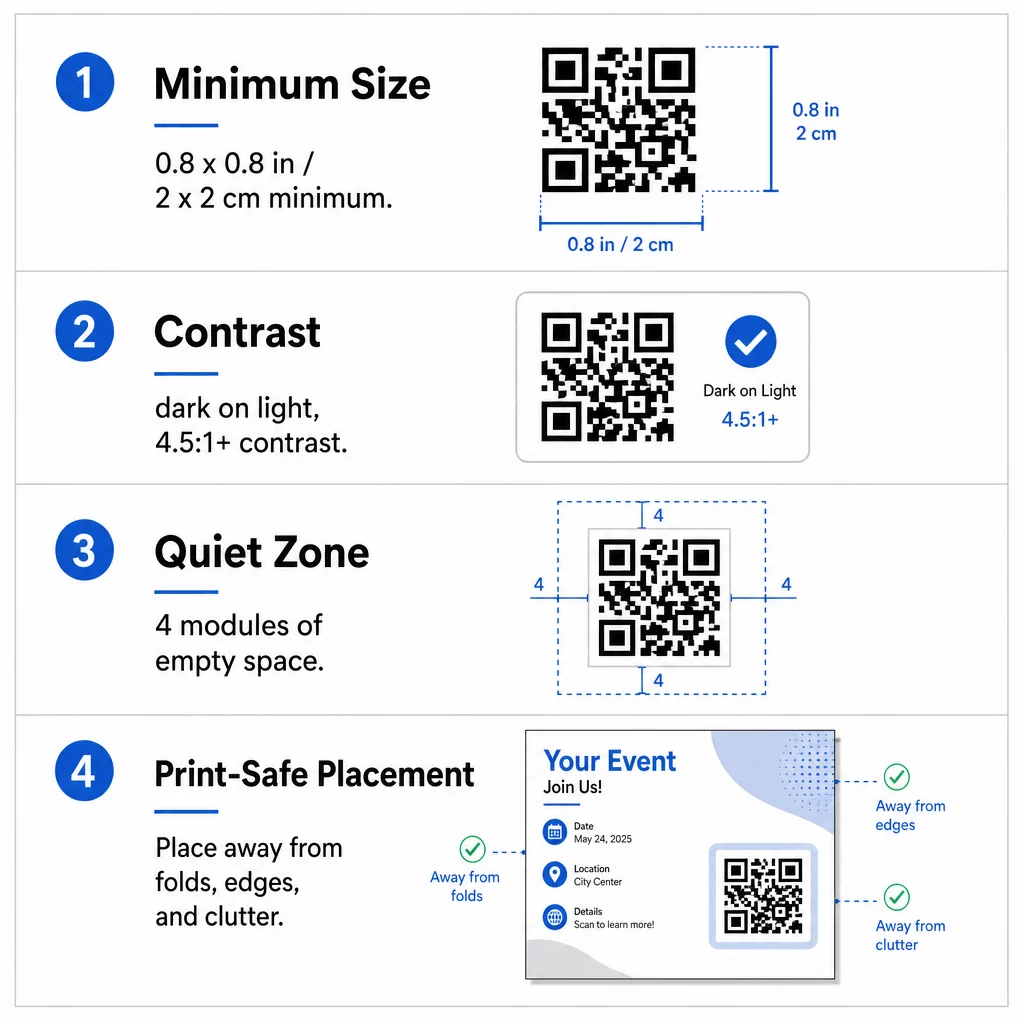
Size: On a handheld flyer (A5, A4 or US Letter), make the code at least 0.8 × 0.8 inches (2 × 2 cm). A bigger code, around 1 to 1.5 inches, is easier to scan and costs little space. For flyers that people scan from farther away, use the 10:1 rule: one inch of code width for every ten inches of scanning distance. A flyer on a wall scanned from 20 inches away needs a code at least 2 inches wide.
Contrast: Use dark modules on a light background. A contrast ratio of at least 4.5:1 is recommended for reliable scanning, and 7:1 or higher is better. Do not invert the colors (light code on a dark background) and do not put the code on a photo.
Quiet zone: Leave a clear border of at least four modules (the small squares) on all four sides. Text, lines or images inside this border can stop the scanner from finding the code.
Strategic Placement and Writing a Clear CTA
Where you put the code and what you write next to it both change the number of scans. QR code placement in marketing follows a few practical rules.
On an A4 or A5 flyer, good places are the bottom-right corner, the bottom center, or directly under the main offer. Avoid these spots:
- Folds, creases and curved edges, which bend the pattern
- Glossy or textured paper where glare or grain reduces contrast
- Places where other design elements crowd the quiet zone
- The back of a flyer that people may never turn over
A code alone rarely drives action. Add a call to action (CTA) that says what the reader gets: “Scan for 20% off”, “Scan to RSVP”, “Scan to see the menu”. Add a short hint such as “Point your phone camera at the code” for readers who are new to QR codes. Put the CTA directly above or beside the code. These best practices for QR code readability help all age groups. Also make sure the page the code opens is mobile-friendly and loads fast.
Tracking and Analyzing Flyer Performance
To see which flyers work, give each distribution channel its own code or its own UTM parameters. For example, use one code for a trade show and another for a shop counter. Google Analytics then shows traffic per flyer, so you can compare venues.
With a dynamic code you can also track QR code scans in real-time and see time, location and device type. If one area performs badly, change the destination of that code to a more relevant local offer. The printed flyer stays the same.
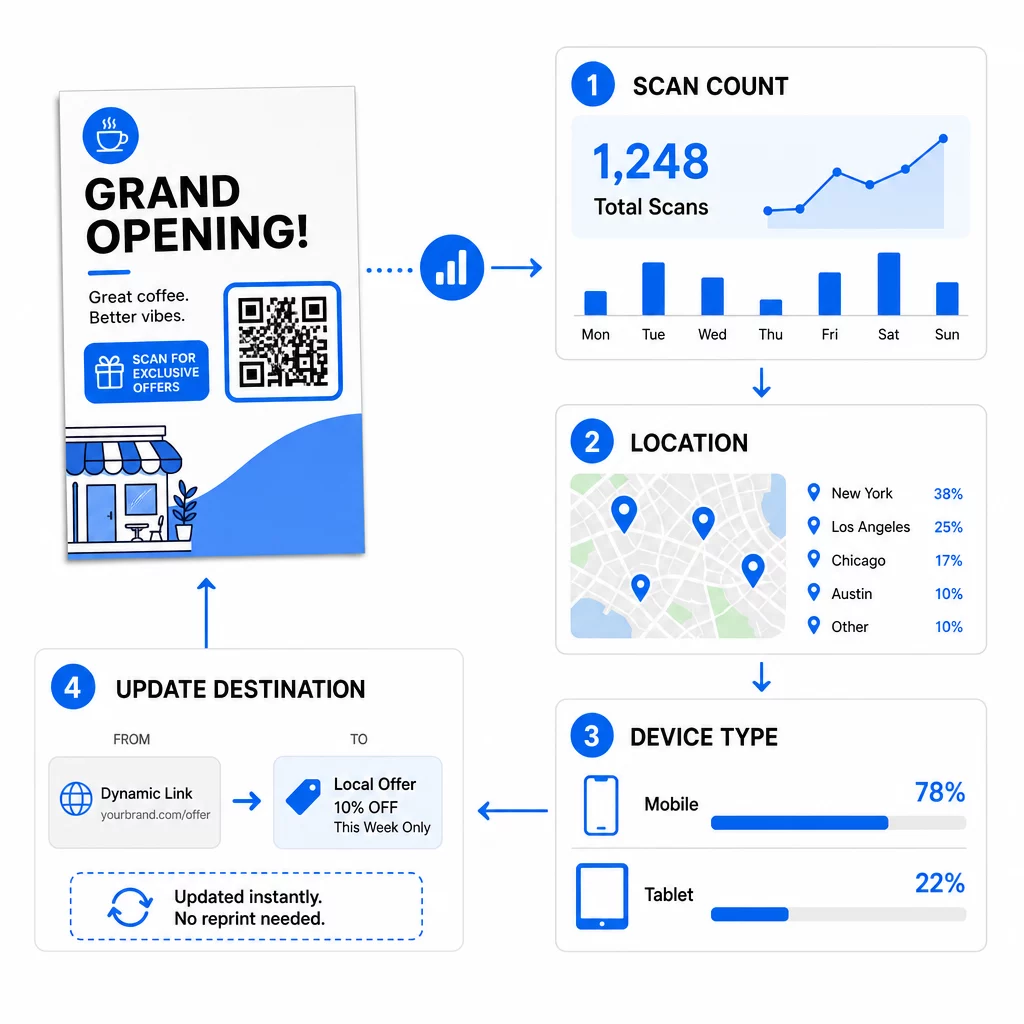
Monitor Your Campaign Performance Want to see which flyers are driving the most traffic? Use the QR Code Generator to create dynamic, trackable codes and see scan data in your dashboard.
QR Code on Flyer Not Scanning? Check These
- Too small: Under 0.8 inches (2 cm), many phones fail. Enlarge the code.
- Low contrast or inverted colors: Use a dark code on a light background.
- No white border: Restore the four-module quiet zone.
- Blurry print: A small PNG that was stretched prints soft. Use SVG or PDF, or a larger PNG.
- Too much data: A very long destination link makes a dense pattern. Use a short link or a dynamic code.
- Broken destination: Open the link yourself. A deleted page or an expired dynamic code gives a scan error even if the code is fine.
Adding a QR code to a flyer takes a few minutes and gives you a measurable result. Pick the right code type, follow the size and contrast rules, place the code where people will see it, and write a clear CTA.
Frequently Asked Questions
For a standard handheld flyer, the QR code should be at least 0.8 × 0.8 inches (2 × 2 cm). If the flyer is meant to be scanned from a distance, apply the 10:1 ratio: make the code one inch wide for every ten inches of expected scanning distance.
Yes, but only if you used a dynamic QR code. Dynamic codes route through a short redirect URL that you can update from your dashboard at any time. Static codes embed the destination directly into the pattern and cannot be changed after printing.
Dynamic QR codes include an analytics dashboard that shows total scans, unique users, geographic locations, and time-based engagement. You can also attach UTM parameters to your destination URL to track these interactions directly within Google Analytics.
SVG or PDF, because vector files stay sharp at any print size. If you use PNG, download a large one and do not enlarge it in your layout.
Static QR codes never expire. Dynamic codes stop working when the monthly or yearly plan that created them ends, so keep the plan active while the flyer is in circulation.