QR codes for cafes
A cafe QR code (or café QR code) sends a customer from a table, counter, cup or loyalty card to your menu, your Google review page, your Instagram or your location on a map. Create it with Pageloot, print it, and use a dynamic code if you want to change the link later or see how many people scan it.
Trusted by 260+ cafes in 32 countries


Where to use a QR code in a cafe
Put one code where customers already look. Each place below should open one clear page. Test every code on two phones before you print.
Free PDF playbook
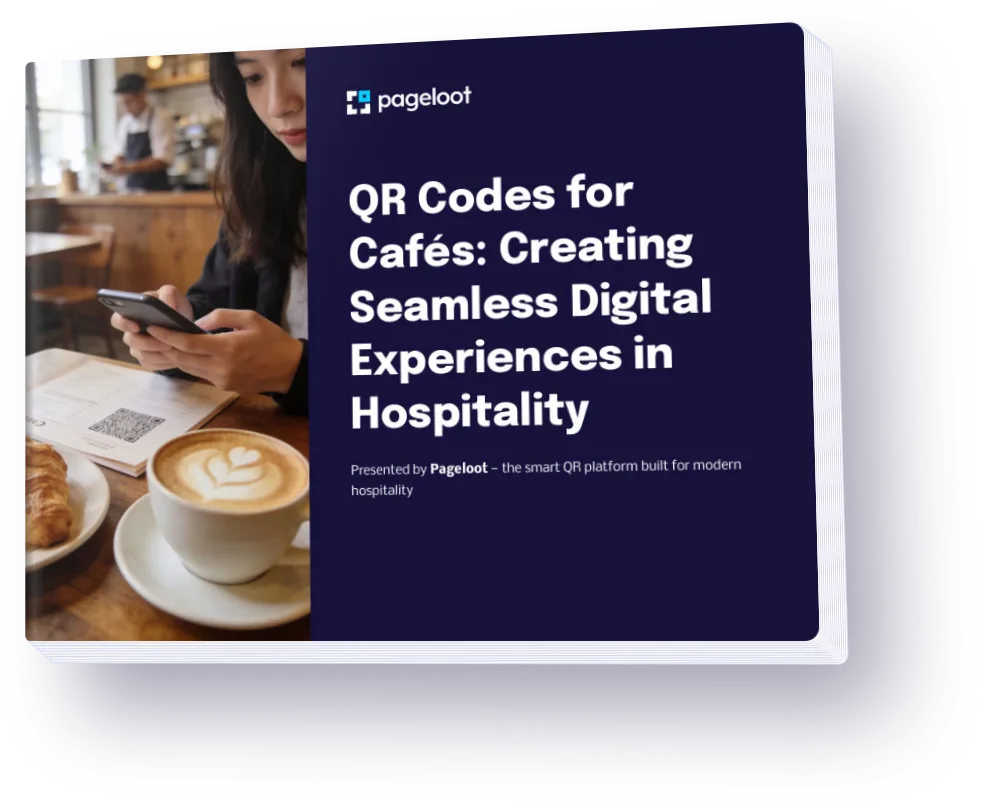
The QR code playbook for cafés
20 pages. Ideas cafés use today for menus, reviews, loyalty cards, to-go cups and Wi-Fi, with examples you can copy.
We will email you the playbook and a few tips on using QR codes. You can unsubscribe at any time.

Menu on the table and counter
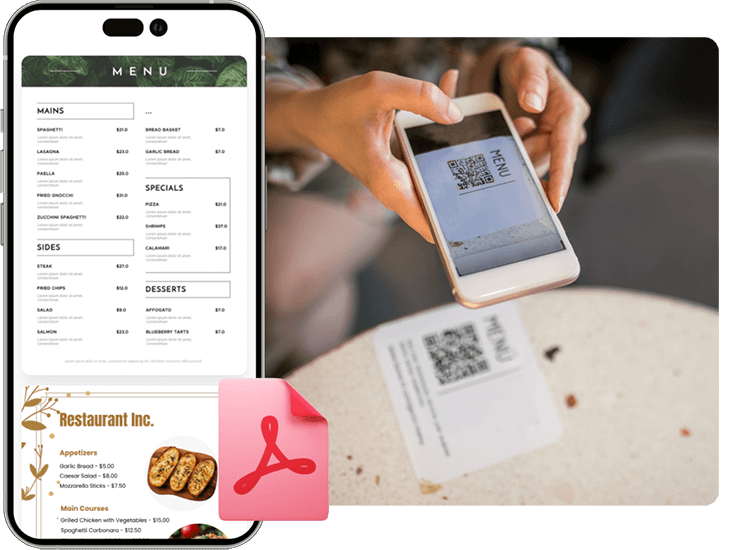
Print the code on the table, the counter and the door. It opens your menu as a PDF or web page. With a dynamic code you can swap in the seasonal menu or fix a price without reprinting.

Loyalty cards
Print a code on the punch card or on a card holder at the till. It can open your rewards page, a sign-up form or your newsletter page. Pageloot makes the code. The points system itself runs on your own tool.

To-go cups and bags
Add a sticker to the cup sleeve or the bag. Link it to a review page, your Instagram or this week’s special. A dynamic code lets you change the offer each week without new stickers.

Table tents and window signs
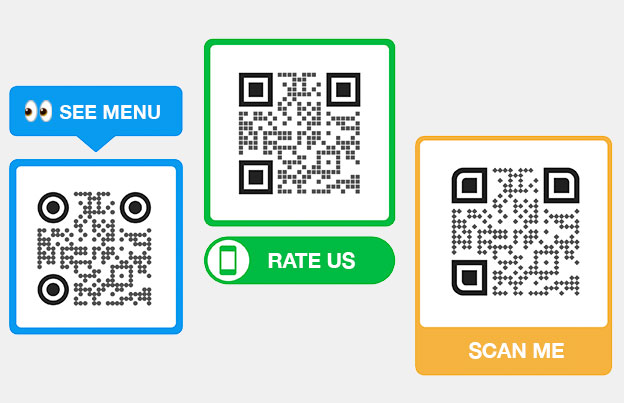
Use a table tent for reviews or social follows. Print it at least 3 cm (1.2 in) wide and add a short line such as “Scan for the menu”. On a window, make the code 10 cm (4 in) or wider so people can scan from the sidewalk.
Take a look
at a real case
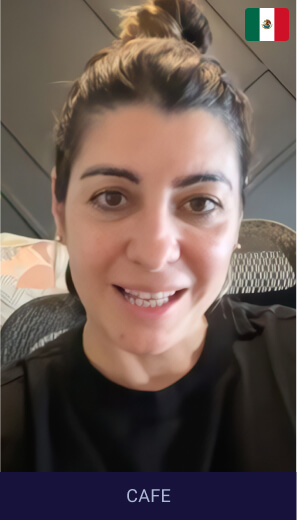
How Gigi connects with customers using QR codes
From boosting social engagement to gathering reviews and guiding customers to her store, QR codes help Gigi grow her business with ease and efficiency.
Link directly to Instagram with one scan
Collect Google reviews effortlessly
Provide instant directions to the store
Avoid typing errors with a user-friendly tool
Gigi
Owner, Gelato Isla Mujeres
QR code types for cafes
Most cafes need four types. Start with the menu, then add reviews.
- List of links
One code opens one page with several buttons: menu, online ordering, loyalty page, Instagram and Facebook. Use it when you have many links but only room for one code on the cup or the counter.
- Google review link
Customers scan after their coffee and land on your Google review form. Put it on the receipt, the counter or the table tent. Yelp and Facebook review pages work the same way.
- PDF menu
Upload your menu, drinks list or allergen sheet as a PDF. The code opens it on the customer’s phone. When the file changes, a dynamic code lets you replace the PDF and keep the printed code.
- Google Maps location
Link to your exact spot on Google Maps. Good for flyers, posters in the neighborhood and the back of your business card, so new customers can find the door.

For cafes and bars
"Pageloot made our ordering process smoother. Customers scan a QR code at the table to view menus and pay, which cuts wait times dramatically."
Abdul Lane
Manager, Brew & Bloom Café
How QR codes help a cafe
A QR code connects the printed thing in front of the customer with a page you control. Use it for the menu, for reviews, for your loyalty page and for social media.
Pageloot makes the code and shows scan stats. Ordering and payments run on your own system, and the code links to that page.
 Digital menus

 Social media
 Lead generation
 More reviewsDigital menus
Benefits
Share PDF flies
Create a QR code for easy access to digial menus or product manuals for restaurants, cafes, or any business. Visitors can scan to view items conveniently from their smartphone.
Social media Benefits
Social media growth
Grow your audience with QR codes and marketing for social media. Connect users to profiles with one scan.
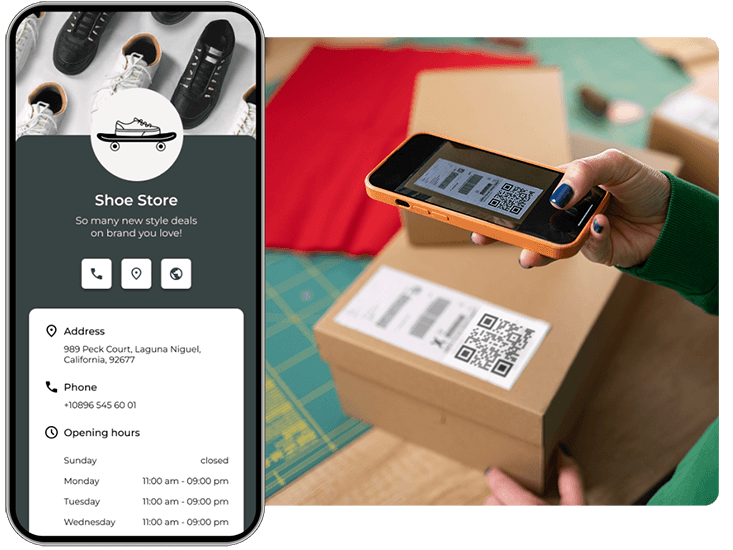 Lead generation
Benefits
Get more leads
Collect customer emails and survey responses with a QR code marketing on forms. Help your clients grow their lists easily.
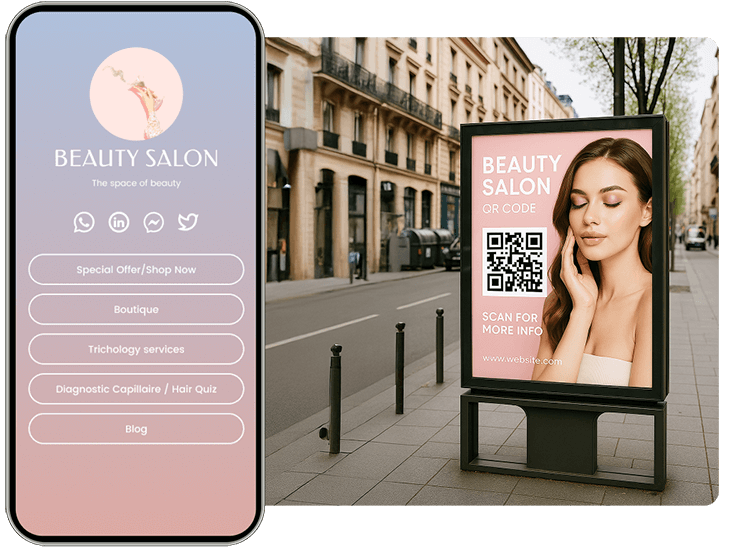 More reviews
Benefits
Get more reviews
Boost your credibility with a marketing QR code for Google or Tripadvisor reviews. Encourage feedback to build trust.
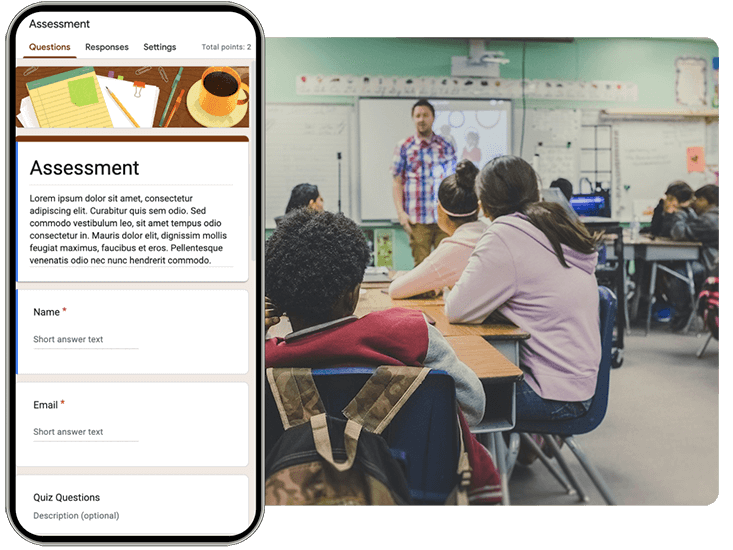
Hear from our hospitality clients
See how they are using Pageloot to turn QR codes into real growth.





Frequently asked questions

Pick what the code should open: your menu, a PDF, your Google review page or your Instagram. Paste the link or upload the PDF in the Pageloot generator, add your logo and colors, then download the code. Test it on two phones before you print.
A static code is enough when the link never changes, for example your website. A static code never expires and has no scan stats. Choose a dynamic code if the menu changes, if you want to swap offers, or if you want to see how many customers scan. You edit a dynamic code in your Pageloot account and the printed code follows.
Yes, with a dynamic code. Open the code in your Pageloot account and point it to a new PDF or page. The printed code stays the same. A dynamic code on a monthly or yearly plan goes inactive when the plan ends, so renew it before the end date.
Yes, as the entry point. Print a code on the punch card or at the till that opens your rewards page or sign-up form. Pageloot makes the code and shows scans. Points and rewards run on your own loyalty tool.
Link a QR code to your Google review page and print it on the receipt, the counter or the table tent. Add a short line such as “Scan to review us”. Use a separate dynamic code per place to see which spot brings the most scans.
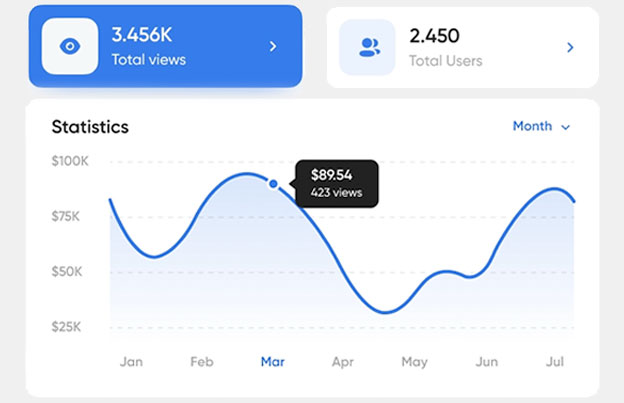
With a dynamic code, yes. The stats show when, where and on which device people scanned. The level of detail depends on your plan. Use one code per table, cup sticker and flyer to learn which one works best.
No. Pageloot makes the QR code and shows scan stats. If you use an ordering or payment service, create a code that links to that service’s page and print it on the table or the counter.
The free generator lets you download a code for a link or PDF. Dynamic codes with edit and stats start with the Starter plan at EUR 7 per month, billed yearly, after a 14-day free trial. All plans have a 30-day money-back guarantee. See the plans page for details.
IP-25
Make your cafe QR code
Make your cafe menu or review QR code now. To edit it after printing and see scans, start the 14-day free trial.