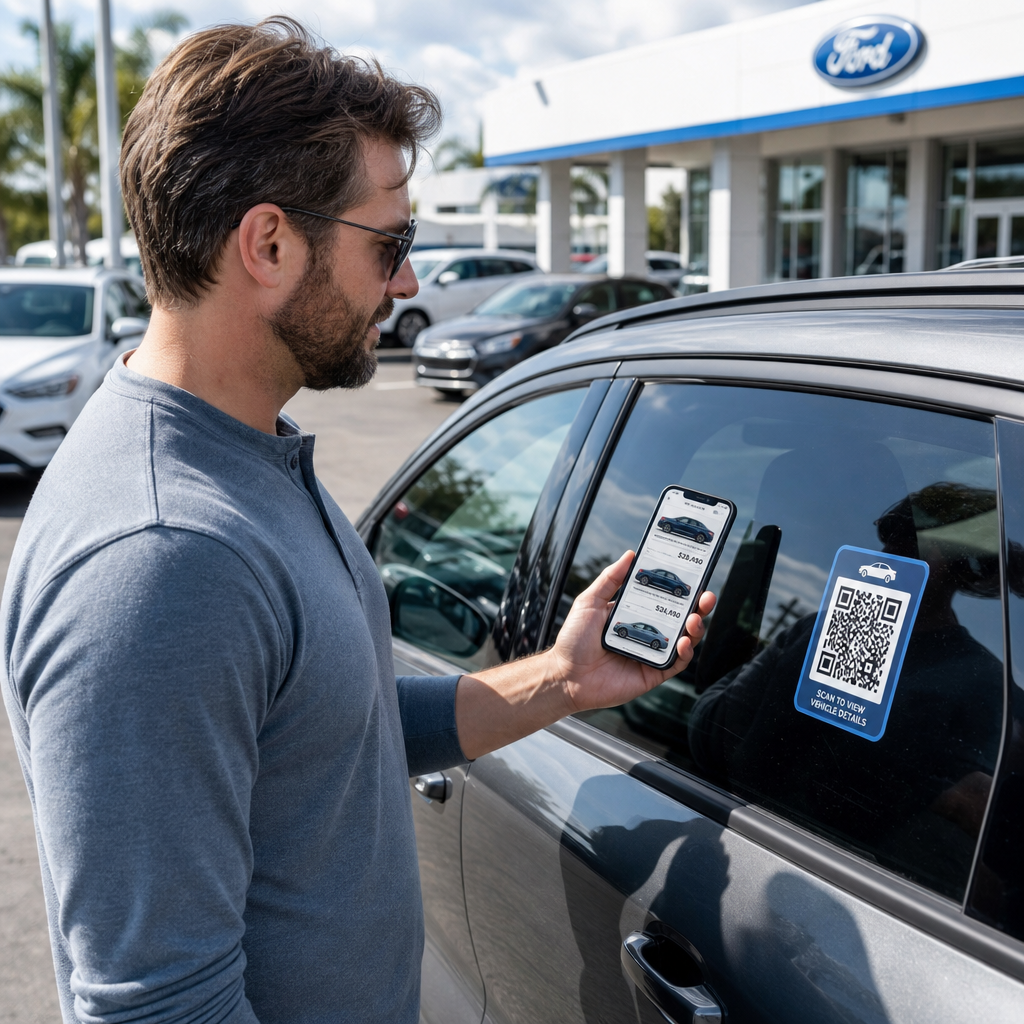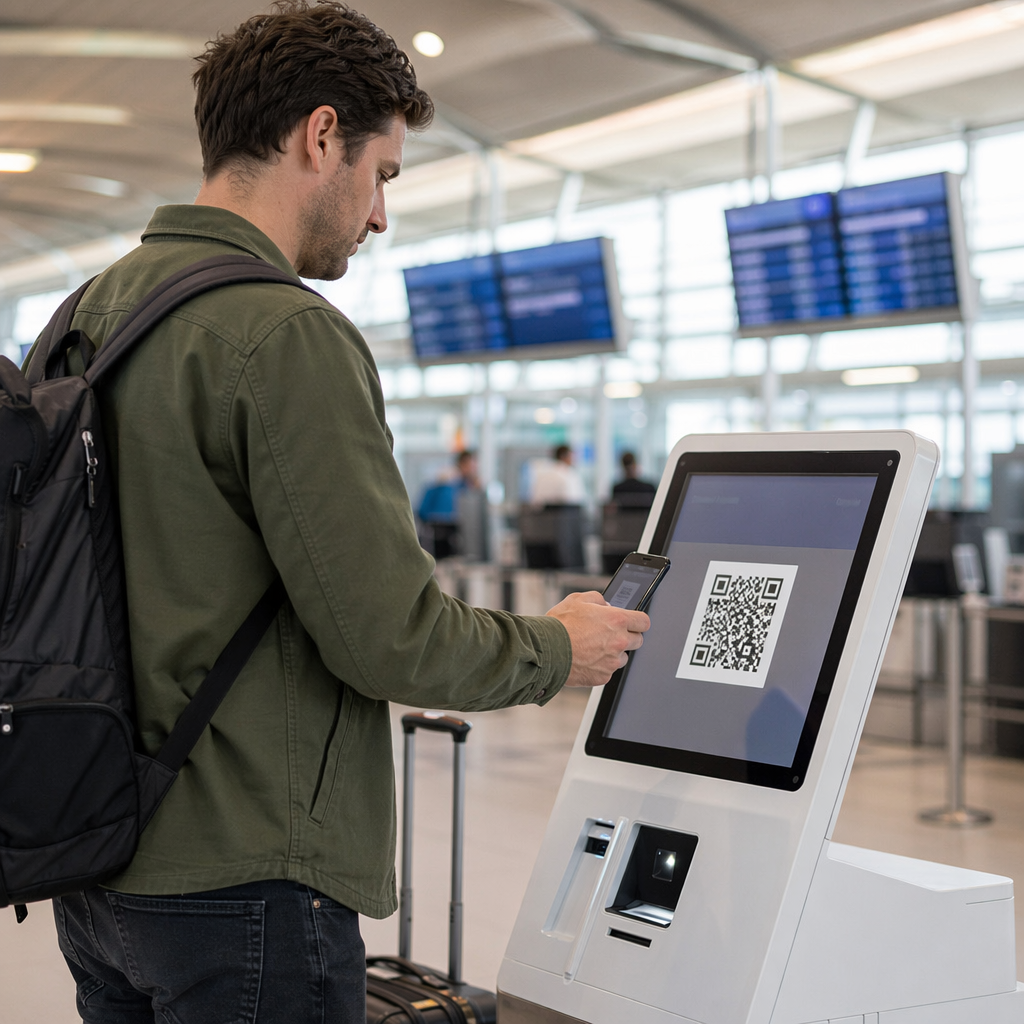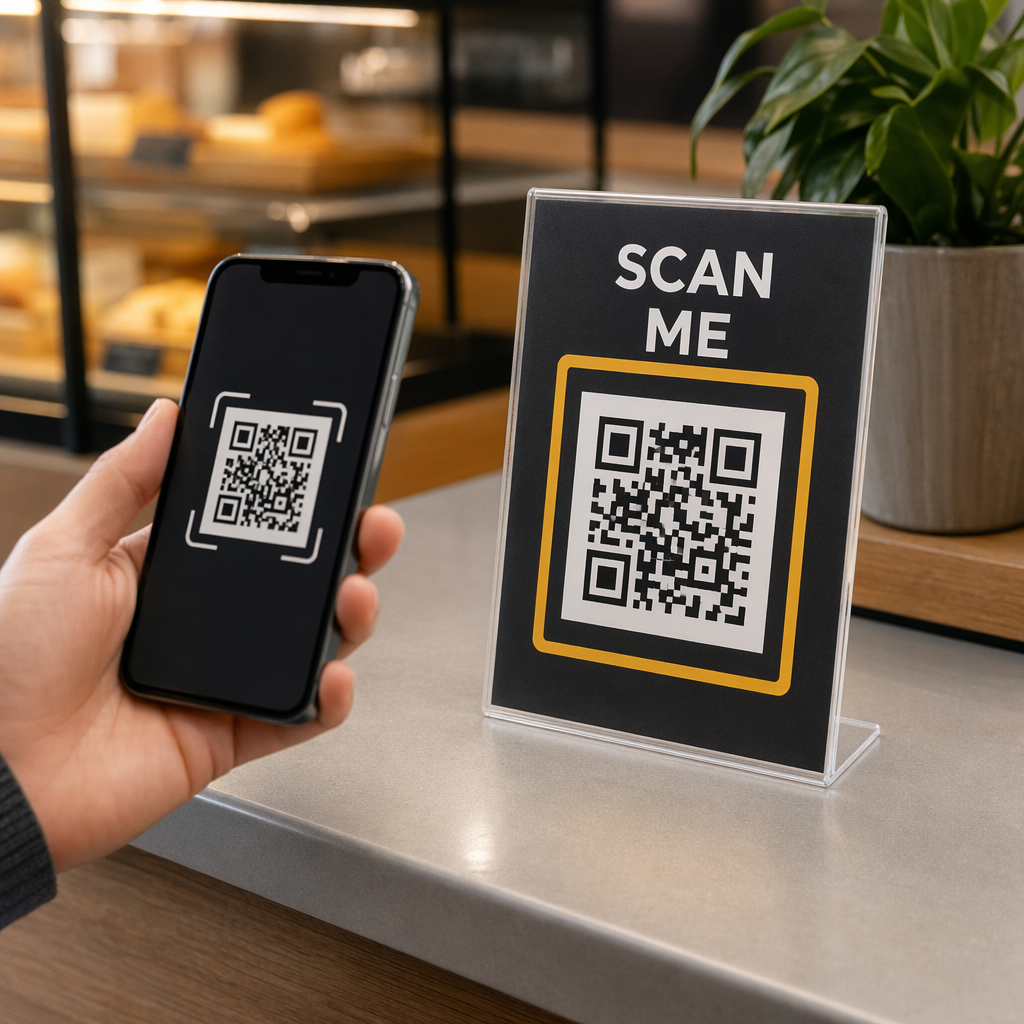
Are your QR codes being ignored by potential customers? Without a clear reason to interact, many people simply pass by these digital gateways without a second thought. Adding a visible frame with a call-to-action (CTA) transforms a generic pattern into a branded invitation that significantly boosts scan rates.
Why Your QR Code Needs a Frame and Call-to-Action
Frames serve as small add-ons that surround a QR code with an actionable message. While a bare QR code can be a mystery to the user, a framed one tells them exactly what to expect when they open their camera app. This clarity is essential because most users will not scan a code unless they understand the benefit of doing so. A frame bridges the gap between curiosity and action by providing context.
The psychological impact of a clear CTA cannot be overstated. Statistics suggest that personalized CTAs can perform over 200% better than generic ones. By adding phrases like “Scan for Menu” or “Get 20% Off,” you provide the “push” needed to convert a passive observer into an active participant. Think of the frame like a signpost for a driver; the road exists either way, but the sign tells them exactly where the destination lies.
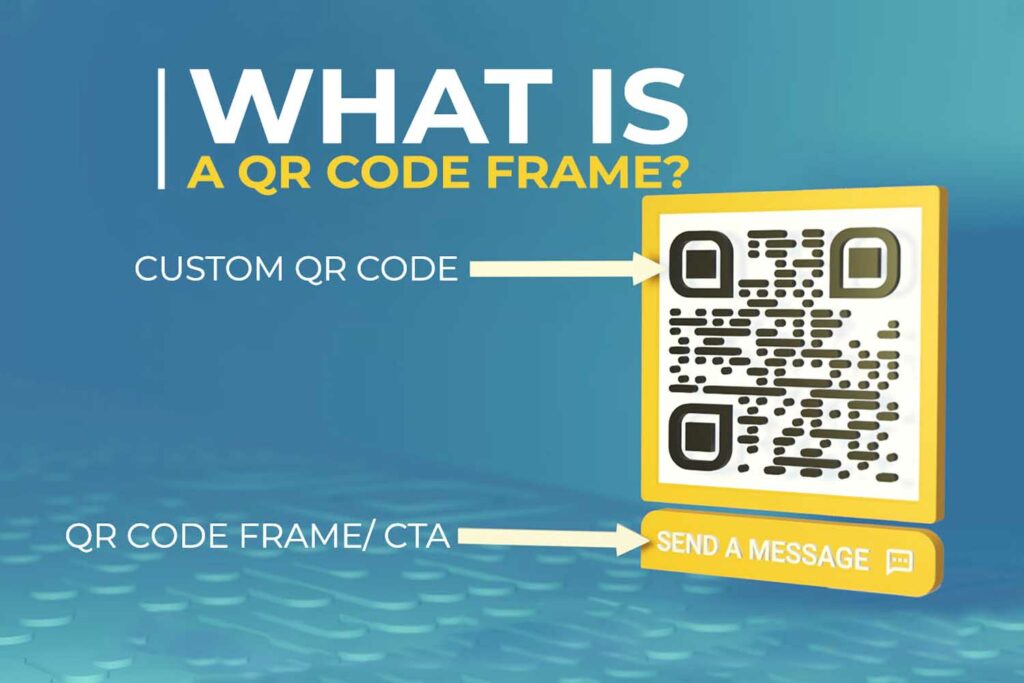
Integrating these elements also helps build brand trust. A QR code that sits inside a professionally designed border with your brand colors and logo signals legitimacy. It reassures users that the destination is secure and relevant to your business, which is a critical factor in improving QR code engagement.
Essential Design Guidelines for Scannable Frames
When you decide to add a border, you must prioritize technical functionality alongside visual appeal. The most important rule is to respect the “quiet zone,” which is the clear margin surrounding the code. This space allows scanners to distinguish the QR pattern from the rest of your marketing design. To remain compliant with international standards, this zone should be at least four modules wide on all sides. If the frame or text encroaches on this space, the scanner may fail to recognize the code.
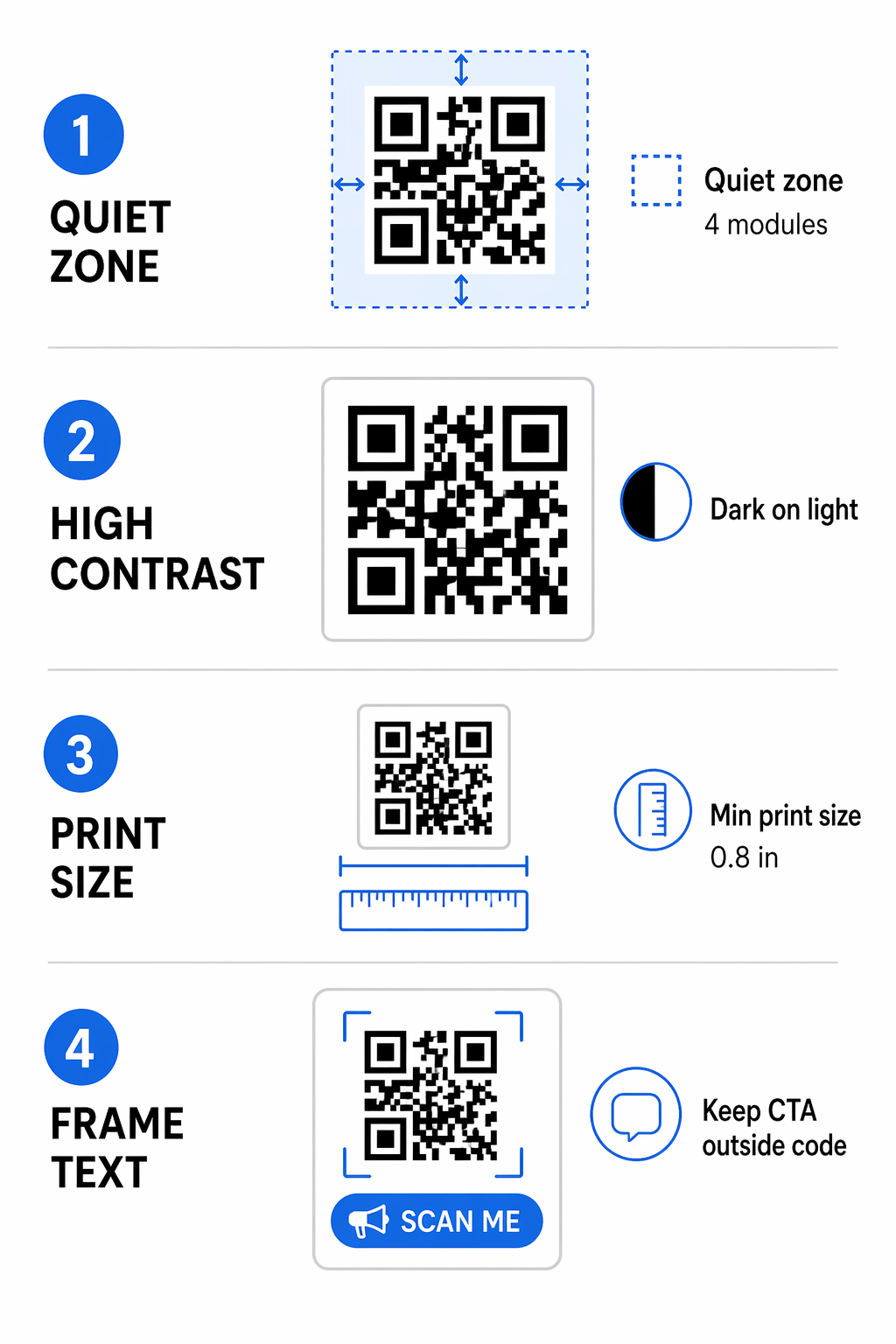
Maintaining high visibility is another cornerstone of a successful design. You should always aim for a strong QR code color contrast between the code and the background. While custom brand colors are popular, dark patterns on a light background remain the most reliable choice for diverse lighting conditions. Avoid using red or orange for the functional parts of the code, as some scanners struggle to read these wavelengths.
Size also dictates whether your frame will be effective in a real-world environment. For most marketing materials like flyers or business cards, the QR code itself should be at least 0.8 x 0.8 inches. If you are placing the code on a billboard or window display, you must scale the size up based on the scanning distance. A general rule is to add approximately 0.3 inches to the code dimensions for every foot of distance from the scanner.
How to Customize Your QR Code with a Border
Creating a branded design is a straightforward process when using a professional QR code generator. Most tools offer a library of frame templates that allow you to wrap your code in a professional CTA border instantly. You can then adjust the colors to match your brand guidelines and even modify the shape of the “eyes” (the three large corner squares) to give the code a modern look.
If you want to include a logo in the center of the code, you must adjust the QR code error correction level to a higher setting, such as Level Q or H. This setting adds redundant data to the pattern, allowing it to remain scannable even if the logo or the frame covers a portion of the modules. Keeping your logo centered and relatively small – ideally covering less than 30% of the total area – will ensure the best performance across various smartphone models.
Boost Your Engagement Instantly Want to make your QR codes stand out from the crowd? Use the QR Code Generator with Logo to add custom frames and professional call-to-actions today.
Popular Use Cases for Branded QR Code Borders
Different marketing goals require different CTA approaches. Tailoring the text within your frame ensures that the user journey is seamless from the moment they see the physical code to the moment they land on your digital content.
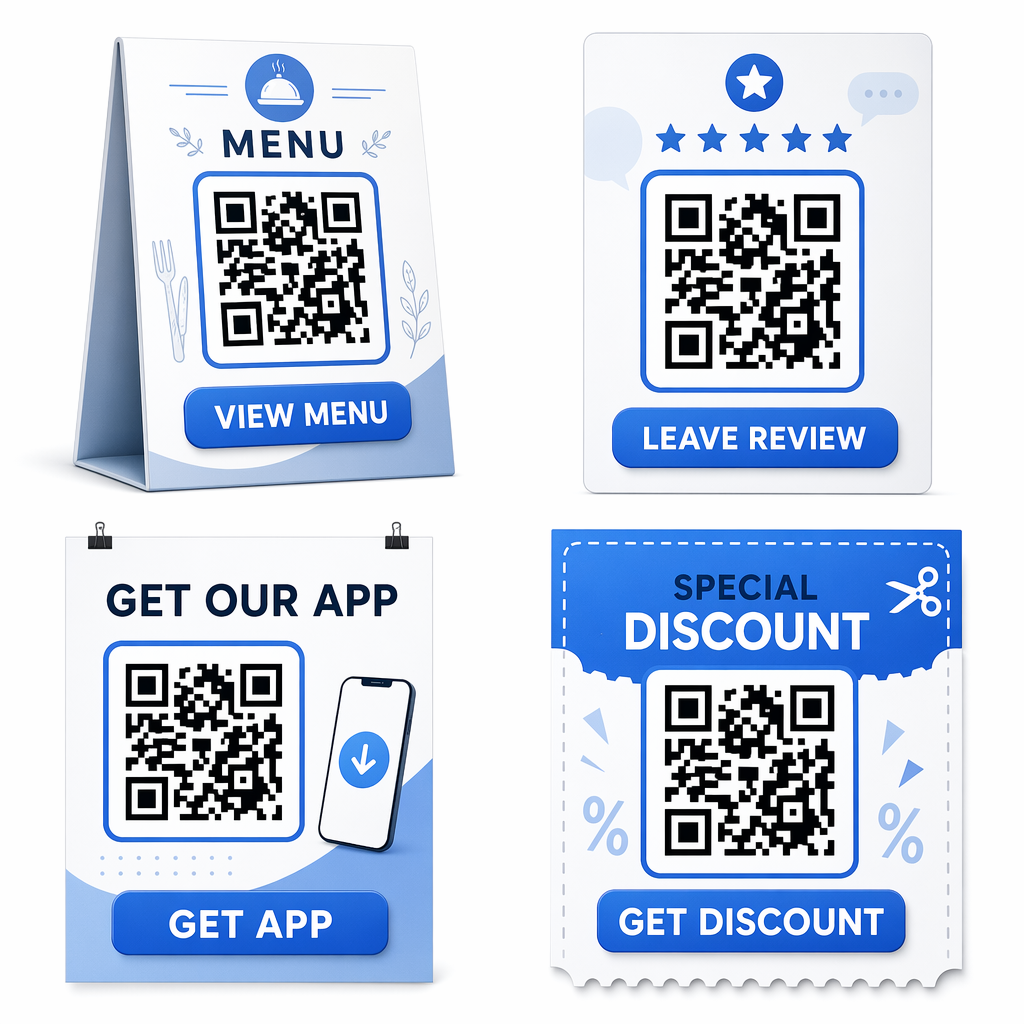
- Promoting mobile applications: Use frames like “Scan to Download” or “Get the App” to drive users directly to the App Store or Play Store, removing the need for them to search for your app manually.
- Gathering customer feedback: A “Rate Us” or “Scan to Leave a Review” frame simplifies the feedback loop. This directness increases the likelihood that a customer will take the time to share their experience.
- Digital menus and price lists: For restaurants and retail, frames like “View Menu” or “Check Prices” are highly effective. These are especially useful when placed on table tents or shelf talkers.
- Social media growth: Direct customers to your Instagram or Facebook page by using a “Follow Us” border, which helps bridge the gap between offline purchases and online community building.
- Discount and coupon distribution: High-conversion phrases like “Scan for 15% Off” or “Claim Your Voucher” create immediate incentive and urgency.
Before you finalize any design, always perform a series of tests. Scan the finished code with multiple devices under different lighting conditions to ensure the quiet zone and contrast levels are sufficient for a fast, reliable scan.
Frequently Asked Questions
No, as long as you maintain the four-module quiet zone between the code and the frame. A well-designed frame actually makes the code easier for people to notice and scan.
The physical text on the printed frame cannot be changed. However, if you use a Dynamic QR Code Generator, you can change the digital destination or the content the user sees after they scan the code.
The frame can be any color that fits your branding, but the QR code itself should remain dark (like black, navy, or dark charcoal) on a light background to ensure high contrast and scannability.
Branding your QR codes with frames is one of the simplest ways to professionalize your marketing materials. By combining a clear call-to-action with technical best practices like proper sizing and high contrast, you can transform a standard utility into a powerful conversion tool. Whether you are promoting an app, sharing a digital menu, or gathering reviews, a custom frame ensures your audience knows exactly how to interact with your brand.