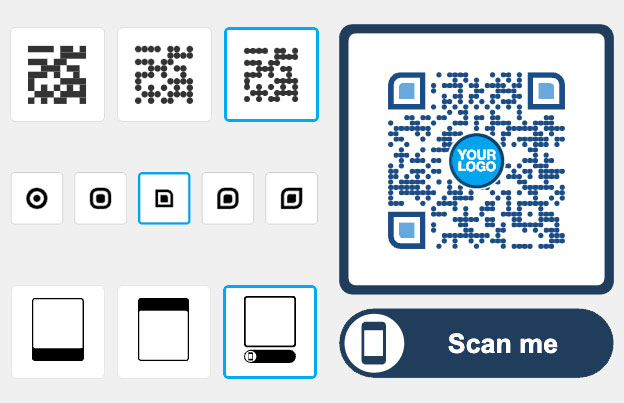
Free URL shortener
Paste a long URL into this free URL shortener and get a short link in seconds. You don’t need an account. Add a + to the end of your short link to open a public page with its total number of visits.
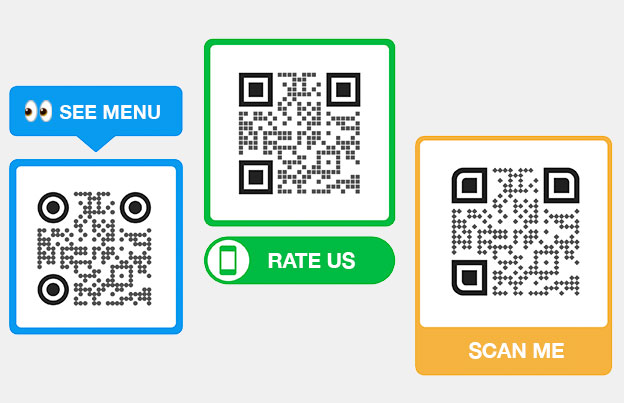
Want a QR code for your short link? Create a QR code from it in a few clicks.
What is a short link generator?


A short link generator takes a long URL and gives you a short one that opens the same page. The short link is easier to paste into a post, a text message or a printed flyer, and easier to read out loud.
Every short link made here has a public stats page. Add a + to the end of the short link to see how many times it was opened.
For more than a total count, such as when and where people open the link, or to change the destination later, use a link in a Pageloot account. You can try that free for 14 days.
How to make a link shorter?


Copy
Open the page you want to share and copy its full address from the browser bar. Both http:// and https:// links work. If you leave out https://, the tool adds it for you.


Paste
Paste the link into the field at the top of this page, called Paste the URL to be shortened. Our free URL shortener checks that it is a valid link. Then complete the short security check.


Shorten
Click Shorten URL. Your short link appears in a new field right away.


Share
Click Copy URL and paste the short link into your post, email, message or document. Click Shorten Another to make the next one.
How to create a short link?
Making a short link takes four steps. You can use it right after you create it:
Start by copying the URL that you want to shorten. This could be any long link that you want to make easier to share.
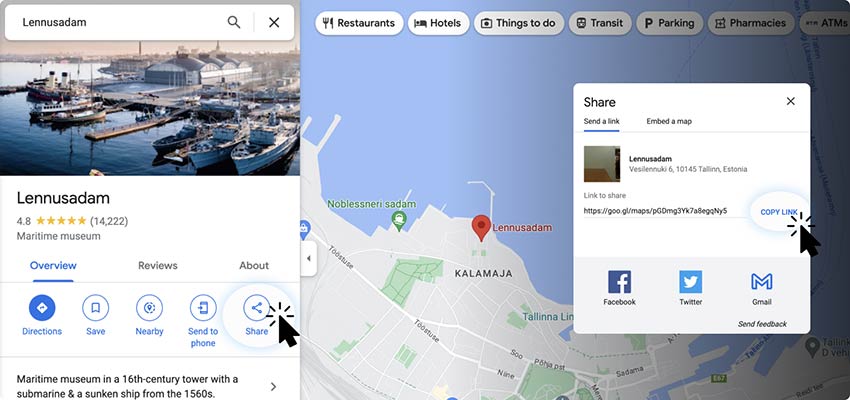

Visit a reliable link shortening service, such as our URL shortener tool, and open the input field where you'll paste the link.


Paste the Link
Paste the copied URL into the tool’s input field. This is where the transformation begins.
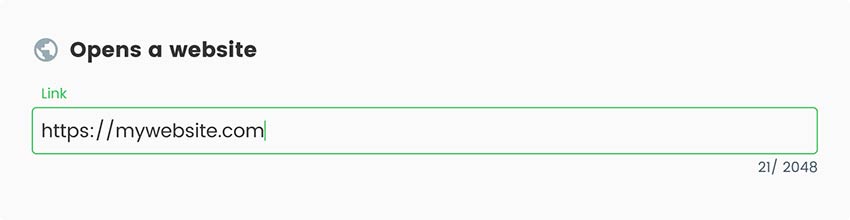

Click 'Shorten'
Click the 'Shorten Link' button to generate your new, shorter link. The tool will create a concise version instantly.


Share Your New Link
Once generated, copy your new short link and start sharing it on your website, social media, through email to reach your audience easily.


All done!
Why do I need a link condenser?


A link condenser, also called a link shortener, turns a long URL into a short one that opens the same page.
Short links fit better in places where space or looks matter: social posts and bios, text messages, email, slides and printed material. A long address with tracking parameters can look messy or break across two lines. A short link stays on one line and is easy to type when someone reads it off a page.
A free short link shows a total visit count on its public stats page. If you run campaigns and need to know when and where people clicked, or want to change where a link goes after you shared it, a Pageloot account adds that. See the plans or start the 14-day free trial.
Frequently asked questions


A link shortener turns a long URL into a short one that opens the same page. Short links are easier to share in posts, messages and print, and they don’t break across lines in emails.
Paste your long link into the field at the top of this page, complete the security check and click Shorten URL. Then click Copy URL. You don’t need to create an account.
Add a + to the end of your short link, for example your-short-link+, and open it. The public stats page shows the total number of visits. For when, where and on what device people clicked, use a link in a Pageloot account (14-day free trial).
The free tool makes a short link and gives you a public total visit count. A Pageloot account adds editing where a link points, and detailed stats. See the plans on the pricing page for exactly what each plan includes.
The free tool on this page creates the short link for you. Custom and branded links are part of the Pageloot app. Start the 14-day free trial or see the pricing page for what each plan includes.
The free URL shortener has a fair-use daily limit. If you reach it, try again the next day. Your short links keep working, with no limit on clicks. Free to use, no account needed.
Yes. Paste the short link into our QR code generator and download the code. A QR code is useful on posters, flyers, menus and packaging, where people can’t click.
Check these causes: a typo when you copied the link, a destination page that was moved or deleted, a link that the safety check blocked as unsafe, or a link with spaces cut off at the end. Test the original long link first. If it works, create the short link again.


Contact us and we’ll be happy to help!
What kind of links can I shorten?


Shorten a link for your Instagram bio, Stories or a post caption. Captions can’t hold clickable links, so a short link is easy to type or copy.


Shorten a Facebook page, group, event or post link before you send it by message or email.


Shorten a LinkedIn profile or company page link for your email signature or a printed business card.


Shorten long Google links, such as a Google Form, Doc, Drive file, Maps place or Google review link.


YouTube
Shorten a YouTube video, channel or playlist link, for example to add it to a slide or a poster.


Twitter / X
Shorten a link before you post it on X, so it takes less room in the post.


Amazon
Amazon product links are long. Shorten one to share a product in a message or on a printed card.


Spotify
Shorten a Spotify song, album, podcast or playlist link to share it in a message or bio.


Custom
Want a custom link shortener with your own name in the link? That is part of the Pageloot app, not the free tool on this page. Check the plans for what is included.


Bulk
The free tool shortens one link at a time. Click Shorten Another after each link.


Website
Shorten the address of any web page, such as a product page, a landing page or a blog post.


Shorten the link to a PDF that is already online, such as a menu, a brochure or a price list.


Shorten a WhatsApp chat link (wa.me/ followed by a phone number) to put it on a flyer or in a bio.


Image
Shorten the link to an image that is already online, for example a photo, a map or a flyer.
4.86 / 5 stars rating


Where to use a link condenser? Examples
Tap on the images to zoom in


Websites
Use short links for download buttons, footers and email sign-up pages, so a long address with tracking parameters doesn’t show.


Social Media Posts
Put a short link in a bio, a caption or a pinned post. Create a separate link for each platform, then compare the visit counts on the + pages.


Messaging Apps
Share a short link in WhatsApp, Messenger or SMS. The message stays short and the link is easy to tap.


Email Campaigns
Use a short link in a newsletter or email signature. One link per campaign tells you which email people opened the link from.
How to get more clicks for a shortened link?
-
Use Multiple Channels
Share your short link on social media, in email and in messaging apps. Use a different link for each channel to compare them. -
Use a Clear Call-to-Action
Write a short line next to the link, such as "Read the guide" or "Get the discount". Tell people what happens when they click.
-
Place Links Where People Look
Put the link near the top of an email, in your bio, or in the first lines of a post. On print, put it next to the thing it explains. -
Make the Link Easy to Read
Short links are easy to read, but a QR code is faster on paper. Put a QR code of your short link on flyers and posters.
Best practices for a link simplifier
Say Where the Link Goes
Put a few words next to the link that tell people what they will see, such as “Menu” or “Sign-up form”. People click more when they know where a link goes.


Test Before You Share
Open the short link on your phone before you post it or print it. Make sure it opens the right page.
Monitor Performance
Add a + to the end of your short link to see its total visits. For when and where people click, use a link in a Pageloot account.


Use One Link Per Campaign
Make a new short link for each post, email or flyer. Then each link has its own visit count, and you can see which one works best.
SH-01
Benefits of using a link reducer


Easier Sharing
A short link is easy to copy, paste, type and say out loud, in posts, messages and print.


Cleaner Look
A short link takes up one line. It doesn’t show long tracking parameters that make a message look messy.


Free to Use
You don’t need an account to shorten a link. Paste the link, click Shorten URL and copy the result. The free shortener has a fair-use daily limit.


Visit Count
Add a + to the end of your short link to see the total number of visits. Detailed stats come with a Pageloot account.


Safer Links
The tool checks each link and blocks addresses that look unsafe or like phishing. It also blocks IP-only addresses.


Space Saving
Short links save room where length matters, such as SMS messages, bios and printed cards.