QR codes for e-commerce: put your online store on packaging and print
An e-commerce QR code connects something a customer holds, such as a box, an insert or a manual, to a page in your online store. A customer scans it with the phone camera and the product page, review form, video or discount page opens. Make a QR code for your shop for free, or use a Pageloot account to edit the link later and see scans.
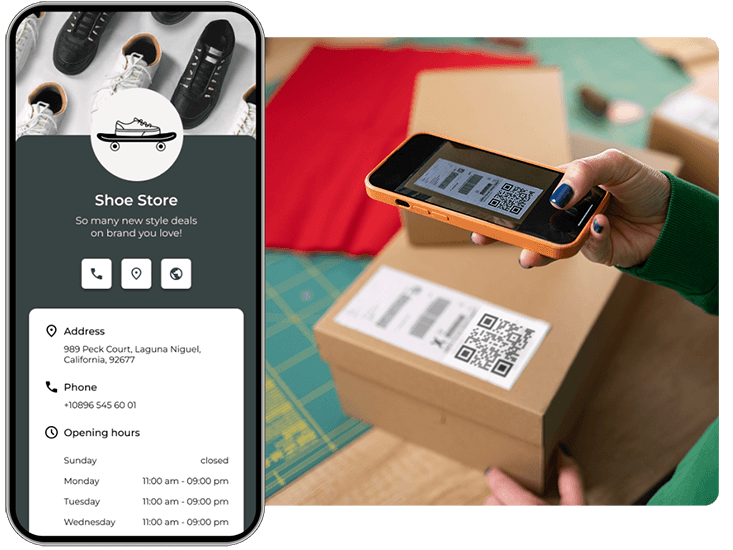
Trusted by 950+ eCommerce businesses in 64 countries


Every parcel you ship can point back to your store. The code can open a reorder page, a how-to video or a review form. With a Pageloot QR code generator account you can change the link after printing and see when, where and on what device the code was scanned.
Most online stores use QR codes for four jobs: product information, repeat purchases, reviews and support. The sections below show where each code goes and which type to pick.
Where to use a QR code in your online store
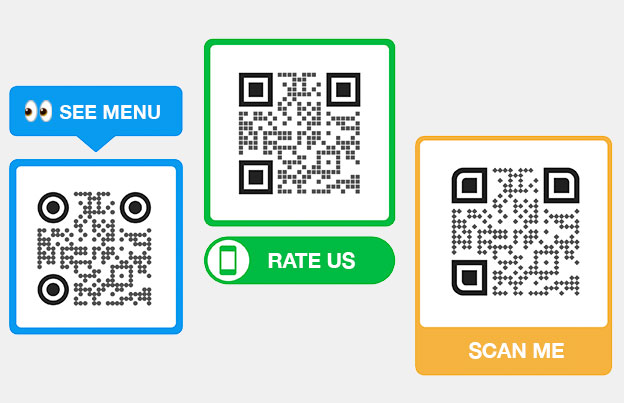
Put the code where customers already look after they receive an order. Print it at least 2 x 2 cm (0.8 in), and add a short line such as “Scan to reorder” so people know what they get.
Free PDF playbook
The QR code playbook for online shops
20 pages. Packaging, inserts, reorders and reviews: how shops turn a delivered parcel into the next sale.
We will email you the playbook and a few tips on using QR codes. You can unsubscribe at any time.
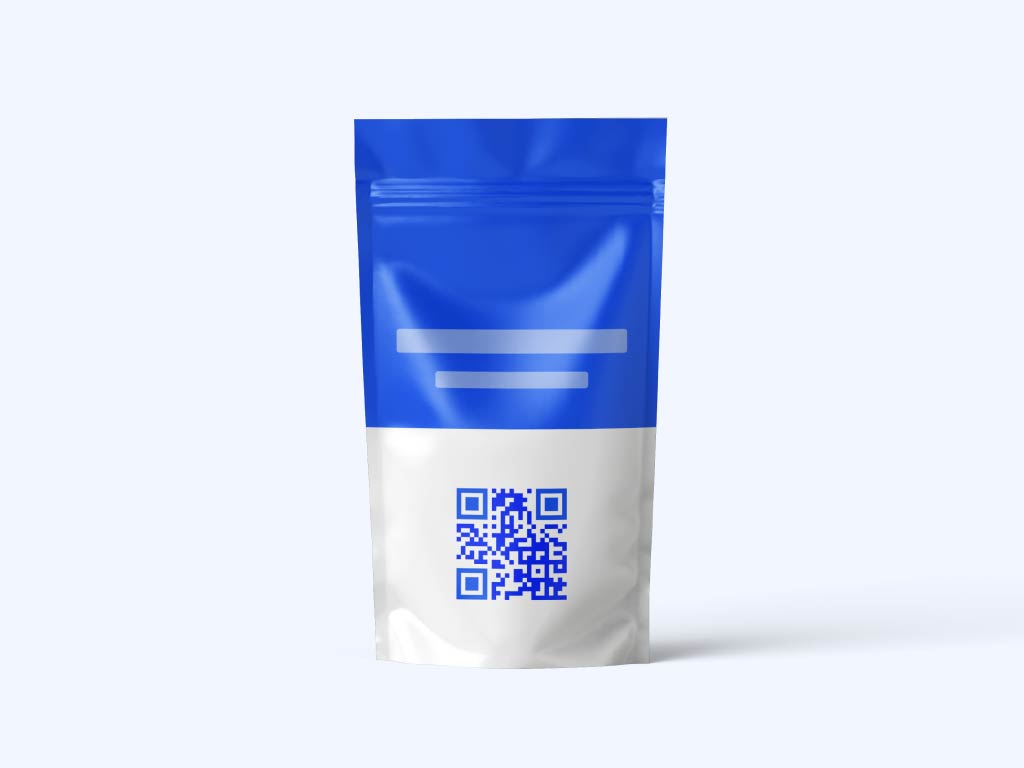
Product packaging
Add a QR code on product packaging that opens usage instructions, ingredients or care details, or the page to reorder. Space on a label is small, and a code lets you show much more than fits on it.

Shipping box
Print a code on the outside or inside of the shipping box. It can open order tracking, a loyalty sign-up or products that go with what the customer bought. Tracking links usually come from your carrier, so link to the page you already send by email.
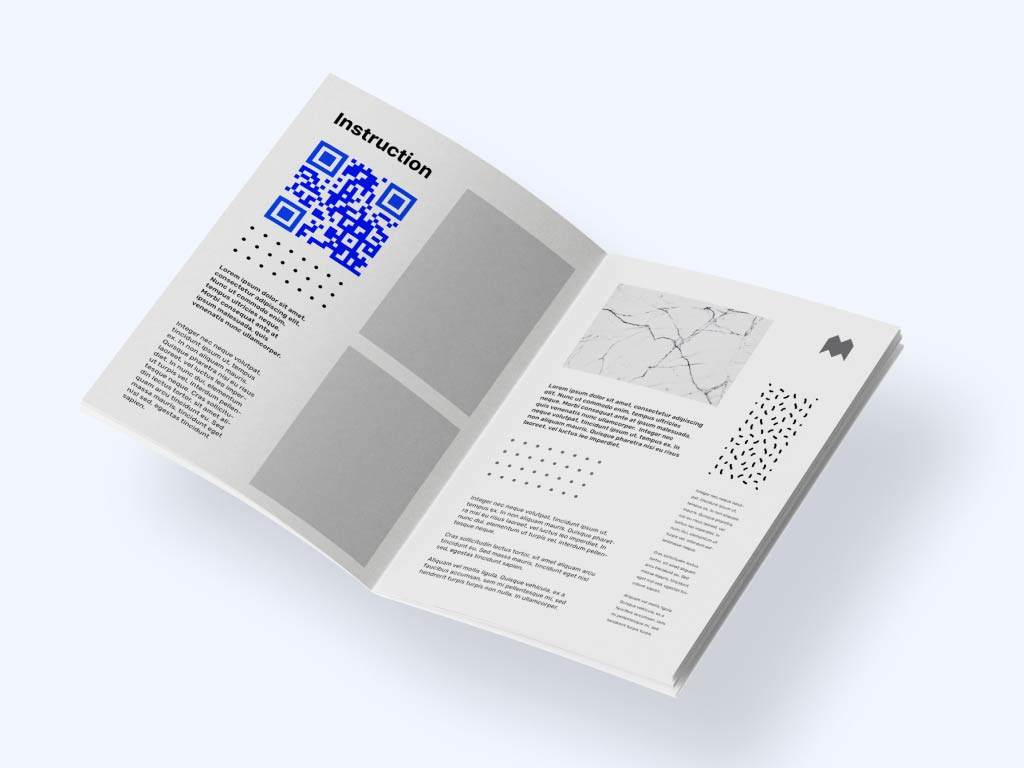
Product manuals
Replace a long printed manual with one code that opens a PDF guide or an installation video. Customers find the answer faster, and you print fewer pages. A dynamic code lets you swap in a new manual when the product changes.

Packaging inserts
A thank-you card or insert can carry a code that opens a discount page, a referral form or a review page. Ask for one thing only. A single clear action gets more scans than three options on the same card.
Take a look
at a real case

Why add QR codes to e-commerce packaging and print
Most online shoppers use a phone, and a phone camera reads a QR code in about a second. A code links the physical product to your web store, so a customer who is holding the item can reach the next step without typing a URL.
For e-commerce brands, QR codes give you four things:
More product information: show details, videos and guides that do not fit on a label.
Change the link later: with a dynamic code, update the destination without reprinting.
More reviews and feedback: send happy customers straight to your review page.
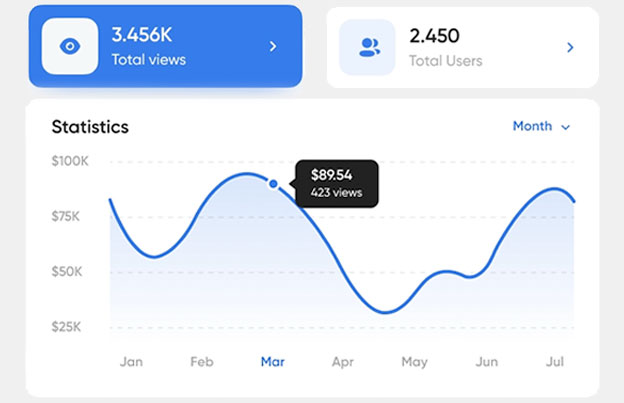
Scan stats: see when, where and on what device people scanned, and which print piece works.
Packaging already reaches every customer. A QR code lets it keep working after the parcel is opened, because the customer can scan it whenever they need the manual, want to reorder or are ready to leave a review.
Beatriz Yoshimura
Manager, Aromalife
Best QR code types for e-commerce
Pick the type by what the customer should see after the scan. Make the code with the Pageloot free QR code generator, then add your logo and colors.
- Link QR Codes
Opens any web page: a product page, collection, landing page or Shopify, WooCommerce or Etsy shop. Use it for reorder cards and campaign links. See the link QR code generator.
- Google Review QR Codes
Opens your Google review form so happy customers can rate you in a few taps. Put it on an insert with a short thank-you. See the Google review QR code generator.
- PDF QR Codes
Opens a PDF such as a product catalog, warranty, size guide or user manual. Customers read it on any phone, and you do not print extra pages. See the PDF QR code generator.
- Video QR Codes
Opens a video such as an unboxing guide, a setup tutorial or a product demo. Good for items that are hard to explain in writing, and it can cut support questions. See the video QR code generator.

For e-commerce & dropshipping
“We placed Pageloot QR codes inside our packaging. Within 2 weeks, we saw a 27% uptick in repeat visits to our Shopify store — and we didn’t need to change anything else.”
Michelle Tran
Ecommerce director, ShopTrend Innovations
Static or dynamic QR codes for an online store
Use a static code when the link will not change, for example a permanent link to your store’s home page. Static codes never expire.
Use a dynamic code when the link may change: a seasonal campaign, a new product page, a new discount code or a new manual. You change the destination in your Pageloot account and the printed code follows, so you do not reprint packaging. Dynamic codes also show scan stats. Start with the 14-day free trial and compare plans on the pricing page. Scans are unlimited, and plans have a 30-day money-back guarantee.
 Product information

 Promotions and discounts
 Customer reviews and feedback
 Social media growth Email list buildingProduct information
Benefits
Product information
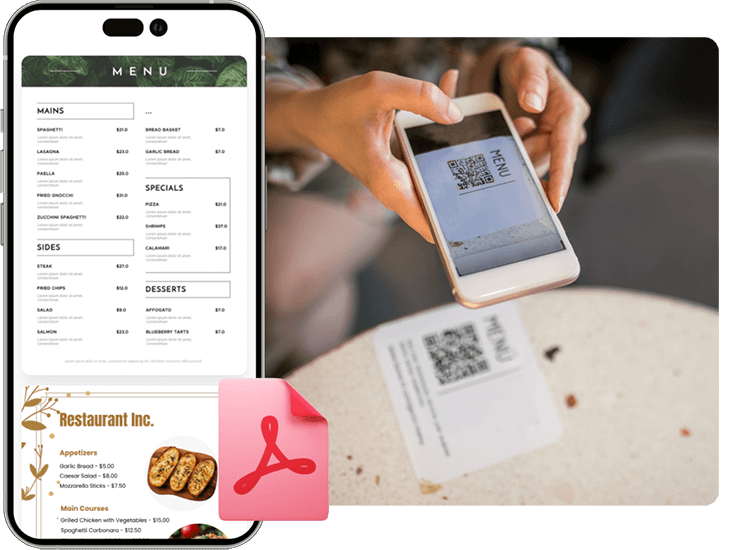
Customers scan a code on the product to see ingredients, technical specifications, or sustainability details.
 Promotions and discounts
Benefits
Promotions and discounts
Brands use QR codes to distribute exclusive discount codes and limited-time offers.
 Customer reviews and feedback
Benefits
Customer reviews and feedback
Encouraging reviews after delivery helps increase social proof and improve product rankings.
 Social media growth
Benefits
Social media growth
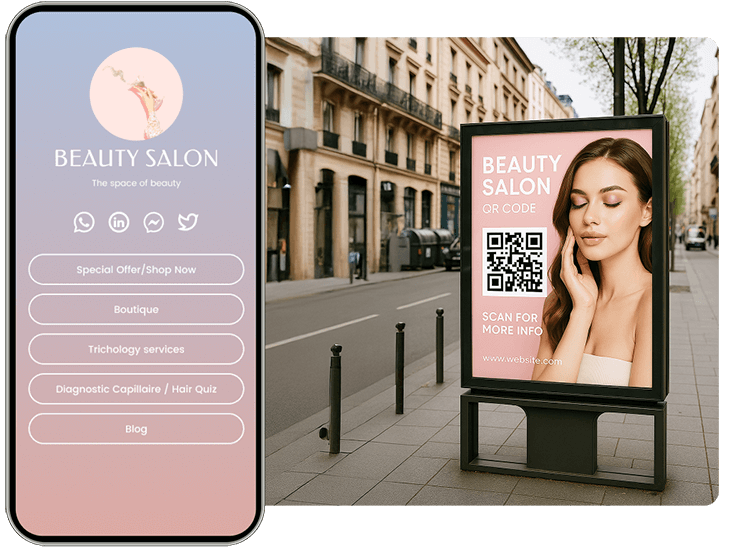
A QR code can direct customers to follow your brand on social platforms and join your community.
 Email list building
Benefits
Email list building
Many companies use QR codes to collect emails and grow their customer database for future marketing campaigns.
Hear From Businesses in eCommerce
See how they are using Pageloot to turn QR codes into real growth.
Many online stores put a QR code inside the package that opens a tutorial, an add-on product or a loyalty page. Each code is a way to bring customers back to your store after the sale.
Use a different code for each print piece, for example one for the box, one for the insert and one for the manual. Then the scan stats show which one customers actually use.
With a Pageloot account you can see the number of scans, when and where they happened, and on what device. Use it to decide which placement to keep and which to drop.









How to Create a QR Code in e-Commerce
Making a QR code for your online store takes a few minutes and no technical skills.
Step 1: Choose a QR code type
Pick the page you want customers to see: a product page, review form, PDF catalog or video.
Step 2: Paste your link
Paste the URL into the QR code generator and the code appears at once. Use a link without a login or cart session in it.
Step 3: Customize the design
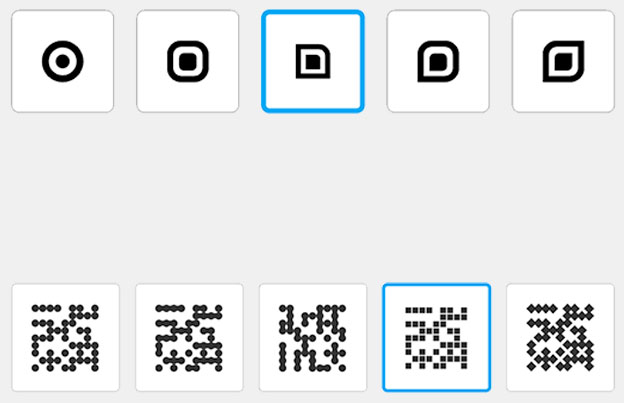
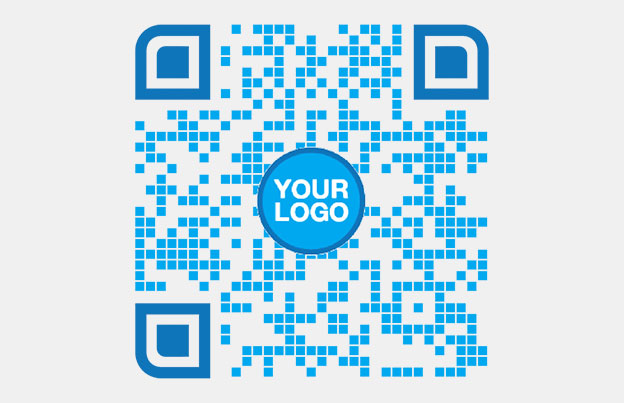
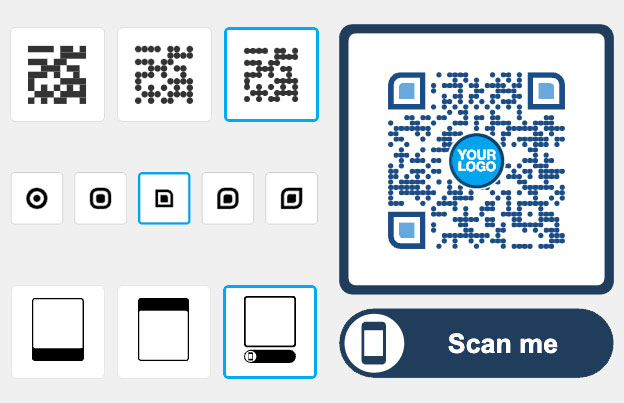
Add your logo and brand colors, and a frame with a call to action such as “Scan to reorder”.
Step 4: Test and print
Scan the code with two different phones, from the distance a customer will use. Check that it opens the right page on mobile. Then download a PNG for screens or an SVG or PDF for print.
If you want to edit the link later or see scans, make a dynamic code. See the pricing page for details.
Frequently Asked Questions

A QR code connects a printed item, such as a box, insert or manual, to a page in your store. The customer scans it and lands on a product page, reorder page, review form or video without typing a link.
Copy the link to your store, product or collection page, paste it into the Pageloot QR code generator, add your logo and colors, and download the code. Test it with two phones before you print.
Good places are the product label, the inside of the shipping box, a thank-you insert and the product manual. Print the code at least 2 x 2 cm (0.8 in) and add a short line that says what the scan opens.
Use a static code if the link will not change. Use a dynamic code if the destination may change, for example for campaigns, new products or new discount pages, or if you want scan stats. A dynamic code needs a Pageloot plan, and you can start with the 14-day free trial.
Yes, with a dynamic code. Scan stats show when, where and on what device the code was scanned. Use a separate code for each print piece to see which one works best.
Yes. A code on a packaging insert can open a reorder page, a loyalty sign-up or a referral page. Keep it to one clear action per code.
It can. Link the code to a how-to video, a PDF manual or a FAQ page, so customers find the answer when they hold the product. Check your support emails to see which questions a code could answer.
A static QR code never expires. A dynamic code works while your plan is active. Dynamic codes on monthly or yearly plans go inactive after the plan ends, so renew the plan before codes on shipped packaging are scanned.
IP-02
Get more repeat orders with QR codes for e-commerce
Make your first e-commerce QR code in a few minutes, and change the link later without reprinting.