QR codes for a marketing agency
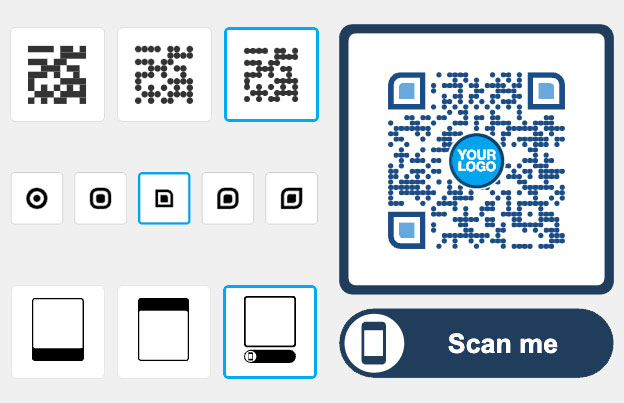
A QR code for a marketing agency connects a client’s printed or screen material to a page you choose: a landing page, offer, app download or review form. Make the codes with Pageloot, use dynamic codes to change the destination after printing, and see scans by time, place and device.
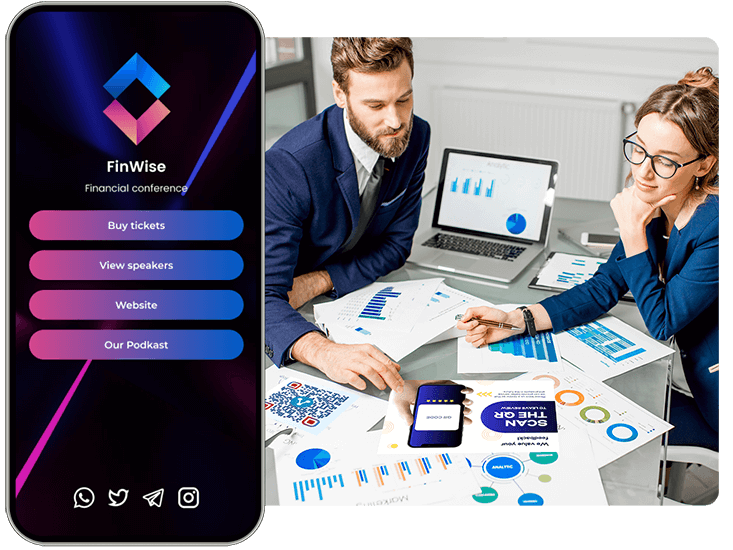
Trusted by 870+ marketing & design agencies in 68 countries


Where to use a QR code in client campaigns
Put the code where the customer already looks and send it to one clear page. Test each code on two phones before the print run.
Free PDF playbook
The QR code playbook for marketing agencies
23 pages. 12 ways agencies use QR codes in client campaigns: print, packaging, events, social, and how to show clients the results.
We will email you the playbook and a few tips on using QR codes. You can unsubscribe at any time.
Product packaging and inserts
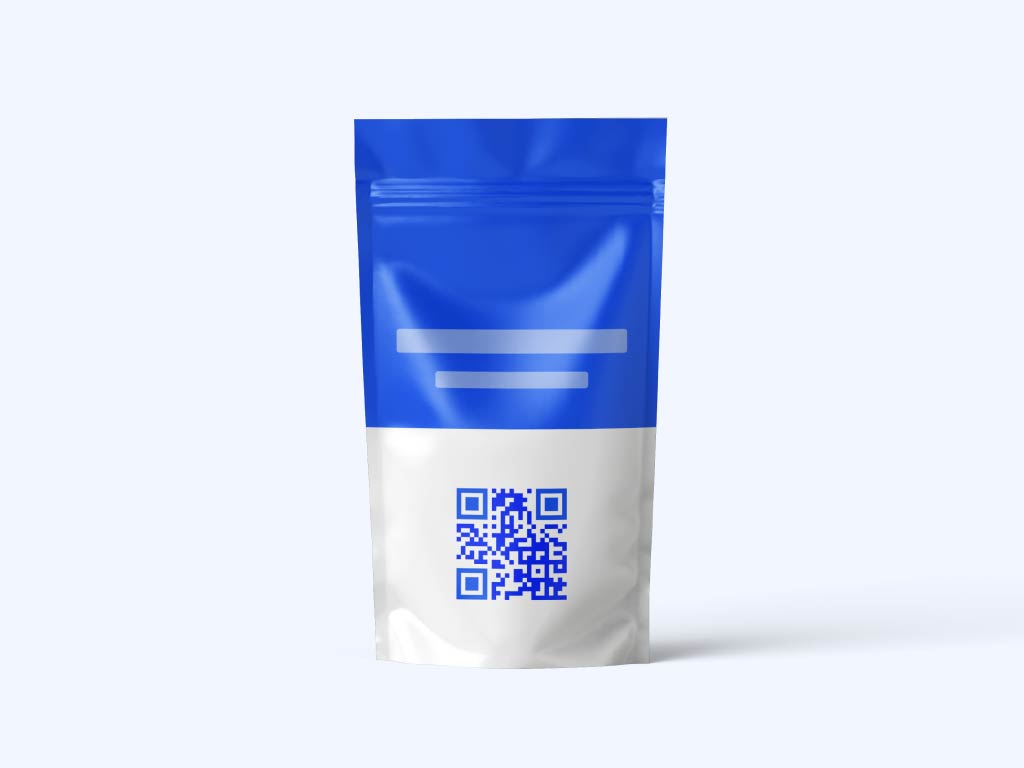
Add a code to packaging, labels or a box insert that opens product details, a how-to video or a promo page. Print it at least 2 x 2 cm (0.8 in) and keep a white border around it.
Flyers and direct mail
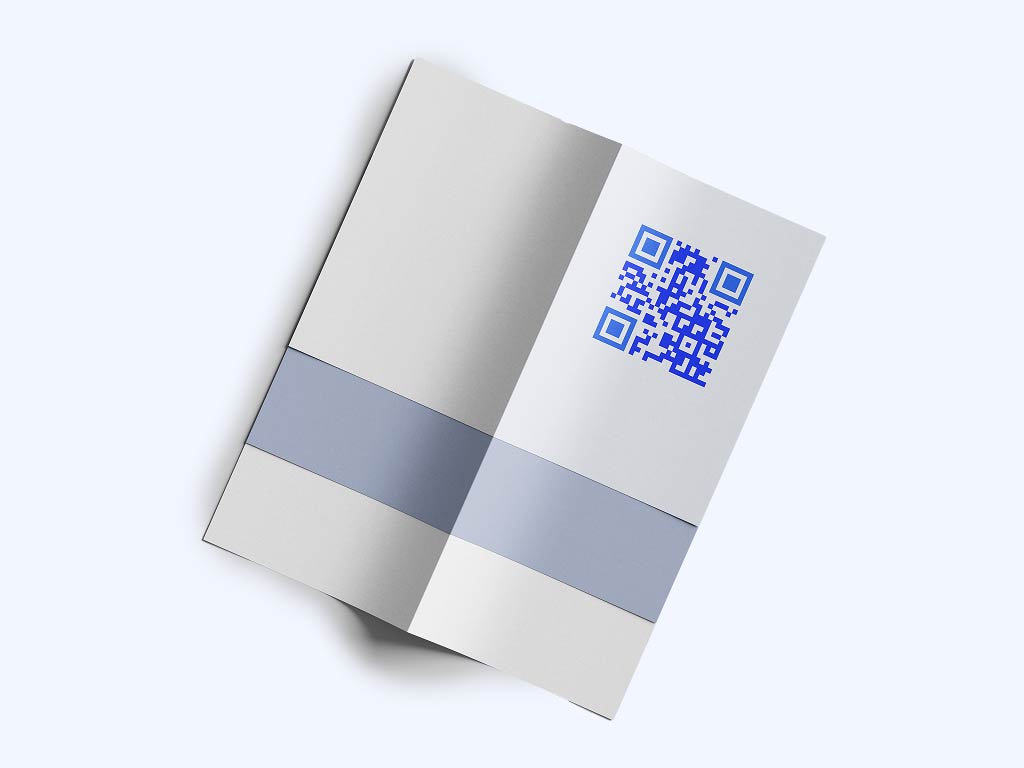
Give each flyer or mailing its own dynamic code, so the scan stats show which one brought visitors. Add a short line such as “Scan for 20% off” and send people to a landing page made for that campaign.

Menus and table cards
For restaurant and cafe clients, a code on the table opens the digital menu, so the client can update prices without reprinting. See the menu QR code page.

Posters and in-store displays
On a poster, window sticker or shelf display, make the code 10 cm (4 in) or wider and add a call to action next to it. Check the print size against the distance people scan from.
Where basic static QR codes fall short for agencies
No edits after printing: a static code can't be pointed to a new page once it is printed
No scan stats: a static code can't show your client when, where and on which device people scanned
Basic branding: your clients' codes should match their colors, logo and call to action
Scattered files: loose PNGs and spreadsheets get hard to manage across many clients
Links you can't fix: if a client's page moves, a printed static code keeps pointing to the old address
Campaigns you can't compare: one code for every channel hides which channel works
Take a look
at a real case

Our clients have seen a really positive impact
The customer experience has improved, resulting in increased loyalty and satisfaction. I recommend to try creating a few QR codes to see if it works for your clients.

We increased client sales by 20-30%
Sharing QR scan statistics to clients is quick and easy
We can edit QR codes without reprinting
Camila Guerrero
Designer, G Estudio
What type of QR code should an agency use?
Most agencies need four or five types. Start with a link code for the campaign page.
- Link
Opens any web address: a landing page, social profile, offer or booking page. This is the type most agency campaigns use. Choose dynamic if the client may change the page or wants scan stats.
- vCard
Saves a client contact (name, phone, email, website) when scanned. Good for business cards, event badges and sales material. See the vCard QR code page.
Opens a PDF such as a brochure, price list, menu or ebook on the phone. With a dynamic code you can replace the PDF later and keep the printed code.
- Image gallery
Opens a gallery of product photos or portfolio work. Good for retail, design and event clients. See the image QR code page.
- App store
Sends people to the App Store or Google Play. One code can send iPhone users to Apple and Android users to Google Play. See the app QR code page.
- Google review
Sends happy customers straight to the client’s Google review form. Put it on receipts, packaging and counters. See the Google review QR code page.

For marketing and design agencies
"Pageloot transformed how we manage campaigns. The QR code advertising tools are seamless and help us deliver measurable results for our clients."
Sarah Bennett
Campaign manager, BrightSpark Agency
How QR codes help an agency's clients
A QR code connects a printed or on-screen campaign with a page you can measure and change. Use it for offers, lead forms, app downloads, reviews and event sign-ups.
Pageloot makes the code and shows scan stats. Your own tools handle landing pages, ads and email.
 Digital menus

 Social media
 Lead generation
 More reviewsDigital menus
Benefits
Share PDF flies
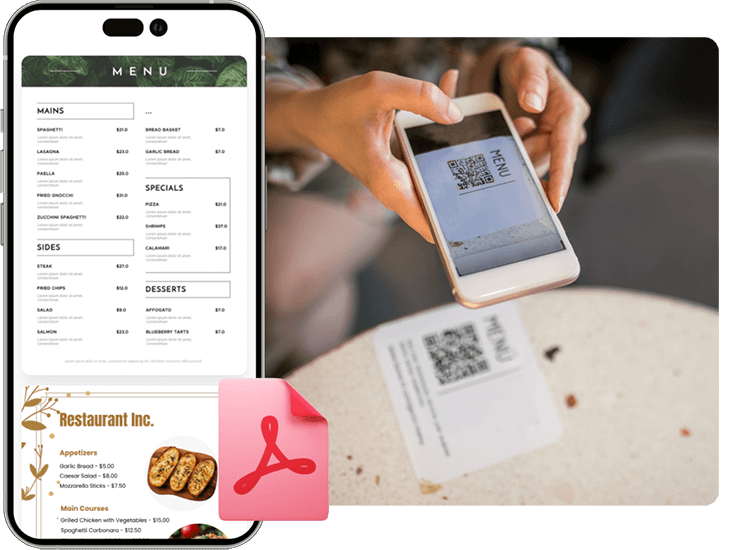
Create a QR code for easy access to digial menus or product manuals for restaurants, cafes, or any business. Visitors can scan to view items conveniently from their smartphone.
 Social media
Benefits
Social media growth
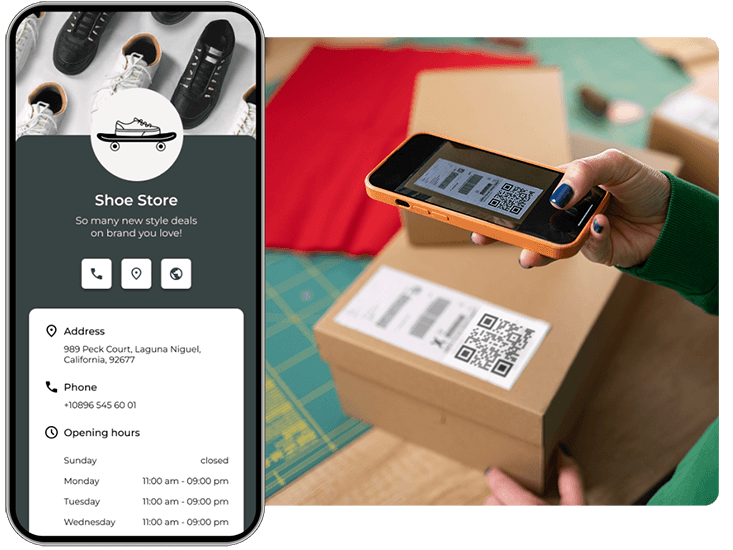
Grow your audience with QR codes and marketing for social media. Connect users to profiles with one scan.
 Lead generation
Benefits
Get more leads
Collect customer emails and survey responses with a QR code marketing on forms. Help your clients grow their lists easily.
 More reviews
Benefits
Get more reviews
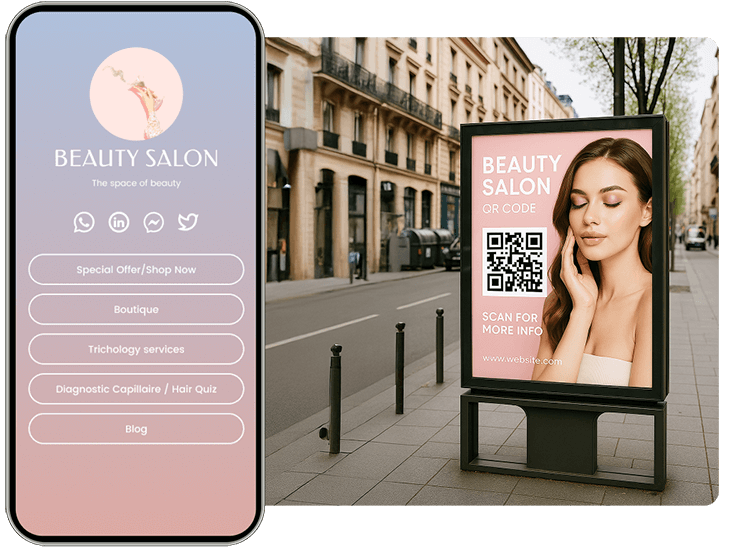
Boost your credibility with a marketing QR code for Google or Tripadvisor reviews. Encourage feedback to build trust.
QR code features for an agency
Dynamic codes in a Pageloot account let you edit the destination after printing and see scans. Start with the 14-day free trial.
Upload files directly
One QR code for any file
Turn a PDF, image or other file into a QR code. People scan it and open the file on their phone. Good for brochures, price lists and packaging.
Share all your links
List of links
Most social profiles allow only one link. One QR code can open a page with several buttons, so a client can share a website, offer and social profiles with a single scan.
Hear from our clients
See how they are using Pageloot to turn QR codes into real growth.







Frequently asked questions

A QR code connects print and screen material to a landing page, offer, app or review form. With a dynamic code you can see when, where and on which device people scan, and change the destination after the material is printed.
Open the Pageloot generator, choose the type (link, PDF, vCard, app or review), paste the client’s link or upload the file, add the client’s logo and colors, and download the code. Test it on two phones before you print.
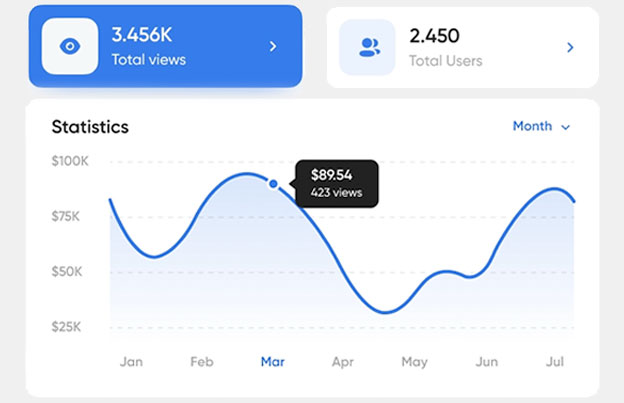
Yes, with dynamic codes. The stats show when, where and on which device people scanned. The level of detail depends on your plan. Make one code per client, flyer or channel to compare results.
Use a static code when the link will never change, such as a website. A static code never expires and has no stats. Use a dynamic code when the client wants scan stats or may change the page. A dynamic code on a monthly or yearly plan goes inactive when the plan ends, so renew it before then.
Yes, with a dynamic code. Open the code in your Pageloot account and point it to a new page. The printed code stays the same, so there is no reprint.
A QR code can send people to a client’s profile or to one page with several social links. Put it on packaging, posters and flyers, and use a separate code for each place to see which one brings scans.
Print it at least 2 x 2 cm (0.8 in) on a flyer or package. On a poster make it 10 cm (4 in) or wider. Use a dark code on a light background and keep a white border around it.
The free generator lets you download a code for a link or PDF. Dynamic codes with editing and stats start with the Starter plan at EUR 7 per month, billed yearly, after a 14-day free trial. All plans have a 30-day money-back guarantee. See the plans page for details.
IP-01
Make your first client QR code
Make a QR code for your next client campaign. To edit codes after printing and see scans, start the 14-day free trial. Plans have a 30-day money-back guarantee.