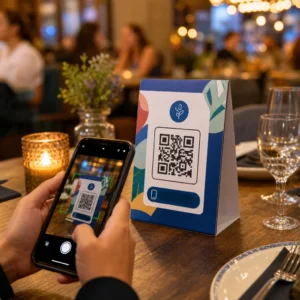
QR kodunun yerleştirilmesi için en iyi uygulamalar beş kurala dayanır. Kodu en az 2 x 2 cm (0.8 x 0.8 inç) boyutunda bastırın, her kenarında dört modüllük bir sessiz alan bırakın, açık bir arka plan üzerinde koyu modüller kullanın, rahat bir yükseklikte düz mat bir yüzeye yerleştirin ve yanına kısa bir harekete geçirici mesaj ekleyin. Tam baskıdan önce her basılı örneği en az iki telefonla test edin.
Bu kılavuz, QR kod tasarım kurallarını ve boyut, kontrast ve yüzey için yönergeleri, her tür malzemeye kodun nereye yerleştirileceğini, QR kodlarını kullanarak nasıl reklam yapılacağını ve kodun arkasındaki açılış sayfasının neye ihtiyacı olduğunu kapsar.
Bir Bakışta QR Kodu En İyi Uygulamaları
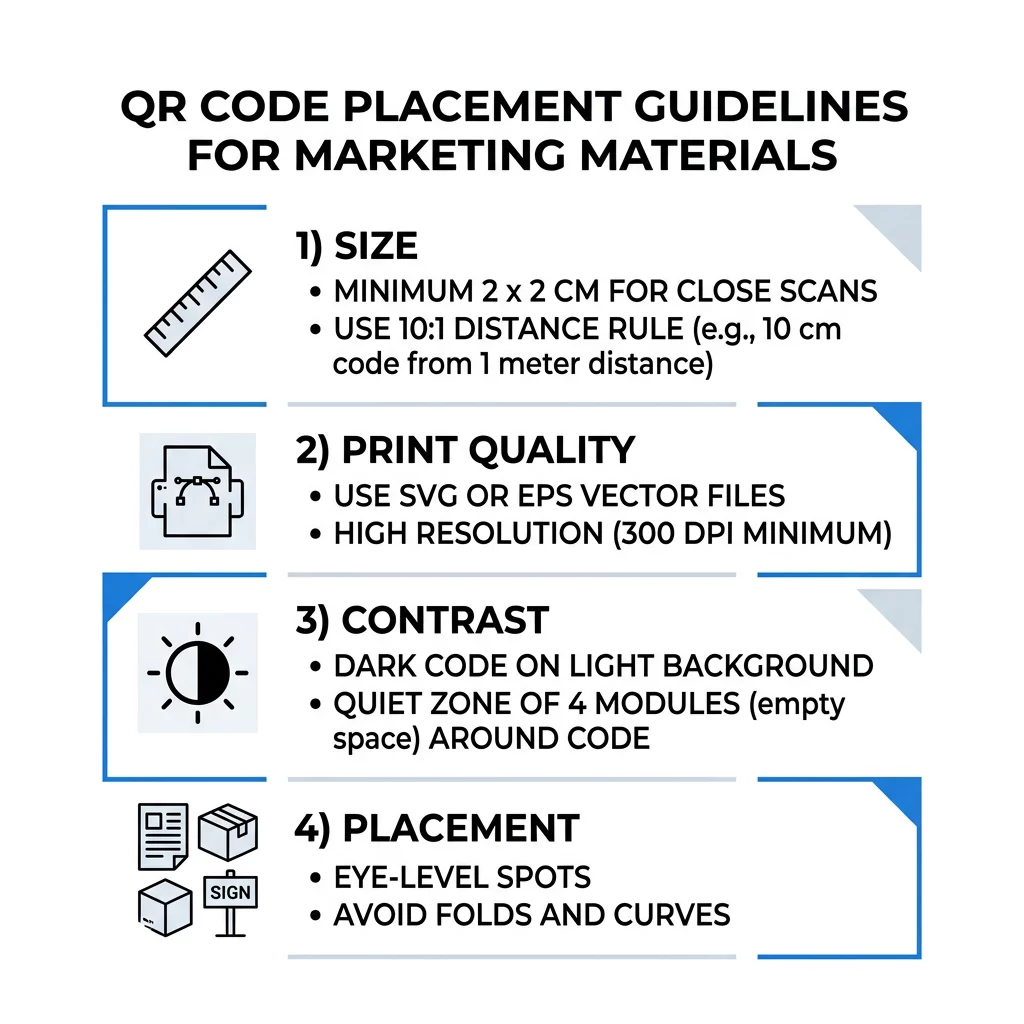
- Boyut: elde tutulan öğeler için en az 2 x 2 cm (0.8 x 0.8 inç). Mesafe için, her 10 inç tarama mesafesi için 1 inç kod genişliği kullanın.
- Sessiz bölge: dört kenarının hepsinde en az dört modüllük boş bir kenar boşluğu. İçinde metin, çizgi veya kırpma işareti olmamalıdır.
- Kontrast: açık bir arka plan üzerinde koyu kod. Asla ters çevirmeyin veya birkaç telefonda test etmediyseniz koyu bir arka plan üzerinde açık bir kod kullanmayın.
- Yüzey: düz ve mat. Katlanmalar, dikişler, eğriler, parlama ve parlak laminattan kaçının.
- Harekete geçirici mesaj: insanlara neden taramaları gerektiğini söyleyin, örneğin “Menüyü görmek için tara”.
- Hedef: hızlı yüklenen ve harekete geçirici mesajın vaat ettiğiyle eşleşen mobil uyumlu bir sayfa.
- Test etme: son provayı bir iPhone ve bir Android telefonda, kodun kullanılacağı ışıkta tarayın.
Boyut ve Görüntüleme Mesafesi İçin Teknik Standartlar
Çok küçük veya bulanık bir QR kodu taramaz. Yakın mesafeli elde taşınır malzemeler için pratik minimum boyut 2 x 2 cm (0.8 x 0.8 inç)'tir. Bir odanın veya sokağın karşısından görülen daha büyük malzemeler için 10:1 kuralını kullanın: her 10 inç tarama mesafesi için en az 1 inç kod genişliği bırakın. İnsanların 5 fit uzaktan okuduğu bir posterin en az 6 inç genişliğinde bir koda ihtiyacı vardır.
Ticari baskı için, çizimi SVG, EPS veya PDF gibi bir vektör dosyası olarak dışa aktarın. Vektör dosyaları her boyutta keskin kalırken, raster görüntüler büyütüldüğünde bulanıklaşır. PNG gibi bir raster görüntü kullanmanız gerekiyorsa, son baskı boyutunda 300 DPI için yeterince büyük bir boyutta dışa aktarın. Okuyun QR kodu boyut kılavuzu her format için doğru boyutları kontrol etmek amacıyla.
| Yerleştirme Türü | Önerilen Boyut | Görüntüleme Mesafesi | Hata Düzeltme Seviyesi |
|---|---|---|---|
| Kartvizitler | 2 x 2 cm (0,8 x 0,8 inç) | Elde Taşınır (1 ft altı) | Seviye L veya M |
| El ilanları ve broşürler | 3 x 3 cm (1,2 x 1,2 inç) | Kol Mesafesi (1 ila 2 ft) | Seviye M |
| Ürün ambalajı | 3 x 3 cm (1,2 x 1,2 inç) | Elde Taşınır (1 ila 2 ft) | Seviye Q veya H |
| Posterler ve Ekranlar | 10 x 10 cm (4 x 4 inç) | Yürüme Mesafesi (3 ila 7 ft) | Seviye M |
| Billboardlar ve afişler | 40 x 40 cm (16 x 16 in) veya daha büyük | Uzun Mesafe (15+ ft) | Seviye H |
Hata düzeltme, bir tarayıcının kodun bir kısmı hasar görmüş veya üzeri kapatılmış olsa bile kodu okumasını sağlar. L seviyesi verinin yaklaşık %7'sini, M 'ini, Q 'ini ve H yaklaşık 'unu kurtarır. Daha yüksek seviyeler deseni daha yoğun hale getirir, bu nedenle H seviyesinde uzun bir URL'ye sahip bir kodun okunabilir kalması için daha büyük bir baskı boyutuna ihtiyacı vardır.
QR Kod Tasarım Kuralları: Kontrast, Sessiz Bölgeler ve Yüzey Seçimi
Tarayıcılar, koyu modüller ile etraflarındaki açık alan arasındaki farkı algılayarak bir QR kodu okur. Beyaz bir arka plan üzerindeki siyah modüller en güvenli seçimdir. Koyu modüller arka plandan belirgin şekilde daha koyu kalıyorsa marka renkleri işe yarar. Tasarımınızı gri tonlamaya dönüştürerek sonucu kontrol edin: eğer kod soluk görünüyorsa, bir telefon kamerası da zorlanacaktır.
- Ön planı arka plandan daha koyu tutun. Açık zemin üzerine koyu (tersine çevrilmiş) kodlar birçok eski tarayıcı uygulamasında çalışmaz.
- Koyu bir arka plan üzerinde kırmızı veya benzer parlaklıkta iki renk kullanmayın.
- Her tarafta en az dört modül genişliğinde bir sessiz bölge bırakın. Bu kenar boşluğunun içindeki metin, kenarlıklar, fotoğraflar ve kırpma çizgileri taramayı durdurabilir.
- Kodu germeyin. Tamamen kare tutun.
- Parlak laminat, parlak folyo ve ışığı yansıtan camdan kaçının. Mat kağıt veya mat laminasyon kullanın.
- Bir logo eklerseniz, küçük ve ortada tutun ve daha yüksek bir hata düzeltme seviyesi kullanın.
Birçok başarısız tarama, bir avuç tekrarlayan hatadan kaynaklanır. Bunlardan kaçının yaygın QR kodu yerleştirme hataları yazdırmadan önce.
Baskı ve Ekran Formatlarında QR Kodu Yerleşimi İçin En İyi Uygulamalar
Konumlandırma, insanların kodu fark edip etmeyeceğini belirler. Kodu, insanların zaten baktığı ve telefonlarını sabit tutabildiği bir yere koyun. Yanına kısa bir talimat ekleyin, çünkü insanlar anlamadıkları şeyi taramazlar.
El İlanları, Broşürler ve Doğrudan Posta
Kodu, okuyucunun okumayı bitirdiği yere, örneğin sağ alt köşeye veya son panele yerleştirin:
- Koyun El ilanlarındaki QR kodları ana teklifin yanına koyun ve kağıdın kesilmiş kenarlarından uzak tutun.
- Yerleştirin Broşürlerdeki QR kodları tek bir panelin içine yerleştirin. Kodu bir katlama veya kırışıklık üzerine yerleştirmeyin, çünkü desen bükülür ve bozulur.
- Doğrudan postalamalar için, kodu posta işaretinin ve posta hizmetinizin gerektirdiği barkod net alanının dışında tutun. Kuralları posta şirketinizle kontrol edin.
Ürün Ambalajı ve Etiketleri
Ambalaj, insanlara satın aldıktan sonra ulaşır; bu da kurulum videoları, garanti kaydı ve yeniden sipariş teklifleri için uygundur:
- Koyun ürün ambalajlarındaki QR kodlarını tarar düz bir panele, yuvarlak bir köşeye veya dar bir boyuna değil.
- Çizikler, nem veya kullanımdan sonra kodun okunabilmesi için hata düzeltme Seviyesi Q veya H kullanın.
- Kodu, bir kısmını kapatabilecek yırtma şeritlerinden, dikişlerden ve fiyat etiketlerinden uzak tutun.
- Şişe ve kutularda, kodu en düz kısma sığacak kadar küçük tutun. Bir eğri etrafına çok fazla sarılan bir kod taranmaz.
Posterler, Mağaza Vitrinleri ve Halka Açık Ekranlar
Tabelaların, birkaç adım uzakta yürüyen veya duran kişiler için çalışması gerekir:
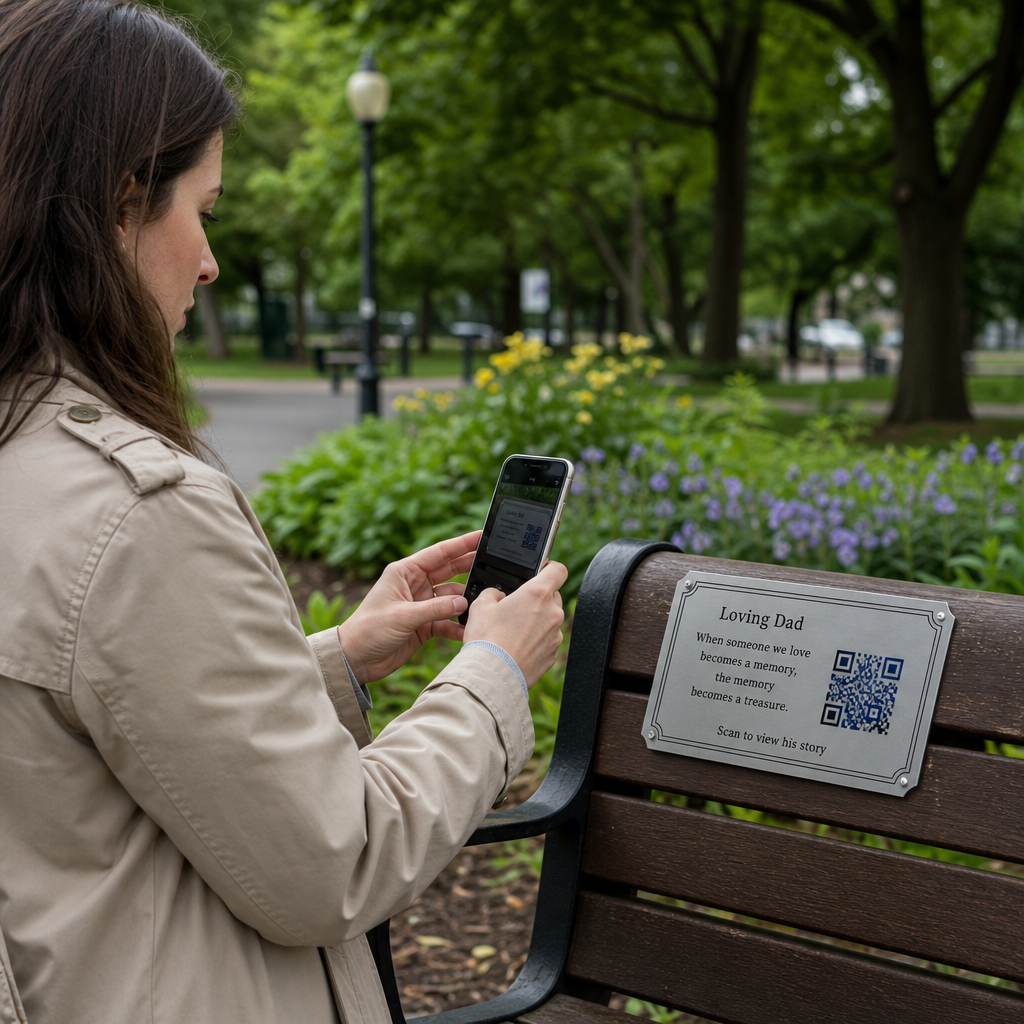
- Koyun Posterlerdeki QR kodları göz hizasında, yerden yaklaşık 3.5 ila 5.5 fit yüksekliğinde, böylece kimsenin eğilmesi veya uzanması gerekmez.
- Tutun Ekranlardaki ve görüntülerdeki QR kodları ekranda taranabilecek kadar uzun süre. On saniye güvenli bir minimumdur ve görünür kalan statik bir kod, hareketli bir animasyondaki bir koddan daha iyidir.
- Temellerini takip edin: basılı medyada QR kodlarını kullanma ve tabela başına bir kod gösterin, böylece kameranın seçmek zorunda kalmaması için.
- İnsanların duramayacağı yerlere, örneğin hareketli bir araca, yüksek bir panoya veya kaldırımdan uzak bir pencereye kod yerleştirmeyin.
QR Kodları Kullanarak Nasıl Reklam Yapılır
QR kodları kullanarak reklam vermek için, her kodu tek bir hedefi olan kısa bir reklam gibi düşünün. Yerleşimi seçin, bir harekete geçirici mesaj yazın, insanları belirli bir sayfaya yönlendirin ve sonucu ölçün. Bu süreci kullanın:
- Kupon, menü, yorum veya ürün sayfası gibi kod başına bir hedef belirleyin.
- Kodu hedefi zaten ayarlanmış olarak oluşturun. Kupon sözü verdiğinizde insanları ana sayfaya göndermeyin.
- Yukarıdaki boyut ve yüzey kurallarına göre yerleştirin ve faydayı içeren bir harekete geçirici mesaj ekleyin, örneğin "İlk siparişinizde indirim için tarayın".
- Her yerleşim için (broşür, pencere, paket) farklı bir kod kullanın, böylece hangisinin işe yaradığını anlayabilirsiniz.
- Bir prova baskı yapın, iki telefonla tarayın ve ancak ondan sonra tam üretimi sipariş edin.
- Bir iki hafta sonra tarama sayılarını kontrol edin ve bütçeyi tarama alan yerleşimlere aktarın.
QR kodlarıyla reklam vermek için iyi yerler arasında mağaza vitrinleri, masa standları, makbuzlar, teslimat kutuları, etkinlik tabelaları, fuar standları ve doğrudan posta bulunur. Zayıf yerler arasında hareket eden her şey, göz hizasının üzerindeki her şey ve mobil sinyal olmayan her yer yer alır.
Harekete Geçirici Mesaj Çerçeveleriyle Tarama Sayılarını Artırma
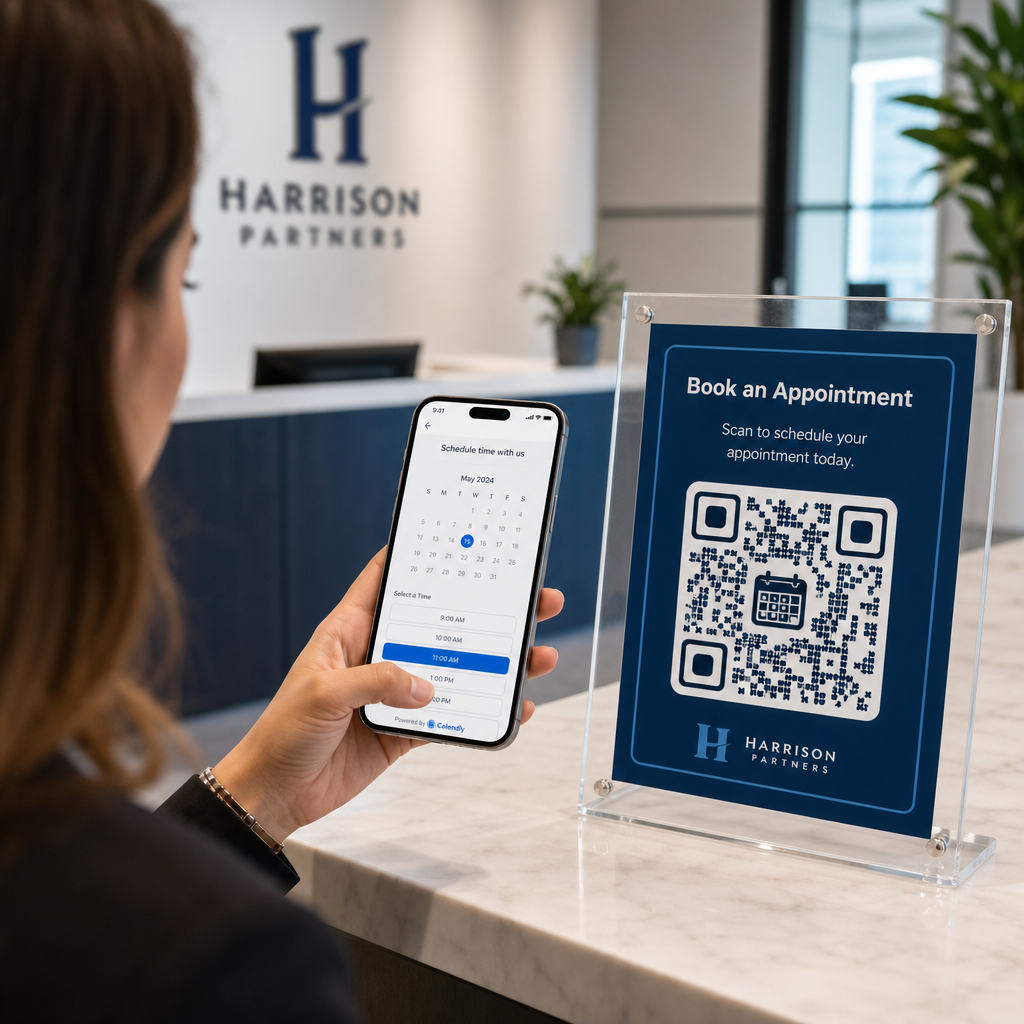
Bağlamı olmayan bir kod, insanlara telefonlarını çıkarma nedeni vermez. Yanına kısa bir harekete geçirici mesaj koyun. İşe yarayan örnekler: "Menüyü görüntülemek için tarayın", "Masa ayırtmak için tarayın", " indirim için tarayın", "Yorum bırakmak için tarayın". Metni doğrudan kodun üstüne veya altına, kodu okuyabildikleri mesafeden okunabilecek bir boyutta yerleştirin.
Ortadaki bir logo, insanların koda güvenmesine yardımcı olabilir. Bir Logolu QR Kod Oluşturucu, logoyu küçük tutun ve ekledikten sonra kodu yeniden test edin. Kısa web adresini kodun altına basmak, tarayamayan kişilere adresi elle yazma imkanı sunar.
QR Kod Açılış Sayfası En İyi Uygulamaları
Çoğu kişi bir telefonla, tek elle ve genellikle mobil veriyle tarama yapar. Kodun arkasındaki sayfa, taramanın müşteriye dönüşüp dönüşmeyeceğini belirler. Bu QR kod açılış sayfası en iyi uygulamalarını takip edin:
- Öncelikle bir telefon ekranı için tasarlayın. Büyük metin ve büyük düğmeler kullanın.
- Sayfanın hızlı yüklenmesini sağlayın. Küçük resimler kullanın ve ağır açılır pencerelerden veya otomatik oynatılan videolardan kaçının.
- Eylem çağrısıyla eşleşin. Tabela " indirim için tarayın" diyorsa, indirimi ilk ekranda gösterin.
- Birincil bir eylemi, örneğin kupon, rezervasyon veya arama için bir düğmeyi sayfa üstünde konumlandırın.
- Formları kısa tutun. Tam bir profil yerine bir e-posta adresi veya telefon numarası isteyin.
- Https kullanın ve sayfanın giriş yapmadan çalıştığından emin olun.
- Hem iPhone hem de Android'de, mobil veriyle ve sadece ofis Wi-Fi'ı ile değil, test edin.
Dinamik Teknolojiyle Etkileşimi Takip Etme
Statik bir QR kodu, web adresini desenin içinde depolar. Hiçbir zaman süresi dolmaz ve herhangi bir hizmet olmadan çalışır; bu da bir Wi-Fi girişi veya bir kişi kartı gibi kalıcı bir bağlantı için yeterlidir. Sınırlama, basıldıktan sonra adresi değiştirememenizdir. Sayfa taşınırsa veya bir teklif sona ererse, her basılı kod eski sayfaya işaret eder.
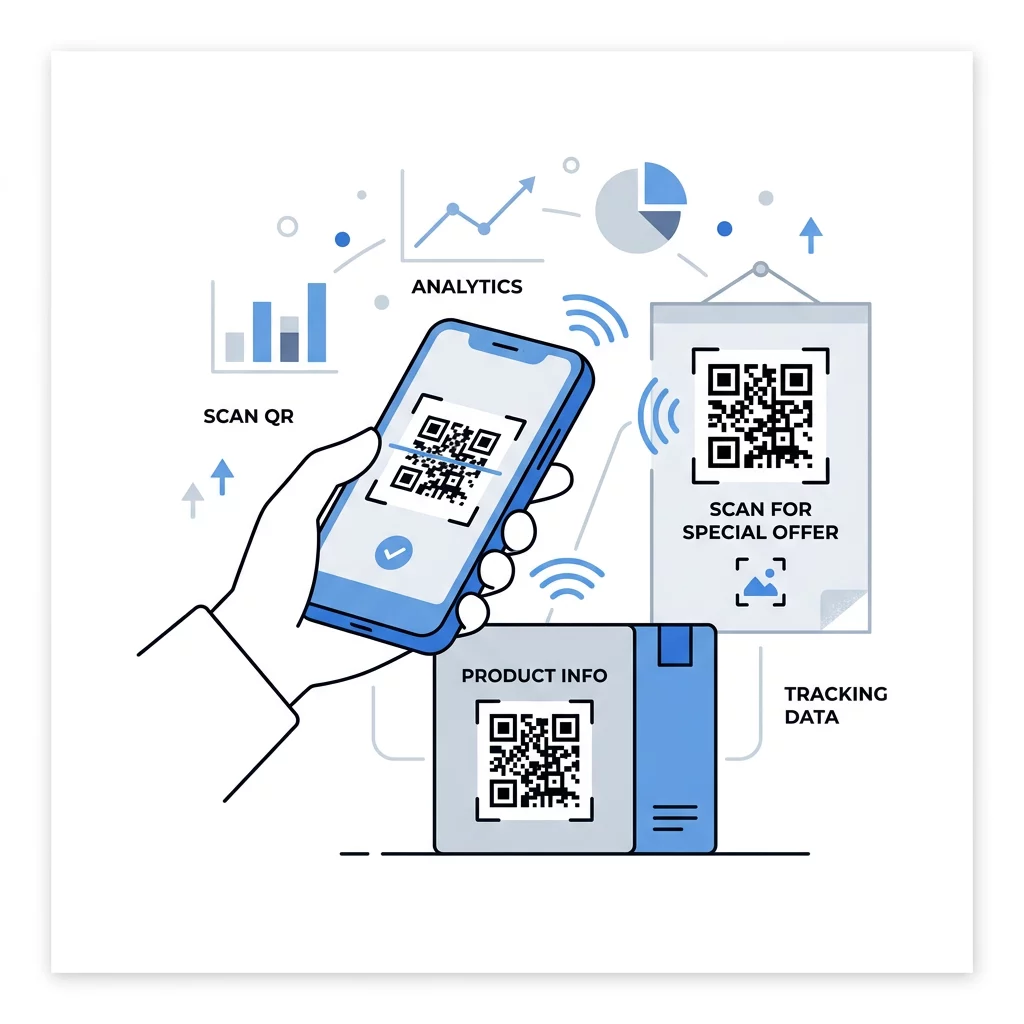
Dinamik bir QR kodu, istediğiniz zaman yönlendirebileceğiniz kısa bir bağlantıya işaret eder, böylece basılı kod aynı kalırken hedef değişir. Ayrıca taramaları, ne zaman, nerede ve hangi tür cihazda yapıldığı dahil olmak üzere kaydeder. Bu, bir el ilanını bir pencere tabelasıyla karşılaştırmanıza yardımcı olur ve bir kampanya değiştiğinde yeniden basım maliyetlerini ortadan kaldırır. Kısa bir bağlantı ayrıca küçük boyutlarda daha kolay taranan daha basit, daha az yoğun bir desen sunar.
Pageloot dinamik kodları 14 günlük ücretsiz deneme süresi ve planlarda 30 günlük para iade garantisi ile birlikte gelir ve planları şurada görebilirsiniz: pageloot.com/pricing. Aylık veya yıllık plandaki dinamik bir kod, plan sona erdiğinde etkinliğini yitirir, bu nedenle devam ettirmeyi planladığınız kampanyalar için dinamik kodları seçin.
Kampanya Performansını Takip Edin Hangi materyallerin en çok taramayı sağladığını görmek ister misiniz? Şunu kullanın: Dinamik QR Kod Oluşturucu düzenlenebilir kodlar oluşturmak, tarama analizlerini incelemek ve yeniden basım yapmadan hedef URL'leri güncellemek için.
Özetle: görüntüleme mesafesine uygun bir boyut seçin, sessiz alanı boş bırakın, yüksek kontrast kullanın, kodu göz hizasında düz bir yüzeye yerleştirin ve bir harekete geçirici mesaj yazın. Ardından tam baskıdan önce basılı kanıtı test edin. Kodunuzu şununla oluşturabilir ve indirebilirsiniz: Ücretsiz QR Kod Oluşturucu Pageloot'ta.
Sıkça sorulan sorular
Kodu düz, mat bir yüzeye, rahat bir yükseklikte, elde taşınan öğeler için en az 2 x 2 cm boyutunda ve her tarafında dört modüllük bir sessiz bölge olacak şekilde yerleştirin. İnsanların zaten baktığı, örneğin bir el ilanının sonu veya bir posterin ortası gibi yerlere konumlandırın ve yanına kısa bir harekete geçirici mesaj ekleyin.
Açık bir arka plan üzerinde koyu modüller kullanın, kodu kare ve gerilmemiş tutun, en az dört modül boyutunda bir sessiz alan bırakın ve herhangi bir logoyu küçük ve ortalanmış tutun. Parlak veya kavisli yüzeylere baskı yapmayın ve basılı kanıtı birden fazla telefonda test edin.
Kartvizit gibi elde tutulan materyaller için pratik minimum 2 x 2 cm'dir (0.8 x 0.8 inç). Uzaktan bakılan materyaller için 10:1 kuralını kullanın: Her 10 inç tarama mesafesi için 1 inç kod genişliği.
Her bir koda tek bir hedef belirleyin, onu harekete geçirici mesajınıza uygun belirli bir sayfaya yönlendirin ve düz bir yüzeye göz hizasında yerleştirin. Her bir yerleşim için ayrı bir kod kullanın ve bir ila iki hafta sonra tarama sayılarını karşılaştırın.
Telefonda hızlı yüklenen, ilk ekranda vaat edilen teklifi gösteren, tek ve net bir eyleme sahip olan ve giriş gerektirmeyen bir sayfa. Bunu iPhone ve Android'de mobil veri üzerinden test edin.
Evet, ancak kodu küçük tutun ve yüzeyin en düz kısmına yerleştirin. Eğer kod bir eğri etrafında çok fazla sarılırsa, desen bozulur ve kamera tamamını okuyamaz.
Dinamik bir QR kodu kullanın. Basılı desen aynı kalır ve hedefi hesabınızda değiştirirsiniz. Statik bir QR kodu, basıldıktan sonra değiştirilemez.
En yaygın nedenler çok küçük bir kod, eksik bir sessiz bölge, düşük kontrast, parlak veya kavisli bir yüzey ve bulanık, düşük çözünürlüklü bir dosyadır. Daha büyük bir test kopyası yazdırın ve bu noktaları belirtilen sırayla kontrol edin.