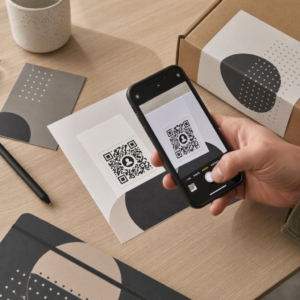
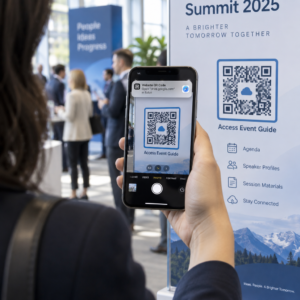
Найкращі практики розміщення QR-коду зводяться до п'яти правил. Друкуйте код розміром не менше 2 x 2 см (0.8 x 0.8 дюймів), залишайте тиху зону з чотирьох модулів з кожного боку, використовуйте темні модулі на світлому фоні, розміщуйте його на пласкій матовій поверхні на зручній висоті та додайте короткий заклик до дії поруч. Тестуйте кожен надрукований зразок принаймні двома телефонами перед повним тиражем.
Цей посібник охоплює правила та рекомендації щодо дизайну QR-коду для розміру, контрасту та поверхні, куди розміщувати код на кожному типі матеріалу, як рекламувати за допомогою QR-кодів та що потрібно цільовій сторінці, яка стоїть за кодом.
QR-код: Найкращі практики (короткий огляд)
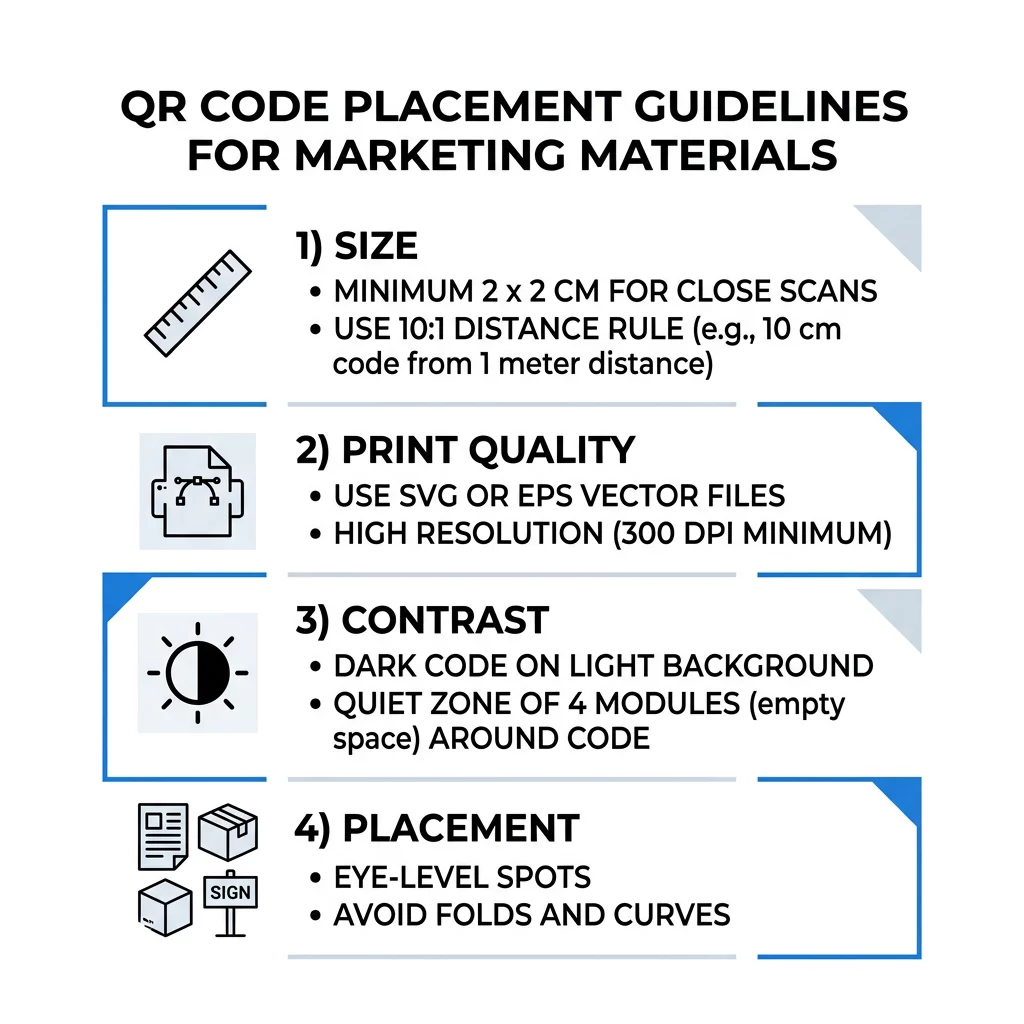
- Розмір: щонайменше 2 x 2 см (0.8 x 0.8 дюймів) для предметів, що тримаються в руках. Для відстані використовуйте 1 дюйм ширини коду на кожні 10 дюймів відстані сканування.
- Тиха зона: порожній відступ щонайменше чотири модулі з усіх чотирьох сторін. Жодного тексту, ліній чи обрізних міток всередині.
- Контраст: темний код на світлому фоні. Ніколи не інвертуйте його та не використовуйте світлий код на темному фоні, якщо ви не перевірили його на кількох телефонах.
- Поверхня: пласка та матова. Уникайте складок, швів, вигинів, відблисків та глянцевого ламінату.
- Заклик до дії: повідомте людям, чому варто сканувати, наприклад, “Скануйте, щоб побачити меню”.
- Призначення: мобільна сторінка, яка швидко завантажується та відповідає тому, що обіцяв заклик до дії.
- Тестування: відскануйте остаточний зразок на iPhone та телефоні Android, при світлі, де буде використовуватися код.
Технічні стандарти для розміру та відстані перегляду
QR-код, який занадто малий або розмитий, не скануватиметься. Для матеріалів, що тримаються в руках на близькій відстані, практичний мінімальний розмір становить 2 x 2 см (0.8 x 0.8 дюймів). Для більших матеріалів, що переглядаються з іншого кінця кімнати або вулиці, використовуйте правило 10:1: дозвольте щонайменше 1 дюйм ширини коду на кожні 10 дюймів відстані сканування. Плакат, який люди читають з відстані 5 футів, потребує коду шириною щонайменше 6 дюймів.
Для комерційного друку експортуйте зображення як векторний файл, такий як SVG, EPS або PDF. Векторні файли залишаються чіткими за будь-якого розміру, тоді як растрові зображення розмиваються при збільшенні. Якщо ви повинні використовувати растрове зображення, таке як PNG, експортуйте його в розмірі, достатньому для 300 DPI за кінцевого розміру друку. Прочитайте наш посібнику з розмірів QR-кодів , щоб перевірити правильні розміри для кожного формату.
| Тип розміщення | Рекомендований розмір | Відстань перегляду | Рівень виправлення помилок |
|---|---|---|---|
| Візитні картки | 2 x 2 см (0,8 x 0,8 дюйма) | Ручний (менше 30 см) | Рівень L або M |
| Флаєри та брошури | 3 x 3 см (1,2 x 1,2 дюйма) | На відстані витягнутої руки (30-60 см) | Рівень M |
| Пакування товарів | 3 x 3 см (1,2 x 1,2 дюйма) | Ручний (30-60 см) | Рівень Q або H |
| Плакати та дисплеї | 10 x 10 см (4 x 4 дюйма) | Відстань ходьби (90-210 см) | Рівень M |
| Білборди та банери | 40 x 40 см (16 x 16 дюймів) або більше | Велика відстань (450+ см) | Рівень H |
Корекція помилок дозволяє сканеру зчитувати код, навіть якщо частина його пошкоджена або закрита. Рівень L відновлює близько 7% даних, M – близько 15%, Q – близько 25%, а H – близько 30%. Вищі рівні роблять шаблон щільнішим, тому код з довгою URL-адресою на рівні H потребує більшого розміру друку, щоб залишатися читабельним.
Правила дизайну QR-коду: Контраст, Тихі зони та Вибір поверхні
Сканери зчитують QR-код, виявляючи різницю між темними модулями та світлим простором навколо них. Чорні модулі на білому фоні є найбезпечнішим вибором. Фірмові кольори працюють, якщо темні модулі залишаються помітно темнішими за фон. Перевірте результат, перетворивши ваш дизайн на відтінки сірого: якщо код виглядає бляклим, камері телефону також буде важко його зчитати.
- Зберігайте передній план темнішим за фон. Коди «світле на темному» (інвертовані) не працюють у багатьох старих програмах-сканерах.
- Не використовуйте червоний колір на темному фоні або два кольори схожої яскравості.
- Залиште тиху зону щонайменше чотири модулі з кожного боку. Текст, рамки, фотографії та лінії обрізки всередині цього поля можуть перешкоджати скануванню.
- Не розтягуйте код. Зберігайте його ідеально квадратним.
- Уникайте глянцевого ламінату, блискучої фольги та скла, що відбивають світло. Використовуйте матовий папір або матову ламінацію.
- Якщо ви додаєте логотип, зберігайте його маленьким та по центру, і використовуйте вищий рівень корекції помилок.
Багато невдалих сканувань походять від кількох повторюваних помилок. Уникайте цих поширені помилки розміщення QR-кодів перед друком.
Рекомендації щодо розміщення QR-коду в різних форматах друку та відображення
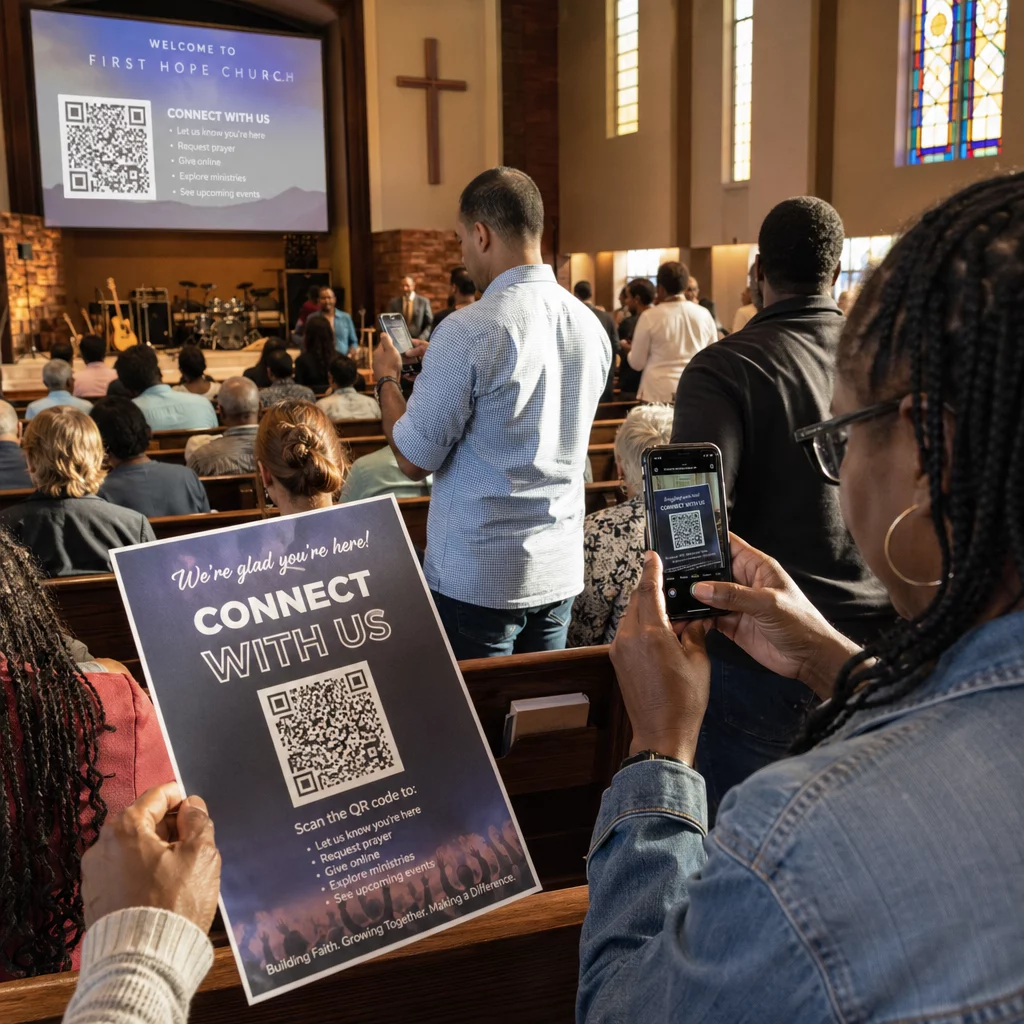
Розміщення вирішує, чи помітять люди код взагалі. Розмістіть його там, куди люди вже дивляться, і де вони можуть стійко тримати телефон. Додайте коротку інструкцію поруч, тому що люди не сканують те, чого не розуміють.
Флаєри, брошури та пряма поштова розсилка
Розмістіть код там, де читач завершує читання, наприклад, у нижньому правому куті або на останній панелі:
- Розміщуйте QR-коди на листівках поруч з основною пропозицією та тримайте їх подалі від обрізаних країв паперу.
- Розміщуйте QR-коди на брошурах всередині однієї панелі. Не розміщуйте код на згині або складці, оскільки малюнок вигинається та ламається.
- Для прямої поштової розсилки тримайте код поза поштовими знаками та чистою зоною штрих-коду, що вимагається вашою поштовою службою. Уточніть правила у вашому поштовому відділенні.
Упаковка продукту та етикетки
Упаковка потрапляє до людей після покупки, що підходить для відео з налаштування, реєстрації гарантії та пропозицій повторного замовлення:
- Розміщуйте QR-коди на упаковці продукту на плоскій панелі, а не на закругленому куті або вузькому горлечку.
- Використовуйте корекцію помилок рівня Q або H, щоб код все ще читався після подряпин, вологи або поводження.
- Тримайте код подалі від смужок для відривання, швів і цінників, які можуть закрити його частину.
- На пляшках і банках тримайте код достатньо маленьким, щоб він помістився на найплоскішій частині. Код, який сильно обертається навколо кривизни, не скануватиметься.
Плакати, Вітрини та Публічні екрани
Вивіски повинні бути ефективними для людей, які йдуть або стоять на відстані кількох футів:
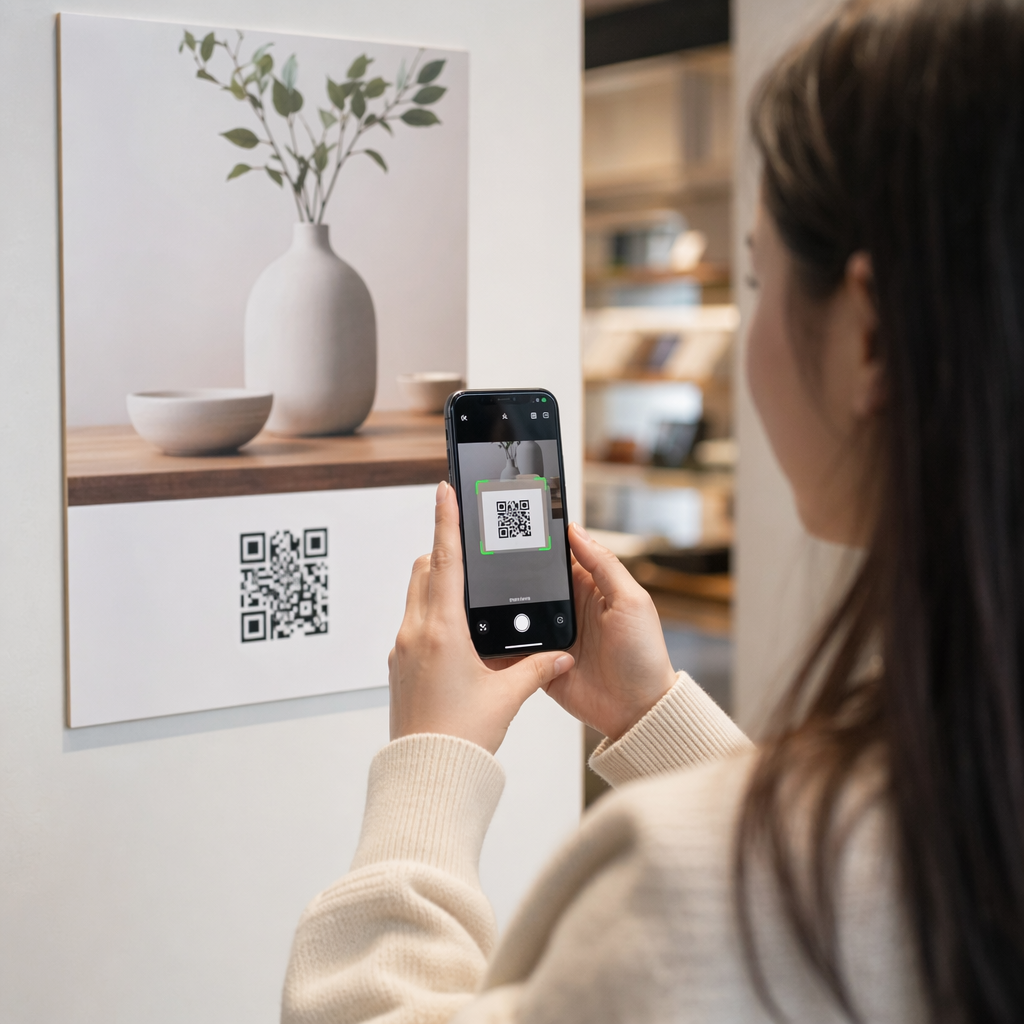
- Розміщуйте QR-коди на плакатах на рівні очей, приблизно від 3.5 до 5.5 футів від землі, щоб нікому не доводилося нахилятися або тягнутися.
- Тримайте QR-коди на дисплеях та екранах на екрані достатньо довго, щоб його можна було відсканувати. Десять секунд – це безпечний мінімум, і статичний код, що залишається видимим, краще, ніж той, що знаходиться в рухомій анімації.
- Дотримуйтеся основ використання QR-кодів у друкованих ЗМІ і показуйте один код на вивіску, щоб камері не доводилося вибирати.
- Не розміщуйте коди там, де люди не можуть зупинитися, наприклад, на рухомому транспортному засобі, високому білборді або вікні далеко від тротуару.
Як рекламувати за допомогою QR-кодів
Щоб рекламувати за допомогою QR-кодів, розглядайте кожен код як коротке оголошення з однією метою. Виберіть місце розміщення, напишіть заклик до дії, направте людей на одну конкретну сторінку та виміряйте результат. Використовуйте цей процес:
- Виберіть одну мету для кожного коду, наприклад, купон, меню, відгук або сторінку продукту.
- Згенеруйте код із вже встановленим місцем призначення. Не надсилайте людей на домашню сторінку, якщо ви обіцяли купон.
- Розмістіть його, використовуючи правила розміру та поверхні, зазначені вище, і додайте заклик до дії з перевагою, наприклад, “Скануйте для отримання знижки 15% на перше замовлення”.
- Використовуйте окремий код для кожного місця розміщення (флаєр, вікно, упаковка), щоб ви могли визначити, який із них працює.
- Роздрукуйте один зразок, відскануйте його двома телефонами, і лише потім замовляйте повний тираж.
- Перевіряйте кількість сканувань через тиждень-два і переміщуйте бюджет на ті місця розміщення, які отримують сканування.
Хороші місця для реклами за допомогою QR-кодів включають вітрини магазинів, настільні стенди, чеки, коробки доставки, вивіски подій, виставкові стенди та пряму поштову розсилку. Слабкі місця включають будь-що, що рухається, будь-що вище рівня очей, і будь-яке місце без мобільного сигналу.
Збільшення сканувань за допомогою рамок із закликом до дії
Код без контексту не дає людям приводу дістати телефон. Розмістіть поруч із ним короткий заклик до дії. Приклади, які працюють: “Скануйте, щоб переглянути меню”, “Скануйте, щоб забронювати столик”, “Скануйте для отримання знижки 15%”, “Скануйте, щоб залишити відгук”. Розмістіть текст безпосередньо над або під кодом, розміром, який люди можуть прочитати з тієї ж відстані, що й код.
Логотип у центрі може допомогти людям довіряти коду. Використовуйте Генератор QR-кодів з логотипом, тримайте логотип невеликим і повторно протестуйте код після його додавання. Друк короткої веб-адреси під кодом дає людям, які не можуть сканувати, можливість ввести її вручну.
Найкращі практики цільових сторінок QR-кодів
Більшість людей сканують телефоном, однією рукою, часто використовуючи мобільні дані. Сторінка за кодом вирішує, чи стане сканування клієнтом. Дотримуйтесь цих найкращих практик цільових сторінок QR-кодів:
- Створюйте спочатку для екрану телефону. Використовуйте великий текст і великі кнопки.
- Зробіть так, щоб сторінка завантажувалася швидко. Використовуйте маленькі зображення та уникайте громіздких спливаючих вікон чи відео з автозапуском.
- Відповідність заклику до дії. Якщо табличка говорить “Скануйте для отримання 15% знижки”, покажіть знижку на першому екрані.
- Розмістіть одну основну дію на першому екрані, наприклад, одну кнопку для купона, бронювання або дзвінка.
- Зберігайте форми короткими. Запитуйте адресу електронної пошти або номер телефону, а не повний профіль.
- Використовуйте https і переконайтеся, що сторінка працює без входу.
- Протестуйте його як на iPhone, так і на Android, використовуючи мобільні дані, а не лише офісний Wi-Fi.
Відстеження залученості за допомогою динамічної технології
Статичний QR-код зберігає веб-адресу всередині шаблону. Він ніколи не закінчується і працює без будь-якого сервісу, що достатньо для постійного посилання, такого як вхід до Wi-Fi або контактна картка. Обмеження полягає в тому, що ви не можете змінити адресу після друку. Якщо сторінка переміщується або пропозиція закінчується, кожен надрукований код вказує на стару сторінку.
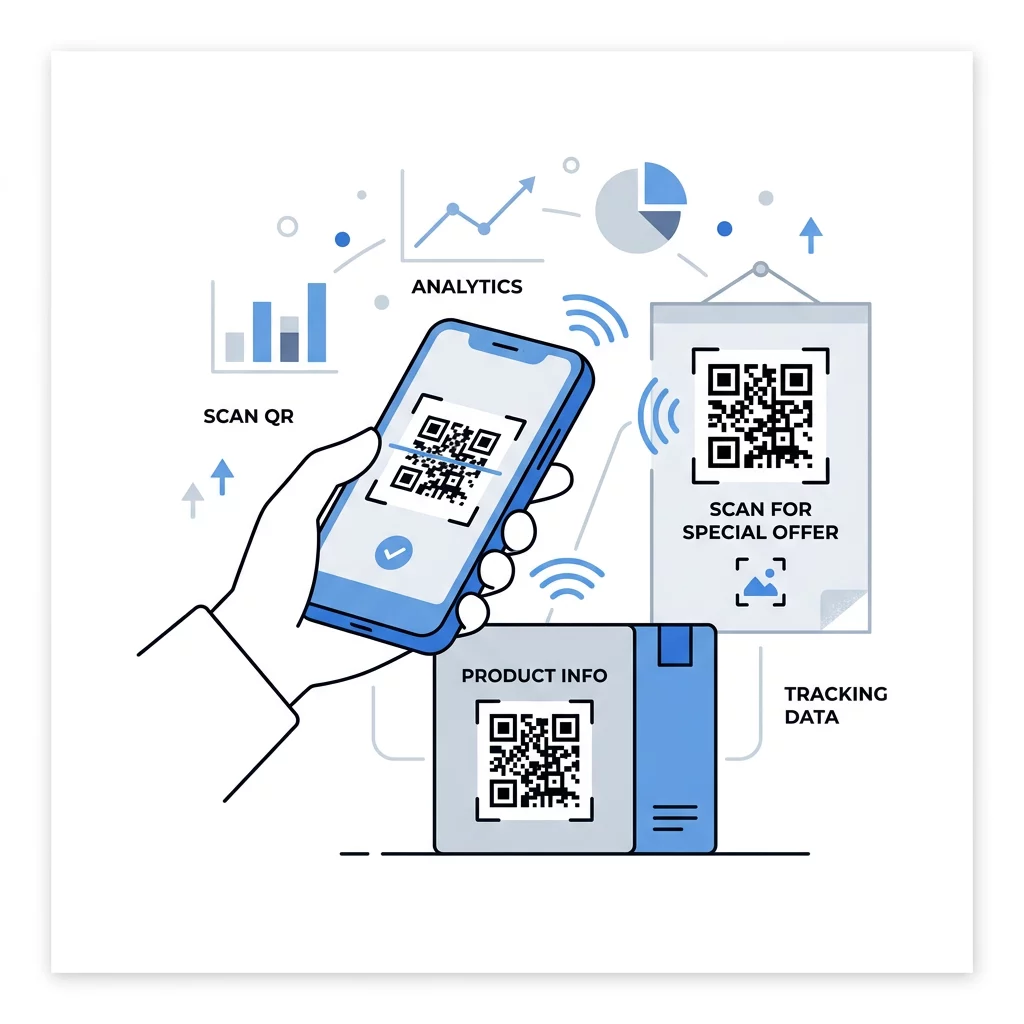
Динамічний QR-код вказує на коротке посилання, яке ви можете перенаправити в будь-який час, тому надрукований код залишається незмінним, тоді як призначення змінюється. Він також записує сканування, включаючи час, місце та тип пристрою. Це допомагає порівняти флаєр з віконною вивіскою та усуває витрати на передрук при зміні кампанії. Коротке посилання також дає простіший, менш щільний шаблон, який легше сканувати в малих розмірах.
Динамічні коди Pageloot постачаються з 14-денною безкоштовною пробною версією та 30-денною гарантією повернення грошей на плани, і ви можете переглянути плани за посиланням pageloot.com/pricing. Динамічний код за місячним або річним планом стає неактивним після закінчення терміну дії плану, тому обирайте динамічні коди для кампаній, які ви плануєте продовжувати.
Відстежуйте ефективність кампанії Хочете дізнатися, які матеріали приваблюють найбільше сканувань? Використовуйте Динамічний QR код: генератор для створення редагованих кодів, перегляду аналітики сканувань та оновлення URL-адрес призначення без передруку.
Підсумовуючи: виберіть розмір, який відповідає відстані перегляду, зберігайте зону тиші вільною, використовуйте високий контраст, розмістіть код на рівній поверхні на рівні очей і напишіть заклик до дії. Потім протестуйте друкований зразок перед повним тиражем. Ви можете створити та завантажити свій код за допомогою Безкоштовний QR генератор на Pageloot.
Поширені запитання
Розмістіть код на рівній, матовій поверхні на зручній висоті, щонайменше 2 х 2 см для предметів, що тримаються в руках, з тихою зоною чотирьох модулів з кожного боку. Розмістіть його там, куди люди вже дивляться, наприклад, наприкінці флаєра або в центрі плаката, і додайте короткий заклик до дії поруч.
Використовуйте темні модулі на світлому фоні, зберігайте код квадратним і нерозтягнутим, залишайте тиху зону щонайменше з чотирьох модулів, і тримайте будь-який логотип малим та по центру. Не друкуйте на глянцевих або вигнутих поверхнях, і протестуйте надрукований зразок на кількох телефонах.
Практичний мінімум для ручних матеріалів, таких як візитівки, становить 2 x 2 см (0.8 x 0.8 дюйми). Для матеріалів, що розглядаються здалеку, застосовуйте правило 10:1: 1 дюйм ширини коду на кожні 10 дюймів відстані сканування.
Надайте кожному коду одну мету, направте його на конкретну сторінку, що відповідає вашому заклику до дії, та розмістіть його на рівні очей на рівній поверхні. Використовуйте окремий код для кожного розміщення та порівнюйте кількість сканувань через один-два тижні.
Сторінка, яка швидко завантажується на телефоні, показує обіцяну пропозицію на першому екрані, має одну чітку дію та не вимагає входу в систему. Протестуйте її на iPhone та Android через мобільні дані.
Так, але тримайте код невеликим і розміщуйте його на найрівнішій частині поверхні. Якщо код занадто сильно обгорнеться навколо кривої, візерунок спотвориться, і камера не зможе прочитати його повністю.
Використовуйте динамічний QR-код. Надрукований шаблон залишається незмінним, а ви змінюєте пункт призначення у своєму обліковому записі. Статичний QR-код не можна змінити після друку.
Найпоширенішими причинами є занадто малий код, відсутність тихої зони, низький контраст, глянцева або вигнута поверхня та розмитий файл низької роздільної здатності. Роздрукуйте більшу тестову копію та перевірте ці пункти в цьому порядку.