QR code file upload: share any file with one scan
Upload a PDF, image or video to Pageloot and get a QR code that opens it on any phone. People scan, the file opens, and nobody has to email an attachment. Because the code points to a link, you can replace the file later without reprinting.

Trusted by 20,000+ companies in 110 countries


How to share a file with a QR code
- 1. Upload your file
Log in to Pageloot (the 14-day free trial is enough), create a new QR code and choose a file type such as PDF or image. Drop in your file and give the code a name you will recognize later.
- 2. Design and download the code
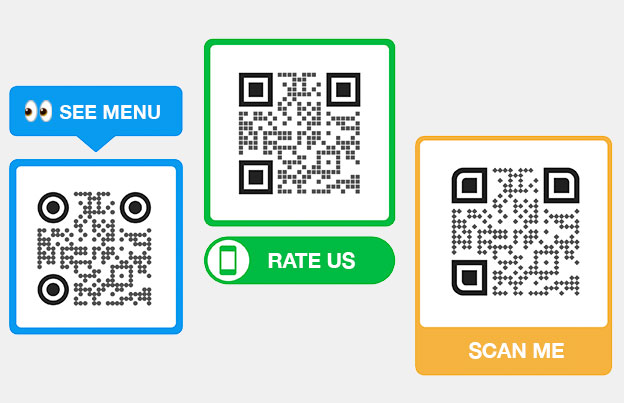
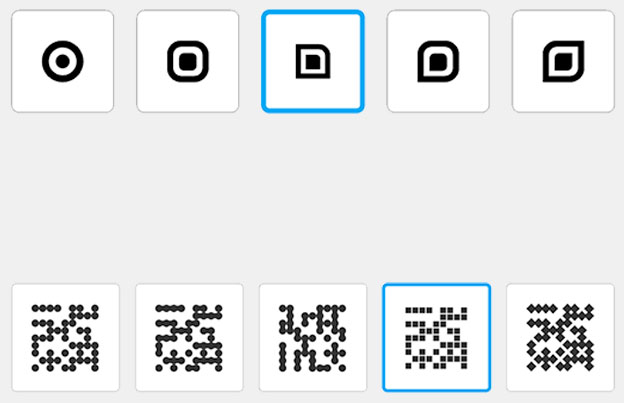
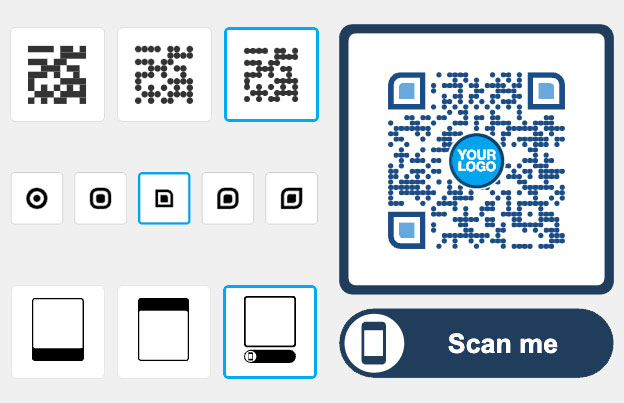
Add your colors, a frame such as “Scan to open” and your logo. Download the QR code as PNG for screens, or SVG and PDF for print.
- 3. Print it and test it
Scan the printed code with two different phones, on Wi-Fi and on mobile data, and open the file. Check that the text is readable on a small screen before you print a big batch.
Share a file with a QR code, and change it later
One printed code can keep working for customers, staff or event guests, even when the file changes.

FILE TYPES
Which files can you put behind a QR code?
Use it for anything people should read, watch or save on their phone: menus, brochures, price lists, manuals, certificates, event programs, photos and videos. Choose the file type when you create the code (see our PDF QR code generator and image QR code generator).
Keep the file small enough to open on a weak mobile connection. A compressed PDF opens faster than a 40-page scan.
NOT WORKING?
QR code file not opening? Check these first
- The file is very large. Compress the PDF or image, then replace the file in your account. The printed code stays the same.
- The code is too small or low contrast. Print at least 2 x 2 cm (0.8 in), dark code on a light background, with a white border.
- The phone has a poor connection. Files load from the internet, so test on mobile data, not only on Wi-Fi.
- The plan has ended. Dynamic codes stop working after a paid plan expires (the lifetime deal is the exception). Check your plan before you print.
- The phone downloads the file instead of showing it. That depends on the file type and the phone’s browser. Test the file types you use on an iPhone and an Android phone.


WHO CAN OPEN IT
Know who can open your file
Anyone who scans the code or gets the link can open the file, so don’t put private documents behind a plain code. Dynamic codes can add smart-link options such as a password or a time limit; see the plans page for what each plan includes.
Your file is hosted by Pageloot, so it does not depend on a link you have to keep alive yourself.
EDIT LATER
Replace the file without reprinting the code
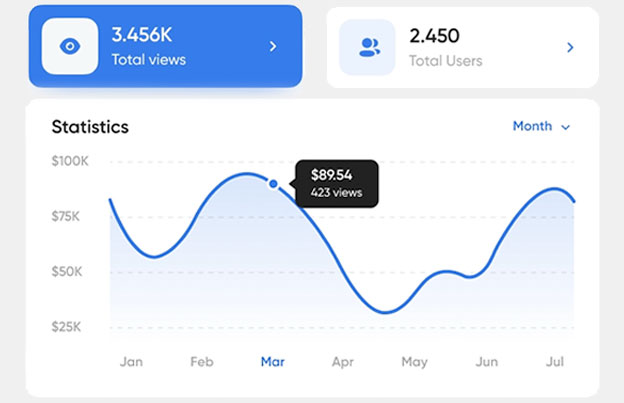
A new menu, an updated price list or next month’s event program: upload the new file in your account and the same printed code opens it. You also see scan stats, with when, where and on which device people scanned. How much detail you get depends on your plan.
Editing after printing and scan stats come with a Pageloot account. Start the 14-day free trial, then compare plans on the pricing page.


See how "Brand Name" uses QR codes on their business cards
“Pageloot has completely transformed the way we network and share information. By integrating customizable QR codes on our business cards, we’ve made it incredibly easy for potential clients and partners to access our digital profiles, websites, and contact details.
I highly recommend it to any tech company looking to enhance networking and boost engagement.”
Enhances networking
Modern touch
Leaves a lasting impression
Ann Smith
Head of Marketing, Company
Frequently asked questions about QR code file uploads

Upload the file in your Pageloot account, create a file QR code, and download it. Anyone who scans the code with a phone camera opens the file. You can print the code or show it on a screen.
Pageloot supports files such as PDFs, images and video. Pick the file type when you create the code. If you are not sure your format works, test a sample file in the free trial.
Yes. Upload a new file in your account and the printed code opens the new one. This is why file codes are worth it for menus, price lists and event programs that change.
It depends on the file type and the phone. PDFs and images usually open in the browser. Some phones offer a download instead, so test the files you plan to share on an iPhone and an Android phone.
We don’t publish one number here, and it can depend on the file type and plan. As a rule, compress large PDFs and images so they open fast on mobile data.
Yes. In your Pageloot account you see scans with when, where and on which device. The level of detail depends on your plan.
You can try it with the 14-day free trial. After that, file codes need a paid plan, and dynamic codes stop working if the plan ends (the lifetime deal is the exception). If the file already lives on your own website, a free link QR code may be enough.
Anyone with the code or link can open the file, so avoid sensitive documents. Dynamic codes can add a password or time limit; check the plans page for what each plan includes.
Ready to share a file with a QR code?
Upload your file and make your first code in the 14-day free trial.
Share files in one scan
Upload your file, generate a QR Code, and start sharing in minutes.