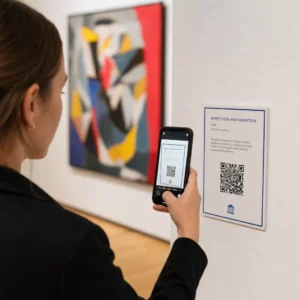
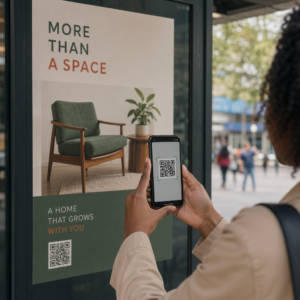
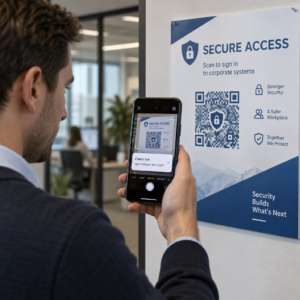
Cele mai bune practici pentru plasarea codurilor QR se rezumă la cinci reguli. Imprimați codul la cel puțin 2 x 2 cm (0.8 x 0.8 inchi), păstrați o zonă liniștită de patru module pe fiecare parte, folosiți module închise pe un fundal deschis, plasați-l pe o suprafață plată, mată, la o înălțime confortabilă și adăugați un scurt îndemn la acțiune lângă el. Testați fiecare probă imprimată cu cel puțin două telefoane înainte de tirajul complet.
Acest ghid acoperă regulile de design ale codurilor QR și liniile directoare pentru dimensiune, contrast și suprafață, unde să plasați codul pe fiecare tip de material, cum să faceți publicitate folosind coduri QR și de ce are nevoie pagina de destinație din spatele codului.
Cele mai bune practici pentru codurile QR pe scurt
- Mărimea: cel puțin 2 x 2 cm (0.8 x 0.8 in) pentru articole portabile. Pentru distanță, utilizați 1 inch lățime de cod la fiecare 10 inchi de distanță de scanare.
- Zonă de liniște: o margine goală de cel puțin patru module pe toate cele patru laturi. Fără text, linii sau semne de tăiere în interiorul acesteia.
- Contrast: cod închis pe un fundal deschis. Nu-l inversați niciodată și nu folosiți un cod deschis pe un fundal închis decât dacă l-ați testat pe mai multe telefoane.
- Suprafață: plată și mată. Evitați cutele, cusăturile, curbele, reflexiile și laminarea lucioasă.
- Îndemn la acțiune: spuneți oamenilor de ce să scaneze, de exemplu “Scanați pentru a vedea meniul”.
- Destinație: o pagină optimizată pentru mobil care se încarcă rapid și se potrivește cu ceea ce a promis îndemnul la acțiune.
- Testare: scanați proba finală pe un iPhone și un telefon Android, în lumina în care va fi utilizat codul.
Standarde tehnice pentru dimensiune și distanța de vizualizare
Un cod QR prea mic sau neclar nu se va scana. Pentru materiale portabile, la distanță mică, dimensiunea minimă practică este de 2 x 2 cm (0.8 x 0.8 inchi). Pentru materiale mai mari vizualizate dintr-o cameră sau de pe stradă, folosiți regula 10:1: permiteți cel puțin 1 inch lățime de cod pentru fiecare 10 inchi de distanță de scanare. Un afiș pe care oamenii îl citesc de la 5 picioare distanță are nevoie de un cod de cel puțin 6 inchi lățime.
Pentru imprimare comercială, exportați grafica ca fișier vectorial, cum ar fi SVG, EPS sau PDF. Fișierele vectoriale rămân clare la orice dimensiune, în timp ce imaginile raster se estompează când sunt mărite. Dacă trebuie să utilizați o imagine raster, cum ar fi PNG, exportați-o la o dimensiune suficient de mare pentru 300 DPI la dimensiunea finală de imprimare. Citiți ghidul nostru de dimensiuni pentru coduri QR pentru a verifica dimensiunile corecte pentru fiecare format.
| Tip de Plasare | Dimensiune recomandată | Distanța de vizualizare | Nivelul de corecție a erorilor |
|---|---|---|---|
| Cărți de vizită | 2 x 2 cm (0,8 x 0,8 in) | Ținut în mână (sub 30 cm) | Nivel L sau M |
| Pliante și broșuri | 3 x 3 cm (1,2 x 1,2 in) | Lungimea brațului (30 cm până la 60 cm) | Nivel M |
| Ambalaje de produs | 3 x 3 cm (1,2 x 1,2 in) | Ținut în mână (30 cm până la 60 cm) | Nivel Q sau H |
| Postere și afișaje | 10 x 10 cm (4 x 4 in) | Distanță de mers (0.9 m până la 2.1 m) | Nivel M |
| Panouri publicitare și bannere | 40 x 40 cm (16 x 16 in) sau mai mare | Distanță lungă (peste 4.5 m) | Nivel H |
Corecția erorilor permite unui scaner să citească un cod chiar și atunci când o parte din el este deteriorată sau acoperită. Nivelul L recuperează aproximativ 7% din date, M aproximativ 15%, Q aproximativ 25% și H aproximativ 30%. Nivelurile superioare fac modelul mai dens, astfel că un cod cu un URL lung la Nivelul H necesită o dimensiune de imprimare mai mare pentru a rămâne lizibil.
Reguli de design pentru codurile QR: Contrast, Zone liniștite și Selecția suprafeței
Scanerele citesc un cod QR detectând diferența dintre modulele întunecate și spațiul luminos din jurul lor. Modulele negre pe un fundal alb sunt cea mai sigură alegere. Culorile mărcii funcționează dacă modulele întunecate rămân vizibil mai întunecate decât fundalul. Verificați rezultatul convertind designul dvs. în tonuri de gri: dacă codul pare șters, o cameră de telefon va avea și ea dificultăți.
- Păstrați prim-planul mai întunecat decât fundalul. Codurile deschis-pe-întunecat (inversate) nu funcționează pe multe aplicații de scanare mai vechi.
- Nu utilizați roșu pe un fundal întunecat sau două culori cu luminozitate similară.
- Lăsați o zonă liniștită de cel puțin patru module pe fiecare parte. Textul, marginile, fotografiile și liniile de tăiere din interiorul acestei margini pot opri scanarea.
- Nu deformați codul. Păstrați-l perfect pătrat.
- Evitați laminarea lucioasă, folia strălucitoare și sticla care reflectă lumina. Utilizați hârtie mată sau laminare mată.
- Dacă adăugați un logo, păstrați-l mic și în centru și utilizați un nivel mai ridicat de corecție a erorilor.
Multe scanări eșuate provin dintr-o serie de erori repetate. Evitați aceste greșeli comune de amplasare a codurilor QR înainte de a imprima.
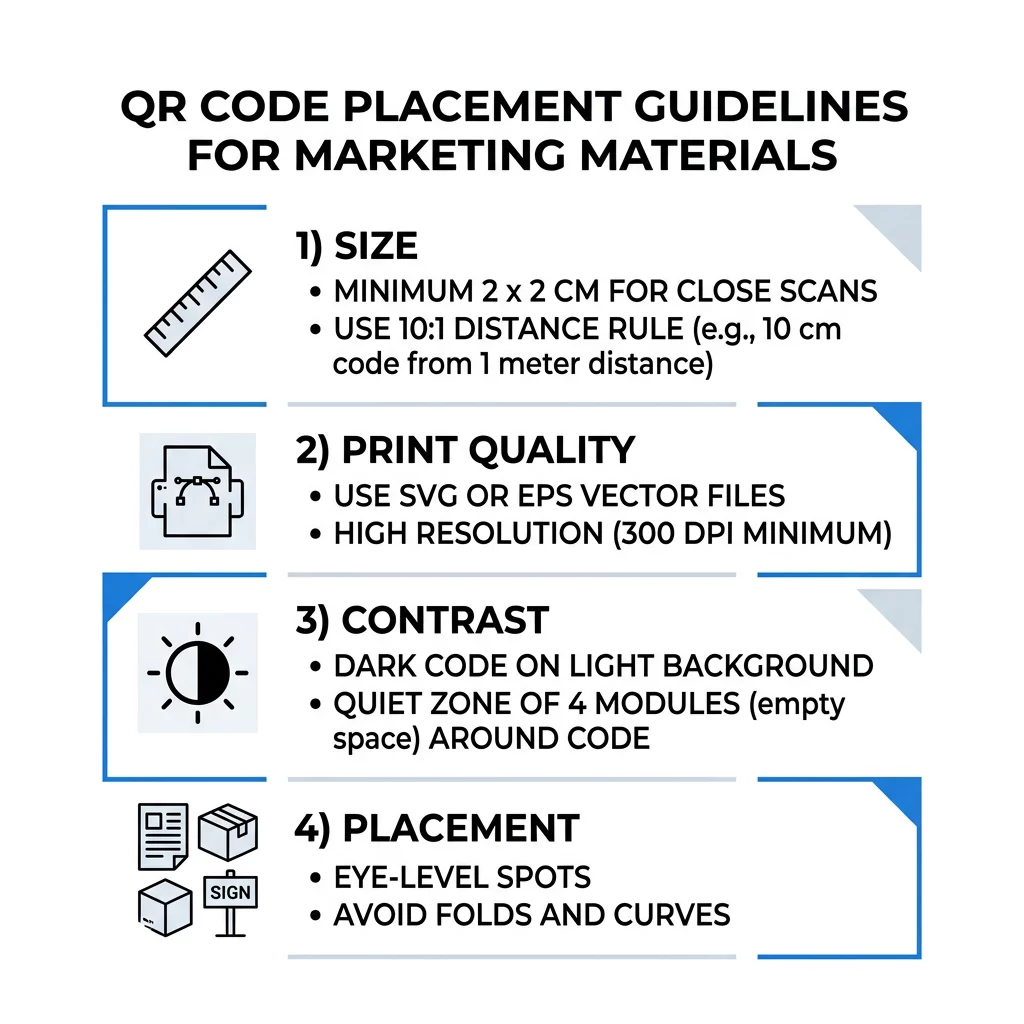
Bune practici pentru plasarea codurilor QR în formate de imprimare și afișare
Amplasarea decide dacă oamenii observă codul. Puneți-l acolo unde oamenii se uită deja și unde pot ține un telefon stabil. Adăugați o instrucțiune scurtă lângă el, deoarece oamenii nu scanează ceea ce nu înțeleg.
Flyere, Broșuri și Corespondență Directă
Plasați codul acolo unde cititorul termină de citit, de exemplu în colțul din dreapta jos sau pe ultimul panou:
- Puneți Codurile QR pe fluturași lângă oferta principală și țineți-le departe de marginile tăiate ale hârtiei.
- Plasați Coduri QR pe broșuri într-un singur panou. Nu plasați un cod peste o îndoitură sau cută, deoarece modelul se deformează și se rupe.
- Pentru corespondența directă, mențineți codul în afara indicațiilor poștale și a zonei libere pentru codul de bare, conform cerințelor serviciului poștal. Verificați regulile cu firma dumneavoastră de corespondență.
Ambalaje și Etichete de Produse
Ambalajele ajung la oameni după ce cumpără, ceea ce se potrivește pentru videoclipuri de instalare, înregistrarea garanției și oferte de reordonare:
- Puneți coduri QR pe ambalajul produselor pe un panou plat, nu pe un colț rotunjit sau pe un gât îngust.
- Utilizați corecția erorilor de nivel Q sau H, astfel încât codul să poată fi citit în continuare după zgârieturi, umiditate sau manipulare.
- Țineți codul departe de benzile de rupere, cusături și etichetele de preț care l-ar putea acoperi parțial.
- Pe sticle și doze, mențineți codul suficient de mic pentru a se potrivi pe partea cea mai plată. Un cod care se înfășoară mult în jurul unei curbe nu va putea fi scanat.
Afișe, Vitrine și Ecrane Publice
Semnele trebuie să funcționeze pentru persoanele care merg sau stau la câțiva metri distanță:
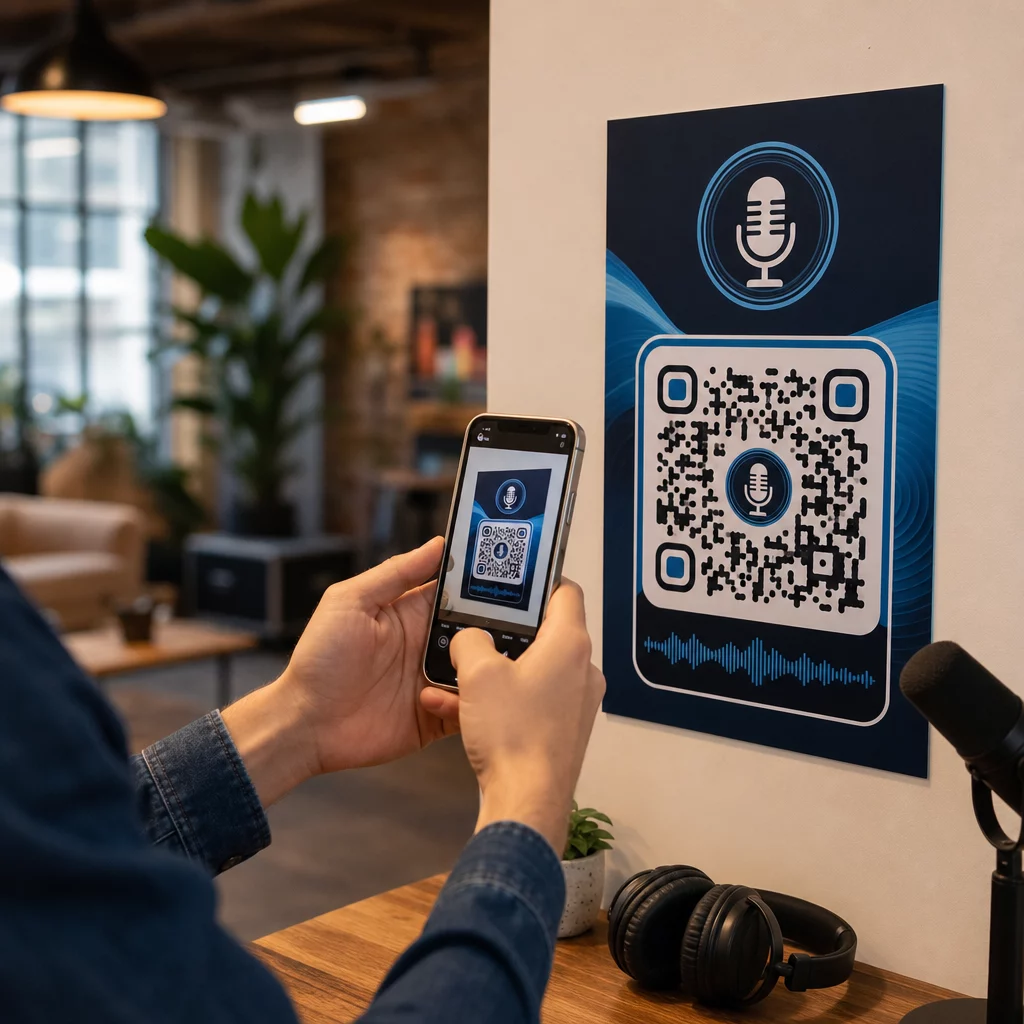
- Puneți Coduri QR pe postere la nivelul ochilor, aproximativ între 1 și 1,7 metri de la sol, astfel încât nimeni să nu fie nevoit să se aplece sau să se întindă.
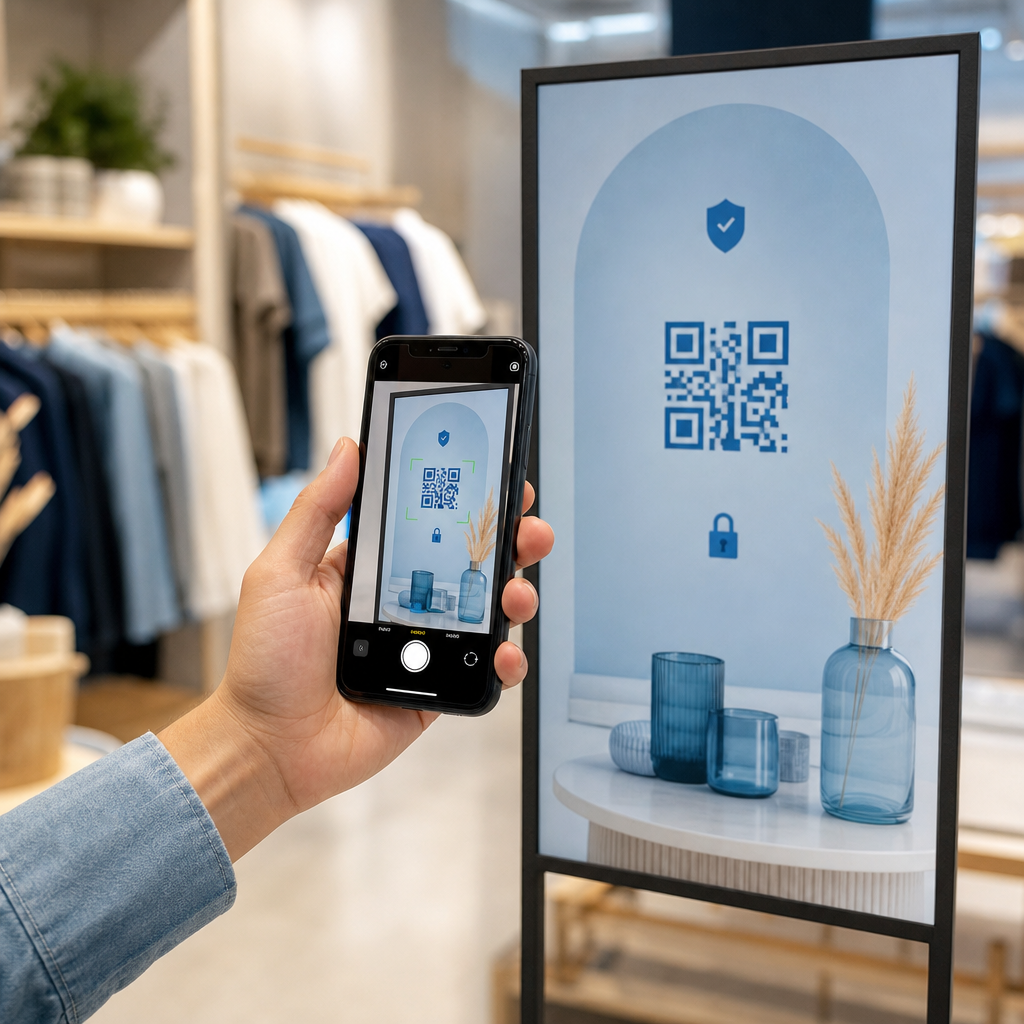
- Mențineți Coduri QR pe afișaje și ecrane pe ecran suficient de mult timp pentru a fi scanat. Zece secunde este un minim sigur, iar un cod static care rămâne vizibil este mai bun decât unul într-o animație în mișcare.
- Urmați elementele de bază ale utilizarea codurilor QR în media tipărită și afișați un singur cod pe panou, astfel încât camera să nu fie nevoită să aleagă.
- Nu plasați coduri acolo unde oamenii nu se pot opri, cum ar fi pe un vehicul în mișcare, pe un panou publicitar înalt sau pe o fereastră departe de trotuar.
Cum să faceți publicitate folosind coduri QR
Pentru a face publicitate folosind coduri QR, tratează fiecare cod ca pe o reclamă scurtă cu un singur scop. Alege plasarea, scrie un apel la acțiune, trimite oamenii către o pagină specifică și măsoară rezultatul. Urmează acest proces:
- Alege un singur scop per cod, cum ar fi un cupon, un meniu, o recenzie sau o pagină de produs.
- Generează codul cu destinația deja setată. Nu trimite oamenii către o pagină de pornire când ai promis un cupon.
- Plasează-l folosind regulile de dimensiune și suprafață de mai sus și adaugă un apel la acțiune cu beneficiul, de exemplu „Scanează pentru 15% reducere la prima ta comandă”.
- Folosește un cod diferit pentru fiecare plasament (fluturaș, vitrină, ambalaj), astfel încât să poți identifica care funcționează.
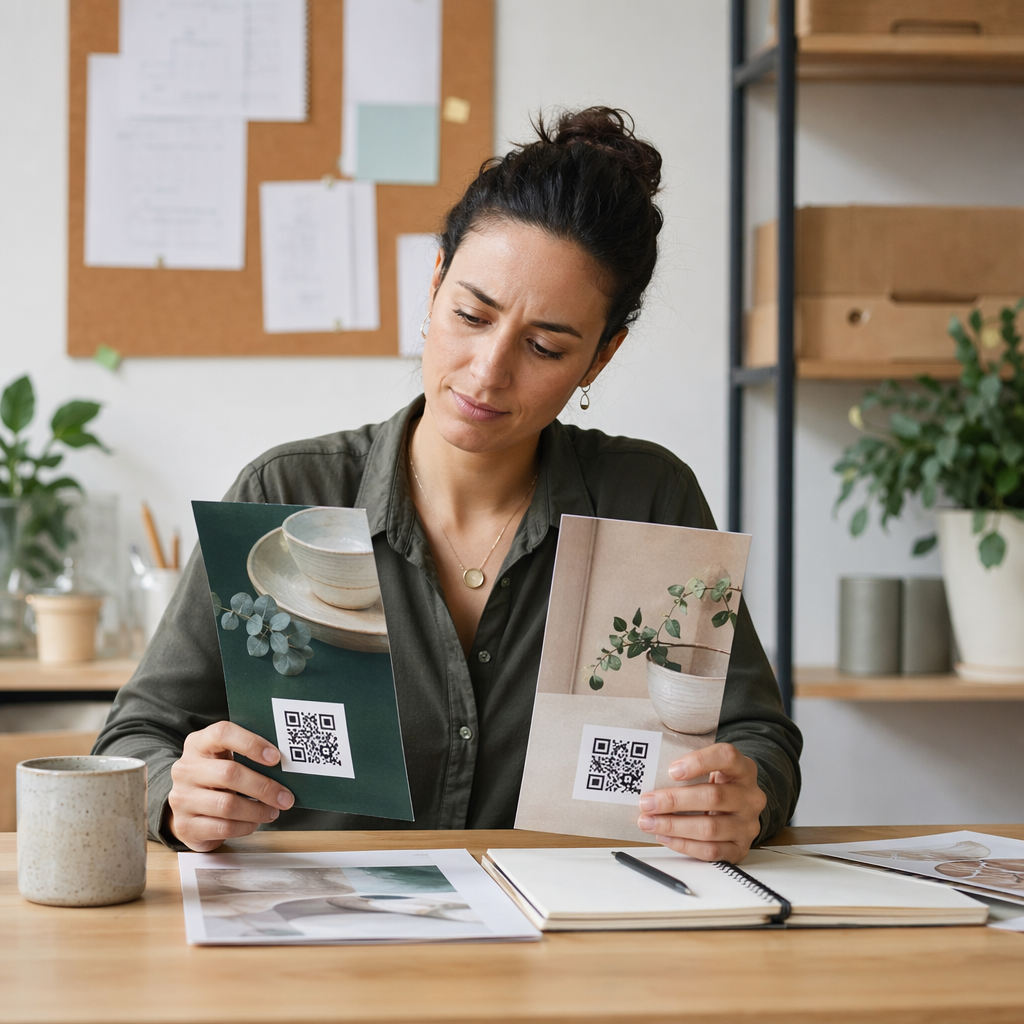
- Imprimă o probă, scaneaz-o cu două telefoane și abia apoi comandă tirajul complet.
- Verifică numărul de scanări după o săptămână sau două și mută bugetul către plasamentele care generează scanări.
Locurile bune pentru a face publicitate cu coduri QR includ vitrinele magazinelor, corturile de masă, chitanțele, cutiile de livrare, semnele de evenimente, standurile de la târguri și corespondența directă. Locurile mai puțin eficiente includ orice se mișcă, orice se află deasupra nivelului ochilor și oriunde nu există semnal mobil.
Creșterea Numărului de Scanări cu Rame de Apel la Acțiune
Un cod fără context nu oferă oamenilor niciun motiv să scoată telefonul. Adaugă un scurt apel la acțiune lângă el. Exemple care funcționează: „Scanează pentru a vedea meniul”, „Scanează pentru a rezerva o masă”, „Scanează pentru 15% reducere”, „Scanează pentru a lăsa o recenzie”. Plasează textul direct deasupra sau sub cod, într-o dimensiune pe care oamenii o pot citi de la aceeași distanță ca și codul.
Un logo în centru poate ajuta oamenii să aibă încredere în cod. Folosește un Creare cod QR cu logo, păstrează logo-ul mic și retestează codul după ce l-ai adăugat. Imprimarea adresei web scurte sub cod oferă persoanelor care nu pot scana o modalitate de a o introduce manual.
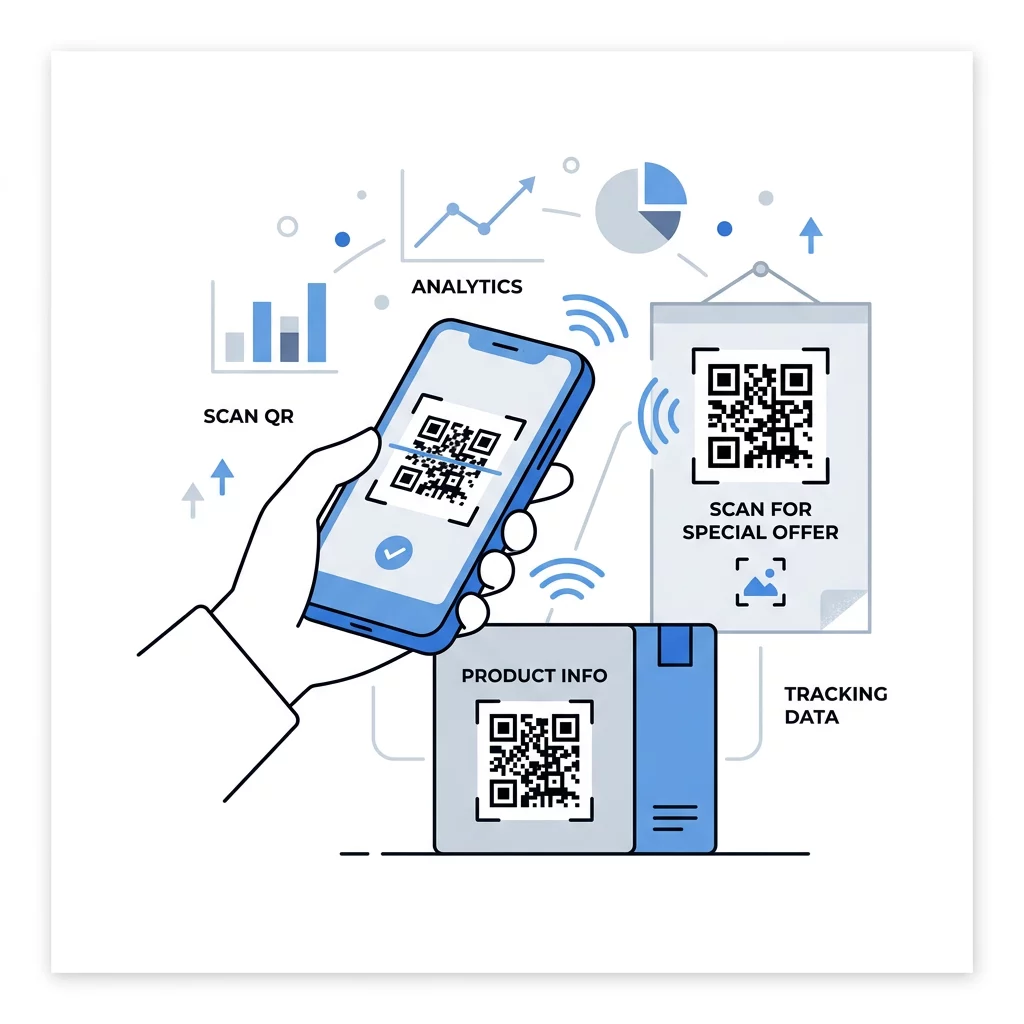
Cele mai bune practici pentru pagina de destinație a codului QR
Majoritatea oamenilor scanează de pe telefon, cu o singură mână, adesea folosind date mobile. Pagina din spatele codului decide dacă scanarea devine un client. Urmează aceste cele mai bune practici pentru paginile de destinație ale codurilor QR:
- Construiește în primul rând pentru ecranul unui telefon. Folosește text mare și butoane mari.
- Asigură o încărcare rapidă a paginii. Folosește imagini mici și evită pop-up-urile grele sau videoclipurile cu redare automată.
- Potrivește apelul la acțiune. Dacă afișul spune „Scanează pentru 15% reducere”, arată reducerea pe primul ecran.
- Pune o acțiune principală deasupra paginii, cum ar fi un singur buton pentru cupon, rezervare sau apel.
- Păstrează formularele scurte. Cere o adresă de email sau un număr de telefon, nu un profil complet.
- Folosește https și asigură-te că pagina funcționează fără a fi necesară o autentificare.
- Testează-l atât pe iPhone, cât și pe Android, pe date mobile și nu doar pe Wi-Fi-ul de la birou.
Urmărirea Interacțiunii cu Tehnologia Dinamică
Un cod QR static stochează adresa web în interiorul modelului. Nu expiră niciodată și funcționează fără niciun serviciu, ceea ce este suficient pentru o legătură permanentă, cum ar fi o autentificare Wi-Fi sau o carte de vizită. Limita este că nu poți schimba adresa după imprimare. Dacă pagina se mută sau o ofertă se încheie, fiecare cod imprimat indică spre pagina veche.
Un cod QR dinamic indică spre o legătură scurtă pe care o poți redirecționa oricând, astfel încât codul imprimat rămâne același în timp ce destinația se schimbă. De asemenea, înregistrează scanările, inclusiv când, unde și pe ce tip de dispozitiv. Acest lucru te ajută să compari un pliant cu un afiș de vitrină și elimină costurile de reimprimare atunci când o campanie se modifică. O legătură scurtă oferă, de asemenea, un model mai simplu, mai puțin dens, care scanează mai ușor la dimensiuni mici.
Codurile dinamice Pageloot vin cu o perioadă de încercare gratuită de 14 zile și o garanție de returnare a banilor de 30 de zile pentru planuri, iar planurile le poți vedea la pageloot.com/pricing. Un cod dinamic cu un plan lunar sau anual devine inactiv la încheierea planului, așa că alege coduri dinamice pentru campaniile pe care intenționezi să le menții active.
Urmărește Performanța Campaniei Vrei să vezi ce materiale generează cele mai multe scanări? Folosește Generator cod QR dinamic pentru a crea coduri editabile, a revizui analizele scanărilor și a actualiza URL-urile destinație fără a reimprima.
Pentru a rezuma: alegeți o dimensiune care se potrivește distanței de vizualizare, mențineți zona de liniște liberă, utilizați contrast ridicat, plasați codul pe o suprafață plană la nivelul ochilor și scrieți un apel la acțiune. Apoi testați proba tipărită înainte de tirajul complet. Puteți crea și descărca codul dvs. cu Cod QR generator gratuit pe Pageloot.
Întrebări frecvente
Așezați codul pe o suprafață plană, mată, la o înălțime confortabilă, de cel puțin 2 x 2 cm pentru obiectele ținute în mână, cu o zonă de liniște de patru module pe fiecare latură. Plasați-l acolo unde oamenii privesc deja, cum ar fi la sfârșitul unui pliant sau în centrul unui poster, și adăugați un scurt îndemn la acțiune lângă el.
Utilizați module întunecate pe un fundal deschis, mențineți codul pătrat și nedistorsionat, lăsați o zonă liniștită de cel puțin patru module și mențineți orice logo mic și centrat. Nu imprimați pe suprafețe lucioase sau curbate și testați dovada tipărită pe mai multe telefoane.
Minimul practic pentru materiale ținute în mână, cum ar fi cărțile de vizită, este de 2 x 2 cm (0.8 x 0.8 țoli). Pentru materialele vizualizate de la distanță, utilizați regula 10:1: 1 țol lățime a codului pentru fiecare 10 țoli distanță de scanare.
Atribuiți fiecărui cod un singur scop, îndreptați-l către o pagină specifică ce se potrivește cu apelul dvs. la acțiune și plasați-l la nivelul ochilor pe o suprafață plană. Utilizați un cod separat pentru fiecare amplasare și comparați numărul de scanări după una până la două săptămâni.
O pagină care se încarcă rapid pe telefon, afișează oferta promisă pe primul ecran, are o singură acțiune clară și nu necesită autentificare. Testeaz-o pe iPhone și Android folosind date mobile.
Da, dar păstrați codul mic și așezați-l pe cea mai plată parte a suprafeței. Dacă codul se înfășoară prea mult în jurul unei curbe, modelul se distorsionează și camera nu-l poate citi în întregime.
Utilizați un cod QR dinamic. Modelul tipărit rămâne același, iar destinația o schimbați din contul dumneavoastră. Un cod QR static nu poate fi modificat după tipărire.
Cele mai frecvente cauze sunt un cod prea mic, o zonă liniștită lipsă, contrast scăzut, o suprafață lucioasă sau curbată și un fișier neclar, de rezoluție scăzută. Printează o copie de test mai mare și verifică aceste puncte în ordinea respectivă.