QR code templates: ready-made designs for your brand
A QR code template is a saved design: colors, shapes, frame and logo. Pick one, change the link, and download a QR code that already matches your brand. Try the QR code generator, or start a 14-day free trial to save designs and track scans. See the plans.

Trusted by 20,000+ companies in 110 countries


How to use a QR code template in 3 steps
- 1. Choose a design
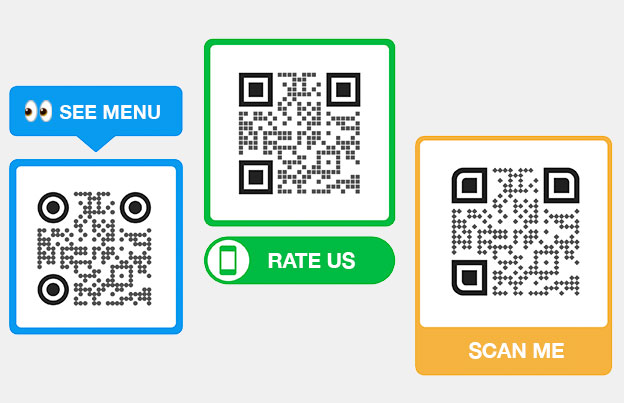
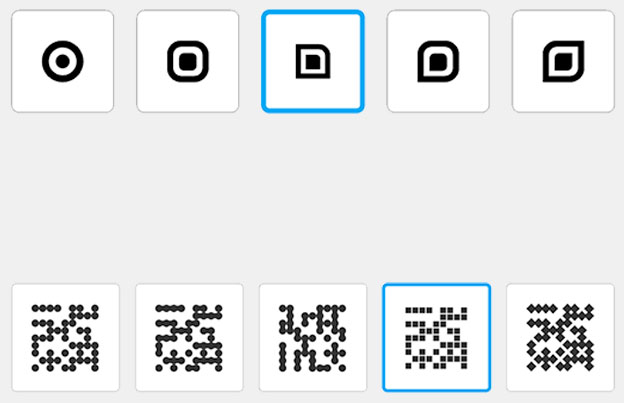
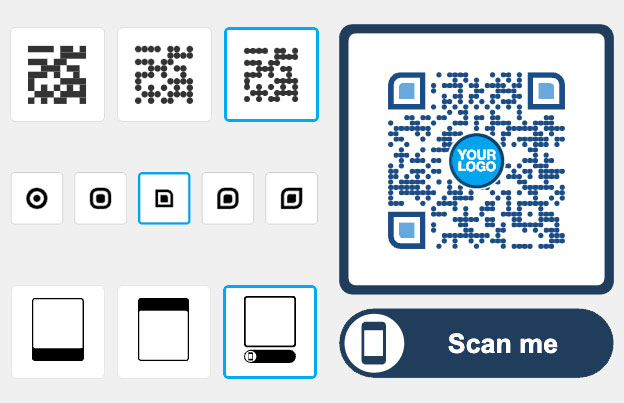
Open the QR code generator and paste your link. Pick a frame such as “Scan me”, then choose colors and a shape for the code.
- 2. Add your brand
Upload your logo and set your brand colors. Keep a dark code on a light background so phones can read it.
- 3. Test and download
Scan the code with two phones before you print. Then download it as PNG. Print-ready SVG and PDF files come with a Pageloot account (14-day free trial).
Make a branded QR code in minutes
Choose a design, add your logo and colors, and use the same look on every code you print.

TEMPLATES
Start from a ready design
You don’t need a designer. Choose a frame, a shape and colors, and the code is ready to print on a flyer, menu or package.
BRANDING
Add your logo and brand colors
Put your logo in the middle of the code and match your colors to packaging, posters and screens. Test the finished code, because a busy design can make a code harder to scan.


CONSISTENCY
Keep one look on every code
Use the same colors, frame and logo for every location, department or client. People learn to recognize your code and trust it.
PUBLIC LINKS
Share folders with clients in one click
Generate clean, white-label links to share campaign results with clients. Agencies can give instant access to folder analytics — no login needed, always up to date.


See how "Brand Name" uses QR codes on their business cards
“Pageloot has completely transformed the way we network and share information. By integrating customizable QR codes on our business cards, we’ve made it incredibly easy for potential clients and partners to access our digital profiles, websites, and contact details.
I highly recommend it to any tech company looking to enhance networking and boost engagement.”
Enhances networking
Modern touch
Leaves a lasting impression
Ann Smith
Head of Marketing, Company
Frequently asked questions about QR code templates

A QR code template is a saved design with the colors, shape, frame and logo you chose. You apply it to a new link instead of designing each code again.
They can. A code with light colors on a dark background, a very large logo or low contrast may not scan. Use a dark code on a light background, keep the logo small, and test the code with two phones before you print.
Yes. The generator lets you set colors and shapes, add a frame such as “Scan me”, and upload your logo. You can download the result as PNG. Print-ready SVG and PDF files come with a Pageloot account.
The design is separate from the content. You can use the same look for a link, a PDF, a menu, a vCard or a Wi-Fi code, and change only what the code opens.
Yes, in a Pageloot account you can reuse a design for new codes, so every code keeps the same look. Start a 14-day free trial to try it.
Yes. Use the same colors, frame and logo on each code, and make one code for each place or client. With dynamic codes you also get separate scan stats for each one.
You can make a designed QR code in the generator and download it as a static PNG. Print-ready SVG and PDF files, editing the link after printing and scan stats come with a Pageloot account and its 14-day free trial.
At least 2 x 2 cm (0.8 in). Make it larger for posters and signs, and keep a white border around the code. SVG and PDF files, available with a Pageloot account, stay sharp at any size.
Make every QR code look on-brand
Choose a design, add your logo and download your QR code. To edit the link after printing or see scans, start a 14-day free trial.