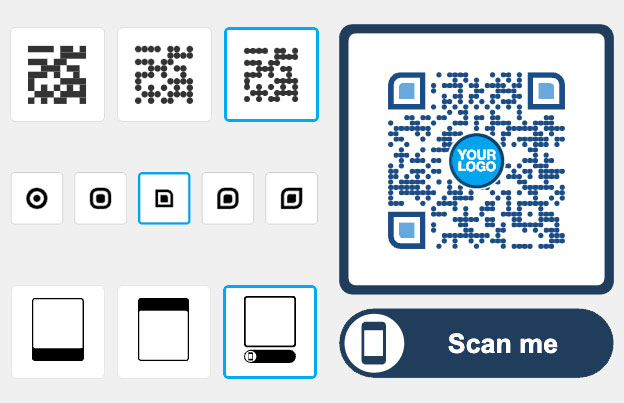
QR codes for staffing and recruitment
A QR code for staffing and recruitment opens a job ad, application form, resume or recruiter contact when a candidate scans it with a phone camera. Put it on job posters, flyers, business cards and career fair banners, so people can apply in seconds instead of typing a web address.

Trusted by 230+ recruiting & HR agencies in 14 countries


Where to use a QR code for hiring
Candidates see your job ads on shop windows, buses, campus boards and trade fair stands, where they cannot click. A QR code turns each of those places into an application link. Four ways staffing agencies use them:

Website and job board
Send candidates to the open positions page, a single job posting or your application portal. Use one code per job ad, so you know which ad brings in applicants.

Job posters
Put a code on a “We are hiring” poster at a warehouse gate, shop window or campus board. It opens the application form or a short Google Form with name, phone and the role.
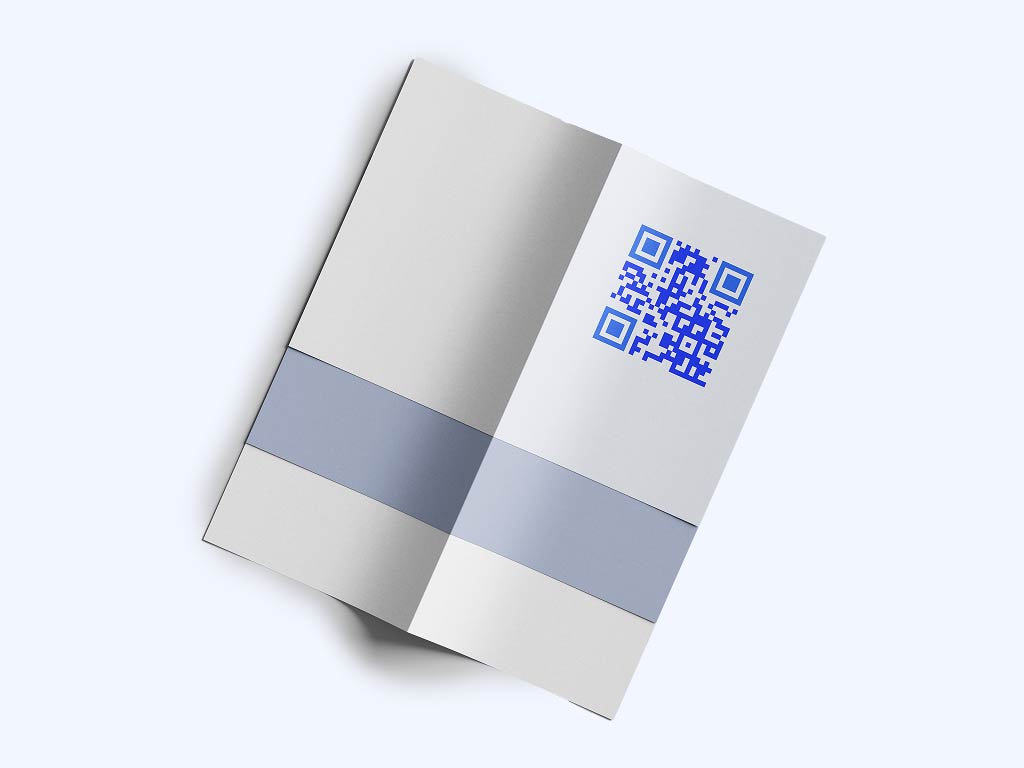
Flyers and handouts
Hand out flyers at job fairs, in shopping centers or on construction sites. The code opens a page with open roles, pay and how to apply, so the paper stays short.
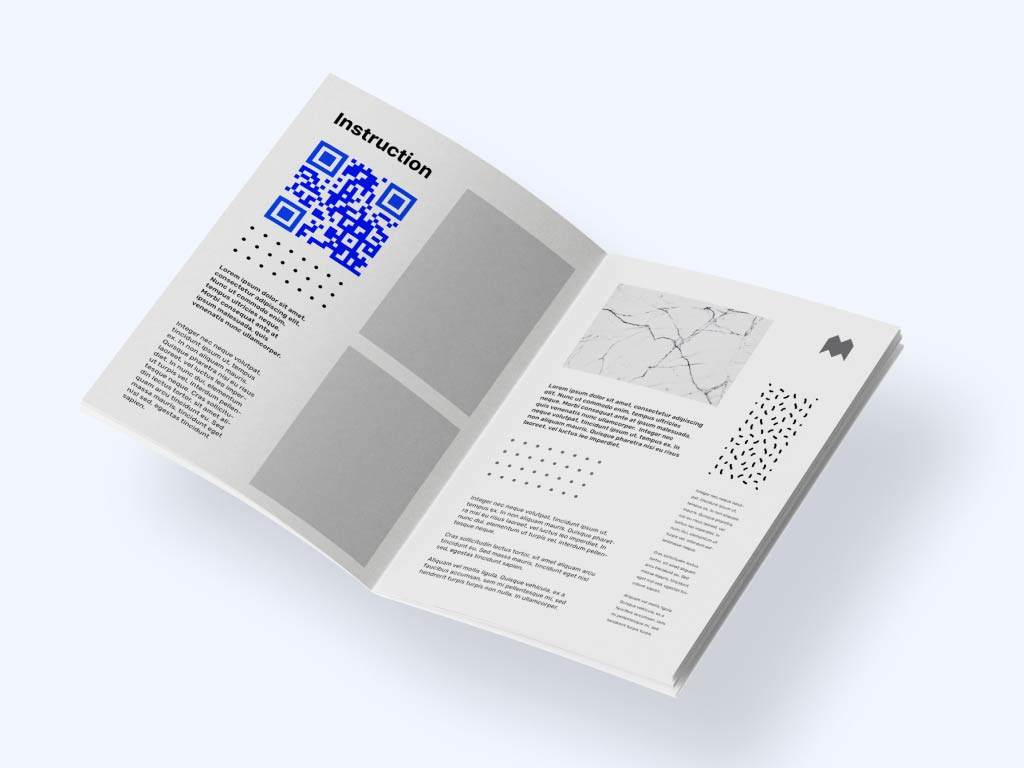
Portfolios and resumes
Add a code to a candidate’s CV or portfolio that opens work samples, or to your client pitch that opens a PDF of profiles. Freelancers and contractors can show their work with one scan.
Take a look
at a real case


The results have been nothing short of astounding
Integrating QR codes into our internal strategy changed the game. What began as a test quickly became a key driver of engagement—especially for our coffee-focused initiatives. Employees now land directly on the right pages, boosting both traffic and in-store activity.
Beyond engagement, QR codes gave us real-time insights into employee behavior—location, preferences, and interests. With Pageloot, we’ve customized QR codes for endless use cases, making internal communication smarter and more effective.

Increased traffic to internal coffee engagement platforms
Collected valuable employee data (location, interests, preferences)
Custom QR codes for versatile internal use
Starbucks EMEA
London, UK
Which QR code type to use for recruitment
Pick the type by what the candidate should see after scanning. These are the types staffing teams use most:
- Link
Opens a job board, an application page or your company site. This is the type to use on job posters and ads. Make it with the link QR code generator.
- vCard
Lets a candidate or client save your recruiter’s name, phone and email in one tap. Good for business cards and career fair badges. Make it with the vCard QR code generator.
Opens a PDF such as a job description, a company profile, an onboarding pack or a candidate profile. Useful at job fairs and in client pitches. Make it with the PDF QR code generator.
- Image gallery
Shows photos on one page, for example the workplace, the team, uniforms or the site address. It helps candidates decide before they apply. Make it with the image QR code generator.
- App store
If your agency has a job-matching app, one app QR code sends iPhone users to the App Store and Android users to Google Play. Make it with the app QR code generator.
Opens a ready email to your recruiting address with the subject line filled in, for example “Application: warehouse operator”. Make it with the email QR code generator.

For staffing and recruitment agencies
"Pageloot made hiring more efficient. Using a QR code for staffing, we’ve streamlined applications and found talent faster."
Natalie Foster
Recruiter, Talentic Agency
How can QR codes streamline your hiring?
A static code stores the link inside the code. It is free to make, never expires and has no scan limit. Use it when the link will not change, such as the address of your careers page.
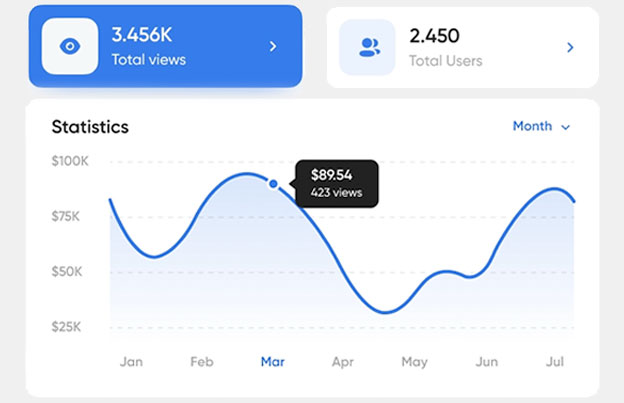
A dynamic code points to a short link that you can change after printing. Use it for job ads, because roles fill and close: change the destination in your Pageloot account and the printed poster keeps working. You also see scans by time, place and device, so you can compare posters and flyers. Scans are unlimited, and plans have a 30-day money-back guarantee.
Start with the dynamic QR code generator (14-day free trial) and see the plans. Codes made on a monthly or yearly plan stop working when the plan ends, so keep the plan active while posters are up.
 Training materials

 Social media
 Candidate screening
 Job applicationsTraining materials
Benefits
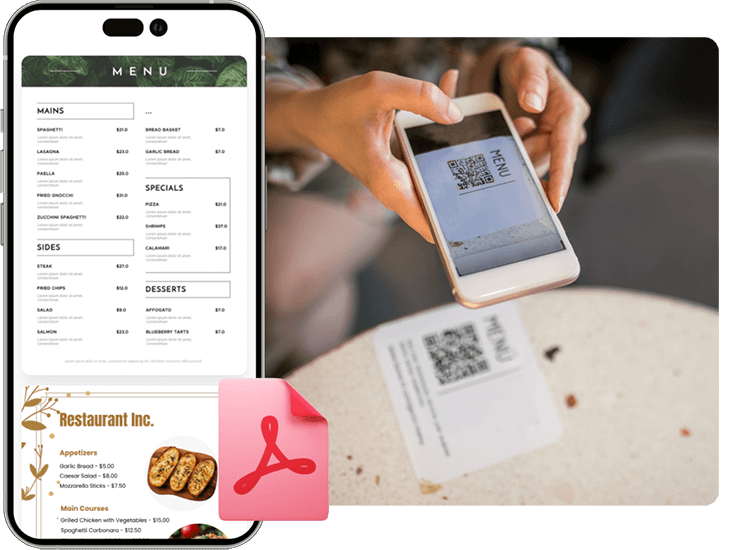
Share PDF flies
Create a QR code for easy access to digial menus or product manuals for restaurants, cafes, or any business. Visitors can scan to view items conveniently from their smartphone.
 Social media
Benefits
Social media growth
Grow your audience with QR codes and marketing for social media. Connect users to profiles with one scan.
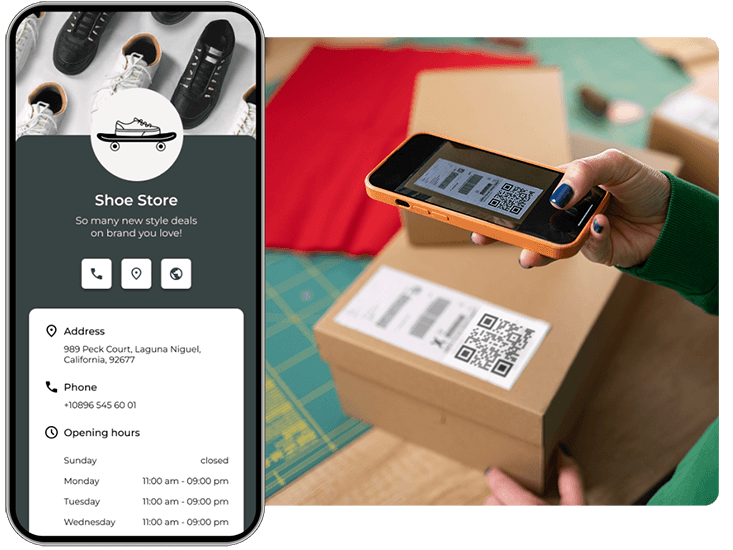 Candidate screening
Benefits
Get more leads
Collect customer emails and survey responses with a QR code marketing on forms. Help your clients grow their lists easily.
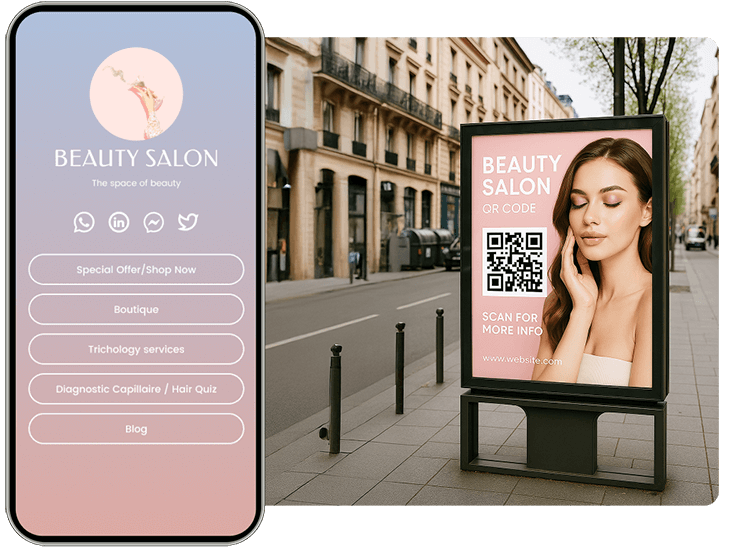 Job applications
Benefits
Appointment booking
Simplify scheduling by letting customers instantly book appointments with a quick scan — no apps or sign-ins needed.

Hear from our clients
See how they are using Pageloot to turn QR codes into real growth.









Frequently asked questions

They put QR codes on job posters, flyers, business cards and career fair banners. A scan opens a job posting, an application form, a resume PDF or a recruiter’s contact card.
Copy the link to your application page or form, paste it into the link QR code generator, add your logo and download the code. For a form, you can also use a Google Form link.
For job ads, use a dynamic link QR code, because open roles change and you can edit the destination after printing. For business cards, use a vCard. For job descriptions and company profiles, use a PDF code.
They shorten the step from seeing an ad to starting an application, because nobody has to type a web address. A dynamic code also shows which poster or flyer gets scans, so you can stop paying for placements that do not.
Yes, with a dynamic code. Change the destination in your Pageloot account, for example to a new job or a closed-position page. A static code cannot be changed, so make a new one if the link changes.
Yes, with a dynamic code. Scan stats show when, where and on which device people scanned. They show scans, not who applied, so track applications in your own system.
Print it at least 2 x 2 cm (0.8 in) on flyers and cards. On posters, allow about 1 cm of code for every 10 cm of scanning distance, with a dark code on a light background and a white border.
The most common causes are a code that is too small, low contrast, a glossy surface that reflects light, a stretched image or a link that needs a login. Test with two phones at the real distance before you print.
A static code never expires. A dynamic code works as long as your plan is active, so keep it active while posters are up. Scans are unlimited.
IP-19
Improve hiring efficiency with QR codes
Make a QR code for your next job ad, test it with two phones, and track which placement brings applicants. Free to download, with a 14-day free trial for tracking and editing.