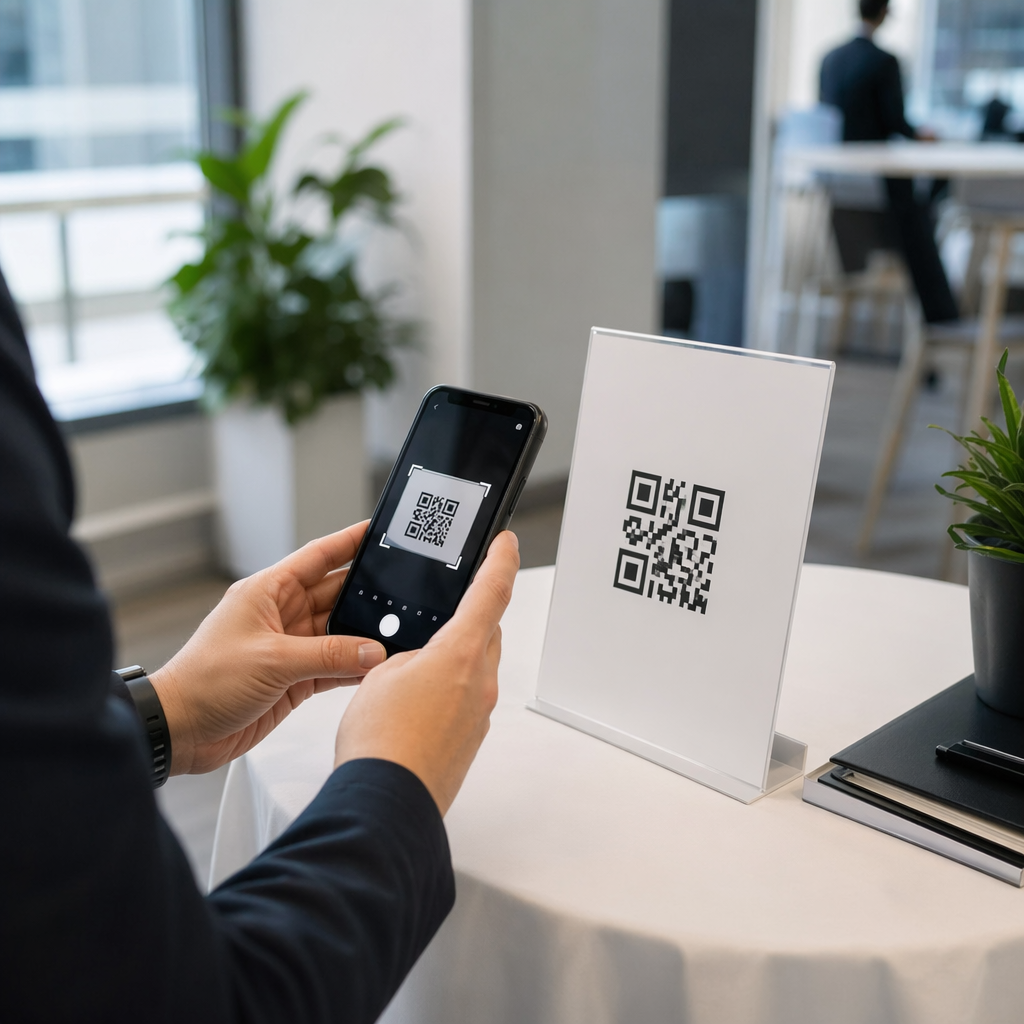
Are you losing valuable customer insights because your feedback forms are too hard to access? When customers are forced to type long URLs or search for your business manually, most simply give up, leading to empty data sets and missed opportunities for improvement. Using QR codes creates a frictionless bridge to your digital forms, significantly increasing your response rates and providing the data you need to grow.
Why Digital Feedback Channels Outperform Traditional Methods
Traditional feedback collection often suffers from low participation because it requires too much effort from the consumer. However, modern consumer habits are shifting; research indicates that 59% of U.S. consumers scan QR codes daily, and QR-linked content achieves engagement rates up to four times higher than traditional methods. By providing a scannable entry point on a receipt or table tent, you capture “in-the-moment” sentiment when the experience is still fresh in the customer’s mind.
The shift toward digital collection also solves significant data management problems for businesses. Approximately 95% of businesses now use QR codes to gather first-party data, which is increasingly important as privacy regulations grow stricter. Beyond simple convenience, 58% of businesses report increased revenue after integrating these codes into their operations, as the instant feedback allows them to address concerns before a customer even leaves the building.
Implementing Your Feedback Collection Flow
Transforming your survey into a scannable experience requires a focus on mobile usability. Since every scan originates from a smartphone, your forms must be responsive and concise to prevent abandonment. Whether you are using QR code polls for quick sentiment checks or more detailed questionnaires, the setup process should be treated as a seamless extension of your brand.
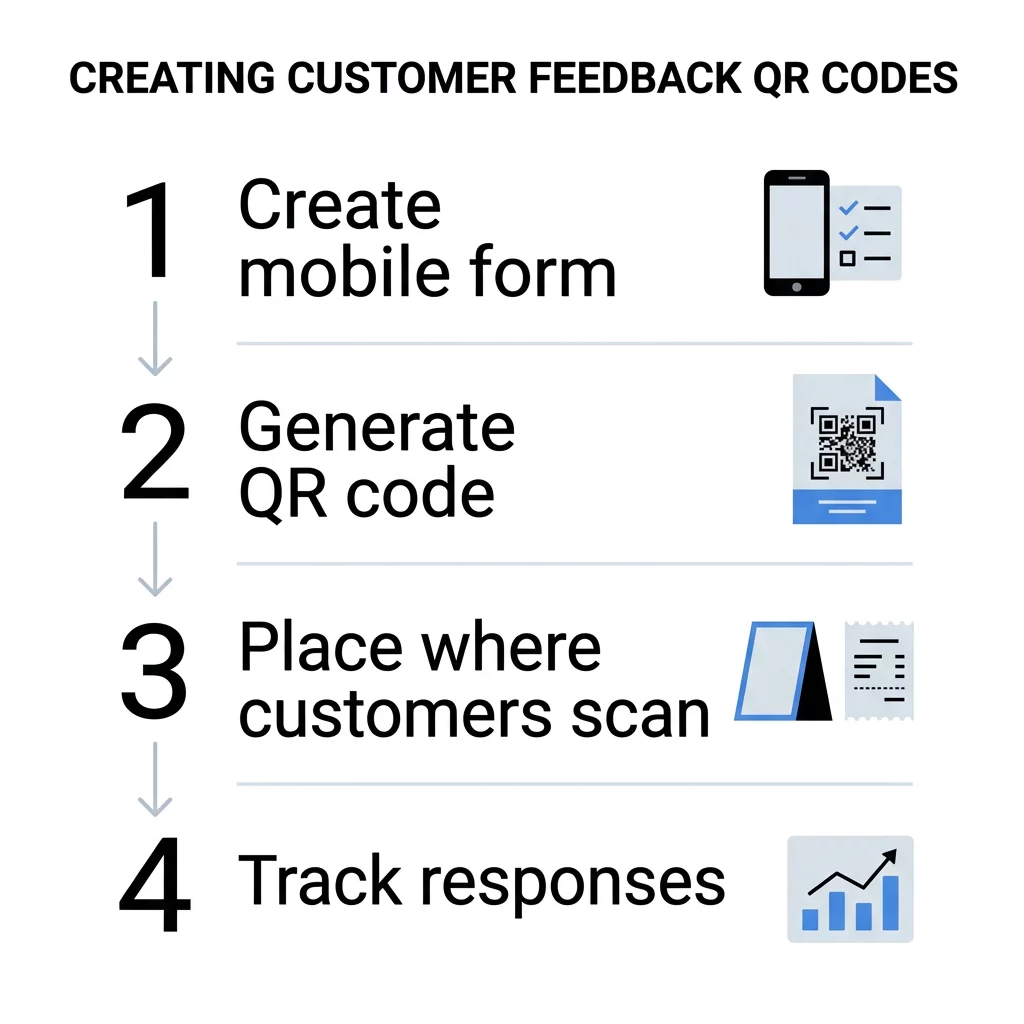
To build an effective feedback loop, follow a structured progression:
- Define your specific objectives and create a mobile-friendly questionnaire using third-party software or a Google Form QR code generator.
- Select the appropriate tool, such as a Google Review QR code generator, if your primary goal is to increase public ratings and buyer confidence.
- Customize the visual appearance by adding your logo and matching brand colors, which builds trust and encourages higher interaction rates.
- Activate advanced tracking and analytics to monitor scan times, locations, and device types.
- Perform rigorous testing across multiple devices and lighting conditions to ensure the code works in the real-world environment where it will be placed.
Ready to boost your response rates? Use our QR Code Generator to create custom, trackable codes that make it easy for customers to share their experiences in seconds.
Choosing Between Static and Dynamic Code Types
When implementing a feedback strategy, the technical type of code you choose determines your long-term flexibility. Static vs. dynamic QR codes serve different operational needs based on whether your content is permanent or subject to change. Static codes encode data directly into the pattern, meaning the destination URL cannot be altered once the code is printed. These are best suited for one-time events or simple, unchanging links where data tracking is not a priority.
Dynamic QR codes act as a more versatile tool for active businesses because they use a redirect link. This allows you to edit the QR code destination without reprinting any physical materials. For example, the Marriott Aruba saved approximately $150,000 in printing costs by using dynamic codes that could be updated in real-time. This flexibility is essential for feedback collection, as it allows you to rotate between different surveys or update broken links instantly while maintaining the same printed signage.
Design Standards for Reliable Scannability
A QR code is only effective if it can be scanned quickly and reliably. Think of the smartphone scanner like a high-speed reader that needs clear visual cues to function correctly. Contrast is the most critical factor; to meet accessibility standards, you should aim for a contrast ratio of at least 4.5:1 for small codes. While black on white achieves a near-perfect 21:1 ratio, any combination that features a dark code on a light background will generally perform well.
The physical size and placement of the code also dictate its success rate. When incorporating QR codes on flyers and brochures, the code should be at least 2 × 2 inches (5 × 5 cm) to ensure modern smartphone cameras can focus on it easily. Additionally, you must maintain a “quiet zone,” which is an empty margin around the code that prevents other design elements or text from interfering with the scanner’s ability to isolate the QR pattern.
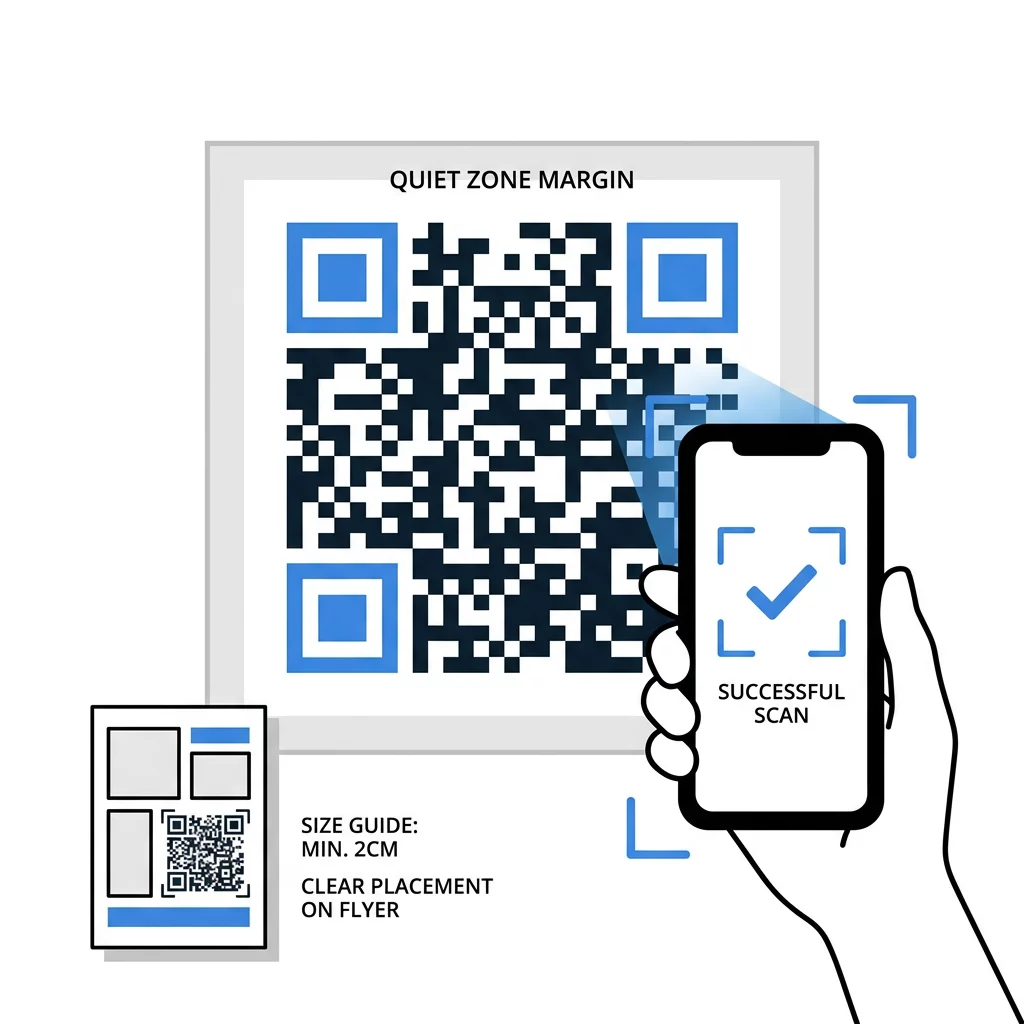
Integrating scannable technology into your customer journey removes the final barriers to communication between your brand and your audience. By making the process instant and accessible, you transform a passive customer experience into a source of actionable intelligence. To start gathering professional insights today, use a link QR code generator to connect your physical touchpoints with your digital forms.
Frequently Asked Questions
You can only change the destination link if you use a dynamic QR code. These codes point to a short URL that can be redirected to a new survey through your management dashboard without requiring you to reprint your physical materials.
By using a QR code management platform, you can access real-time analytics that track total scans, unique visitors, and geographic locations. This data helps you understand which physical placements are generating the most engagement.
For most printed materials at close range, the code should be at least 0.8 x 0.8 inches. However, for standard business materials like table tents or flyers, a size of 2 x 2 inches is recommended to ensure high reliability across all smartphone models.