
Are lost service logs and missing equipment records slowing down your HVAC field technicians? Misplaced maintenance history wastes billable hours and hurts your bottom line every time a technician visits a job site. Placing dynamic QR codes on equipment and customer invoices directly connects your physical field operations to digital management systems.
Simplify Field Service and Equipment Tracking
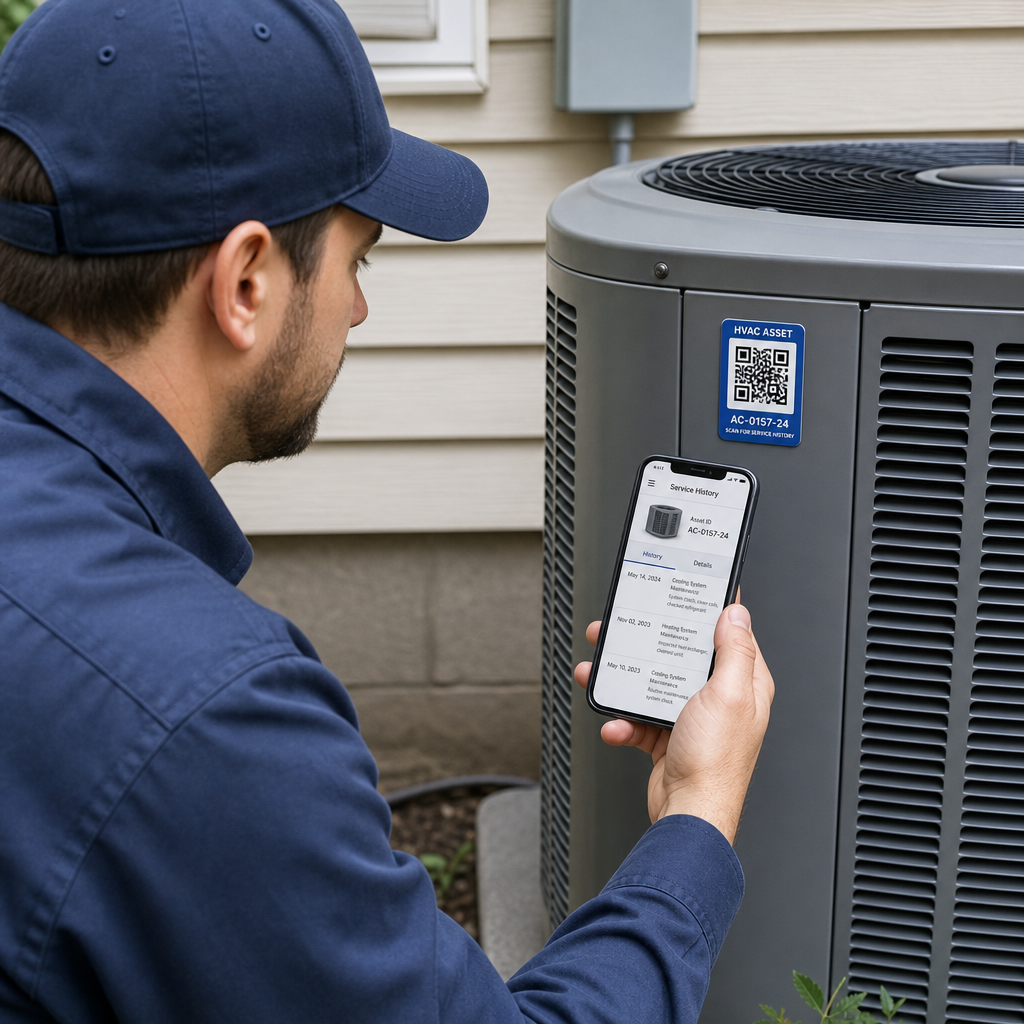
HVAC technicians frequently face missing service histories, illegible wiring diagrams, or lost unit specifications when arriving on job sites. Attaching a specialized asset tag QR code directly to heat pumps, condensers, or air handlers gives technicians instant access to vital system data using a smartphone camera.
A quick scan connects field staff directly to a centralized asset page containing:
- Complete service and repair histories to eliminate redundant troubleshooting.
- Manufacturer manuals, electrical schematics, and recommended replacement parts lists.
- Preventive maintenance schedules and pre-loaded digital check sheets.
- Warranty details and installation date tracking.
Integrating QR codes into field workflows also simplifies regulatory compliance. Under Environmental Protection Agency (EPA) Section 608 regulations, HVAC service providers must retain refrigerant service records for a minimum of three years for systems containing regulated refrigerants. Digitizing these entries through dynamic QR codes tagged on appliances ensures technicians can log refrigerant additions, removals, and disposal details on-site while maintaining fully compliant electronic records. Similar to tracking medical equipment with QR codes, attaching durable scannable labels to HVAC assets establishes a reliable digital trail for every piece of equipment.
Build Custom Asset QR Codes for Your Fleet Ready to eliminate lost equipment records and speed up field service? Use the QR Code Generator to create durable, scannable equipment tags for all your HVAC units today.
Track Inventory, Tools, and Van Bins Efficiently
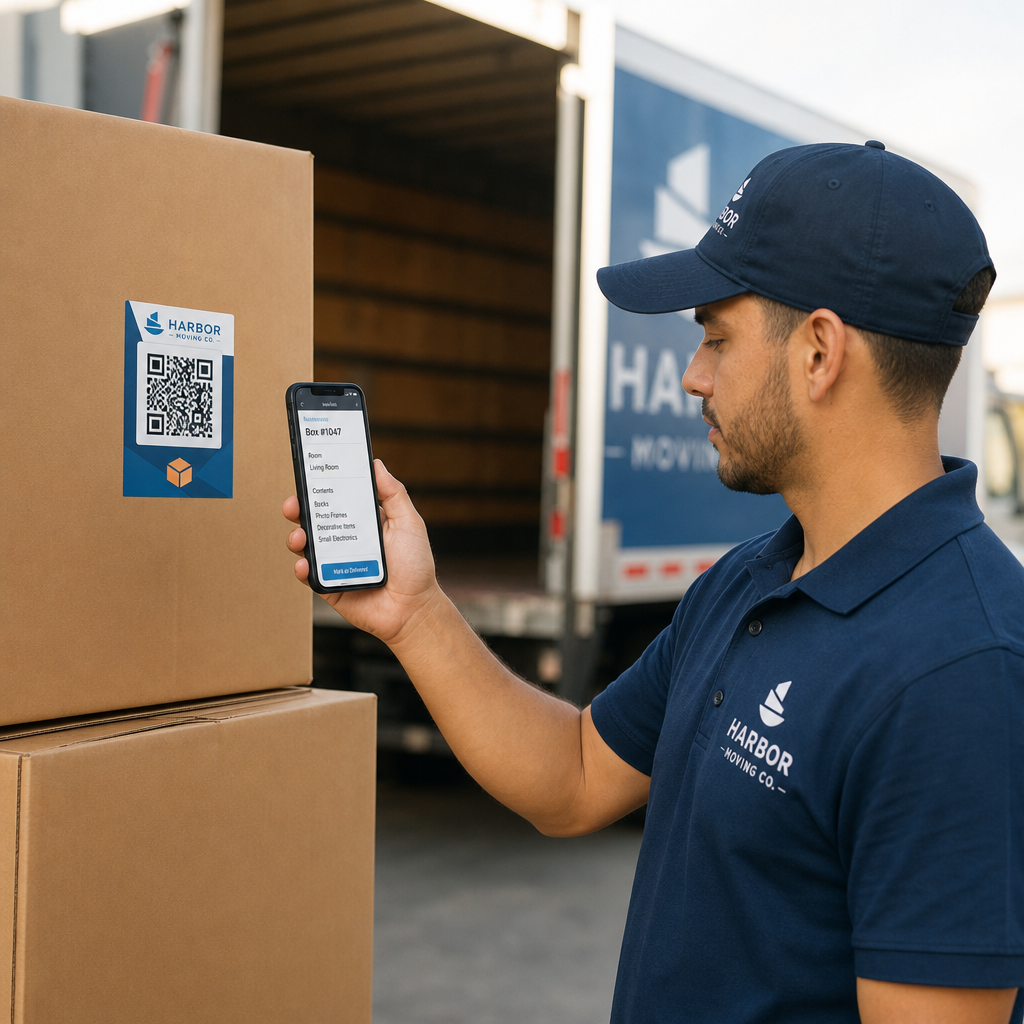
Managing parts across multiple service vans and central warehouses creates significant inventory drift. Applying QR codes to van storage bins and high-value tools streamlines shop operations and prevents lost equipment.
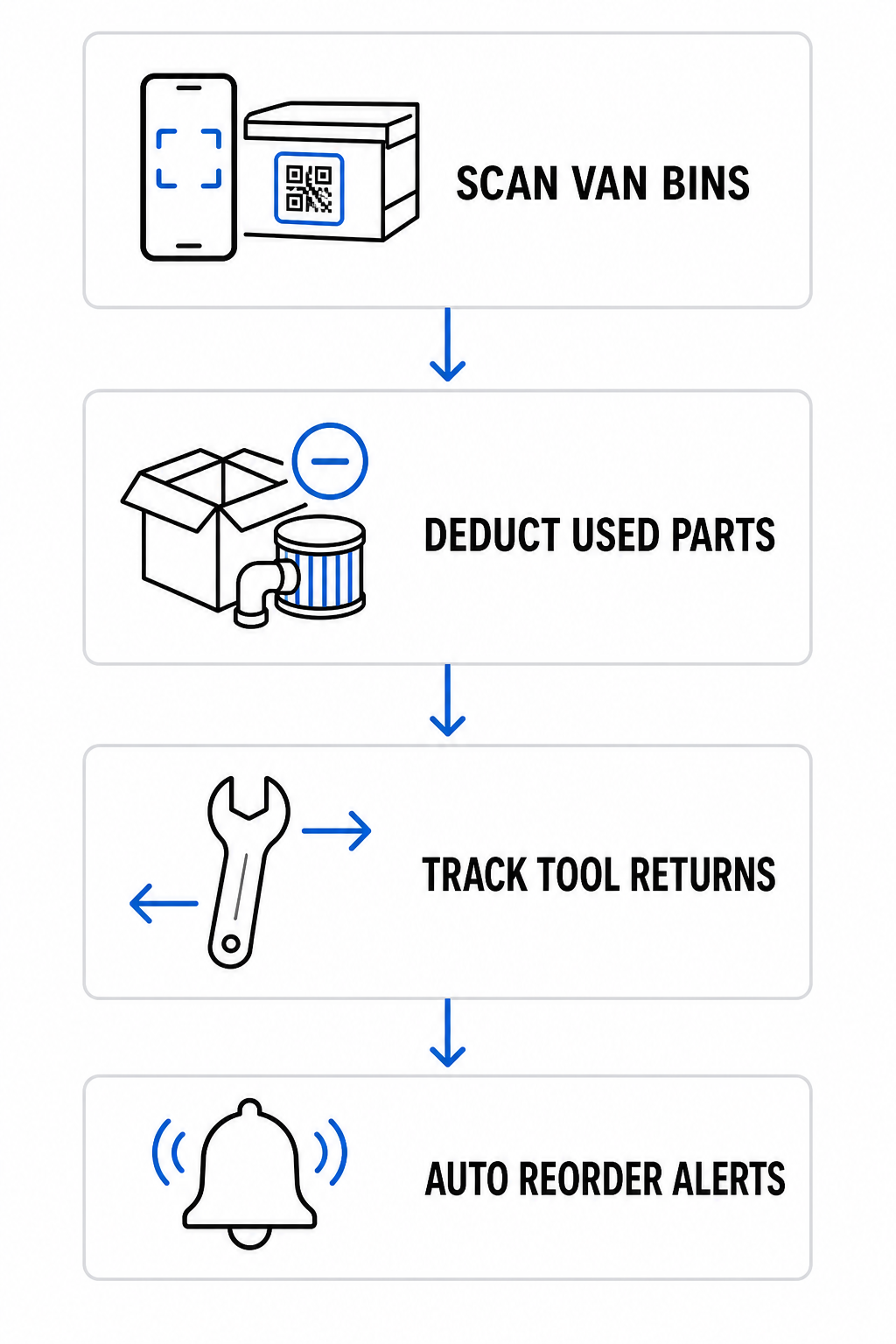
- Record part usage instantly by scanning bin codes on van shelves to deduct components from inventory and add them to active work orders.
- Track tool checkout and returns for specialty equipment like vacuum pumps or recovery machines to maintain complete accountability.
- Automate reorder alerts by linking inventory tags to management databases that trigger restock requests when stock drops below designated thresholds.
To explore broader operational setups, review our step-by-step guide on creating QR codes for product inventory to optimize warehouse and fleet workflows.
Elevate Customer Marketing, Feedback, and Post-Service Sales
Field operations represent only one side of an HVAC business; post-service marketing and customer retention drive recurring revenue. QR codes transform completed service visits into long-term customer relationships.
- Collect 5-star customer reviews by adding scannable prompts to service completion cards, thank-you notes, and invoice footers using a dedicated Google Review QR code generator.
- Simplify emergency service rebooking by placing waterproof equipment stickers on unit access panels that open a service portal created with a Google Form QR code generator.
- Provide digital system documentation by sharing user manuals and care guides through a PDF QR code generator.
- Collect on-site payments quickly when technicians finish a job by featuring a payment link created with a PayPal QR code generator on physical work orders or mobile devices.
These methods allow you to seamlessly collect customer feedback and scale operations across both residential and commercial service calls.
Turn Every Service Call into a 5-Star Review Want to boost your local reputation after every service visit? Generate a branded review code with the Google Review QR Code Generator to collect instant customer feedback.
Key Standards for Durable Equipment QR Codes
HVAC environments present tough operating conditions, including direct sunlight, intense heat, vibration, and moisture. Following clear design and material standards ensures your QR codes remain scannable over years of field exposure.
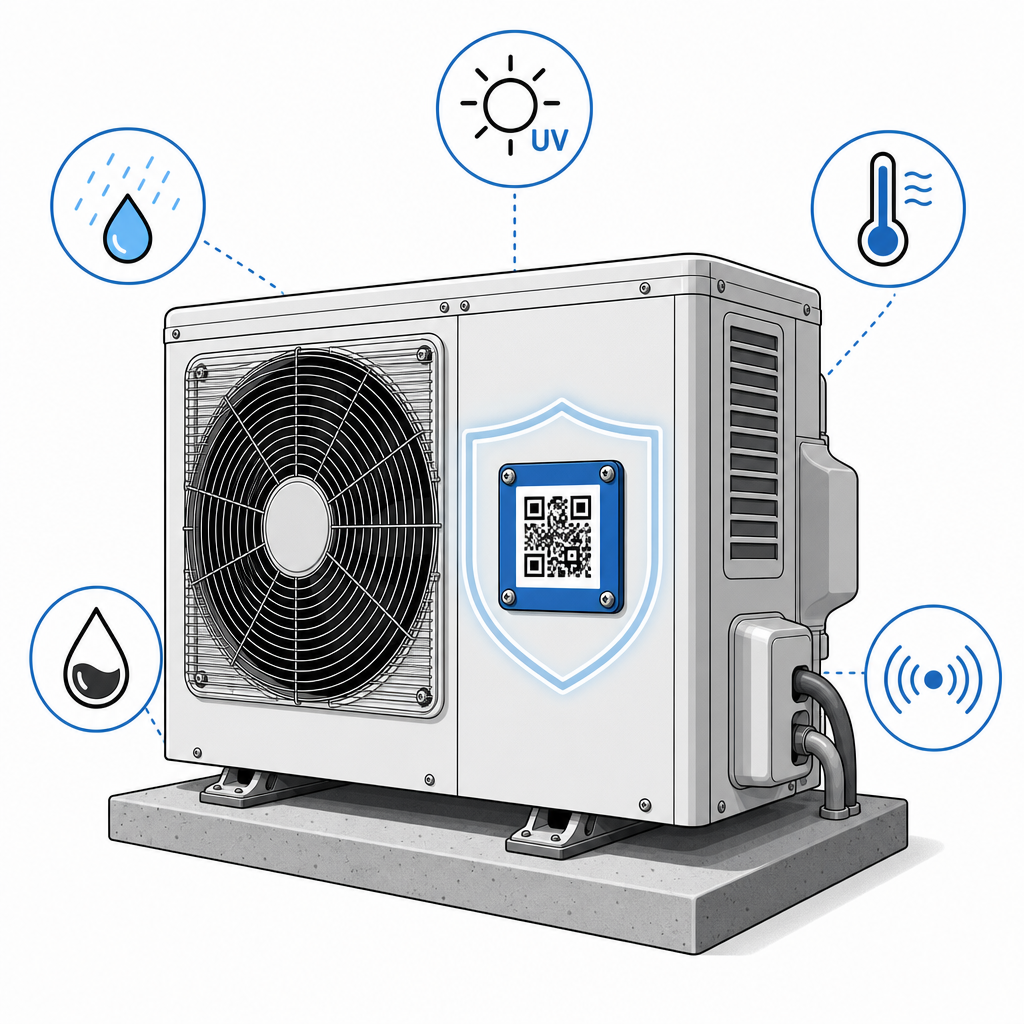
- Choose weather-resistant materials like waterproof vinyl or heavy-duty polyester labels that withstand exposure to rain, UV rays, and grease rather than paper stickers.
- Maintain proper sizing standards by using a minimum size of 0.8 × 0.8 inches (2 × 2 cm) for close-range indoor scans and at least 2 × 2 inches (5 × 5 cm) for outdoor condensers to account for sunlight glare.
- Ensure sharp visual contrast by placing dark foreground patterns on light backgrounds with a clear quiet zone border around the code, following our guide on best practices for QR code readability.
- Deploy dynamic QR codes so you can update destination links in your management dashboard without replacing physical tags on field equipment, as highlighted in our guide on dynamic QR codes with analytics.
- Implement safe security protocols by avoiding raw sensitive credentials inside the code and routing all scans through secure HTTPS endpoints with proper user authentication.
For additional strategies on tailoring scannable workflows for your business model, explore our dedicated guides for the service industry and small business solutions.
Implementing QR codes across your HVAC business connects physical equipment, inventory, and invoices directly to your digital workflows. From instantly pulling up maintenance logs in the field to capturing online customer reviews, scannable tags save billable technician hours and generate post-service revenue. Explore Pageloot’s industry solutions today to start building dynamic QR codes for your entire fleet.
Frequently Asked Questions
QR codes placed on HVAC units direct technicians to digital refrigerant logs where they can record refrigerant additions, recoveries, and disposal events on-site. This creates an easily searchable electronic record system that satisfies the EPA requirement to retain refrigerant records for at least three years.
Outdoor equipment labels should be at least 2 × 2 inches (5 × 5 cm) to compensate for camera distance, direct sunlight, and surface glare on outdoor condensers. Close-range indoor labels on furnaces or electrical panels can use a minimum size of 0.8 × 0.8 inches (2 × 2 cm).
Yes, provided you generate a dynamic QR code. Dynamic QR codes allow you to edit the destination link in your account dashboard at any time without having to print or replace physical stickers on equipment in the field.