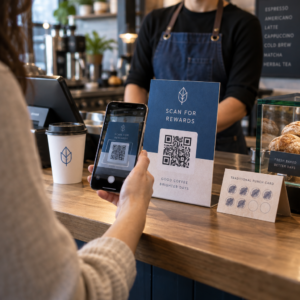
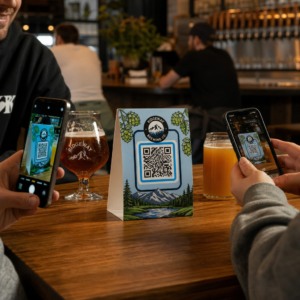
Are you struggling to convert offline audience members into active Discord subscribers without making them type long server URLs? Complex links create typing friction, causing potential members to abandon joining your server before they even start. Converting your Discord invite link into a scannable QR code provides an instant, one-touch onboarding experience for physical materials and digital displays.
Generate a Permanent Discord Invite Link
Before generating a QR code, you must obtain a functional invite link from your Discord server. By default, Discord invite links expire after 7 days or after reaching a limited number of uses. To avoid broken QR codes on physical print materials, configure a permanent link first.
- Open your Discord app on desktop or mobile and navigate to your server.
- Locate your target landing channel, hover over the channel name, and select Create Invite.
- Click on Edit invite link at the bottom of the pop-up window.
- Change the Expire After drop-down menu setting to Never.
- Change the Max Number of Uses drop-down menu setting to No limit.
- Copy the newly generated permanent URL to your clipboard.
Convert Your Link Using a QR Code Generator
Once you have copied your permanent server URL, you can transform it into a scannable graphic. Much like setting up QR codes for Telegram groups, creating a Discord code requires converting a simple web address into a visual pattern that mobile cameras can decode.
- Navigate to an online link QR code generator.
- Select the URL input option within the generator interface.
- Paste your permanent Discord invite link into the web address field.
- Generate your visual code image with a single click.
Create Your Custom Discord QR Code Turn long server invite links into high-resolution, scannable graphics for posters, cards, and stream displays using the link QR code generator today.
Customize Your Design for Brand Recognition
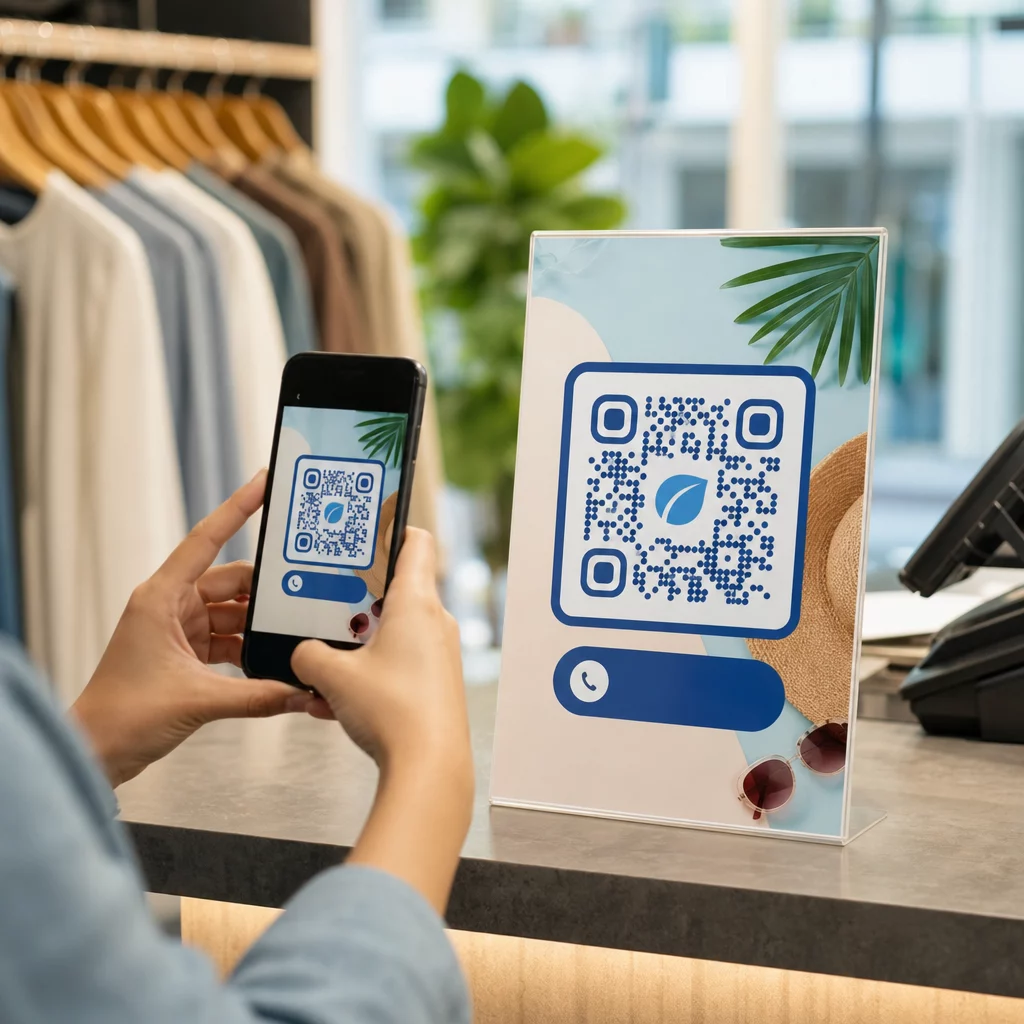
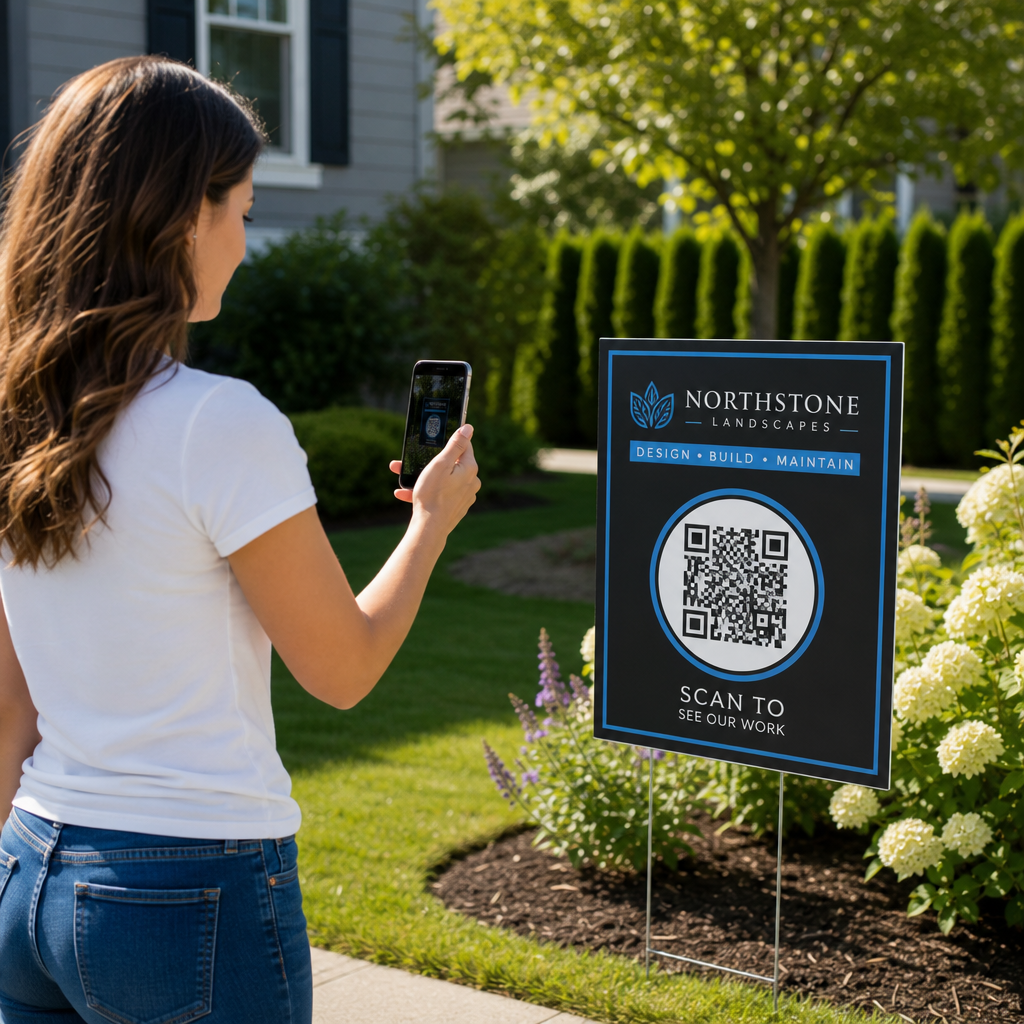
A generic black-and-white QR code can look out of place on custom marketing graphics or stream screens. Customizing the design builds immediate trust and signals to potential members where the code will lead them.
Using a feature-complete QR code generator, you can modify visual parameters to align with your community’s identity:
- Apply brand colors by using dark primary shades for the code modules while keeping the background light to optimize readability.
- Embed a logo or the Discord icon in the center of the design to establish instant visual destination trust.
- Add a call-to-action frame such as “Scan to Join” to guide prospective members on what action to take.
Best Practices to Ensure QR Code Scannability
A poorly formatted QR code will fail to scan, creating a frustrating experience for prospective members. Following technical printing and rendering standards ensures fast camera recognition across all mobile hardware.
Maintain High Color Contrast
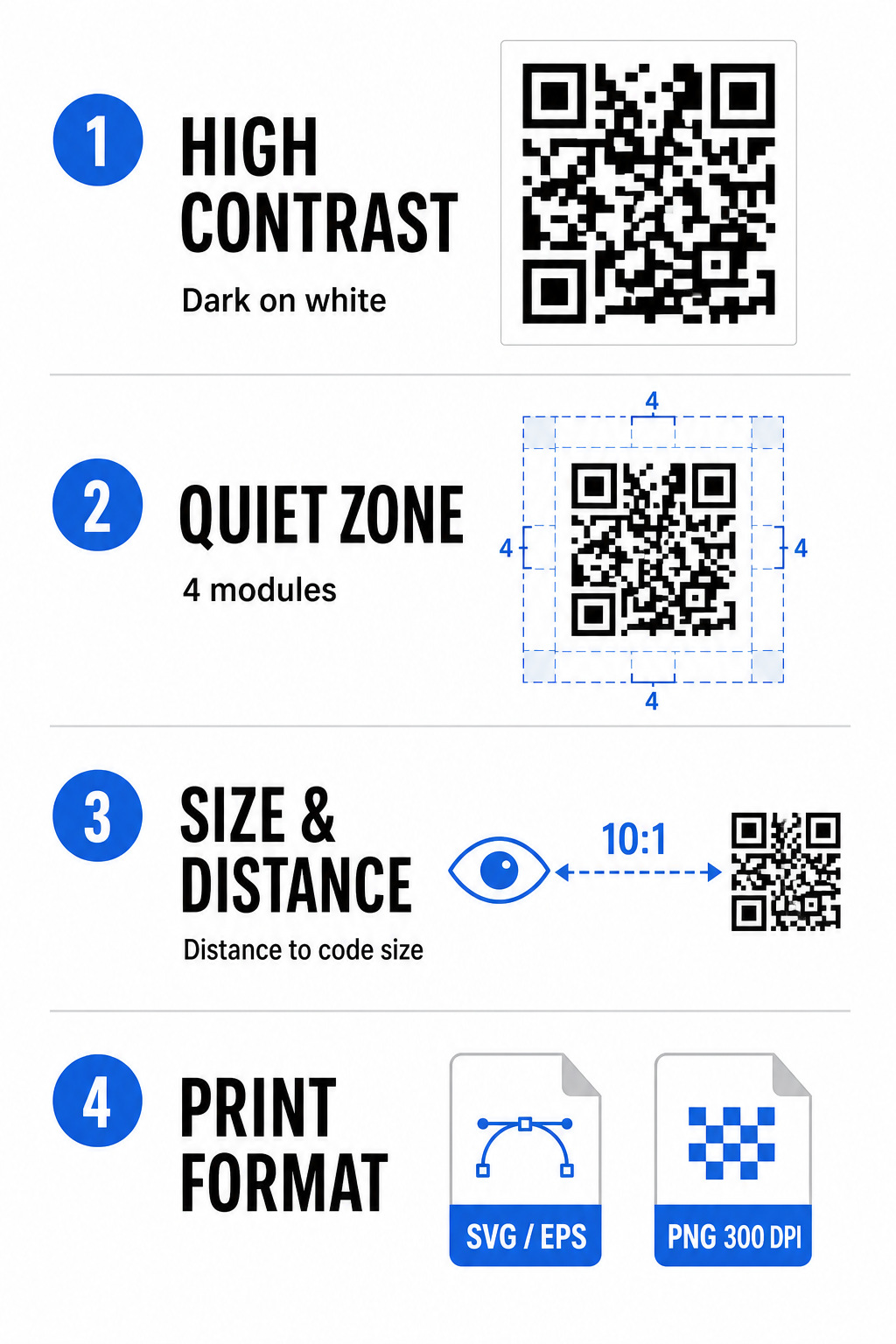
Scanners rely on contrast between dark patterns (modules) and background spaces to decode data. Darker colors absorb light while lighter colors reflect it, allowing camera sensors to distinguish data points easily. Aim for a contrast ratio of at least 4:1 between your code modules and the background. The most reliable pairing is black or dark blue modules placed against a white background. Avoid inverted color schemes with light modules on dark backgrounds, as many camera apps fail to decode inverted patterns.
Preserve the Quiet Zone
The quiet zone is an empty border surrounding all four outer edges of the QR code matrix. This margin must remain at least four modules wide and completely free of text, graphics, or frame decorations. Without a clean quiet zone, mobile cameras cannot determine where the QR code boundaries start and end.
Calculate the Correct Size for Scanning Distance
When printing materials, calculate your QR code dimensions using a 10:1 distance-to-size ratio. This means the physical width of your code should equal roughly one-tenth of the expected scanning distance. For deeper technical specifications, refer to the complete guide on best practices for QR code readability.
| Placement Scenario | Expected Scanning Distance | Minimum Recommended QR Code Size |
|---|---|---|
| Event Badges & Business Cards | 10 inches (25 cm) | 1.0 x 1.0 inches (2.5 x 2.5 cm) |
| Table Tents & Desktop Displays | 20 inches (50 cm) | 2.0 x 2.0 inches (5.0 x 5.0 cm) |
| Wall Posters & Stream Banners | 5 feet (1.5 meters) | 6.0 x 6.0 inches (15 x 15 cm) |
| Event Stage Displays & Signage | 10 feet (3.0 meters) | 12.0 x 12.0 inches (30 x 30 cm) |
Export in Vector Formats
For physical print production, export your file in high-resolution vector formats such as SVG or EPS. Vector files scale endlessly without losing sharpness or introducing blurriness. If using raster formats like PNG, confirm that the file resolution is set to at least 300 DPI for high-quality printing.
Testing and Validating Your Discord QR Code
Never print marketing materials or publish graphics without verifying QR code functionality across multiple platforms. Camera sensors, software algorithms, and screen resolutions vary widely between devices.
- Test across operating systems by scanning the image with both iOS and Android native camera apps.
- Verify scanning angles by testing the code under bright lighting, dim environments, and varied angles.
- Utilize an online tool like a web-based QR code scanner to confirm that the embedded URL decodes cleanly.
- Review onboarding workflow to confirm that scanning directly opens the Discord app or redirects smoothly to the server screen.
For a broader overview of hardware compatibility, consult this guide on scanning QR codes on smartphones.
Practical Ways to Share Your Discord QR Code
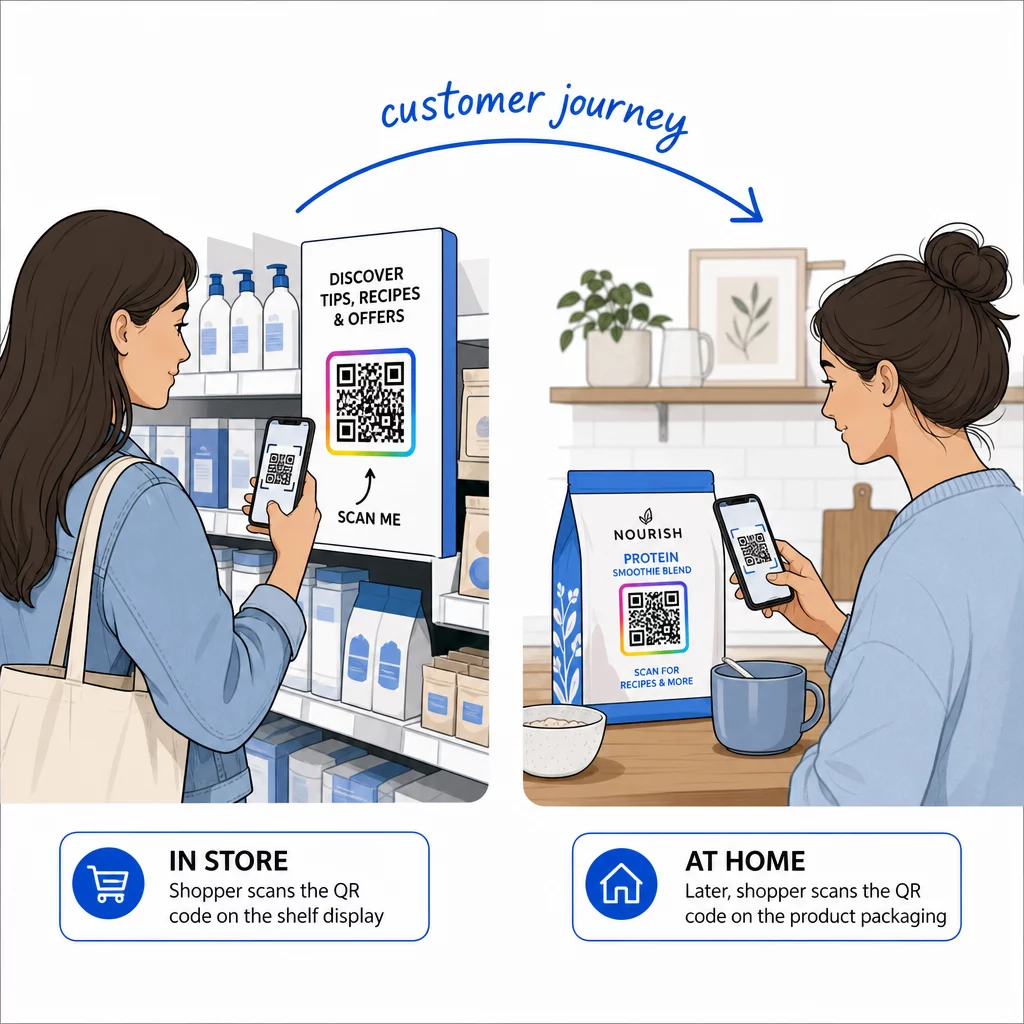
Displaying your scannable invite link across offline and digital touchpoints helps build an active server population.
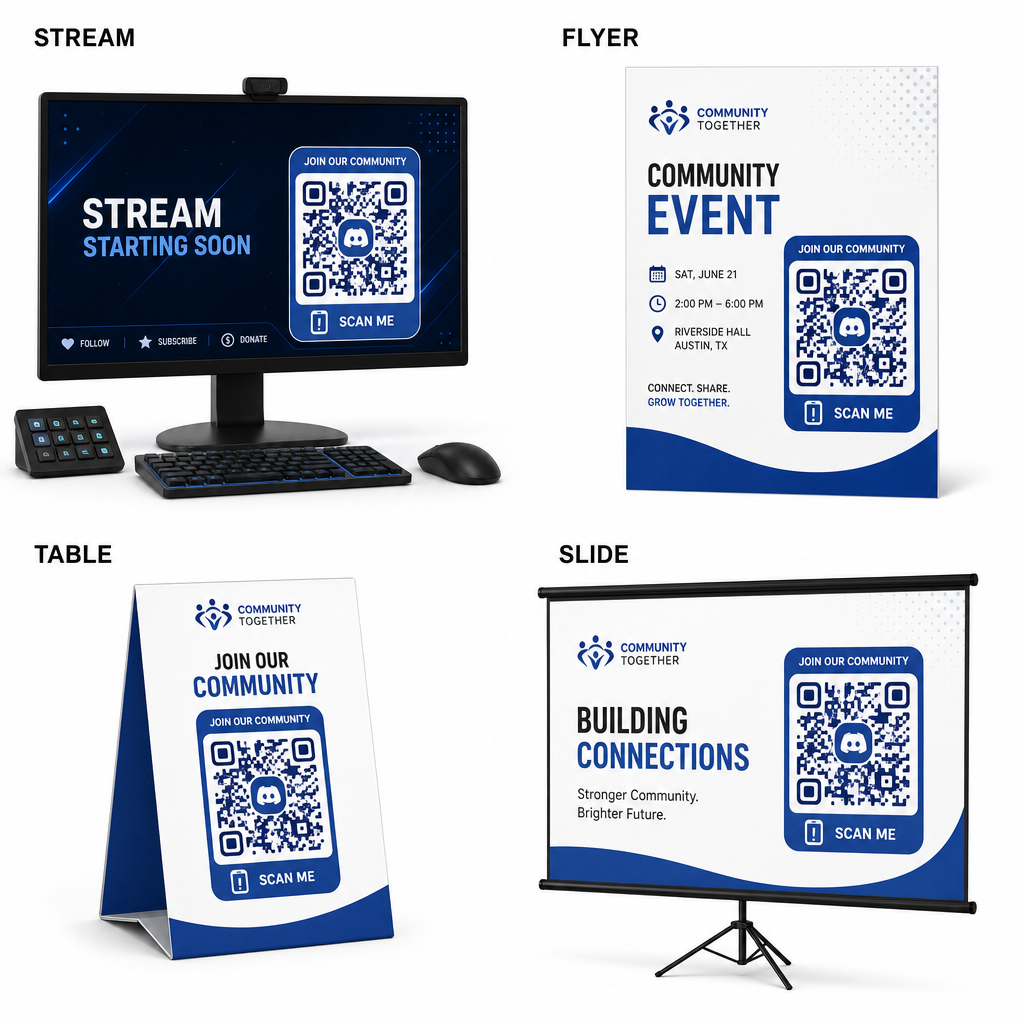
- Add stream overlays on broadcast screens so viewers can join while watching live video.
- Print event materials on physical badges, flyers, table tents, and banners during meetups.
- Include packaging inserts on product boxes, apparel tags, or thank-you cards sent to buyers.
- Embed presentation slides on the closing screen of workshops to convert attendees into community members.
Build Your Community with Fast Mobile Onboarding
Converting your Discord invite link into a scannable QR code removes manual typing hurdles, allowing fans, attendees, and customers to enter your server within seconds. Using permanent invite settings, ensuring strong color contrast, maintaining appropriate size ratios, and testing across multiple devices provides a reliable onboarding path for every new member.
Ready to grow your online community? Create a high-resolution, custom Discord QR code using Pageloot’s generation tools today.
Frequently Asked Questions
Yes. When creating the invite link in Discord, select “Edit invite link” and set “Expire After” to “Never” and “Max Number of Uses” to “No limit” before generating your QR code.
Download vector formats like SVG or EPS for printing posters, banners, and flyers. If using PNG files, ensure they are rendered at a high resolution of 300 DPI or higher to avoid blurriness.
Yes. Generating a dynamic QR code allows you to collect real-time scan analytics, track conversion performance over time, and update the destination URL whenever needed without reprinting physical materials.