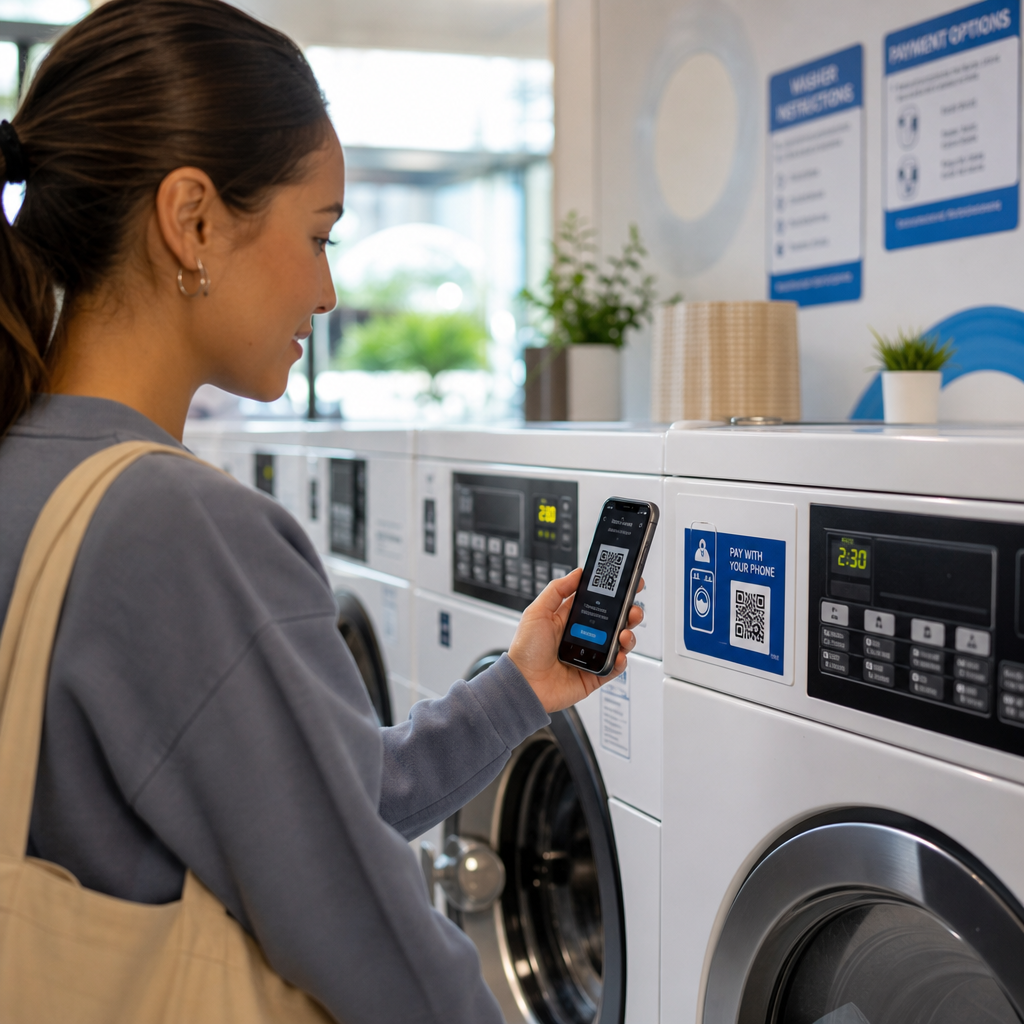
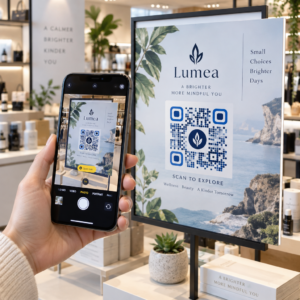
¿Tienes problemas para convertir a los miembros de tu audiencia sin conexión en suscriptores activos de Discord sin que tengan que escribir largas URLs de servidor? Los enlaces complejos crean fricción al escribir, lo que hace que los posibles miembros abandonen la unión a tu servidor antes de empezar. Convertir tu enlace de invitación de Discord en un código QR escaneable proporciona una experiencia de incorporación instantánea y de un solo toque para materiales físicos y pantallas digitales.
Generar un enlace de invitación permanente de Discord
Antes de generar un código QR, debes obtener un enlace de invitación funcional de tu servidor de Discord. Por defecto, los enlaces de invitación de Discord caducan después de 7 días o después de alcanzar un número limitado de usos. Para evitar códigos QR rotos en materiales impresos físicos, configura primero un enlace permanente.
- Abre tu aplicación de Discord en escritorio o móvil y navega a tu servidor.
- Localiza tu canal de destino, pasa el cursor sobre el nombre del canal y selecciona Crear invitación.
- Haz clic en en Editar enlace de invitación en la parte inferior de la ventana emergente.
- Cambio la Caduca después de menú desplegable a Nunca.
- Cambio la Número máximo de usos menú desplegable a Sin límite.
- Copia la URL permanente recién generada a tu portapapeles.
Convierte tu enlace usando un generador de códigos QR
Una vez que hayas copiado la URL permanente de tu servidor, puedes transformarla en un gráfico escaneable. De manera similar a la configuración de Códigos QR para grupos de Telegram, la creación de un código de Discord requiere la conversión de una simple dirección web en un patrón visual que las cámaras móviles puedan decodificar.
- Navega a un en línea generador de códigos QR de enlaces.
- Selecciona la opción de entrada de URL dentro de la interfaz del generador.
- Pega tu enlace de invitación permanente de Discord en el campo de la dirección web.
- Genera tu imagen de código visual con un solo clic.
Crea tu código QR personalizado de Discord Convierte enlaces de invitación de servidor largos en gráficos escaneables de alta resolución para pósteres, tarjetas y pantallas de transmisión usando el generador de códigos QR de enlaces hoy.
Personaliza tu diseño para el reconocimiento de marca
Un código QR genérico en blanco y negro puede desentonar en gráficos de marketing personalizados o pantallas de transmisión. Personalizar el diseño genera confianza inmediata y señala a los posibles miembros a dónde los llevará el código.
Usando un generador de códigos QR, puedes modificar parámetros visuales para alinearlos con la identidad de tu comunidad:
- Aplica colores de marca usando tonos primarios oscuros para los módulos del código, manteniendo el fondo claro para optimizar la legibilidad.
- Incrusta un logotipo o el icono de Discord en el centro del diseño para establecer confianza visual instantánea del destino.
- Añade un marco de llamada a la acción como “Escanear para unirse” para guiar a los posibles miembros sobre qué acción tomar.
Mejores prácticas para garantizar la escaneabilidad del código QR
Un código QR mal formateado no se escaneará, creando una experiencia frustrante para los posibles miembros. Seguir los estándares técnicos de impresión y renderizado garantiza un reconocimiento rápido por parte de la cámara en todo el hardware móvil.
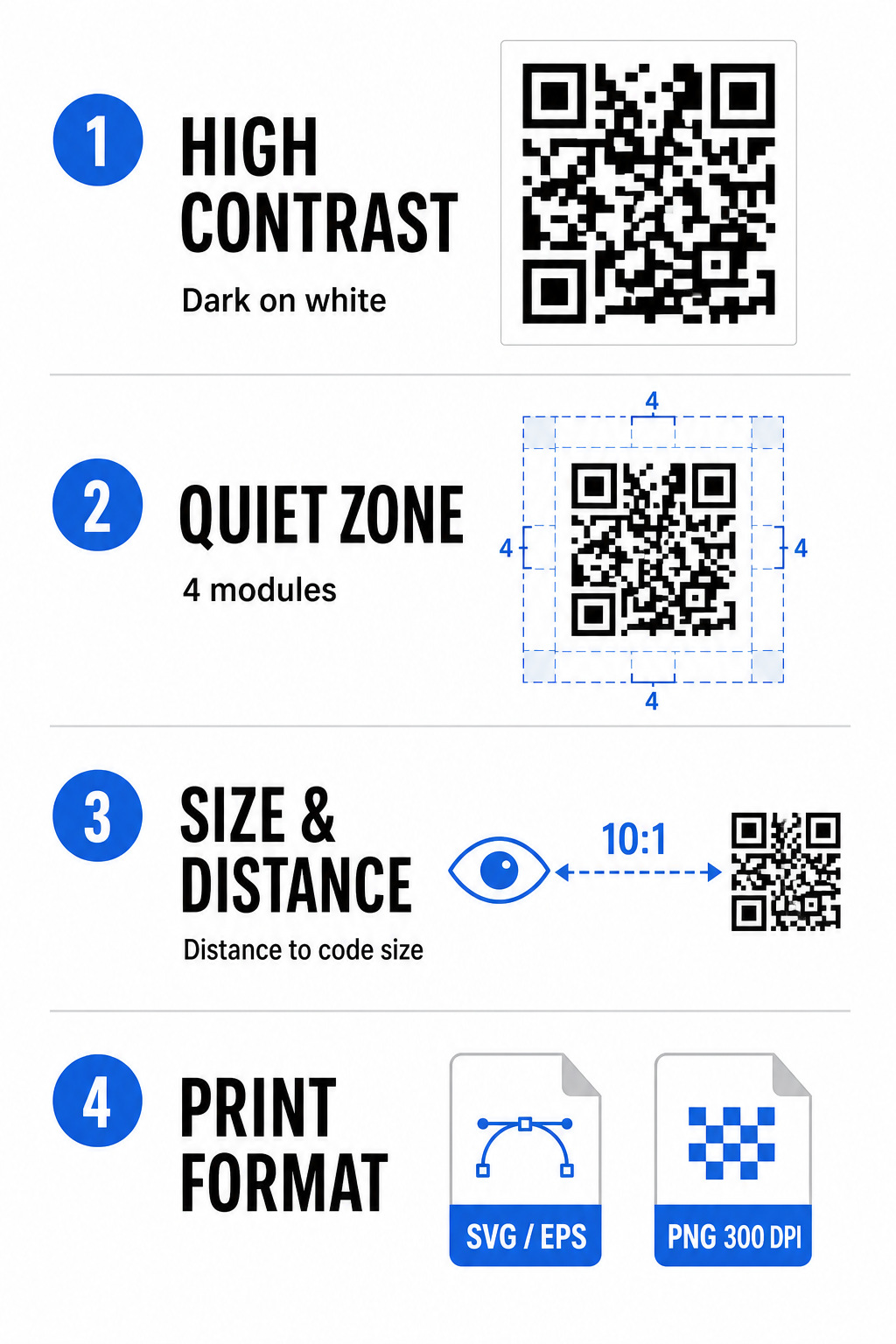
Mantenga un alto contraste de color
Los escáneres dependen del contraste entre los patrones oscuros (módulos) y los espacios de fondo para decodificar datos. Los colores más oscuros absorben la luz mientras que los colores más claros la reflejan, lo que permite a los sensores de la cámara distinguir fácilmente los puntos de datos. Apunta a una relación de contraste de al menos 4:1 entre los módulos de tu código y el fondo. La combinación más fiable es módulos negros o azul oscuro sobre un fondo blanco. Evita esquemas de colores invertidos con módulos claros sobre fondos oscuros, ya que muchas aplicaciones de cámara no logran decodificar patrones invertidos.
Conserve la Zona Silenciosa
La zona de silencio es un borde vacío que rodea los cuatro bordes exteriores de la matriz del código QR. Este margen debe tener al menos cuatro módulos de ancho y estar completamente libre de texto, gráficos o decoraciones de marco. Sin una zona de silencio limpia, las cámaras móviles no pueden determinar dónde comienzan y terminan los límites del código QR.
Calcula el tamaño correcto para la distancia de escaneo
Al imprimir materiales, calcula las dimensiones de tu código QR utilizando una relación distancia-tamaño de 10:1. Esto significa que el ancho físico de tu código debe ser aproximadamente una décima parte de la distancia de escaneo esperada. Para especificaciones técnicas más detalladas, consulta la guía completa sobre las mejores prácticas para la legibilidad de los códigos QR.
| Escenario de colocación | Distancia de escaneo esperada | Tamaño mínimo recomendado del código QR |
|---|---|---|
| Insignias de eventos y tarjetas de visita | 10 pulgadas (25 cm) | 0 x 1.0 pulgadas (2.5 x 2.5 cm) |
| Carpas de mesa y pantallas de escritorio | 20 pulgadas (50 cm) | 0 x 2.0 pulgadas (5.0 x 5.0 cm) |
| Pósteres de pared y banners de transmisión | 5 pies (1.5 metros) | 0 x 6.0 pulgadas (15 x 15 cm) |
| Displays y señalización para escenarios de eventos | 10 pies (3.0 metros) | 0 x 12.0 pulgadas (30 x 30 cm) |
Exportar en formatos vectoriales
Para la producción de impresión física, exporta tu archivo en formatos vectoriales de alta resolución como SVG o EPS. Los archivos vectoriales se escalan infinitamente sin perder nitidez ni introducir desenfoque. Si utilizas formatos ráster como PNG, confirma que la resolución del archivo esté configurada a al menos 300 DPI para una impresión de alta calidad.
Prueba y validación de tu código QR de Discord
Nunca imprimas materiales de marketing ni publiques gráficos sin verificar la funcionalidad del código QR en múltiples plataformas. Los sensores de cámara, los algoritmos de software y las resoluciones de pantalla varían ampliamente entre dispositivos.
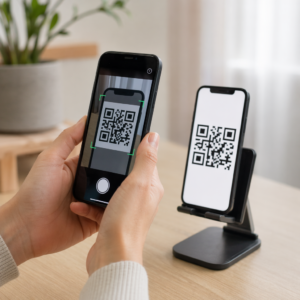
- Prueba en sistemas operativos escaneando la imagen con las aplicaciones de cámara nativas de iOS y Android.
- Verifica los ángulos de escaneo probando el código bajo luz brillante, entornos tenues y ángulos variados.
- Utiliza una herramienta en línea como una basada en web Lector QR online para confirmar que la URL incrustada se decodifica limpiamente.
- Revisa el flujo de incorporación para confirmar que el escaneo abre directamente la aplicación de Discord o redirige sin problemas a la pantalla del servidor.
Para una visión más amplia de la compatibilidad de hardware, consulta esta guía sobre cómo escanear códigos QR en teléfonos inteligentes.
Formas prácticas de compartir tu código QR de Discord
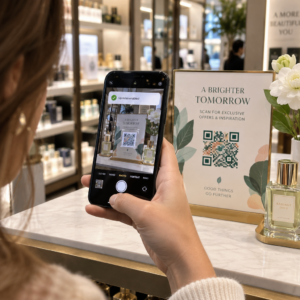
Mostrar tu enlace de invitación escaneable en puntos de contacto offline y digitales ayuda a construir una población de servidores activa.
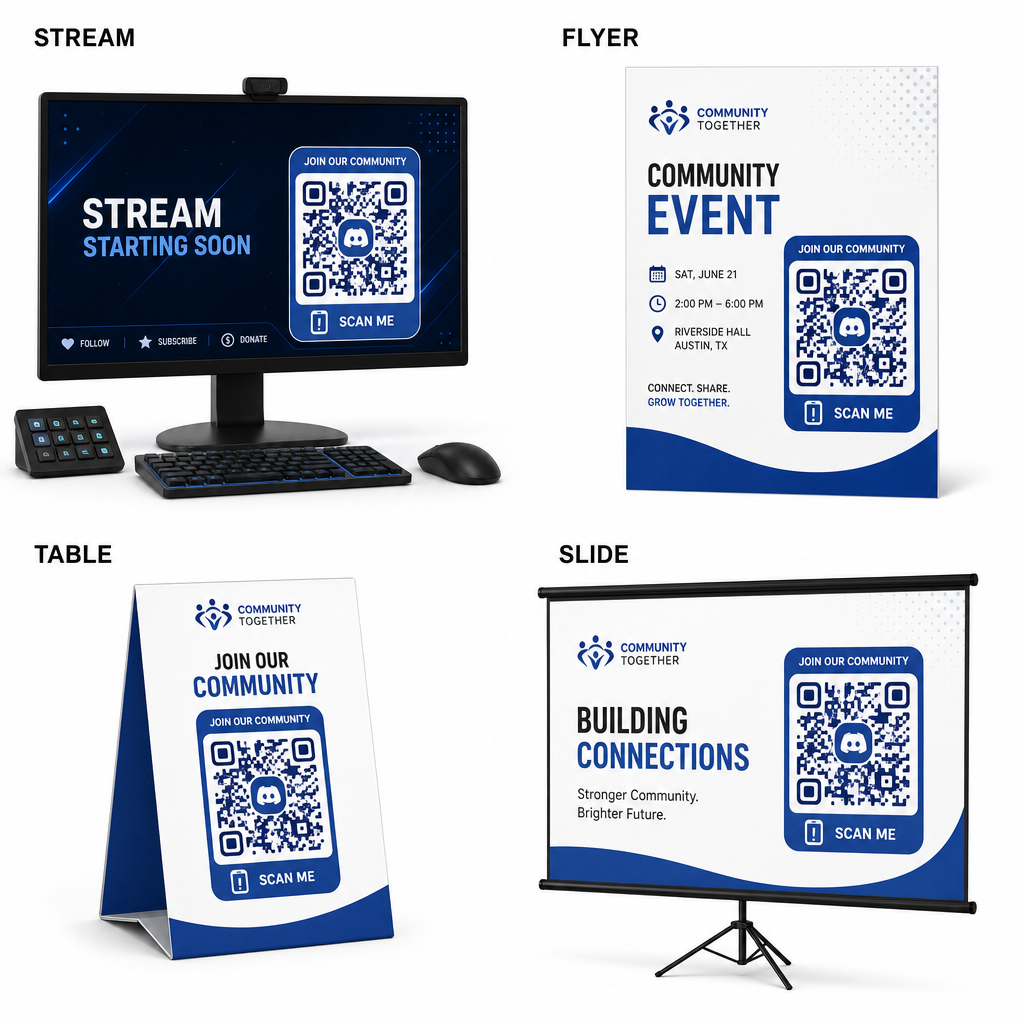
- Añade superposiciones de transmisión en pantallas de transmisión para que los espectadores puedan unirse mientras ven video en vivo.
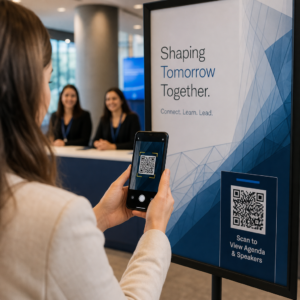
- Imprime materiales de eventos en credenciales físicas, folletos, carteles de mesa y pancartas durante las reuniones.
- Incluye inserciones en el empaque en cajas de productos, etiquetas de ropa o tarjetas de agradecimiento enviadas a los compradores.
- Incrusta diapositivas de presentación en la pantalla de cierre de los talleres para convertir a los asistentes en miembros de la comunidad.
Construye tu comunidad con una incorporación móvil rápida
Convertir tu enlace de invitación de Discord en un código QR escaneable elimina los obstáculos de escritura manual, permitiendo que fans, asistentes y clientes entren a tu servidor en segundos. Usar configuraciones de invitación permanentes, asegurar un fuerte contraste de color, mantener proporciones de tamaño adecuadas y probar en múltiples dispositivos proporciona una ruta de incorporación confiable para cada nuevo miembro.
¿Listo para hacer crecer tu comunidad en línea? Crea un código QR de Discord personalizado y de alta resolución utilizando las herramientas de generación de Pageloot hoy mismo.
Preguntas frecuentes
Sí. Al crear el enlace de invitación en Discord, selecciona “Editar enlace de invitación” y establece “Expirar después” en “Nunca” y “Número máximo de usos” en “Sin límite” antes de generar tu código QR.
Descarga formatos vectoriales como SVG o EPS para imprimir pósteres, pancartas y folletos. Si usas archivos PNG, asegúrate de que se rendericen a una alta resolución de 300 DPI o superior para evitar la falta de definición.
Sí. Generar un código QR dinámico te permite recopilar análisis de escaneo en tiempo real, rastrear el rendimiento de la conversión a lo largo del tiempo y actualizar la URL de destino siempre que sea necesario sin reimprimir materiales físicos.