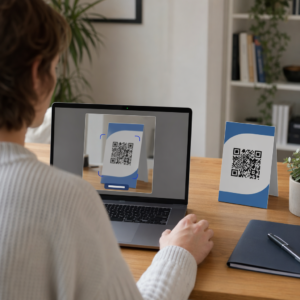
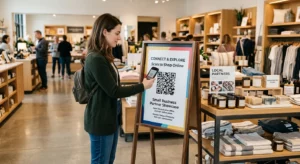
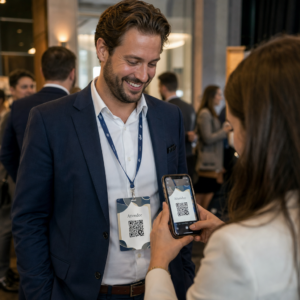
Vai jums ir grūtības pārvērst auditorijas dalībniekus bezsaistē par aktīviem Discord abonentiem, neliekot viņiem rakstīt garas servera URL adreses? Sarežģītas saites rada rakstīšanas berzi, liekot potenciālajiem dalībniekiem atteikties no pievienošanās jūsu serverim vēl pirms viņi ir sākuši. Jūsu Discord uzaicinājuma saites pārvēršana skenējamā QR kodā nodrošina tūlītēju, vienas pieskāriena ieskriešanas pieredzi fiziskiem materiāliem un digitālajiem displejiem.
Ģenerēt pastāvīgu Discord uzaicinājuma saiti
Pirms QR koda ģenerēšanas jums ir jāiegūst funkcionāla uzaicinājuma saite no jūsu Discord servera. Pēc noklusējuma Discord uzaicinājuma saites beidzas pēc 7 dienām vai pēc ierobežota lietošanas reižu skaita sasniegšanas. Lai izvairītos no nedarbojošiem QR kodiem uz fiziskiem drukas materiāliem, vispirms konfigurējiet pastāvīgu saiti.
- Atvērt jūsu Discord lietotnē datorā vai mobilajā ierīcē un pārejiet uz savu serveri.
- Atrodiet jūsu mērķa kanālu, novietojiet kursoru virs kanāla nosaukuma un atlasiet Izveidot uzaicinājumu.
- Noklikšķiniet ieslēgts Rediģēt uzaicinājuma saiti logā apakšā.
- Izmaiņas uz Beidzas pēc nolaižamajā izvēlnē iestatiet uz Nekad.
- Izmaiņas uz Maksimālais lietošanas reižu skaits nolaižamajā izvēlnē iestatiet uz Nav ierobežojuma.
- Kopēt jaunizveidoto pastāvīgo URL uz savu starpliktuvju.
Pārvērst savu saiti, izmantojot QR koda ģeneratoru
Kad esat nokopējis savu pastāvīgo servera URL, varat to pārvērst par skenējamu grafiku. Līdzīgi kā iestatīšana QR kodi Telegram grupām, Discord koda izveide prasa vienkāršas tīmekļa adreses pārvēršanu vizuālā rakstā, ko mobilās kameras var dekodēt.
- Navigēt uz tiešsaistes saites QR koda ģenerators.
- Atlasiet URL ievades opciju ģeneratora saskarnē.
- Ielīmēt savu pastāvīgo Discord uzaicinājuma saiti uz tīmekļa adreses lauku.
- Izveidot savu vizuālo koda attēlu ar vienu klikšķi.
Izveidojiet savu pielāgoto Discord QR kodu Pārvērtiet garās servera uzaicinājuma saites augstas izšķirtspējas, skenējamās grafikās plakātiem, kartītēm un straumēšanas displejiem, izmantojot saites QR koda ģenerators šodien.
Pielāgojiet savu dizainu zīmola atpazīstamībai
Vispārīgs melnbalts QR kods var izskatīties neiederīgs pielāgotā mārketinga grafikā vai straumēšanas ekrānos. Dizaina pielāgošana veido tūlītēju uzticību un signalizē potenciālajiem dalībniekiem, kur kods viņus novirzīs.
Izmantojot pilnvērtīgu funkciju QR kodu ģenerators, varat mainīt vizuālos parametrus, lai tie atbilstu jūsu kopienas identitātei:
- Lietot zīmola krāsas izmantojot tumšus primāros toņus koda moduļiem, vienlaikus saglabājot gaišu fonu, lai optimizētu salasāmību.
- Iegult logotipu vai Discord ikonu dizaina centrā, lai nodrošinātu tūlītēju vizuālo galamērķa uzticību.
- Pievienojiet aicinājuma uz darbību rāmi piemēram, “Skenēt, lai pievienotos”, lai vadītu potenciālos dalībniekus par to, kāda darbība jāveic.
Labākā prakse, lai nodrošinātu QR koda skenējamību
Slikti formatēts QR kods netiks skenēts, radot neapmierinošu pieredzi potenciālajiem dalībniekiem. Tehnisko drukas un renderēšanas standartu ievērošana nodrošina ātru kameru atpazīšanu visā mobilajā aparatūrā.
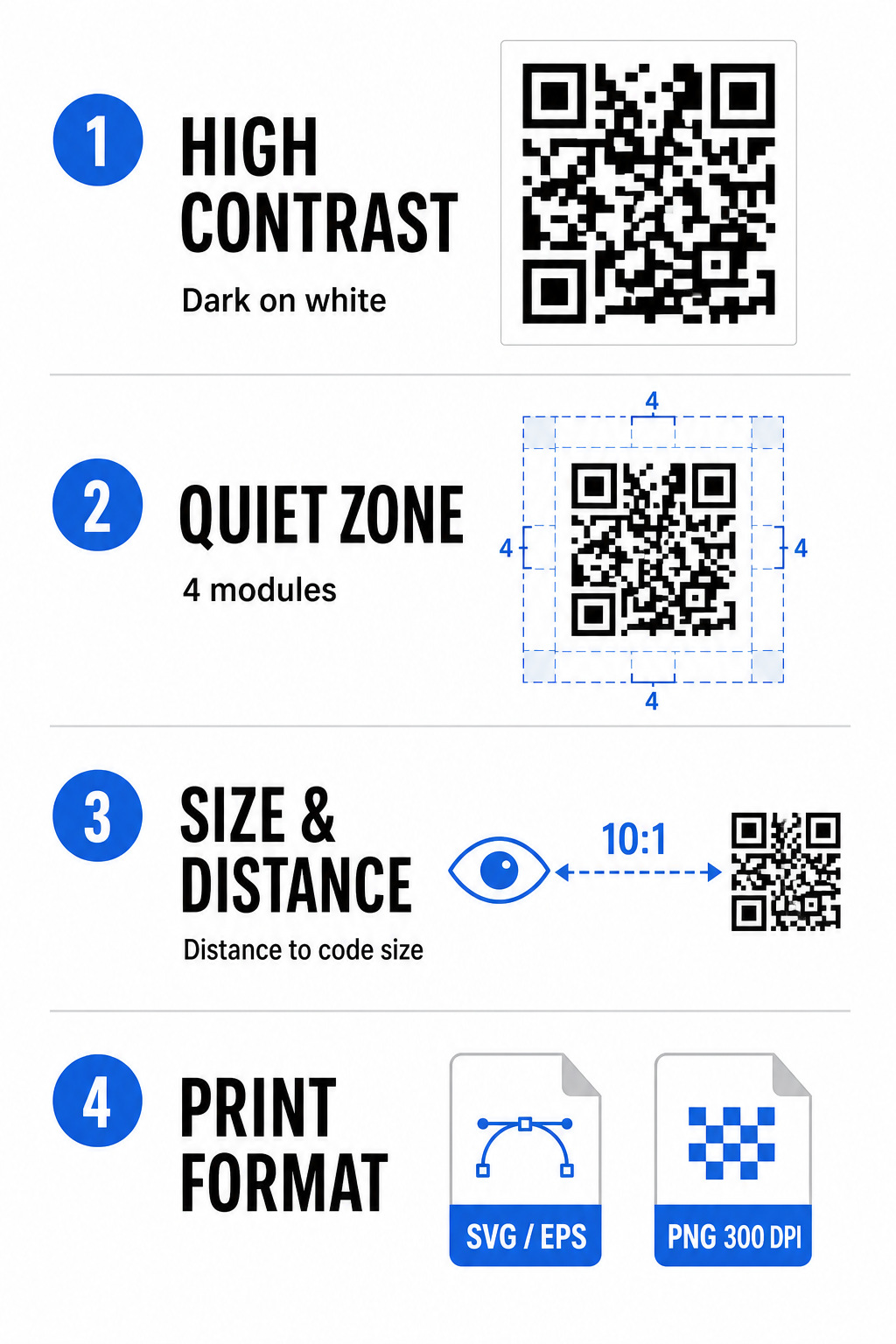
Uzturiet augstu krāsu kontrastu
Skenētāji paļaujas uz kontrastu starp tumšiem rakstiem (moduļiem) un fona atstarpēm, lai dekodētu datus. Tumšākas krāsas absorbē gaismu, bet gaišākas krāsas to atstaro, ļaujot sensoriem viegli atšķirt datu punktus. Mērķējiet uz kontrastu vismaz 4:1 starp jūsu koda moduļiem un fonu. Visuzticamākā kombinācija ir melni vai tumši zili moduļi uz balta fona. Izvairieties no apgrieztiem krāsu shēmām ar gaišiem moduļiem uz tumša fona, jo daudzas kameras lietotnes nespēj dekodēt apgrieztus rakstus.
Saglabājiet kluso zonu
Klusā zona ir tukša mala, kas ieskauj visas četras QR koda matricas ārējās malas. Šai malai jābūt vismaz četru moduļu platumā un pilnīgi bez teksta, grafikas vai rāmju dekorācijām. Bez tīras klusās zonas mobilās kameras nevar noteikt, kur sākas un beidzas QR koda robežas.
Aprēķiniet pareizo izmēru skenēšanas attālumam
Drukājot materiālus, aprēķiniet savus QR koda izmērus, izmantojot attiecību 10:1 attiecībā pret attālumu. Tas nozīmē, ka jūsu koda fiziskajam platumam vajadzētu būt aptuveni vienai desmitajai daļai no paredzētā skenēšanas attāluma. Lai iegūtu detalizētākas tehniskās specifikācijas, skatiet pilnu ceļvedi par labāko praksi QR kodu lasāmībā.
| Izvietošanas scenārijs | Gaidāmais skenēšanas attālums | Minimālais ieteicamais QR koda izmērs |
|---|---|---|
| Pasākumu nozīmītes un vizītkartes | 10 collas (25 cm) | 1,0 x 1,0 collas (2,5 x 2,5 cm) |
| Galda stendi un galddatori | 20 collas (50 cm) | 2,0 x 2,0 collas (5,0 x 5,0 cm) |
| Sienas plakāti un straumēšanas baneri | 5 pēdas (1,5 metri) | 6,0 x 6,0 collas (15 x 15 cm) |
| Pasākumu skatuves displeji un norādes | 10 pēdas (3,0 metri) | 12,0 x 12,0 collas (30 x 30 cm) |
Eksportēt vektora formātos
Lai drukātu fiziski, eksportējiet savu failu augstas izšķirtspējas vektora formātos, piemēram, SVG vai EPS. Vektoru faili tiek mērogoti bezgalīgi, nezaudējot asumu vai neradot izplūdumu. Ja izmantojat rastra formātus, piemēram, PNG, pārliecinieties, ka faila izšķirtspēja ir iestatīta vismaz uz 300 DPI, lai nodrošinātu augstas kvalitātes drukāšanu.
Jūsu Discord QR koda testēšana un validēšana
Nekad nedrukājiet mārketinga materiālus vai nepublicējiet grafiku, pirms neesat pārbaudījis QR koda funkcionalitāti vairākās platformās. Kameras sensori, programmatūras algoritmi un ekrāna izšķirtspējas ievērojami atšķiras starp ierīcēm.
- Testējiet dažādās operētājsistēmās skenējot attēlu ar gan iOS, gan Android natīvajām kameras lietotnēm.
- Pārbaudiet skenēšanas leņķus testējot kodu spilgtā apgaismojumā, vājā apgaismojumā un dažādos leņķos.
- Izmantojiet tiešsaistes rīku piemēram, tīmekļa bāzes Skenēt QR kodu tiešsaistē lai apstiprinātu, ka iegultais URL tiek dekodēts tīri.
- Pārskatiet iesākšanas darbplūsmu lai apstiprinātu, ka skenēšana tieši atver Discord lietotni vai vienmērīgi novirza uz servera ekrānu.
Lai iegūtu plašāku pārskatu par aparatūras saderību, skatiet šo ceļvedi par QR kodu skenēšana viedtālruņos.
Praktiski veidi, kā kopīgot savu Discord QR kodu
Skenējamās uzaicinājuma saites parādīšana bezsaistes un digitālajos pieskāriena punktos palīdz veidot aktīvu servera populāciju.
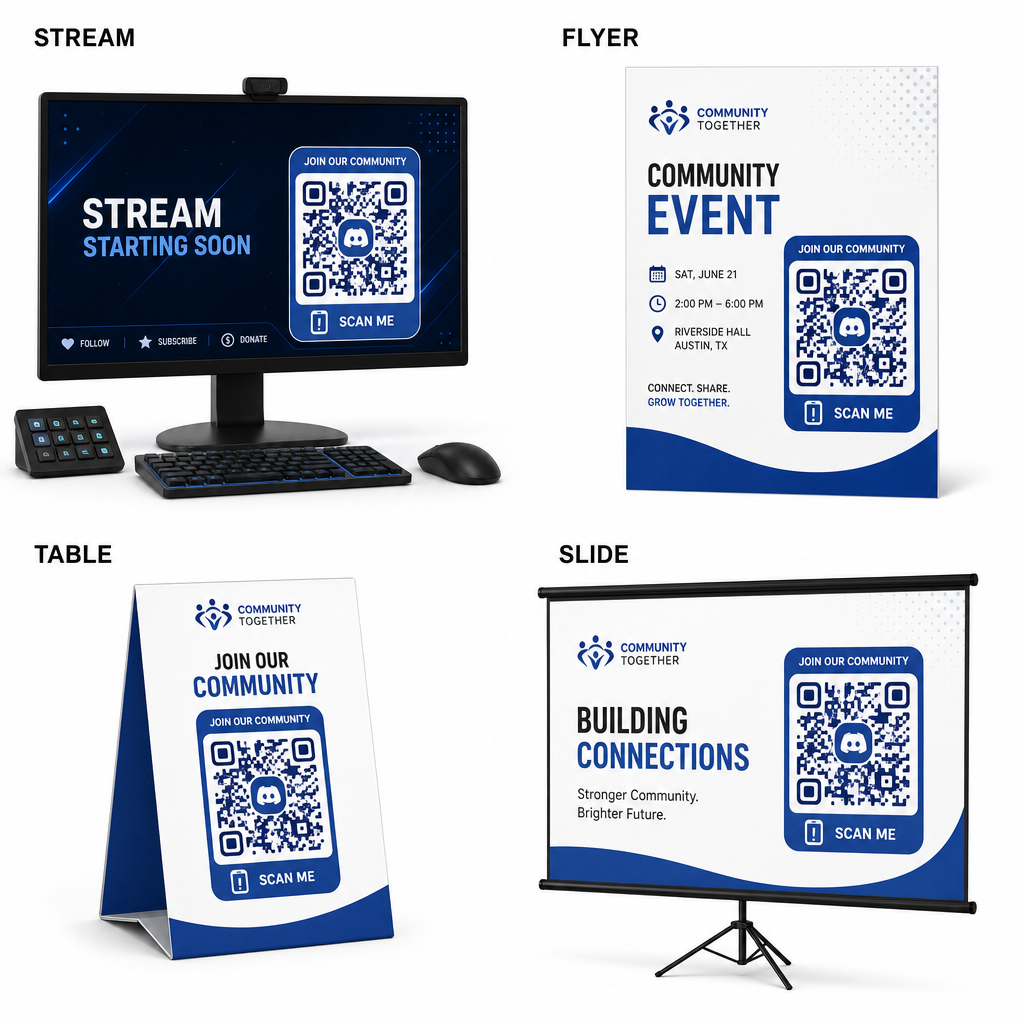
- Pievienojiet straumju pārklājumus apraides ekrānos, lai skatītāji varētu pievienoties, skatoties tiešraides video.
- Drukājiet pasākumu materiālus uz fiziskām nozīmītēm, skrejlapām, galda stendiem un baneriem tikšanos laikā.
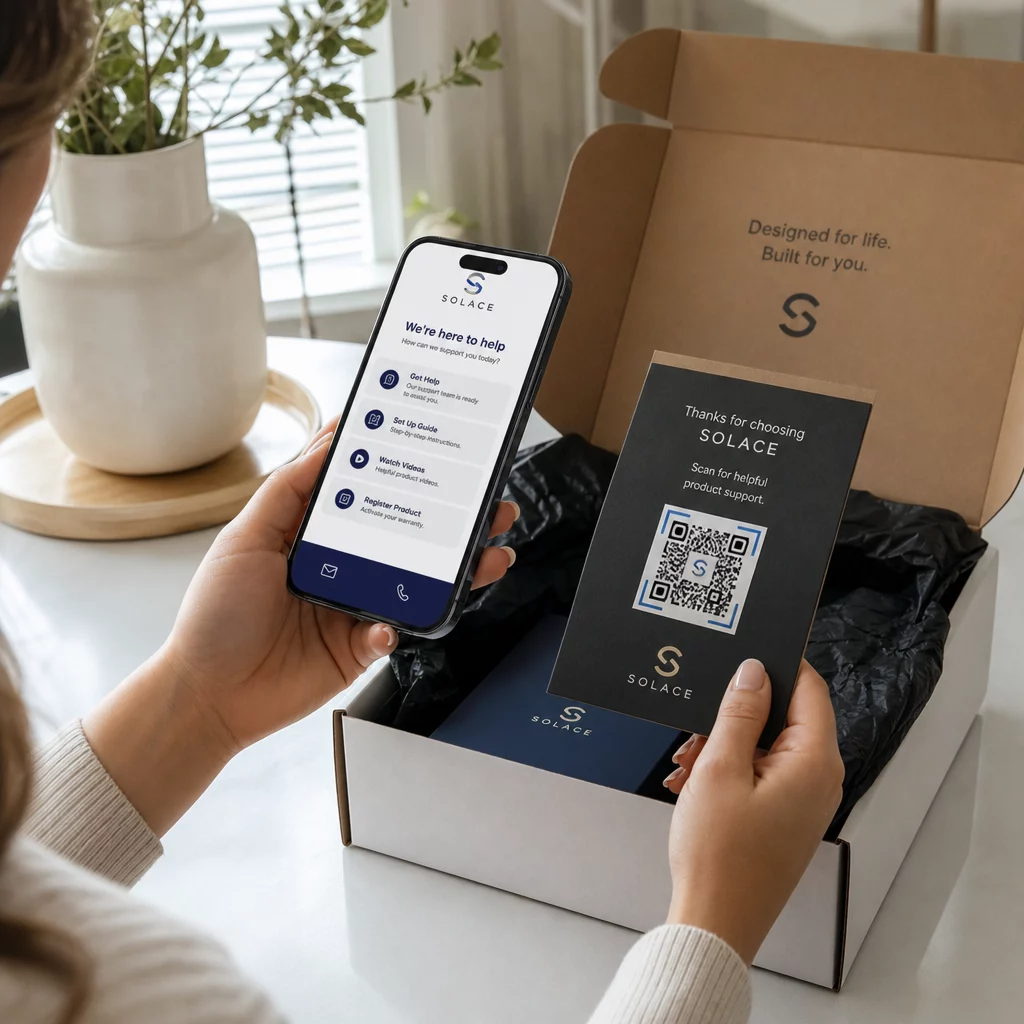
- Iekļaujiet iepakojuma ieliktņus uz produktu kastēm, apģērbu birkām vai pateicības kartītēm, kas nosūtītas pircējiem.
- Ieguliet prezentācijas slaidus noslēguma ekrānā semināriem, lai pārvērstu dalībniekus kopienas locekļos.
Veidojiet savu kopienu ar ātru mobilo iesākšanu
Jūsu Discord uzaicinājuma saites pārvēršana par skenējamu QR kodu novērš manuālās rakstīšanas šķēršļus, ļaujot faniem, apmeklētājiem un klientiem iekļūt jūsu serverī dažu sekunžu laikā. Pastāvīgu uzaicinājumu iestatījumu izmantošana, spēcīga krāsu kontrasta nodrošināšana, atbilstošu izmēru attiecību saglabāšana un testēšana vairākās ierīcēs nodrošina uzticamu iesākšanas ceļu katram jaunam dalībniekam.
Vai vēlaties attīstīt savu tiešsaistes kopienu? Izveidojiet augstas izšķirtspējas, pielāgotu Discord QR kodu, izmantojot Pageloot ģenerēšanas rīkus jau šodien.
Biežāk uzdotie jautājumi
Jā. Izveidojot uzaicinājuma saiti Discord, pirms QR koda ģenerēšanas atlasiet “Rediģēt uzaicinājuma saiti” un iestatiet “Derīguma termiņš pēc” uz “Nekad” un “Maksimālais lietojumu skaits” uz “Nav ierobežojuma”.
Lejupielādējiet vektoru formātus, piemēram, SVG vai EPS, lai drukātu plakātus, banerus un skrejlapas. Ja izmantojat PNG failus, pārliecinieties, ka tie ir renderēti ar augstu izšķirtspēju 300 DPI vai augstāku, lai izvairītos no neskaidrības.
Jā. Dinamiska QR koda ģenerēšana ļauj jums apkopot reāllaika skenēšanas analīzi, izsekot konversiju veiktspēju laika gaitā un vajadzības gadījumā atjaunināt galamērķa URL, nepārdrukājot fiziskos materiālus.