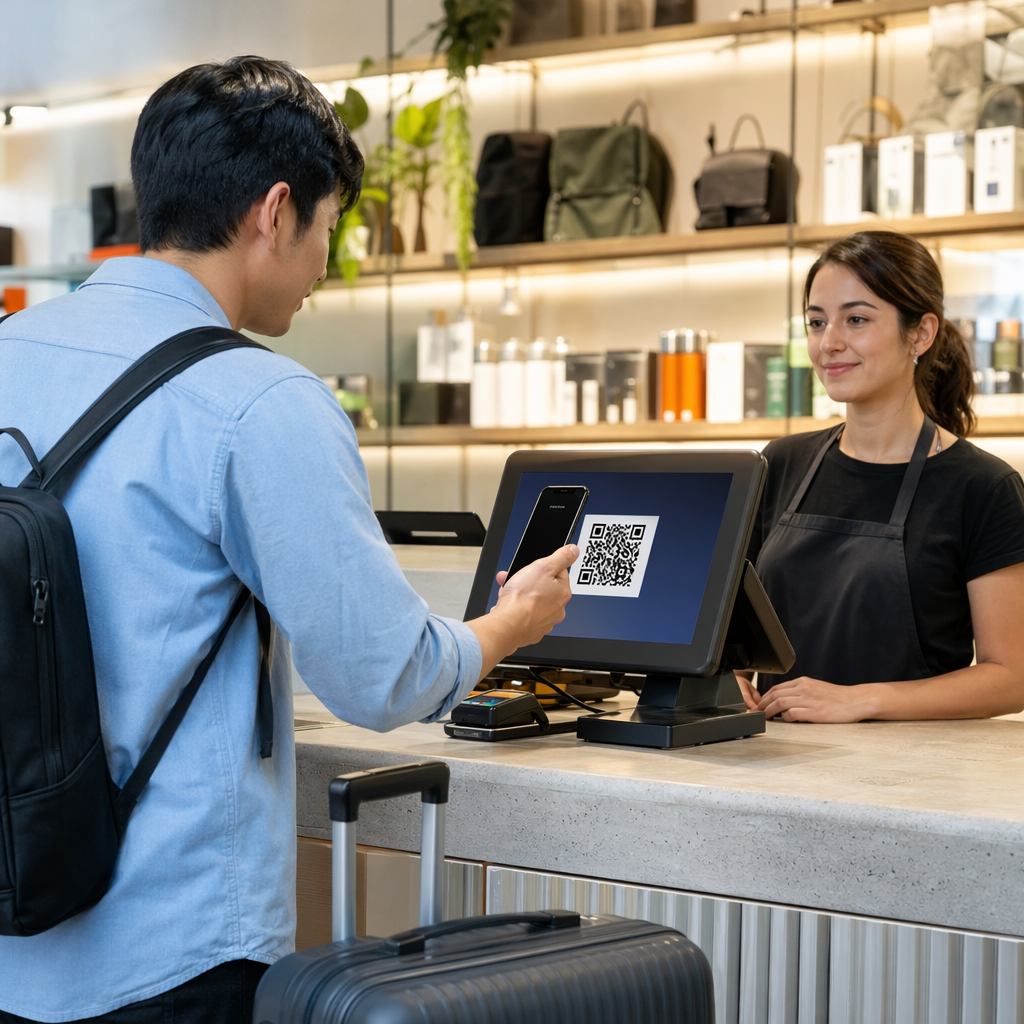
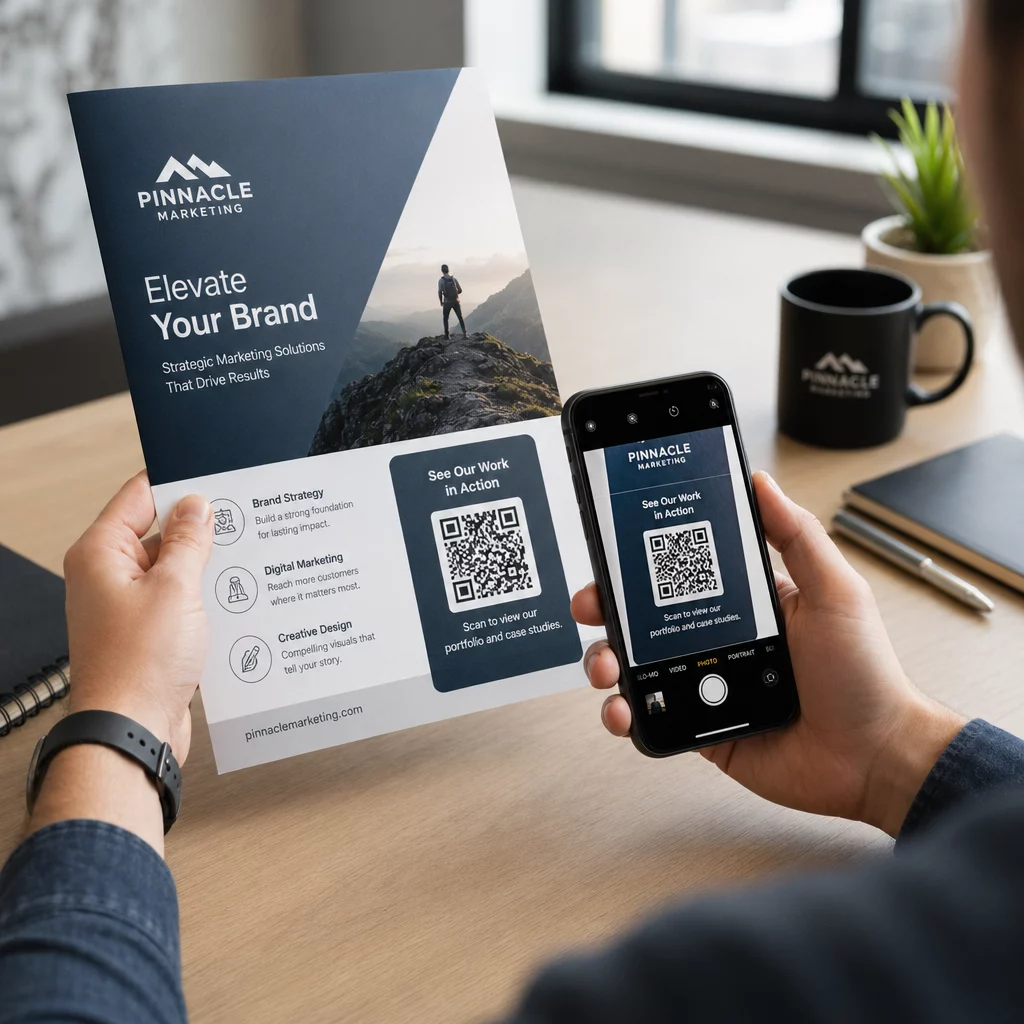
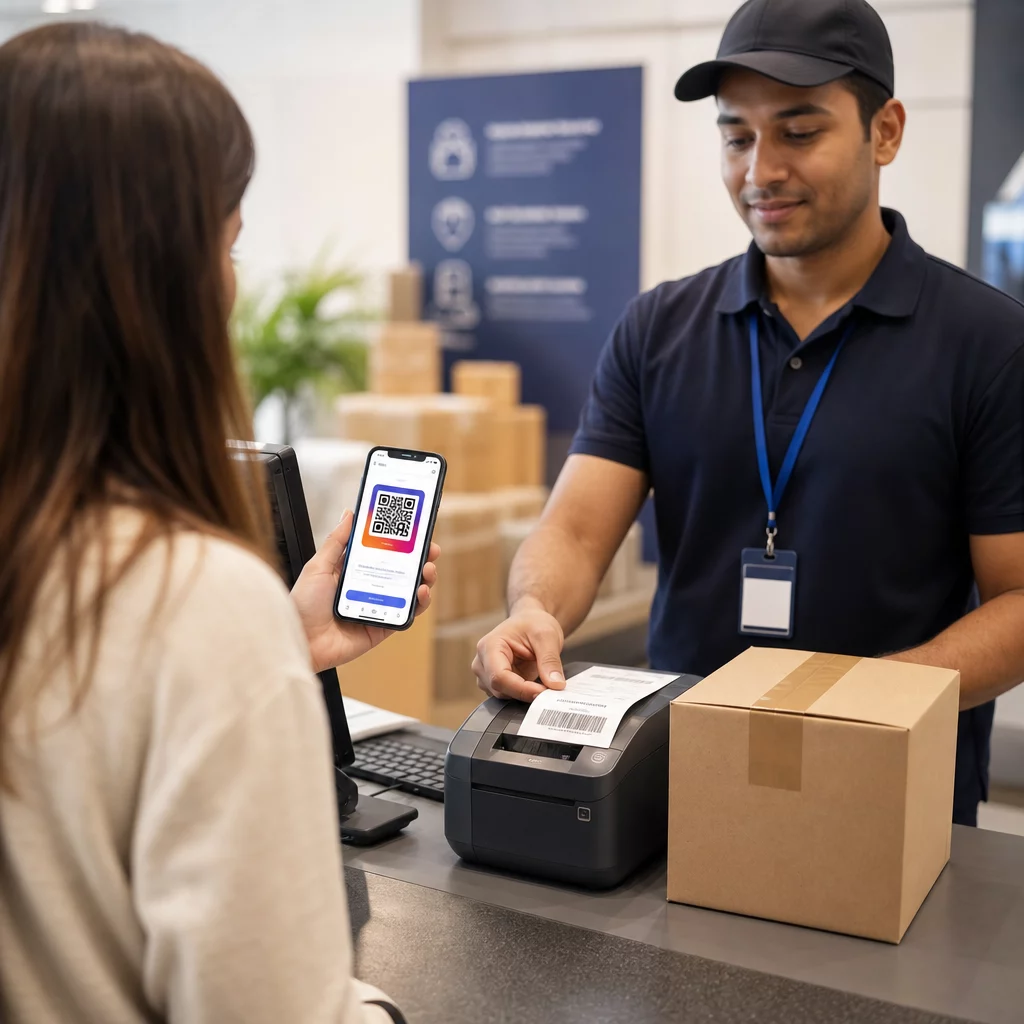
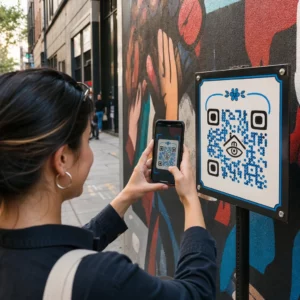
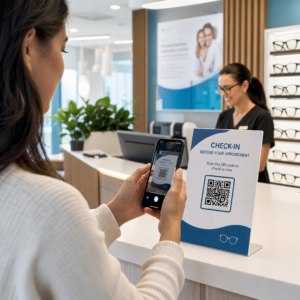
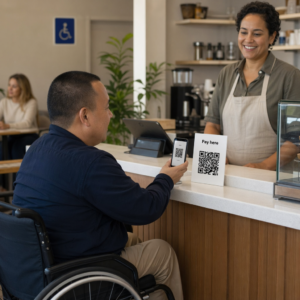
Küzdesz azzal, hogyan alakítsd át az offline közönségedet aktív Discord-előfizetőkké anélkül, hogy hosszú szerver URL-eket kellene beírniuk? A bonyolult linkek gépelési súrlódást okoznak, ami miatt a potenciális tagok feladják a szerverre való csatlakozást, még mielőtt elkezdenék. A Discord meghívó linkjének beolvasható QR-kóddá alakítása azonnali, egyérintéses bevezetést biztosít fizikai anyagokhoz és digitális kijelzőkhöz.
Generálj egy állandó Discord meghívó linket
Mielőtt QR-kódot generálnál, be kell szerezned egy működő meghívó linket a Discord szerveredről. Alapértelmezetten a Discord meghívó linkek 7 nap után vagy egy korlátozott számú felhasználás elérése után lejárnak. A hibás QR-kódok elkerülése érdekében a fizikai nyomtatott anyagokon, először állíts be egy állandó linket.
- Megnyitás a Discord alkalmazásban asztali vagy mobil eszközön, és navigálj a szerveredhez.
- Keresse meg a címet. a cél csatornához, vidd az egérmutatót a csatorna neve fölé, és válaszd a Meghívó létrehozása.
- Kattintson a be Meghívó link szerkesztése a felugró ablak alján.
- Változás a Lejár legördülő menü beállítását Soha.
- Változás a Felhasználások maximális száma legördülő menü beállítását Nincs korlátozás.
- Másolás az újonnan generált állandó URL-t a vágólapra.
Alakítsd át a linkedet egy QR-kód generátorral
Miután kimásoltad az állandó szerver URL-edet, átalakíthatod egy beolvasható grafikává. Hasonlóan a beállításhoz QR-kódok Telegram csoportokhoz, egy Discord kód létrehozása egy egyszerű webcímet vizuális mintává alakít át, amelyet a mobil kamerák dekódolni tudnak.
- Navigálj egy online link QR-kód generátor.
- Válassza ki a címet. az URL beviteli opciót a generátor felületén.
- Beillesztés az állandó Discord meghívó linkedet a webcím mezőbe.
- Generálja a vizuális kódképedet egyetlen kattintással.
Hozd létre a saját Discord QR-kódodat Alakítsd át a hosszú szerver meghívó linkeket nagy felbontású, beolvasható grafikákká plakátokhoz, kártyákhoz és stream kijelzőkhöz a link QR-kód generátor még ma.
Szabd testre a dizájnt a márkafelismeréshez
Egy általános fekete-fehér QR-kód rosszul mutathat egyedi marketing grafikákon vagy stream képernyőkön. A dizájn testreszabása azonnali bizalmat épít, és jelzi a potenciális tagoknak, hová fogja őket vezetni a kód.
Egy funkciókkal rendelkező QR-kód generátorunk felfedezésével kezdheti., módosíthatod a vizuális paramétereket, hogy illeszkedjenek a közösséged identitásához:
- Alkalmazz márka színeket sötét elsődleges árnyalatok használatával a kód moduljaihoz, miközben a hátteret világosan tartod az olvashatóság optimalizálása érdekében.
- Illessz be egy logót vagy a Discord ikont a dizájn közepére, hogy azonnali vizuális célpont bizalmat építs.
- Adjon hozzá cselekvésre ösztönző keretet mint például a “Scan to Join” (Szkennelj a csatlakozáshoz), hogy útmutatást adj a potenciális tagoknak a teendőkről.
Legjobb gyakorlatok a QR-kód beolvashatóságának biztosításához
Egy rosszul formázott QR-kód nem fog beolvasódni, ami frusztráló élményt teremt a potenciális tagok számára. A műszaki nyomtatási és renderelési szabványok követése biztosítja a gyors kamerafelismerést minden mobil hardveren.
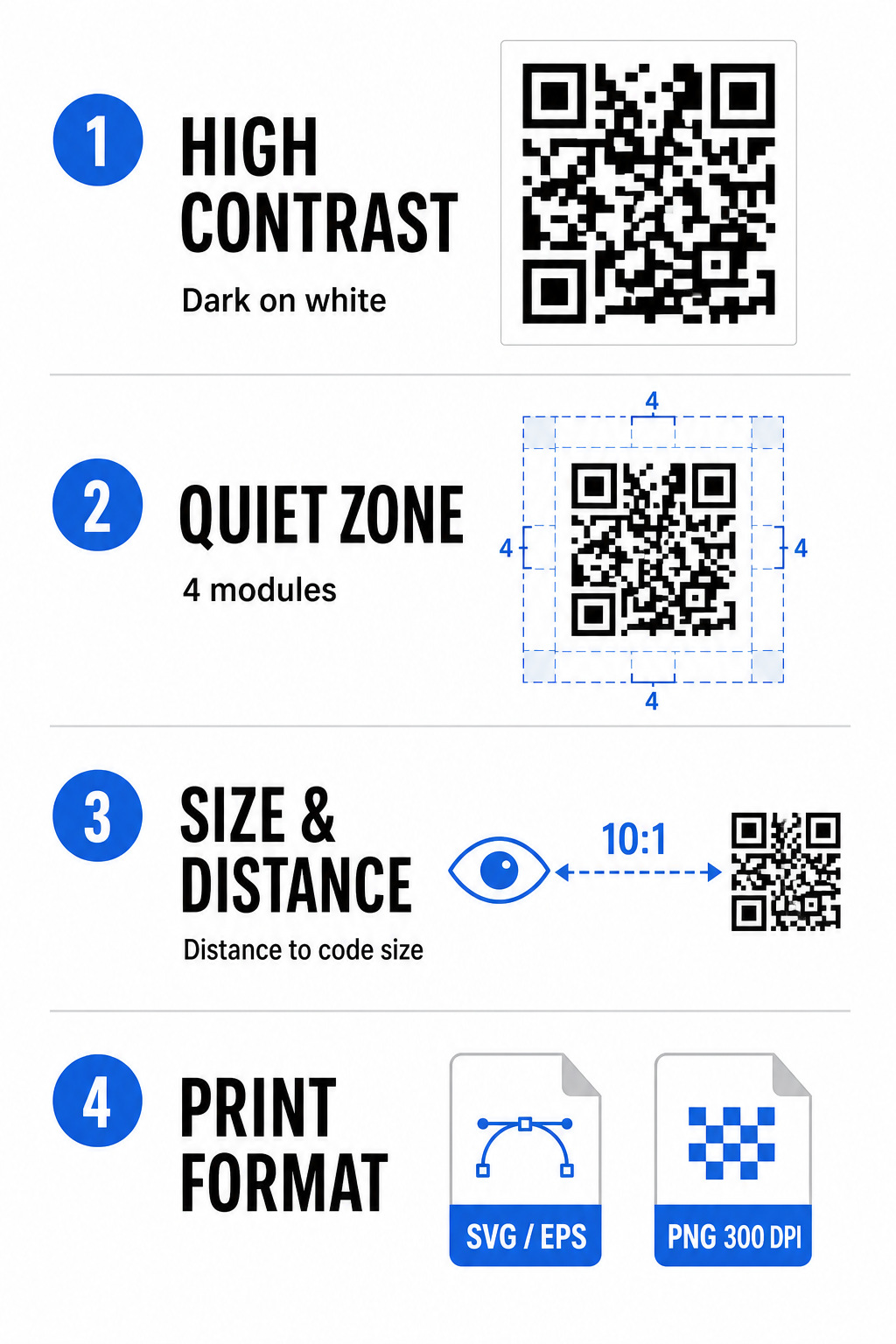
Tartson fenn magas színkontrasztot
A szkennerek a sötét minták (modulok) és a háttérterek közötti kontrasztra támaszkodnak az adatok dekódolásához. A sötétebb színek elnyelik a fényt, míg a világosabb színek visszaverik azt, lehetővé téve a kameraérzékelők számára az adatpontok könnyű megkülönböztetését. Törekedj legalább 4:1 kontrasztarányra a kód moduljai és a háttér között. A legmegbízhatóbb párosítás a fekete vagy sötétkék modulok fehér háttérrel. Kerüld az inverz szín sémákat világos modulokkal sötét háttéren, mivel sok kamera alkalmazás nem tudja dekódolni az inverz mintákat.
Őrizze meg a Csendes Zónát
A csendes zóna egy üres keret, amely a QR-kód mátrixának mind a négy külső szélét körülveszi. Ennek a margónak legalább négy modul szélesnek kell lennie, és teljesen mentesnek kell lennie szövegtől, grafikától vagy keretdíszítésektől. Tiszta csendes zóna nélkül a mobil kamerák nem tudják meghatározni, hol kezdődik és hol végződik a QR-kód határa.
Számítsd ki a megfelelő méretet a beolvasási távolsághoz
Anyagok nyomtatásakor számítsd ki a QR-kód méreteit egy 10:1 távolság-méret arány használatával. Ez azt jelenti, hogy a kód fizikai szélességének nagyjából a várható beolvasási távolság egytizedének kell lennie. Mélyebb műszaki specifikációkért tekintsd meg a teljes útmutatót a a QR-kód olvashatóságára vonatkozó legjobb gyakorlatokat.
| Elhelyezési forgatókönyv | Várható beolvasási távolság | Minimálisan ajánlott QR-kód méret |
|---|---|---|
| Rendezvény jelvények és névjegykártyák | 10 hüvelyk (25 cm) | 1,0 x 1,0 hüvelyk (2,5 x 2,5 cm) |
| Asztali sátrak és asztali kijelzők | 20 hüvelyk (50 cm) | 2,0 x 2,0 hüvelyk (5,0 x 5,0 cm) |
| Fal plakátok és stream bannerek | 5 láb (1,5 méter) | 6,0 x 6,0 hüvelyk (15 x 15 cm) |
| Eseményszínpadi kijelzők és táblák | 10 láb (3,0 méter) | 12,0 x 12,0 hüvelyk (30 x 30 cm) |
Exportálás vektoros formátumban
Fizikai nyomtatáshoz exportálja a fájlt nagy felbontású vektoros formátumokban, például SVG vagy EPS. A vektoros fájlok élesség vagy elmosódás elvesztése nélkül skálázhatók végtelenül. Ha raszteres formátumokat, például PNG-t használ, győződjön meg arról, hogy a fájl felbontása legalább 300 DPI legyen a kiváló minőségű nyomtatáshoz.
A Discord QR-kód tesztelése és érvényesítése
Soha ne nyomtasson marketinganyagokat, és ne tegyen közzé grafikákat anélkül, hogy több platformon ellenőrizné a QR-kód működését. A kamerák érzékelői, a szoftveres algoritmusok és a képernyőfelbontások nagymértékben eltérnek az eszközök között.
- Tesztelés operációs rendszereken keresztül a kép iOS és Android natív kameraalkalmazásokkal történő beolvasásával.
- Ellenőrizze a beolvasási szögeket a kód tesztelésével erős megvilágítás, gyenge környezet és változó szögek mellett.
- Használjon online eszközt például egy webes alapút QR-kód olvasó annak megerősítésére, hogy a beágyazott URL tisztán dekódolódik.
- Tekintse át az onboarding munkafolyamatot annak megerősítésére, hogy a beolvasás közvetlenül megnyitja a Discord alkalmazást, vagy zökkenőmentesen átirányít a szerver képernyőjére.
A hardverkompatibilitás szélesebb áttekintéséért tekintse meg ezt az útmutatót a következőkről: QR-kódok beolvasása okostelefonokon.
A Discord QR-kód megosztásának gyakorlati módjai
A beolvasható meghívó link megjelenítése offline és digitális érintkezési pontokon segít aktív szerverpopuláció felépítésében.
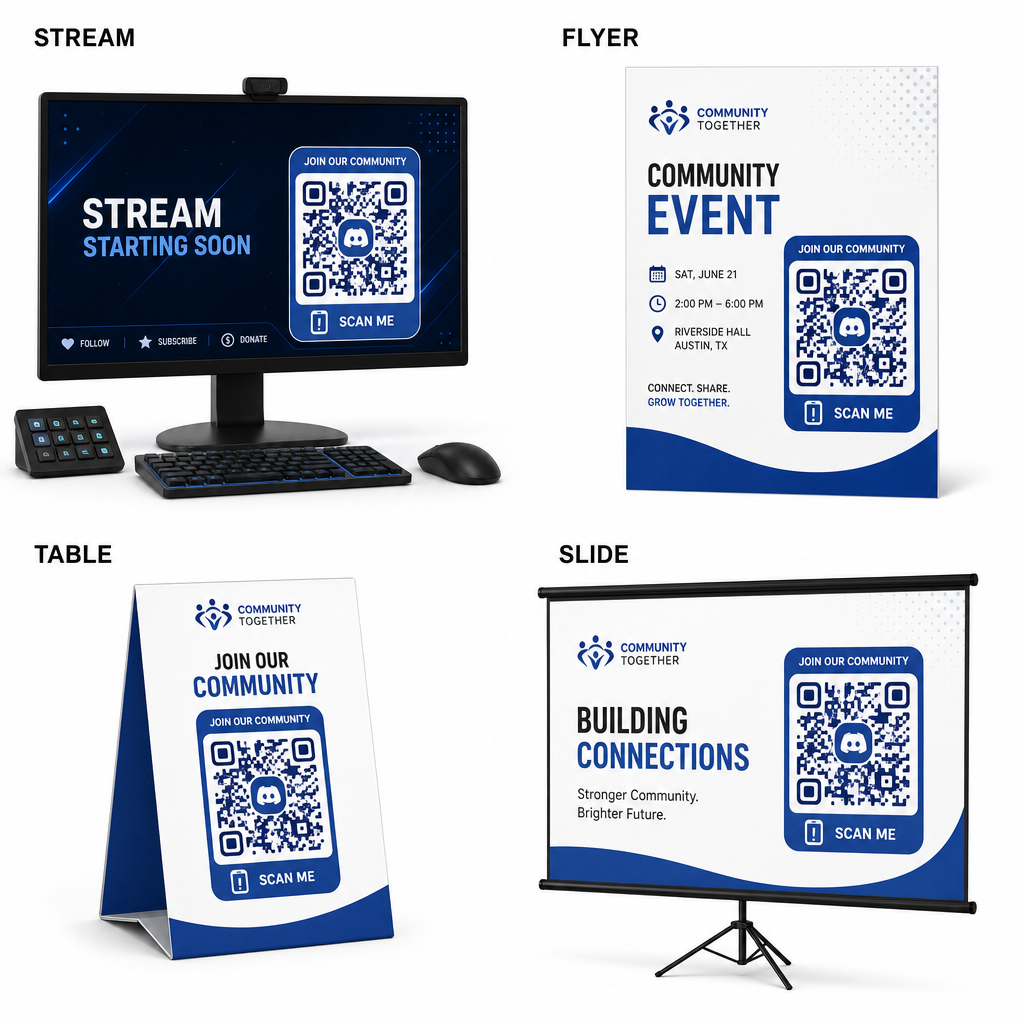
- Adjon hozzá stream overlay-eket a broadcast képernyőkhöz, hogy a nézők csatlakozhassanak élő videó nézése közben.
- Nyomtasson rendezvényanyagokat fizikai kitűzőkre, szórólapokra, asztali táblákra és transzparensekre találkozók során.
- Tartalmazzon csomagolási betéteket termékdobozokon, ruhacímkéken vagy vásárlóknak küldött köszönetkártyákon.
- Ágyazza be a prezentációs diákat a workshopok záróképernyőjére, hogy a résztvevőket közösségi tagokká alakítsa.
Építse közösségét gyors mobil onboardinggal
A Discord meghívó linkjének beolvasható QR-kóddá alakítása kiküszöböli a kézi gépelés akadályait, lehetővé téve a rajongók, a résztvevők és az ügyfelek számára, hogy másodperceken belül belépjenek a szerverére. Az állandó meghívási beállítások használata, az erős színkontraszt biztosítása, a megfelelő méretarányok fenntartása és a több eszközön történő tesztelés megbízható onboarding utat biztosít minden új tag számára.
Készen áll online közössége bővítésére? Hozzon létre nagy felbontású, egyedi Discord QR-kódot a Pageloot generáló eszközeivel még ma.
Gyakori kérdések
Igen. A meghívó link létrehozásakor a Discordban válassza a “Meghívó link szerkesztése” lehetőséget, és állítsa az “Lejárati idő” beállítást “Soha”, a “Felhasználások maximális száma” beállítást pedig “Nincs korlátozás” értékre, mielőtt létrehozná a QR-kódot.
Tölts le olyan vektoros formátumokat, mint az SVG vagy az EPS, hogy posztereket, bannereket és szórólapokat nyomtathass. Ha PNG fájlokat használsz, győződj meg róla, hogy azokat magas, 300 DPI vagy annál nagyobb felbontásban jeleníted meg, hogy elkerüld a homályosságot.
Igen. A dinamikus QR-kód generálása lehetővé teszi valós idejű beolvasási elemzések gyűjtését, a konverziós teljesítmény időbeli követését, és a cél URL frissítését szükség szerint anélkül, hogy a fizikai anyagokat újra kellene nyomtatni.