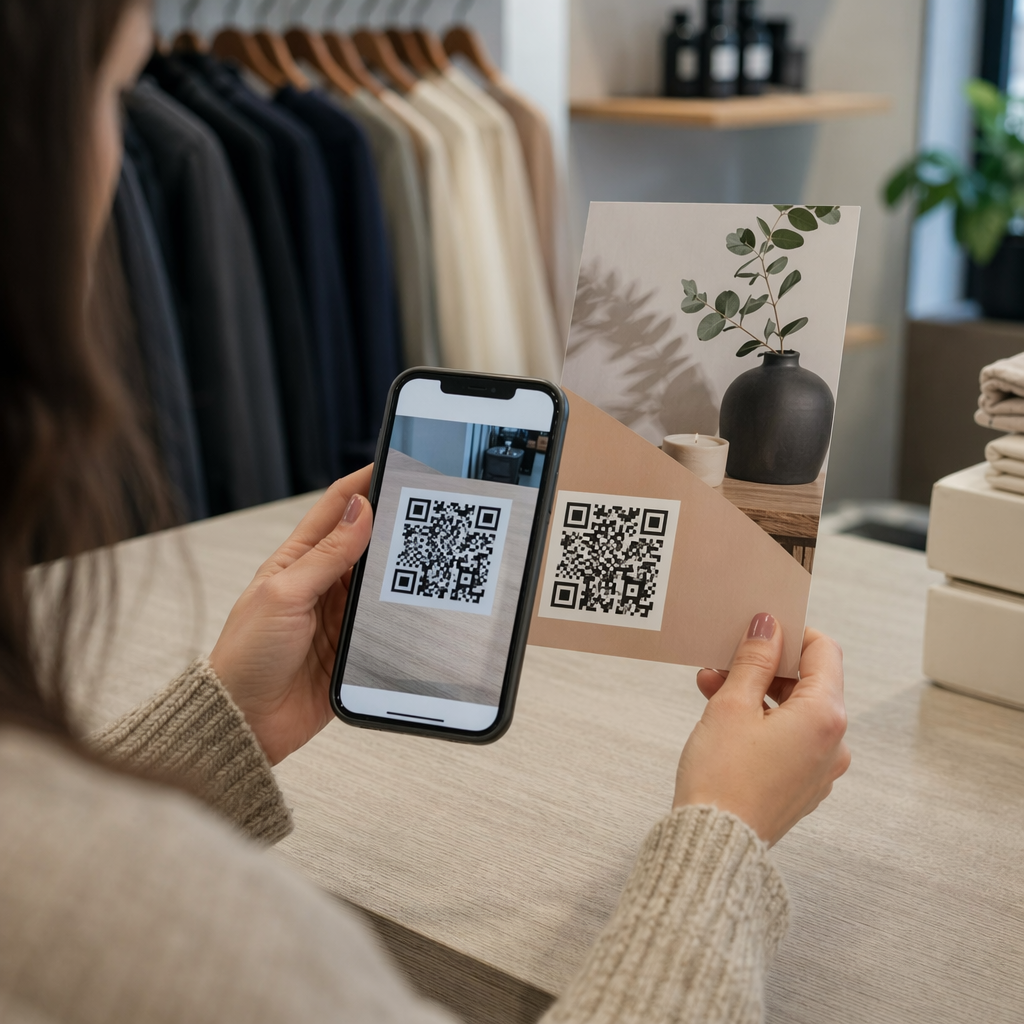
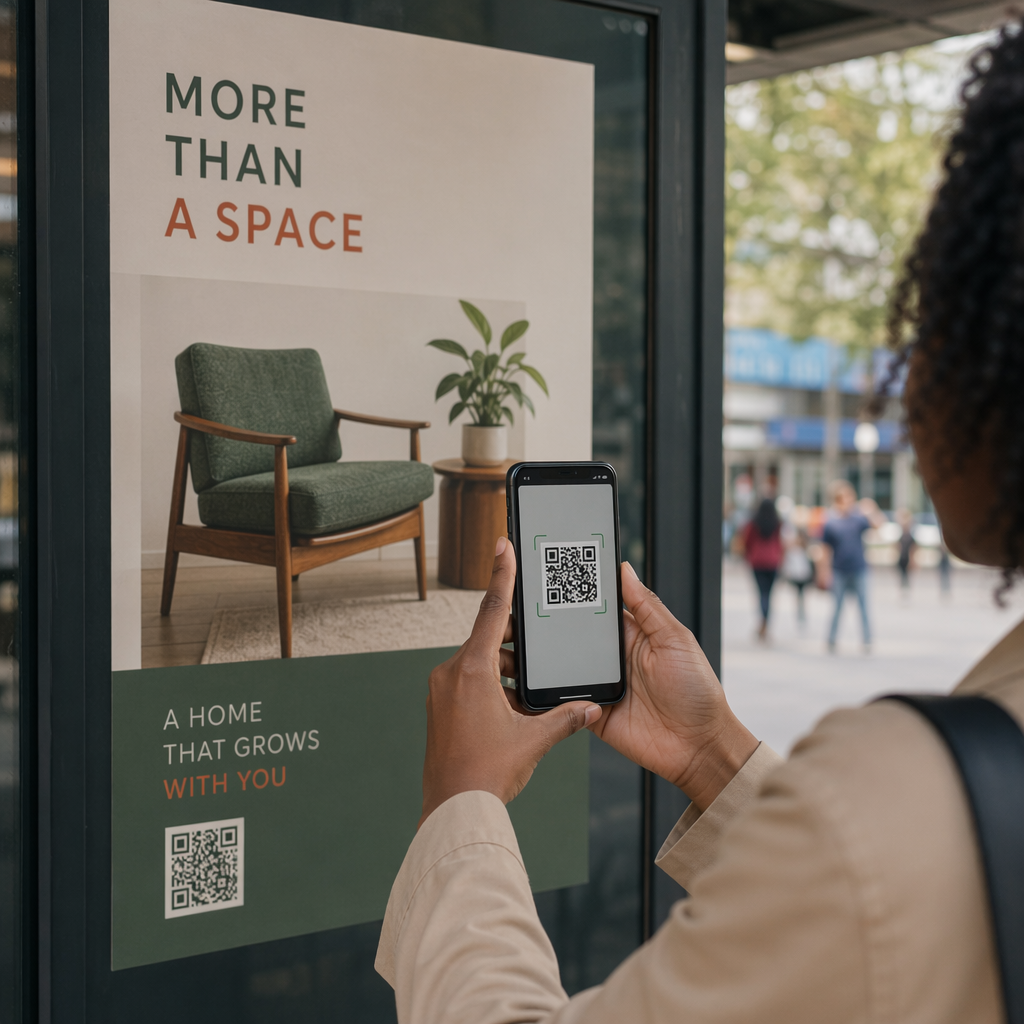
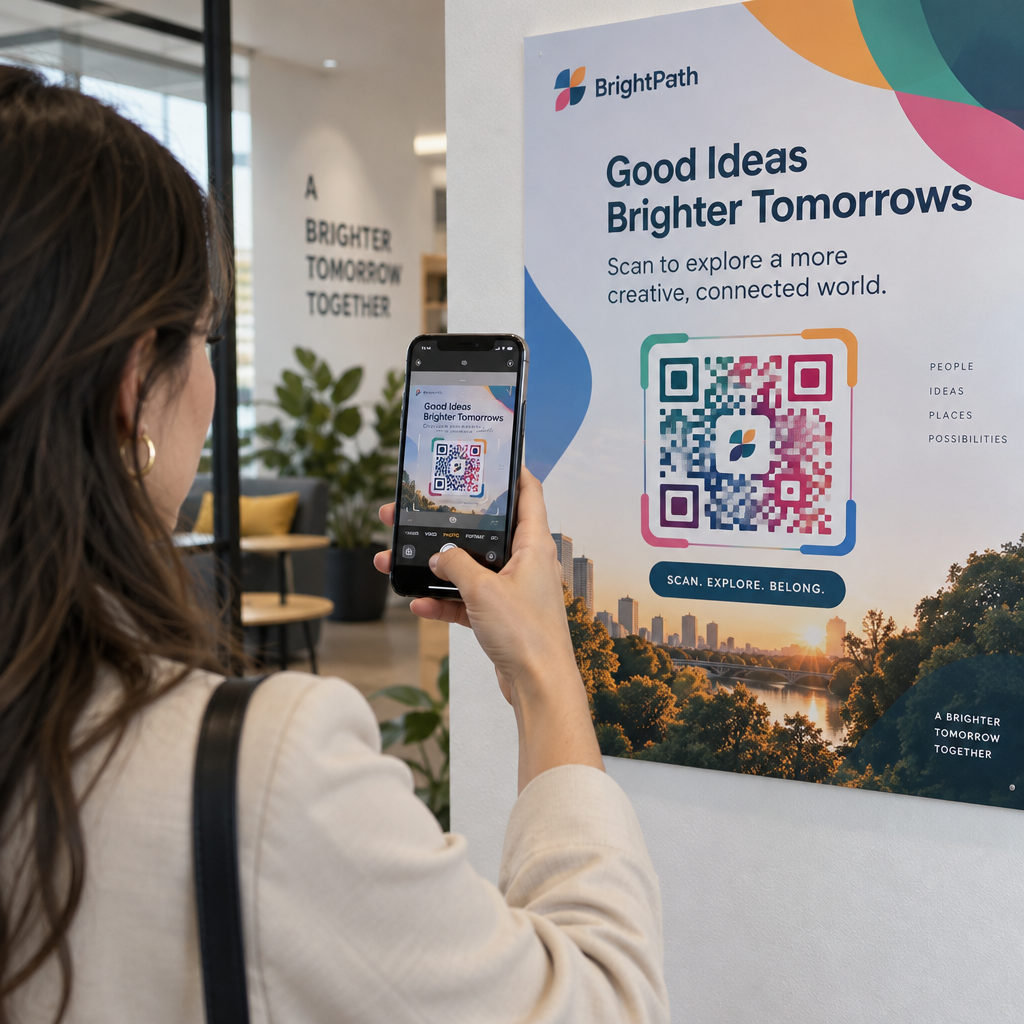
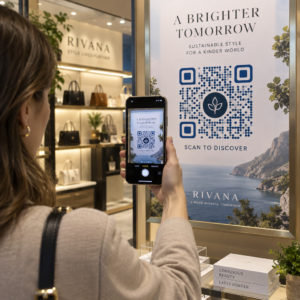
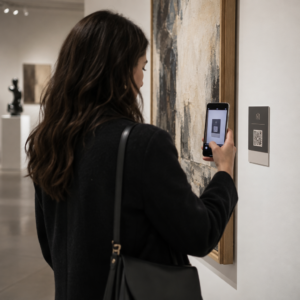
Ar jūsų nepatogiai versti neprisijungusius auditorijos narius į aktyvius „Discord“ prenumeratorius, neleisdami jiems įvesti ilgų serverio URL? Sudėtingos nuorodos sukelia sunkumų rašant, todėl potencialūs nariai gali atsisakyti prisijungti prie jūsų serverio dar net nepradėję. Konvertuodami savo „Discord“ kvietimo nuorodą į QR kodą, kurį galima nuskaityti, suteikiate akimirksniu, vienu palietimu pasiekiamą prisijungimo patirtį fizinėms medžiagoms ir skaitmeniniams ekranams.
Sukurti nuolatinę „Discord“ kvietimo nuorodą
Prieš generuodami QR kodą, turite gauti veikiančią kvietimo nuorodą iš savo „Discord“ serverio. Numatytasis „Discord“ kvietimo nuorodos galiojimo laikas yra 7 dienos arba pasiekus ribotą naudojimo skaičių. Kad išvengtumėte sugedusių QR kodų ant fizinių spausdintų medžiagų, pirmiausia sukonfigūruokite nuolatinę nuorodą.
- Atidarykite jūsų „Discord“ programėlę staliniame kompiuteryje arba mobiliajame telefone ir pereikite į savo serverį.
- Raskite jūsų tikslinį kanalą, užveskite pelės žymiklį ant kanalo pavadinimo ir pasirinkite Sukurti kvietimą.
- Spustelėkite ant Redaguoti kvietimo nuorodą lango apačioje.
- Pokytis the Baigiasi po meniu pasirinktį į Niekada.
- Pokytis the Maksimalus naudojimo skaičius meniu pasirinktį į Neribota.
- Kopijuokite ką tik sukurtą nuolatinę URL į savo iškarpinę.
Konvertuokite savo nuorodą naudodami QR kodo generatorių
Kai nukopijavote nuolatinę serverio URL, galite ją paversti grafiniu elementu, kurį galima nuskaityti. Panašiai kaip nustatant QR kodai, skirti „Telegram“ grupėms, „Discord“ kodo kūrimas reikalauja paprasto žiniatinklio adreso pavertimo vizualiniu raštu, kurį mobilieji telefonai gali dekoduoti.
- Eikite į internetinį nuorodos QR kodo generatorius.
- Pasirinkite URL įvesties parinktį generatoriaus sąsajoje.
- Įklijuokite savo nuolatinę „Discord“ kvietimo nuorodą į žiniatinklio adreso laukelį.
- Sukurti savo vizualinio kodo vaizdą vienu paspaudimu.
Sukurkite savo pasirinktinį „Discord“ QR kodą Paverskite ilgas serverio kvietimo nuorodas į didelės raiškos, nuskaitymo grafinius elementus, skirtus plakatams, kortelėms ir transliacijų ekranams, naudodami nuorodos QR kodo generatorius šiandien.
Pritaikykite savo dizainą prekės ženklo atpažinimui
Paprastas juodai baltas QR kodas gali atrodyti netinkamai ant pasirinktinių rinkodaros grafikos ar transliacijų ekranų. Pritaikant dizainą, sukuriama pasitikėjimo iš karto ir potencialiems nariams parodoma, kur kodas juos nuves.
Naudodami pilnai funkcionuojančią QR kodo generatorių, galite pakeisti vizualinius parametrus, kad jie atitiktų jūsų bendruomenės tapatybę:
- Taikyti prekės ženklo spalvas naudojant tamsius pirminius atspalvius kodo moduliams, išlaikant šviesų foną, kad būtų optimizuotas skaitomumas.
- Įterpti logotipą arba „Discord“ piktogramą dizaino centre, kad būtų sukurtas akimirksniu vizualinis tikslas.
- Pridėkite raginimo veikti rėmelį pvz., “Nuskaityti, kad prisijungtumėte”, kad vadovautumėte potencialiems nariams, kokį veiksmą atlikti.
Geriausios praktikos, kaip užtikrinti QR kodo skaitomumą
Prastai suformatuotas QR kodas nebus nuskaitytas, sukuriant nusivylimą potencialiems nariams. Laikantis techninių spausdinimo ir atvaizdavimo standartų, užtikrinamas greitas kameros atpažinimas visoje mobiliojoje įrangoje.
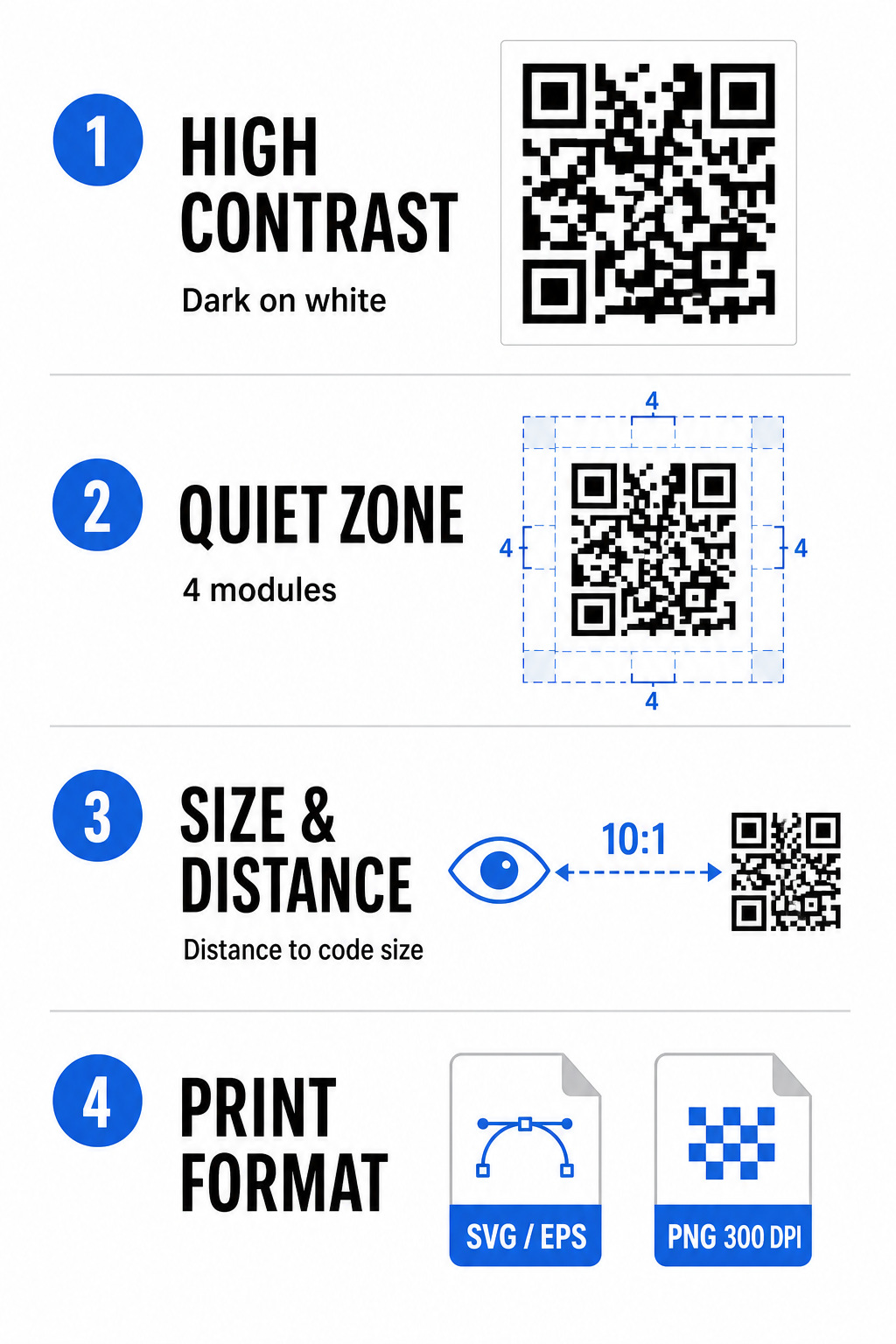
Išlaikykite aukštą spalvų kontrastą
Skaitytuvai, norėdami dekoduoti duomenis, pasikliauja kontrastu tarp tamsių raštų (modulių) ir fono erdvių. Tamsesnės spalvos sugeria šviesą, o šviesesnės – atspindi, todėl kameros jutikliai lengvai atskiria duomenų taškus. Siekite bent 4:1 kontrasto santykio tarp jūsų kodo modulių ir fono. Patikimiausias derinys yra juodi arba tamsiai mėlyni moduliai, dedami ant balto fono. Venkite atvirkštinių spalvų schemų su šviesiais moduliais ant tamsių fonų, nes daugelis kameros programėlių negali dekoduoti atvirkštinių raštų.
Išsaugokite ramiąją zoną
Tuščia zona yra tuščias kraštas, supantis visas keturias QR kodo matricos išorines kraštines. Ši paraštė turi būti ne mažesnė kaip keturi moduliai pločio ir visiškai be teksto, grafikos ar rėmelių apdailos. Be švarios tuščios zonos, mobiliosios kameros negali nustatyti, kur prasideda ir baigiasi QR kodo ribos.
Apskaičiuokite tinkamą dydį nuskaitymo atstumui
Spausdinant medžiagas, apskaičiuokite QR kodo matmenis naudodami 10:1 atstumo ir dydžio santykį. Tai reiškia, kad fizinis jūsų kodo plotis turėtų būti maždaug dešimtadalis numatomo nuskaitymo atstumo. Daugiau techninių specifikacijų rasite visame vadove apie geriausia praktika QR kodo skaitomumui.
| Pateikimo scenarijus | Numatomas nuskaitymo atstumas | Minimalus rekomenduojamas QR kodo dydis |
|---|---|---|
| Renginių ženkleliai ir vizitinės kortelės | 10 colių (25 cm) | 1,0 x 1,0 colio (2,5 x 2,5 cm) |
| Stalo palapinės ir stalinių kompiuterių ekranai | 20 colių (50 cm) | 2,0 x 2,0 colio (5,0 x 5,0 cm) |
| Sieniniai plakatai ir transliacijų reklamjuostės | 5 pėdos (1,5 metro) | 6,0 x 6,0 coliai (15 x 15 cm) |
| Renginių scenos ekranai ir ženklai | 10 pėdų (3,0 metro) | 12,0 x 12,0 coliai (30 x 30 cm) |
Eksportuoti vektoriniais formatais
Fizinei spausdinimo produkcijai, eksportuokite savo failą didelės raiškos vektoriniais formatais, pvz., SVG arba EPS. Vektoriniai failai gali būti neribotai didinami neprarandant ryškumo ar atsirandant neryškumui. Jei naudojate rastrinius formatus, pvz., PNG, patvirtinkite, kad failo raiška nustatyta bent 300 DPI aukštos kokybės spausdinimui.
„Discord“ QR kodo testavimas ir tikrinimas
Niekada nespausdinkite rinkodaros medžiagų ar neskelbkite grafikos, nepatikrinę QR kodo funkcionalumo keliose platformose. Kamerų jutikliai, programinės įrangos algoritmai ir ekrano skiriamosios gebos skiriasi priklausomai nuo įrenginių.
- Testuokite skirtingose operacinėse sistemose nuskaitydami vaizdą abiem „iOS“ ir „Android“ gimtosios kameros programėlėmis.
- Patikrinkite nuskaitymo kampus testuodami kodą ryškiame apšvietime, prietemoje ir skirtingais kampais.
- Naudokite internetinį įrankį kaip žiniatinklio pagrindu QR kodo skaitytuvas kad įsitikintumėte, jog įterptas URL dekoduojamas švariai.
- Peržiūrėkite diegimo darbo eigą kad įsitikintumėte, jog nuskaitymas tiesiogiai atidaro „Discord“ programą arba sklandžiai nukreipia į serverio ekraną.
Didesnį techninės įrangos suderinamumo apžvalgą rasite šiame vadove QR kodų nuskaitymas išmaniuosiuose telefonuose.
Praktiški būdai pasidalinti savo „Discord“ QR kodu
Rodant jūsų nuskaitymo kvietimo nuorodą neprisijungus ir skaitmeniniuose taškuose, padedama sukurti aktyvią serverio populiaciją.
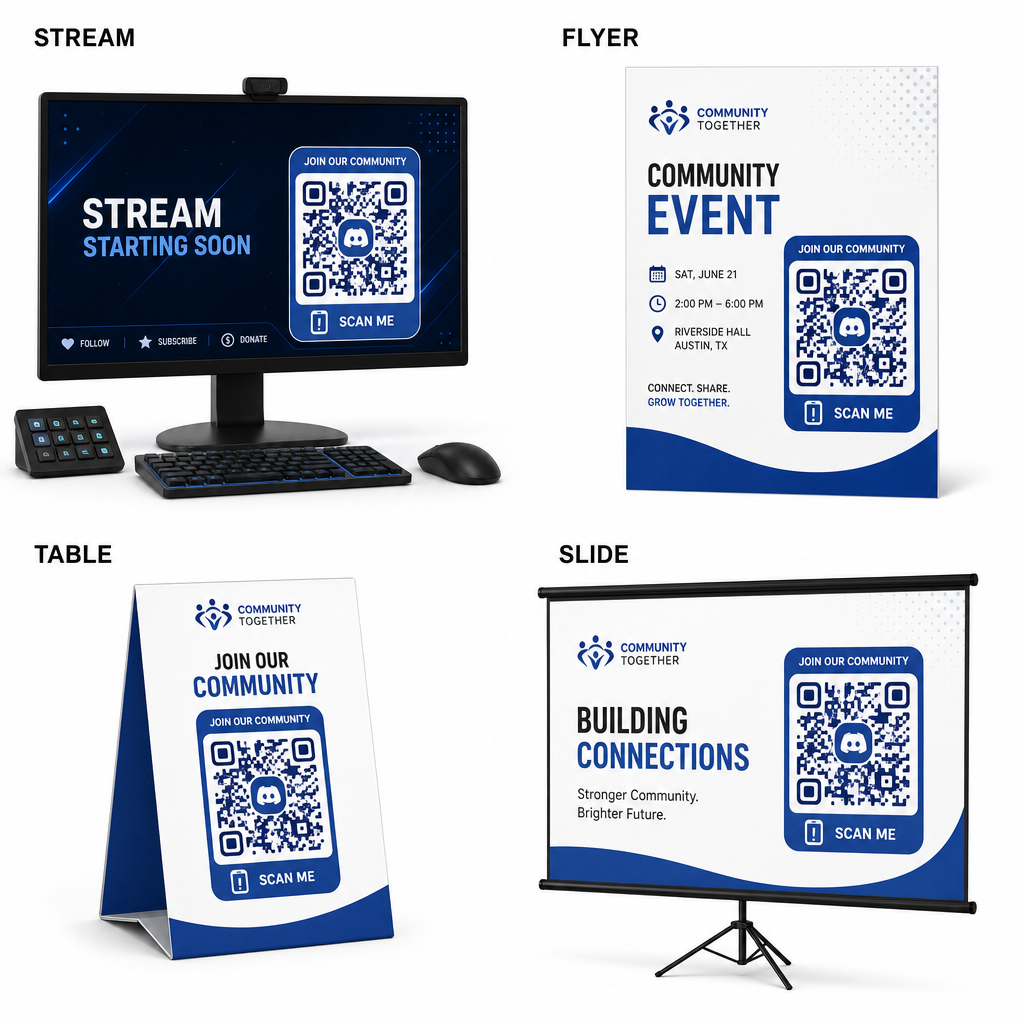
- Pridėkite transliacijos perdangas transliacijos ekranuose, kad žiūrovai galėtų prisijungti žiūrėdami tiesioginį vaizdo įrašą.
- Spausdinkite renginių medžiagas ant fizinių ženklelių, skrajučių, stalų palapinių ir reklaminių stendų susitikimų metu.
- Įtraukite pakuotės įdėklus ant produktų dėžučių, drabužių etikečių ar padėkos kortelių, siunčiamų pirkėjams.
- Įterpkite pristatymo skaidres uždarymo ekrane seminarų, kad dalyviai taptų bendruomenės nariais.
Kurkite savo bendruomenę su greitu mobiliuoju diegimu
Savo „Discord“ kvietimo nuorodos konvertavimas į nuskaitymo QR kodą pašalina rankinio įvedimo kliūtis, leidžiant gerbėjams, dalyviams ir klientams prisijungti prie jūsų serverio per kelias sekundes. Naudojant nuolatinius kvietimų nustatymus, užtikrinant stiprų spalvų kontrastą, išlaikant tinkamus dydžio santykius ir testuojant įvairiuose įrenginiuose, kiekvienam naujam nariui suteikiamas patikimas diegimo kelias.
Pasiruošę plėsti savo internetinę bendruomenę? Sukurkite didelės raiškos, pasirinktinį „Discord“ QR kodą naudodami „Pageloot“ generavimo įrankius šiandien.
Dažniausiai užduodami klausimai
Taip. Kuriant kvietimo nuorodą “Discord”, pasirinkite “Redaguoti kvietimo nuorodą” ir nustatykite “Baigiasi po” į “Niekada”, o “Maksimalus naudojimo skaičius” į „Nėra limito“ prieš generuojant QR kodą.
Atsisiųskite vektorinius formatus, tokius kaip SVG arba EPS, spausdinant plakatus, banerius ir skrajutes. Jei naudojate PNG failus, įsitikinkite, kad jie yra pateikiami aukštos raiškos, 300 DPI ar didesnės, kad būtų išvengta neryškumo.
Taip. Dinaminio QR kodo generavimas leidžia rinkti realaus laiko nuskaitymo analitiką, stebėti konversijų našumą laikui bėgant ir atnaujinti paskirties URL, kai tik reikia, neperspausdinant fizinių medžiagų.