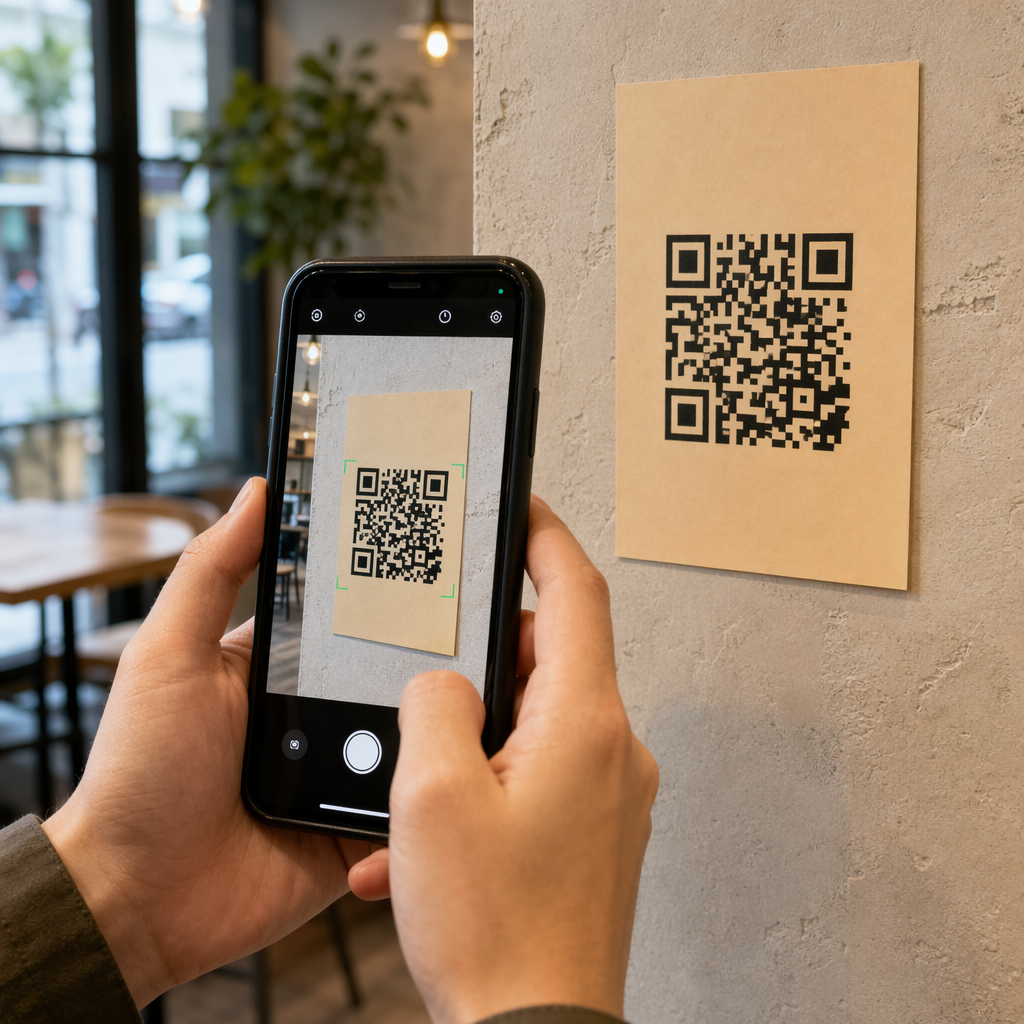
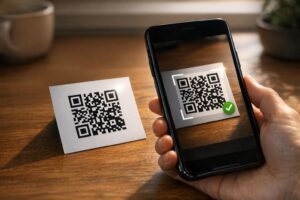
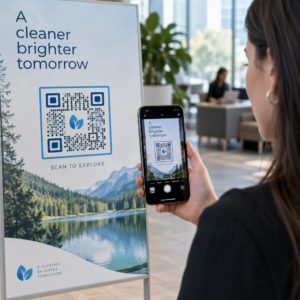
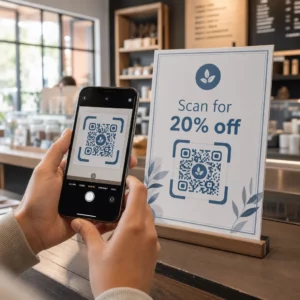
Apakah Anda kesulitan mengubah anggota audiens offline menjadi pelanggan Discord aktif tanpa membuat mereka mengetik URL server yang panjang? Tautan yang rumit menciptakan gesekan pengetikan, menyebabkan calon anggota meninggalkan server Anda sebelum mereka mulai. Mengubah tautan undangan Discord Anda menjadi kode QR yang dapat dipindai memberikan pengalaman orientasi instan sekali sentuh untuk materi fisik dan tampilan digital.
Hasilkan Tautan Undangan Discord Permanen
Sebelum menghasilkan kode QR, Anda harus mendapatkan tautan undangan yang berfungsi dari server Discord Anda. Secara default, tautan undangan Discord kedaluwarsa setelah 7 hari atau setelah mencapai jumlah penggunaan yang terbatas. Untuk menghindari kode QR yang rusak pada materi cetak fisik, konfigurasikan tautan permanen terlebih dahulu.
- Buka aplikasi Discord Anda di desktop atau seluler dan navigasikan ke server Anda.
- Cari saluran tujuan Anda, arahkan kursor ke nama saluran, dan pilih Buat Undangan.
- Klik pada Edit tautan undangan di bagian bawah jendela pop-up.
- Perubahan itu Kedaluwarsa Setelah pengaturan menu tarik-turun ke Tidak pernah.
- Perubahan itu Jumlah Penggunaan Maksimum pengaturan menu tarik-turun ke Tanpa batas.
- Salin URL permanen yang baru dibuat ke clipboard Anda.
Ubah Tautan Anda Menggunakan Generator Kode QR
Setelah Anda menyalin URL server permanen Anda, Anda dapat mengubahnya menjadi grafik yang dapat dipindai. Mirip dengan menyiapkan Kode QR untuk grup Telegram, membuat kode Discord memerlukan konversi alamat web sederhana menjadi pola visual yang dapat didekode oleh kamera seluler.
- Navigasikan ke online pembuat kode QR tautan.
- Pilih opsi input URL di dalam antarmuka generator.
- Tempel tautan undangan Discord permanen Anda ke bidang alamat web.
- Menghasilkan gambar kode visual Anda dengan satu klik.
Buat Kode QR Discord Kustom Anda Ubah tautan undangan server yang panjang menjadi grafik beresolusi tinggi yang dapat dipindai untuk poster, kartu, dan tampilan streaming menggunakan pembuat kode QR tautan hari ini.
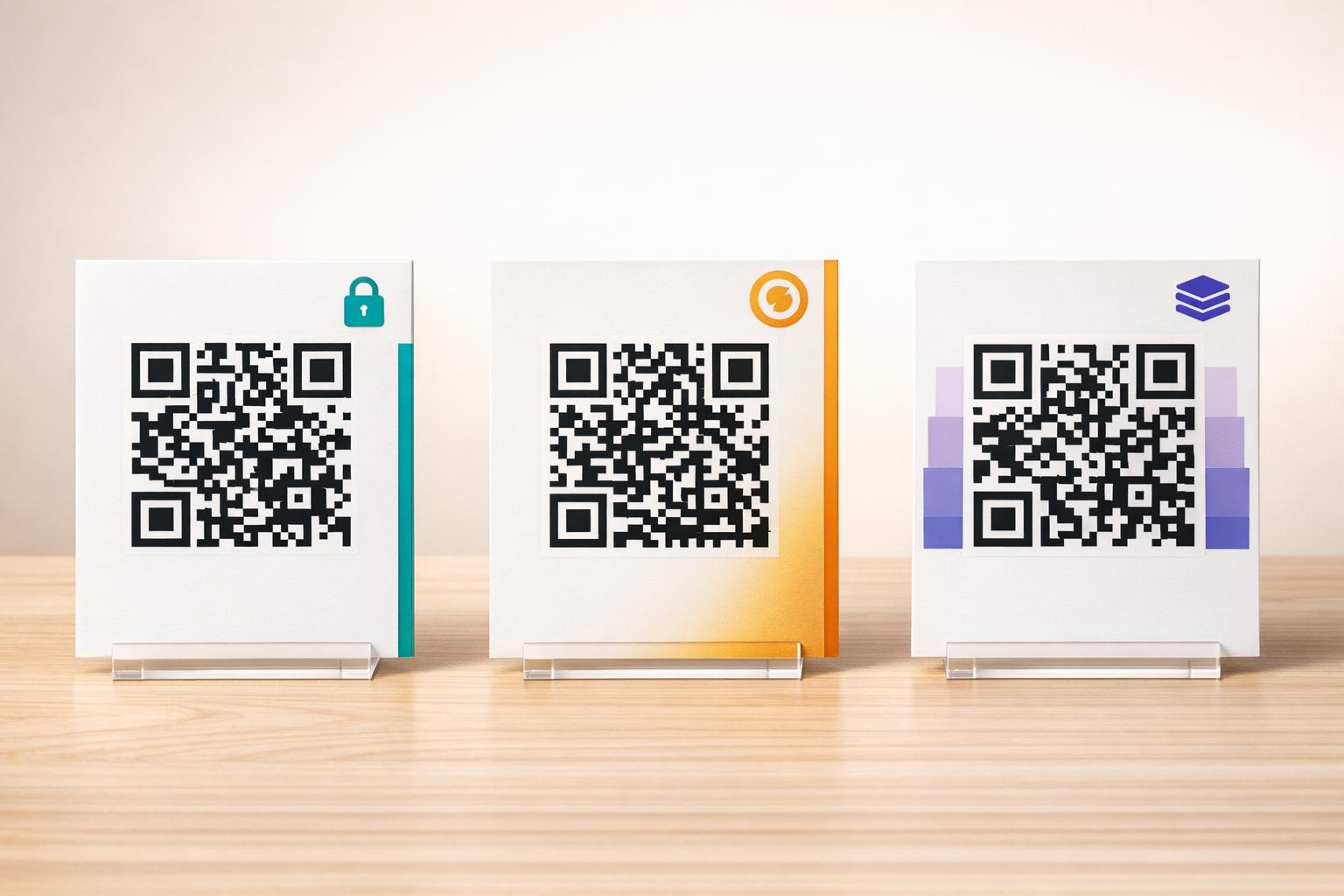
Sesuaikan Desain Anda untuk Pengenalan Merek
Kode QR hitam-putih generik dapat terlihat tidak pada tempatnya pada grafik pemasaran kustom atau layar streaming. Menyesuaikan desain membangun kepercayaan instan dan memberi sinyal kepada calon anggota ke mana kode itu akan membawa mereka.
Menggunakan fitur lengkap generator kode QR, Anda dapat memodifikasi parameter visual agar sesuai dengan identitas komunitas Anda:
- Terapkan warna merek dengan menggunakan corak primer gelap untuk modul kode sambil menjaga latar belakang tetap terang untuk mengoptimalkan keterbacaan.
- Sematkan logo atau ikon Discord di tengah desain untuk membangun kepercayaan tujuan visual instan.
- Tambahkan bingkai ajakan bertindak seperti “Pindai untuk Bergabung” untuk memandu calon anggota tentang tindakan apa yang harus diambil.
Praktik Terbaik untuk Memastikan Kode QR Dapat Dipindai
Kode QR yang diformat dengan buruk akan gagal dipindai, menciptakan pengalaman yang membuat frustrasi bagi calon anggota. Mengikuti standar pencetakan dan rendering teknis memastikan pengenalan kamera yang cepat di semua perangkat keras seluler.
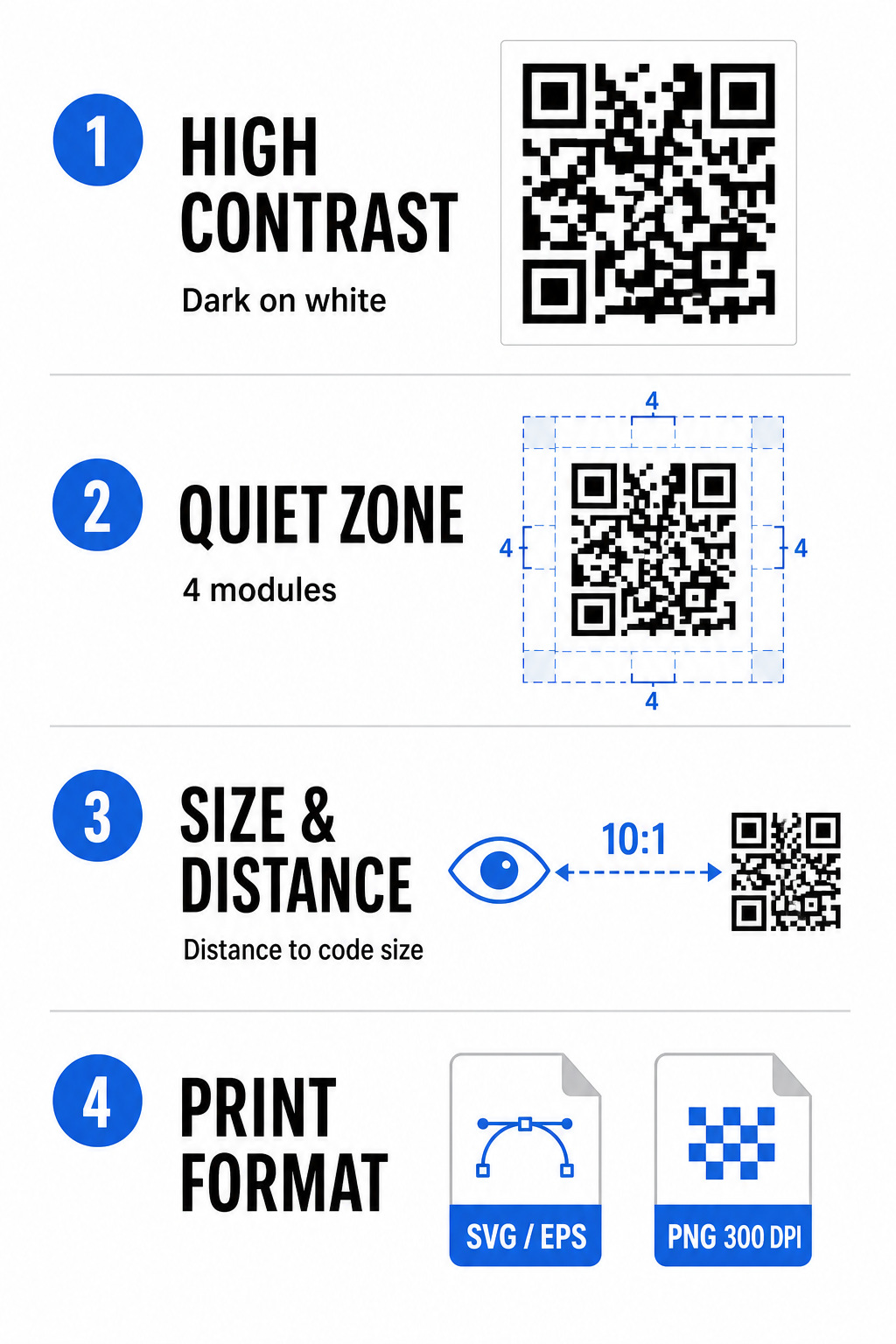
Pertahankan Kontras Warna Tinggi
Pemindai mengandalkan kontras antara pola gelap (modul) dan ruang latar belakang untuk mendekode data. Warna yang lebih gelap menyerap cahaya sementara warna yang lebih terang memantulkannya, memungkinkan sensor kamera untuk membedakan titik data dengan mudah. Bidik rasio kontras setidaknya 4:1 antara modul kode Anda dan latar belakang. Pasangan yang paling andal adalah modul hitam atau biru tua yang ditempatkan pada latar belakang putih. Hindari skema warna terbalik dengan modul terang pada latar belakang gelap, karena banyak aplikasi kamera gagal mendekode pola terbalik.
Pertahankan Zona Tenang
Zona tenang adalah batas kosong yang mengelilingi keempat tepi luar matriks kode QR. Margin ini harus tetap selebar setidaknya empat modul dan benar-benar bebas dari teks, grafik, atau dekorasi bingkai. Tanpa zona tenang yang bersih, kamera seluler tidak dapat menentukan di mana batas kode QR dimulai dan berakhir.
Hitung Ukuran yang Benar untuk Jarak Pemindaian
Saat mencetak materi, hitung dimensi kode QR Anda menggunakan rasio jarak-ke-ukuran 10:1. Ini berarti lebar fisik kode Anda harus kira-kira sepersepuluh dari jarak pemindaian yang diharapkan. Untuk spesifikasi teknis yang lebih mendalam, lihat panduan lengkap tentang praktik terbaik untuk keterbacaan kode QR.
| Skenario Penempatan | Jarak Pemindaian yang Diharapkan | Ukuran Kode QR Minimum yang Direkomendasikan |
|---|---|---|
| Lencana Acara & Kartu Nama | 10 inci (25 cm) | 1,0 x 1,0 inci (2,5 x 2,5 cm) |
| Dudukan Meja & Tampilan Desktop | 20 inci (50 cm) | 2,0 x 2,0 inci (5,0 x 5,0 cm) |
| Poster Dinding & Spanduk Streaming | 5 kaki (1,5 meter) | 6,0 x 6,0 inci (15 x 15 cm) |
| Tampilan Panggung Acara & Papan Nama | 10 kaki (3,0 meter) | 12,0 x 12,0 inci (30 x 30 cm) |
Ekspor dalam Format Vektor
Untuk produksi cetak fisik, ekspor file Anda dalam format vektor beresolusi tinggi seperti SVG atau EPS. File vektor dapat diskalakan tanpa batas tanpa kehilangan ketajaman atau menimbulkan keburaman. Jika menggunakan format raster seperti PNG, pastikan resolusi file diatur setidaknya 300 DPI untuk pencetakan berkualitas tinggi.
Menguji dan Memvalidasi Kode QR Discord Anda
Jangan pernah mencetak materi pemasaran atau menerbitkan grafis tanpa memverifikasi fungsionalitas kode QR di berbagai platform. Sensor kamera, algoritma perangkat lunak, dan resolusi layar sangat bervariasi antar perangkat.
- Uji di berbagai sistem operasi dengan memindai gambar menggunakan aplikasi kamera asli iOS dan Android.
- Verifikasi sudut pemindaian dengan menguji kode di bawah pencahayaan terang, lingkungan redup, dan berbagai sudut.
- Gunakan alat online seperti berbasis web Scan QR Code & Barcode untuk memastikan URL yang disematkan terdekode dengan bersih.
- Tinjau alur kerja orientasi untuk memastikan pemindaian langsung membuka aplikasi Discord atau mengarahkan dengan lancar ke layar server.
Untuk gambaran umum yang lebih luas tentang kompatibilitas perangkat keras, lihat panduan ini tentang memindai kode QR di ponsel cerdas.
Cara Praktis Berbagi Kode QR Discord Anda
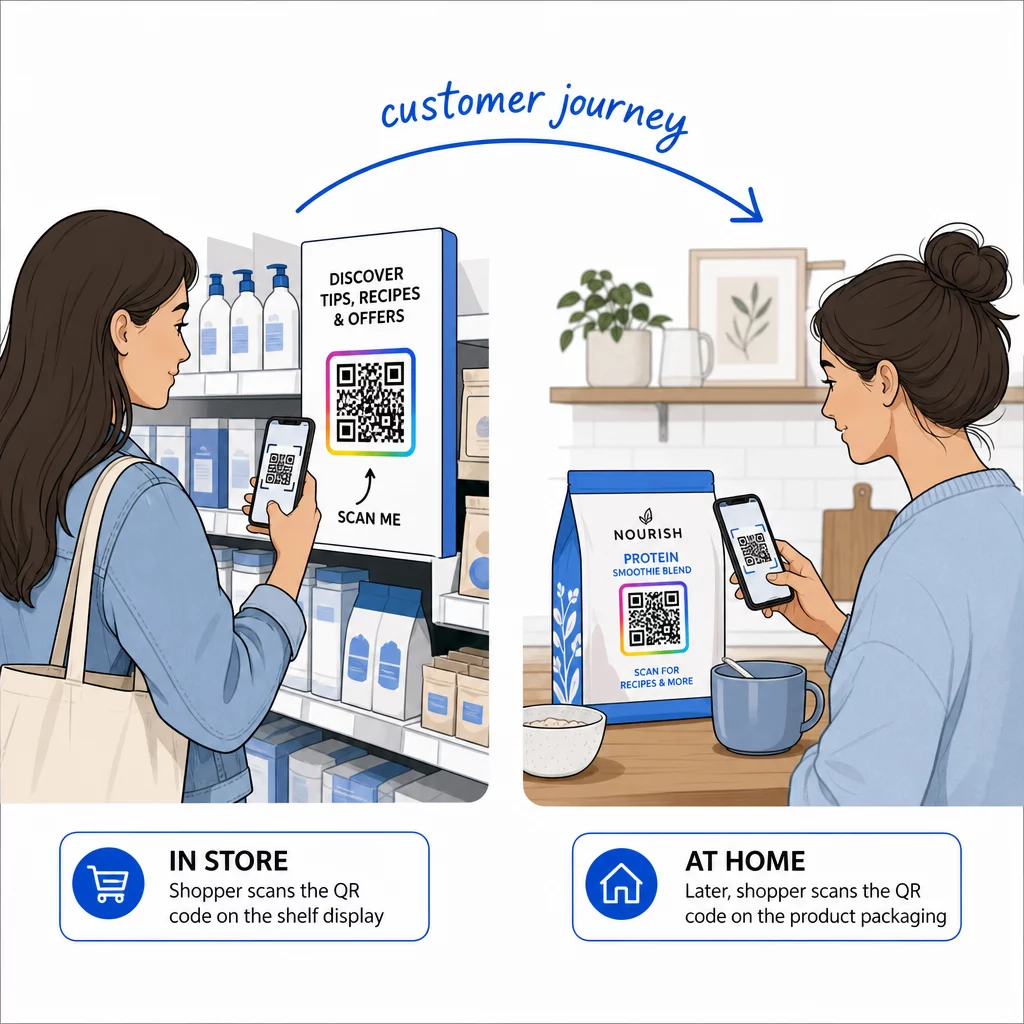
Menampilkan tautan undangan Anda yang dapat dipindai di berbagai titik kontak offline dan digital membantu membangun populasi server yang aktif.
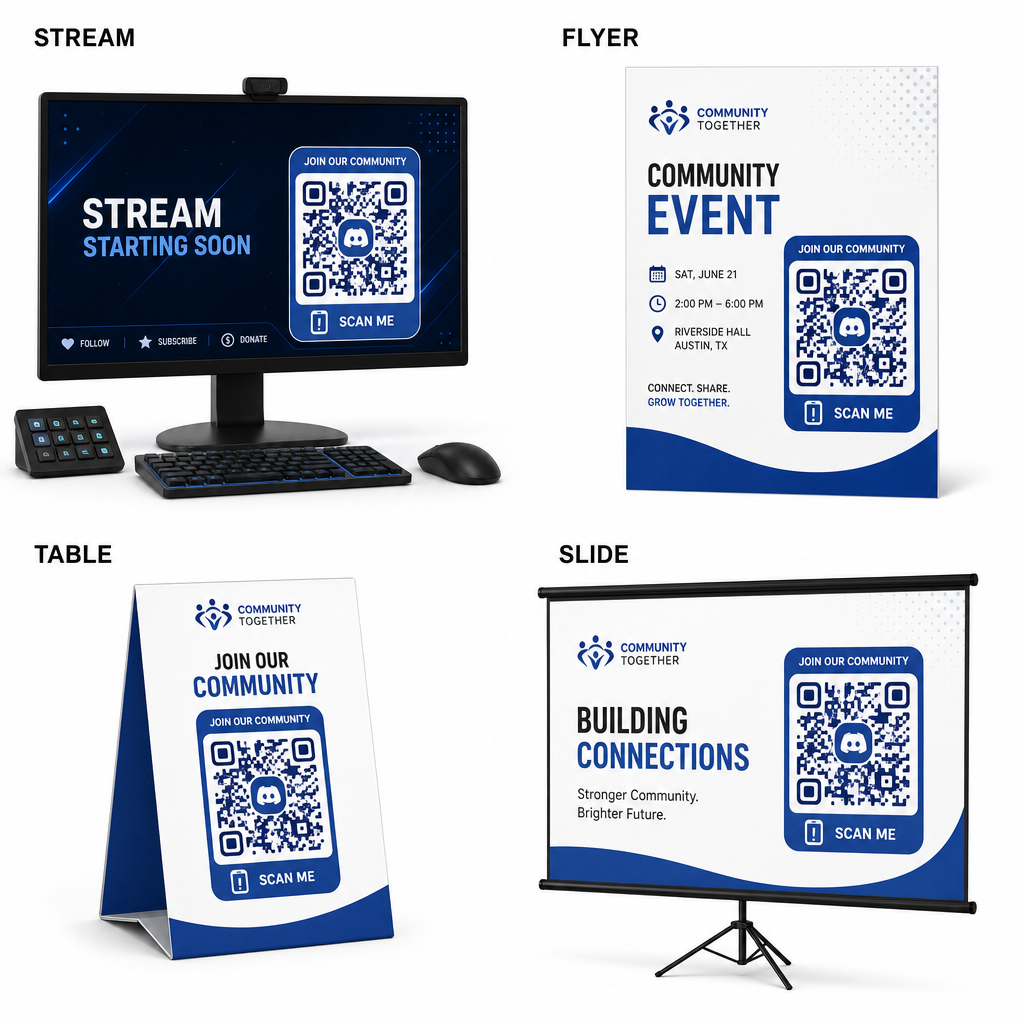
- Tambahkan overlay streaming di layar siaran sehingga pemirsa dapat bergabung saat menonton video langsung.
- Cetak materi acara pada lencana fisik, selebaran, tenda meja, dan spanduk selama pertemuan.
- Sertakan sisipan kemasan pada kotak produk, tag pakaian, atau kartu ucapan terima kasih yang dikirim ke pembeli.
- Sematkan slide presentasi pada layar penutup lokakarya untuk mengubah peserta menjadi anggota komunitas.
Bangun Komunitas Anda dengan Orientasi Seluler Cepat
Mengubah tautan undangan Discord Anda menjadi kode QR yang dapat dipindai menghilangkan hambatan pengetikan manual, memungkinkan penggemar, peserta, dan pelanggan untuk memasuki server Anda dalam hitungan detik. Menggunakan pengaturan undangan permanen, memastikan kontras warna yang kuat, mempertahankan rasio ukuran yang sesuai, dan menguji di berbagai perangkat memberikan jalur orientasi yang andal untuk setiap anggota baru.
Siap untuk mengembangkan komunitas online Anda? Buat kode QR Discord kustom beresolusi tinggi menggunakan alat generasi Pageloot hari ini.
Pertanyaan yang sering diajukan
Ya. Saat membuat tautan undangan di Discord, pilih “Edit tautan undangan” dan atur “Kedaluwarsa Setelah” ke “Tidak Pernah” dan “Jumlah Penggunaan Maksimum” ke “Tanpa batas” sebelum menghasilkan kode QR Anda.
Unduh format vektor seperti SVG atau EPS untuk mencetak poster, banner, dan flyer. Jika menggunakan file PNG, pastikan file tersebut dirender pada resolusi tinggi 300 DPI atau lebih tinggi untuk menghindari gambar buram.
Ya. Menghasilkan kode QR dinamis memungkinkan Anda mengumpulkan analitik pemindaian waktu nyata, melacak kinerja konversi dari waktu ke waktu, dan memperbarui URL tujuan kapan pun diperlukan tanpa mencetak ulang materi fisik.