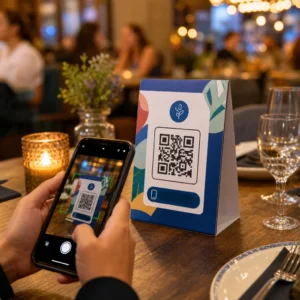
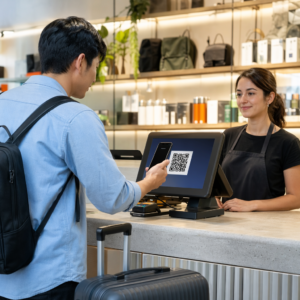
Kas teil on raskusi võrguühenduseta publiku liikmete teisendamisega aktiivseteks Discordi tellijateks ilma, et nad peaksid tippima pikki serveri URL-e? Keerulised lingid loovad tippimise hõõrdumist, põhjustades potentsiaalsete liikmete loobumise teie serveriga liitumisest enne, kui nad isegi alustavad. Teie Discordi kutselingi teisendamine skannitavaks QR-koodiks pakub füüsilistele materjalidele ja digitaalsetele ekraanidele kohese, ühe puudutusega kasutuselevõtu kogemuse.
Looge püsiv Discordi kutselink
Enne QR-koodi genereerimist peate hankima oma Discordi serverist funktsionaalse kutselingi. Vaikimisi aeguvad Discordi kutselingid 7 päeva pärast või pärast piiratud arvu kasutuskorra saavutamist. Et vältida füüsilistel materjalidel katkiseid QR-koode, konfigureerige esmalt püsiv link.
- Ava oma Discordi rakenduses lauaarvutis või mobiilseadmes ja navigeerige oma serverisse.
- Leia oma sihtkanalisse, viige hiirekursor kanalile ja valige Loo kutse.
- Klõpsake peal Muuda kutselinki hüpikakna allosas.
- Muutus üks Aegub pärast rippmenüü seadistus Mitte kunagi.
- Muutus üks Maksimaalne kasutusarv rippmenüü seadistus Piiramatult.
- Kopeeri äsja loodud püsiv URL oma lõikelauale.
Teisendage oma link QR-koodi generaatori abil
Kui olete oma püsiva serveri URL-i kopeerinud, saate selle teisendada skannitavaks graafikuks. Sarnaselt seadistamisega QR-koodid Telegrami gruppide jaoks, Discordi koodi loomine nõuab lihtsa veebiaadressi teisendamist visuaalseks mustriks, mida mobiiltelefonide kaamerad saavad dekodeerida.
- Navigeerige veebipõhisesse lingi QR-koodi generaator.
- Valige URL-i sisestamise valik generaatori liideses.
- Kleebi oma püsiv Discordi kutselink veebiaadressi väljale.
- Genereeri oma visuaalse koodi pildi ühe klõpsuga.
Looge oma kohandatud Discordi QR-kood Teisendage pikad serveri kutselingid kõrge resolutsiooniga, skannitavateks graafikuteks plakatite, kaartide ja voogedastusekraanide jaoks, kasutades lingi QR-koodi generaator täna.
Kohandage oma disaini brändi äratundmiseks
Generiline mustvalge QR-kood võib kohandatud turundusgraafikal või voogedastusekraanidel välja näha sobimatu. Disaini kohandamine loob kohese usalduse ja annab potentsiaalsetele liikmetele märku, kuhu kood neid viib.
Kasutades funktsioonirikkaid QR-koodi generaator, saate muuta visuaalseid parameetreid, et need vastaksid teie kogukonna identiteedile:
- Rakendage brändivärve kasutades koodimoodulite jaoks tumedaid peamisi toone, hoides samal ajal tausta heledana, et optimeerida loetavust.
- Manustage logo või Discordi ikooni disaini keskele, et luua kohene visuaalne sihtkoha usaldus.
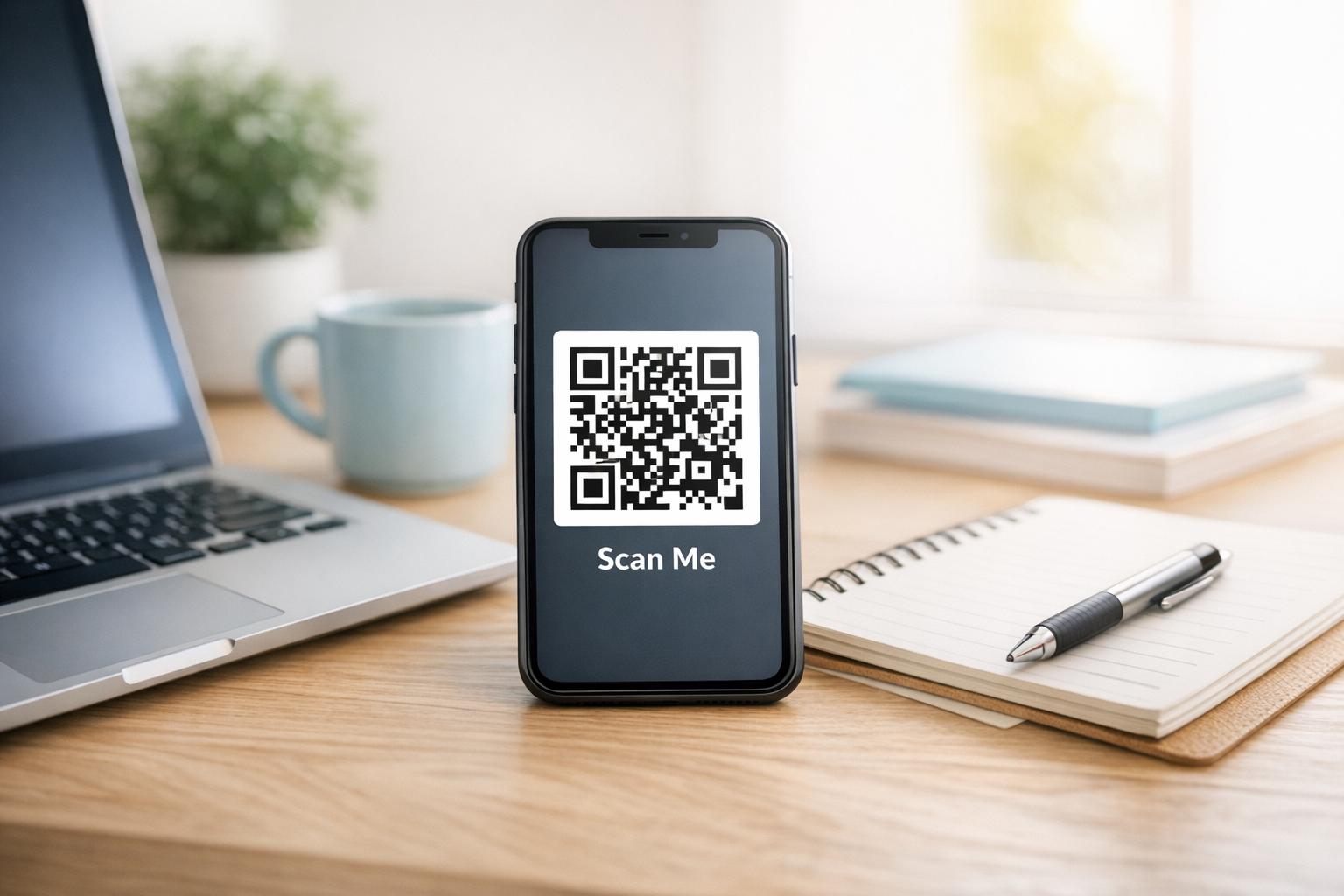
- Lisage üleskutse tegevusele raam nagu “Skannige, et liituda”, et juhendada potentsiaalseid liikmeid, millist toimingut teha.
Parimad tavad QR-koodi skannitavuse tagamiseks
Halvasti vormindatud QR-kood ei skannita, luues potentsiaalsetele liikmetele frustreeriva kogemuse. Tehniliste printimis- ja renderdusstandardite järgimine tagab kiire kaamera tuvastamise kõigi mobiilihaldusseadmete kaudu.
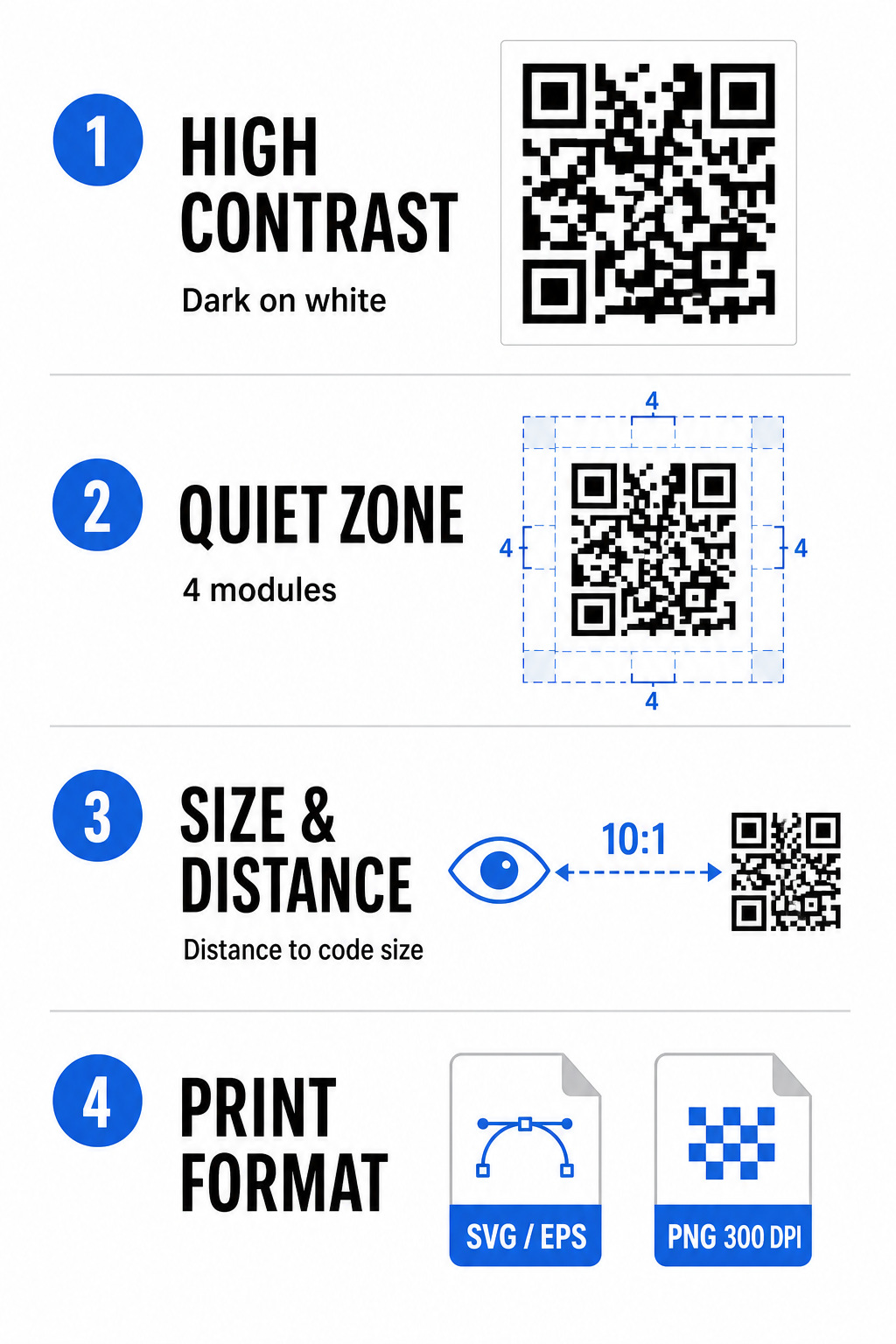
Säilitage kõrge värvikontrast
Skannerid sõltuvad dekodeerimiseks tumedate mustrite (moodulite) ja taustapindade vahelisest kontrastist. Tumedad värvid neelavad valgust, heledad aga peegeldavad seda, võimaldades kaameraanduritel andmepunkte hõlpsalt eristada. Püüdke saavutada vähemalt 4:1 kontrastsus teie koodimoodulite ja tausta vahel. Kõige usaldusväärsem paar on mustad või tumesinised moodulid valgel taustal. Vältige ümberpööratud värviskeeme heledate moodulitega tumedal taustal, kuna paljud kaamerarakendused ei suuda ümberpööratud mustreid dekodeerida.
Säilitage vaikne tsoon
Vaikne tsoon on tühi äär, mis ümbritseb QR-koodi maatriksi kõiki nelja välisserva. See marginaal peab olema vähemalt neli moodulit lai ja täielikult vaba tekstist, graafikast või raamikaunistustest. Ilma puhta vaikse tsoonita ei saa mobiiltelefonide kaamerad kindlaks teha, kus QR-koodi piirid algavad ja lõpevad.
Arvutage õige suurus skannimiskauguse jaoks
Materjale printides arvutage oma QR-koodi mõõtmed, kasutades 10:1 kauguse ja suuruse suhet. See tähendab, et teie koodi füüsiline laius peaks olema ligikaudu üks kümnendik eeldatavast skannimiskaugusest. Täpsemate tehniliste spetsifikatsioonide saamiseks vaadake täielikku juhendit QR-koodi loetavuse parimaid tavasid.
| Paigutuse stsenaarium | Eeldatav skannimiskaugus | Minimaalne soovitatav QR-koodi suurus |
|---|---|---|
| Ürituste märgid ja visiitkaardid | 10 tolli (25 cm) | 1,0 x 1,0 tolli (2,5 x 2,5 cm) |
| Lauateltid ja töölauaekraanid | 20 tolli (50 cm) | 2,0 x 2,0 tolli (5,0 x 5,0 cm) |
| Seina plakatid ja voogedastuse bännerid | 5 jalga (1,5 meetrit) | 6,0 x 6,0 tolli (15 x 15 cm) |
| Ürituste lavaekraanid ja sildid | 10 jalga (3,0 meetrit) | 12,0 x 12,0 tolli (30 x 30 cm) |
Ekspordi vektorvormingutes
Füüsilise printimise tootmiseks eksportige oma fail kõrge eraldusvõimega vektorvormingutesse, nagu SVG või EPS. Vektorfailid skaleeruvad lõputult, ilma et nad kaotaksid teravust või tekitaksid hägusust. Rastervormingute, nagu PNG, kasutamisel veenduge, et faili eraldusvõime oleks kõrge kvaliteediga printimise jaoks vähemalt 300 DPI.
Teie Discordi QR-koodi testimine ja valideerimine
Ärge kunagi printige turundusmaterjale ega avaldage graafikat ilma QR-koodi funktsionaalsust mitmel platvormil kontrollimata. Kaameraandurid, tarkvara algoritmid ja ekraani eraldusvõime erinevad seadmetel laialdaselt.
- Testige operatsioonisüsteemide lõikes skannides pilti nii iOS-i kui ka Androidi natiivsete kaamerarakendustega.
- Kontrollige skannimisnurki testides koodi eredas valguses, hämarates keskkondades ja erinevate nurkade all.
- Kasutage veebipõhist tööriista nagu veebipõhine QR-koodi lugeja et kinnitada, et manustatud URL dekodeerub puhtalt.
- Vaadake üle sisseelamisprotsess et kinnitada, et skannimine avab otse Discordi rakenduse või suunab sujuvalt serveri ekraanile.
Riistvara ühilduvuse laiema ülevaate saamiseks vaadake seda juhendit QR-koodide skannimine nutitelefonides.
Praktilised viisid oma Discordi QR-koodi jagamiseks
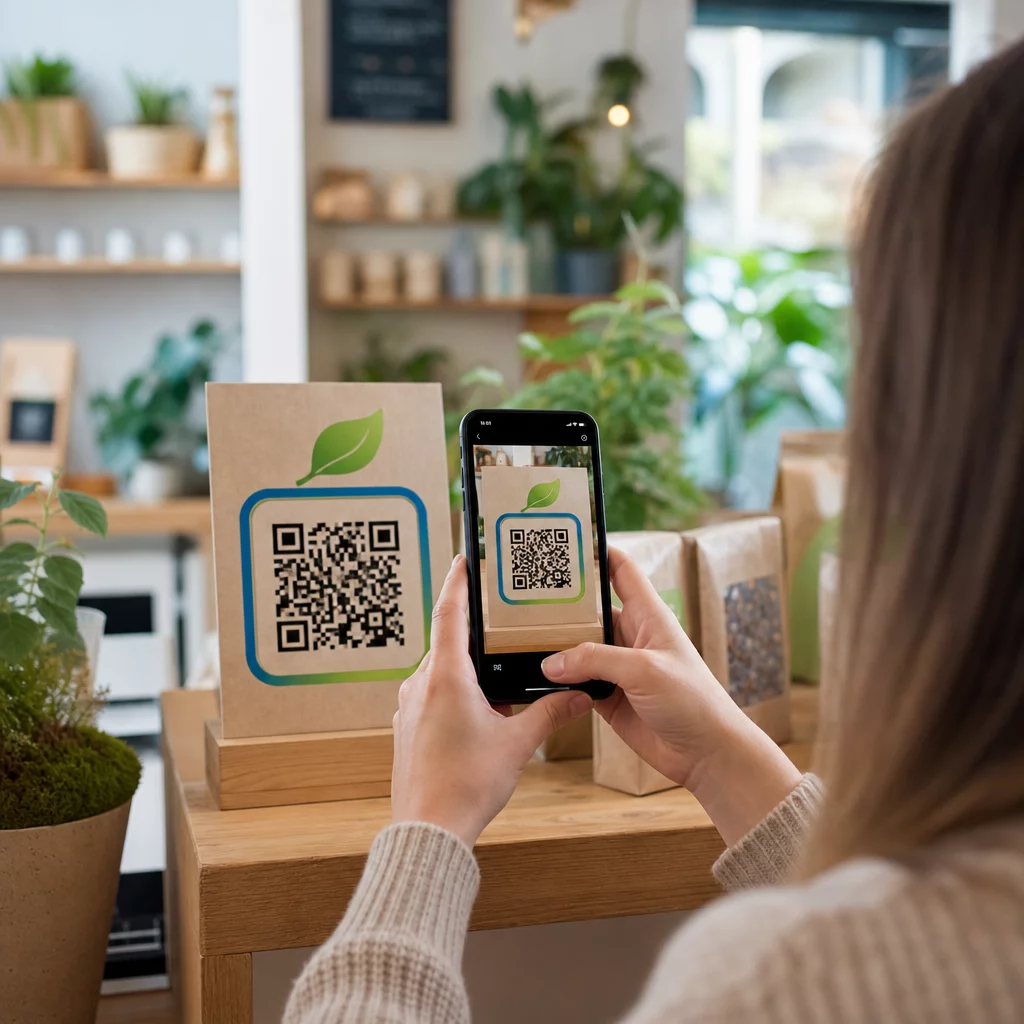
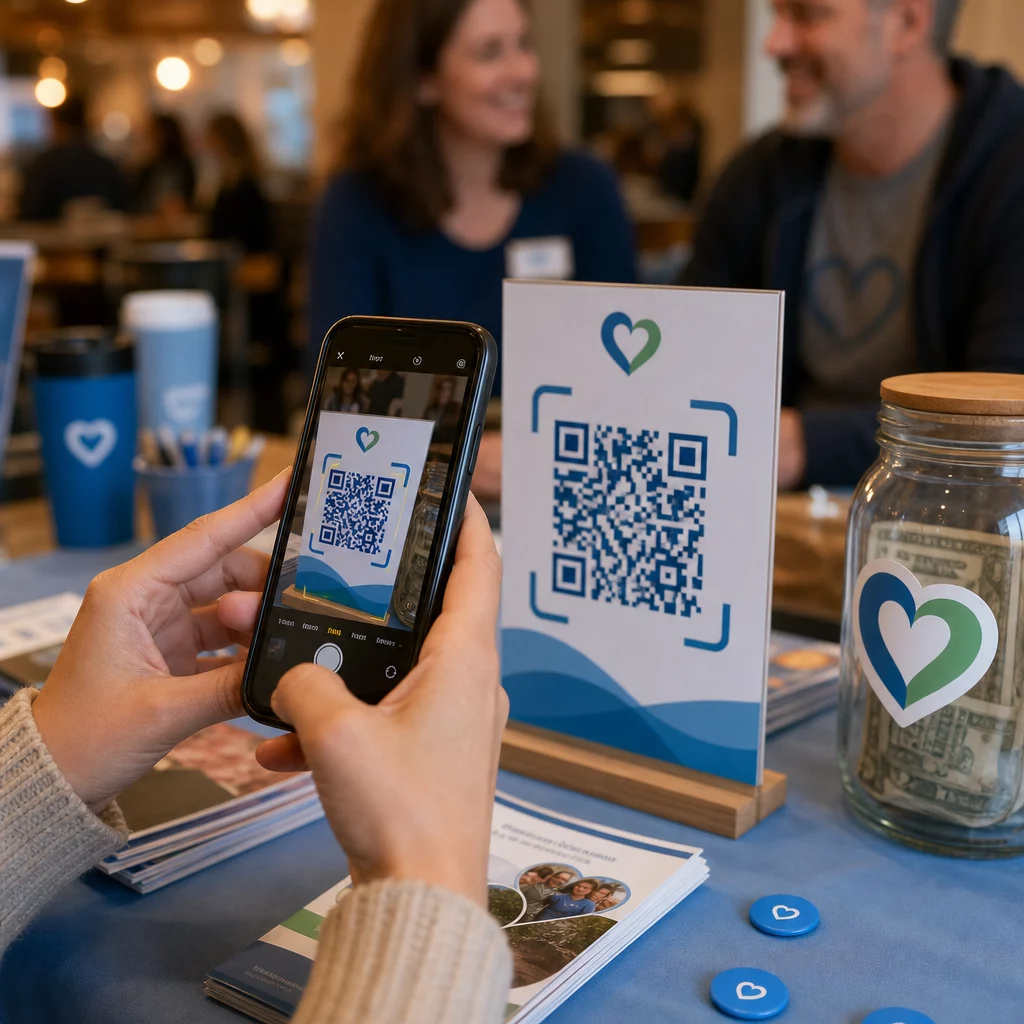
Skannitava kutselingi kuvamine võrguühenduseta ja digitaalsetes puutepunktides aitab luua aktiivse serveri rahvastiku.
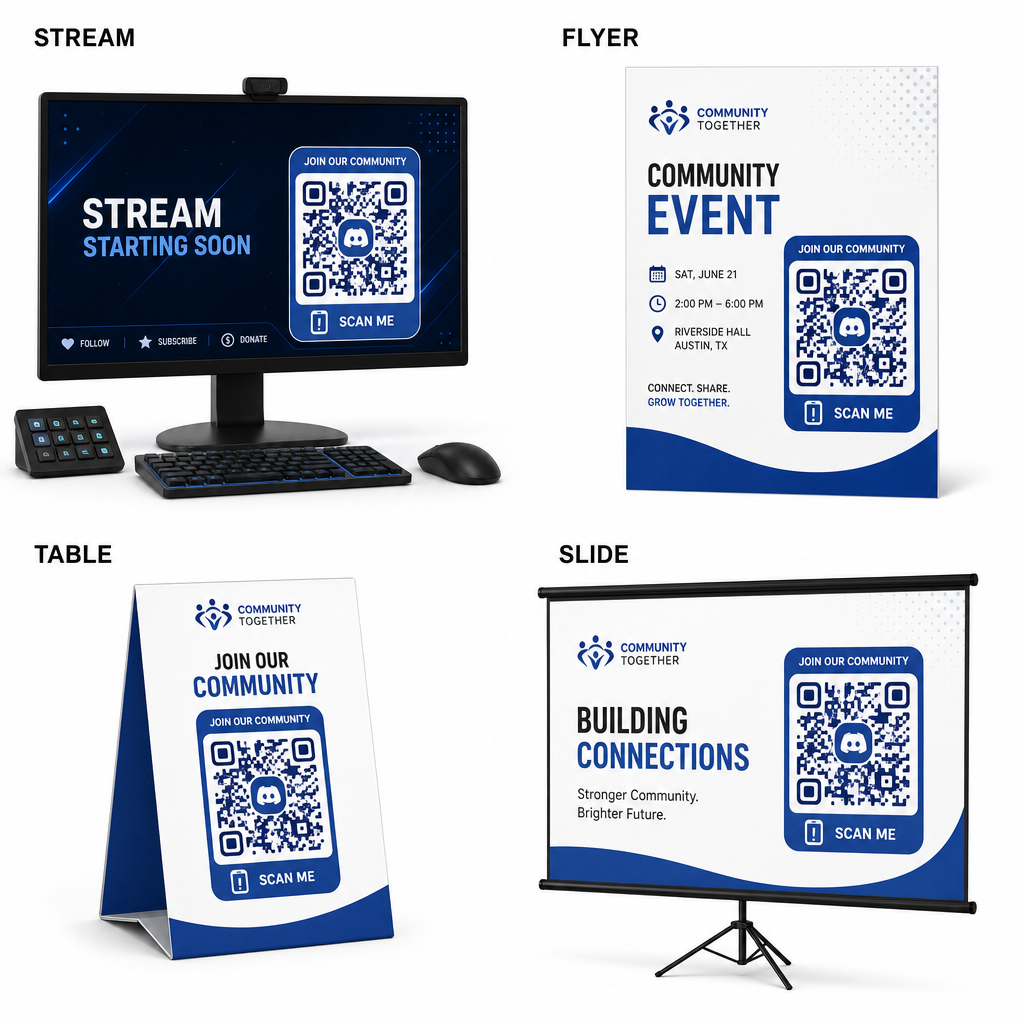
- Lisage voogesituse ülekatteid saateekraanidel, et vaatajad saaksid liituda otsevideo vaatamise ajal.
- Printige ürituste materjale füüsilistele märkmikele, lendlehtedele, lauamärkidele ja bänneritele kohtumiste ajal.
- Lisage pakendisse lisad tootekarpidele, rõivaste siltidele või ostjatele saadetud tänukaartidele.
- Manustage esitluse slaidid töötubade lõpuekraanile, et muuta osalejad kogukonna liikmeteks.
Looge oma kogukond kiire mobiilse sisseelamisega
Oma Discordi kutselingi skannitavaks QR-koodiks teisendamine eemaldab käsitsi tippimise takistused, võimaldades fännidel, osalejatel ja klientidel teie serverisse sekunditega siseneda. Püsivate kutsesätete kasutamine, tugeva värvikontrasti tagamine, sobivate suurussuhete säilitamine ja mitmel seadmel testimine pakub usaldusväärset sisseelamisrada igale uuele liikmele.
Kas soovite oma veebikogukonda kasvatada? Looge täna Pagelooti genereerimistööriistade abil kõrge eraldusvõimega kohandatud Discordi QR-kood.
Korduma kippuvad küsimused
Jah. Discordis kutselingi loomisel valige “Redigeeri kutselinki” ja määrake enne QR-koodi genereerimist “Aegub pärast” väärtuseks “Mitte kunagi” ja “Maksimaalne kasutusarv” väärtuseks “Piiramatult”.
Laad vectorvorminguid nagu SVG of EPS alla plakatite, bännerite ja lendlehtede printimiseks. Kui kasutate PNG-faile, veenduge, et need oleksid renderdatud kõrge eraldusvõimega 300 DPI või kõrgem, et vältida hägusust.
Jah. Dünaamilise QR-koodi loomine võimaldab teil koguda reaalajas skaneerimisanalüüse, jälgida konversioonide toimivust aja jooksul ja värskendada siht-URL-i vajadusel ilma füüsilisi materjale uuesti printimata.