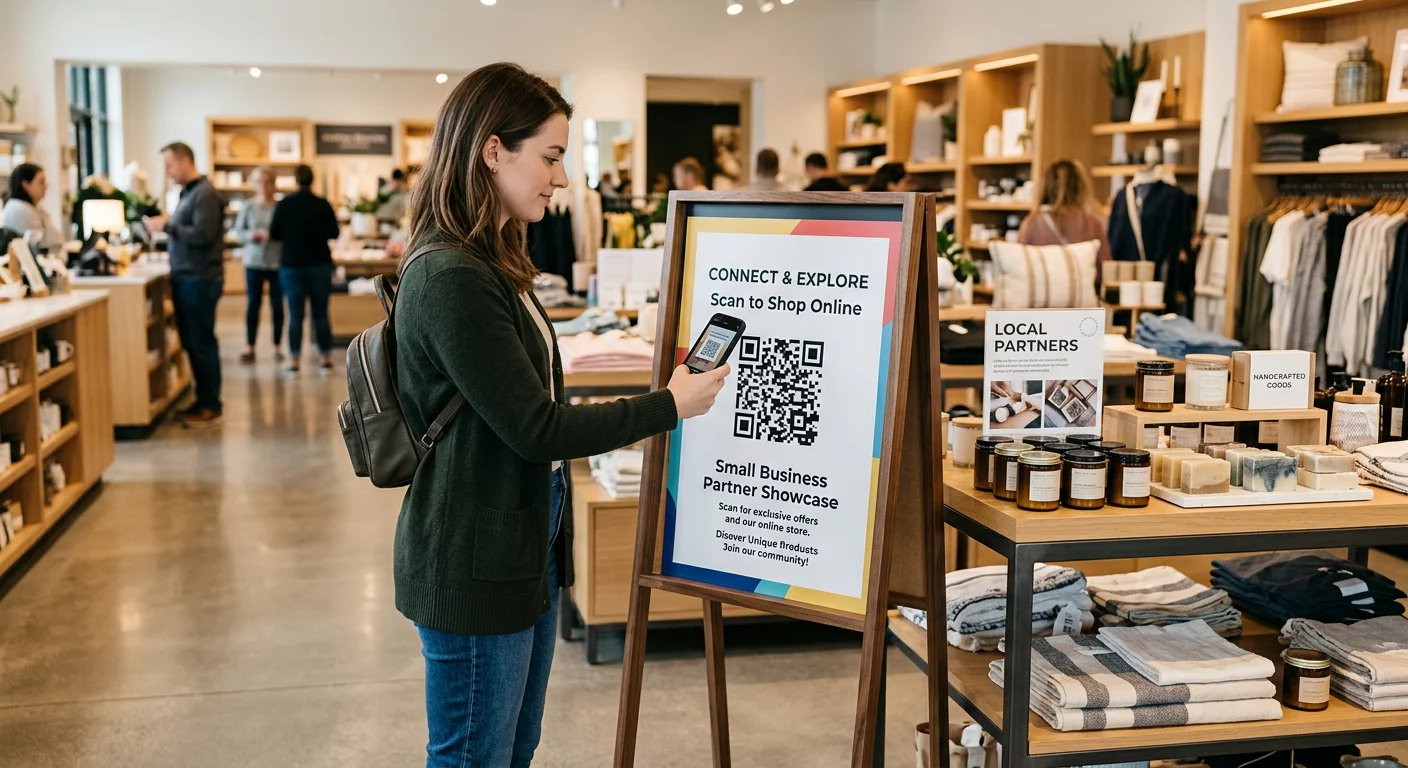
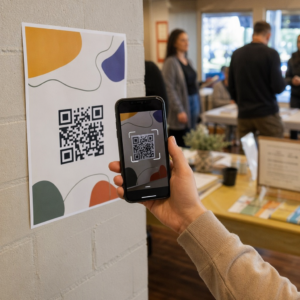
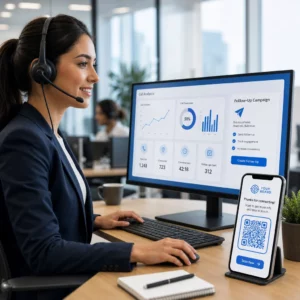
Вы испытываете трудности с преобразованием участников офлайн-аудитории в активных подписчиков Discord, не заставляя их вводить длинные URL-адреса серверов? Сложные ссылки создают трение при вводе, из-за чего потенциальные участники отказываются от присоединения к вашему серверу еще до начала. Преобразование вашей ссылки-приглашения Discord в сканируемый QR-код обеспечивает мгновенный опыт онбординга одним касанием для печатных материалов и цифровых дисплеев.
Создать постоянную ссылку-приглашение Discord
Перед созданием QR-кода вы должны получить действующую ссылку-приглашение с вашего сервера Discord. По умолчанию ссылки-приглашения Discord истекают через 7 дней или после достижения ограниченного количества использований. Чтобы избежать неработающих QR-кодов на печатных материалах, сначала настройте постоянную ссылку.
- Открытие ваше приложение Discord на настольном компьютере или мобильном устройстве и перейдите на ваш сервер.
- Найдите сайт . ваш целевой канал, наведите курсор на название канала и выберите Создать приглашение.
- Нажмите на сайте Редактировать ссылку приглашения в нижней части всплывающего окна.
- Изменение то Истекает через настройка выпадающего меню Никогда.
- Изменение то Максимальное количество использований настройка выпадающего меню Без ограничений.
- Копирование сгенерированный постоянный URL-адрес в буфер обмена.
Преобразуйте вашу ссылку с помощью генератора QR-кодов
Скопировав постоянный URL-адрес вашего сервера, вы можете преобразовать его в графическое изображение для сканирования. Подобно настройке QR-коды для групп Telegram, создание кода Discord требует преобразования простого веб-адреса в визуальный шаблон, который мобильные камеры могут декодировать.
- Перейдите в онлайн генератор QR-кодов ссылок.
- Выберите опцию ввода URL в интерфейсе генератора.
- Вставка вашу постоянную ссылку-приглашение Discord в поле веб-адреса.
- Создай ваше визуальное изображение кода одним щелчком мыши.
Создайте свой пользовательский QR-код Discord Преобразуйте длинные ссылки-приглашения на сервер в высококачественные, сканируемые изображения для плакатов, открыток и экранных дисплеев с помощью генератор QR-кодов ссылок сегодня.
Настройте свой дизайн для узнаваемости бренда
Обычный черно-белый QR-код может выглядеть неуместно на пользовательской маркетинговой графике или экранных заставках. Настройка дизайна создает немедленное доверие и сигнализирует потенциальным участникам, куда приведет их код.
Используя полнофункциональный генератор QR-кодов, вы можете изменять визуальные параметры в соответствии с идентичностью вашего сообщества:
- Примените фирменные цвета используя темные основные оттенки для модулей кода, сохраняя при этом светлый фон для оптимизации читаемости.
- Встройте логотип или значок Discord в центр дизайна, чтобы установить мгновенное доверие к визуальному назначению.
- Добавьте рамку с призывом к действию такие как “Сканируй, чтобы присоединиться”, чтобы направить потенциальных участников относительно того, какое действие предпринять.
Лучшие практики для обеспечения сканируемости QR-кода
Плохо отформатированный QR-код не будет сканироваться, создавая разочаровывающий опыт для потенциальных участников. Соблюдение технических стандартов печати и рендеринга обеспечивает быстрое распознавание камерой на всем мобильном оборудовании.
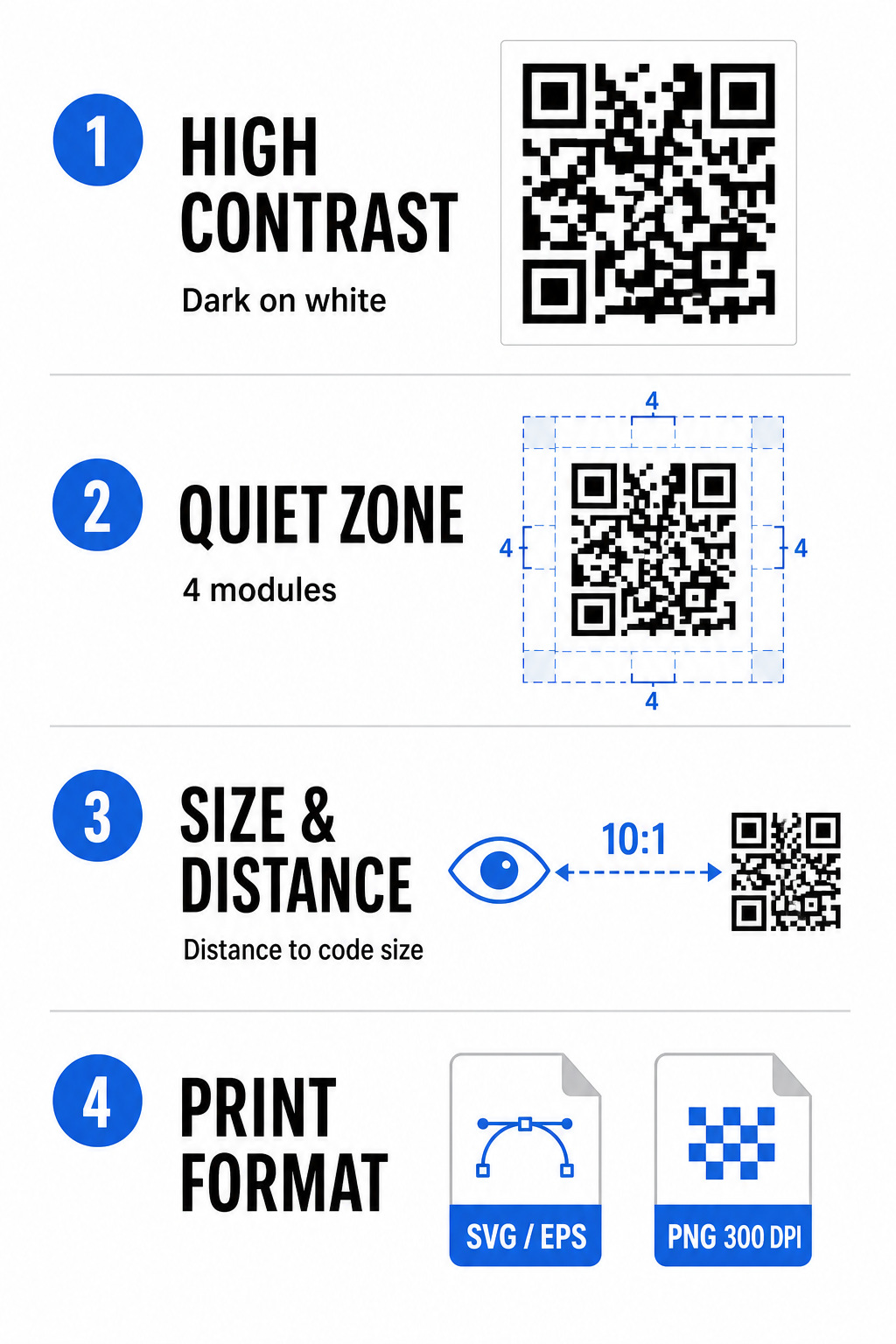
Поддерживайте высокий цветовой контраст
Сканеры полагаются на контраст между темными узорами (модулями) и фоновыми пространствами для декодирования данных. Темные цвета поглощают свет, а светлые отражают его, позволяя датчикам камеры легко различать точки данных. Стремитесь к коэффициенту контрастности не менее 4:1 между вашими модулями кода и фоном. Наиболее надежным сочетанием являются черные или темно-синие модули, размещенные на белом фоне. Избегайте инвертированных цветовых схем со светлыми модулями на темном фоне, так как многие приложения камеры не могут декодировать инвертированные узоры.
Сохраняйте Тихую Зону
Тихая зона — это пустая граница, окружающая все четыре внешние края матрицы QR-кода. Эта граница должна быть шириной не менее четырех модулей и полностью свободна от текста, графики или декоративных рамок. Без чистой тихой зоны мобильные камеры не могут определить, где начинаются и заканчиваются границы QR-кода.
Рассчитайте правильный размер для расстояния сканирования
При печати материалов рассчитывайте размеры QR-кода, используя соотношение расстояния к размеру 10:1. Это означает, что физическая ширина вашего кода должна примерно в десять раз превышать ожидаемое расстояние сканирования. Для более подробных технических спецификаций обратитесь к полному руководству по лучшим практикам читаемости QR-кодов.
| Сценарий размещения | Ожидаемое расстояние сканирования | Минимальный рекомендуемый размер QR-кода |
|---|---|---|
| Бейджи мероприятий и визитные карточки | 10 дюймов (25 см) | 1,0 x 1,0 дюйма (2,5 x 2,5 см) |
| Настольные таблички и настольные дисплеи | 20 дюймов (50 см) | 2,0 x 2,0 дюйма (5,0 x 5,0 см) |
| Плакаты на стенах и баннеры для стримов | 5 футов (1,5 метра) | 6,0 x 6,0 дюйма (15 x 15 см) |
| Оформление сцены для мероприятий и вывески | 10 футов (3,0 метра) | 12,0 x 12,0 дюймов (30 x 30 см) |
Экспорт в векторных форматах
Для физического производства печати экспортируйте файл в векторных форматах с высоким разрешением, таких как SVG или EPS. Векторные файлы масштабируются бесконечно без потери четкости или появления размытия. При использовании растровых форматов, таких как PNG, убедитесь, что разрешение файла установлено на уровне не менее 300 DPI для высококачественной печати.
Тестирование и проверка вашего QR-кода Discord
Никогда не печатайте маркетинговые материалы и не публикуйте графику без проверки функциональности QR-кода на нескольких платформах. Датчики камеры, программные алгоритмы и разрешение экрана сильно различаются на разных устройствах.
- Тестирование на разных операционных системах путем сканирования изображения с помощью нативных приложений камеры iOS и Android.
- Проверка углов сканирования путем тестирования кода при ярком освещении, в тусклых условиях и под разными углами.
- Используйте онлайн-инструмент например, веб-инструмент Сканер QR кода чтобы убедиться, что встроенный URL-адрес декодируется корректно.
- Проверьте рабочий процесс адаптации чтобы убедиться, что сканирование напрямую открывает приложение Discord или плавно перенаправляет на экран сервера.
Для более широкого обзора совместимости оборудования обратитесь к этому руководству по сканированию QR-кодов на смартфонах.
Практические способы поделиться вашим QR-кодом Discord
Отображение вашего сканируемого пригласительного ссылки на офлайн- и цифровых точках контакта помогает создать активное сообщество сервера.
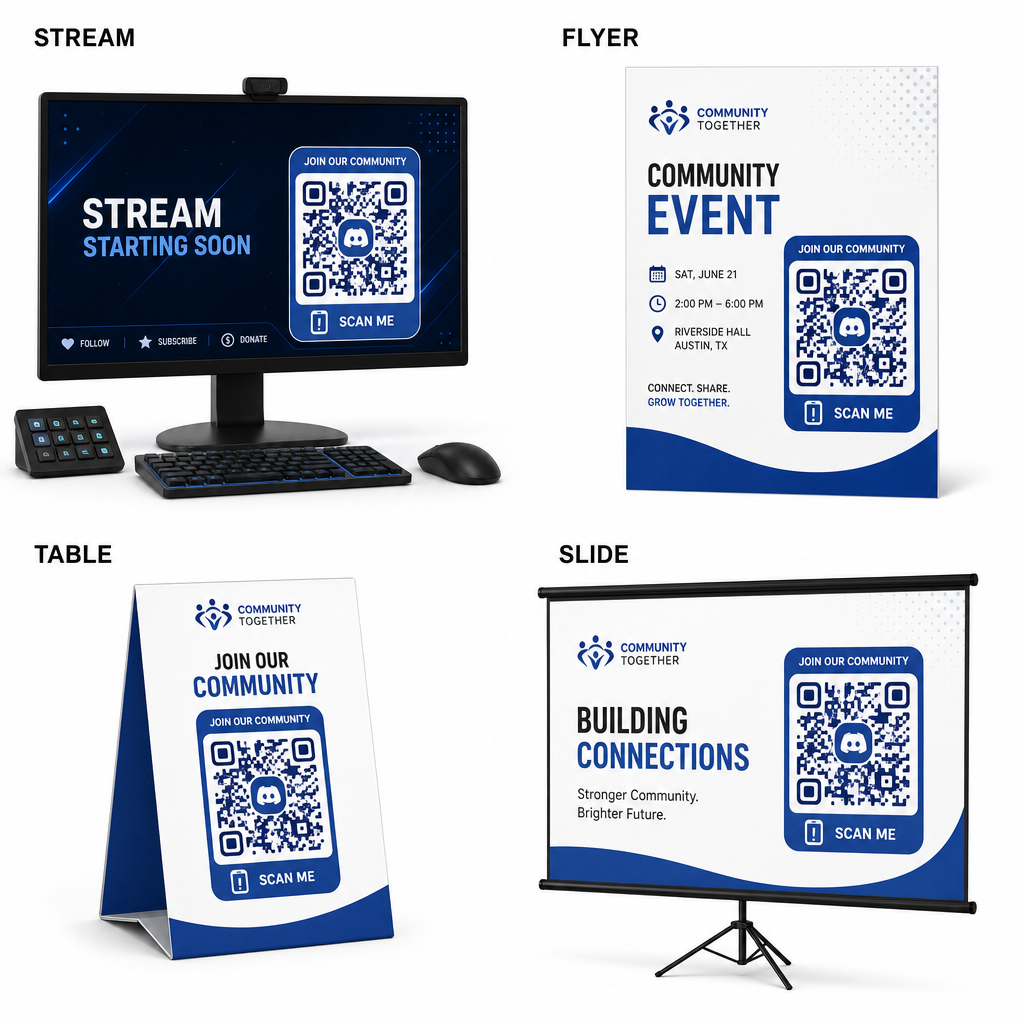
- Добавьте наложения трансляции на экраны трансляций, чтобы зрители могли присоединиться во время просмотра видео в прямом эфире.
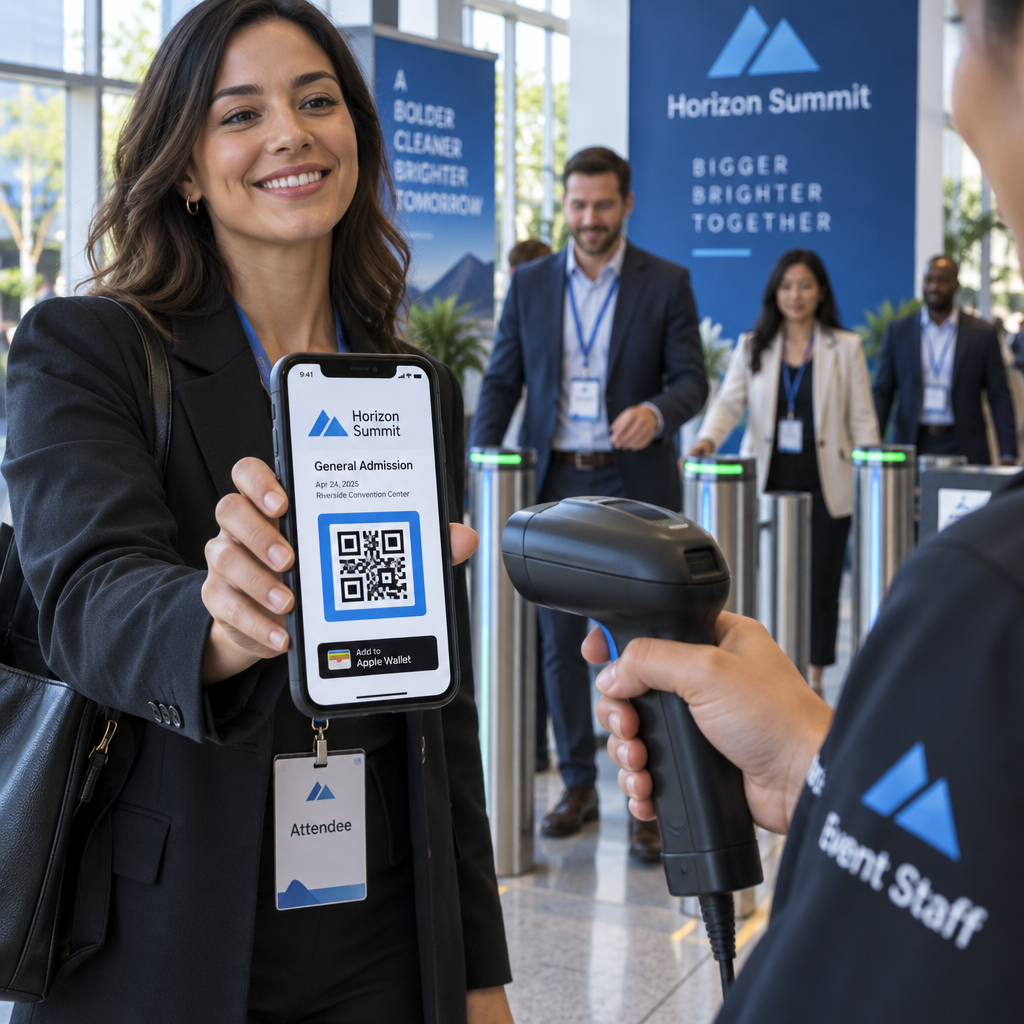
- Печатайте материалы для мероприятий на физических бейджах, флаерах, настольных табличках и баннерах во время встреч.
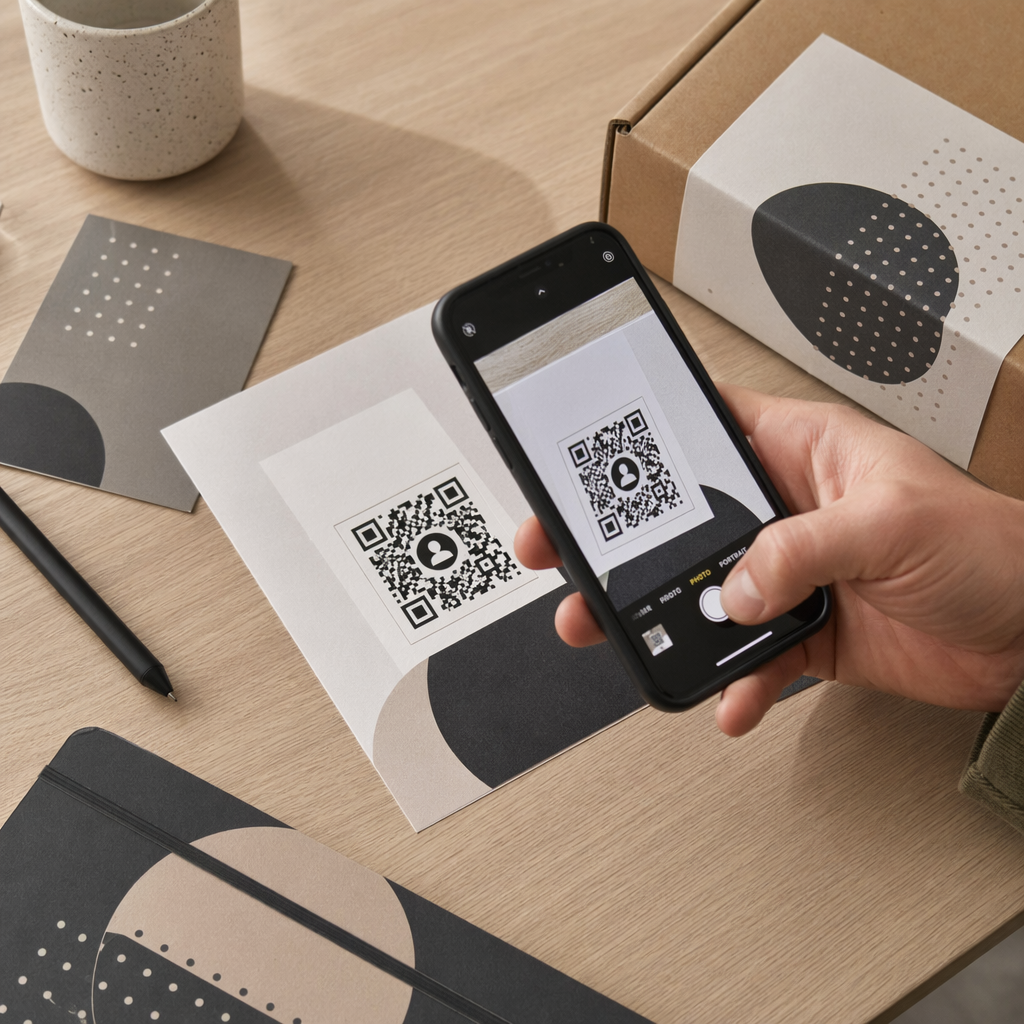
- Включите вкладыши в упаковку на коробках продуктов, бирках одежды или открытках с благодарностью, отправляемых покупателям.
- Встраивайте слайды презентаций на заключительном экране мастер-классов, чтобы превратить участников в членов сообщества.
Создайте свое сообщество с быстрой мобильной адаптацией
Преобразование вашей пригласительной ссылки Discord в сканируемый QR-код устраняет необходимость ручного ввода, позволяя поклонникам, участникам и клиентам войти на ваш сервер за считанные секунды. Использование настроек постоянного приглашения, обеспечение сильного цветового контраста, поддержание соответствующих пропорций размера и тестирование на нескольких устройствах обеспечивают надежный путь адаптации для каждого нового участника.
Готовы развивать свое онлайн-сообщество? Создайте высококачественный пользовательский QR-код Discord с помощью инструментов генерации Pageloot уже сегодня.
Часто задаваемые вопросы
Да. При создании пригласительной ссылки в Discord выберите “Редактировать пригласительную ссылку” и установите “Срок действия” на “Никогда”, а “Максимальное количество использований” на “Без ограничений” перед генерацией QR-кода.
Скачайте векторные форматы, такие как SVG или EPS, для печати плакатов, баннеров и флаеров. При использовании файлов PNG убедитесь, что они отрисованы с высоким разрешением 300 DPI или выше, чтобы избежать размытости.
Да. Создание динамического QR-кода позволяет собирать аналитику сканирования в режиме реального времени, отслеживать эффективность конверсии с течением времени и обновлять целевой URL-адрес при необходимости без перепечатки физических материалов.