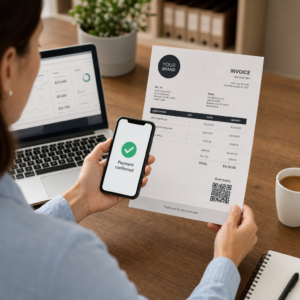
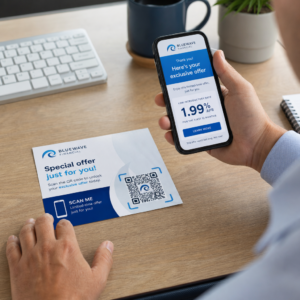
Are your event marketing materials failing to convert printed flyers into measurable online registrations? Offline event promotion often leaves organizers guessing about campaign return on investment while creating bottleneck lines at venue entrances. Implementing a structured QR code strategy bridges physical collateral to digital funnels, accelerating check-ins and delivering real-time attendee tracking.
Setting Clear Goals Across the Event Lifecycle
A successful QR code campaign addresses specific attendee touchpoints before, during, and after your event. Before launching your creative assets, align each code with measurable objectives by setting SMART goals for QR code campaigns.
Organize your campaign around three primary operational phases:
- Pre-Event Promotion: Drive ticket sales and RSVPs by linking print ads, posters, and direct mailers directly to a mobile-friendly registration page using an event QR code generator.
- On-Site Execution: Accelerate door entry, distribute presentation slides, share venue layouts, and manage session check-ins using dedicated QR codes for events.
- Post-Event Engagement: Collect session feedback, share recorded content, and route qualified leads directly into your marketing workflow.
Defining these goals early dictates whether you need basic landing page links, dynamic routing, or integration with external databases.
Designing and Placing QR Codes for Scannability
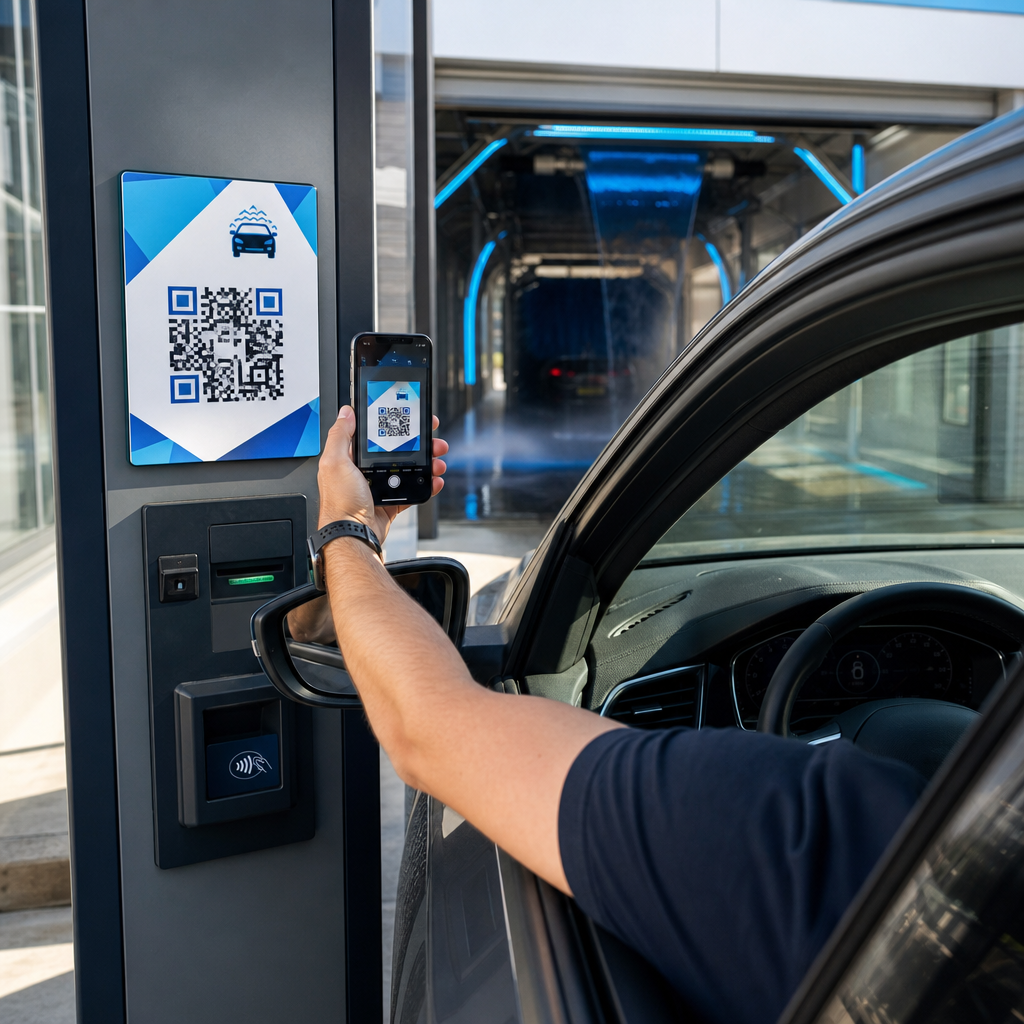
A QR code only generates conversions if smartphones can scan it quickly under real-world venue conditions. A fast, reliable scan should take no more than 3 seconds. To prevent scanning failures on printed collateral or digital displays, follow established design and placement specifications:
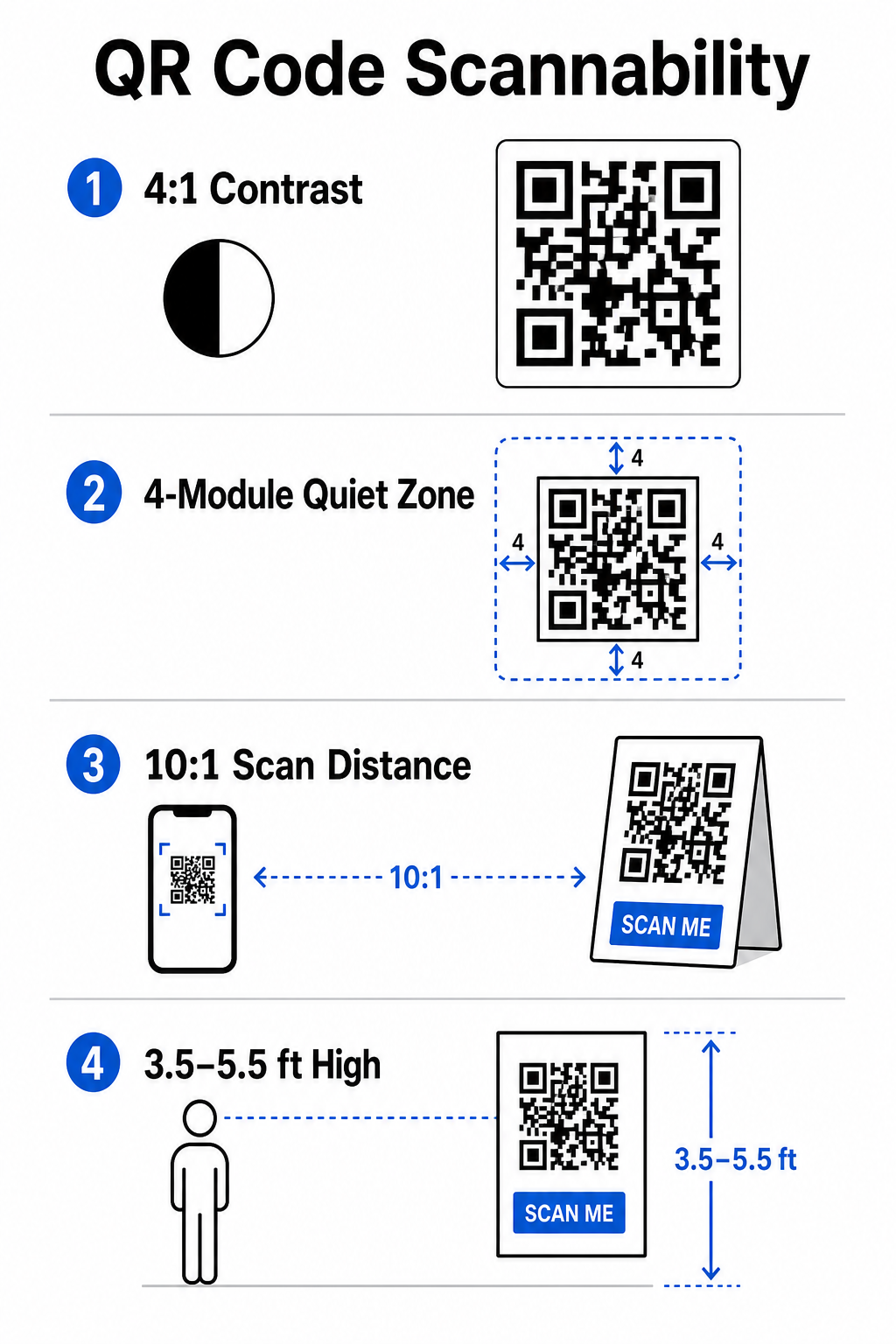
- Maintain Scannable Contrast: Always use dark pattern modules on a light background, such as black or dark blue foregrounds on white or pastel backgrounds. Maintain a minimum contrast ratio of 4:1 (or 55% contrast difference) to handle low-light event spaces.
- Respect the Quiet Zone: Reserve an empty margin around the code – known as the quiet zone – that measures at least 4 modules wide on all four sides. This border prevents surrounding graphic elements from interfering with the scanner.
- Calculate Proper Sizing: Apply a 10:1 size-to-distance ratio, meaning a code scanned from 10 feet away must measure at least 1 foot wide. For hand-held print items like business cards or badges, maintain a minimum size of 2 x 2 cm (0.8 x 0.8 inches).
- Position at Natural Eye Level: Position codes between 3.5 and 5.5 feet off the ground in high-traffic zones. Avoid placing codes across folds, curved surfaces, reflective materials, or bottom corners where hands cover them.
- Export Vector Formats: Save artwork as high-resolution vector files like SVG or EPS (or high-quality PNG) to prevent pixelation when scaling graphics up for large event displays.
For comprehensive layout techniques on posters, booths, and digital slides, review our guide to QR code placement in marketing.
Streamlining On-Site Operations and Attendee Engagement
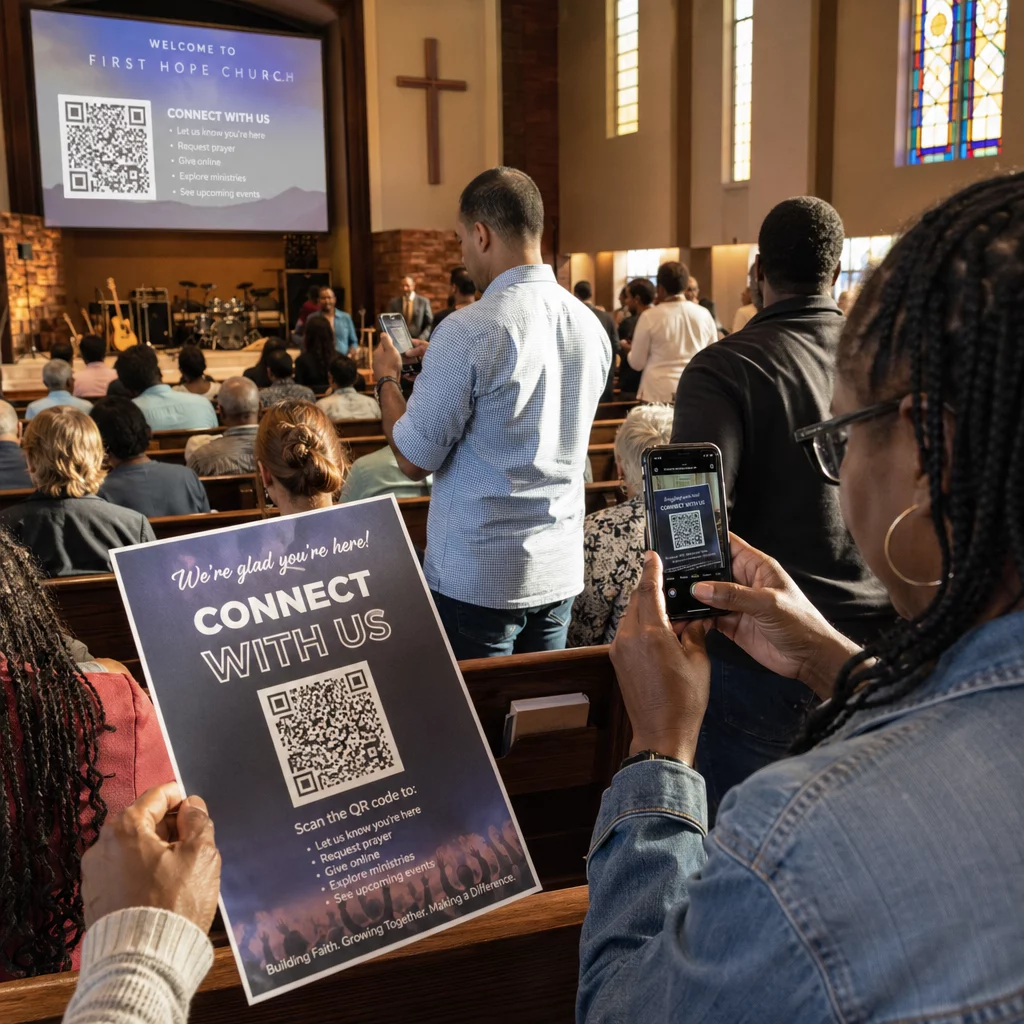
During live events, QR codes eliminate friction by connecting physical spaces to digital actions without requiring manual data entry. Mapping your strategy across pre-event print promotion, on-site fast entry, and post-event feedback forms keeps attendee interactions consistent throughout the event lifecycle.
Digital Check-In and Entry Control
Long queues at entry doors derail the attendee experience. Issuing personalized digital badges or ticket confirmation emails equipped with unique codes speeds up access control. Door staff using smartphone cameras or dedicated optical hardware can scan codes in under 2 seconds per person, reducing entrance congestion by up to 50%.

For higher-security conferences, implement dynamic ticket verification to prevent credential sharing. You can learn more about deploying encrypted credentials in our guide on how to create secure QR code event tickets and our guide to QR codes for event check-ins.
To log session arrivals or track room attendance effortlessly, organizers can also deploy a dedicated attendance QR code system displayed at room entrances.
Streamline Your Event Access and Management Want to eliminate registration lines and update event schedules dynamically without reprinting materials? Build custom, trackable event codes using the Event QR Code Generator.
Venue Navigation and Networking
Large convention centers and multi-track venues present complex spatial navigation challenges. Displaying a Google Maps QR code generator link on welcome signs or badges instantly opens exact pin locations, floor plans, or driving directions on an attendee’s default navigation application.
For exhibitors and networking sessions, digital contact exchange removes the hassle of physical business cards. Booth teams can show contact codes to capture lead details straight into CRM systems – a strategy detailed in our playbook on how to turn event handshakes into leads with QR codes.
Tracking Analytics and Post-Event Follow-Up
Measuring offline event marketing requires dynamic QR codes. Unlike static codes – which hardcode destination links permanently – dynamic codes store a short redirection URL that can be updated post-print while collecting full scan performance metrics.
To trace digital conversion paths back to specific physical items, append custom UTM parameters (`utmsource`, `utmmedium`, `utmcampaign`) to your destination URLs, such as `https://example.com/register?utmsource=eventposter&utmmedium=print&utmcampaign=annualsummit_2026`. By assigning distinct UTM parameters to individual flyers, badge lanyards, and presentation slides, you can compare placement performance inside Google Analytics or your event dashboard.
| Metric | Business Insight Provided | Strategic Action Item |
|---|---|---|
| Total Scans | Measures overall traffic volume generated by campaign collateral. | Determine total brand visibility across offline locations. |
| Unique Scans | Tracks actual individual attendees interacting with the code. | Evaluate true audience reach versus duplicate interactions. |
| Scan Time & Day | Identifies peak interaction hours during session schedules. | Adjust staff deployment and live announcements accordingly. |
| Geographic Data | Highlights cities or specific venue zones where scans originated. | Refine physical signage placement for future layouts. |
| Device OS | Reveals distribution between iOS and Android users. | Optimize mobile landing pages for target operating systems. |
Following up promptly after sessions increases post-event conversions. Displaying a Google Form QR code generator link on exit screens or event programs prompts attendees to leave immediate session feedback while their impressions remain fresh.
For an in-depth breakdown of measuring scan data and campaign performance, consult our complete guide on tracking QR codes and explore the top 5 tools for QR code event tracking.
Executing Pre-Launch Testing
Before sending files to commercial printers or publishing digital slides, perform rigorous real-world testing:
- Test Across Multiple Operating Systems: Scan artwork using older and newer devices running both iOS and Android native camera apps.
- Verify Target Environments: Test printed proofs under low lighting, artificial spotlighting, and indirect sunlight to confirm the 4:1 contrast ratio holds up.
- Confirm Redirection Speed: Verify that the dynamic short link routes to a fully responsive, mobile-optimized landing page in under 3 seconds over cellular data networks.
- Audit Data Destination Links: Check that embedded UTM parameters populate properly in analytics dashboards upon form submission.
Launching Your Event QR Code Campaign
Combining strict scannability standards, dynamic link management, and end-to-end performance analytics transforms static print materials into trackable event conversion channels. By structuring your campaign around pre-event, on-site, and post-event touchpoints, you eliminate operational bottlenecks while gathering actionable attendee data.
To ensure your next event runs seamlessly, create custom, editable QR codes with built-in tracking today using Pageloot’s Event QR Code Generator.
Frequently Asked Questions
Dynamic QR codes are strongly recommended for event campaigns because they allow you to update destination URLs after printing and collect detailed scan analytics, including scan counts, locations, and device types. Static codes cannot be edited post-print and do not support analytics tracking.
For close-range print items like business cards, badges, or table tents, the code should be at least 2 x 2 cm (0.8 x 0.8 inches). For posters and banners scanned from a distance, follow a 10:1 ratio where the code width equals 1 unit for every 10 units of scanning distance.
Add standard UTM tracking parameters (such as utmsource, utmmedium, and utm_campaign) to your landing page URL before converting it into a dynamic QR code. When attendees scan the code, your web analytics tool records the traffic source and subsequent form conversions automatically.