Вашите маркетингови материали за събития не успяват ли да превърнат печатните флаери в измерими онлайн регистрации? Офлайн промотирането на събития често оставя организаторите в неведение относно възвръщаемостта на инвестициите в кампанията, като същевременно създава опашки на входовете на местата. Прилагането на структурирана стратегия с QR кодове свързва физическите материали с цифровите фунии, ускорява регистрацията и осигурява проследяване на посетителите в реално време.
Поставяне на ясни цели през целия жизнен цикъл на събитието
Успешната кампания с QR кодове адресира конкретни точки на взаимодействие с посетителите преди, по време на и след вашето събитие. Преди да стартирате вашите креативни активи, съгласувайте всеки код с измерими цели, като поставяте SMART цели за кампании с QR кодове.
Организирайте кампанията си около три основни оперативни фази:
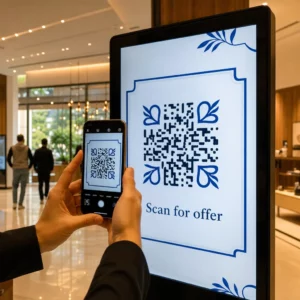
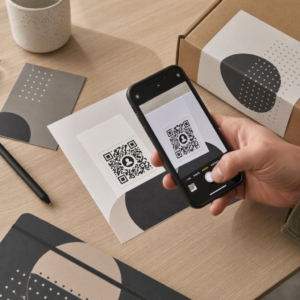
- Промоция преди събитието: Стимулирайте продажбите на билети и потвържденията за присъствие, като свържете печатни реклами, плакати и директни пощенски пратки директно към мобилно-съвместима страница за регистрация, използвайки QR код за събитие.
- Изпълнение на място: Ускорете влизането, разпространявайте презентационни слайдове, споделяйте схеми на мястото и управлявайте регистрацията за сесии, използвайки специални QR кодове за събития.
- Ангажиране след събитието: Събирайте обратна връзка за сесиите, споделяйте записано съдържание и насочвайте квалифицирани потенциални клиенти директно във вашия маркетингов работен процес.
Определянето на тези цели на ранен етап диктува дали имате нужда от основни връзки към целеви страници, динамично маршрутизиране или интеграция с външни бази данни.
Проектиране и поставяне на QR кодове за сканируемост
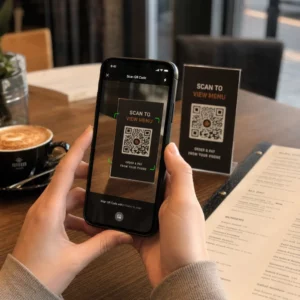
QR кодът генерира реализации само ако смартфоните могат да го сканират бързо при реални условия на мястото на събитието. Бързото и надеждно сканиране трябва да отнема не повече от 3 секунди. За да предотвратите неуспехи при сканиране на печатни материали или цифрови дисплеи, следвайте установените спецификации за дизайн и поставяне:
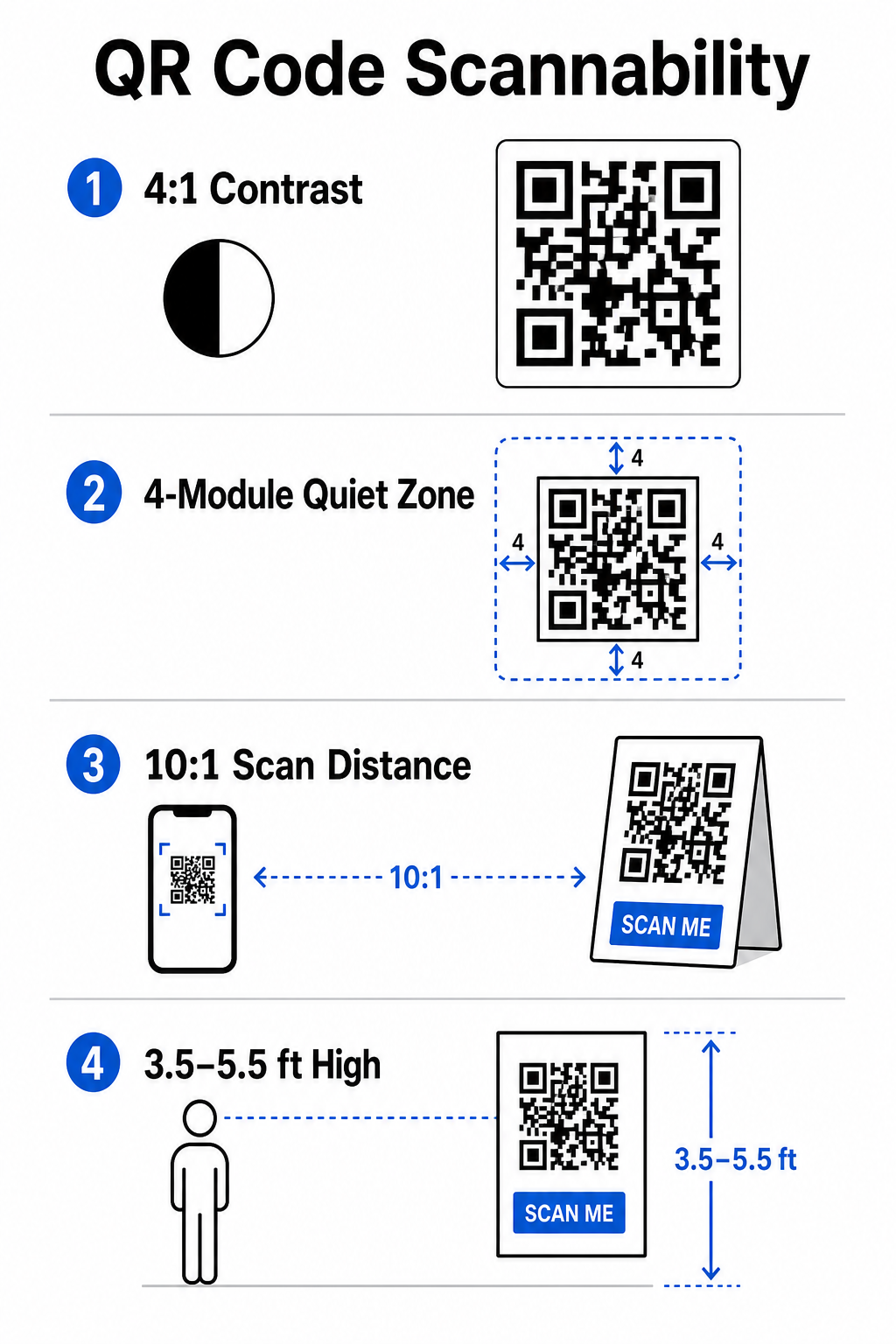
- Поддържайте сканируем контраст: Винаги използвайте тъмни модули на шаблона върху светъл фон, като черни или тъмносини предни планове върху бели или пастелни фонове. Поддържайте минимално контрастно съотношение от 4:1 (или 55% контрастна разлика), за да се справите с пространства за събития с ниска осветеност.
- Уважавайте тихата зона: Запазете празно поле около кода – известно като тиха зона – което е с размер поне 4 модула широко от четирите страни. Тази граница предотвратява намесата на околните графични елементи върху скенера.
- Изчислете правилния размер: Приложете съотношение размер-към-разстояние 10:1, което означава, че код, сканиран от 10 фута разстояние, трябва да бъде поне 1 фут широк. За ръчни печатни артикули като визитки или баджове поддържайте минимален размер от 2 x 2 см (0,8 x 0,8 инча).
- Позиционирайте на естествено ниво на очите: Позиционирайте кодовете между 3,5 и 5,5 фута над земята в зони с висок трафик. Избягвайте поставянето на кодове върху гънки, извити повърхности, отразяващи материали или долни ъгли, където ръцете ги покриват.
- Експортирайте във векторни формати: Запазете изображенията като векторни файлове с висока резолюция като SVG или EPS (или висококачествен PNG), за да предотвратите пикселизация при мащабиране на графики за големи дисплеи за събития.
За изчерпателни техники за оформление на плакати, щандове и цифрови слайдове, прегледайте нашето ръководство за разположение на QR кодовете в маркетингови.
Оптимизиране на операциите на място и ангажираността на посетителите
По време на събития на живо QR кодовете елиминират триенето, като свързват физическите пространства с цифрови действия, без да изискват ръчно въвеждане на данни. Картографирането на вашата стратегия върху печатната промоция преди събитието, бързото влизане на място и формулярите за обратна връзка след събитието поддържа последователни взаимодействия с посетителите през целия жизнен цикъл на събитието.
Цифрова регистрация и контрол на входа
Дългите опашки пред входовете развалят преживяването на посетителите. Издаването на персонализирани дигитални баджове или имейли за потвърждение на билети, снабдени с уникални кодове, ускорява контрола на достъпа. Персоналът на вратите, използващ камери на смартфони или специализиран оптичен хардуер, може да сканира кодове за под 2 секунди на човек, намалявайки струпването на входа с до 50%.

За конференции с по-висока сигурност, внедрете динамична проверка на билети, за да предотвратите споделянето на идентификационни данни. Можете да научите повече за внедряването на криптирани идентификационни данни в нашето ръководство за как да създадете сигурни QR код билети за събития и нашето ръководство за QR кодове за регистрация на събития.
За да регистрират пристиганията на сесии или да проследяват посещаемостта на зали без усилие, организаторите могат също да внедрят специална QR код за присъствие система, показана на входовете на залите.
Оптимизирайте достъпа и управлението на вашето събитие Искате ли да премахнете опашките за регистрация и да актуализирате динамично графиците на събитията, без да препечатвате материали? Създайте персонализирани, проследими кодове за събития, използвайки QR код за събитие.
Навигация в мястото на провеждане и работа в мрежа
Големите конгресни центрове и места с множество паралелни сесии представляват сложни предизвикателства за пространствена навигация. Показването на QR код за Google Maps линк върху поздравителни табели или баджове незабавно отваря точни локации с pin, планове на етажите или упътвания за шофиране в навигационното приложение по подразбиране на посетителя.
За изложители и нетуъркинг сесии, дигиталният обмен на контакти премахва неудобството от физическите визитни картички. Екипите на щандовете могат да показват кодове за контакт, за да улавят детайли за потенциални клиенти директно в CRM системите – стратегия, описана подробно в нашето ръководство за това как да превърнете ръкостисканията от събития в потенциални клиенти с QR кодове.
Проследяване на анализи и последващи действия след събитието
Измерването на офлайн маркетинг на събития изисква динамични QR кодове. За разлика от статичните кодове – които твърдо кодират дестинационните линкове за постоянно – динамичните кодове съхраняват кратък URL за пренасочване, който може да бъде актуализиран след отпечатване, като същевременно събира пълни метрики за ефективността на сканиранията.
За да проследите пътищата на дигитална конверсия обратно към конкретни физически елементи, добавете персонализирани UTM параметри (`utmизточник`, `utmмедия`, `utmcampaign`) към вашите дестинационни URL адреси, като например `https://example.com/register?utmsource=eventплакат&utmмедия=печат&utmкампания=годишнаsummit_2026`. Чрез присвояване на отделни UTM параметри на индивидуални флаери, ленти за баджове и презентационни слайдове, можете да сравните ефективността на разположението в Google Analytics или вашето табло за управление на събития.
| Показател | Предоставена бизнес информация | Стратегическа задача за действие |
|---|---|---|
| ОБЩО СКАНИРАНИЯ | Измерва общия трафик, генериран от кампанийни материали. | Определете общата видимост на марката в офлайн локации. |
| Уникални сканирания | Проследява действителни индивидуални присъстващи, взаимодействащи с кода. | Оценете истинския обхват на аудиторията спрямо дублирани взаимодействия. |
| Време и ден на сканиране | Идентифицира пиковите часове на взаимодействие по време на сесийните графици. | Коригирайте разпределението на персонала и живите обяви съответно. |
| Географски данни | Откроява градове или конкретни зони на мястото, откъдето са произлезли сканиранията. | Подобрете разположението на физическите табели за бъдещи оформления. |
| Операционна система на устройството | Разкрива разпределението между iOS и Android потребители. | Оптимизирайте мобилните целеви страници за целеви операционни системи. |
Последването своевременно след сесии увеличава конверсиите след събитието. Показването на Анкета с QR код за Google Forms линк на екраните за изход или програмните материали подтиква присъстващите да оставят незабавна обратна връзка за сесията, докато впечатленията им са все още свежи.
За задълбочен анализ на измерването на данни от сканирания и ефективността на кампании, вижте нашето пълно ръководство за проследяване на QR кодове и разгледайте топ 5 инструмента за проследяване на събития с QR кодове.
Изпълнение на предстартово тестване
Преди да изпратите файлове към търговски печатници или да публикувате дигитални слайдове, извършете задълбочено тестване в реални условия:
- Тествайте върху множество операционни системи: Сканирайте графичния материал, използвайки по-стари и по-нови устройства, работещи с родните камера приложения на iOS и Android.
- Проверете целевите среди: Тествайте печатни проби при слабо осветление, изкуствено прожекторно осветление и непряка слънчева светлина, за да потвърдите, че контрастното съотношение 4:1 се запазва.
- Потвърдете скоростта на пренасочване: Проверете дали динамичната кратка връзка насочва към напълно адаптивна, оптимизирана за мобилни устройства целева страница за по-малко от 3 секунди през клетъчни мрежи за данни.
- Одитирайте целевите връзки за данни: Проверете дали вградените UTM параметри се попълват правилно в таблата за анализ при подаване на формуляр.
Стартиране на вашата кампания с QR код за събитие
Комбинирането на строги стандарти за сканируемост, управление на динамични връзки и анализ на производителността от край до край превръща статичните печатни материали в проследими канали за конверсия на събития. Като структурирате кампанията си около допирни точки преди събитието, на място и след събитието, вие елиминирате оперативните затруднения, докато събирате приложими данни за присъстващите.
За да гарантирате, че следващото ви събитие протича безпроблемно, създайте персонализирани, редактируеми QR кодове с вградено проследяване още днес, използвайки Генератора на QR кодове за събития на Pageloot.
Често задавани въпроси
Динамичните QR кодове са силно препоръчителни за събитийни кампании, защото ви позволяват да актуализирате целевите URL адреси след отпечатване и да събирате подробни анализи на сканиранията, включително брой сканирания, местоположения и типове устройства. Статичните кодове не могат да бъдат редактирани след отпечатване и не поддържат проследяване на анализи.
За близки печатни артикули като визитки, баджове или настолни табели, кодът трябва да бъде поне 2 x 2 cm (0.8 x 0.8 инча). За плакати и банери, сканирани от разстояние, следвайте съотношение 10:1, при което ширината на кода е равна на 1 единица за всеки 10 единици разстояние на сканиране.
Добавете стандартни UTM параметри за проследяване (като utmsource, utmmedium и utm_campaign) към URL адреса на целевата си страница, преди да го преобразувате в динамичен QR код. Когато посетителите сканират кода, вашият инструмент за уеб анализ автоматично записва източника на трафик и последващите реализации от формуляри.