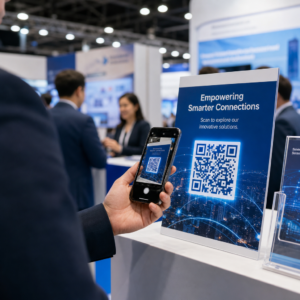
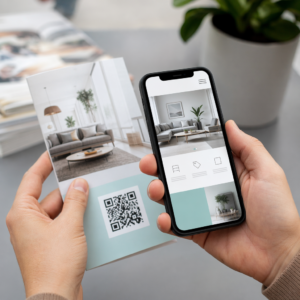
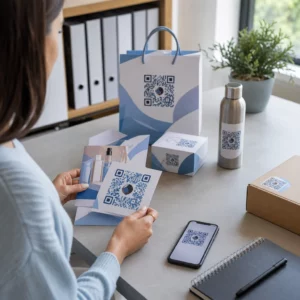
สื่อการตลาดสำหรับกิจกรรมของคุณไม่สามารถเปลี่ยนแผ่นพับที่พิมพ์ออกมาให้กลายเป็นการลงทะเบียนออนไลน์ที่วัดผลได้หรือไม่? การโปรโมทกิจกรรมแบบออฟไลน์มักทำให้ผู้จัดงานต้องเดาเกี่ยวกับผลตอบแทนจากการลงทุนของแคมเปญ ในขณะเดียวกันก็สร้างคิวยาวเป็นคอขวดที่ทางเข้างาน การใช้กลยุทธ์ QR Code ที่มีโครงสร้างชัดเจนจะเชื่อมสื่อสิ่งพิมพ์เข้ากับช่องทางดิจิทัล ช่วยเร่งกระบวนการเช็คอินและให้ข้อมูลการติดตามผู้เข้าร่วมงานแบบเรียลไทม์.
การกำหนดเป้าหมายที่ชัดเจนตลอดวงจรชีวิตของงานอีเวนต์
แคมเปญ QR Code ที่ประสบความสำเร็จจะจัดการกับจุดสัมผัสของผู้เข้าร่วมงานที่เฉพาะเจาะจงก่อน ระหว่าง และหลังงานของคุณ ก่อนที่จะเปิดตัวสื่อสร้างสรรค์ของคุณ ให้จัดเรียงแต่ละโค้ดให้สอดคล้องกับวัตถุประสงค์ที่วัดผลได้โดย การตั้งเป้าหมาย SMART สำหรับแคมเปญรหัส QR.
จัดระเบียบแคมเปญของคุณรอบสามขั้นตอนการดำเนินงานหลัก:
- การส่งเสริมการขายก่อนงาน: เพิ่มยอดขายตั๋วและการตอบรับเข้าร่วมงานโดยการเชื่อมโยงโฆษณาสิ่งพิมพ์ โปสเตอร์ และจดหมายตรงไปยังหน้าการลงทะเบียนที่เหมาะกับมือถือโดยใช้ การสร้าง QR Code ลงทะเบียนอบรม.
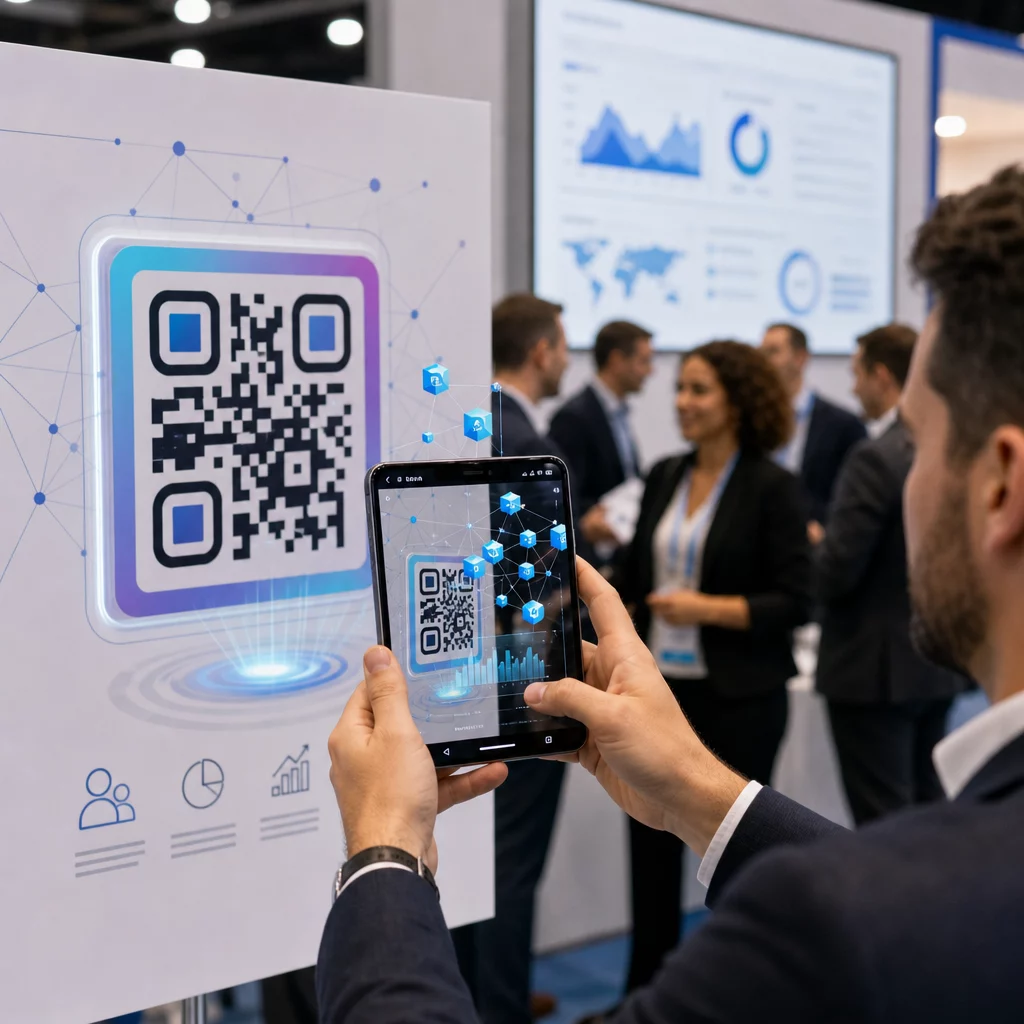
- การดำเนินงานในสถานที่จัดงาน: เร่งกระบวนการเข้าประตู แจกจ่ายสไลด์นำเสนอ แบ่งปันผังสถานที่ และจัดการการเช็คอินเซสชันโดยใช้ รหัส QR สำหรับกิจกรรม.
- การมีส่วนร่วมหลังงาน: รวบรวมข้อเสนอแนะเกี่ยวกับเซสชัน แชร์เนื้อหาที่บันทึกไว้ และส่งต่อลีดที่มีคุณสมบัติเหมาะสมเข้าสู่ขั้นตอนการทำงานการตลาดของคุณโดยตรง.
การกำหนดเป้าหมายเหล่านี้ตั้งแต่เนิ่นๆ จะกำหนดว่าคุณต้องการลิงก์ไปยังหน้า Landing Page พื้นฐาน การกำหนดเส้นทางแบบไดนามิก หรือการรวมเข้ากับฐานข้อมูลภายนอก.
การออกแบบและวางตำแหน่ง QR Code เพื่อให้สแกนได้
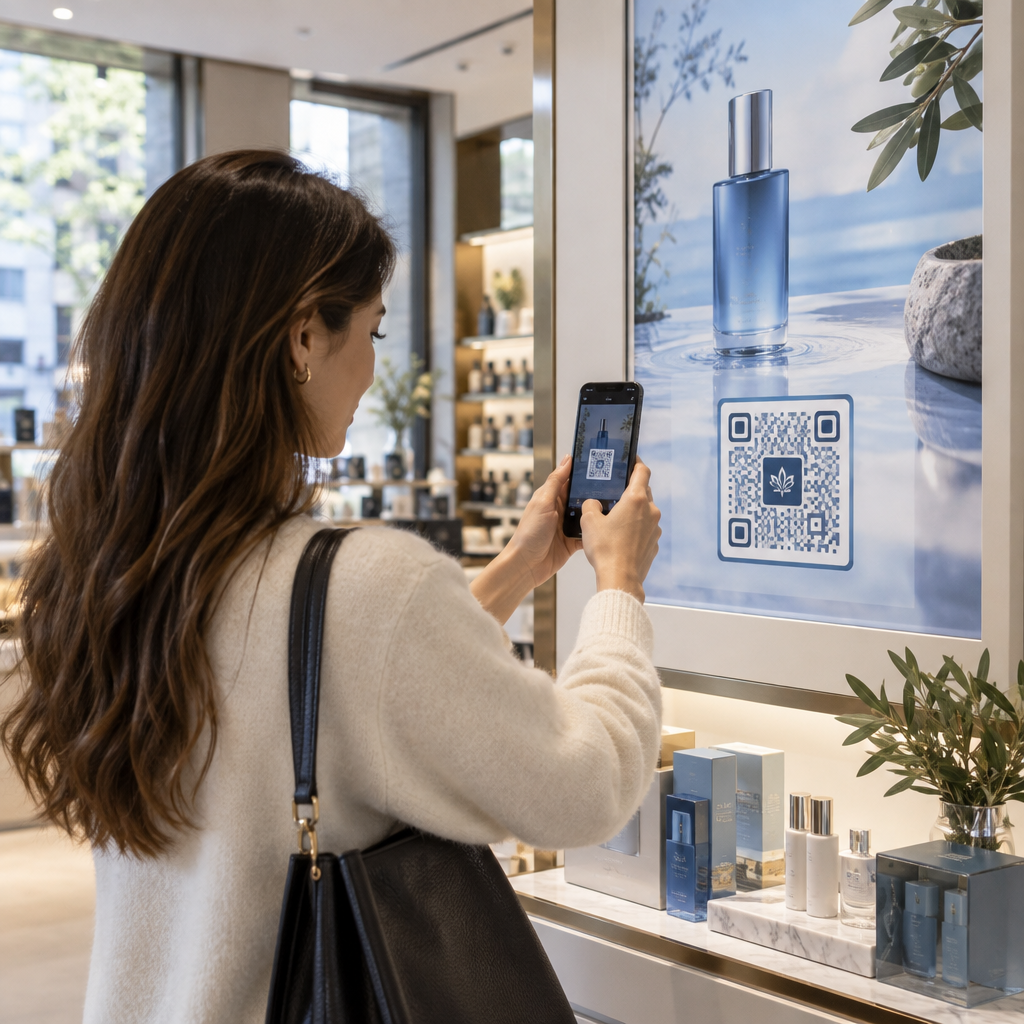
QR Code จะสร้าง Conversion ได้ก็ต่อเมื่อสมาร์ทโฟนสามารถสแกนได้อย่างรวดเร็วภายใต้สภาพแวดล้อมจริงของสถานที่จัดงาน การสแกนที่รวดเร็วและเชื่อถือได้ควรใช้เวลาไม่เกิน 3 วินาที เพื่อป้องกันความล้มเหลวในการสแกนบนสื่อสิ่งพิมพ์หรือจอดิจิทัล ให้ปฏิบัติตามข้อกำหนดการออกแบบและตำแหน่งที่กำหนดไว้:
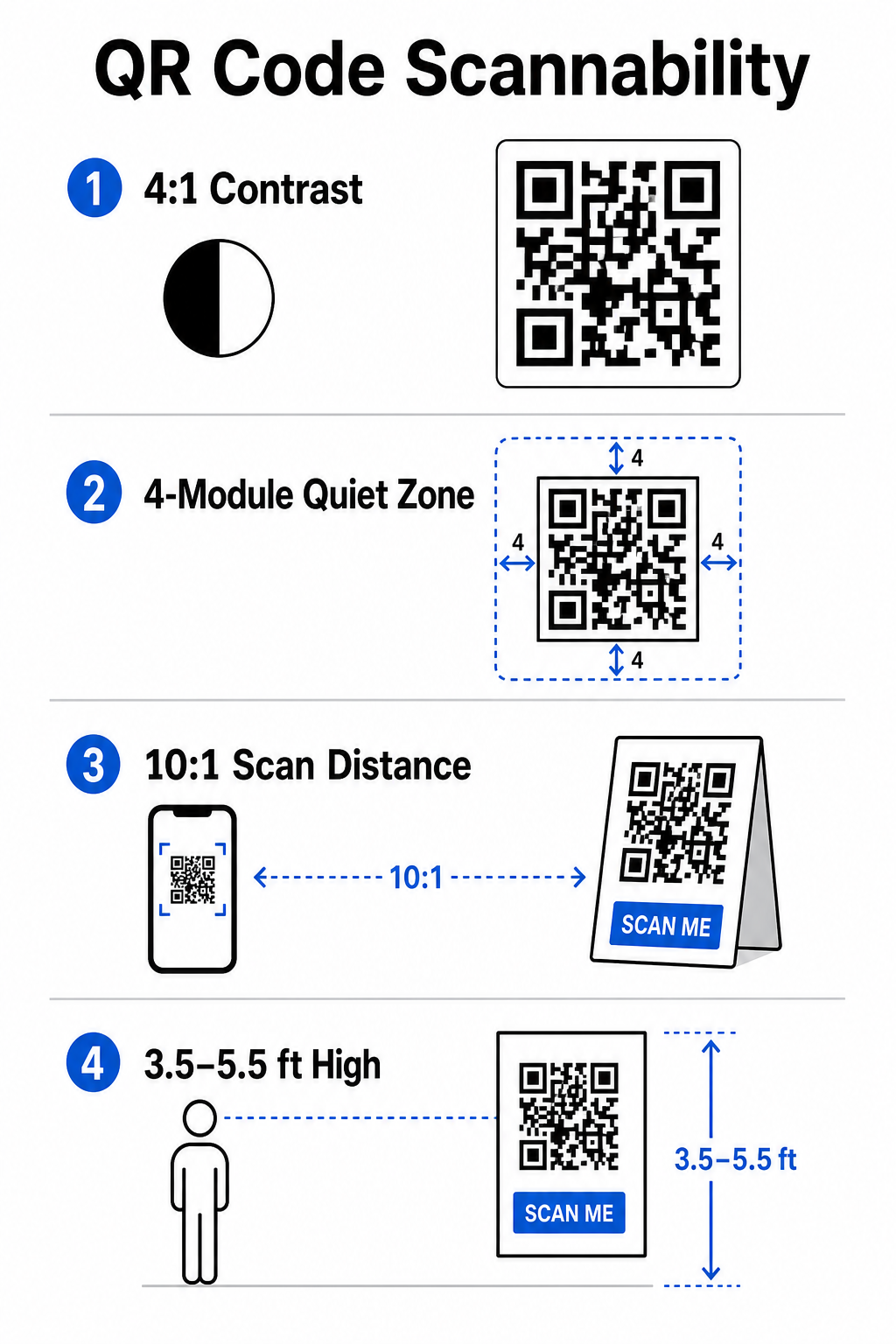
- รักษาความคมชัดที่สแกนได้: ใช้ลวดลายโมดูลสีเข้มบนพื้นหลังสีอ่อนเสมอ เช่น พื้นหน้าสีดำหรือสีน้ำเงินเข้มบนพื้นหลังสีขาวหรือสีพาสเทล รักษาอัตราส่วนความคมชัดขั้นต่ำที่ 4:1 (หรือความแตกต่างของความคมชัด 55%) เพื่อรองรับพื้นที่จัดงานที่มีแสงน้อย.
- เคารพโซนเงียบ: เว้นระยะขอบว่างรอบโค้ด – ที่เรียกว่าโซนเงียบ – ซึ่งมีขนาดอย่างน้อย 4 โมดูลในทุกด้าน ขอบนี้ป้องกันไม่ให้องค์ประกอบกราฟิกโดยรอบรบกวนเครื่องสแกน.
- คำนวณขนาดที่เหมาะสม: ใช้อัตราส่วนขนาดต่อระยะทาง 10:1 หมายความว่าโค้ดที่สแกนจากระยะ 10 ฟุตต้องมีความกว้างอย่างน้อย 1 ฟุต สำหรับสิ่งพิมพ์ที่ถือด้วยมือ เช่น นามบัตรหรือป้ายชื่อ ให้รักษาขนาดขั้นต่ำที่ 2 x 2 ซม. (0.8 x 0.8 นิ้ว).
- วางตำแหน่งที่ระดับสายตาตามธรรมชาติ: วางโค้ดระหว่าง 3.5 ถึง 5.5 ฟุตจากพื้นในโซนที่มีการจราจรหนาแน่น หลีกเลี่ยงการวางโค้ดข้ามรอยพับ พื้นผิวโค้ง วัสดุสะท้อนแสง หรือมุมด้านล่างที่มือบังไว้.
- ส่งออกเป็นรูปแบบเวกเตอร์: บันทึกงานศิลปะเป็นไฟล์เวกเตอร์ความละเอียดสูง เช่น SVG หรือ EPS (หรือ PNG คุณภาพสูง) เพื่อป้องกันการแตกเป็นพิกเซลเมื่อปรับขนาดกราฟิกสำหรับจอแสดงผลขนาดใหญ่ในงาน.
สำหรับเทคนิคการจัดวางที่ครอบคลุมบนโปสเตอร์ บูธ และสไลด์ดิจิทัล โปรดดูคำแนะนำของเราเกี่ยวกับ รหัส QR ในการตลาด.
การปรับปรุงการดำเนินงานในสถานที่และการมีส่วนร่วมของผู้เข้าร่วมงาน
ในระหว่างงานสด QR Code จะช่วยลดแรงเสียดทานโดยการเชื่อมต่อพื้นที่ทางกายภาพกับการดำเนินการทางดิจิทัลโดยไม่ต้องป้อนข้อมูลด้วยตนเอง การวางแผนกลยุทธ์ของคุณผ่านการส่งเสริมการขายสิ่งพิมพ์ก่อนงาน การเข้าด่วนในสถานที่ และแบบฟอร์มข้อเสนอแนะหลังงาน จะทำให้ปฏิสัมพันธ์ของผู้เข้าร่วมงานสอดคล้องกันตลอดวงจรชีวิตของงาน.
การเช็คอินดิจิทัลและการควบคุมการเข้า
คิวยาวที่ประตูทางเข้าทำลายประสบการณ์ของผู้เข้าร่วมงาน การออกป้ายชื่อดิจิทัลส่วนบุคคลหรืออีเมลยืนยันตั๋วที่ติดตั้งโค้ดเฉพาะช่วยเร่งการควบคุมการเข้า เจ้าหน้าที่ประจำประตูที่ใช้กล้องสมาร์ทโฟนหรือฮาร์ดแวร์ออปติคัลเฉพาะสามารถสแกนโค้ดได้ภายในเวลาไม่ถึง 2 วินาทีต่อคน ลดความแออัดบริเวณทางเข้าได้ถึง 50%.
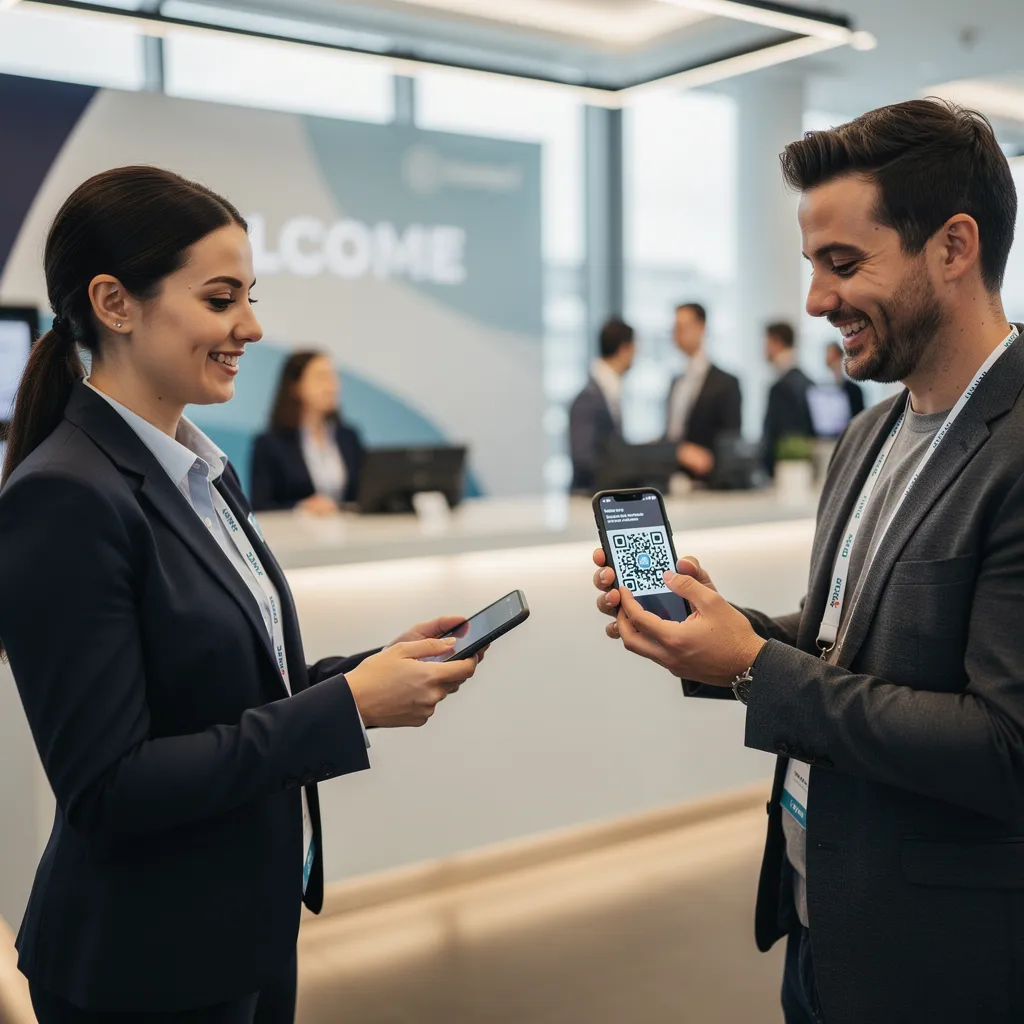
สำหรับการประชุมที่มีความปลอดภัยสูง ให้ใช้การตรวจสอบตั๋วแบบไดนามิกเพื่อป้องกันการแชร์ข้อมูลรับรอง คุณสามารถเรียนรู้เพิ่มเติมเกี่ยวกับการปรับใช้ข้อมูลรับรองที่เข้ารหัสได้ในคำแนะนำของเราเกี่ยวกับ วิธีสร้างตั๋วเข้างาน QR โค้ดที่ปลอดภัย และคำแนะนำของเราเกี่ยวกับ รหัส QR สำหรับการเช็คอินงานอีเวนต์.
เพื่อบันทึกการมาถึงของเซสชันหรือติดตามการเข้าร่วมห้องได้อย่างง่ายดาย ผู้จัดงานยังสามารถปรับใช้ระบบ ระบบรหัส QR สำหรับการเข้าร่วม ที่แสดงที่ทางเข้าห้อง.
ปรับปรุงการเข้าถึงและการจัดการงานของคุณ ต้องการกำจัดคิวลงทะเบียนและอัปเดตตารางงานแบบไดนามิกโดยไม่ต้องพิมพ์วัสดุใหม่หรือไม่? สร้างโค้ดงานที่กำหนดเองและติดตามได้โดยใช้ การสร้าง QR Code ลงทะเบียนอบรม.
การนำทางสถานที่และการสร้างเครือข่าย
ศูนย์ประชุมขนาดใหญ่และสถานที่จัดงานที่มีหลายแทร็กนำเสนอความท้าทายในการนำทางเชิงพื้นที่ที่ซับซ้อน การแสดงลิงก์ ทำคิวอาร์โค้ด แผนที่ Google Maps บนป้ายต้อนรับหรือป้ายชื่อจะเปิดตำแหน่งพินที่แน่นอน ผังพื้น หรือเส้นทางการขับขี่บนแอปพลิเคชันนำทางเริ่มต้นของผู้เข้าร่วมงานได้ทันที.
สำหรับผู้แสดงสินค้าและเซสชันการสร้างเครือข่าย การแลกเปลี่ยนข้อมูลติดต่อแบบดิจิทัลช่วยขจัดความยุ่งยากของนามบัตรกระดาษ ทีมงานบูธสามารถแสดงโค้ดติดต่อเพื่อบันทึกรายละเอียดลีดเข้าสู่ระบบ CRM ได้โดยตรง – กลยุทธ์ที่อธิบายไว้ในคู่มือของเราเกี่ยวกับวิธีการ เปลี่ยนการจับมือในงานให้เป็นลีดด้วย QR Code.
การติดตามการวิเคราะห์และการติดตามผลหลังงาน
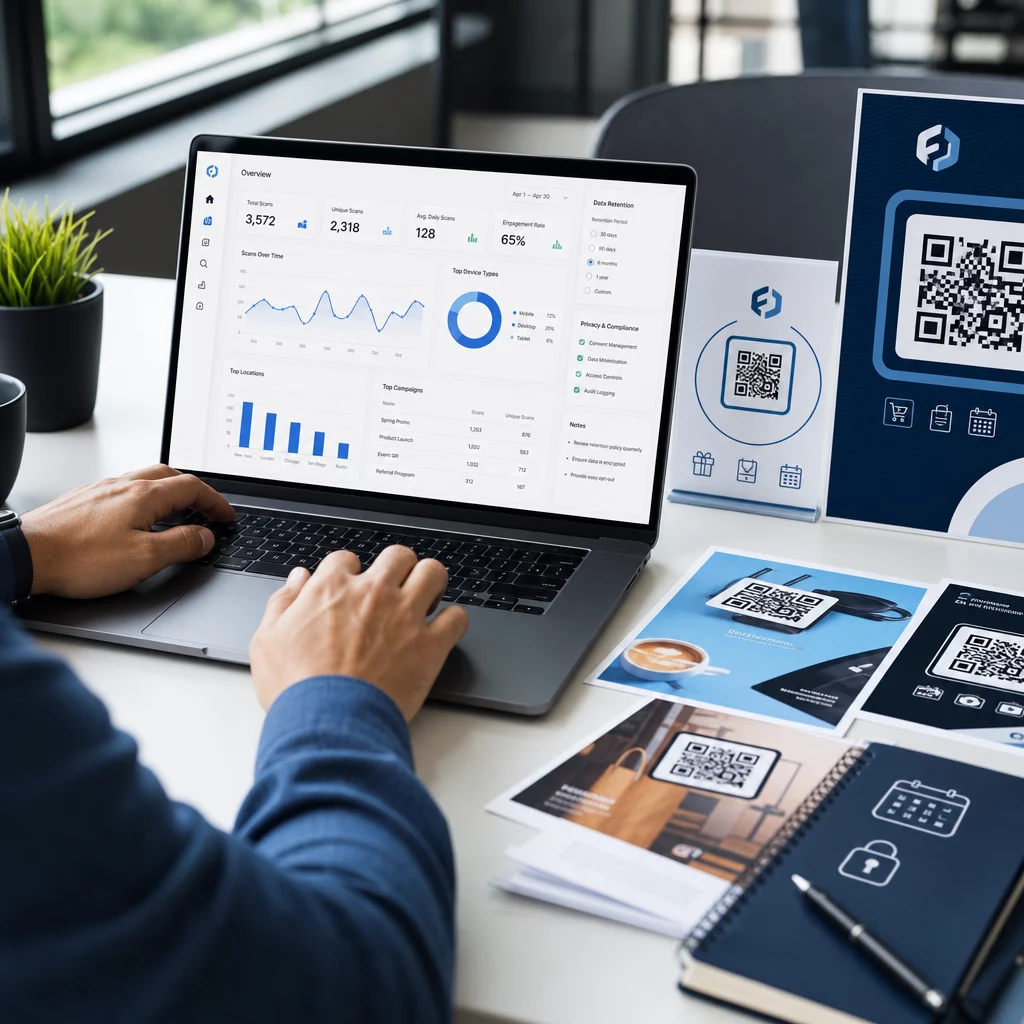
การวัดผลการตลาดงานอีเวนต์แบบออฟไลน์ต้องใช้ QR Code แบบไดนามิก ซึ่งแตกต่างจากโค้ดแบบคงที่ – ซึ่งกำหนดลิงก์ปลายทางอย่างถาวร – โค้ดแบบไดนามิกจะเก็บ URL การเปลี่ยนเส้นทางสั้นๆ ที่สามารถอัปเดตได้หลังการพิมพ์ พร้อมรวบรวมเมตริกประสิทธิภาพการสแกนทั้งหมด.
เพื่อติดตามเส้นทาง Conversion ดิจิทัลกลับไปยังสิ่งของทางกายภาพที่เฉพาะเจาะจง ให้เพิ่มพารามิเตอร์ UTM ที่กำหนดเอง (`utmsource`, `utmmedium`, `utmcampaign`) ไปยัง URL ปลายทางของคุณ เช่น `https://example.com/register?utmsource=eventposter&utmmedium=print&utmcampaign=annualsummit_2026` โดยการกำหนดพารามิเตอร์ UTM ที่แตกต่างกันให้กับใบปลิวแต่ละใบ สายคล้องป้ายชื่อ และสไลด์นำเสนอ คุณสามารถเปรียบเทียบประสิทธิภาพของตำแหน่งภายใน Google Analytics หรือแดชบอร์ดงานของคุณได้.
| เมตริก | ข้อมูลเชิงลึกทางธุรกิจที่ให้ไว้ | รายการดำเนินการเชิงกลยุทธ์ |
|---|---|---|
| การสแกนทั้งหมด | วัดปริมาณการเข้าชมโดยรวมที่เกิดจากสื่อประชาสัมพันธ์ของแคมเปญ. | กำหนดภาพรวมการมองเห็นแบรนด์ในสถานที่ออฟไลน์ทั้งหมด. |
| การสแกนที่ไม่ซ้ำกัน | ติดตามการโต้ตอบจริงของผู้เข้าร่วมแต่ละคนกับโค้ด. | ประเมินจำนวนการเข้าถึงกลุ่มเป้าหมายที่แท้จริงเทียบกับการโต้ตอบที่ซ้ำซ้อน. |
| เวลาและวันในการสแกน | ระบุช่วงเวลาที่มีปฏิสัมพันธ์สูงสุดในระหว่างตารางการอบรม. | ปรับการจัดกำลังเจ้าหน้าที่และการประกาศสดให้เหมาะสม. |
| ข้อมูลทางภูมิศาสตร์ | เน้นเมืองหรือพื้นที่เฉพาะที่การสแกนเริ่มต้นขึ้น. | ปรับปรุงการจัดวางป้ายบอกทางสำหรับรูปแบบการจัดวางในอนาคต. |
| ระบบปฏิบัติการของอุปกรณ์ | เปิดเผยการกระจายตัวระหว่างผู้ใช้ iOS และ Android. | ปรับแต่งหน้า Landing Page สำหรับมือถือให้เหมาะสมกับระบบปฏิบัติการเป้าหมาย. |
การติดตามผลทันทีหลังจบการอบรมจะช่วยเพิ่มอัตราการเปลี่ยนลูกค้าเป้าหมายให้เป็นลูกค้าจริง การแสดงผล ทำ Google Form เป็น QR Code ลิงก์บนหน้าจอแสดงผลหลังการเข้าร่วมกิจกรรมหรือในโปรแกรมงานอีเวนต์ จะกระตุ้นให้ผู้เข้าร่วมสามารถแสดงความคิดเห็นเกี่ยวกับเซッションได้ทันที ในขณะที่ความประทับใจยังคงสดใหม่.
สำหรับข้อมูลเชิงลึกเกี่ยวกับการวัดข้อมูลการสแกนและประสิทธิภาพของแคมเปญ โปรดดูคู่มือฉบับสมบูรณ์ของเรา ติดตามรหัส QR และสำรวจ 5 เครื่องมือยอดนิยมสำหรับการติดตามกิจกรรมด้วย QR Code.
ดำเนินการทดสอบก่อนเปิดตัว
ก่อนส่งไฟล์ไปยังโรงพิมพ์เชิงพาณิชย์หรือเผยแพร่สไลด์ดิจิทัล ควรทำการทดสอบในสภาพแวดล้อมจริงอย่างเข้มงวด:
- ทดสอบบนระบบปฏิบัติการหลายระบบ: สแกนภาพงานศิลปะโดยใช้ทั้งอุปกรณ์รุ่นเก่าและรุ่นใหม่ที่ใช้แอปกล้องของระบบปฏิบัติการ iOS และ Android.
- ตรวจสอบสภาพแวดล้อมเป้าหมาย: ทดสอบงานพิมพ์ตัวอย่างภายใต้แสงน้อย แสงสปอตไลท์ และแสงแดดทางอ้อม เพื่อยืนยันว่าอัตราส่วนความคมชัด 4:1 ยังคงถูกต้อง.
- ยืนยันความเร็วในการเปลี่ยนเส้นทางตรวจสอบว่าลิงก์สั้นแบบไดนามิกนำไปยังหน้า Landing Page ที่ตอบสนองต่อทุกขนาดหน้าจอและปรับให้เหมาะสมกับอุปกรณ์เคลื่อนที่ได้อย่างสมบูรณ์ภายในเวลาไม่ถึง 3 วินาที ผ่านเครือข่ายข้อมูลมือถือ.
- ลิงก์ปลายทางข้อมูลการตรวจสอบตรวจสอบว่าพารามิเตอร์ UTM ที่ฝังอยู่แสดงผลอย่างถูกต้องในแดชบอร์ดวิเคราะห์ข้อมูลหลังจากการส่งแบบฟอร์ม.
เปิดตัวแคมเปญรหัส QR สำหรับกิจกรรมของคุณ
การผสานรวมมาตรฐานการสแกนที่เข้มงวด การจัดการลิงก์แบบไดนามิก และการวิเคราะห์ประสิทธิภาพแบบครบวงจร จะเปลี่ยนสื่อสิ่งพิมพ์แบบคงที่ให้กลายเป็นช่องทางการเปลี่ยนผู้เข้าชมให้เป็นลูกค้าที่สามารถติดตามได้ โดยการวางโครงสร้างแคมเปญของคุณโดยเน้นจุดติดต่อก่อนงาน ระหว่างงาน และหลังงาน คุณจะสามารถขจัดปัญหาคอขวดในการดำเนินงาน พร้อมทั้งรวบรวมข้อมูลผู้เข้าร่วมงานที่นำไปใช้ได้จริง.
เพื่อให้มั่นใจว่างานอีเวนต์ครั้งต่อไปของคุณจะดำเนินไปอย่างราบรื่น สร้างคิวอาร์โค้ดที่ปรับแต่งได้และแก้ไขได้ พร้อมระบบติดตามในตัวได้แล้ววันนี้โดยใช้ เครื่องมือสร้างคิวอาร์โค้ดสำหรับงานอีเวนต์ของ Pageloot.
คำถามที่พบบ่อย
คิวอาร์โค้ดแบบไดนามิกขอแนะนำอย่างยิ่งสำหรับแคมเปญกิจกรรม เพราะช่วยให้คุณสามารถอัปเดต URL ปลายทางได้หลังจากพิมพ์ และรวบรวมข้อมูลวิเคราะห์การสแกนโดยละเอียด รวมถึงจำนวนการสแกน ตำแหน่งที่ตั้ง และประเภทอุปกรณ์ โค้ดแบบคงที่ไม่สามารถแก้ไขได้หลังการพิมพ์ และไม่รองรับการติดตามข้อมูลวิเคราะห์.
สำหรับสื่อสิ่งพิมพ์ที่มองในระยะใกล้ เช่น นามบัตร ป้ายชื่อ หรือป้ายตั้งโต๊ะ โค้ดควรมีขนาดอย่างน้อย 2 x 2 ซม. (0.8 x 0.8 นิ้ว) สำหรับโปสเตอร์และแบนเนอร์ที่สแกนจากระยะไกล ให้ปฏิบัติตามอัตราส่วน 10:1 โดยความกว้างของโค้ดเท่ากับ 1 หน่วย ต่อทุกๆ 10 หน่วยของระยะสแกน.
เพิ่มพารามิเตอร์การติดตาม UTM มาตรฐาน (เช่น utmsource, utmmedium และ utm_campaign) ลงใน URL ของหน้า Landing Page ก่อนแปลงเป็นคิวอาร์โค้ดแบบไดนามิก เมื่อผู้เข้าร่วมสแกนโค้ด เครื่องมือวิเคราะห์เว็บของคุณจะบันทึกแหล่งที่มาของการเข้าชมและการแปลงฟอร์มที่ตามมาโดยอัตโนมัติ.