Are you struggling with ticket fraud or slow entry lines at your events? Counterfeit passes and duplicate screenshots drain your gate revenue and frustrate legitimate attendees. This guide explains how to build a secure QR code ticketing system that eliminates unauthorized duplication and keeps entry lines moving quickly.
Static vs. Dynamic Code Security
When choosing how to issue digital tickets, the architecture of your QR code determines your vulnerability to fraud. Static QR codes encode permanent, fixed text directly into the pattern of black and white squares. Much like a photocopied paper ticket, once an attendee receives a static code, anyone can copy, screenshot, or forward it to create an identical pass.
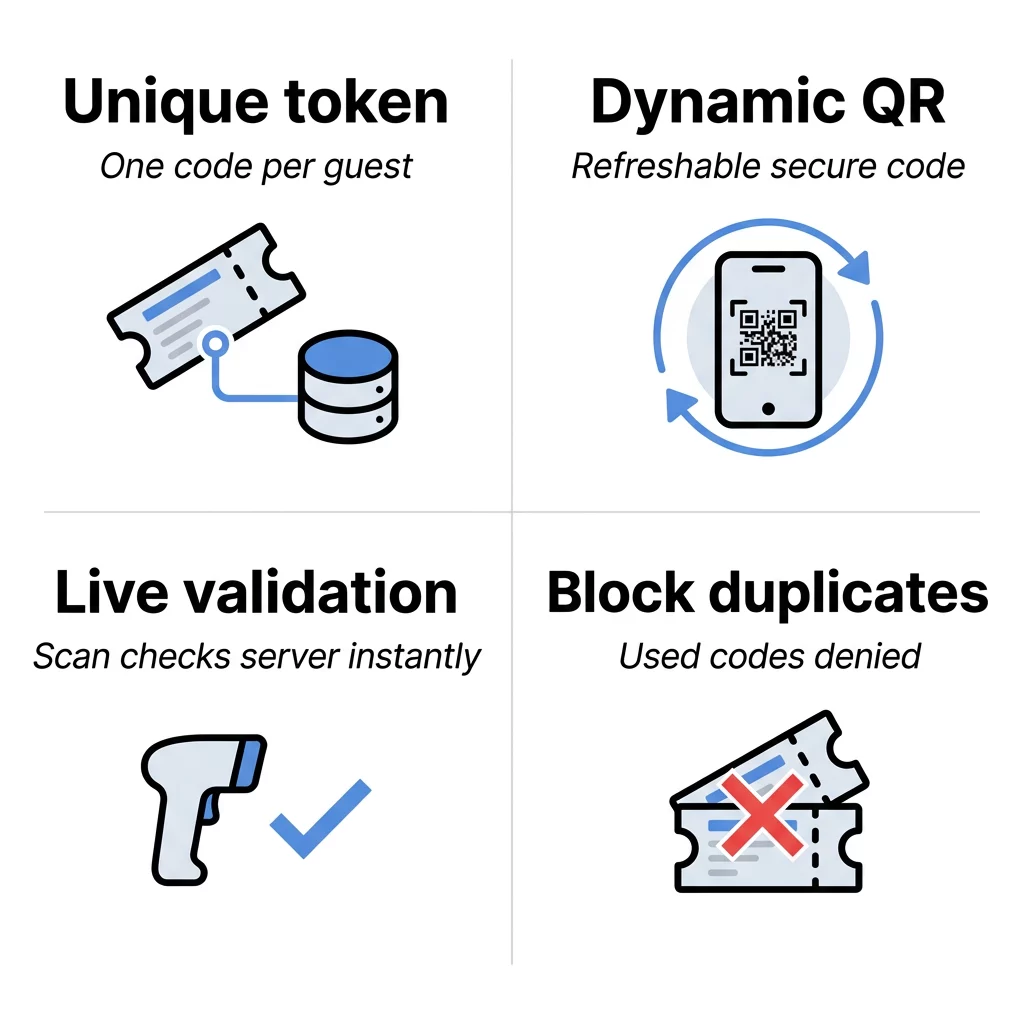
In contrast, a dynamic QR code generator creates a code that points to an editable web destination or server-managed endpoint. The visual pattern remains simple while the backend server controls access rights, scan counts, and status updates. When you issue dynamic credentials, you can invalidate compromised passes instantly, restrict access after the first scan, and monitor check-ins across multiple entrance gates in real time.
Best Practices for Ticket Generation
Preventing duplication begins during the creation process by assigning distinct, tamper-proof values to every attendee. Rather than pointing codes to generic public web links, your ticketing system should bind each pass to an individualized token in your database.
- Generate serialized, unique identifier strings for every ticket issued so that no two attendees ever hold identical codes.
- Apply payload encryption using cryptographic protocols discussed in encrypted QR codes for authentication platforms to prevent attackers from predicting or fabricating valid ticket values.
- Brand your passes by adding event logos and clean high-contrast styling using an event QR code generator to help gate staff quickly distinguish authentic credentials from third-party counterfeits.
- Distribute credentials through secure channels like dedicated mobile apps, verified mobile wallets, or authenticated links, rather than raw attachments that invite email forwarding.
- Export your ticket graphics as vector files like SVG, PDF, or EPS so the code scales crisply across all screen resolutions and print stocks.
Generate Trackable Dynamic Codes for Your Next Event Need complete control over your event credentials, entrance tracking, and scan permissions? Use the Dynamic QR Code Generator to build editable, monitorable codes from a centralized dashboard.
Real-Time Validation and Fraud Prevention
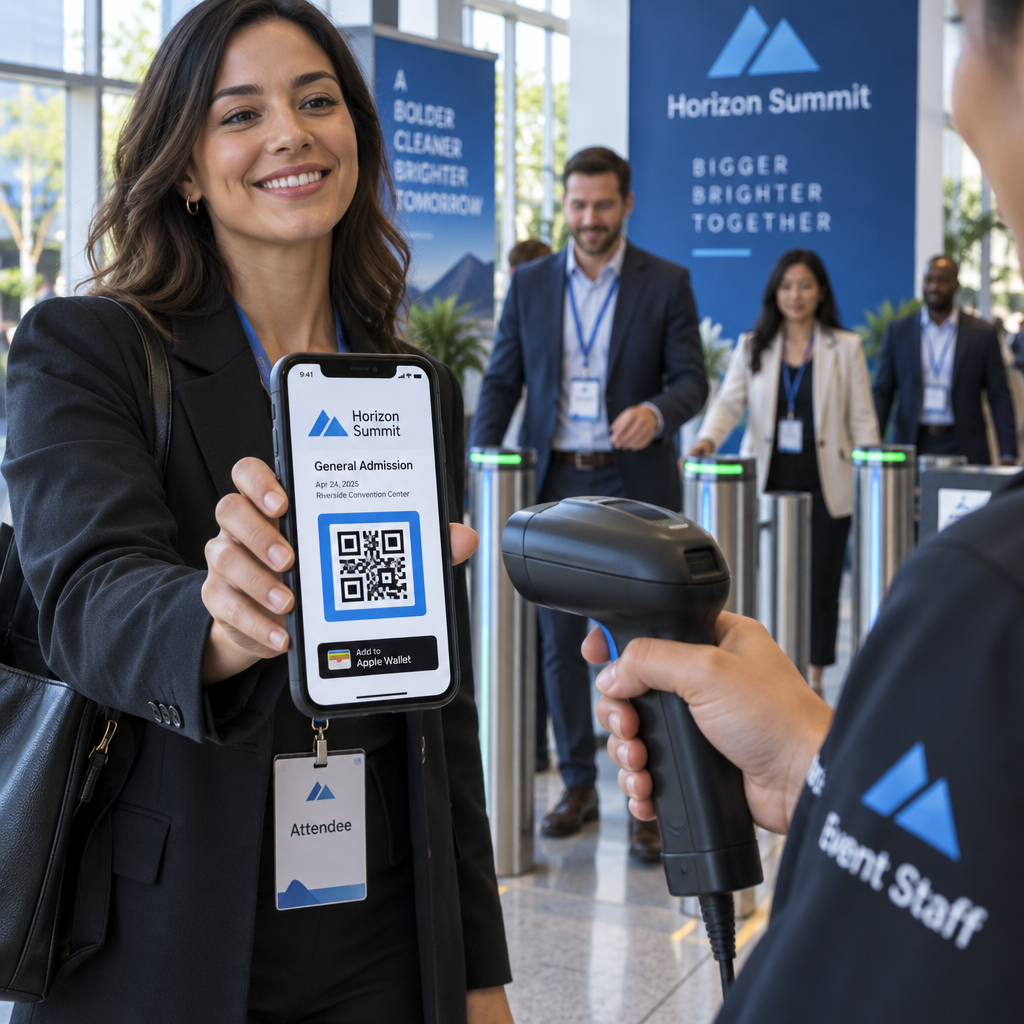
The most reliable line of defense against gate fraud is server-side validation. When gate staff scan an incoming pass with a dedicated device or an authorized QR code scanner, the scanning tool pings your central database to verify the token status before admitting the attendee.
Your entry system must enforce strict single-use logic. When a scanner validates an authentic code, the system immediately flags the ticket record as checked in. If a second attendee presents a duplicate screenshot or a printed copy of that same ticket at another turnstile, the database detects the prior entry and denies admission.
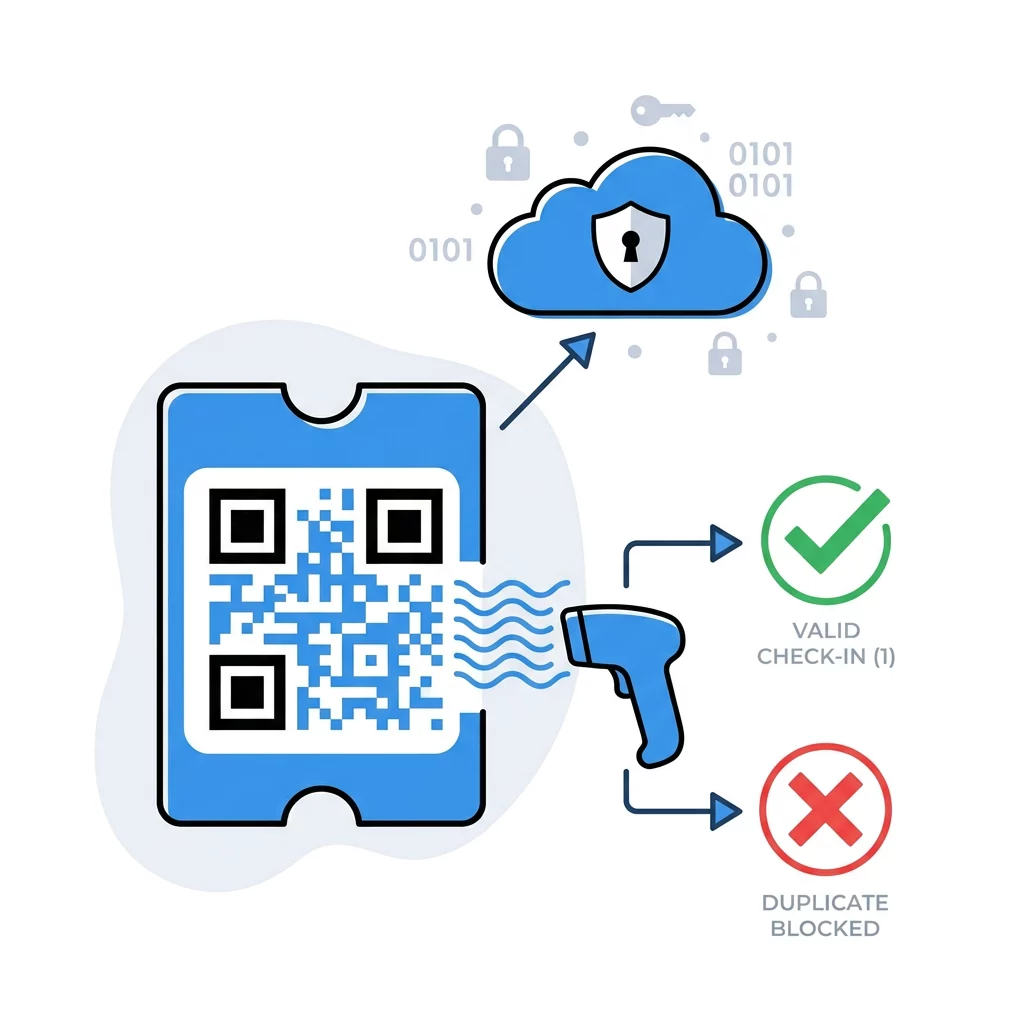
For high-security events, platforms often implement rotating QR codes that refresh the barcode payload every 15 to 30 seconds. Because the scanner requires a live, currently active code, static screenshots are rendered completely invalid before the attendee reaches the gate.
Technical Standards for Fast and Scannable Entry
High security should never compromise entrance throughput. Poorly sized or low-contrast codes create bottlenecks at the gates, causing unnecessary delays for your guests.
- Maintain high color contrast by sticking to dark modules on a clean, light background with a contrast ratio of at least 4:1 to ensure rapid recognition.
- Preserve a generous quiet zone around all four borders of the symbol, keeping at least four modules of clear space free of text, borders, or graphics.
- Follow the 10:1 scanning ratio by ensuring that a ticket scanned from ten inches away measures at least one inch wide, as detailed in our guide on best practices for QR code readability.
- Choose matte paper finishes for printed badges or passes to prevent ambient overhead lights and camera flashes from creating scanner-blinding glare.
- Conduct real-world physical verification before mass production by learning how to test a QR code before printing under different lighting environments and phone models.
Gate Management and Fallback Workflows
Even the most robust ticketing architecture encounters unexpected challenges, from dead phone batteries to venue network outages. Designing proactive gate procedures keeps your staff prepared.
- Synchronize all scanning hardware across a unified network to ensure duplicate entries are caught simultaneously across distant venue entrances.
- Equip gate scanners with local offline caching so staff can validate pre-downloaded guest lists even when the local Wi-Fi drops, synchronizing records the moment connectivity resumes.
- Establish clear exceptions for scan failures by training door staff to look up registration details by attendee name or order number rather than admitting unvalidated codes.
- Configure entry modes for specific checkpoints, distinguishing between general admission gates, VIP check-ins, and multi-session tracking using an attendance QR code.
- Instruct staff never to accept screenshots or secondary printouts when the event terms require live mobile app or digital wallet presentation.
Protecting Attendee Privacy and Data Compliance
Event credentials frequently intersect with sensitive customer data. To comply with privacy standards like the CCPA and GDPR, you must adopt data minimization principles when generating ticket symbols.
Never embed an attendee’s full name, billing address, or payment details directly inside the QR code data payload. Instead, encode only a pseudonymized, non-descriptive token that links back to a secure database record accessible only by authorized event software. Always protect external check-in links with HTTPS encryption to keep data transmissions secure between gate hardware and your servers. Following these security standards allows you to protect both your gate revenue and your attendees’ private information.
Launching Your Secure Check-In System
Transitioning from static barcodes to secure dynamic ticketing protects your bottom line and delivers an effortless arrival experience for attendees. By combining encrypted tokens, server-side validation rules, and high-visibility physical formats, you take complete control over your event perimeter. Explore our detailed guide on QR codes on tickets and our ultimate guide to QR codes for event check-ins to start building your automated entry workflow today.
Frequently Asked Questions
You can eliminate screenshot fraud by implementing rotating dynamic QR codes that refresh every 15 to 30 seconds inside an authorized mobile app. If rotating codes are unavailable, use real-time server-side scanning to immediately mark tickets as used upon initial entry, alerting staff to reject any subsequent entry attempts.
You should always export your QR codes in scalable vector formats like SVG, EPS, or print-ready PDF. Vector graphics maintain crisp, sharp edges at any scale, unlike raster formats such as JPEG or PNG which can become pixelated and cause scanning delays at the gate.
Yes, provided your scanning devices support offline validation modes. Offline scanners download your authorized attendee list before gates open and store scan records locally, then automatically sync and flag duplicate entry exceptions once an internet connection is re-established.