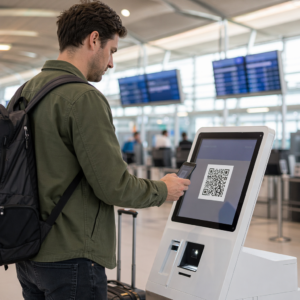
Are long registration lines and untraceable attendee data stalling your event’s success? Manual check-ins create bottlenecks that frustrate guests and leave you without actionable insights into how they engage with your sessions. This guide compares the most effective QR code tools to help you streamline entry and track real-time engagement.
Why Event Organizers Prioritize Dynamic QR Codes
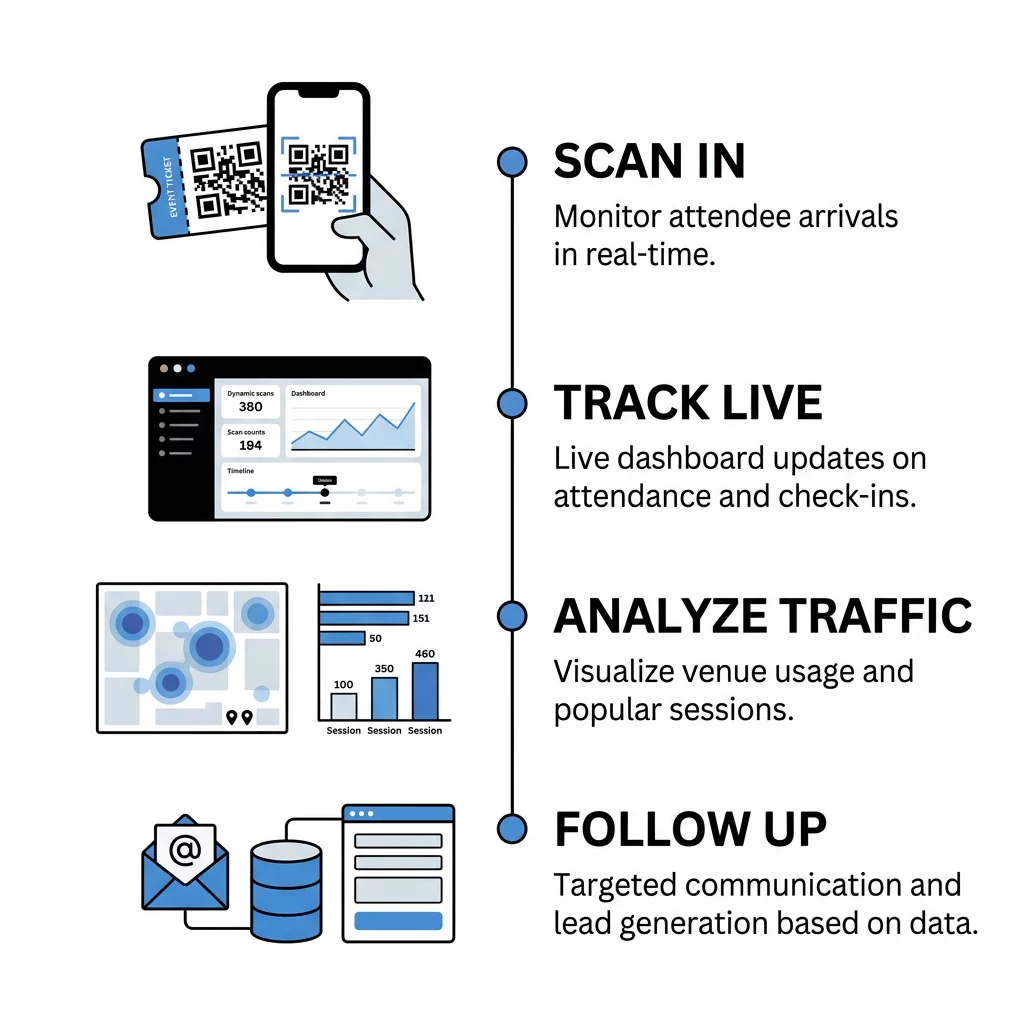
Transitioning to a digital entry system does more than just replace paper tickets. Research indicates that QR code check-ins can reduce wait times by 30-40%, which significantly improves the initial impression of your event. For instance, some healthcare organizations have reported processing up to 1,000 attendees daily with minimal staffing by using automated scan stations. These tools bridge the gap between physical interactions and digital data, allowing you to monitor attendance flow effortlessly.
By implementing dynamic QR codes, you gain the ability to track exactly when and where a guest scans a code, whether they are entering a keynote session or downloading a digital brochure. Unlike static versions, dynamic codes allow you to update destination URLs or content without reprinting your physical materials. This flexibility is a primary reason why organizers report a 20-30% boost in engagement or sales by optimizing their layouts based on real-time scan behaviors.
Essential Features for Professional Tracking Tools
When selecting a platform, you should prioritize features that impact both operational speed and data quality. Reliability is critical, so your chosen tool should include an offline scanning mode to ensure functionality even if the venue’s Wi-Fi becomes unstable. You also need a real-time analytics dashboard that monitors scans as they happen, allowing you to adjust staffing or resources on the fly based on current crowd density.
Furthermore, professional tools should offer secure QR code event tickets to prevent ticket duplication and unauthorized entry through fraud prevention mechanisms like one-time-use validation. Seamless CRM integration is also essential for pushing scan data directly to marketing platforms like Salesforce or HubSpot. This ensures your team can gather lead capture data during scans and follow up with attendees immediately after the event.
Top QR Code Platforms for Event Management
Pageloot
Pageloot offers a comprehensive event QR code generator designed for organizers who need deep insights. It excels at turning offline interactions into measurable data points, supporting everything from ticketing to wayfinding and session engagement tracking. Users benefit from real-time scan dashboards, geographic heatmaps, and device-type tracking. The platform is also built with security in mind, helping you ensure GDPR compliance during data collection to avoid steep penalties that can reach 4% of global revenue.
Eventbrite
Eventbrite remains a standard choice for basic ticketing and entry verification. It provides reliable scan counts and attendance rates through its integrated registration system. While it is highly effective for managing large-scale public ticket sales, it typically offers less flexibility for advanced geo-analytics or specialized tracking QR codes for specific marketing campaigns outside of the ticket itself.
RSVPify
RSVPify is a specialized option for invitation-heavy events like corporate galas or private conferences. It provides tools for RSVP tracking and badge printing, making it easier to manage complex guest lists and seating charts. This focus on guest list management helps reduce administrative workload by enabling self-service check-in options for attendees.
ExpoPass and EventX
ExpoPass and EventX are tailored for the trade show and exhibition industry, where lead generation is a primary goal. These tools focus on attendee badge scanning and lead capture, providing real-time traffic flow monitoring for exhibitors. Data from EventX suggests that these automated systems can be up to 97.5% faster than manual check-ins, significantly reducing error rates during peak attendance hours.
Simplify your event entry and tracking today. Use the Pageloot Event QR Code Generator to create trackable tickets and interactive schedules in seconds.
Optimizing Engagement Through Real-Time Analytics
Collecting data is only the first step toward a successful event strategy. To truly optimize your operations, you must interpret the metrics provided by your QR code analytics dashboard. You should monitor scan spikes to identify which topics or sessions resonate most with your audience, which helps in planning future content. Location-based heatmaps reveal which areas of your venue have the highest foot traffic, providing invaluable proof of value for future sponsors.
Additionally, knowing how to track QR code scans in real-time allows you to trigger automated email workflows the moment a guest scans a specific booth’s code. This captures leads while the interest is fresh and allows for timely follow-up, which research suggests is most effective when done within the first week following the event.
Technical Standards for Reliable Scannability
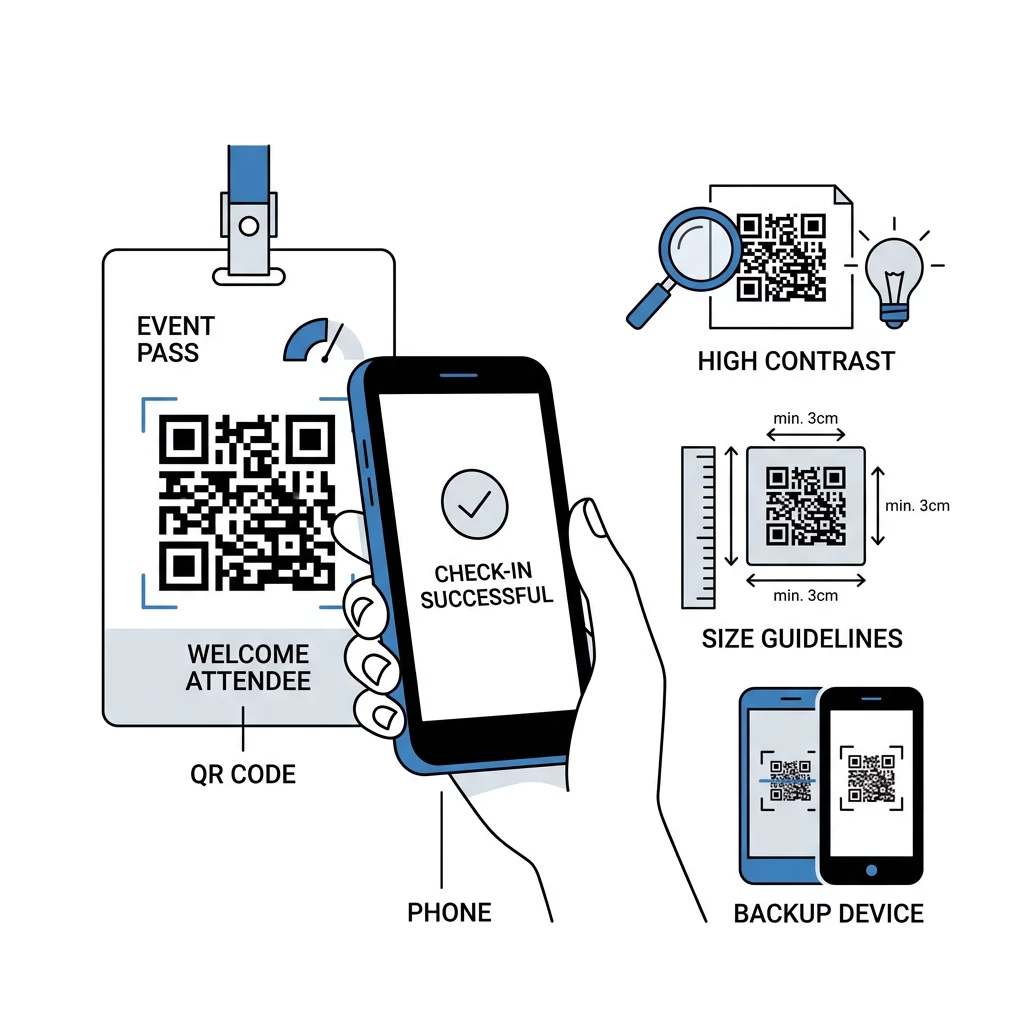
To ensure a smooth experience for your attendees, you must follow specific technical standards. Ensure your codes are printed at a size of at least 0.8 x 0.8 inches and maintain a high contrast ratio – typically a dark code on a light background – for fast scanning. You should always include a clear call to action near the code, such as “Scan for Digital Schedule,” to guide users who may be unfamiliar with the technology.
Testing is also vital for success. You should scan your materials under various lighting conditions and across different devices to ensure readability before the doors open. Having a backup plan is equally important; keep a printed guest list or extra scanning devices on hand to maintain a high-speed entry process even if a specific device fails. For more detailed operational advice, consult the ultimate guide to QR codes for event check-ins.
FAQ
Static QR codes do not offer tracking capabilities because the data is hardcoded into the pattern. You must use dynamic QR codes to capture metrics such as scan time, location, and device type, or to update the destination URL after the code has already been printed.
Professional event tools allow you to create secure, one-time-use QR codes. Once the code is scanned at the entrance, it is marked as used in the central database, which prevents anyone else from entering with a screenshot or a physical copy of that same code.
Many advanced event tools offer an offline mode that allows the scanning app to store data locally on the device. Once a stable internet connection is re-established, the app automatically syncs the data with your main analytics dashboard to provide updated attendance reports.
Choosing a tool that balances ease of use with robust tracking capabilities allows you to transform your event from a logistical challenge into a data-driven success story. Whether you need the enterprise power of specialized lead capture or versatile analytics, the right strategy will save time and reduce costs. Visit the event QR code generator to start building your trackable entry system today.