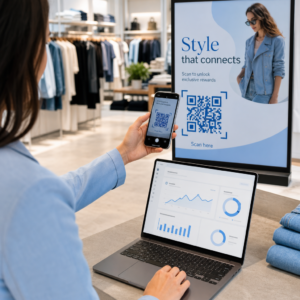
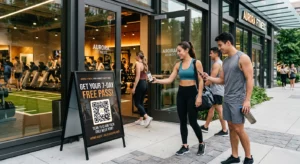
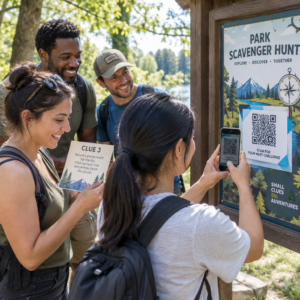
Czy Twoje materiały promocyjne na wydarzenia nie przekształcają drukowanych ulotek w mierzalne rejestracje online? Promocja wydarzeń offline często pozostawia organizatorów w niepewności co do zwrotu z inwestycji w kampanię, jednocześnie tworząc wąskie gardła w kolejkach przy wejściach na miejsce. Wdrożenie strukturalnej strategii kodów QR łączy fizyczne materiały z cyfrowymi lejkami, przyspieszając zameldowania i dostarczając śledzenie uczestników w czasie rzeczywistym.
Ustalanie Jasnych Celów w Cyklu Życia Wydarzenia
Udana kampania kodów QR adresuje konkretne punkty kontaktu uczestników przed, w trakcie i po Twoim wydarzeniu. Przed uruchomieniem kreatywnych zasobów, dopasuj każdy kod do mierzalnych celów poprzez Cele SMART w kampaniach z kodami QR.
Zorganizuj swoją kampanię wokół trzech głównych faz operacyjnych:
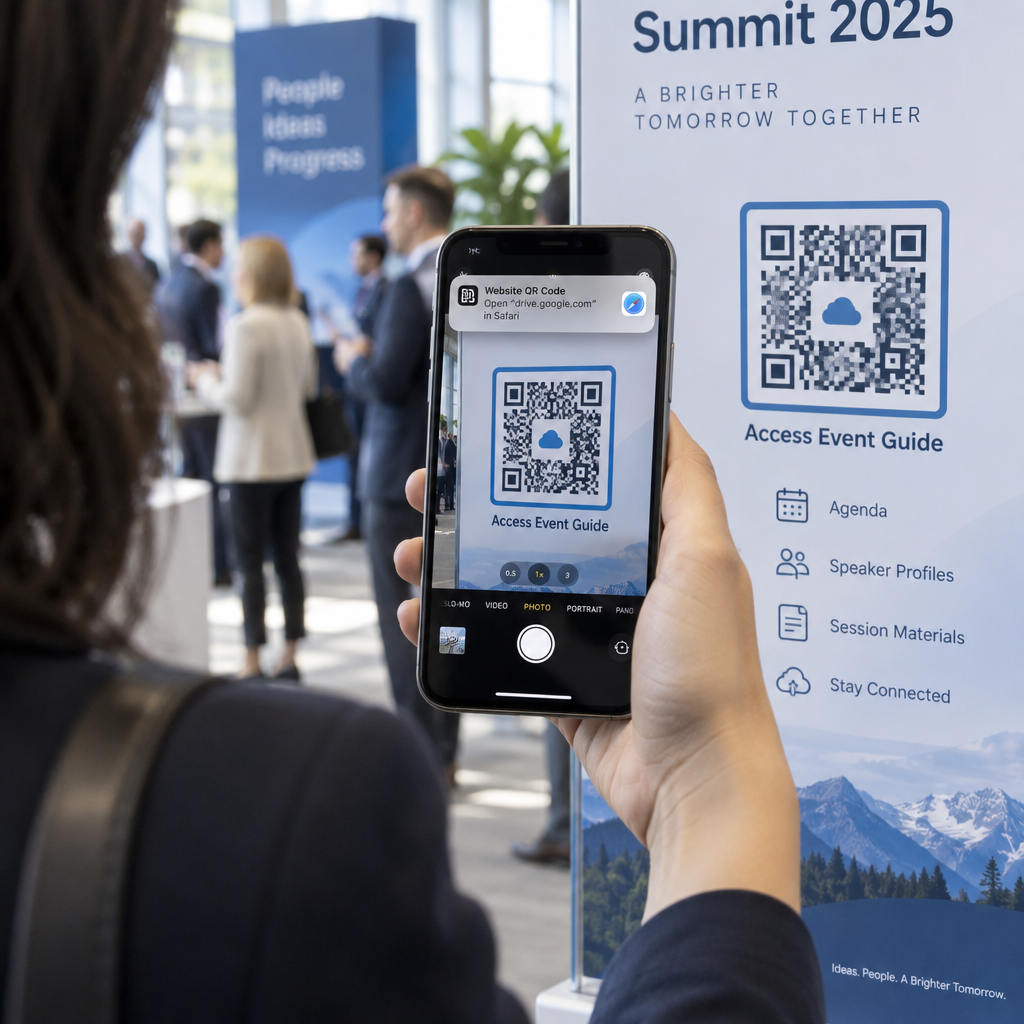
- Promocja Przed Wydarzeniem: Zwiększ sprzedaż biletów i RSVP, łącząc drukowane reklamy, plakaty i bezpośrednie mailingi bezpośrednio z mobilną stroną rejestracyjną za pomocą Generator kodów QR na wydarzenia.
- Realizacja na Miejscu: Przyspiesz wejście, dystrybuuj slajdy prezentacji, udostępniaj plany miejsc i zarządzaj zameldowaniami na sesje za pomocą dedykowanych Kody QR dla wydarzeń.
- Zaangażowanie Po Wydarzeniu: Zbieraj opinie o sesjach, udostępniaj nagrane treści i kieruj wykwalifikowane leady bezpośrednio do swojego workflow marketingowego.
Wczesne zdefiniowanie tych celów decyduje, czy potrzebujesz podstawowych linków do stron docelowych, dynamicznego routingu, czy integracji z zewnętrznymi bazami danych.
Projektowanie i Umieszczanie Kodów QR dla Skanowalności
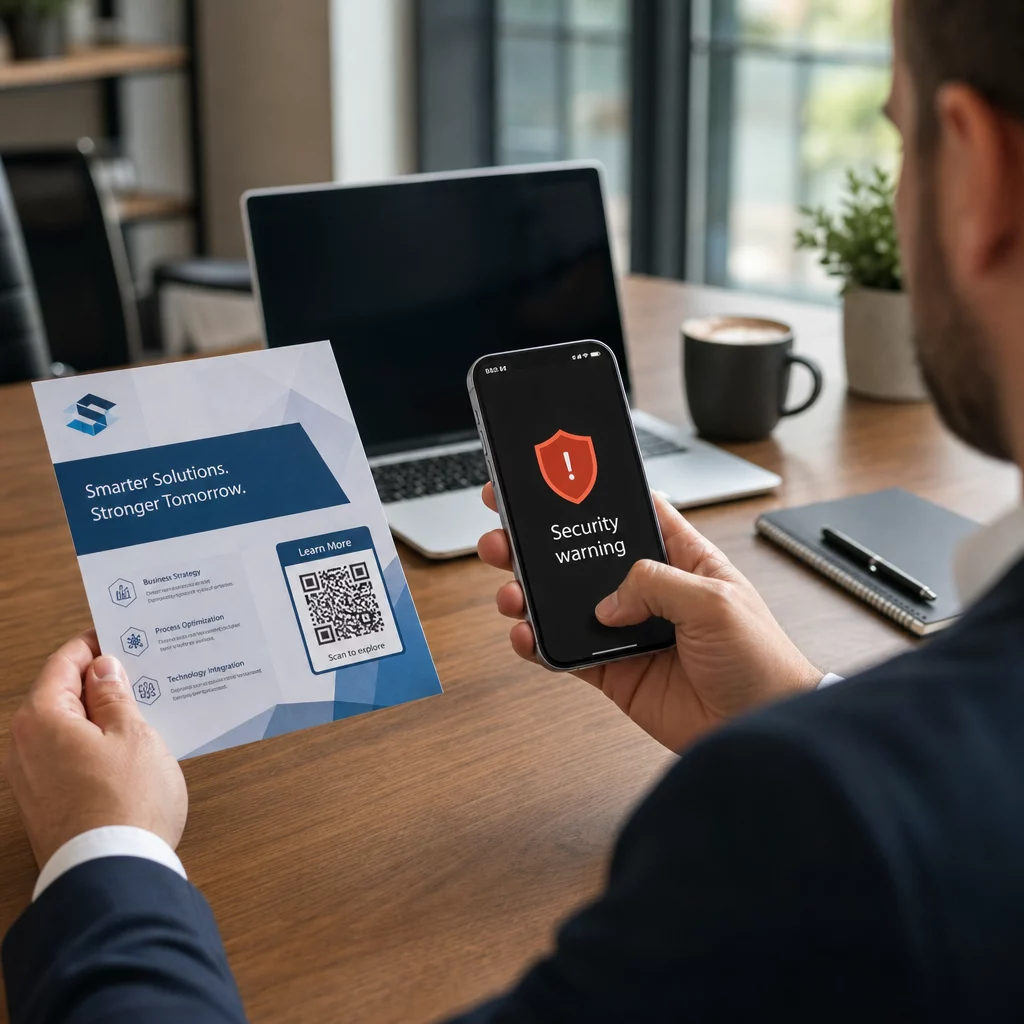
Kod QR generuje konwersje tylko wtedy, gdy smartfony mogą go szybko zeskanować w rzeczywistych warunkach miejsca wydarzenia. Szybkie, niezawodne skanowanie nie powinno zająć więcej niż 3 sekundy. Aby zapobiec awariom skanowania na drukowanych materiałach lub wyświetlaczach cyfrowych, postępuj zgodnie z ustalonymi specyfikacjami projektowania i umieszczania:
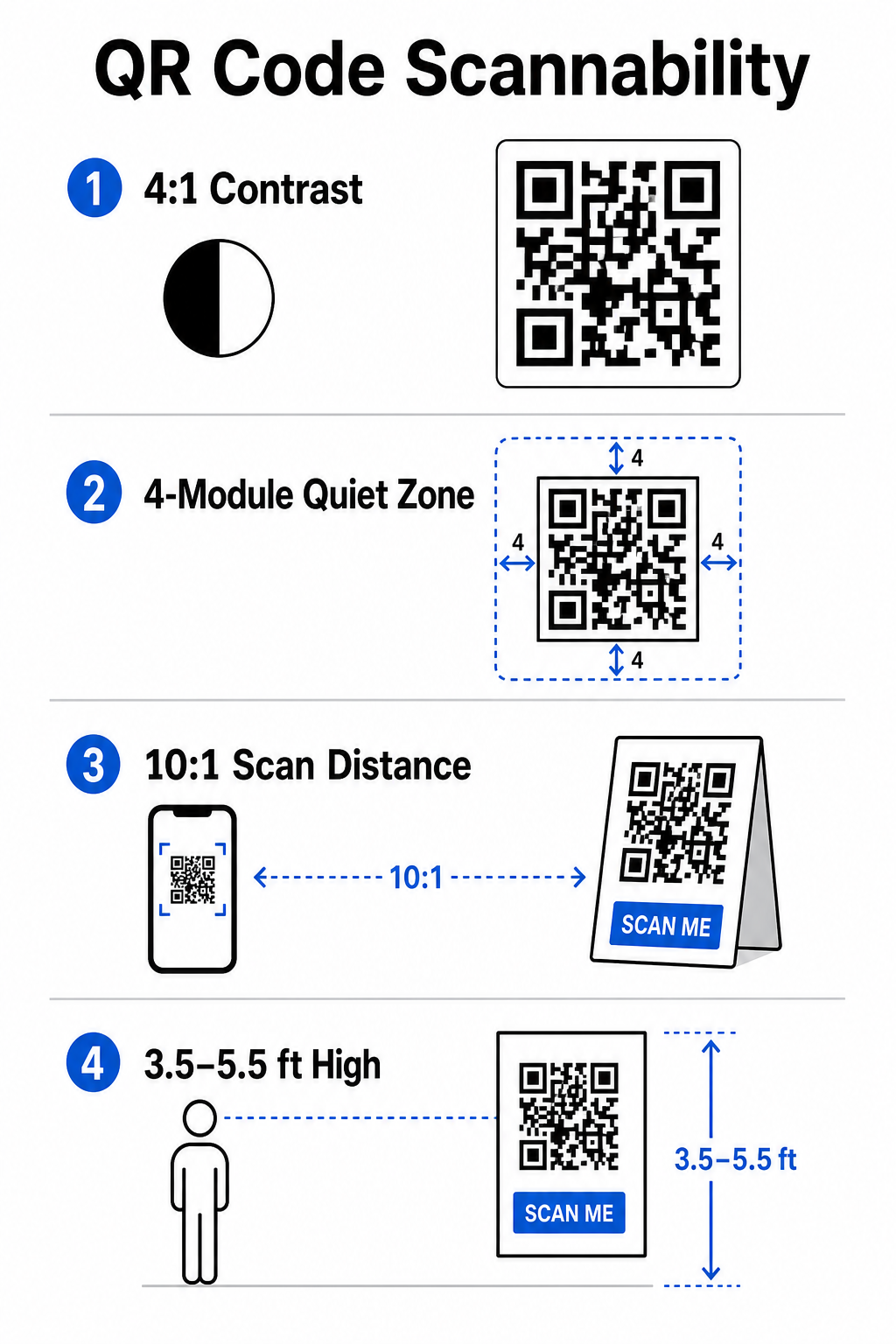
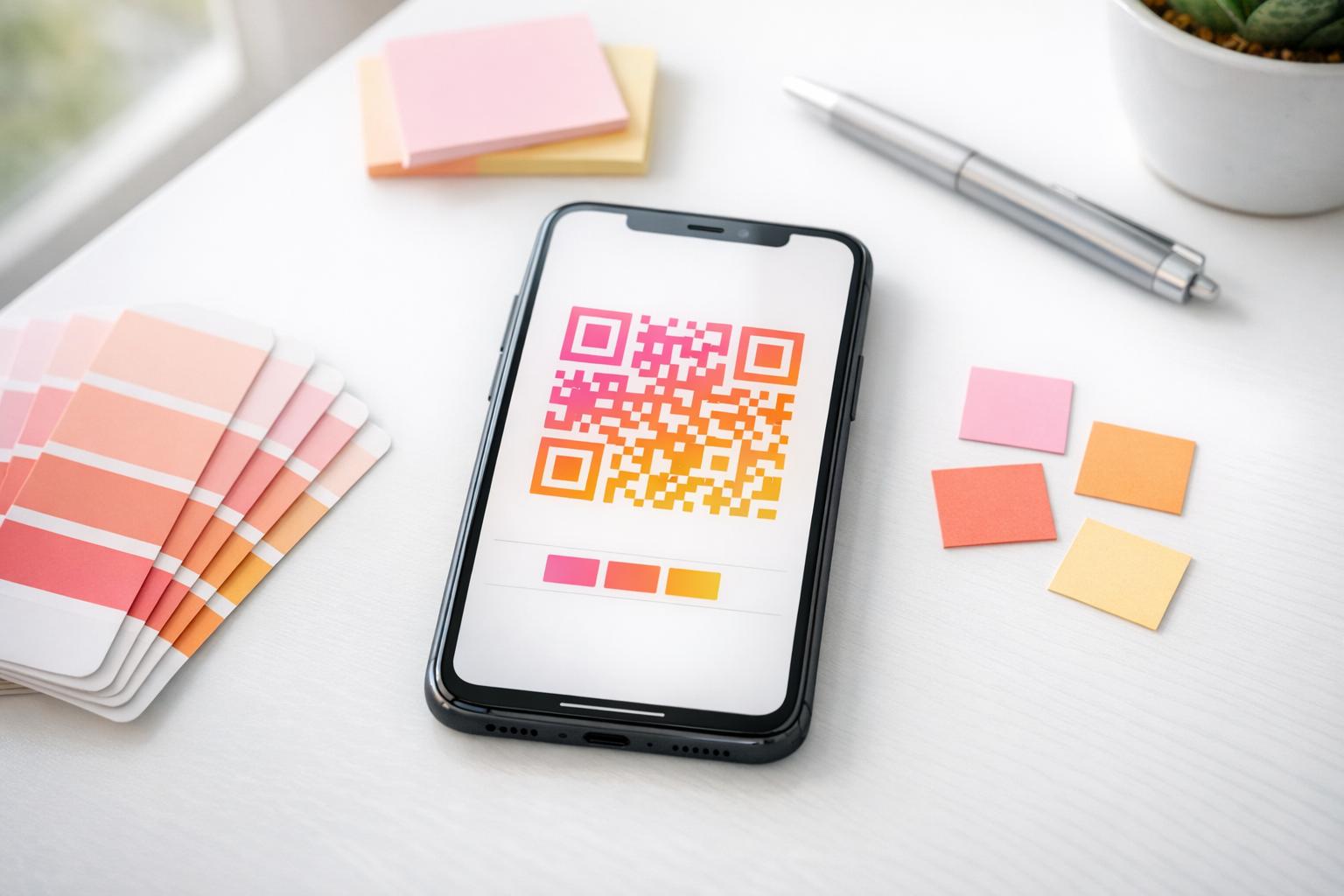
- Utrzymuj Skanowalny Kontrast: Zawsze używaj ciemnych modułów wzoru na jasnym tle, takich jak czarne lub ciemnoniebieskie pierwsze plany na białych lub pastelowych tłach. Utrzymuj minimalny współczynnik kontrastu 4:1 (lub różnicę kontrastu 55%), aby obsłużyć słabo oświetlone przestrzenie wydarzeń.
- Uszanuj strefę ciszy: Zachowaj pusty margines wokół kodu – znany jako strefa ciszy – który mierzy co najmniej 4 moduły szerokości ze wszystkich czterech stron. Ta granica zapobiega zakłócaniu skanowania przez otaczające elementy graficzne.
- Oblicz Właściwy Rozmiar: Zastosuj stosunek rozmiaru do odległości 10:1, co oznacza, że kod skanowany z odległości 10 stóp musi mieć co najmniej 1 stopę szerokości. W przypadku ręcznie trzymanych przedmiotów drukowanych, takich jak wizytówki lub identyfikatory, zachowaj minimalny rozmiar 2 x 2 cm (0,8 x 0,8 cala).
- Umieść na Naturalnej Wysokości Oczu: Umieszczaj kody na wysokości od 3,5 do 5,5 stóp nad ziemią w strefach o dużym natężeniu ruchu. Unikaj umieszczania kodów na zagięciach, zakrzywionych powierzchniach, odblaskowych materiałach lub dolnych rogach, gdzie ręce je zakrywają.
- Eksportuj Formaty Wektorowe: Zapisz grafikę jako wysokiej rozdzielczości pliki wektorowe, takie jak SVG lub EPS (lub wysokiej jakości PNG), aby zapobiec pikselizacji podczas skalowania grafik do dużych wyświetlaczy wydarzeń.
Aby uzyskać kompleksowe techniki układu na plakatach, stoiskach i cyfrowych slajdach, zapoznaj się z naszym przewodnikiem po umieszczenie kodów QR w marketingu.
Usprawnianie Operacji na Miejscu i Zaangażowania Uczestników
Podczas wydarzeń na żywo kody QR eliminują tarcia, łącząc fizyczne przestrzenie z cyfrowymi działaniami bez konieczności ręcznego wprowadzania danych. Mapowanie strategii na promocję drukowaną przed wydarzeniem, szybkie wejście na miejscu i formularze opinii po wydarzeniu utrzymuje spójne interakcje uczestników w całym cyklu życia wydarzenia.
Cyfrowe Zameldowanie i Kontrola Wejścia
Długie kolejki przy wejściach psują doświadczenie uczestnika. Wydawanie spersonalizowanych cyfrowych identyfikatorów lub e-maili z potwierdzeniem biletu wyposażonych w unikalne kody przyspiesza kontrolę dostępu. Personel przy drzwiach, używający aparatów smartfonów lub dedykowanego sprzętu optycznego, może skanować kody w mniej niż 2 sekundy na osobę, zmniejszając zatłoczenie przy wejściu nawet o 50%.
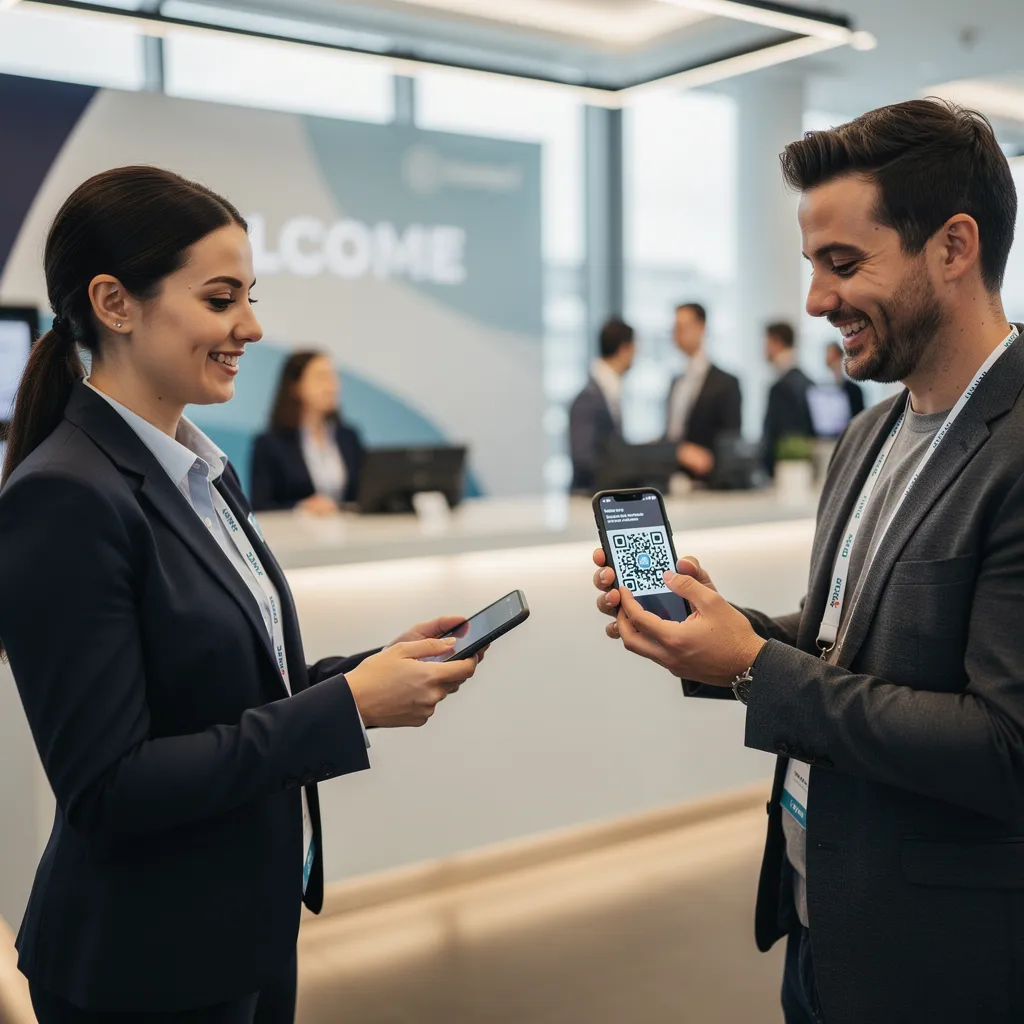
W przypadku konferencji o wyższym poziomie bezpieczeństwa wdroż dynamiczną weryfikację biletów, aby zapobiec udostępnianiu poświadczeń. Możesz dowiedzieć się więcej o wdrażaniu szyfrowanych poświadczeń w naszym przewodniku na temat Jak stworzyć bezpieczne bilety na wydarzenia z kodem QR i naszym przewodniku po kodów QR do odprawy na wydarzenia.
Aby bez wysiłku rejestrować przybycia na sesje lub śledzić frekwencję w salach, organizatorzy mogą również wdrożyć dedykowany kodów QR do rejestracji obecności system wyświetlany przy wejściach do sal.
Usprawnij Dostęp i Zarządzanie Swoim Wydarzeniem Chcesz wyeliminować kolejki rejestracyjne i dynamicznie aktualizować harmonogramy wydarzeń bez przedrukowywania materiałów? Zbuduj niestandardowe, możliwe do śledzenia kody wydarzeń za pomocą Generator kodów QR na wydarzenia.
Nawigacja po Miejscu i Networking
Duże centra kongresowe i wielościeżkowe miejsca stwarzają złożone wyzwania związane z nawigacją przestrzenną. Wyświetlenie Generator kodów QR do Google Maps linku na znakach powitalnych lub identyfikatorach natychmiast otwiera dokładne lokalizacje pinezek, plany pięter lub wskazówki dojazdu w domyślnej aplikacji nawigacyjnej uczestnika.
Dla wystawców i sesji networkingowych cyfrowa wymiana kontaktów eliminuje kłopot z fizycznymi wizytówkami. Zespoły na stoiskach mogą pokazywać kody kontaktowe, aby przechwytywać dane leadów bezpośrednio do systemów CRM – strategia opisana w naszym podręczniku, jak zamienić uściski dłoni na wydarzeniach w leady za pomocą kodów QR.
Śledzenie Analityki i Działania Po Wydarzeniu
Pomiar marketingu wydarzeń offline wymaga dynamicznych kodów QR. W przeciwieństwie do kodów statycznych – które trwale kodują docelowe linki – kody dynamiczne przechowują krótki adres URL przekierowania, który można aktualizować po wydruku, jednocześnie zbierając pełne wskaźniki wydajności skanowania.
Aby prześledzić ścieżki konwersji cyfrowej z powrotem do konkretnych fizycznych przedmiotów, dołącz niestandardowe parametry UTM (`utmźródło`, `utmmedium`, `utmcampaign`) do swoich docelowych adresów URL, takich jak `https://example.com/register?utmsource=eventposter&utmmedium=print&utmkampania=annualsummit_2026`. Przypisując odrębne parametry UTM do poszczególnych ulotek, smyczy identyfikatorów i slajdów prezentacji, możesz porównać wydajność umieszczenia w Google Analytics lub na pulpicie nawigacyjnym wydarzenia.
| Metryka | Wgląd Biznesowy Dostarczony | Działanie Strategiczne |
|---|---|---|
| ŁĄCZNIE SKANÓW | Mierzy całkowitą wielkość ruchu generowanego przez materiały kampanii. | Określ całkowitą widoczność marki w lokalizacjach offline. |
| Unikalne skany | Śledzi faktycznych uczestników wchodzących w interakcję z kodem. | Oceń rzeczywisty zasięg odbiorców w porównaniu z powielonymi interakcjami. |
| Skanuj czas i dzień | Określa godziny szczytowej interakcji podczas sesji. | Dostosuj odpowiednio rozmieszczenie personelu i komunikaty na żywo. |
| Dane geograficzne | Podświetla miasta lub konkretne strefy obiektów, w których wykonano skany. | Udoskonalenie rozmieszczenia oznakowania fizycznego na potrzeby przyszłych układów. |
| System operacyjny urządzenia | Ujawnia podział między użytkownikami iOS i Androida. | Zoptymalizuj mobilne strony docelowe pod kątem docelowych systemów operacyjnych. |
Szybkie reagowanie po sesjach zwiększa konwersję po wydarzeniu. Wyświetlanie Generator kodów QR do Google Forms Link na ekranach wyjściowych lub w programach wydarzeń zachęca uczestników do natychmiastowego pozostawienia opinii na temat sesji, zanim jeszcze zaczną zapamiętywać swoje wrażenia.
Aby uzyskać szczegółowe informacje na temat pomiaru danych skanowania i skuteczności kampanii, zapoznaj się z naszym kompletnym przewodnikiem śledzenie kodów QR i poznaj 5 najlepszych narzędzi do śledzenia zdarzeń za pomocą kodów QR.
Wykonywanie testów przed uruchomieniem
Przed wysłaniem plików do drukarni komercyjnej lub opublikowaniem slajdów cyfrowych należy przeprowadzić rygorystyczne testy w warunkach rzeczywistych:
- Testuj w wielu systemach operacyjnych:Skanuj dzieła sztuki przy użyciu starszych i nowszych urządzeń, na których działają natywne aplikacje aparatu dla systemów iOS i Android.
- Zweryfikuj środowiska docelowe:Przetestuj wydrukowane próbki przy słabym oświetleniu, sztucznym oświetleniu punktowym i pośrednim świetle słonecznym, aby upewnić się, że współczynnik kontrastu 4:1 jest zachowany.
- Potwierdź prędkość przekierowania:Sprawdź, czy dynamiczny krótki link prowadzi do w pełni responsywnej, zoptymalizowanej pod kątem urządzeń mobilnych strony docelowej w czasie krótszym niż 3 sekundy za pośrednictwem sieci danych komórkowych.
- Linki docelowe danych audytu:Sprawdź, czy osadzone parametry UTM są prawidłowo wypełniane w panelach analitycznych po przesłaniu formularza.
Uruchomienie kampanii z kodem QR na Twoje wydarzenie
Połączenie rygorystycznych standardów skanowania, dynamicznego zarządzania linkami i kompleksowej analityki wydajności przekształca statyczne materiały drukowane w śledzone kanały konwersji wydarzeń. Strukturując kampanię wokół punktów styku przed wydarzeniem, na miejscu i po wydarzeniu, eliminujesz wąskie gardła operacyjne, jednocześnie gromadząc wartościowe dane o uczestnikach.
Aby zapewnić bezproblemowy przebieg Twojego kolejnego wydarzenia, utwórz już dziś niestandardowe, edytowalne kody QR z wbudowanym śledzeniem za pomocą Generator kodów QR wydarzeń Pageloot.
Najczęściej zadawane pytania
Dynamiczne kody QR są zdecydowanie zalecane dla kampanii wydarzeń, ponieważ pozwalają aktualizować docelowe adresy URL po wydrukowaniu i zbierać szczegółowe analizy skanowania, w tym liczbę skanów, lokalizacje i typy urządzeń. Statyczne kody nie mogą być edytowane po wydruku i nie obsługują śledzenia analityki.
W przypadku drukowanych materiałów oglądanych z bliska, takich jak wizytówki, identyfikatory czy karty stołowe, kod powinien mieć co najmniej 2 x 2 cm (0,8 x 0,8 cala). W przypadku plakatów i banerów skanowanych z odległości należy stosować proporcję 10:1, gdzie szerokość kodu wynosi 1 jednostkę na każde 10 jednostek odległości skanowania.
Dodaj standardowe parametry śledzenia UTM (takie jak utmsource, utmmedium i utm_campaign) do adresu URL swojej strony docelowej przed przekształceniem go w dynamiczny kod QR. Gdy uczestnicy zeskanują kod, Twoje narzędzie do analityki internetowej automatycznie rejestruje źródło ruchu i późniejsze konwersje formularzy.