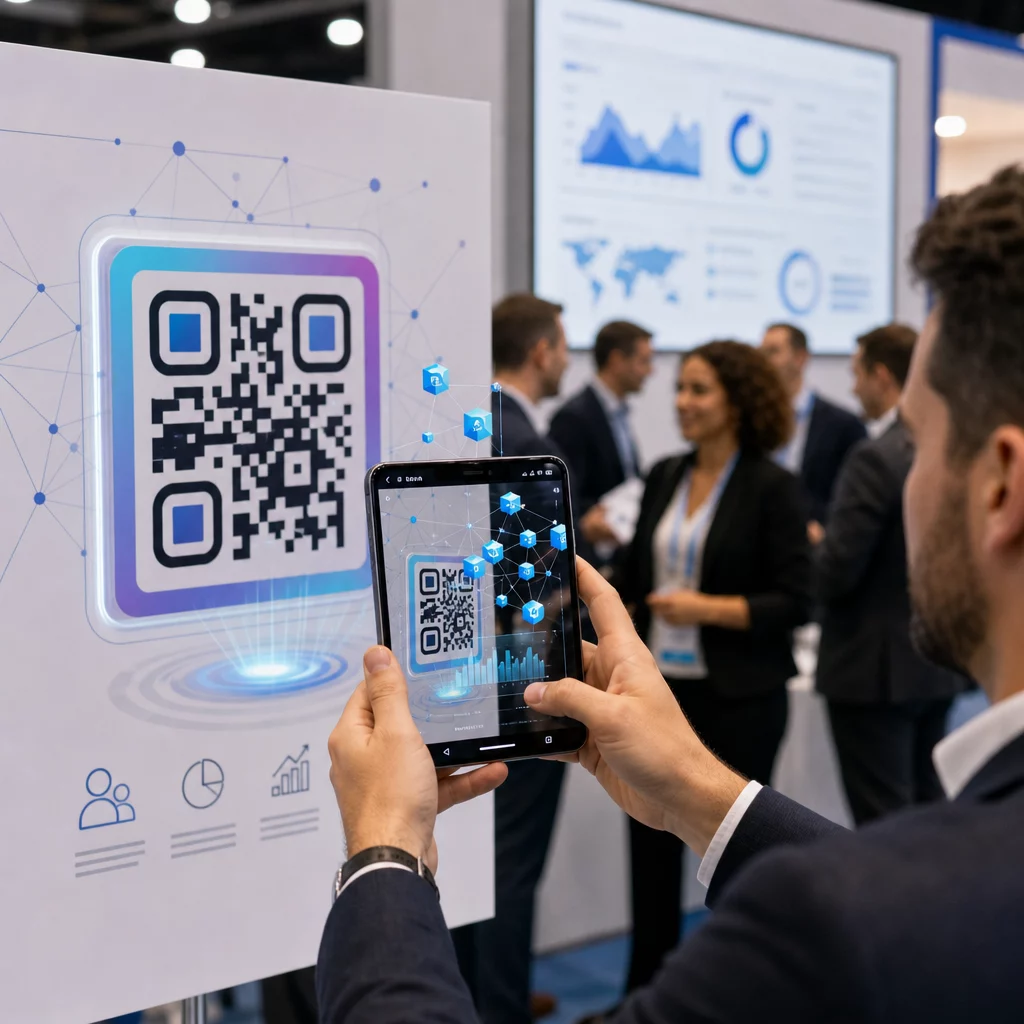
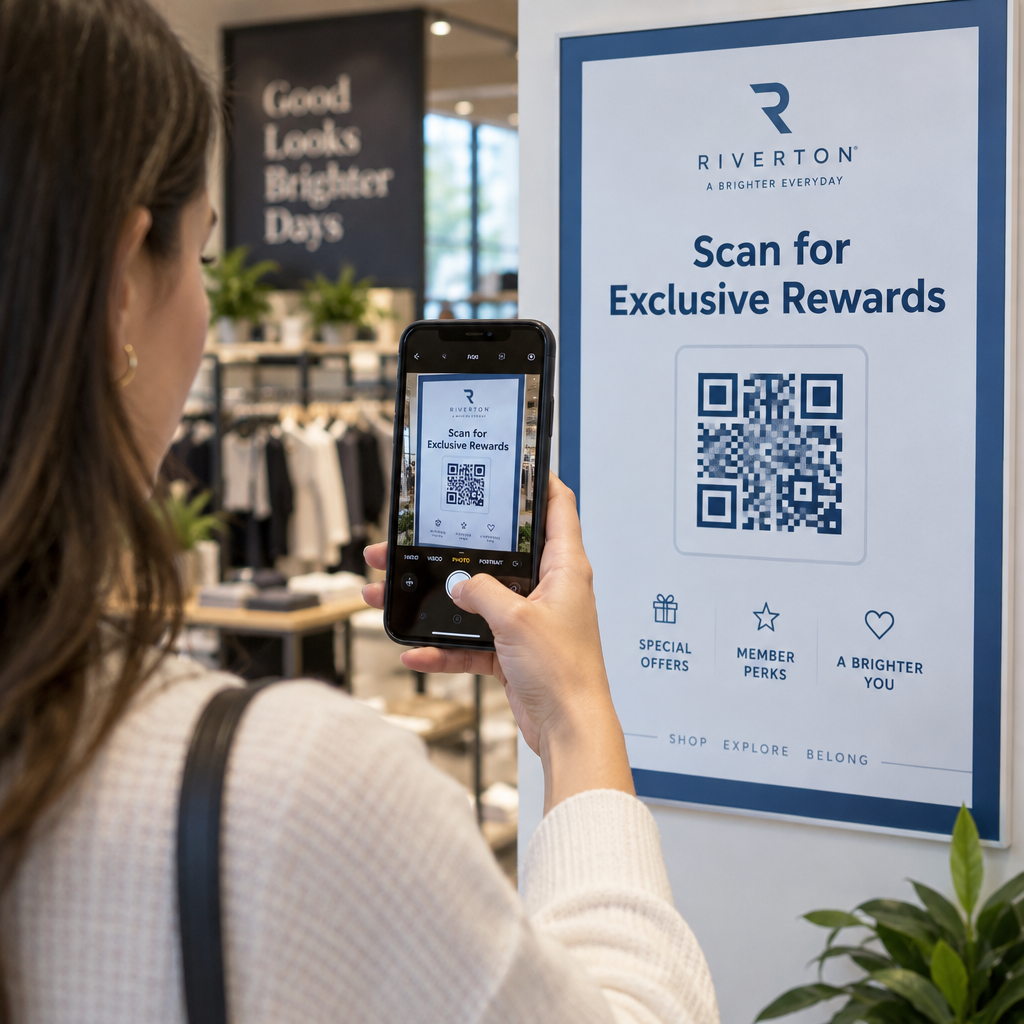
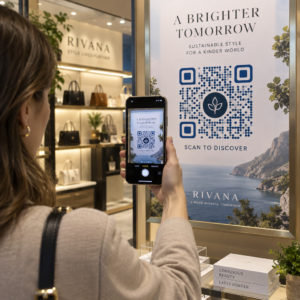
האם חומרי השיווק לאירועים שלך נכשלים בהמרת פליירים מודפסים להרשמות מקוונות מדידות? קידום אירועים לא מקוון משאיר לעתים קרובות מארגנים מנחשים לגבי החזר ההשקעה של הקמפיין תוך יצירת תורי צוואר בקבוק בכניסות למקום האירוע. יישום אסטרטגיית קוד QR מובנית מגשר בין חומרים פיזיים למשפכים דיגיטליים, מאיץ צ'ק-אין ומספק מעקב אחר משתתפים בזמן אמת.
הצבת יעדים ברורים לאורך מחזור חיי האירוע
קמפיין קוד QR מוצלח מתייחס לנקודות מגע ספציפיות של משתתפים לפני, במהלך ואחרי האירוע שלך. לפני השקת הנכסים היצירתיים שלך, יישר כל קוד עם יעדים מדידים על ידי הגדרת יעדי SMART לקמפיינים של קודי QR.
ארגן את הקמפיין שלך סביב שלושה שלבים תפעוליים עיקריים:
- קידום לפני האירוע: הנע מכירת כרטיסים ואישורי השתתפות על ידי קישור מודעות מודפסות, פוסטרים ודיוור ישיר ישירות לדף הרשמה ידידותי לנייד באמצעות שילוב QR באירוע.
- ביצוע במקום האירוע: האץ כניסה לדלת, הפץ שקופיות מצגת, שתף מפות מקום, ונהל צ'ק-אין להרצאות באמצעות קודי QR לאירועים.
- מעורבות לאחר האירוע: אסוף משוב על הרצאות, שתף תוכן מוקלט, ונתב לידים מוסמכים ישירות לתוך זרימת העבודה השיווקית שלך.
הגדרת יעדים אלה בשלב מוקדם קובעת אם אתה צריך קישורי דף נחיתה בסיסיים, ניתוב דינמי, או אינטגרציה עם מאגרי מידע חיצוניים.
עיצוב ומיקום קודי QR לסריקות
קוד QR מייצר המרות רק אם סמארטפונים יכולים לסרוק אותו במהירות בתנאי מקום אירוע אמיתיים. סריקה מהירה ואמינה אמורה לקחת לא יותר מ-3 שניות. כדי למנוע כשלי סריקה על חומרים מודפסים או תצוגות דיגיטליות, פעל לפי מפרטי עיצוב ומיקום מבוססים:
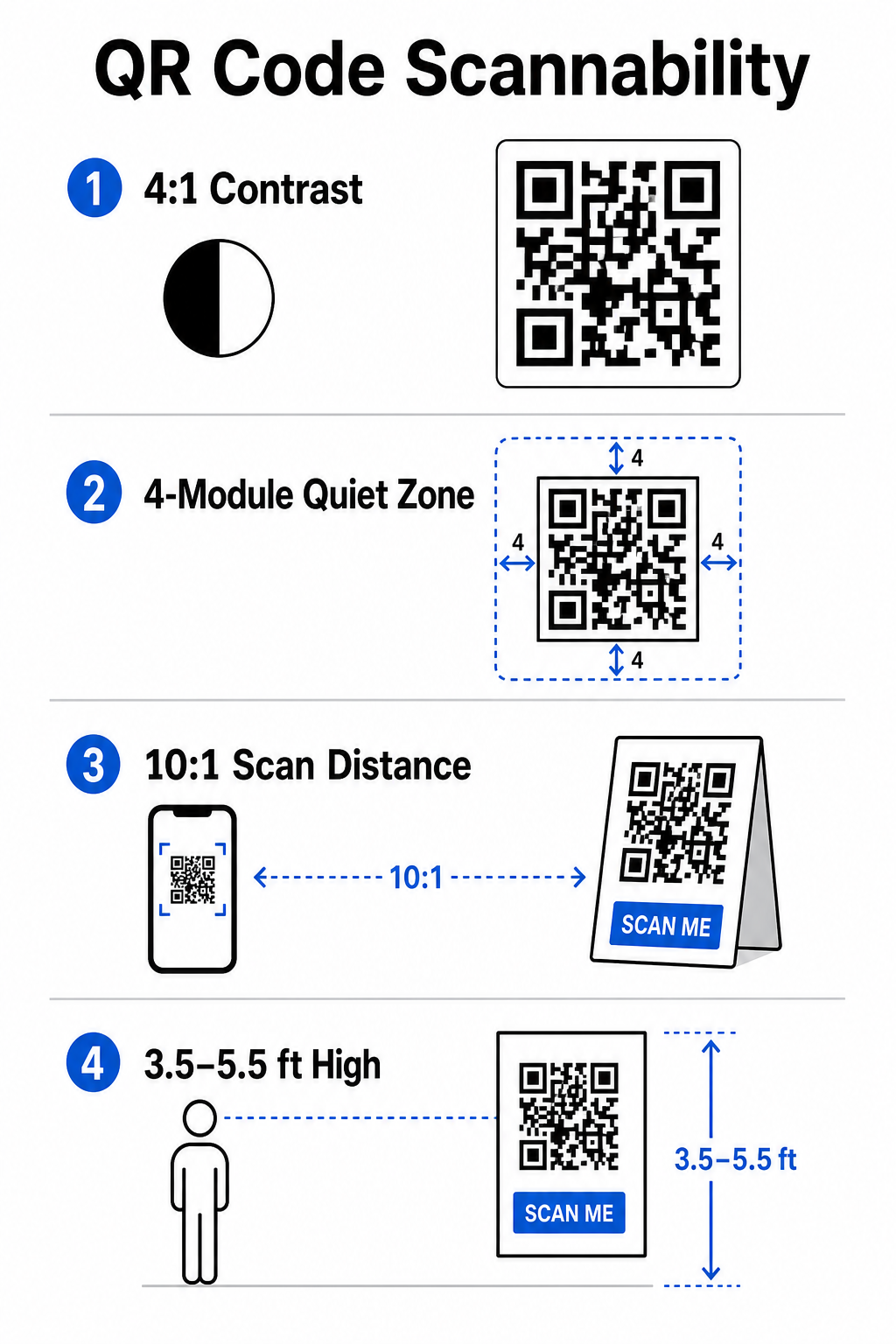
- שמור על ניגודיות ניתנת לסריקה: השתמש תמיד במודולי תבנית כהים על רקע בהיר, כגון חזיתות שחורות או כחולות כהות על רקע לבן או פסטל. שמור על יחס ניגודיות מינימלי של 4:1 (או 55% הבדל ניגודיות) כדי להתמודד עם חללי אירועים עם תאורה חלשה.
- כבד את האזור השקט: שמור שוליים ריקים סביב הקוד – המכונה האזור השקט – בגודל של לפחות 4 מודולים רוחביים בכל ארבעת הצדדים. גבול זה מונע מאלמנטים גרפיים מסביב להפריע לסורק.
- חשב גודל מתאים: החל יחס גודל-למרחק של 10:1, כלומר קוד הנסרק ממרחק של 10 רגל חייב להיות ברוחב של לפחות 1 רגל. עבור פריטים מודפסים כף יד כמו כרטיסי ביקור או תגים, שמור על גודל מינימלי של 2 על 2 ס"מ (0.8 על 0.8 אינץ').
- מקם בגובה עיניים טבעי: מקם קודים בין 3.5 ל-5.5 רגל מהקרקע באזורים עם תנועה גבוהה. הימנע מהצבת קודים על פני קפלים, משטחים מעוקלים, חומרים מחזירי אור, או פינות תחתונות שבהן ידיים מכסות אותם.
- ייצוא בפורמטים וקטוריים: שמור יצירות אמנות כקבצי וקטור ברזולוציה גבוהה כמו SVG או EPS (או PNG באיכות גבוהה) כדי למנוע פיקסלציה בעת הגדלת גרפיקה לתצוגות אירועים גדולות.
לטכניקות פריסה מקיפות על פוסטרים, דוכנים ושקופיות דיגיטליות, עיין במדריך שלנו ל קודי QR בשיווק.
ייעול פעולות במקום האירוע ומעורבות משתתפים
במהלך אירועים חיים, קודי QR מבטלים חיכוך על ידי חיבור חללים פיזיים לפעולות דיגיטליות ללא צורך בהזנת נתונים ידנית. מיפוי האסטרטגיה שלך על פני קידום הדפסה לפני האירוע, כניסה מהירה במקום האירוע, וטפסי משוב לאחר האירוע שומר על אינטראקציות משתתפים עקביות לאורך מחזור חיי האירוע.
צ'ק-אין דיגיטלי ובקרת כניסה
תורים ארוכים בכניסות פוגעים בחוויית המשתתף. הנפקת תגים דיגיטליים מותאמים אישית או מיילי אישור כרטיסים המצוידים בקודים ייחודיים מאיצה את בקרת הגישה. צוות דלת המשתמש במצלמות סמארטפון או בחומרה אופטית ייעודית יכול לסרוק קודים תוך פחות מ-2 שניות לאדם, תוך הפחתת עומס בכניסה בעד 50%.
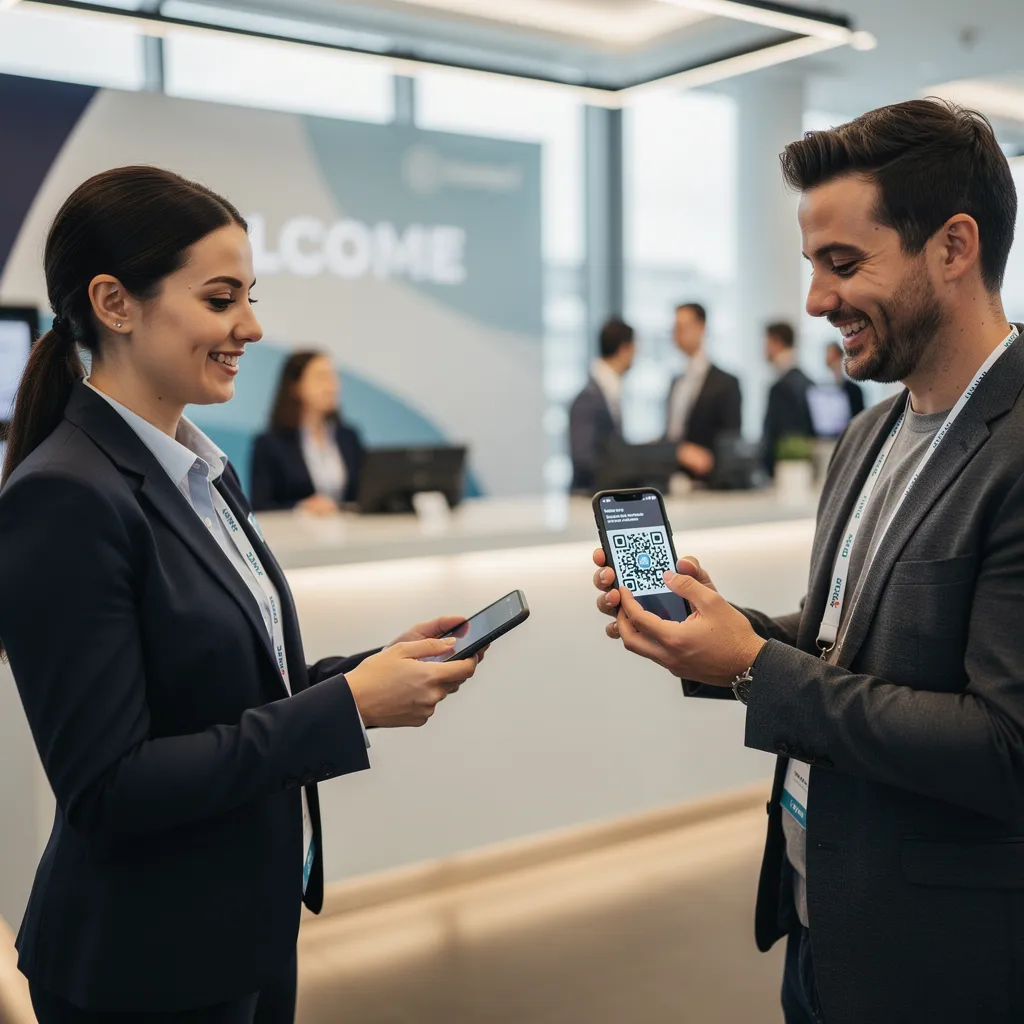
לכנסים עם אבטחה גבוהה יותר, יישם אימות כרטיסים דינמי כדי למנוע שיתוף אישורים. תוכל ללמוד עוד על פריסת אישורים מוצפנים במדריך שלנו על כיצד ליצור כרטיסי אירוע מאובטחים עם קוד QR והמדריך שלנו ל קודי QR לצ'ק-אין באירועים.
כדי לתעד הגעות להרצאות או לעקוב אחר נוכחות בחדרים ללא מאמץ, מארגנים יכולים גם לפרוס מערכת קוד QR לנוכחות ייעודית המוצגת בכניסות לחדרים.
ייעל את הגישה והניהול של האירוע שלך רוצה לבטל תורי הרשמה ולעדכן לוחות זמנים של אירועים באופן דינמי מבלי להדפיס חומרים מחדש? בנה קודי אירוע מותאמים אישית הניתנים למעקב באמצעות שילוב QR באירוע.
ניווט במקום האירוע ויצירת קשרים
מרכזי כנסים גדולים ומקומות עם מסלולים מרובים מציבים אתגרי ניווט מרחביים מורכבים. הצגת קישור מפות גוגל: מחולל קוד QR למיקום על שלטי קבלת פנים או תגים פותחת באופן מיידי מיקומי סיכה מדויקים, מפות קומות, או הוראות הגעה באפליקציית הניווט המוגדרת כברירת מחדל של המשתתף.
עבור מציגים ומפגשי נטוורקינג, החלפת פרטי קשר דיגיטלית מסירה את הטרחה של כרטיסי ביקור פיזיים. צוותי דוכן יכולים להציג קודי יצירת קשר כדי ללכוד פרטי לידים ישירות לתוך מערכות CRM – אסטרטגיה המפורטת בספר המשחקים שלנו כיצד להפוך לחיצות ידיים באירועים ללידים עם קודי QR.
מעקב אחר אנליטיקה ומעקב לאחר האירוע
מדידת שיווק אירועים לא מקוון דורשת קודי QR דינמיים. בניגוד לקודים סטטיים – אשר מקודדים קישורי יעד באופן קבוע – קודים דינמיים מאחסנים כתובת URL להפניה קצרה שניתן לעדכן לאחר ההדפסה תוך איסוף מדדי ביצועי סריקה מלאים.
כדי להתחקות אחר נתיבי המרה דיגיטליים חזרה לפריטים פיזיים ספציפיים, הוסף פרמטרי UTM מותאמים אישית (`utmsource`, `utmmedium`, `utmcampaign`) לכתובות ה-URL של היעד שלך, כגון `https://example.com/register?utmsource=eventposter&utmmedium=print&utmcampaign=annualsummit_2026`. על ידי הקצאת פרמטרי UTM ייחודיים לפליירים בודדים, שרוכי תגים ושקופיות מצגת, תוכל להשוות את ביצועי המיקום בתוך Google Analytics או לוח המחוונים של האירוע שלך.
| מדד | תובנה עסקית שסופקה | פריט פעולה אסטרטגי |
|---|---|---|
| סך הסריקות | מודד את נפח התנועה הכולל שנוצר על ידי חומרי שיווק לקמפיין. | קבע את הנראות הכוללת של המותג במיקומים לא מקוונים. |
| סריקות ייחודיות | עוקב אחר משתתפים בודדים בפועל המקיימים אינטראקציה עם הקוד. | הערך את טווח ההגעה האמיתי של קהל היעד לעומת אינטראקציות כפולות. |
| זמן ויום הסריקה | מזהה שעות שיא של אינטראקציה במהלך לוחות זמנים של הפגישות. | התאם את פריסת הצוות ואת ההכרזות בשידור חי בהתאם. |
| נתונים גיאוגרפיים | מדגיש ערים או אזורי מיקום ספציפיים שבהם מקור הסריקות. | שפר את מיקום השילוט הפיזי עבור פריסות עתידיות. |
| מערכת הפעלה של המכשיר | חושף את ההתפלגות בין משתמשי iOS ואנדרואיד. | אופטימיזציה של דפי נחיתה למובייל עבור מערכות הפעלה יעד. |
מעקב מיידי לאחר סשנים מגביר את ההמרות לאחר האירוע. הצגת יצירת ברקוד גוגל לטופס קישור במסכי יציאה או בתוכניות אירועים מבקש מהמשתתפים להשאיר משוב מיידי על הפגישה כל עוד רשמיהם נשארים טריים.
לפירוט מעמיק של מדידת נתוני סריקה וביצועי קמפיינים, עיינו במדריך המלא שלנו בנושא מעקב אחר קודי QR וחקור את ה 5 הכלים המובילים למעקב אחר אירועים באמצעות קוד QR.
ביצוע בדיקות טרום-השקה
לפני שליחת קבצים למדפסות מסחריות או פרסום שקופיות דיגיטליות, בצעו בדיקות קפדניות בעולם האמיתי:
- בדיקה על פני מספר מערכות הפעלהסרוק יצירות אמנות באמצעות מכשירים ישנים וחדשים יותר המריצים אפליקציות מצלמה מקוריות ל-iOS ואנדרואיד.
- אימות סביבות יעדבדקו הגהות מודפסות תחת תאורה חלשה, אור זרקורים מלאכותי ואור שמש עקיף כדי לוודא שיחס הניגודיות של 4:1 עומד בתוקף.
- אישור מהירות ניתוב מחדשודא שהקישור הקצר הדינמי מנתב לדף נחיתה רספונסיבי לחלוטין ומותאם למובייל תוך פחות מ-3 שניות דרך רשתות נתונים סלולריות.
- קישורי יעד של נתוני ביקורתבדוק שפרמטרי UTM מוטמעים מאוכלסים כראוי בלוחות המחוונים של האנליטיקה בעת שליחת הטופס.
השקת קמפיין קוד QR לאירוע שלך
שילוב של סטנדרטים מחמירים של סריקה, ניהול קישורים דינמיים וניתוח ביצועים מקצה לקצה הופך חומרי דפוס סטטיים לערוצי המרה לאירועים הניתנים למעקב. על ידי מבנה הקמפיין שלכם סביב נקודות מגע לפני האירוע, באתר ואחריו, אתם מבטלים צווארי בקבוק תפעוליים תוך איסוף נתוני משתתפים מעשיים.
כדי להבטיח שהאירוע הבא שלכם יתנהל בצורה חלקה, צרו קודי QR מותאמים אישית וניתנים לעריכה עם מעקב מובנה עוד היום באמצעות מחולל קודי QR לאירועים של Pageloot.
שאלות נפוצות
קודי QR דינמיים מומלצים בחום לקמפיינים של אירועים מכיוון שהם מאפשרים לך לעדכן כתובות URL של יעד לאחר ההדפסה ולאסוף ניתוחי סריקה מפורטים, כולל ספירות סריקה, מיקומים וסוגי מכשירים. קודים סטטיים לא ניתנים לעריכה לאחר ההדפסה ואינם תומכים במעקב ניתוחי.
עבור פריטי דפוס מטווח קרוב כמו כרטיסי ביקור, תגים או אוהלוני שולחן, הקוד צריך להיות לפחות 2 x 2 ס"מ (0.8 x 0.8 אינץ'). עבור פוסטרים ובאנרים הנסרקים ממרחק, יש לפעול לפי יחס של 10:1 כאשר רוחב הקוד שווה ליחידה אחת עבור כל 10 יחידות של מרחק סריקה.
הוסיפו פרמטרי מעקב UTM סטנדרטיים (כגון utmsource, utmmedium ו-utm_campaign) לכתובת דף הנחיתה שלכם לפני המרתה לקוד QR דינמי. כאשר המשתתפים סורקים את הקוד, כלי ניתוח האתר שלכם מתעד את מקור התנועה והמרות הטפסים העוקבות באופן אוטומטי.