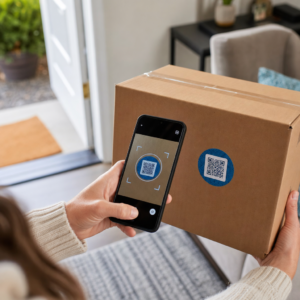
Are you losing potential attendees because they forget to manually type your event details into their mobile calendars? When friction stops guests from saving your date, overall attendance numbers drop significantly. Creating a custom calendar QR code allows your audience to add your event details directly to their smartphone calendar with a single scan.
How Calendar Event QR Codes Work
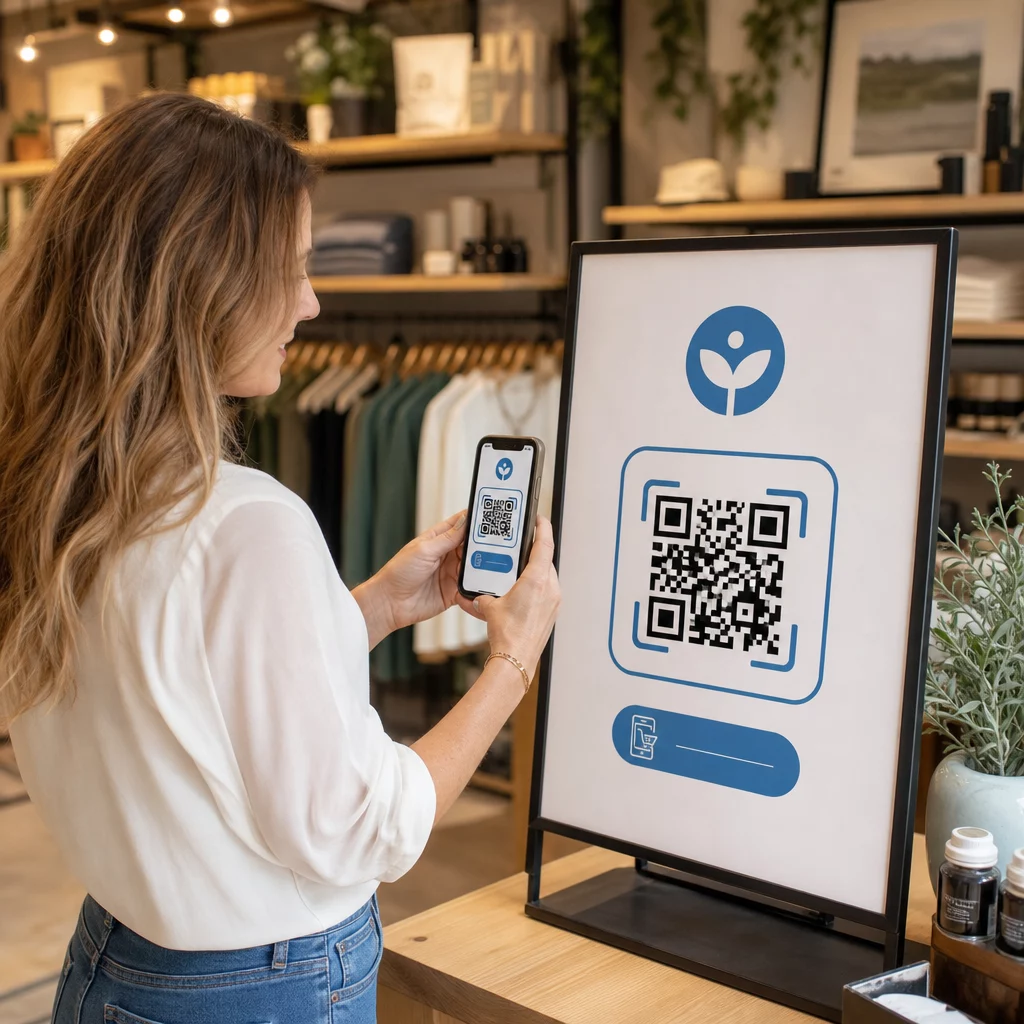
Calendar QR codes encode structured event information into a scannable image that mobile operating systems read instantly. When a user scans the code with their smartphone camera, the operating system parses the encoded data and prompts the user to save the event directly into Apple Calendar, Google Calendar, or Microsoft Outlook.
Behind the scenes, calendar QR codes format event details using two primary technical methods:
- iCalendar (.ics) Data: Encodes raw event syntax directly into the QR code based on the universal RFC 5545 calendar standard. This structure includes essential fields such as `BEGIN:VCALENDAR`, `DTSTART` (start date and time), `DTEND` (end date and time), `SUMMARY` (event title), and `LOCATION`. Mobile devices interpret this raw text and launch the native calendar application to generate a new entry.
- Calendar Prefill URLs: Formats the QR code destination as a web link containing pre-filled event parameters. For example, Google Calendar links use specific URL parameters such as `action=TEMPLATE`, `dates` in ISO 8601 UTC format (YYYYMMDDTHHMMSSZ), `text` for the title, `location`, and `details` for the event description.
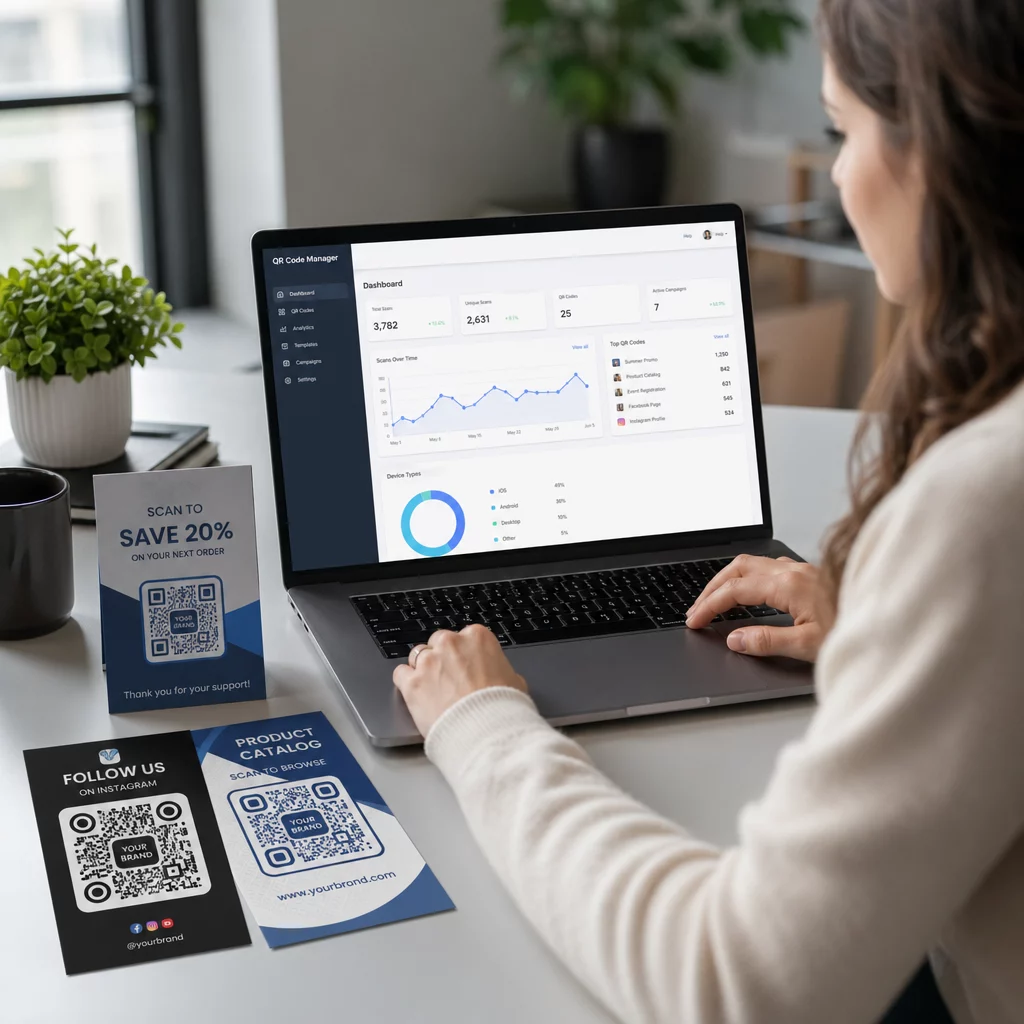
Using a specialized event QR code generator automates this formatting process so you do not have to write complex code syntax manually. Furthermore, choosing a dynamic QR code allows you to modify event parameters – such as adjusting a start time or updating a location – on your online dashboard without reprinting your physical promotional materials.
How to Generate a Calendar Event QR Code
Setting up an automated calendar entry requires configuring your key event parameters before downloading your final graphics file.
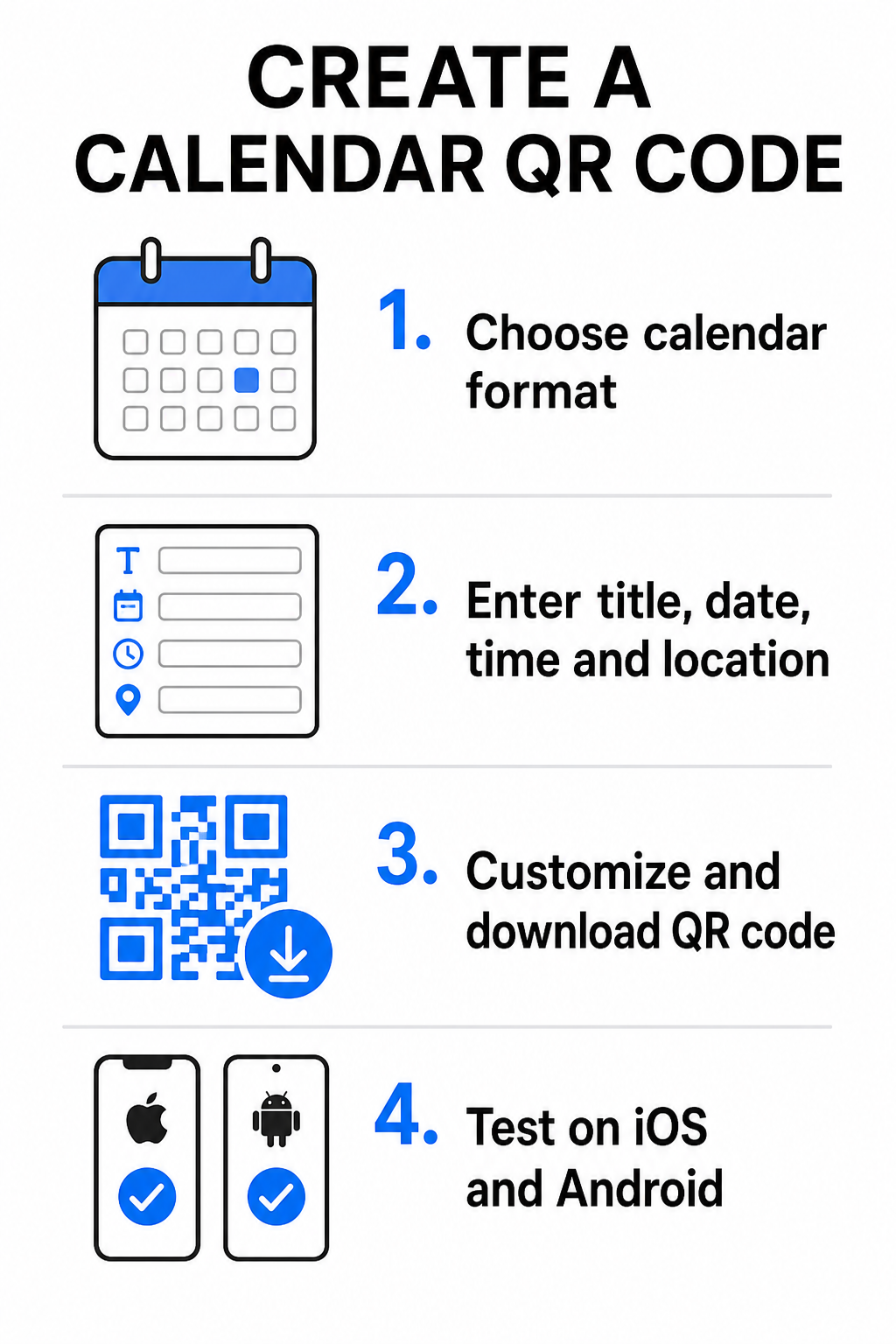
- Select the event format: Choose whether to link directly to a Google Calendar invitation, trigger an .ics file download, or send users to a custom event landing page. For web-based calendar links, use the Google Calendar QR code generator.
- Input essential event parameters: Enter the event title, exact start and end dates, start and end times, time zone, physical location, and description. Place web conferencing links or venue notes in the description field.
- Customize the visual design: Apply brand colors, adjust background patterns, and insert your logo while maintaining high contrast between elements.
- Download high-resolution vector files: Save your file in SVG or EPS format for commercial printing, or as a high-density PNG for digital display. Vector formats ensure crisp lines and prevent pixelation when scaled up.
- Test across mobile devices: Scan the completed code using iOS and Android smartphones, checking both native camera apps and dedicated browser scanners to confirm that all event fields populate correctly.
Simplify Your Event Setup Today Want to boost attendance and streamline guest registration? Use the Event QR Code Generator to create customizable, trackable calendar codes in seconds.
Best Practices for Print and Digital Placement
For a calendar QR code to drive guest conversions, users must be able to scan it quickly without technical errors. Applying standard physical design principles guarantees consistent scannability across print and digital media.
Sizing and Viewing Distance
Apply the 10:1 scanning ratio rule to determine the minimum physical width of your QR code: divide the expected scanning distance by 10. If an attendee scans a poster from 50 cm (about 20 inches) away, the QR code pattern must measure at least 5 × 5 cm. For close-range print materials like flyers, business cards, or digital wedding invitations, maintain a minimum print size of 2 × 2 cm (0.8 × 0.8 inches).
Color Contrast and Quiet Zones
Camera sensors rely on light reflection to read code modules. Darker colors absorb light, while lighter colors reflect it back to the lens. Maintain a contrast ratio of at least 4:1 – or aim for at least 55% contrast between dark foreground patterns and light backgrounds. Always preserve a clear quiet zone (the blank border surrounding the code) free of text, graphic overlays, or background textures.
Strategic Location Details
If your event takes place at a physical venue, ensure attendees can navigate there without friction. You can embed geographic coordinates in the event description or pair your calendar entry with a Google Maps QR code generator to open turn-by-turn navigation directly from the invite.
Clear Calls to Action
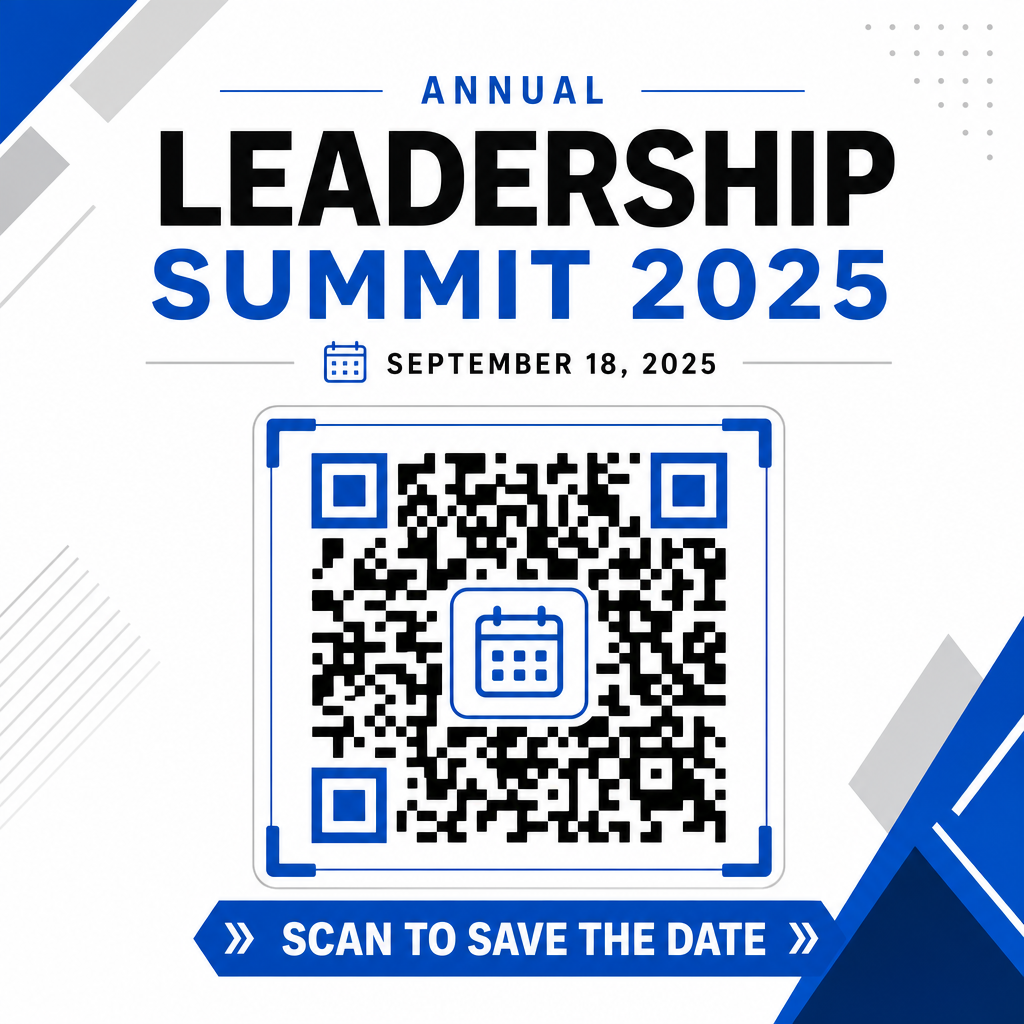
Scanning engagement increases significantly when users know what outcome to expect. Avoid displaying standalone QR codes without context. Place clear call-to-action text directly beneath or around the code, such as “Scan to Add Event to Calendar” or “Scan to Save the Date.”
Maximizing Attendance with Smart Event Codes
Integrating automated calendar tools eliminates manual data entry for your attendees, dramatically reducing drop-off rates between initial interest and actual attendance. Whether you place your codes on promotional posters, event signage, or physical invitations, giving guests an immediate way to block out their schedules ensures your event stays on their radar.
To explore dynamic codes that offer scan analytics and post-print editing, set up your next event using the flexible tools available in Pageloot’s all-in-one QR code generator. Combined with specialized landing pages for RSVP QR codes for events and dedicated QR codes for events, you can build a seamless digital pipeline from initial scan to final check-in.
Frequently Asked Questions
Scanning the code opens the user’s default smartphone calendar application with pre-filled event fields – including title, start and end times, location, and description – allowing them to save the event with a single tap.
Yes, provided you generate a dynamic QR code. Dynamic codes store a short redirect URL, allowing you to edit the event date, time, or location on your online dashboard without reprinting your physical flyers or posters.
Standard calendar QR codes use universal iCalendar (.ics) formats and standard web URL prefill parameters. They are natively supported by Apple Calendar, Google Calendar, Microsoft Outlook, and most major third-party calendar applications on iOS and Android.