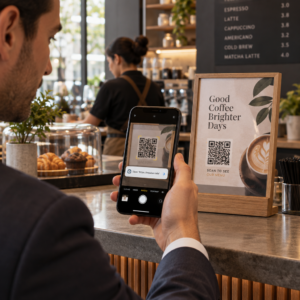
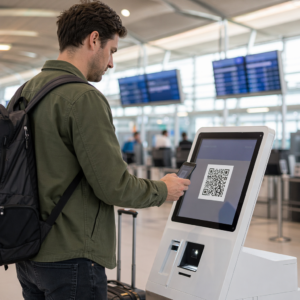
Чи втрачаєте ви потенційних відвідувачів тому, що вони забувають вручну ввести деталі вашої події у свої мобільні календарі? Коли тертя заважає гостям зберегти вашу дату, загальна кількість відвідувачів значно падає. Створення індивідуального QR-коду календаря дозволяє вашій аудиторії додавати деталі вашої події безпосередньо у календар свого смартфона одним скануванням.
Як працюють QR-коди подій календаря
QR-коди календаря кодують структуровану інформацію про подію у скановане зображення, яке мобільні операційні системи миттєво зчитують. Коли користувач сканує код камерою свого смартфона, операційна система аналізує закодовані дані та пропонує користувачеві зберегти подію безпосередньо у Apple Calendar, Google Calendar або Microsoft Outlook.
За лаштунками QR-коди календаря форматують деталі події за допомогою двох основних технічних методів:
- Дані iCalendar (.ics): Кодує синтаксис події безпосередньо в QR-код на основі універсального календарного стандарту RFC 5545. Ця структура включає такі важливі поля, як `BEGIN:VCALENDAR`, `DTSTART` (дата та час початку), `DTEND` (дата та час закінчення), `SUMMARY` (назва події) та `LOCATION`. Мобільні пристрої інтерпретують цей сирий текст і запускають власну програму календаря для створення нового запису.
- URL-адреси для попереднього заповнення календаря: Форматує призначення QR-коду як веб-посилання, що містить попередньо заповнені параметри події. Наприклад, посилання Google Calendar використовують певні параметри URL, такі як `action=TEMPLATE`, `dates` у форматі ISO 8601 UTC (YYYYMMDDTHHMMSSZ), `text` для назви, `location` та `details` для опису події.
Використання спеціалізованого Створити QR код для події автоматизує цей процес форматування, тому вам не доведеться вручну писати складний синтаксис коду. Крім того, вибір динамічного QR-коду дозволяє змінювати параметри події – наприклад, коригувати час початку або оновлювати місцезнаходження – на вашій онлайн-панелі без повторного друку ваших фізичних рекламних матеріалів.
Як створити QR-код події календаря
Налаштування автоматичного запису в календар вимагає конфігурації ключових параметрів вашої події перед завантаженням остаточного графічного файлу.
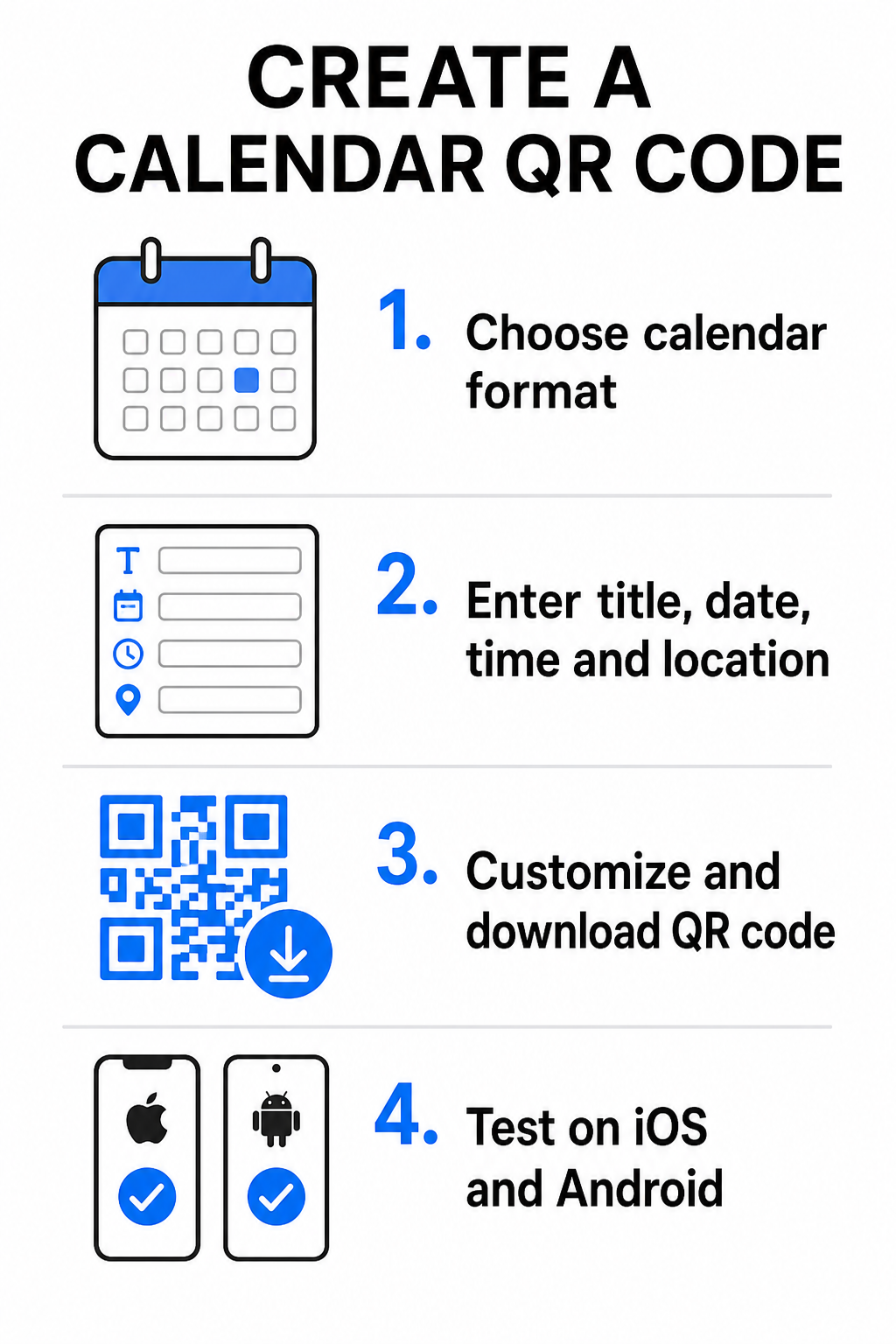
- Виберіть формат події: Виберіть, чи посилатися безпосередньо на запрошення Google Календаря, запускати завантаження файлу .ics, чи надсилати користувачів на спеціальну цільову сторінку події. Для веб-посилань на календар використовуйте Генератор QR-кодів для Google Календаря.
- Введіть основні параметри події: Введіть назву події, точні дати початку та закінчення, час початку та закінчення, часовий пояс, фізичне розташування та опис. Посилання на веб-конференції або примітки до місця проведення розміщуйте в полі опису.
- Налаштуйте візуальний дизайн: Застосуйте фірмові кольори, налаштуйте візерунки фону та вставте свій логотип, зберігаючи високий контраст між елементами.
- Завантажте векторні файли високої роздільної здатності: Збережіть файл у форматі SVG або EPS для комерційного друку, або як PNG високої щільності для цифрового відображення. Векторні формати забезпечують чіткі лінії та запобігають пікселізації при масштабуванні.
- Тестуйте на мобільних пристроях: Скануйте завершений код за допомогою смартфонів iOS та Android, перевіряючи як вбудовані програми камери, так і спеціалізовані сканери браузера, щоб переконатися, що всі поля події заповнюються правильно.
Спростіть налаштування події сьогодні Хочете збільшити відвідуваність та оптимізувати реєстрацію гостей? Використовуйте Створити QR код для події для створення настроюваних, відстежуваних календарних кодів за лічені секунди.
Рекомендації щодо розміщення в друкованих та цифрових матеріалах
Щоб QR-код календаря стимулював конверсію гостей, користувачі повинні мати можливість швидко сканувати його без технічних помилок. Застосування стандартних принципів фізичного дизайну гарантує стабільну можливість сканування на друкованих та цифрових носіях.
Розмір та відстань перегляду
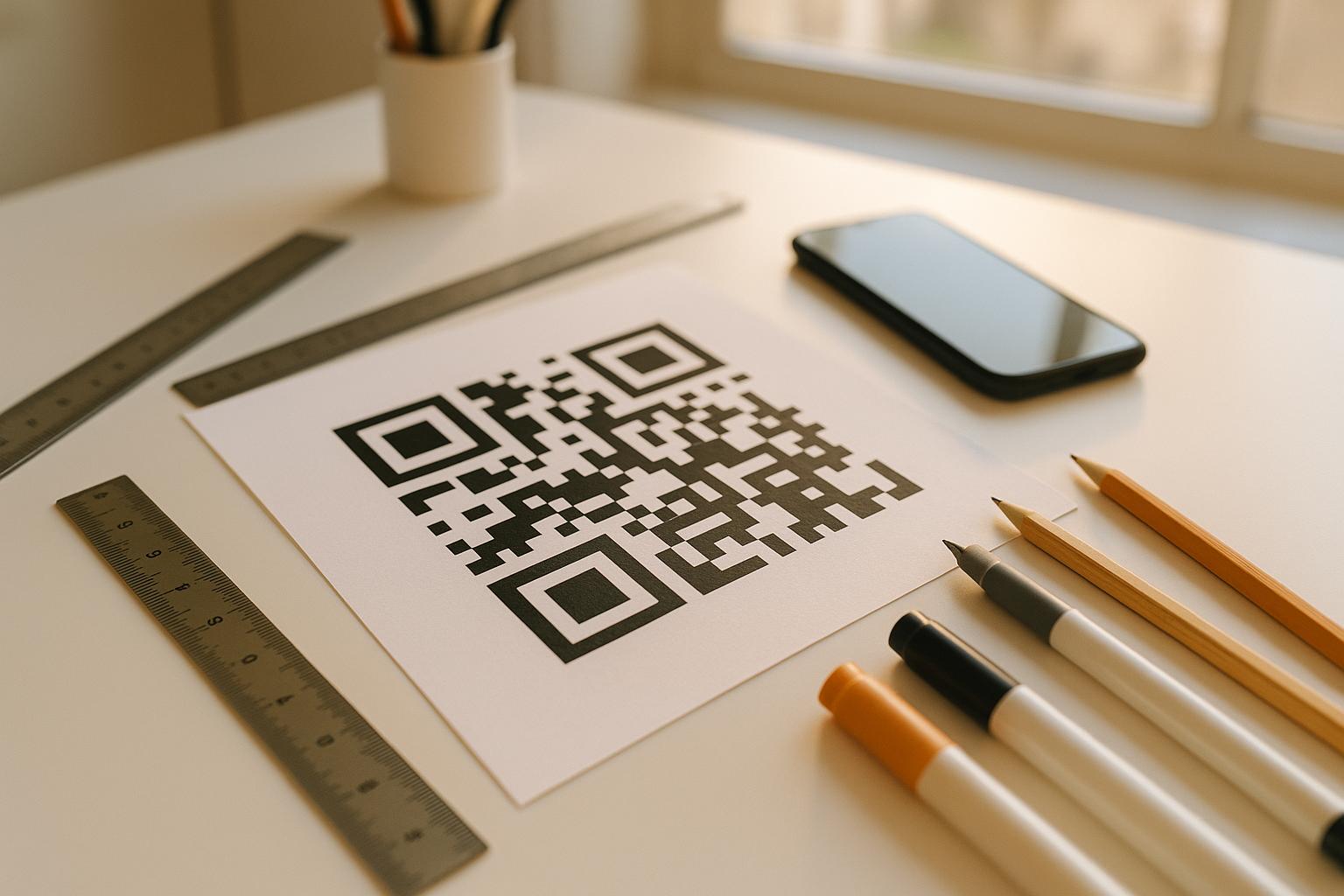
Застосуйте співвідношення сканування 10:1 правило для визначення мінімальної фізичної ширини вашого QR-коду: розділіть очікувану відстань сканування на 10. Якщо учасник сканує плакат з відстані 50 см (близько 20 дюймів), шаблон QR-коду повинен мати розмір не менше 5 × 5 см. Для друкованих матеріалів близького діапазону, таких як листівки, візитки або цифрові весільні запрошення, підтримуйте мінімальний розмір друку 2 × 2 см (0,8 × 0,8 дюйма).
Колірний контраст і Тихі зони
Датчики камери покладаються на відбиття світла для зчитування модулів коду. Темніші кольори поглинають світло, тоді як світліші кольори відбивають його назад до об'єктива. Підтримуйте коефіцієнт контрастності щонайменше 4:1 – або прагніть щонайменше 55% контрасту між темними візерунками переднього плану та світлими фонами. Завжди зберігайте чітку тиху зону (порожню рамку навколо коду), вільну від тексту, графічних накладок або фонових текстур.
Деталі стратегічного розташування
Якщо ваша подія відбувається у фізичному місці, переконайтеся, що відвідувачі зможуть дістатися туди без проблем. Ви можете вбудувати географічні координати в опис події або поєднати запис у календарі з Генератор QR-кодів Google Maps щоб відкрити покрокову навігацію безпосередньо із запрошення.
Чіткі заклики до дії
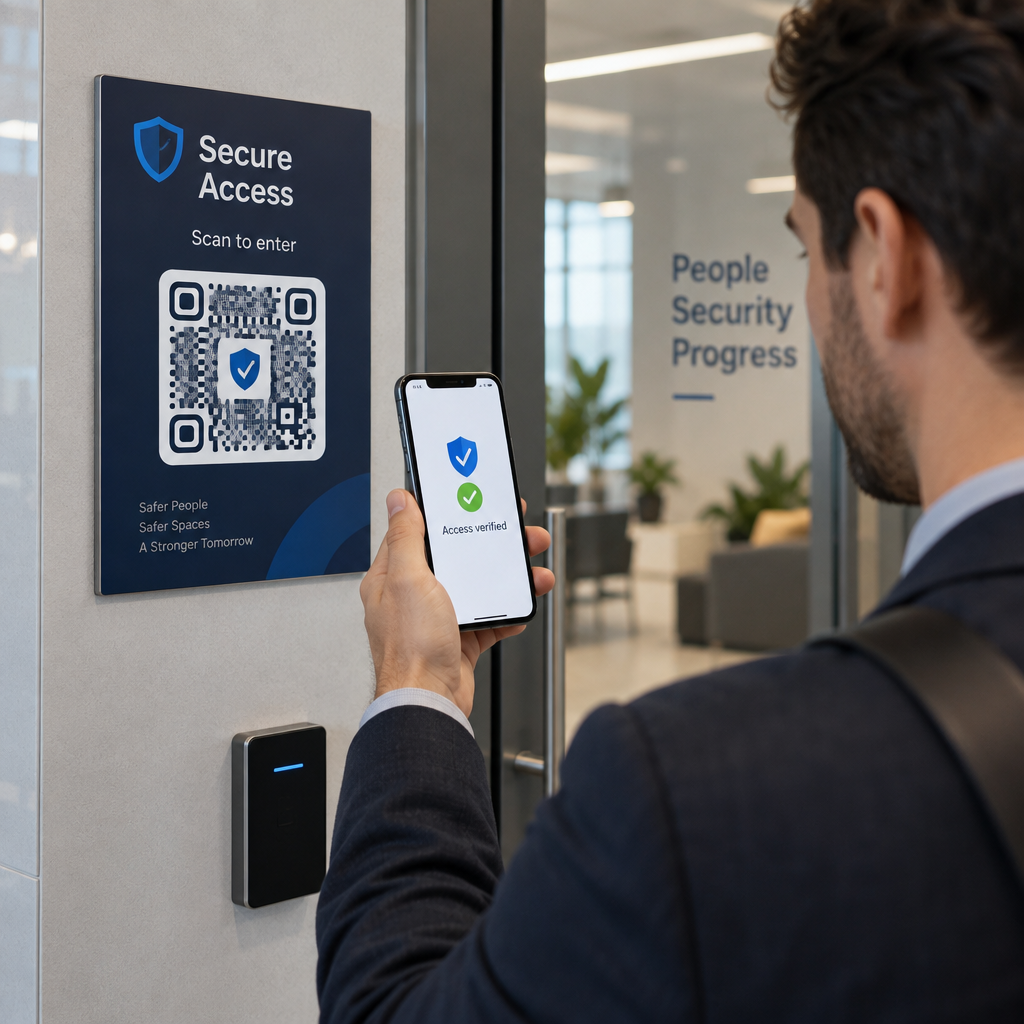
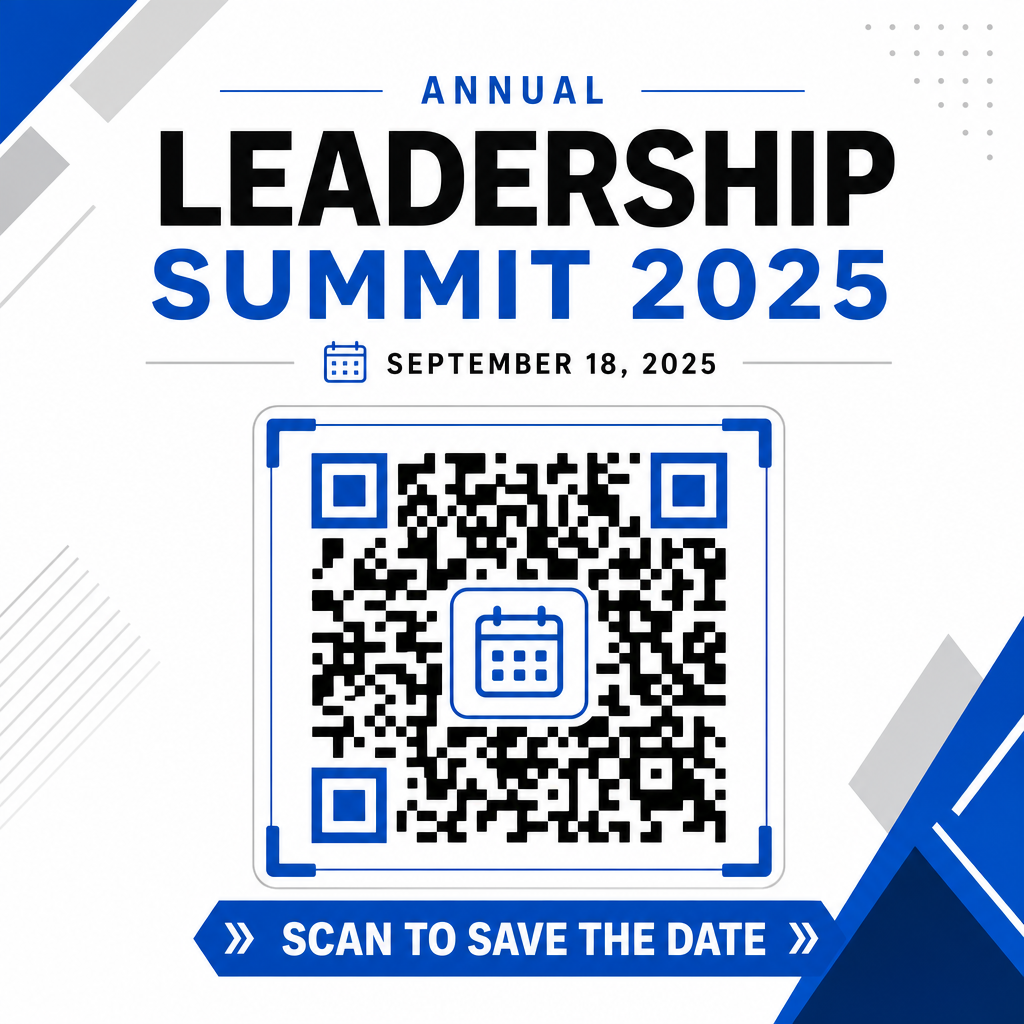
Залученість до сканування значно зростає, коли користувачі знають, який результат очікувати. Уникайте відображення окремих QR-кодів без контексту. Розміщуйте чіткий текст із закликом до дії безпосередньо під кодом або навколо нього, наприклад “Скануйте, щоб додати подію до календаря” або “Скануйте, щоб зберегти дату.”
Максимізація відвідуваності за допомогою смарт-кодів подій
Інтеграція автоматизованих інструментів календаря усуває необхідність ручного введення даних для ваших відвідувачів, значно зменшуючи кількість відмов між початковим інтересом та фактичною відвідуваністю. Незалежно від того, чи розміщуєте ви свої коди на рекламних плакати, вивісках подій або фізичних запрошеннях, надання гостям негайного способу забронювати свій розклад гарантує, що ваша подія залишиться в їхньому полі зору.
Щоб дослідити динамічні коди, які пропонують аналітику сканувань та редагування після друку, налаштуйте свою наступну подію за допомогою гнучких інструментів, доступних у універсальному рішенні Pageloot генератор QR-кодів. У поєднанні зі спеціалізованими цільовими сторінками для QR-кодів для підтвердження участі в подіях та спеціалізованими QR-коди для подій, ви можете побудувати безперебійний цифровий шлях від початкового сканування до остаточної реєстрації.
Поширені запитання
Сканування коду відкриває стандартний календарний додаток смартфона користувача з попередньо заповненими полями події – включаючи назву, час початку та закінчення, місце розташування та опис – дозволяючи їм зберегти подію одним дотиком.
Так, за умови, що ви створите динамічний QR-код. Динамічні коди зберігають коротку URL-адресу перенаправлення, що дозволяє редагувати дату, час або місце проведення події на вашій онлайн-панелі без повторного друку фізичних флаєрів або плакатів.
Стандартні QR-коди для календарів використовують універсальні формати iCalendar (.ics) та стандартні параметри попереднього заповнення URL-адрес. Вони підтримуються Apple Calendar, Google Calendar, Microsoft Outlook і більшістю основних сторонніх календарних програм на iOS та Android.