Czy tracisz potencjalnych uczestników, ponieważ zapominają ręcznie wprowadzić szczegóły Twojego wydarzenia do swoich kalendarzy mobilnych? Kiedy opór uniemożliwia gościom zapisanie daty, ogólna liczba uczestników znacznie spada. Utworzenie niestandardowego kodu QR kalendarza pozwala Twojej publiczności dodać szczegóły wydarzenia bezpośrednio do kalendarza smartfona za pomocą jednego skanu.
Jak działają kody QR wydarzeń w kalendarzu
Kody QR kalendarza kodują ustrukturyzowane informacje o wydarzeniu w skanowalny obraz, który mobilne systemy operacyjne odczytują natychmiast. Gdy użytkownik skanuje kod aparatem smartfona, system operacyjny analizuje zakodowane dane i prosi użytkownika o zapisanie wydarzenia bezpośrednio w Kalendarzu Apple, Kalendarzu Google lub Microsoft Outlook.
Od kulis, kody QR kalendarza formatują szczegóły wydarzenia za pomocą dwóch głównych metod technicznych:
- Dane iCalendar (.ics): Koduje surową składnię wydarzenia bezpośrednio w kodzie QR na podstawie uniwersalnego standardu kalendarza RFC 5545. Ta struktura obejmuje istotne pola, takie jak `BEGIN:VCALENDAR`, `DTSTART` (data i godzina rozpoczęcia), `DTEND` (data i godzina zakończenia), `SUMMARY` (tytuł wydarzenia) i `LOCATION`. Urządzenia mobilne interpretują ten surowy tekst i uruchamiają natywną aplikację kalendarza, aby wygenerować nowy wpis.
- Adresy URL kalendarza z wstępnym wypełnieniem: Formatuje docelowy kod QR jako link internetowy zawierający wstępnie wypełnione parametry wydarzenia. Na przykład linki do Kalendarza Google używają określonych parametrów URL, takich jak `action=TEMPLATE`, `dates` w formacie ISO 8601 UTC (RRRRMMDDTHHMMSSZ), `text` dla tytułu, `location` i `details` dla opisu wydarzenia.
Korzystanie ze specjalistycznego Generator kodów QR na wydarzenia automatyzuje ten proces formatowania, dzięki czemu nie musisz ręcznie pisać złożonej składni kodu. Ponadto, wybranie dynamicznego kodu QR pozwala modyfikować parametry wydarzenia – takie jak dostosowanie godziny rozpoczęcia lub aktualizacja lokalizacji – na Twoim panelu online bez konieczności ponownego drukowania fizycznych materiałów promocyjnych.
Jak wygenerować kod QR wydarzenia w kalendarzu
Konfiguracja automatycznego wpisu do kalendarza wymaga ustawienia kluczowych parametrów wydarzenia przed pobraniem finalnego pliku graficznego.
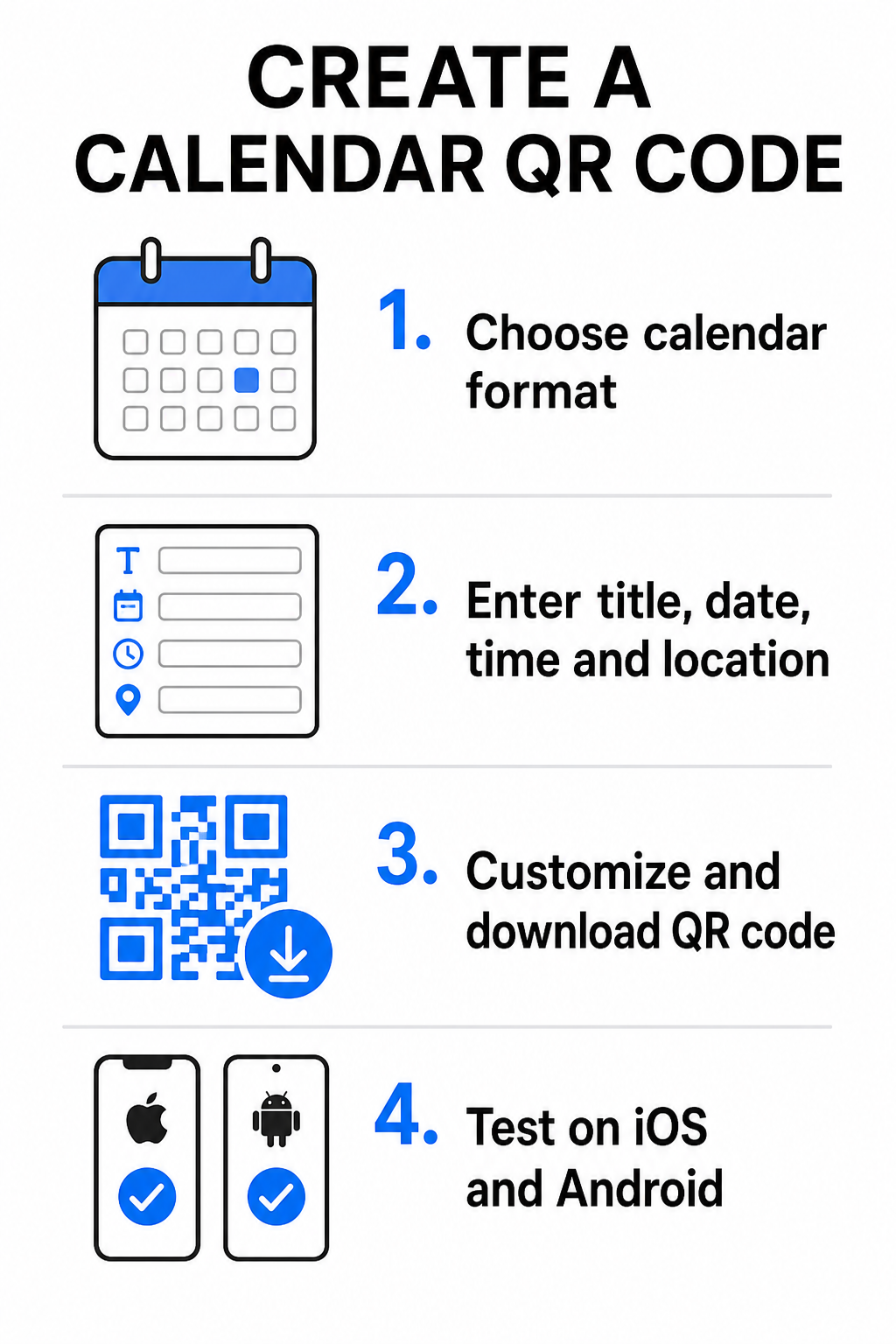
- Wybierz format wydarzenia: Wybierz, czy chcesz linkować bezpośrednio do zaproszenia Google Calendar, uruchomić pobieranie pliku .ics, czy przekierować użytkowników na niestandardową stronę docelową wydarzenia. W przypadku linków kalendarzowych opartych na sieci web, użyj Generator kodów QR do Kalendarza Google.
- Wprowadź podstawowe parametry wydarzenia: Wprowadź tytuł wydarzenia, dokładne daty rozpoczęcia i zakończenia, godziny rozpoczęcia i zakończenia, strefę czasową, fizyczną lokalizację oraz opis. Linki do wideokonferencji lub uwagi dotyczące miejsca umieść w polu opisu.
- Dostosuj projekt wizualny: Zastosuj kolory marki, dostosuj wzory tła i wstaw swoje logo, zachowując wysoki kontrast między elementami.
- Pobierz pliki wektorowe wysokiej rozdzielczości: Zapisz plik w formacie SVG lub EPS do druku komercyjnego, lub jako PNG o wysokiej gęstości do wyświetlania cyfrowego. Formaty wektorowe zapewniają ostre linie i zapobiegają pikselizacji przy skalowaniu.
- Testuj na urządzeniach mobilnych: Zeskanuj ukończony kod za pomocą smartfonów iOS i Android, sprawdzając zarówno natywne aplikacje aparatu, jak i dedykowane skanery przeglądarek, aby potwierdzić, że wszystkie pola wydarzenia wypełniają się poprawnie.
Uprość konfigurację wydarzeń już dziś Chcesz zwiększyć frekwencję i usprawnić rejestrację gości? Użyj Generator kodów QR na wydarzenia aby w kilka sekund stworzyć konfigurowalne, śledzalne kody kalendarzowe.
Najlepsze praktyki dla umieszczania w druku i cyfrowo
Aby kod QR kalendarza przekładał się na konwersje gości, użytkownicy muszą być w stanie zeskanować go szybko i bez błędów technicznych. Zastosowanie standardowych zasad projektowania fizycznego gwarantuje spójną skanowalność w mediach drukowanych i cyfrowych.
Rozmiar i odległość oglądania
Zastosuj współczynnik skanowania 10:1 zasadę, aby określić minimalną fizyczną szerokość kodu QR: podziel oczekiwaną odległość skanowania przez 10. Jeśli uczestnik skanuje plakat z odległości 50 cm (około 20 cali), wzór kodu QR musi mierzyć co najmniej 5 × 5 cm. W przypadku materiałów drukowanych z bliskiej odległości, takich jak ulotki, wizytówki lub cyfrowe zaproszenia ślubne, zachowaj minimalny rozmiar wydruku 2 × 2 cm (0,8 × 0,8 cala).
Kontrast kolorów i strefy wyciszenia
Sensory kamer opierają się na odbiciu światła do odczytu modułów kodu. Ciemniejsze kolory pochłaniają światło, podczas gdy jaśniejsze odbijają je z powrotem do obiektywu. Zachowaj współczynnik kontrastu wynoszący co najmniej 4:1 – lub dąż do uzyskania co najmniej 55% kontrastu między ciemnymi wzorami pierwszoplanowymi a jasnymi tłami. Zawsze zachowaj wyraźną strefę wyciszenia (pustą ramkę otaczającą kod), wolną od tekstu, nakładek graficznych lub tekstur tła.
Szczegóły strategicznego umiejscowienia
Jeśli Twoje wydarzenie odbywa się w fizycznym miejscu, upewnij się, że uczestnicy mogą tam dotrzeć bez problemów. Możesz osadzić współrzędne geograficzne w opisie wydarzenia lub połączyć wpis w kalendarzu z Generator kodów QR do Google Maps aby otworzyć nawigację zakręt po zakręcie bezpośrednio z zaproszenia.
Jasne wezwania do działania
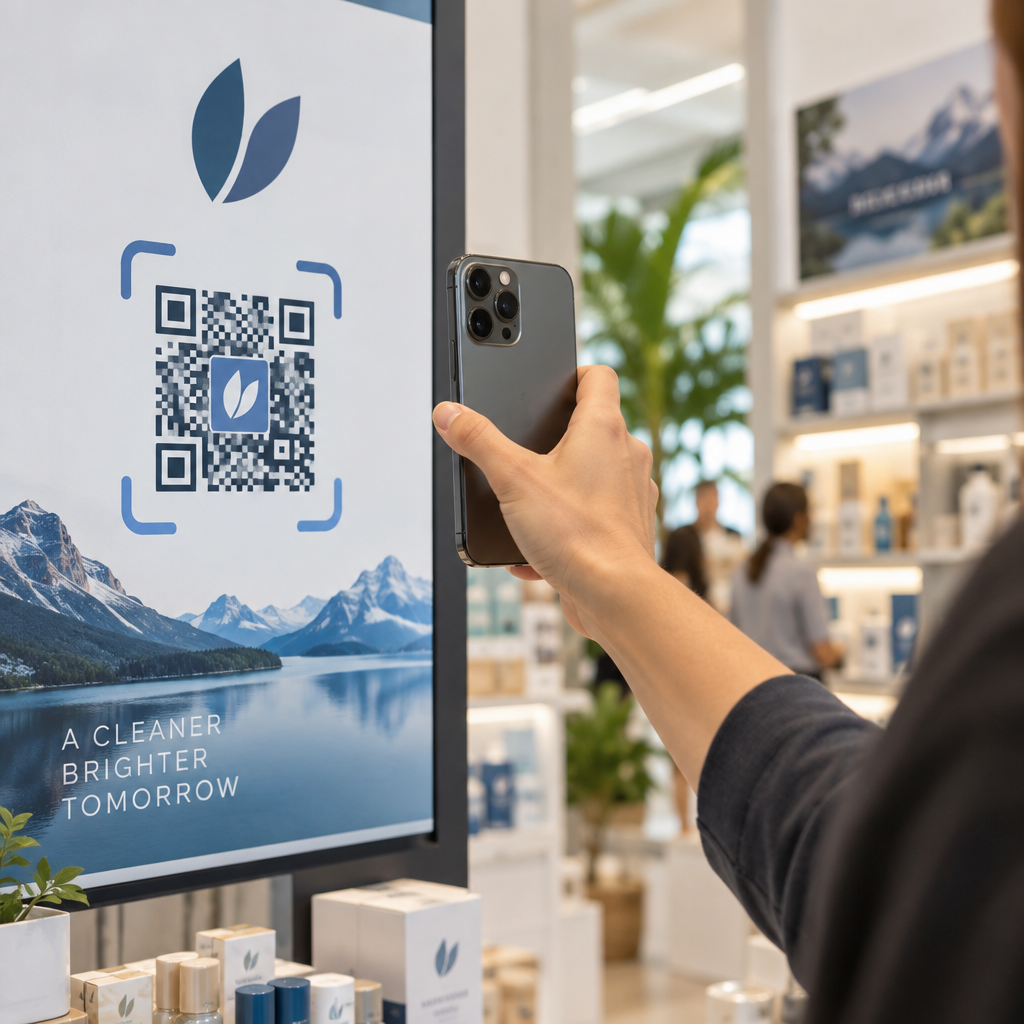
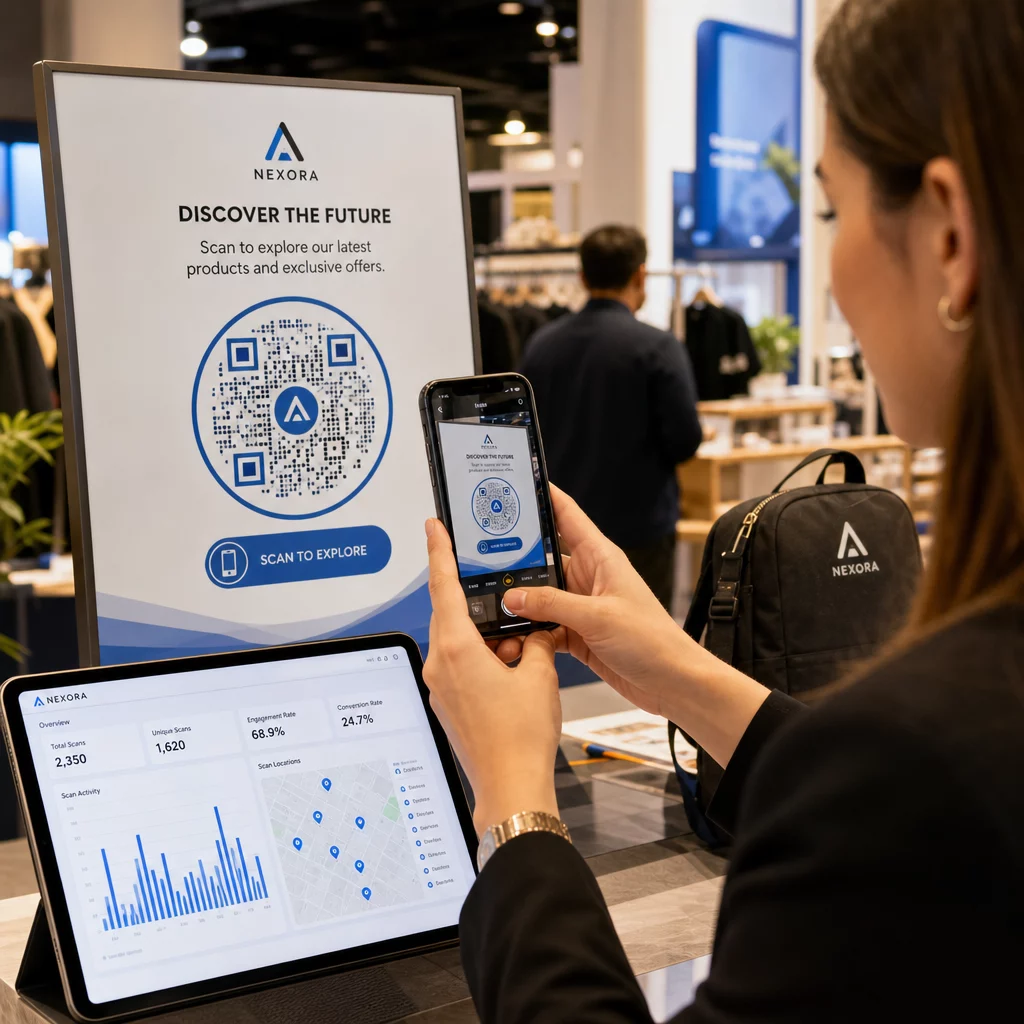
Zaangażowanie w skanowanie znacznie wzrasta, gdy użytkownicy wiedzą, jakiego rezultatu się spodziewać. Unikaj wyświetlania samodzielnych kodów QR bez kontekstu. Umieść wyraźny tekst zachęcający do działania bezpośrednio pod kodem lub wokół niego, na przykład „Zeskanuj, aby dodać wydarzenie do kalendarza” lub „Zeskanuj, aby zapisać datę.”
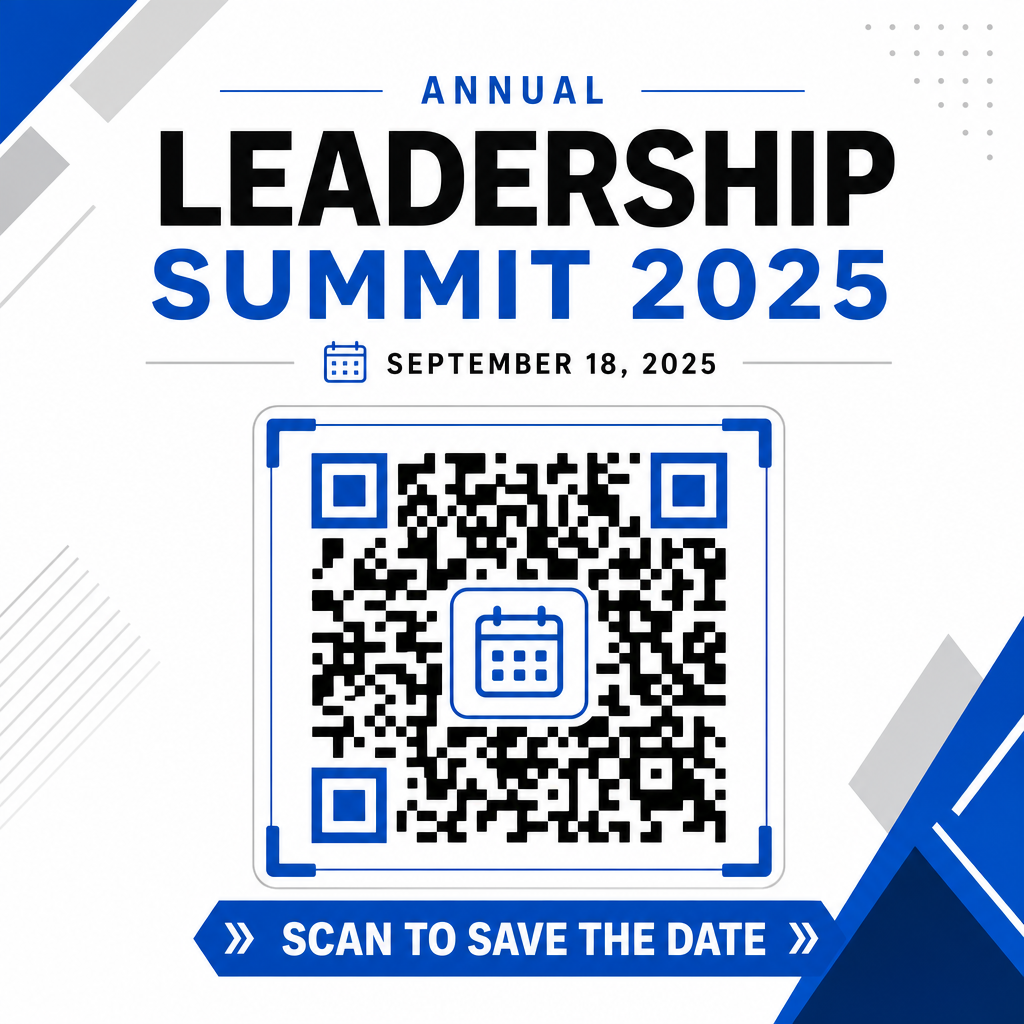
Maksymalizacja frekwencji dzięki inteligentnym kodom wydarzeń
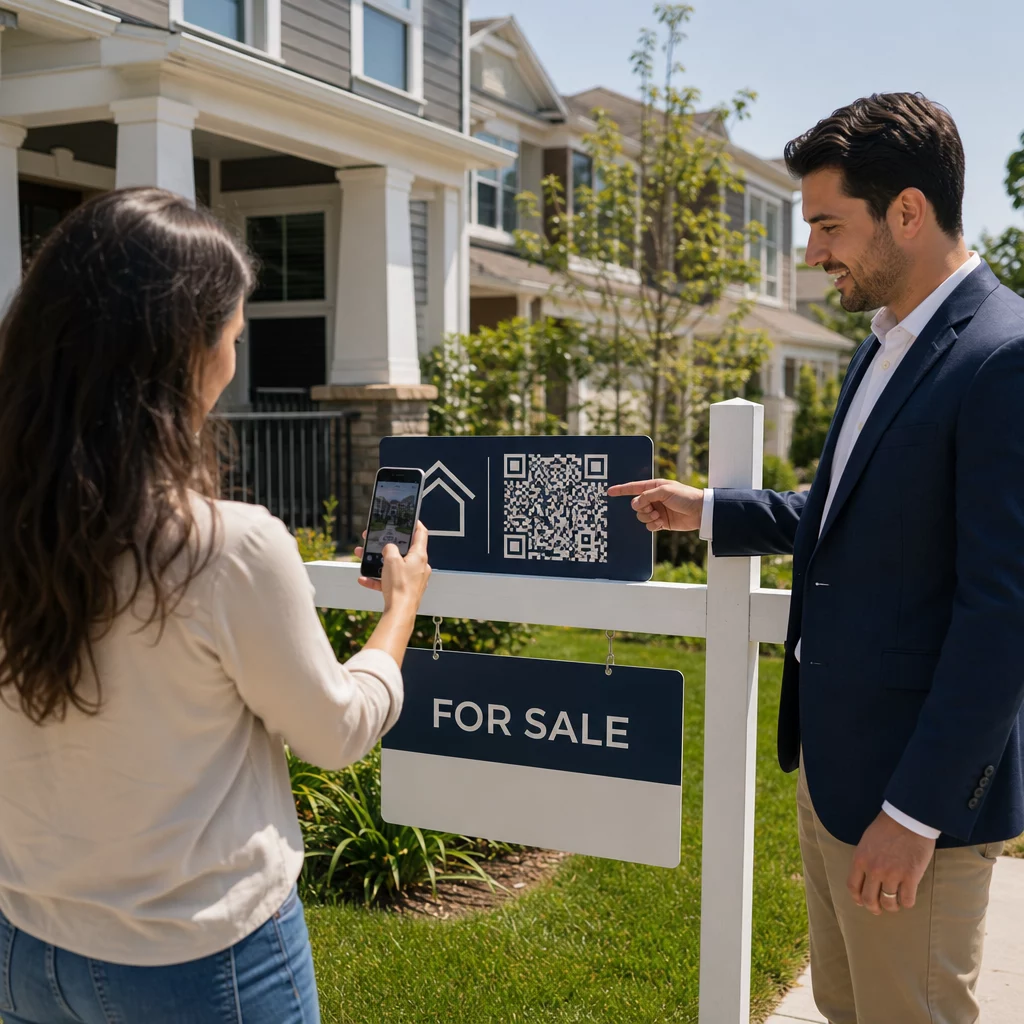
Integracja zautomatyzowanych narzędzi kalendarza eliminuje ręczne wprowadzanie danych dla uczestników, drastycznie zmniejszając wskaźniki rezygnacji między początkowym zainteresowaniem a faktyczną frekwencją. Niezależnie od tego, czy umieścisz swoje kody na materiałach promocyjnych Plakaty, oznakowaniu wydarzenia lub fizycznych zaproszeniach, zapewnienie gościom natychmiastowego sposobu na zablokowanie swoich harmonogramów gwarantuje, że Twoje wydarzenie pozostanie w ich polu zainteresowania.
Aby zbadać dynamiczne kody, które oferują analitykę skanowań i edycję po wydruku, skonfiguruj swoje następne wydarzenie, korzystając z elastycznych narzędzi dostępnych w kompleksowym rozwiązaniu Pageloot generator kodów QR. Kodów QR do potwierdzania obecności na wydarzenia i dedykowanych Kody QR dla wydarzeń, możesz zbudować płynny cyfrowy kanał od początkowego skanowania do końcowej rejestracji.
Najczęściej zadawane pytania
Skanowanie kodu otwiera domyślną aplikację kalendarza smartfona użytkownika z wstępnie wypełnionymi polami wydarzenia – w tym tytułem, godzinami rozpoczęcia i zakończenia, lokalizacją oraz opisem – umożliwiając im zapisanie wydarzenia jednym dotknięciem.
Tak, pod warunkiem, że wygenerujesz dynamiczny kod QR. Kody dynamiczne przechowują krótki adres URL przekierowania, co pozwala edytować datę, godzinę lub lokalizację wydarzenia na Twoim panelu online bez konieczności ponownego drukowania fizycznych ulotek lub plakatów.
Standardowe kody QR kalendarza wykorzystują uniwersalne formaty iCalendar (.ics) oraz standardowe parametry wstępnego wypełniania adresów URL. Są natywnie obsługiwane przez Kalendarz Apple, Kalendarz Google, Microsoft Outlook oraz większość głównych aplikacji kalendarzowych innych firm na iOS i Androida.