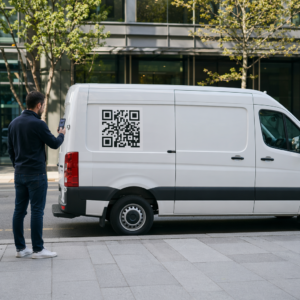
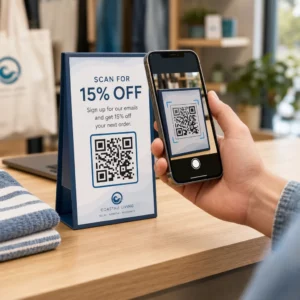
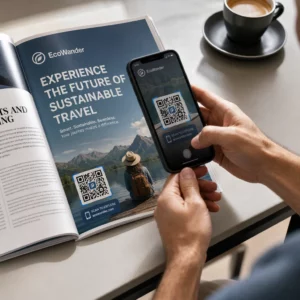
Vai jūs zaudējat potenciālos apmeklētājus, jo viņi aizmirst manuāli ievadīt jūsu pasākuma detaļas savos mobilo tālruņu kalendāros? Kad apgrūtinājums attur viesus saglabāt jūsu datumu, kopējais apmeklētāju skaits ievērojami samazinās. Izveidojot pielāgotu kalendāra QR kodu, jūsu auditorija ar vienu skenēšanu var pievienot jūsu pasākuma detaļas tieši savā viedtālruņa kalendārā.
Kā darbojas kalendāra pasākumu QR kodi
Kalendāra QR kodi kodē strukturētu pasākuma informāciju skenējamā attēlā, ko mobilo ierīču operētājsistēmas nolasīja uzreiz. Kad lietotājs skenē kodu ar savu viedtālruņa kameru, operētājsistēma parsē kodētos datus un aicina lietotāju saglabāt pasākumu tieši Apple Calendar, Google Calendar vai Microsoft Outlook.
Aizkulisēs kalendāra QR kodi formatē pasākuma detaļas, izmantojot divas galvenās tehniskās metodes:
- iCalendar (.ics) dati: Kodē neapstrādātu pasākuma sintaksi tieši QR kodā, pamatojoties uz universālo RFC 5545 kalendāra standartu. Šī struktūra ietver būtiskus laukus, piemēram, `BEGIN:VCALENDAR`, `DTSTART` (sākuma datums un laiks), `DTEND` (beigu datums un laiks), `SUMMARY` (pasākuma nosaukums) un `LOCATION`. Mobilās ierīces interpretē šo neapstrādāto tekstu un palaiž vietējo kalendāra lietojumprogrammu, lai ģenerētu jaunu ierakstu.
- Kalendāra iepriekš aizpildīšanas URL: Formatē QR koda galamērķi kā tīmekļa saiti, kas satur iepriekš aizpildītus pasākuma parametrus. Piemēram, Google kalendāra saites izmanto specifiskus URL parametrus, piemēram, `action=TEMPLATE`, `dates` ISO 8601 UTC formātā (YYYYMMDDTHHMMSSZ), `text` nosaukumam, `location` un `details` pasākuma aprakstam.
Izmantojot specializētu Pasākuma QR koda ģenerators automatizē šo formatēšanas procesu, lai jums nebūtu manuāli jāraksta sarežģīta koda sintakse. Turklāt, izvēloties dinamisku QR kodu, jūs varat mainīt pasākuma parametrus – piemēram, pielāgojot sākuma laiku vai atjauninot atrašanās vietu – savā tiešsaistes vadības panelī, nepārprintējot savus fiziskos reklāmas materiālus.
Kā ģenerēt kalendāra pasākuma QR kodu
Automātiskas kalendāra ieraksta iestatīšana prasa konfigurēt galvenos pasākuma parametrus pirms gala grafiskā faila lejupielādes.
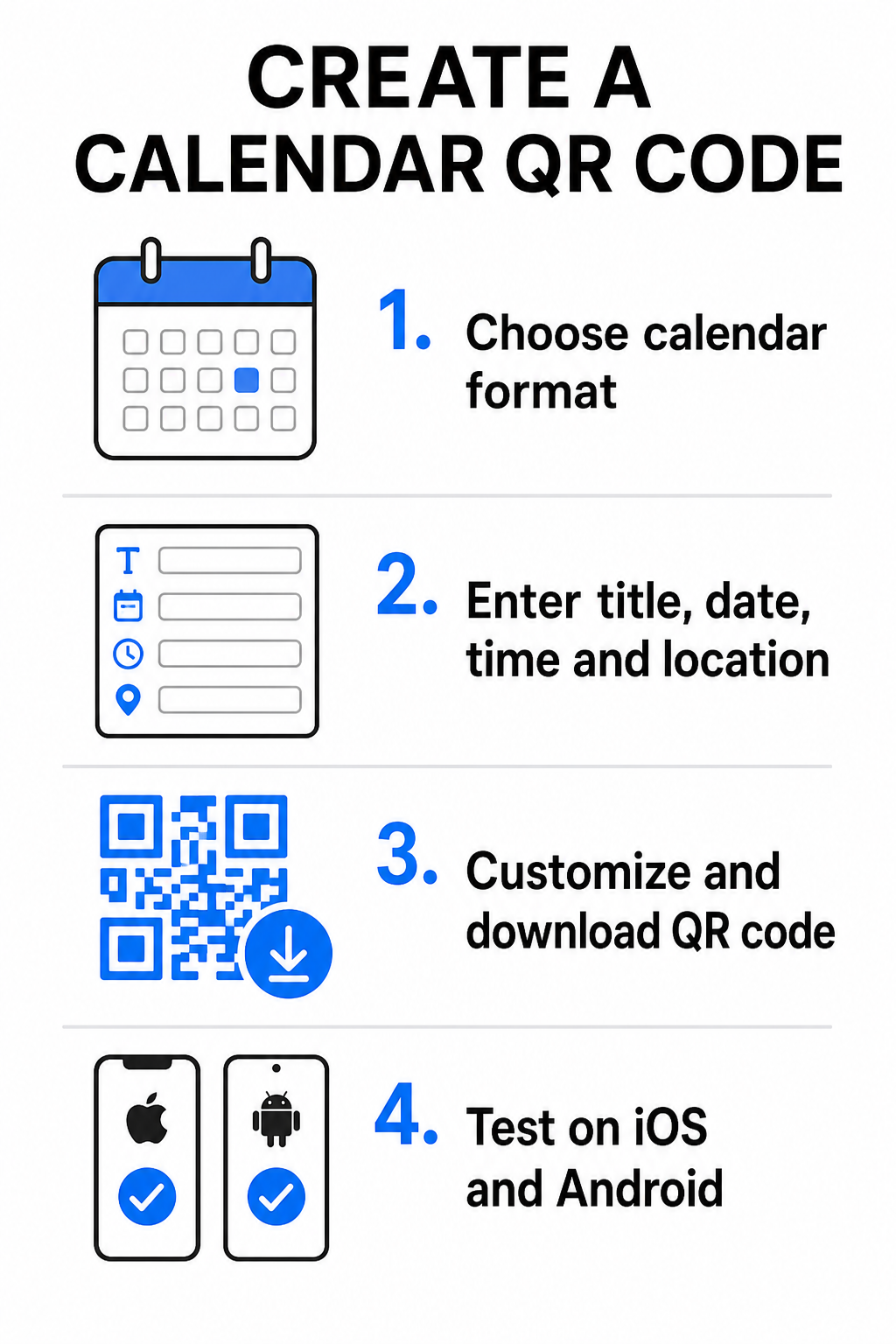
- Izvēlieties pasākuma formātu: Izvēlieties, vai tieši saistīt ar Google Calendar ielūgumu, iedarbināt .ics faila lejupielādi vai nosūtīt lietotājus uz pielāgotu pasākuma galveno lapu. Tīmekļa kalendāra saitēm izmantojiet Google Calendar QR koda ģenerators.
- Ievadiet būtiskos pasākuma parametrus: Ievadiet pasākuma nosaukumu, precīzus sākuma un beigu datumus, sākuma un beigu laikus, laika joslu, fizisko atrašanās vietu un aprakstu. Tīmekļa konferenču saites vai vietas piezīmes ievietojiet apraksta laukā.
- Pielāgojiet vizuālo dizainu: Pielietojiet zīmola krāsas, pielāgojiet fona modeļus un ievietojiet savu logotipu, saglabājot augstu kontrastu starp elementiem.
- Lejupielādējiet augstas izšķirtspējas vektoru failus: Saglabājiet failu SVG vai EPS formātā komerciālai drukāšanai vai kā augsta blīvuma PNG digitālai attēlošanai. Vektoru formāti nodrošina asu līniju kvalitāti un novērš pikseļu parādīšanos palielinot.
- Pārbaudiet dažādās mobilajās ierīcēs: Skenējiet pabeigto kodu, izmantojot iOS un Android viedtālruņus, pārbaudot gan vietējās kameru lietotnes, gan īpašus pārlūkprogrammu skenerus, lai pārliecinātos, ka visi pasākuma lauki tiek aizpildīti pareizi.
Vienkāršojiet savu pasākumu iestatīšanu jau šodien Vēlaties palielināt apmeklētību un racionalizēt viesu reģistrāciju? Izmantojiet Pasākuma QR koda ģenerators lai sekundēs izveidotu pielāgojamus, izsekojamus kalendāra kodus.
Labākā prakse drukātā un digitālā izvietojumā
Lai kalendāra QR kods veicinātu viesu piesaisti, lietotājiem ir jāspēj to ātri skenēt bez tehniskām kļūdām. Standarta fizisko dizaina principu pielietošana garantē konsekventu skenējamību visos drukātajos un digitālajos medijos.
Izmēri un skatīšanās attālums
Pielietojiet 10:1 skenēšanas attiecības noteikumu, lai noteiktu QR koda minimālo fizisko platumu: sadaliet paredzēto skenēšanas attālumu ar 10. Ja apmeklētājs skenē plakātu no 50 cm (apmēram 20 collas) attāluma, QR koda paraugam jābūt vismaz 5 × 5 cm. Tuvplāna drukātajiem materiāliem, piemēram, skrejlapām, vizītkartēm vai digitālajiem kāzu ielūgumiem, saglabājiet minimālo drukas izmēru 2 × 2 cm (0,8 × 0,8 collas).
Krāsu kontrasts un Klusās zonas
Kameras sensori paļaujas uz gaismas atstarošanu, lai nolasītu koda moduļus. Tumšākas krāsas absorbē gaismu, savukārt gaišākas krāsas to atstaro atpakaļ objektīvā. Uzturiet kontrasta attiecību vismaz 4:1 – vai tiecieties uz vismaz 55% kontrastu starp tumšiem priekšplāna rakstiem un gaišiem foniem. Vienmēr saglabājiet skaidru kluso zonu (tukšo apmali ap kodu), kurā nav teksta, grafisku pārklājumu vai fona faktūru.
Stratēģiskas atrašanās vietas detaļas
Ja jūsu pasākums notiek fiziskā norises vietā, nodrošiniet, lai apmeklētāji varētu tur nokļūt bez grūtībām. Jūs varat ievietot ģeogrāfiskās koordinātes pasākuma aprakstā vai savienot kalendāra ierakstu ar Google Maps QR kodu ģenerators lai atvērtu soli pa solim navigāciju tieši no ielūguma.
Skaidri aicinājumi uz darbību
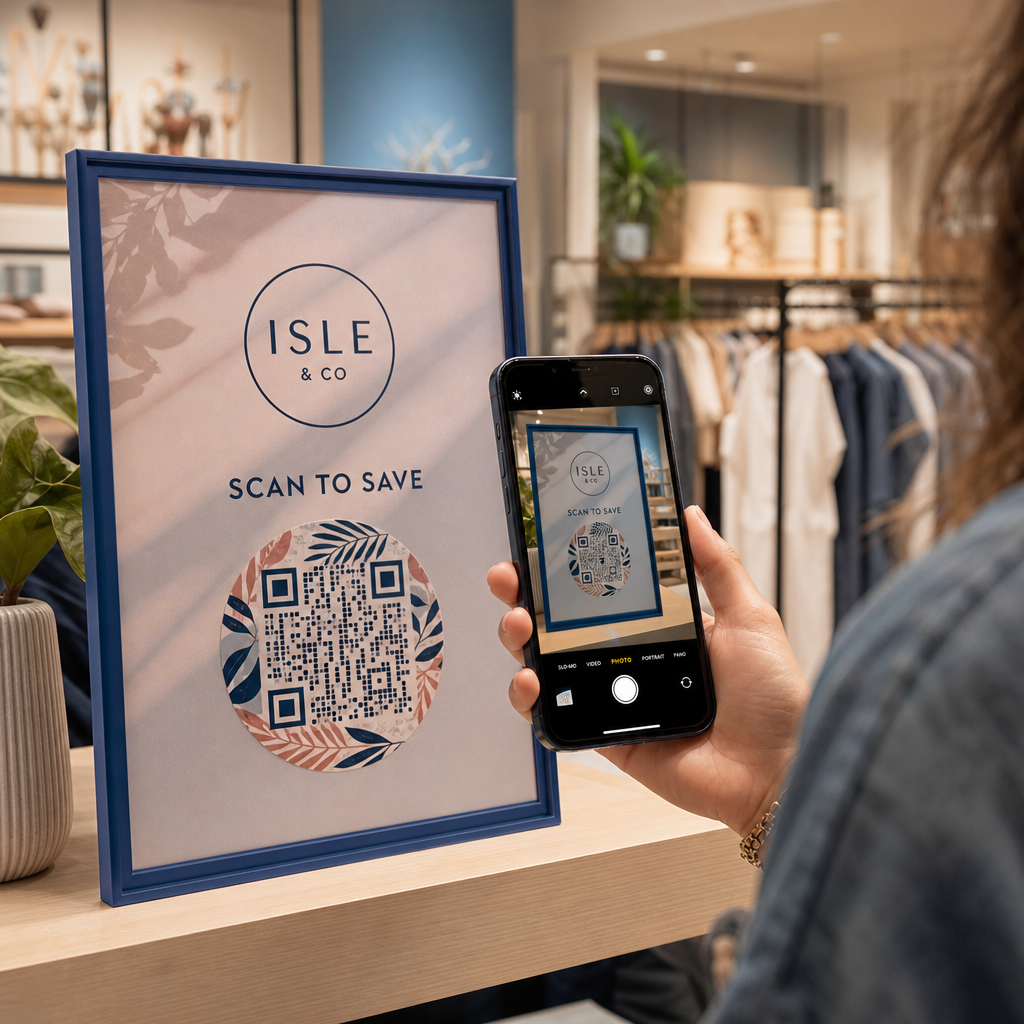
Skenēšanas iesaiste ievērojami palielinās, ja lietotāji zina, kādu rezultātu sagaidīt. Izvairieties no atsevišķu QR kodu rādīšanas bez konteksta. Novietojiet skaidru aicinājumu uz darbību tieši zem vai ap kodu, piemēram, “Skenēt, lai pievienotu pasākumu kalendāram” vai “Skenēt, lai saglabātu datumu.”
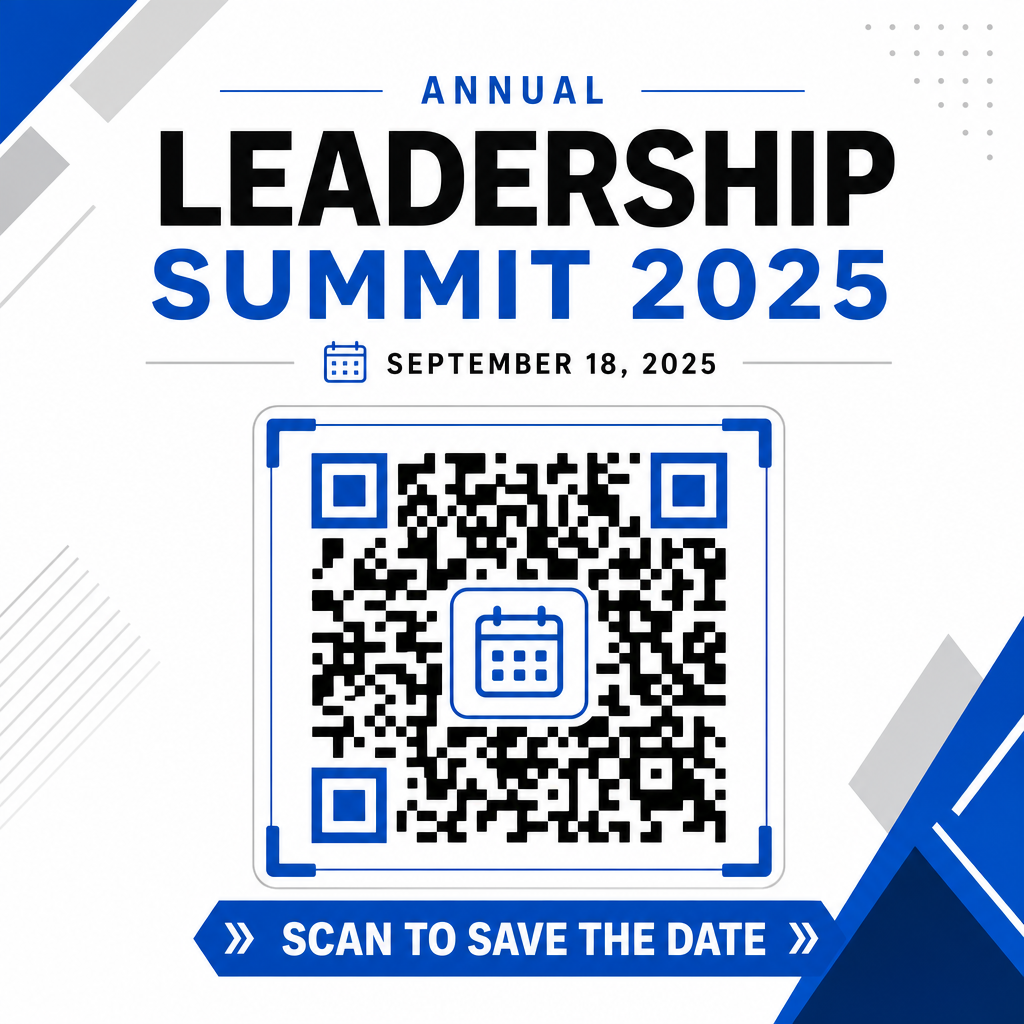
Maksimizējiet apmeklētību ar viedajiem pasākumu kodiem
Automātisko kalendāra rīku integrēšana novērš manuālu datu ievadi jūsu apmeklētājiem, ievērojami samazinot atbiruma līmeni starp sākotnējo interesi un faktisko apmeklētību. Neatkarīgi no tā, vai ievietojat savus kodus reklāmas plakāti, pasākumu norādes vai fiziskos ielūgumus, nodrošinot viesiem tūlītēju veidu, kā bloķēt savus grafikus, nodrošina, ka jūsu pasākums paliek viņu redzeslokā.
Lai izpētītu dinamiskos kodus, kas piedāvā skenēšanas analītiku un pēcapdrukas rediģēšanu, izveidojiet savu nākamo pasākumu, izmantojot elastīgos rīkus, kas pieejami Pageloot universālajā QR kodu ģenerators. RSVP QR kodus pasākumiem un īpašām QR kodi pasākumiem, jūs varat izveidot nevainojamu digitālo cauruļvadu no sākotnējās skenēšanas līdz galīgajai reģistrācijai.
Biežāk uzdotie jautājumi
Koda skenēšana atver lietotāja noklusējuma viedtālruņa kalendāra lietojumprogrammu ar iepriekš aizpildītiem pasākuma laukiem – ieskaitot nosaukumu, sākuma un beigu laiku, atrašanās vietu un aprakstu – ļaujot viņiem saglabāt pasākumu ar vienu pieskārienu.
Jā, ar nosacījumu, ka ģenerējat dinamisku QR kodu. Dinamiskie kodi saglabā īsu pāradresācijas URL adresi, ļaujot jums rediģēt pasākuma datumu, laiku vai atrašanās vietu jūsu tiešsaistes vadības panelī, nepārdrukājot fiziskās skrejlapas vai plakātus.
Standarta kalendāra QR kodi izmanto universālus iCalendar (.ics) formātus un standarta tīmekļa URL iepriekš aizpildīšanas parametrus. Tos atbalsta Apple Calendar, Google Calendar, Microsoft Outlook un vairums galveno trešo pušu kalendāra lietojumprogrammu operētājsistēmās iOS un Android.