Are your event attendees losing interest before the first keynote begins? Static signage and paper programs often fail to engage a tech-savvy audience, leading to missed connections and lower ROI. This guide explains how AR-enabled QR codes turn physical touchpoints into interactive digital stories that enhance every stage of the attendee journey.
Understanding AR-Enabled QR Codes
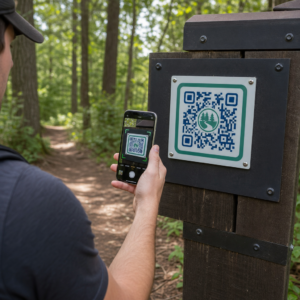
Augmented Reality (AR) QR codes function as a bridge between a physical venue and immersive digital content. Unlike standard codes that redirect users to 2D websites or PDF files, these codes trigger a 3D experience that appears overlaid on the user’s real-world environment. This technology relies on spatial mapping and computer vision to detect the environment through a smartphone camera and project digital elements onto it.
The most effective version for events is Web AR. This technology allows participants to scan a code and launch an experience directly in their mobile browser without downloading a separate application. By removing the friction of app installation, you ensure that more attendees interact with your digital activations. Similar strategies are already transforming museum storytelling by turning static artifacts into dynamic, interactive exhibits.
| Feature | Standard QR Code | AR-Enabled QR Code | App-Based AR |
|---|---|---|---|
| Primary Function | Links to 2D online resources | Overlays 3D content on the physical world | Immersive AR within a specific app |
| Interaction Type | Informational | Immersive and interactive | High immersion but restricted access |
| Implementation | Simple generation | Requires AR framework setup | High complexity (app development) |
| User Friction | Minimal | Minimal (Browser-based) | High (Requires app download) |
Improving the Pre-Event Journey
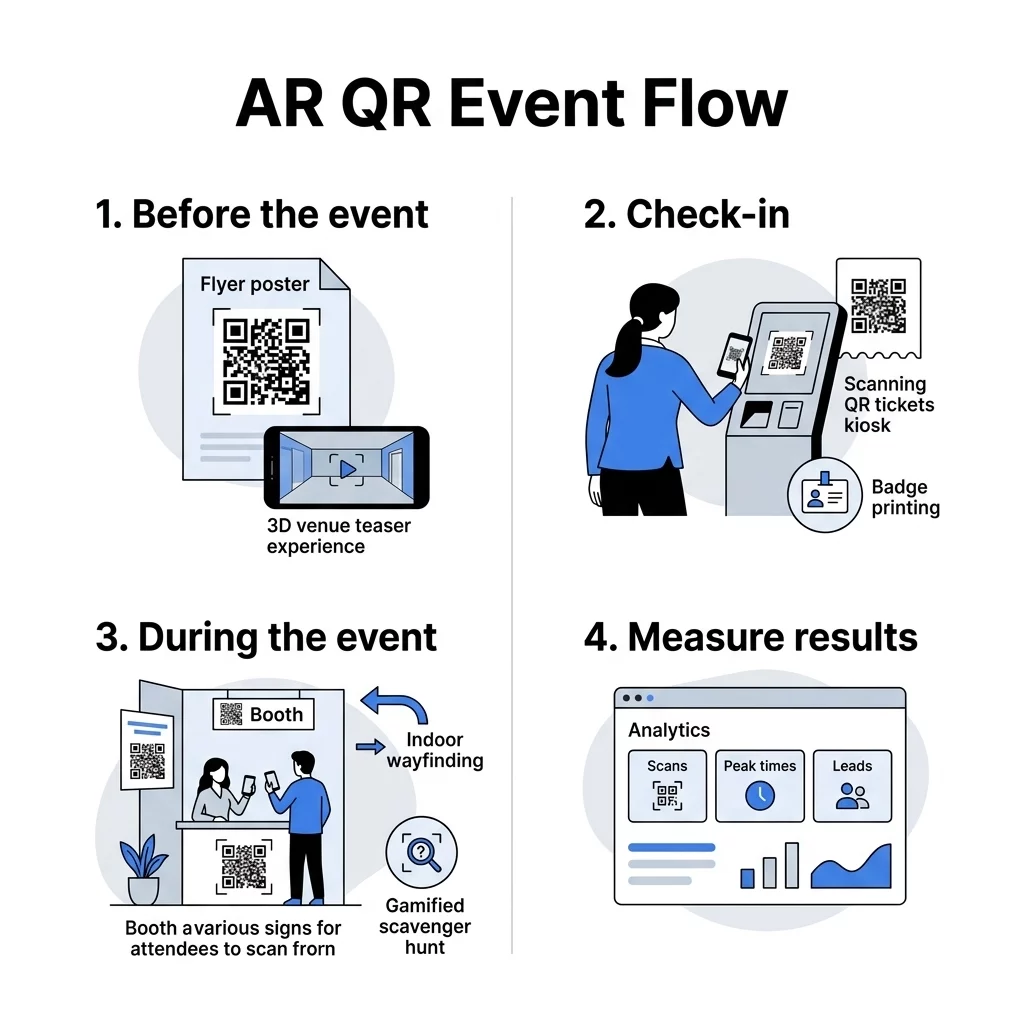
The attendee journey starts long before the doors open. Incorporating an event QR code generator into your early marketing materials allows you to provide previews that build excitement. For example, promotional mailers can include codes that display a 3D model of the venue or a holographic greeting from a speaker when scanned.
Beyond visual flair, these codes simplify logistics. Direct mail campaigns or social media ads can use link QR codes to send prospects directly to mobile-optimized registration forms. This process helps you create RSVP QR codes for events that capture attendee data instantly, reducing the drop-off rate seen with traditional manual URL entries.
Simplify your attendee registration. Use our Event QR Code Generator to create customizable codes that link directly to your registration pages and calendar invites.
Streamlining Event Entry and Logistics
First impressions are critical for event success. Long queues at registration desks can deflate attendee energy before the event starts. Implementing QR codes for event check-ins allows you to automate the entry process, moving crowds through the gate more efficiently.
Security is another major benefit. Organizers can create secure QR code event tickets that use encryption and tokenization to prevent fraud or duplication. For large-scale conferences, proximity QR code event check-ins enable self-service kiosks where attendees scan their phones to print badges automatically, significantly reducing staffing requirements at the door.
Boosting Engagement During the Event
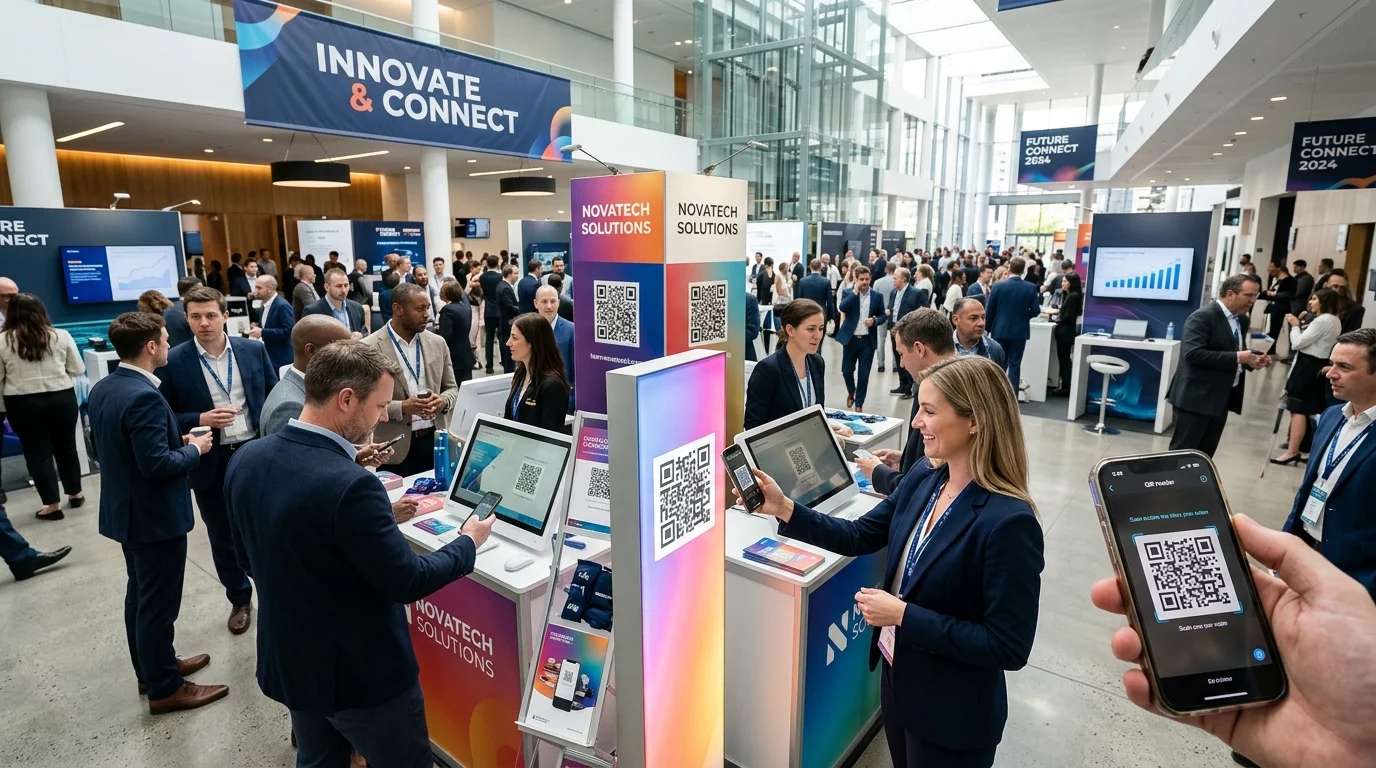
Once inside, AR-enabled QR codes turn the venue into an interactive environment. Research indicates that AR experiences can increase attendee interaction by 47% and brand loyalty by 22%. Exhibitors can place codes on booth signage to let attendees explore 3D product demos or rotating models, which is particularly useful for products too large to display physically.
Navigation is another area where QR codes improve the attendee experience. Placing Google Maps QR codes at high-traffic intersections helps visitors find specific breakout rooms or sponsor booths. Integrating QR codes for event wayfinding ensures that your schedule remains dynamic, as you can update location details in real-time if a room change occurs.
Gamification is one of the most effective ways to drive movement throughout a venue. Scavenger hunts that require attendees to find and scan AR triggers have seen participation rates as high as 70%. These activations encourage attendees to visit lower-traffic areas of the venue while keeping the experience fun and memorable.
Measuring ROI with Real-Time Analytics
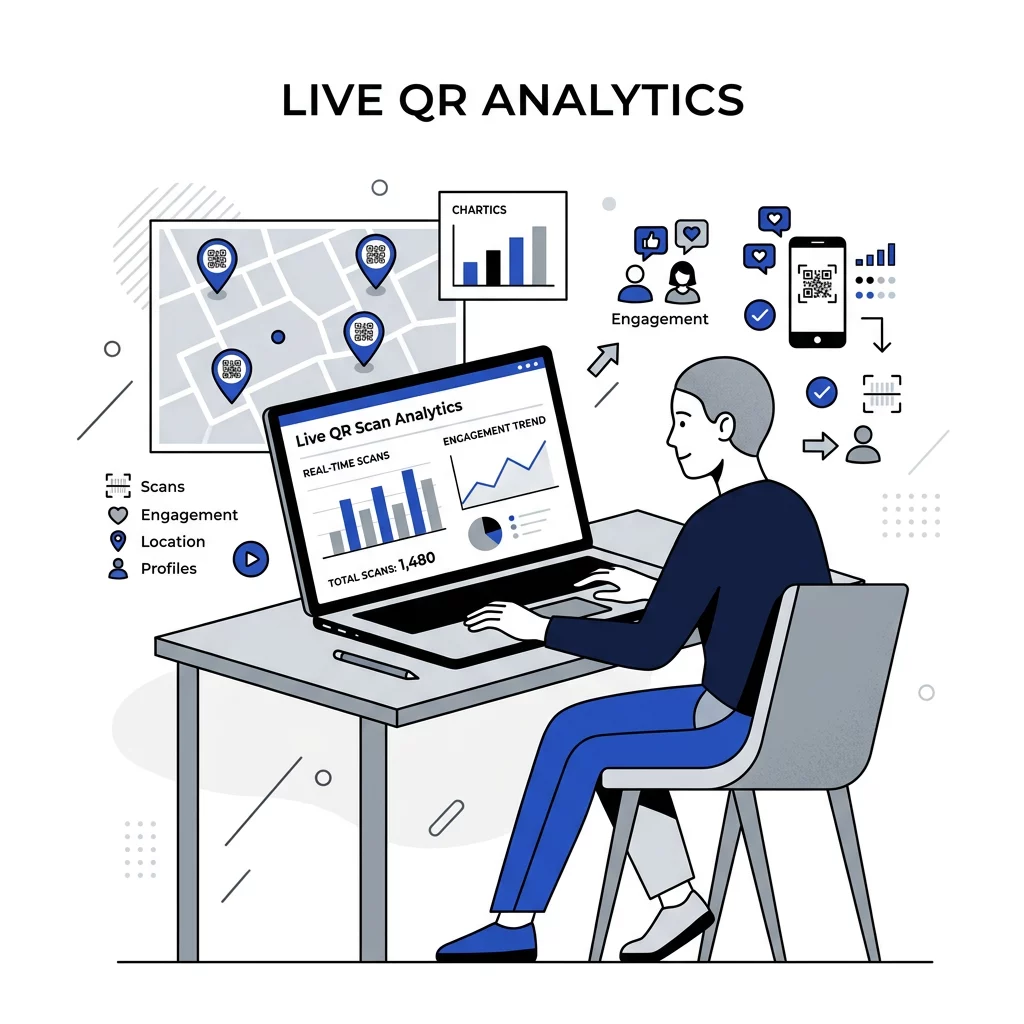
Proving the value of physical event activations is historically difficult. Dynamic QR codes solve this by providing measurable data points that reveal how attendees move and interact. By utilizing tools for QR code event tracking, organizers can monitor scan volumes, peak engagement times, and even which specific booths generated the most interest.
This data helps you turn event handshakes into digital leads by syncing scan interactions directly with your CRM. At the end of a session, you can also display a code that links to a Google Form QR code generator to gather immediate feedback while the experience is still fresh in the attendees’ minds.
Track your event success in real-time. Start a free trial of our Dynamic QR Code Manager to access detailed scan analytics and visitor insights.
Guidelines for Successful QR Code Deployment
To ensure your codes perform reliably in crowded event spaces, you must prioritize technical scannability and accessibility. A code that fails to scan creates frustration and lowers engagement.
- Print codes at a minimum size of 0.8 x 0.8 inches for handheld materials, increasing the size for wall signage based on a 1:10 ratio of size to distance.
- Maintain a contrast ratio of at least 4.5:1 between the code and its background to ensure reliability in dim lighting.
- Place codes at eye level in high-traffic areas without visual obstructions or glare.
- Include a short, clear call to action like “Scan to View 3D Model” so users know what to expect.
- Test your activations on multiple smartphone models and operating systems before the event launch.
Frequently Asked Questions
Most modern AR experiences for events use Web AR technology. This allows the content to launch directly in a standard mobile browser like Safari or Chrome once the user scans the code with their smartphone camera, requiring no additional app downloads.
Yes, if you use dynamic QR codes. These codes allow you to change the destination URL or the linked digital asset through your dashboard at any time, which is essential for updating schedules or correcting links during a live event.
Use high-contrast designs and provide clear written instructions next to the code. For visually impaired users, it is helpful to provide alternative ways to access the information, such as a nearby URL or staff members who can assist with the experience.
Integrating AR-enabled QR codes into your event strategy provides a bridge between physical interactions and digital insights. By following established best practices for placement and design, you can ensure a frictionless experience that boosts engagement and provides the data necessary to measure event ROI. Start creating your interactive event elements today with Pageloot’s QR code management tools.