Trying to decide between ME-QR and QRCode Monkey for your marketing campaigns? Picking the wrong tool can mean dead links after printing or wasted budget on materials you cannot update. This comparison breaks down how each platform handles dynamic codes, tracking, pricing, and customization so you can make the right call.
The Core Difference: Static vs. Dynamic QR Codes
The most important decision when choosing a QR code generator is whether you need a static or dynamic code – and understanding why that distinction matters.
Static QR codes embed information directly into the visual pattern. Once generated, that data is permanent. QRCode Monkey specializes in this approach: its codes are free for commercial use, never expire, and have no scanning limits. For permanent information like a Wi-Fi password or a fixed landing page that will never change, this works fine.
The problem appears the moment anything needs updating. A typo in a URL, a changed promotion, or a new product page means your printed code becomes useless. You have to reprint everything.
Dynamic QR codes work through a redirect URL stored on a server. The printed code always points to that redirect, which you can update at any time from a dashboard – no reprinting required. This is why the difference between static and dynamic QR codes is so consequential for businesses running campaigns on physical materials. ME-QR offers dynamic codes, including a free tier, though free codes display third-party ads to anyone who scans them.
Pricing and What You Actually Get
| Feature | QRCode Monkey | ME-QR Free | ME-QR Lite ($16.99/mo) | ME-QR Premium ($27.99/mo) |
|---|---|---|---|---|
| Dynamic codes | No | Yes | Yes | Yes |
| Ads on scan | No | Yes | No | No |
| Scan tracking | No | Yes | Yes | Yes |
| Editable after creation | No | Yes | Yes | Yes |
| Commercial use | Yes | Yes | Yes | Yes |
| Expiration | Never | Never | Never | Never |
QRCode Monkey is genuinely free with no upsell pressure – ideal for one-off projects or static assets. ME-QR’s free plan includes 10,000 created codes, unlimited scanning, and lifetime access, but every scan shows ads to your audience. For professional campaigns, that interruption undermines the experience you are trying to create. ME-QR’s paid tiers remove ads and unlock deeper analytics and storage.
If you are evaluating the broader landscape of QR code subscription plans, it is worth comparing whether ME-QR’s feature set at each tier matches what a full QR management platform offers.
Tracking and Analytics
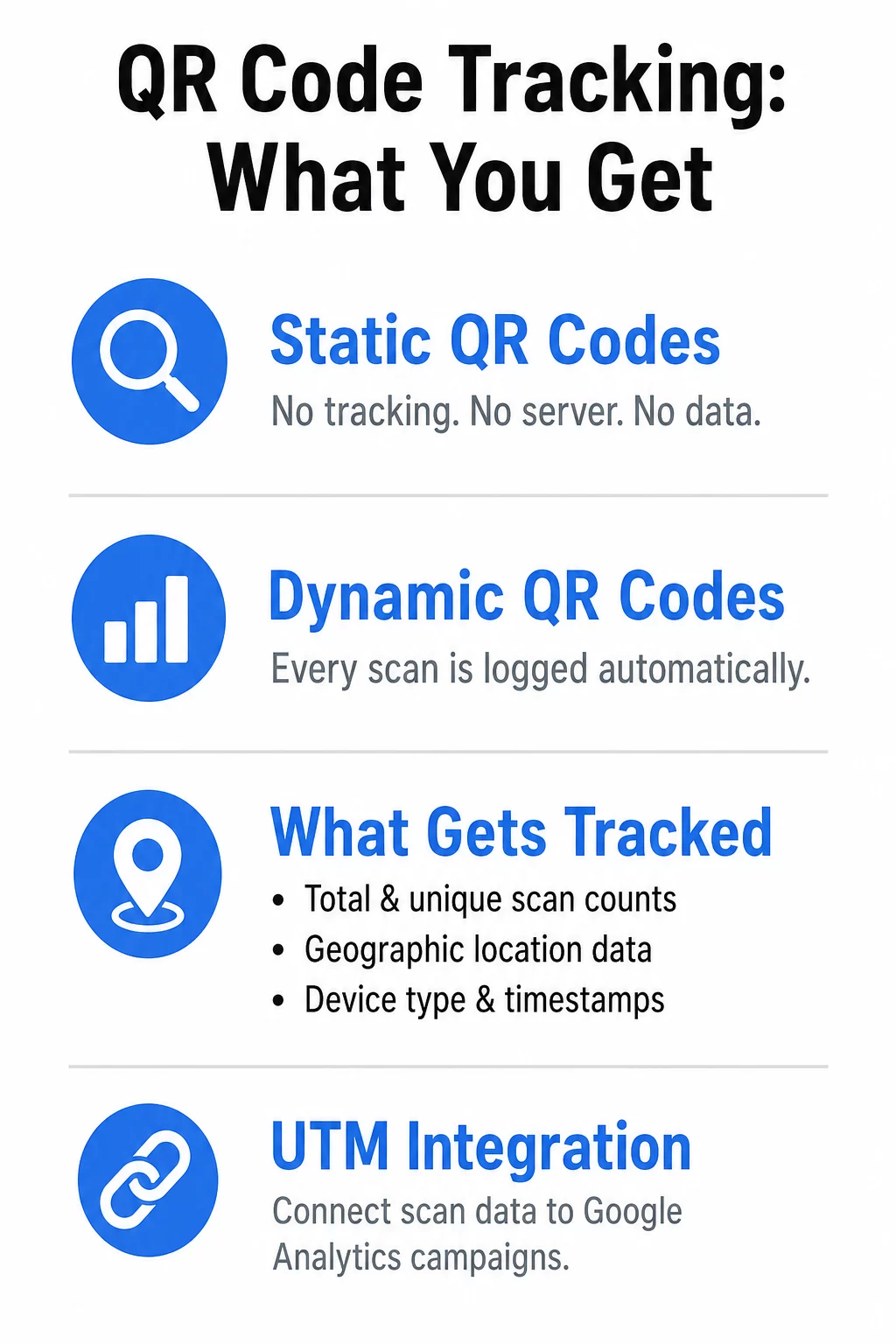
QRCode Monkey generates static codes with no server intermediary, so there is nothing to log when a scan occurs. You get no data whatsoever about who scanned, when, where, or on what device. For a campaign with any measurement requirement, this is a significant gap.
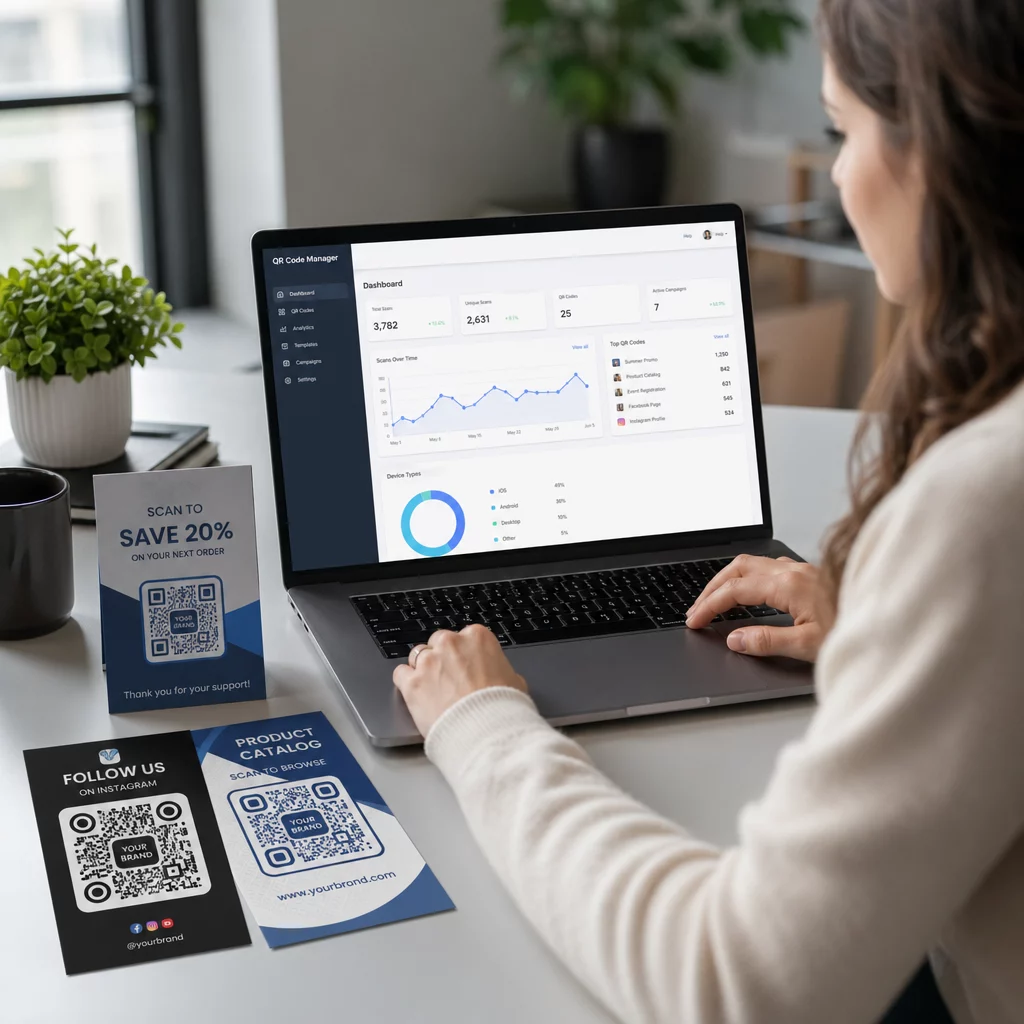
ME-QR’s analytics cover total and unique scan counts, geographic location data, device types, timestamps, and time-based filtering. Users can also add UTM parameters for integration with Google Analytics, which makes it easier to connect physical scan activity to broader campaign reporting.
If you want to go further, platforms built around QR code analytics provide real-time dashboards that show scan spikes as they happen – useful for live events, retail promotions, or product launches where timing matters. Learning how to track QR code scans in real time can help you get more from that data.
Monitor Your Campaign in Real-Time Want to see exactly where and when your customers are scanning your materials? Use the Dynamic QR Code Generator to create trackable codes and access a full performance dashboard today.
Customization and Design
A plain black-and-white square still works technically, but branded QR codes consistently earn higher scan rates because they signal legitimacy and reinforce recognition. Both platforms offer design customization, though with different purposes.
QRCode Monkey is well-regarded among designers for its vector export quality. You can change colors, add a logo, and download print-ready SVG or EPS files – all for free. It is a capable design tool for static assets.
ME-QR supports 46 QR code types including PDFs, Wi-Fi, vCards, and social media profiles, with design tools for colors, logos, and frames. The key operational advantage is that all of those designs live in a centralized dashboard where you can update destinations, monitor performance, and manage multiple codes across campaigns.
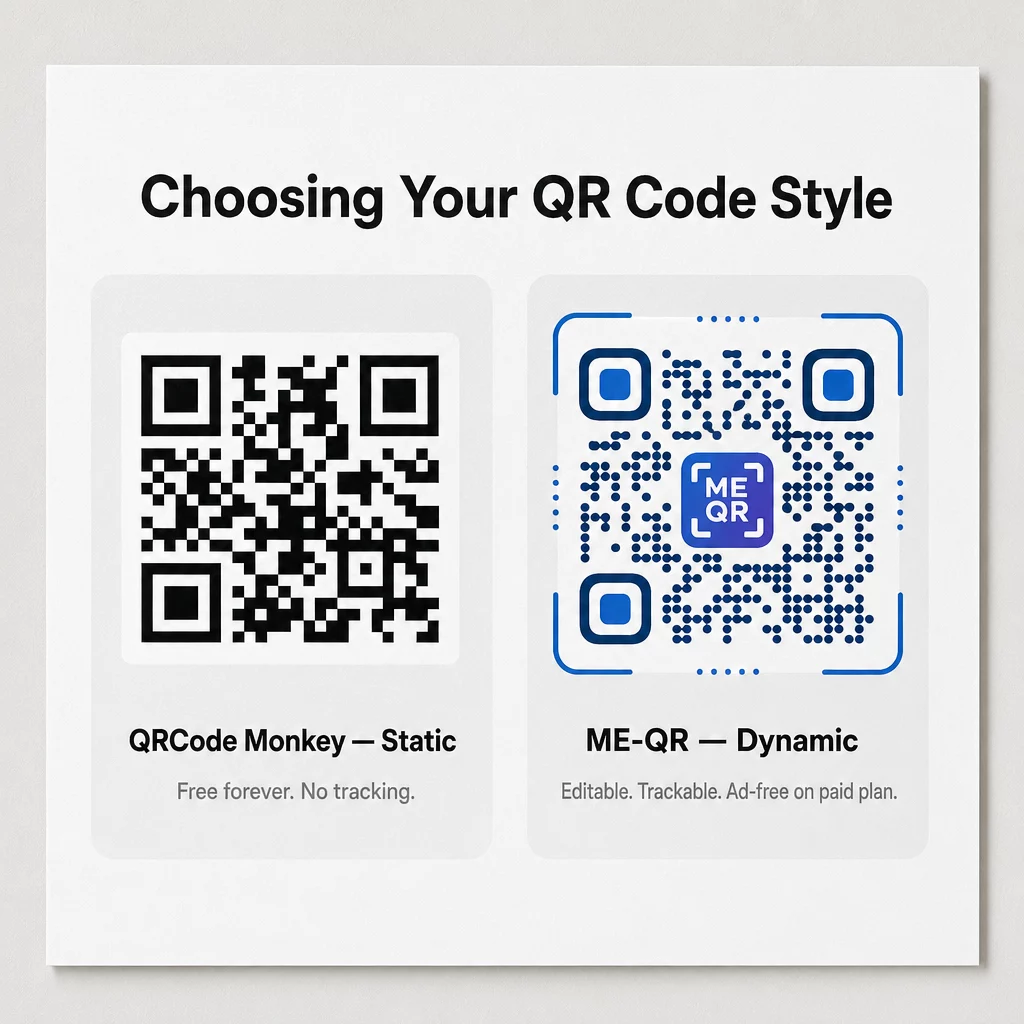
Using a QR code generator with logo support is one of the simplest ways to increase trust at the point of scan. Whether that is ME-QR or another platform, embedding your brand into the code itself changes how people interact with it.
- QRCode Monkey delivers high-quality vector exports for designers working on static, permanent assets
- ME-QR provides a unified dashboard for managing multiple code types and tracking their performance
- Dynamic platforms support smart redirection based on the scanner’s device, location, or time
- Both platforms allow logo embedding and color customization without requiring a subscription upgrade
Which Platform Fits Your Situation
QRCode Monkey makes sense when you need a free, permanent code for something that will never change – a venue address, a Wi-Fi login, or a fixed document. You get clean vector output and commercial rights with no account required.
ME-QR is more appropriate when your content might change, when you need scan data for reporting, or when you are running a campaign across multiple materials. The free tier works for testing, but the ad interruption makes it impractical for customer-facing use. At $16.99 per month, the Lite plan removes ads and keeps full dynamic functionality.
For businesses that need to edit QR codes after distribution, integrate scan data into campaign reporting, or manage codes across multiple locations, a platform built around dynamic QR code management will outperform either tool. You can also review how free vs. paid QR code tools compare across the broader market, or see how QRCode Monkey stacks up against other static-focused generators if you are still evaluating options.
The right choice is the one that matches what you actually need printed on materials you cannot easily recall. If there is any chance that destination will change, start with a dynamic code from the beginning.
Create a Dynamic QR Code Build a branded, trackable QR code you can update at any time. Try the QR Code Generator and see how easy it is to manage your codes from one place.
Frequently Asked Questions
No. QRCode Monkey generates static codes, which means the destination is permanently embedded in the pattern. If you need to update the link after printing, you will need to use a dynamic QR code generator and create a new code with the correct destination before distributing any materials.
Yes, ME-QR’s free plan includes unlimited scanning and tracking with analytics for geographic data, device types, and timestamps. However, all codes on the free plan display third-party advertisements to users during the scanning process, which can undermine a professional brand experience.
Free static generators like QRCode Monkey work well for permanent, unchanging content. Paid dynamic platforms add the ability to edit destination URLs after printing, access detailed scan analytics for ROI reporting, and deliver an ad-free scanning experience. For any campaign where the content might change or where scan data matters, a paid dynamic tool pays for itself quickly.