Are you struggling to track guest responses through scattered emails and paper cards? Missing data and low response rates can turn event planning into a logistical nightmare. Creating RSVP QR codes offers a modern solution to streamline guest management and ensure your headcount is accurate from day one.
Why Digital RSVPs Outperform Traditional Methods
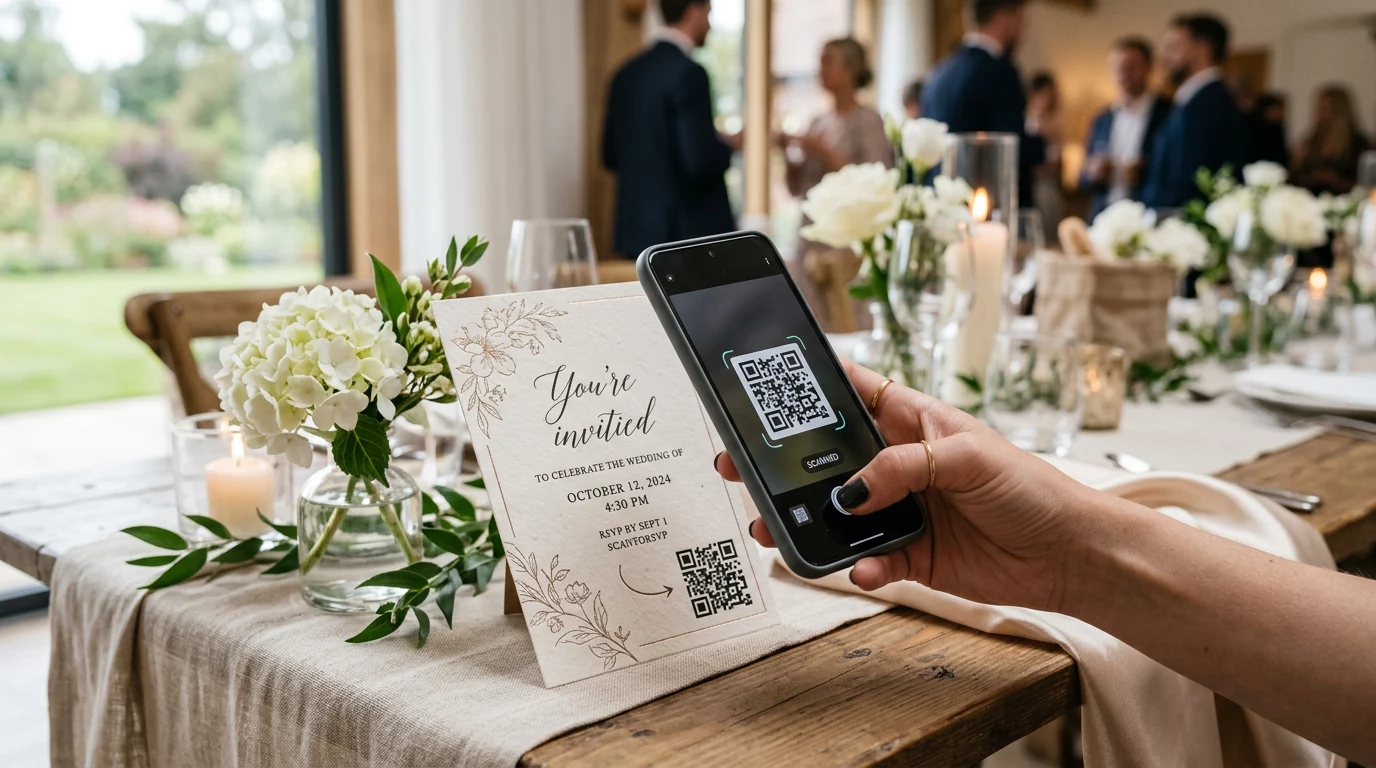
Traditional RSVP cards require guests to fill out a physical form and find a stamp, a process that often leads to procrastination. By replacing this friction with a digital scan, you significantly lower the barrier to entry. Research shows that using a QR code alongside a URL can boost response rates by over 8% compared to providing a link alone. This bridge between the physical invitation and a digital form creates a seamless experience that encourages immediate action.
For business professionals, the benefits extend beyond simple convenience. Digital systems provide real-time access to guest lists and dietary requirements, which reduces the risk of manual transcription errors. Furthermore, implementing QR codes for event check-ins can speed up guest arrival by as much as 97.5%. This efficiency ensures that your event starts on schedule and provides a professional first impression for every attendee.
Step-by-Step Process for Creating RSVP QR Codes
Setting up a digital response system connects your physical invitations to a centralized management tool. The process begins with your data collection platform and ends with a high-quality printed code.
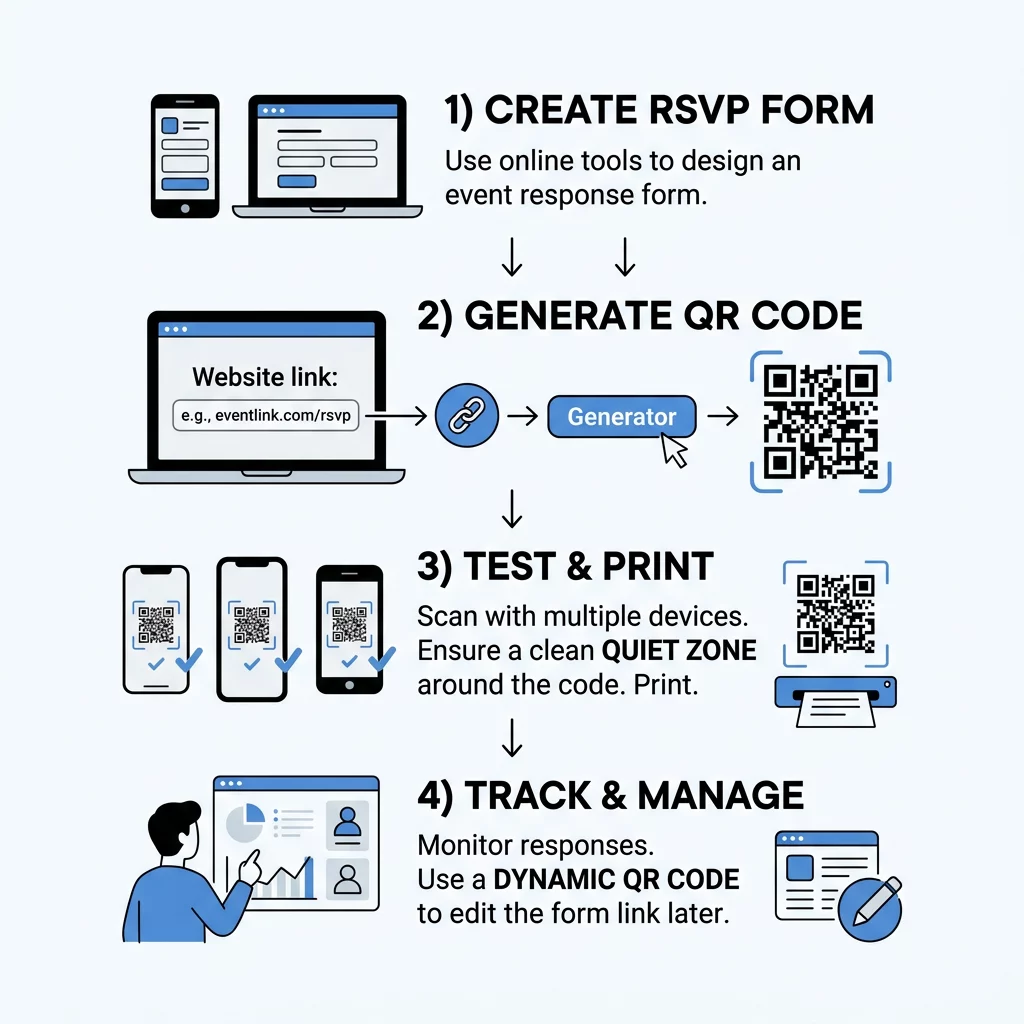
- Select an RSVP platform such as Google Forms or Eventbrite to host your response fields. Ensure the form is mobile-friendly and includes essential questions regarding attendance and guest preferences.
- Generate a shareable link once your form is complete. In Google Forms, this is found under the “Send” button as a direct URL.
- Use a professional link QR code generator to convert your URL into a scannable image.
- Customize the design to match your event aesthetic. You can modify colors or add a logo to make the code more inviting. This is particularly useful when designing a digital wedding invitation with a QR code to ensure it blends with your theme.
- Test the code across multiple devices before finalizing your design. This verification step ensures that guests with different smartphone models can all access the form without issues.
Simplify your guest management today. Use our Google Form QR code generator to create a professional, branded RSVP link in seconds and track your responses in real time.
The Advantage of Dynamic QR Codes
Static QR codes are permanent, meaning if your event link changes, you must reprint all your invitations. Dynamic QR codes solve this problem by acting as a flexible bridge. They allow you to edit your QR code destination even after the materials have been distributed. This flexibility is vital if you need to update an event link or redirect guests to a new landing page at the last minute.
Beyond editability, dynamic codes offer built-in analytics. You can monitor scan volume and timing to see how your guests are engaging with your invitations. This data helps you time your follow-up reminders more effectively, ensuring you reach guests who have not yet scanned the code. Because dynamic codes use a shorter encoded URL, they also appear cleaner and are easier for older smartphone cameras to scan quickly.
Technical Best Practices for Scannability
A QR code is only effective if it scans reliably under various conditions. Following technical standards prevents guest frustration and ensures a high response rate.
- Maintain a minimum size of 0.8 x 0.8 inches (2 x 2 cm) for invitations and business cards. If you are adding QR codes to flyers, follow the 10:1 ratio, where a code scanned from 10 inches away should be at least 1 inch wide.
- Ensure high contrast by making the foreground at least 40% darker than the background. Standard black-on-white designs are the most reliable, while light-colored codes on dark backgrounds often fail to scan.
- Include a “quiet zone,” which is a clear margin of whitespace around the code. According to QR code usability best practices, this margin should be at least four times the width of a single black module to help the scanner identify the code.
- Print your codes on 150-300 gsm matte paper. Glossy or reflective surfaces can cause glare that blinds the camera lens, making it impossible for the software to decode the pattern.
Data Privacy and Guest Compliance
When you collect RSVPs, you are handling personal guest information that must be protected. It is essential to comply with data privacy regulations such as the CCPA by being transparent about how you use the data. Always host your RSVP form on a secure HTTPS platform to encrypt the information being sent.
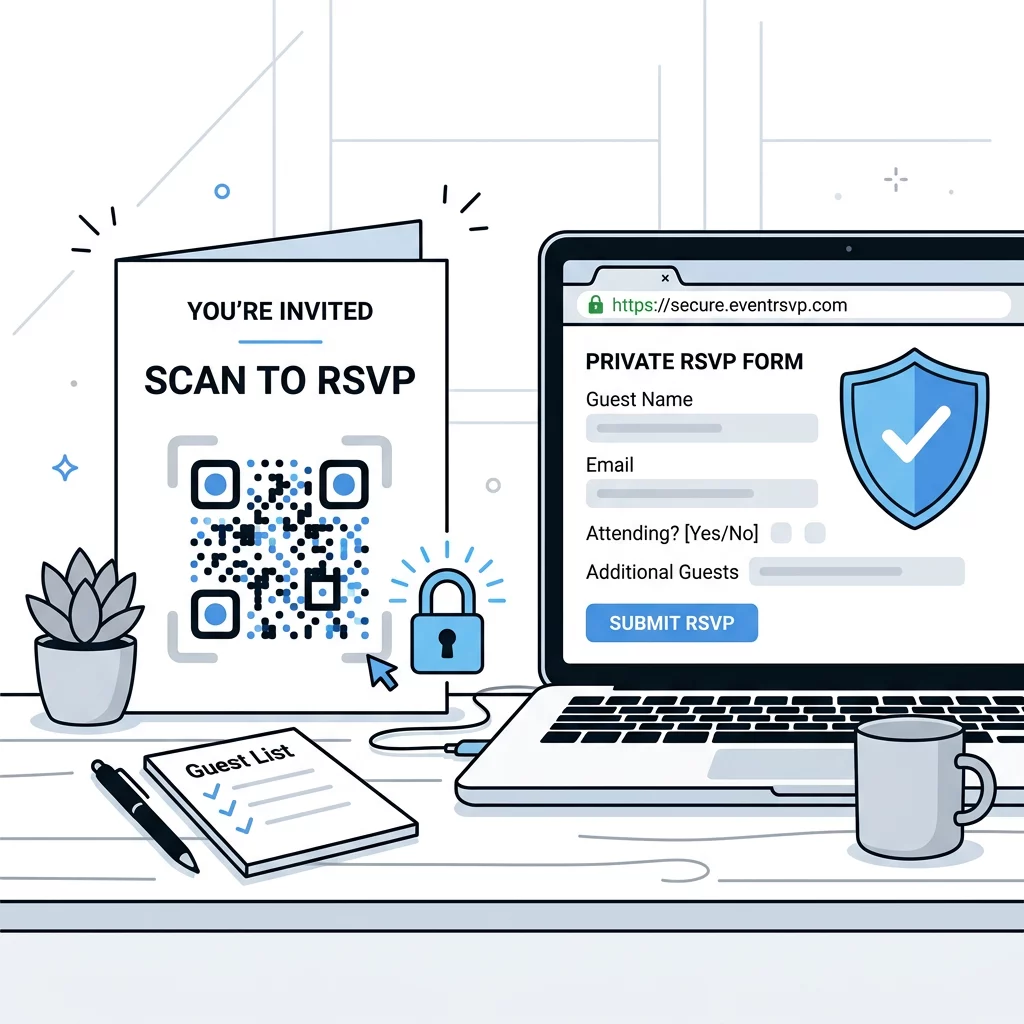
Providing context also builds trust. Instead of placing a lone QR code on a card, include a clear call-to-action like “Scan to RSVP.” This instruction tells guests exactly what to expect when they interact with the code. By combining technical reliability with transparent data practices, you create a professional environment that respects guest privacy while improving your event’s operational efficiency.
Ready to upgrade your event planning? Sign up for a free trial of our QR code generator to access dynamic editing features and detailed scan analytics for your next event.
Frequently Asked Questions
If you use a dynamic QR code, you can update the destination link at any time through your dashboard without changing the printed image. Static codes cannot be updated, so they would require a full reprint of your invitations if the link changes.
For standard invitations, the practical minimum size is 0.8 x 0.8 inches (2 x 2 cm). While higher-resolution printers can produce smaller codes, this size ensures that the majority of smartphone cameras can scan the code quickly and easily.
Most modern smartphones have QR scanning capabilities built directly into their native camera apps. Guests simply point their camera at the code and tap the notification that appears to open your RSVP form in their mobile browser. By integrating QR codes into your event workflow, you bridge the gap between physical invitations and digital efficiency. This simple upgrade reduces administrative work, improves data accuracy, and provides your guests with a modern, convenient way to confirm their attendance.