Menetätkö potentiaalisia osallistujia, koska he unohtavat kirjoittaa tapahtumasi tiedot manuaalisesti mobiilikalentereihinsa? Kun hankaluus estää vieraita tallentamasta päivämäärääsi, kokonaisosallistujamäärät laskevat merkittävästi. Mukautetun kalenterin QR-koodin luominen antaa yleisöllesi mahdollisuuden lisätä tapahtumasi tiedot suoraan älypuhelimensa kalenteriin yhdellä skannauksella.
Miten kalenteritapahtuman QR-koodit toimivat
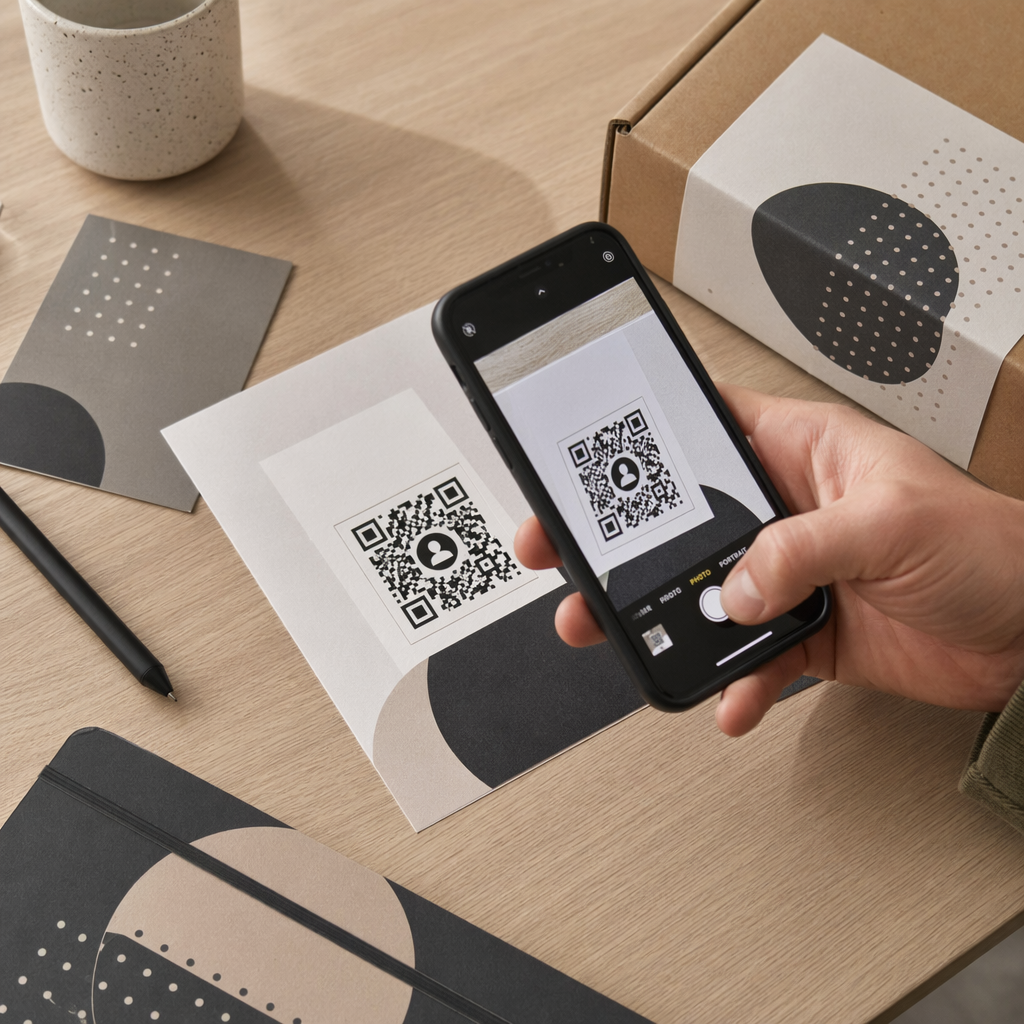
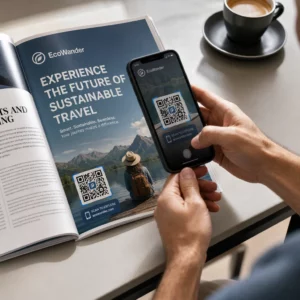
Kalenterin QR-koodit koodaavat jäsenneltyä tapahtumatietoa skannattavaan kuvaan, jonka mobiilikäyttöjärjestelmät lukevat välittömästi. Kun käyttäjä skannaa koodin älypuhelimensa kameralla, käyttöjärjestelmä jäsentää koodatun tiedon ja kehottaa käyttäjää tallentamaan tapahtuman suoraan Apple-kalenteriin, Google-kalenteriin tai Microsoft Outlookiin.
Kulissien takana kalenterin QR-koodit muotoilevat tapahtuman tiedot kahdella ensisijaisella teknisellä menetelmällä:
- iCalendar (.ics) -tiedot: Koodaa raakaa tapahtumasyntaksia suoraan QR-koodiin universaalin RFC 5545 -kalenteristandardin perusteella. Tämä rakenne sisältää olennaiset kentät, kuten `BEGIN:VCALENDAR`, `DTSTART` (aloituspäivämäärä ja -aika), `DTEND` (lopetuspäivämäärä ja -aika), `SUMMARY` (tapahtuman otsikko) ja `LOCATION` (sijainti). Mobiililaitteet tulkitsevat tämän raa'an tekstin ja käynnistävät natiivin kalenterisovelluksen luodakseen uuden merkinnän.
- Kalenterin esitäytetyt URL-osoitteet: Muotoilee QR-koodin kohteen verkkolinkiksi, joka sisältää esitäytettyjä tapahtumaparametreja. Esimerkiksi Google Kalenterin linkit käyttävät tiettyjä URL-parametreja, kuten `action=TEMPLATE`, `dates` ISO 8601 UTC -muodossa (VVVVKKPPAAIIssZ), `text` otsikolle, `location` (sijainti) ja `details` tapahtuman kuvaukselle.
Erikoistuneen Tapahtuman QR-koodi generaattori automatisoi tämän muotoiluprosessin, joten sinun ei tarvitse kirjoittaa monimutkaista koodisyntaksia manuaalisesti. Lisäksi dynaamisen QR-koodin valitseminen mahdollistaa tapahtumaparametrien muokkaamisen – kuten aloitusajan säätämisen tai sijainnin päivittämisen – online-hallintapaneelissasi ilman fyysisten markkinointimateriaalien uudelleenpainatusta.
Miten luoda kalenteritapahtuman QR-koodi
Automatisoidun kalenterimerkinnän luominen edellyttää tärkeimpien tapahtumaparametrien määrittämistä ennen lopullisen grafiikkatiedoston lataamista.
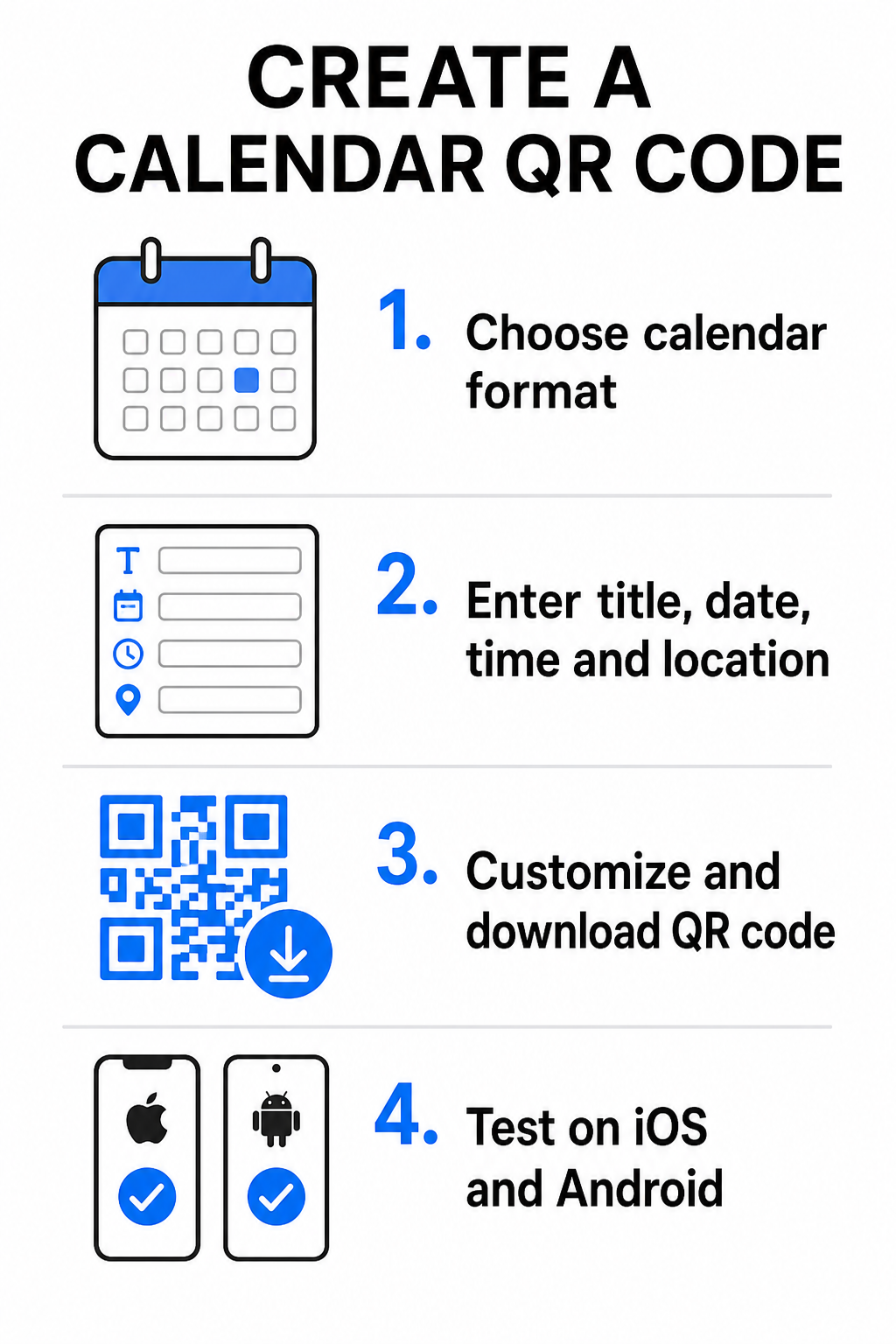
- Valitse tapahtuman muoto: Valitse, linkitetäänkö suoraan Google Kalenteri -kutsuun, käynnistetäänkö .ics-tiedoston lataus vai ohjataanko käyttäjät mukautetulle tapahtuman laskeutumissivulle. Verkkopohjaisissa kalenterilinkeissä käytä Google Calendar QR-koodi generaattori.
- Syötä olennaiset tapahtumaparametrit: Syötä tapahtuman nimi, tarkat alkamis- ja päättymispäivät, alkamis- ja päättymisajat, aikavyöhyke, fyysinen sijainti ja kuvaus. Sijoita verkkokonferenssilinkit tai paikkamuistiinpanot kuvauskenttään.
- Mukauta visuaalista suunnittelua: Käytä brändivärejä, säädä taustakuvioita ja lisää logosi säilyttäen samalla korkean kontrastin elementtien välillä.
- Lataa korkearesoluutioiset vektoritiedostot: Tallenna tiedostosi SVG- tai EPS-muodossa kaupallista tulostusta varten tai suurtiheyksisenä PNG-tiedostona digitaaliseen näyttöön. Vektorimuodot takaavat terävät linjat ja estävät pikselöitymisen skaalattaessa.
- Testaa mobiililaitteilla: Skannaa valmis koodi iOS- ja Android-älypuhelimilla tarkistaen sekä natiivit kamerasovellukset että erilliset selainskannerit varmistaaksesi, että kaikki tapahtumakentät täyttyvät oikein.
Yksinkertaista tapahtumasi järjestäminen jo tänään Haluatko lisätä osallistujamäärää ja virtaviivaistaa vieraiden rekisteröitymistä? Käytä Tapahtuman QR-koodi generaattori luodaksesi muokattavia, seurattavia kalenterikoodeja sekunneissa.
Parhaat käytännöt tulostus- ja digitaaliseen sijoitteluun
Jotta kalenterin QR-koodi johtaisi vieraskonversioihin, käyttäjien on pystyttävä skannaamaan se nopeasti ilman teknisiä virheitä. Standardien fyysisten suunnitteluperiaatteiden soveltaminen takaa yhdenmukaisen skannattavuuden painetussa ja digitaalisessa mediassa.
Koko ja katseluetäisyys
Noudata 10:1 skannaussuhde sääntöä määrittääksesi QR-koodin vähimmäisleveyden: jaa odotettu skannausetäisyys 10:llä. Jos osallistuja skannaa julisteen 50 cm:n (noin 20 tuuman) etäisyydeltä, QR-koodikuvion on oltava vähintään 5 × 5 cm. Lähikuvamateriaaleissa, kuten esitteissä, käyntikorteissa tai digitaalisissa hääkutsuissa, säilytä vähintään 2 × 2 cm:n (0,8 × 0,8 tuuman) tulostuskoko.
Värikontrasti ja hiljaiset alueet
Kameran anturit käyttävät valon heijastusta koodimoduulien lukemiseen. Tummemmat värit imevät valoa, kun taas vaaleammat värit heijastavat sen takaisin linssiin. Säilytä vähintään kontrastisuhde 4:1 – tai pyri vähintään 55 %:n kontrasti tummien etualan kuvioiden ja vaaleiden taustojen välillä. Säilytä aina selkeä hiljainen vyöhyke (koodia ympäröivä tyhjä reunus) vapaana tekstistä, graafisista peittokuvista tai taustatekstuureista.
Strategiset sijaintitiedot
Jos tapahtumasi järjestetään fyysisessä paikassa, varmista, että osallistujat pääsevät sinne vaivattomasti. Voit upottaa maantieteelliset koordinaatit tapahtumakuvaukseen tai yhdistää kalenterimerkintäsi Google Maps QR-koodi generaattori avataksesi askel askeleelta -navigoinnin suoraan kutsusta.
Selkeät kehotukset toimintaan
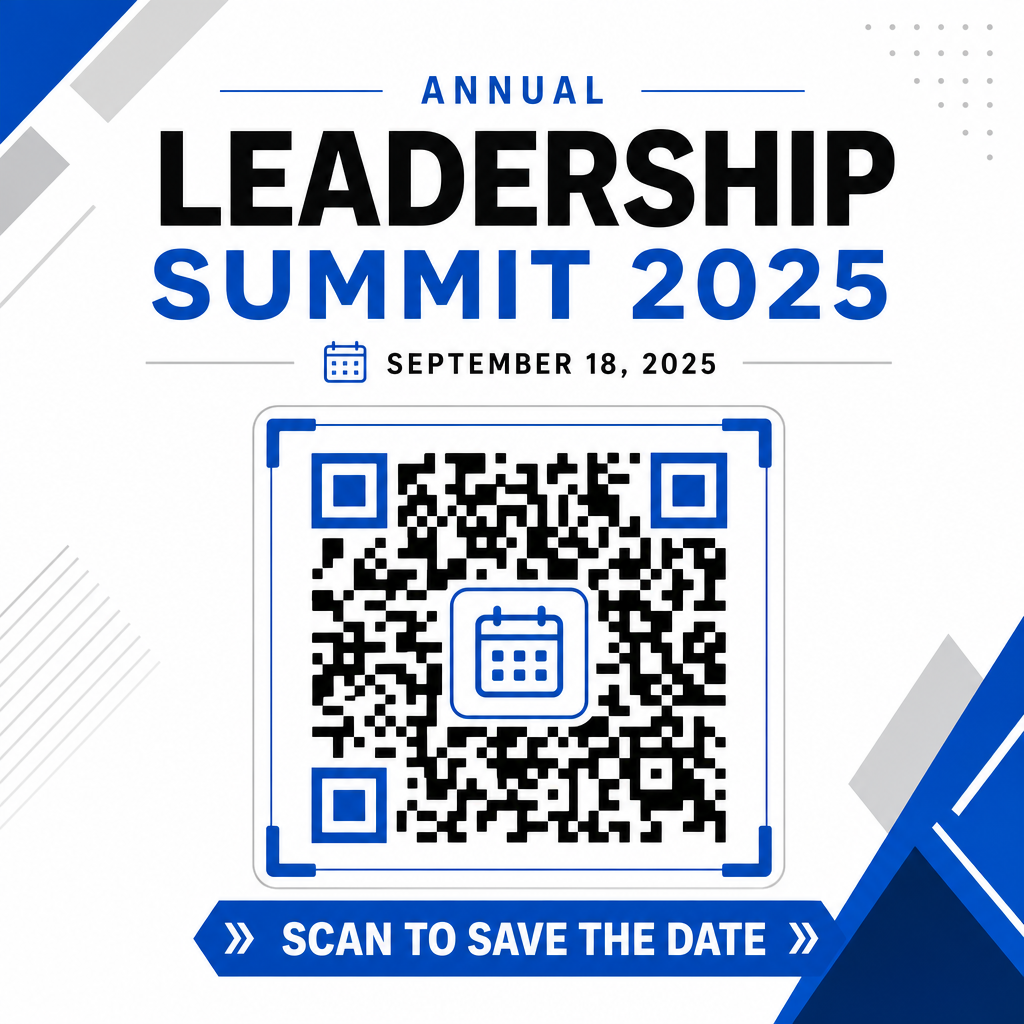
Skannaussitoutuminen lisääntyy merkittävästi, kun käyttäjät tietävät, mitä lopputulosta odottaa. Vältä yksittäisten QR-koodien näyttämistä ilman kontekstia. Aseta selkeä toimintakehotusteksti suoraan koodin alle tai ympärille, esimerkiksi ”Skannaa lisätäksesi tapahtuman kalenteriin” tai ”Skannaa ja tallenna päivämäärä.”
Maksimoi osallistuminen älykkäillä tapahtumakoodeilla
Automaattisten kalenterityökalujen integrointi poistaa manuaalisen tiedonsyötön osallistujiltasi, mikä vähentää dramaattisesti hylkäämisasteita alkuperäisen kiinnostuksen ja todellisen osallistumisen välillä. Asetatko koodisi mainos- julisteet, tapahtumakyltteihin tai fyysisiin kutsuihin, antaa vieraille välittömän tavan varata aikataulustaan tilaa ja varmistaa, että tapahtumasi pysyy heidän tutkallaan.
Tutustu dynaamisiin koodeihin, jotka tarjoavat skannausanalytiikkaa ja tulostuksen jälkeistä muokkausta, järjestämällä seuraava tapahtumasi Pagelootin all-in-one-ratkaisun joustavilla työkaluilla QR-koodigeneraattori. Yhdessä erikoistuneiden laskeutumissivujen kanssa RSVP QR-koodit tapahtumiin ja omistettujen QR-koodit tapahtumiin, voit rakentaa saumattoman digitaalisen putken alkuperäisestä skannauksesta lopulliseen sisäänkirjautumiseen.
Usein kysytyt kysymykset
Koodin skannaaminen avaa käyttäjän oletusarvoisen älypuhelimen kalenterisovelluksen esitäytetyillä tapahtumakentillä – mukaan lukien otsikko, alku- ja loppuajat, sijainti ja kuvaus – jolloin he voivat tallentaa tapahtuman yhdellä napautuksella.
Kyllä, edellyttäen että luot dynaamisen QR-koodin. Dynaamiset koodit tallentavat lyhyen uudelleenohjaus-URL-osoitteen, minkä ansiosta voit muokata tapahtuman päivämäärää, aikaa tai sijaintia verkon hallintapaneelissasi uusimatta fyysisiä lentolehtisiäsi tai julisteitasi.
Vakiokalenterin QR-koodit käyttävät yleisiä iCalendar (.ics) -muotoja ja standardeja verkkourlien esitäyttöparametreja. Niitä tukevat natiivisti Apple Kalenteri, Google Kalenteri, Microsoft Outlook ja useimmat suuret kolmannen osapuolen kalenterisovellukset iOS:ssä ja Androidissa.