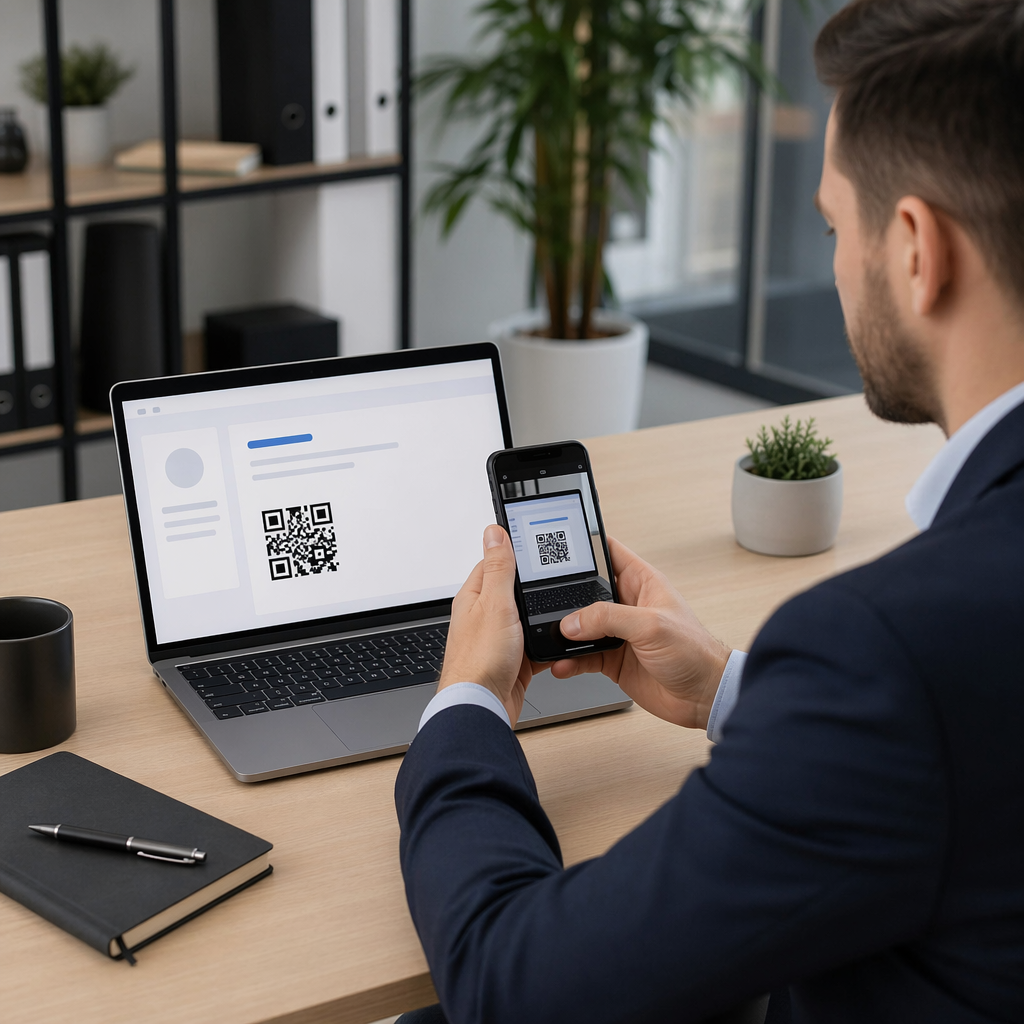
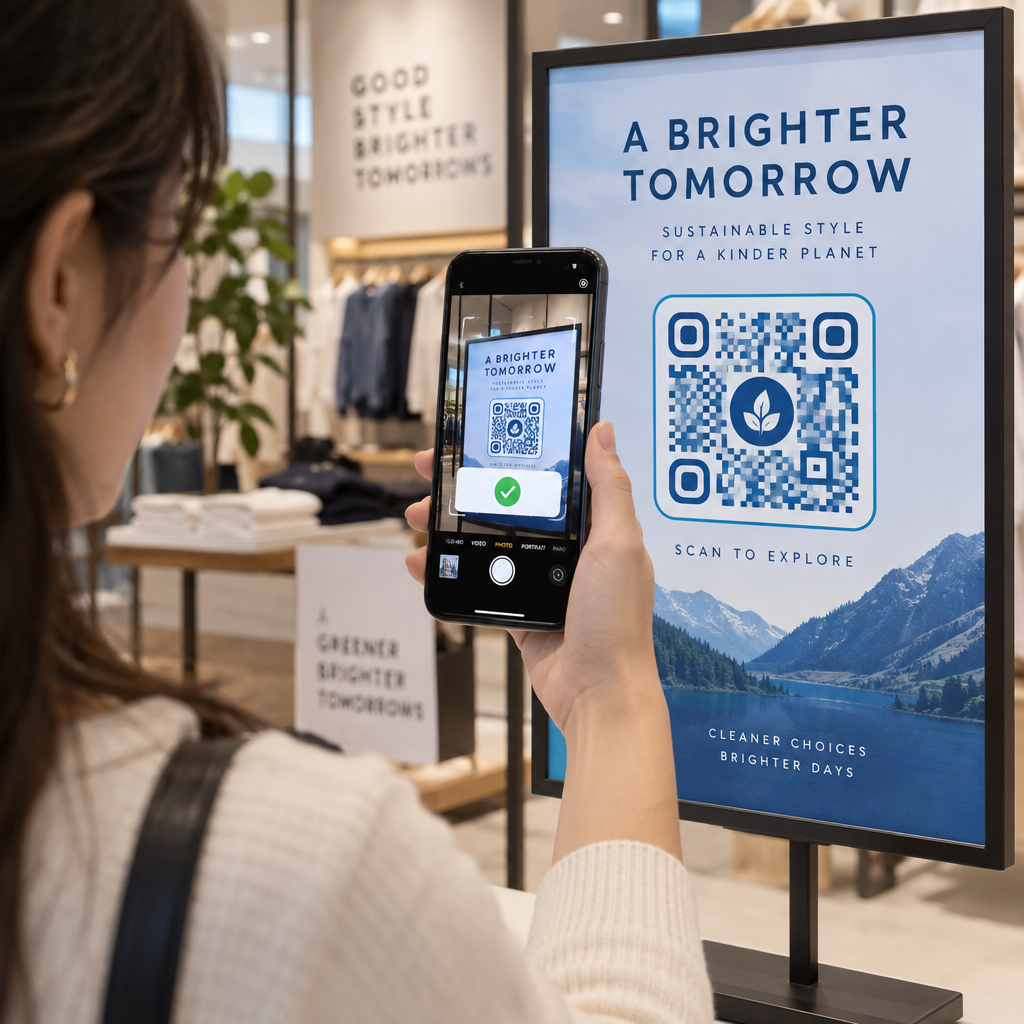
Ar prarandate potencialius dalyvius, nes jie pamiršta rankiniu būdu įrašyti jūsų renginio detales į savo mobiliuosius kalendorius? Kai trintis neleidžia svečiams išsaugoti jūsų datos, bendras lankytojų skaičius gerokai sumažėja. Sukūrus pasirinktinį kalendoriaus QR kodą, jūsų auditorija gali vienu nuskaitymu įtraukti jūsų renginio detales tiesiai į savo išmaniojo telefono kalendorių.
Kaip veikia kalendoriaus renginio QR kodai
Kalendoriaus QR kodai užkoduoja struktūrizuotą renginio informaciją į nuskaitomą vaizdą, kurį mobiliojo ryšio operacinės sistemos perskaito akimirksniu. Kai vartotojas nuskaito kodą savo išmaniojo telefono kamera, operacinė sistema apdoroja užkoduotus duomenis ir ragina vartotoją išsaugoti renginį tiesiai į „Apple Calendar“, „Google Calendar“ arba „Microsoft Outlook“.
Užkulisiuose kalendoriaus QR kodai formatuoja renginio detales naudodami du pagrindinius techninius metodus:
- „iCalendar“ (.ics) duomenys: Užkoduoja neapdorotą renginio sintaksę tiesiai į QR kodą, remiantis universaliu RFC 5545 kalendoriaus standartu. Ši struktūra apima esminius laukus, tokius kaip `BEGIN:VCALENDAR`, `DTSTART` (pradžios data ir laikas), `DTEND` (pabaigos data ir laikas), `SUMMARY` (renginio pavadinimas) ir `LOCATION`. Mobilieji įrenginiai interpretuoja šį neapdorotą tekstą ir paleidžia vietinę kalendoriaus programą, kad sukurtų naują įrašą.
- Kalendoriaus išankstinio užpildymo URL: Suformatuoja QR kodo paskirties vietą kaip žiniatinklio nuorodą, kurioje yra iš anksto užpildyti renginio parametrai. Pavyzdžiui, „Google Calendar“ nuorodos naudoja specifinius URL parametrus, tokius kaip `action=TEMPLATE`, `dates` ISO 8601 UTC formatu (YYYYMMDDTHHMMSSZ), `text` pavadinimui, `location` vietai ir `details` renginio aprašymui.
Naudojant specializuotą Renginių QR kodų generatorius automatiškai atlieka šį formatavimo procesą, kad jums nereikėtų rankiniu būdu rašyti sudėtingos kodo sintaksės. Be to, pasirinkus dinaminį QR kodą, galite keisti renginio parametrus – pavyzdžiui, koreguoti pradžios laiką arba atnaujinti vietą – savo internetinėje informacijos suvestinėje, neperspausdinant fizinės reklaminės medžiagos.
Kaip sugeneruoti kalendoriaus renginio QR kodą
Norint sukonfigūruoti automatinį kalendoriaus įrašą, reikia nustatyti pagrindinius įvykio parametrus prieš atsisiunčiant galutinį grafikos failą.
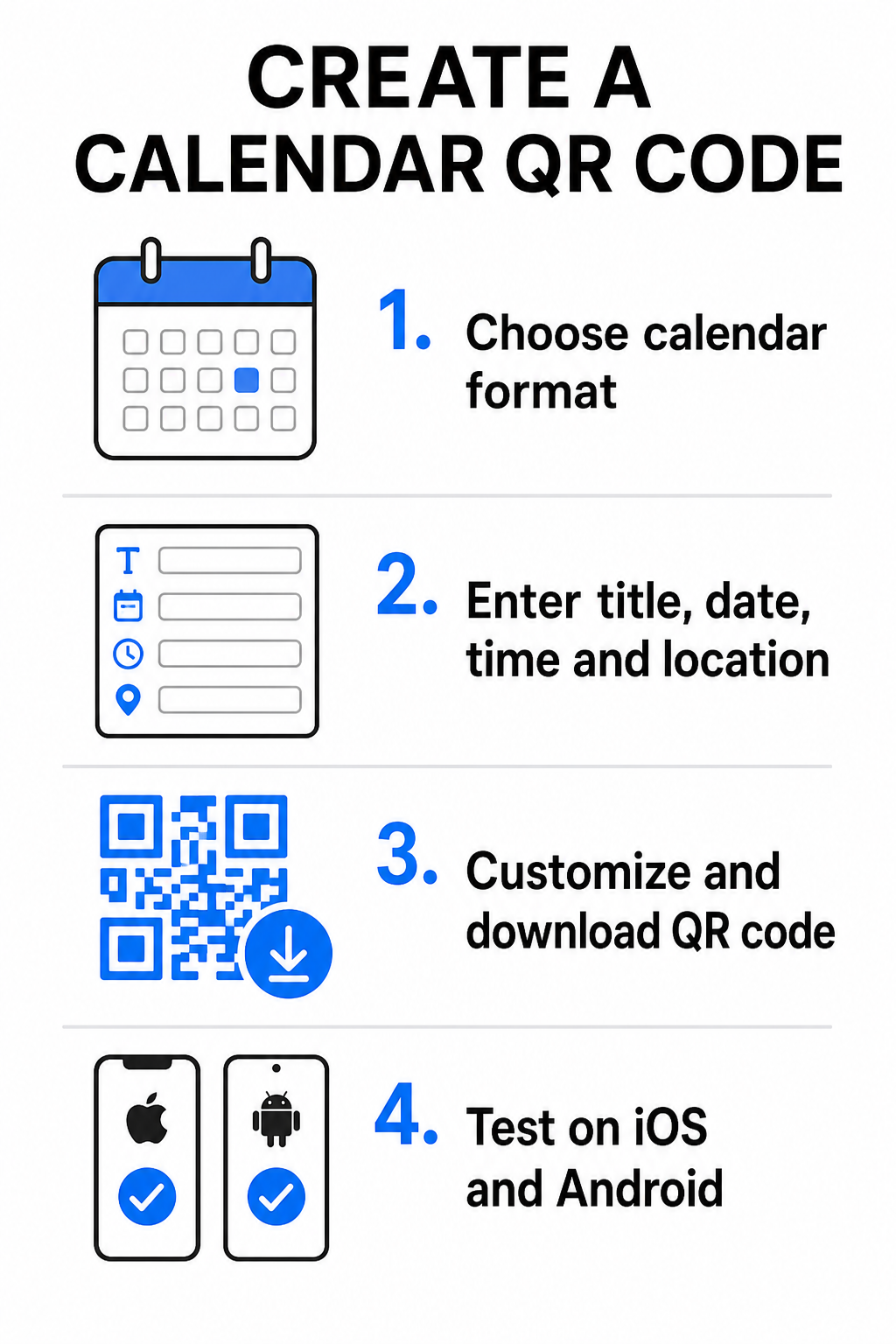
- Pasirinkite įvykio formatą: Pasirinkite, ar tiesiogiai susieti su „Google“ kalendoriaus kvietimu, suaktyvinti .ics failo atsisiuntimą, ar nukreipti vartotojus į tinkintą įvykio nukreipimo puslapį. Interneto kalendoriaus nuorodoms naudokite Google kalendoriaus QR kodo generatorius.
- Įveskite esminius įvykio parametrus: Įveskite įvykio pavadinimą, tikslias pradžios ir pabaigos datas, pradžios ir pabaigos laikus, laiko juostą, fizinę vietą ir aprašymą. Internetinių konferencijų nuorodas ar vietos pastabas įdėkite į aprašymo lauką.
- Tinkinkite vizualinį dizainą: Pritaikykite prekės ženklo spalvas, koreguokite fono raštus ir įterpkite savo logotipą, išlaikydami aukštą kontrastą tarp elementų.
- Atsisiųskite didelės raiškos vektorinius failus: Išsaugokite failą SVG arba EPS formatu komerciniam spausdinimui arba kaip didelės raiškos PNG skaitmeniniam rodymui. Vektoriniai formatai užtikrina aiškias linijas ir apsaugo nuo pikseliavimo didinant.
- Išbandykite mobiliuosiuose įrenginiuose: Nuskaitykite užbaigtą kodą naudodami „iOS“ ir „Android“ išmaniuosius telefonus, patikrindami tiek vietines kameros programas, tiek specialius naršyklės skaitytuvus, kad įsitikintumėte, jog visi įvykio laukai užpildomi teisingai.
Supaprastinkite savo įvykio nustatymą šiandien Norite padidinti dalyvių skaičių ir supaprastinti svečių registraciją? Naudokite Renginių QR kodų generatorius norėdami per kelias sekundes sukurti pritaikomus, sekamus kalendoriaus kodus.
Geriausia praktika spausdinimui ir skaitmeniniam išdėstymui
Kad kalendoriaus QR kodas skatintų svečių konversijas, vartotojai turi galėti jį greitai nuskaityti be techninių klaidų. Taikant standartinius fizinio dizaino principus, užtikrinamas nuoseklus nuskaitymas spausdintoje ir skaitmeninėje laikmenoje.
Dydis ir žiūrėjimo atstumas
Taikykite 10:1 nuskaitymo santykio taisyklę, norėdami nustatyti minimalų fizinį QR kodo plotį: padalinkite numatomą nuskaitymo atstumą iš 10. Jei dalyvis skenuoja plakatą iš 50 cm (apie 20 colių) atstumo, QR kodo raštas turi būti bent 5 × 5 cm. Arti esančioms spausdintoms medžiagoms, tokioms kaip skrajutės, vizitinės kortelės ar skaitmeniniai vestuvių kvietimai, išlaikykite minimalų 2 × 2 cm (0,8 × 0,8 colio) spaudos dydį.
Spalvų kontrastas ir ramybės zonos
Kameros jutikliai kodų moduliams nuskaityti remiasi šviesos atspindžiu. Tamsesnės spalvos sugeria šviesą, o šviesesnės ją atspindi atgal į objektyvą. Išlaikykite bent kontrasto santykį 4:1 – arba siekite bent 55% kontrastas tarp tamsių priekinio plano raštų ir šviesių fonų. Visada išlaikykite aiškią ramybės zoną (tuščią kraštinę aplink kodą) be teksto, grafinių perdangų ar fono tekstūrų.
Strateginės vietos detalės
Jei jūsų renginys vyksta fizinėje vietoje, užtikrinkite, kad dalyviai galėtų be jokių kliūčių ten nuvykti. Geografines koordinates galite įterpti į renginio aprašymą arba susieti kalendoriaus įrašą su Google Maps QR kodo generatorius , kad atidarytumėte nuoseklią navigaciją tiesiai iš kvietimo.
Aiškūs raginimai veikti
Nuskaitymo įsitraukimas žymiai padidėja, kai vartotojai žino, kokio rezultato tikėtis. Venkite rodyti atskirų QR kodų be konteksto. Įdėkite aiškų raginimo veikti tekstą tiesiai po kodu arba aplink jį, pvz., „Nuskaitykite, kad pridėtumėte renginį į kalendorių“ arba „Nuskaitykite, kad išsaugotumėte datą.“
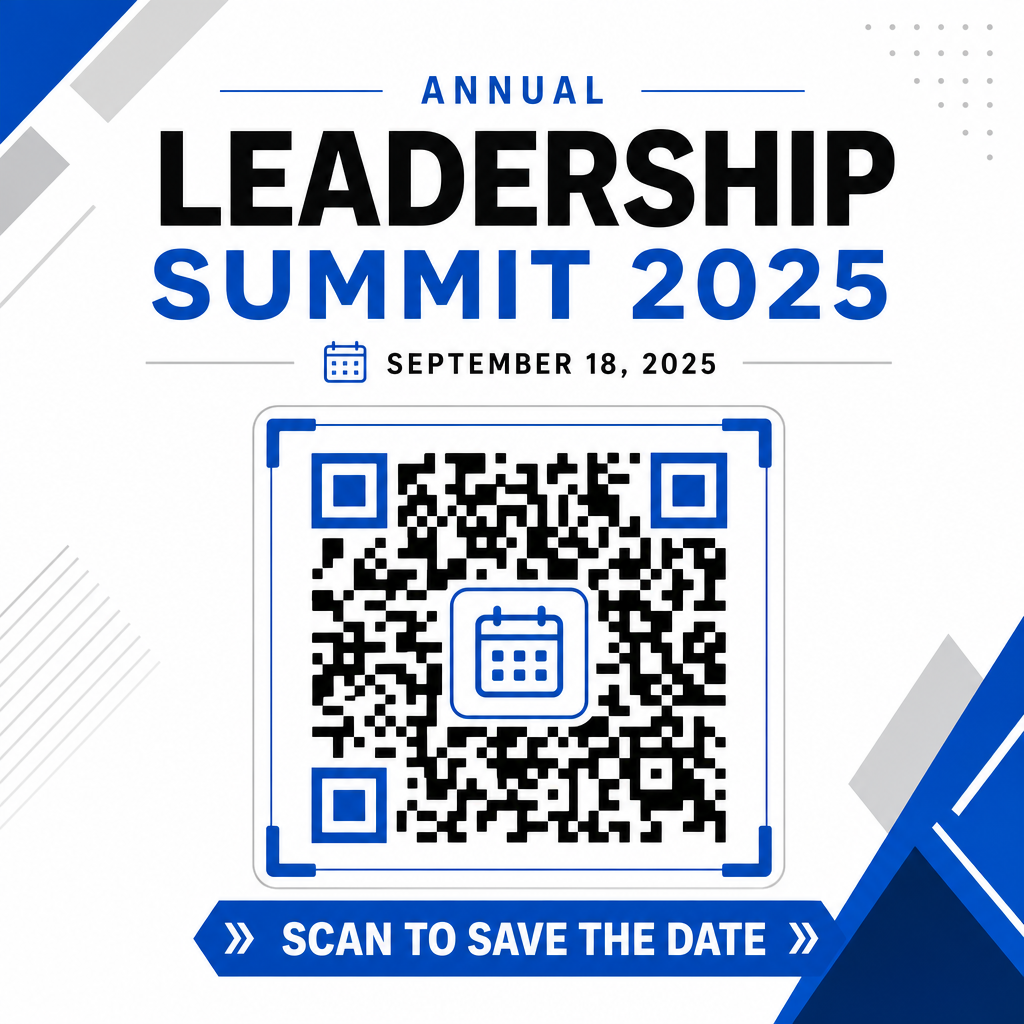
Lankomumo didinimas naudojant išmaniuosius renginių kodus
Integravus automatizuotus kalendoriaus įrankius, dalyviams nebereikia rankiniu būdu įvesti duomenų, o tai dramatiškai sumažina atsisakymo rodiklį tarp pirminio susidomėjimo ir faktinio lankomumo. Nesvarbu, ar kodus dedate ant reklaminių plakatai, renginio ženklų ar fizinių kvietimų, suteikiant svečiams galimybę iš karto užblokuoti savo tvarkaraščius, užtikrina, kad jūsų renginys išliks jų akiratyje.
Norėdami ištirti dinaminius kodus, siūlančius nuskaitymo analizę ir redagavimą po spausdinimo, sukurkite kitą renginį naudodami lanksčius įrankius, pasiekiamus Pageloot viskas viename QR kodo generatorių. RSVP QR kodus renginiams ir skirtų QR kodai renginiams, galite sukurti vientisą skaitmeninį kanalą nuo pirminio nuskaitymo iki galutinio registracijos.
Dažniausiai užduodami klausimai
Nuskanavus kodą, atidaroma numatytoji vartotojo išmaniojo telefono kalendoriaus programa su iš anksto užpildytais renginio laukais – įskaitant pavadinimą, pradžios ir pabaigos laiką, vietą ir aprašymą – leidžiant jiems išsaugoti renginį vienu palietimu.
Taip, su sąlyga, kad sugeneruosite dinaminį QR kodą. Dinaminiai kodai saugo trumpą nukreipimo URL, leidžiantį redaguoti renginio datą, laiką ar vietą savo internetiniame valdymo pulte, neperspausdinant fizinių skrajučių ar plakatų.
Standartiniai kalendoriaus QR kodai naudoja universalius iCalendar (.ics) formatus ir standartinius žiniatinklio URL išankstinio užpildymo parametrus. Juos natūraliai palaiko Apple Calendar, Google Calendar, Microsoft Outlook ir dauguma pagrindinių trečiųjų šalių kalendoriaus programų, skirtų iOS ir Android.