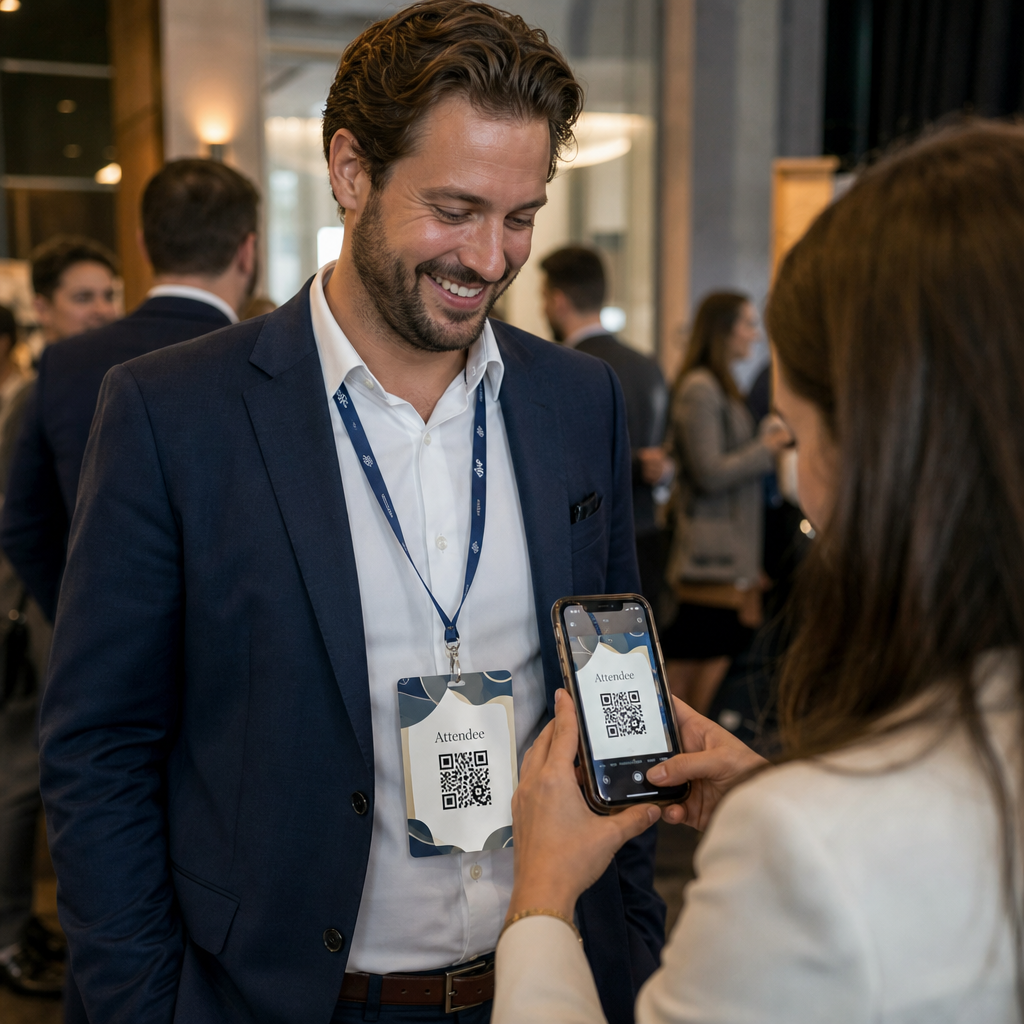
Verlieren Sie potenzielle Teilnehmer, weil diese vergessen, Ihre Veranstaltungsdetails manuell in ihre mobilen Kalender einzutragen? Wenn Reibung Gäste daran hindert, Ihr Datum zu speichern, sinkt die Gesamtzahl der Teilnehmer erheblich. Das Erstellen eines benutzerdefinierten Kalender-QR-Codes ermöglicht es Ihrem Publikum, Ihre Veranstaltungsdetails mit einem einzigen Scan direkt in den Smartphone-Kalender aufzunehmen.
Wie Kalender-Event-QR-Codes funktionieren
Kalender-QR-Codes kodieren strukturierte Event-Informationen in ein scannbares Bild, das mobile Betriebssysteme sofort lesen können. Wenn ein Benutzer den Code mit seiner Smartphone-Kamera scannt, analysiert das Betriebssystem die kodierten Daten und fordert den Benutzer auf, das Ereignis direkt in Apple Kalender, Google Kalender oder Microsoft Outlook zu speichern.
Hinter den Kulissen formatieren Kalender-QR-Codes Ereignisdetails mithilfe von zwei primären technischen Methoden:
- iCalendar (.ics) Daten: Kodiert die rohe Ereignissyntax direkt in den QR-Code, basierend auf dem universellen Kalenderstandard RFC 5545. Diese Struktur enthält wesentliche Felder wie `BEGIN:VCALENDAR`, `DTSTART` (Startdatum und -zeit), `DTEND` (Enddatum und -zeit), `SUMMARY` (Ereignistitel) und `LOCATION` (Ort). Mobile Geräte interpretieren diesen Rohtext und starten die native Kalenderanwendung, um einen neuen Eintrag zu erstellen.
- Kalender-Vorausfüll-URLs: Formatiert das Ziel des QR-Codes als Weblink, der vorausgefüllte Ereignisparameter enthält. Zum Beispiel verwenden Google Kalender-Links spezifische URL-Parameter wie `action=TEMPLATE`, `dates` im ISO 8601 UTC-Format (JJJJMMTTHHMMSSZ), `text` für den Titel, `location` für den Ort und `details` für die Ereignisbeschreibung.
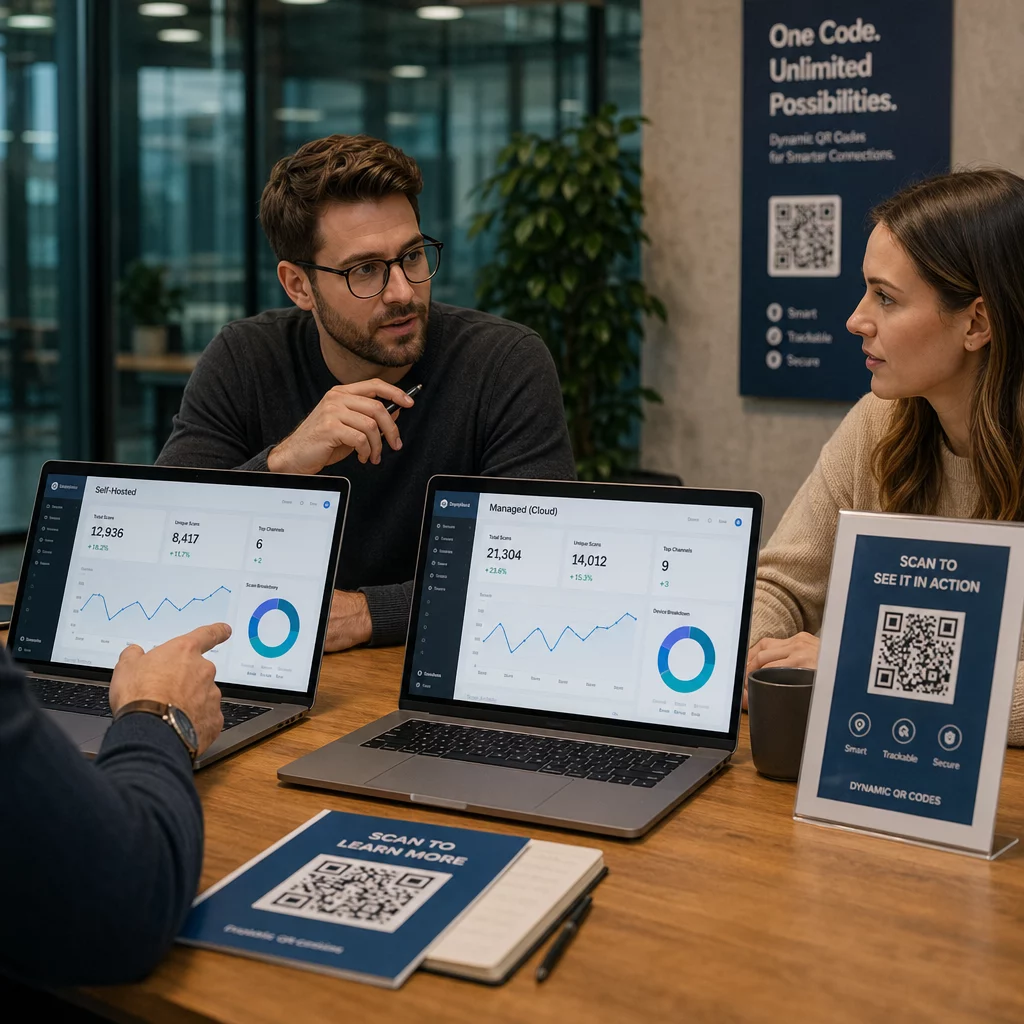
Die Verwendung eines spezialisierten [QR code generator for healthcare] QR-Code für Veranstaltungen erstellen automatisiert diesen Formatierungsprozess, sodass Sie keine komplexe Codesyntax manuell schreiben müssen. Darüber hinaus ermöglicht Ihnen die Wahl eines dynamischen QR-Codes, Ereignisparameter – wie das Anpassen einer Startzeit oder das Aktualisieren eines Ortes – auf Ihrem Online-Dashboard zu ändern, ohne Ihre physischen Werbematerialien neu drucken zu müssen.
So generieren Sie einen Kalender-Event-QR-Code
Das Einrichten eines automatisierten Kalendereintrags erfordert die Konfiguration Ihrer wichtigsten Ereignisparameter, bevor Sie Ihre finale Grafikdatei herunterladen.
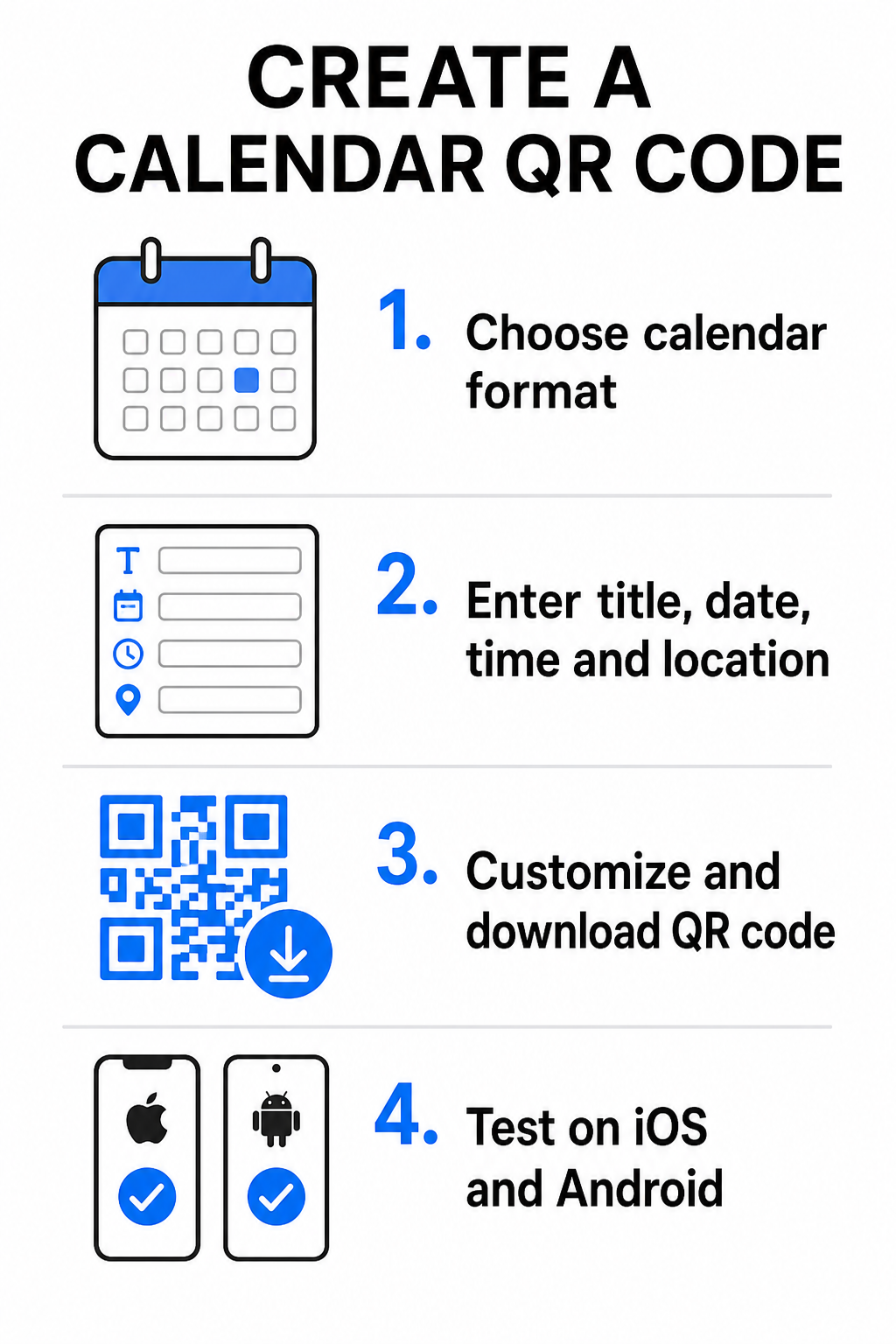
- Wählen Sie das Ereignisformat: Wählen Sie, ob Sie direkt zu einer Google Kalender-Einladung verlinken, einen .ics-Dateidownload auslösen oder Nutzer zu einer benutzerdefinierten Ereignis-Landingpage weiterleiten möchten. Für webbasierte Kalenderlinks verwenden Sie den Google Kalender QR-Code Generator.
- Geben Sie die wesentlichen Ereignisparameter ein: Geben Sie den Ereignistitel, genaue Start- und Enddaten, Start- und Endzeiten, Zeitzone, physischen Ort und die Beschreibung ein. Platzieren Sie Webkonferenzlinks oder Hinweise zum Veranstaltungsort im Beschreibungsfeld.
- Passen Sie das visuelle Design an: Wenden Sie Markenfarben an, passen Sie Hintergrundmuster an und fügen Sie Ihr Logo ein, während Sie einen hohen Kontrast zwischen den Elementen aufrechterhalten.
- Hochauflösende Vektordateien herunterladen: Speichern Sie Ihre Datei im SVG- oder EPS-Format für den kommerziellen Druck oder als hochauflösendes PNG für die digitale Anzeige. Vektorformate gewährleisten scharfe Linien und verhindern Pixelbildung beim Vergrößern.
- Auf Mobilgeräten testen: Scannen Sie den fertigen Code mit iOS- und Android-Smartphones und überprüfen Sie sowohl native Kamera-Apps als auch dedizierte Browserscanner, um zu bestätigen, dass alle Ereignisfelder korrekt ausgefüllt werden.
Vereinfachen Sie Ihre Ereigniseinrichtung noch heute Möchten Sie die Teilnehmerzahl erhöhen und die Gästeregistrierung optimieren? Verwenden Sie den QR-Code für Veranstaltungen erstellen um anpassbare, verfolgbare Kalendercodes in Sekundenschnelle zu erstellen.
Best Practices für Print- und Digitalplatzierung
Damit ein Kalender-QR-Code zu Gästekonversionen führt, müssen Benutzer ihn schnell und ohne technische Fehler scannen können. Die Anwendung standardmäßiger physischer Designprinzipien gewährleistet eine konsistente Scannbarkeit über Print- und digitale Medien hinweg.
Größenanpassung und Betrachtungsabstand
Wenden Sie die 10:1-Scanverhältnis Regel an, um die minimale physische Breite Ihres QR-Codes zu bestimmen: Teilen Sie den erwarteten Scanabstand durch 10. Wenn ein Teilnehmer ein Poster aus 50 cm Entfernung scannt (ca. 20 Zoll), muss das QR-Code-Muster mindestens 5 × 5 cm groß sein. Für Druckmaterialien aus nächster Nähe wie Flyer, Visitenkarten oder digitale Hochzeitseinladungen, halten Sie eine minimale Druckgröße von 2 × 2 cm (0,8 × 0,8 Zoll) ein.
Farbkontrast und Ruhezonen
Kamerasensoren sind auf Lichtreflexion angewiesen, um Code-Module zu lesen. Dunklere Farben absorbieren Licht, während hellere Farben es zurück zur Linse reflektieren. Halten Sie ein Kontrastverhältnis von mindestens 4:1 – oder streben Sie mindestens an 55% Kontrast zwischen dunklen Vordergrundmustern und hellen Hintergründen. Bewahren Sie immer eine klare Ruhezone (den leeren Rand um den Code herum) frei von Text, grafischen Überlagerungen oder Hintergrundtexturen.
Strategische Standortdetails
Wenn Ihre Veranstaltung an einem physischen Ort stattfindet, stellen Sie sicher, dass die Teilnehmer ohne Probleme dorthin navigieren können. Sie können geografische Koordinaten in die Veranstaltungsbeschreibung einbetten oder Ihren Kalendereintrag mit einem Google Maps QR-Code erstellen , um die Turn-by-Turn-Navigation direkt aus der Einladung zu öffnen.
Klare Handlungsaufforderungen
Die Scan-Beteiligung steigt erheblich, wenn Nutzer wissen, welches Ergebnis sie erwarten können. Vermeiden Sie die Anzeige eigenständiger QR-Codes ohne Kontext. Platzieren Sie einen klaren Call-to-Action-Text direkt unter oder um den Code herum, wie z.B. "Scannen, um Ereignis zum Kalender hinzuzufügen" oder "Scannen, um das Datum zu speichern."
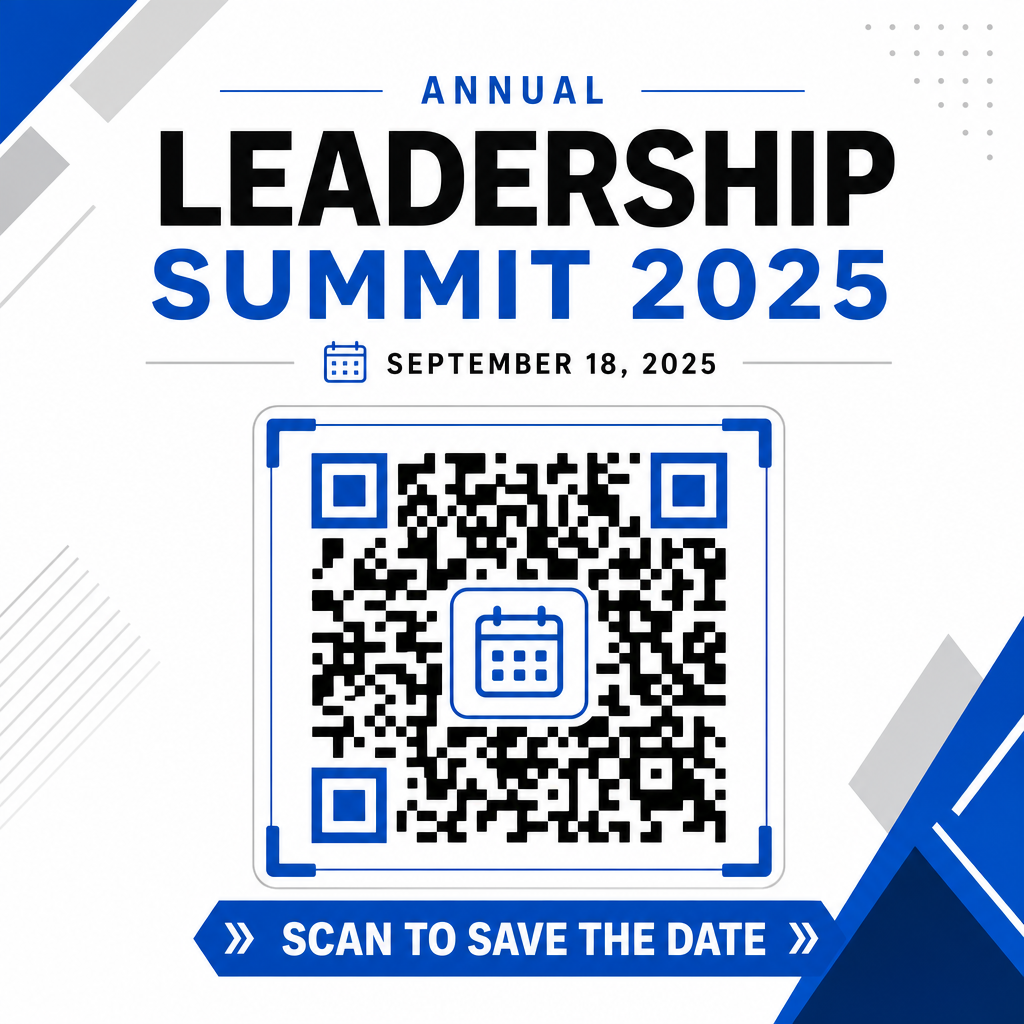
Maximierung der Teilnehmerzahl mit intelligenten Event-Codes
Die Integration automatisierter Kalender-Tools eliminiert die manuelle Dateneingabe für Ihre Teilnehmer und reduziert die Abbruchraten zwischen anfänglichem Interesse und tatsächlicher Teilnahme drastisch. Ob Sie Ihre Codes auf Werbematerialien poster, Veranstaltungsschildern oder physischen Einladungen platzieren, bietet den Gästen eine sofortige Möglichkeit, ihre Termine zu blockieren, und stellt sicher, dass Ihre Veranstaltung auf ihrem Radar bleibt.
Um dynamische Codes zu erkunden, die Scan-Analysen und Nachdruckbearbeitung bieten, richten Sie Ihr nächstes Event mit den flexiblen Tools ein, die in Pageloots All-in-One- QR-Code-Generator. In Kombination mit speziellen Landingpages für RSVP-QR-Codes für Veranstaltungen und dedizierten QR-Codes für Veranstaltungen, können Sie eine nahtlose digitale Pipeline vom ersten Scan bis zum finalen Check-in aufbauen.
Häufig gestellte Fragen
Das Scannen des Codes öffnet die Standard-Smartphone-Kalenderanwendung des Benutzers mit vorausgefüllten Ereignisfeldern – einschließlich Titel, Start- und Endzeiten, Ort und Beschreibung – sodass das Ereignis mit einem einzigen Tipp gespeichert werden kann.
Ja, vorausgesetzt Sie generieren einen dynamischen QR-Code. Dynamische Codes speichern eine kurze Weiterleitungs-URL, sodass Sie das Veranstaltungsdatum, die Uhrzeit oder den Ort in Ihrem Online-Dashboard bearbeiten können, ohne Ihre physischen Flyer oder Plakate neu drucken zu müssen.
Standard-Kalender-QR-Codes verwenden universelle iCalendar (.ics)-Formate und Standard-Web-URL-Vorabfüllparameter. Sie werden nativ von Apple Kalender, Google Kalender, Microsoft Outlook und den meisten großen Kalenderanwendungen von Drittanbietern auf iOS und Android unterstützt.