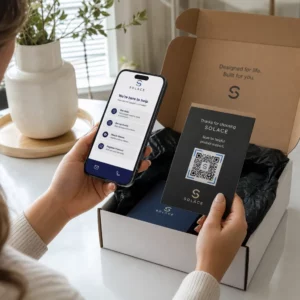
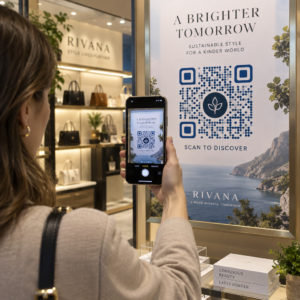
¿Está perdiendo asistentes potenciales porque olvidan introducir manualmente los detalles de su evento en sus calendarios móviles? Cuando la fricción impide que los invitados guarden su fecha, el número total de asistentes disminuye significativamente. Crear un código QR de calendario personalizado permite a su audiencia añadir los detalles de su evento directamente a su calendario de smartphone con un solo escaneo.
Cómo Funcionan los Códigos QR de Eventos de Calendario
Los códigos QR de calendario codifican información estructurada de eventos en una imagen escaneable que los sistemas operativos móviles leen al instante. Cuando un usuario escanea el código con la cámara de su smartphone, el sistema operativo analiza los datos codificados y solicita al usuario que guarde el evento directamente en Apple Calendar, Google Calendar o Microsoft Outlook.
Entre bastidores, los códigos QR de calendario formatean los detalles del evento utilizando dos métodos técnicos principales:
- Datos de iCalendar (.ics): Codifica la sintaxis bruta del evento directamente en el código QR basándose en el estándar universal de calendario RFC 5545. Esta estructura incluye campos esenciales como `BEGIN:VCALENDAR`, `DTSTART` (fecha y hora de inicio), `DTEND` (fecha y hora de finalización), `SUMMARY` (título del evento) y `LOCATION`. Los dispositivos móviles interpretan este texto sin formato y lanzan la aplicación de calendario nativa para generar una nueva entrada.
- URLs de Relleno Previo del Calendario: Formatea el destino del código QR como un enlace web que contiene parámetros de evento pre-rellenados. Por ejemplo, los enlaces de Google Calendar utilizan parámetros URL específicos como `action=TEMPLATE`, `dates` en formato ISO 8601 UTC (YYYYMMDDTHHMMSSZ), `text` para el título, `location` y `details` para la descripción del evento.
El uso de un [QR code specialized software] Generador de códigos QR para eventos automatiza este proceso de formateo para que no tenga que escribir manualmente una sintaxis de código compleja. Además, elegir un código QR dinámico le permite modificar los parámetros del evento – como ajustar una hora de inicio o actualizar una ubicación – en su panel de control en línea sin reimprimir sus materiales promocionales físicos.
Cómo Generar un Código QR de Evento de Calendario
Configurar una entrada de calendario automatizada requiere configurar los parámetros clave de su evento antes de descargar su archivo gráfico final.
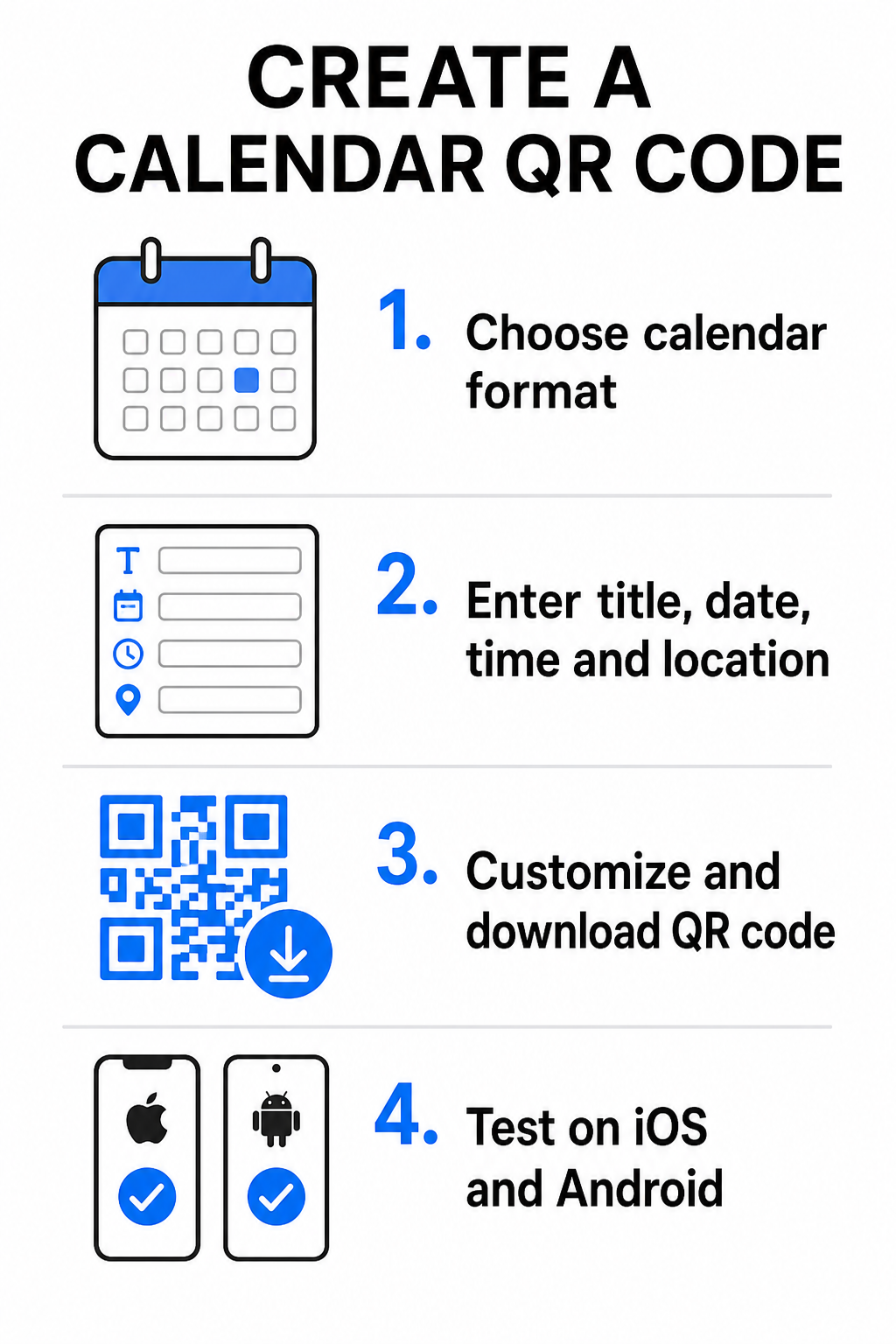
- Seleccione el formato del evento: Elija si desea enlazar directamente a una invitación de Google Calendar, activar una descarga de archivo .ics o enviar a los usuarios a una página de destino de evento personalizada. Para enlaces de calendario basados en la web, utilice el Generador de código QR de Google Calendar.
- Ingrese los parámetros esenciales del evento: Ingrese el título del evento, las fechas exactas de inicio y fin, las horas de inicio y fin, la zona horaria, la ubicación física y la descripción. Coloque los enlaces de videoconferencia o las notas del lugar en el campo de descripción.
- Personaliza el diseño visual: Aplique los colores de la marca, ajuste los patrones de fondo e inserte su logotipo manteniendo un alto contraste entre los elementos.
- Descargue archivos vectoriales de alta resolución: Guarde su archivo en formato SVG o EPS para impresión comercial, o como un PNG de alta densidad para visualización digital. Los formatos vectoriales garantizan líneas nítidas y evitan la pixelación al escalar.
- Pruebe en dispositivos móviles: Escanee el código completado usando teléfonos inteligentes iOS y Android, verificando tanto las aplicaciones de cámara nativas como los escáneres de navegador dedicados para confirmar que todos los campos del evento se completan correctamente.
Simplifique la Configuración de Su Evento Hoy ¿Quiere aumentar la asistencia y optimizar el registro de invitados? Utilice el Generador de códigos QR para eventos para crear códigos de calendario personalizables y rastreables en segundos.
Mejores Prácticas para la Colocación Impresa y Digital
Para que un código QR de calendario impulse las conversiones de invitados, los usuarios deben poder escanearlo rápidamente sin errores técnicos. La aplicación de principios de diseño físico estándar garantiza una escaneabilidad consistente en medios impresos y digitales.
Tamaño y Distancia de Visualización
Aplique la relación de escaneo 10:1 regla para determinar el ancho físico mínimo de su código QR: divida la distancia de escaneo esperada por 10. Si un asistente escanea un póster desde 50 cm (aproximadamente 20 pulgadas) de distancia, el patrón del código QR debe medir al menos 5 × 5 cm. Para materiales impresos de corto alcance como folletos, tarjetas de visita o invitaciones de boda digitales, mantenga un tamaño de impresión mínimo de 2 × 2 cm (0.8 × 0.8 pulgadas).
Contraste de Color y Zonas Silenciosas
Los sensores de la cámara dependen del reflejo de la luz para leer los módulos del código. Los colores más oscuros absorben la luz, mientras que los colores más claros la reflejan de vuelta a la lente. Mantenga una relación de contraste de al menos 4:1 – o apunte a al menos 55% de contraste entre patrones oscuros en primer plano y fondos claros. Preserve siempre una zona silenciosa clara (el borde en blanco que rodea el código) libre de texto, superposiciones gráficas o texturas de fondo.
Detalles Estratégicos de Ubicación
Si su evento tiene lugar en un recinto físico, asegúrese de que los asistentes puedan llegar allí sin fricciones. Puede incrustar coordenadas geográficas en la descripción del evento o emparejar su entrada de calendario con un Generador de código QR de Google Maps para abrir la navegación paso a paso directamente desde la invitación.
Llamadas a la acción Claras
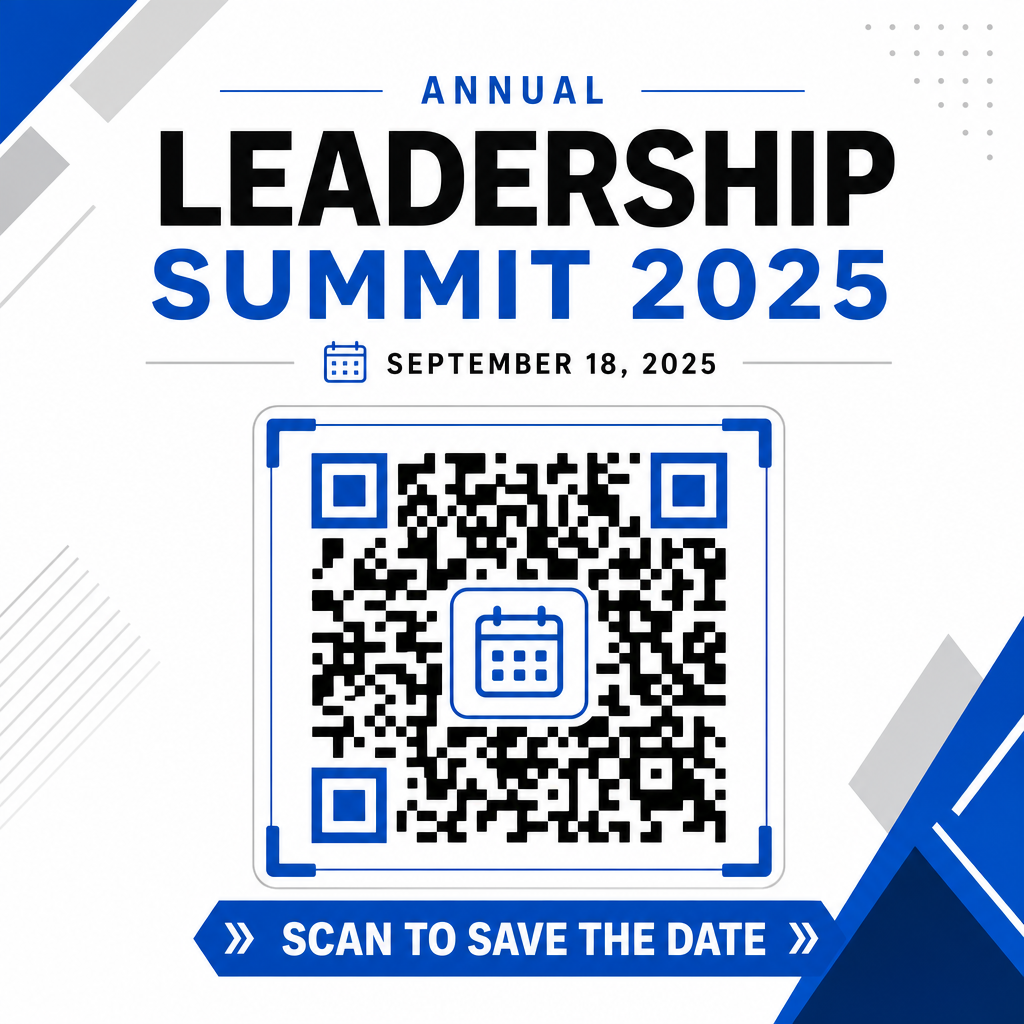
La participación de escaneo aumenta significativamente cuando los usuarios saben qué resultado esperar. Evite mostrar códigos QR independientes sin contexto. Coloque texto claro de llamada a la acción directamente debajo o alrededor del código, como “Escanear para Añadir Evento al Calendario” o “Escanear para Guardar la Fecha.”
Maximizando la Asistencia con Códigos de Evento Inteligentes
La integración de herramientas de calendario automatizadas elimina la entrada manual de datos para sus asistentes, reduciendo drásticamente las tasas de abandono entre el interés inicial y la asistencia real. Ya sea que coloque sus códigos en material promocional carteles, señalización de eventos o invitaciones físicas, dar a los invitados una forma inmediata de reservar sus horarios asegura que su evento permanezca en su radar.
Para explorar códigos dinámicos que ofrecen análisis de escaneo y edición post-impresión, configure su próximo evento utilizando las herramientas flexibles disponibles en la plataforma todo en uno de Pageloot generador de códigos QR. Combined with specialized landing pages for códigos QR de RSVP para eventos marketing de eventos Códigos QR para eventos, puede construir un flujo digital continuo desde el escaneo inicial hasta el registro final.
Preguntas frecuentes
Escanear el código abre la aplicación de calendario predeterminada del smartphone del usuario con campos de evento precompletados – incluyendo título, horas de inicio y fin, ubicación y descripción – permitiéndoles guardar el evento con un solo toque.
Sí, siempre y cuando generes un código QR dinámico. Los códigos dinámicos almacenan una URL de redireccionamiento corta, lo que te permite editar la fecha, hora o ubicación del evento en tu panel de control en línea sin reimprimir tus folletos o pósteres físicos.
Los códigos QR de calendario estándar utilizan formatos universales iCalendar (.ics) y parámetros estándar de precarga de URL web. Son compatibles de forma nativa con Apple Calendar, Google Calendar, Microsoft Outlook y la mayoría de las principales aplicaciones de calendario de terceros en iOS y Android.